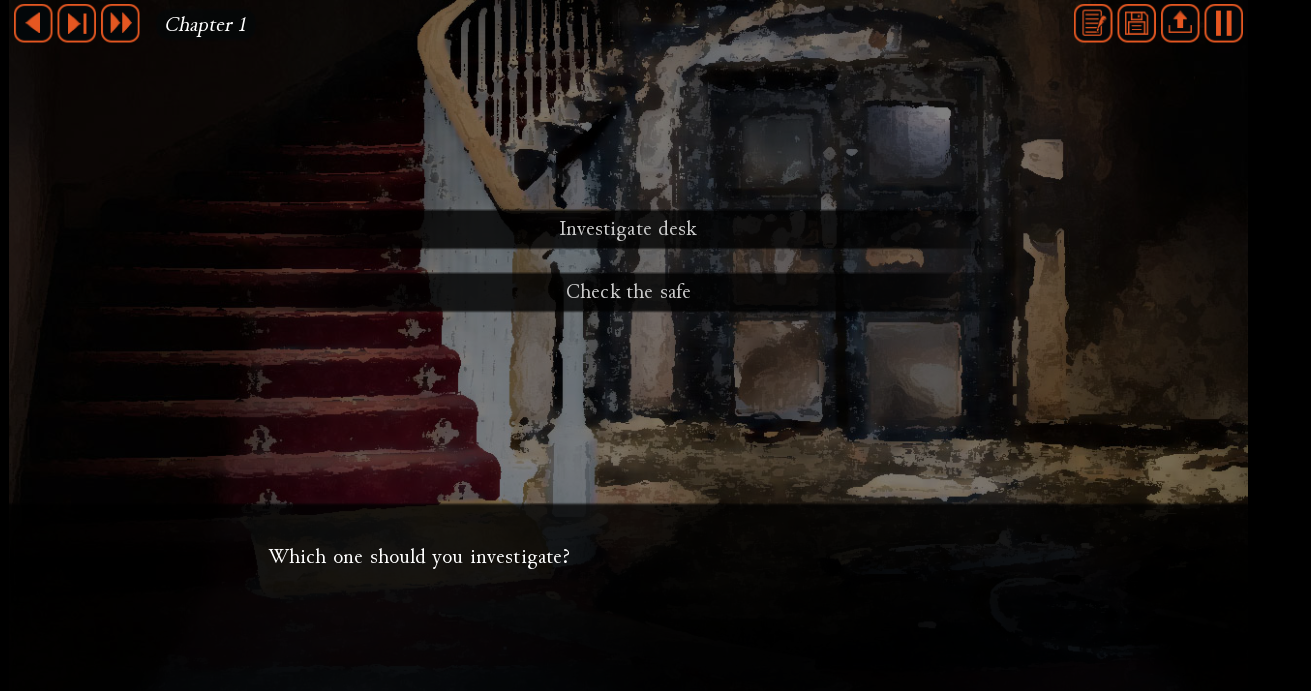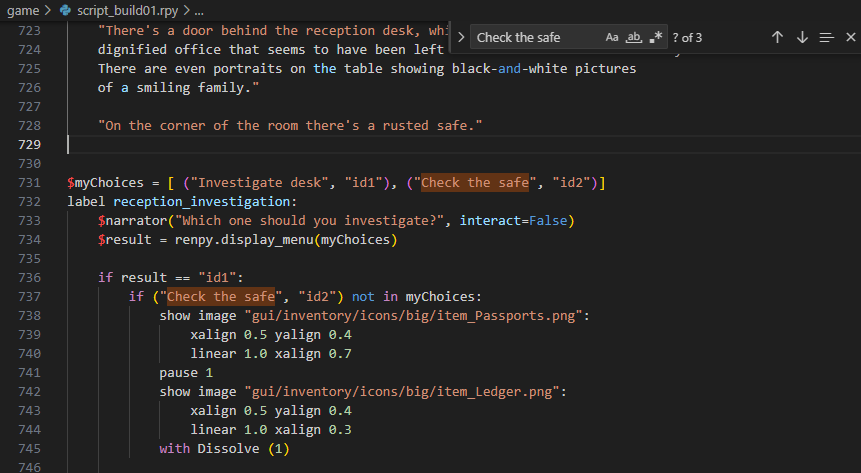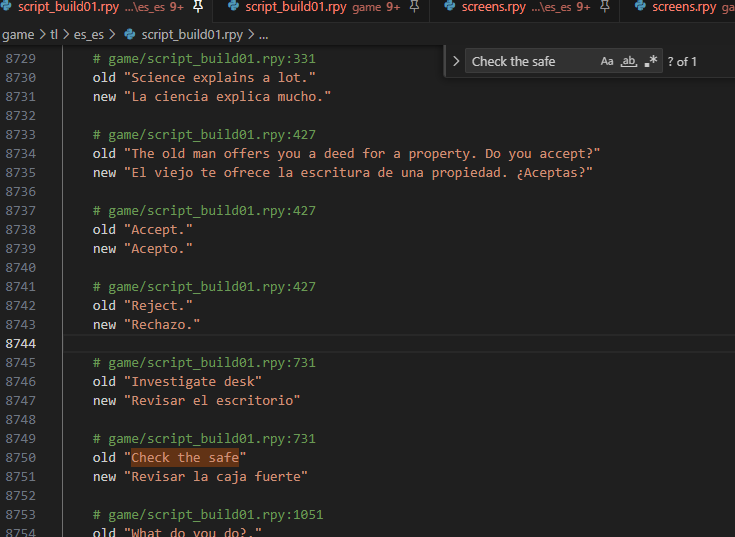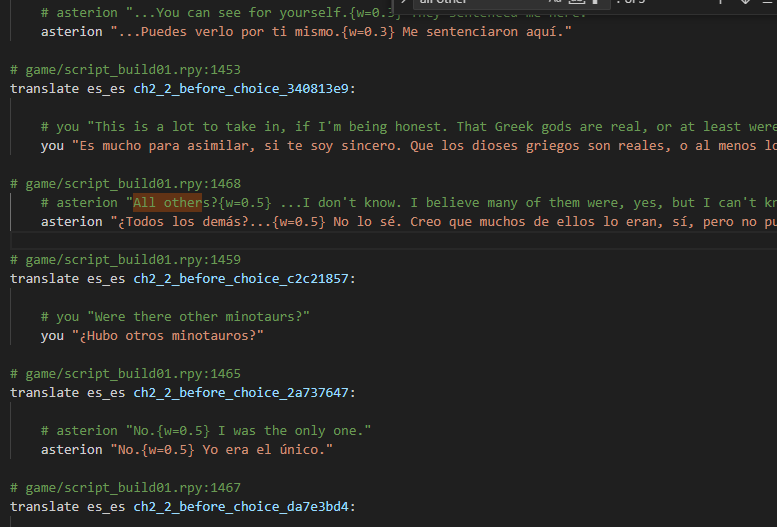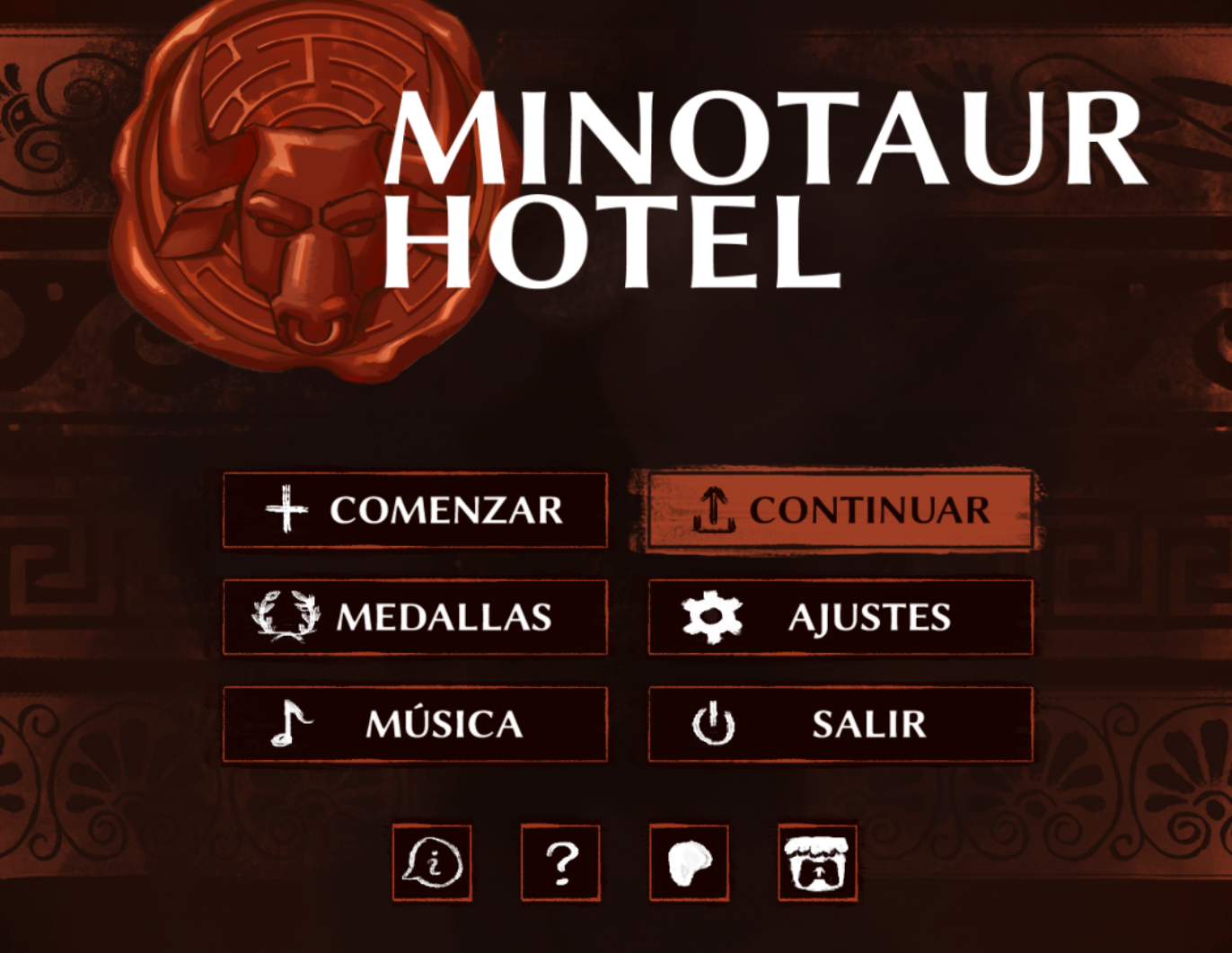
Hola,
Lo Primero de todo darle las gracias a J4yjjg por ayudarme a conseguir un botón funcional con el que cambiar idiomas!! gracias a esto pude empezar a traducir por mi cuenta!!
Lo segundo, me alegra comunicar que esta traducción funciona ya con la Visual Update y la ultima versión!!! y que se ha revisado todo el texto de los primeros capítulos. Cualquier cosa rara que leáis, o cualquier error o texto en ingles. Comunicarlo por favor!!
Como cambiar el juego a español - 03/04/2026:
1 -Lo primero es descargaros el juego de Aquí o del Patreon. Recordar no usar Links extraños ni cosas raras, siempre de zonas oficiales!
2.1- Teneis que ir a la carpeta: \MinotaurHotel-0.13-Public-pc\game\scripts\screens
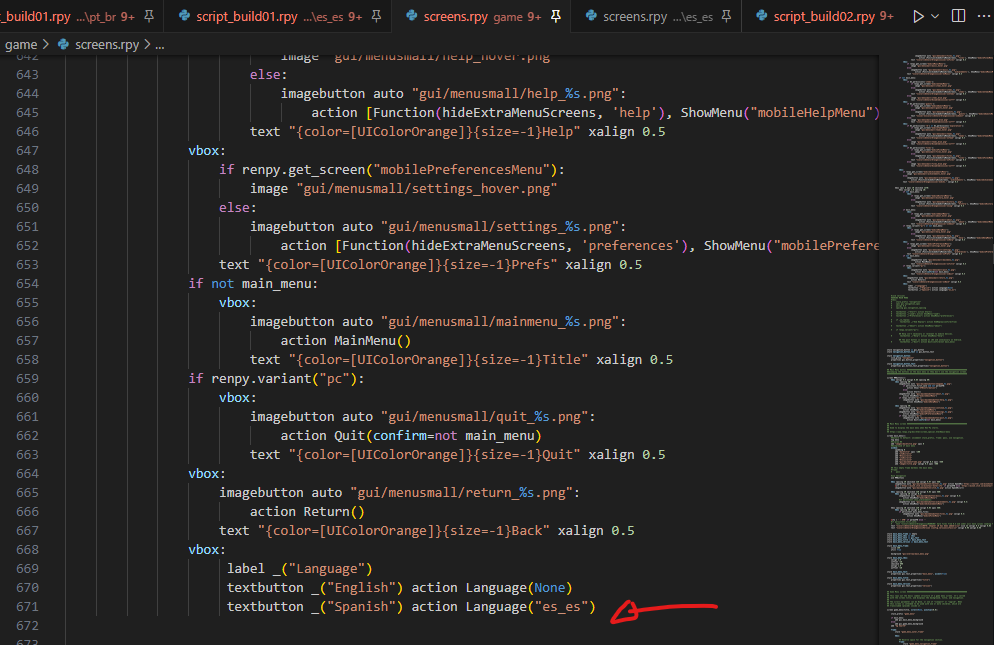
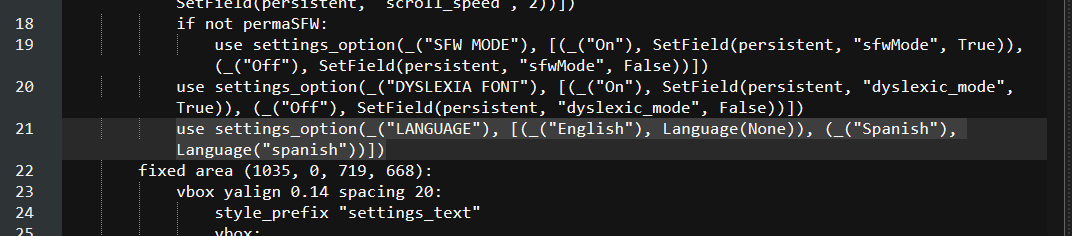
2.2- Hay que abrir el fichero: settings.rpy y añadir esta linea:
use settings_option(_("LANGUAGE"), [(_("English"), Language(None)), (_("Español"), Language("es_es"))])
Debe quedar como en esta imagen:

2 - OPCIONAL - Si no queréis liaros con sustituir líneas en archivos, podéis descargar el archivo settings.rpy de aquí. Lo sustituís y arreglado
3- Descargar la traducción de este link. es_es
4- Esa carpeta que os acabáis de descargar "es_es" debeis pegarla en \MinotaurHotel-0.13-Patreon-pc\game\tl y sustituir la que estuviese completamente
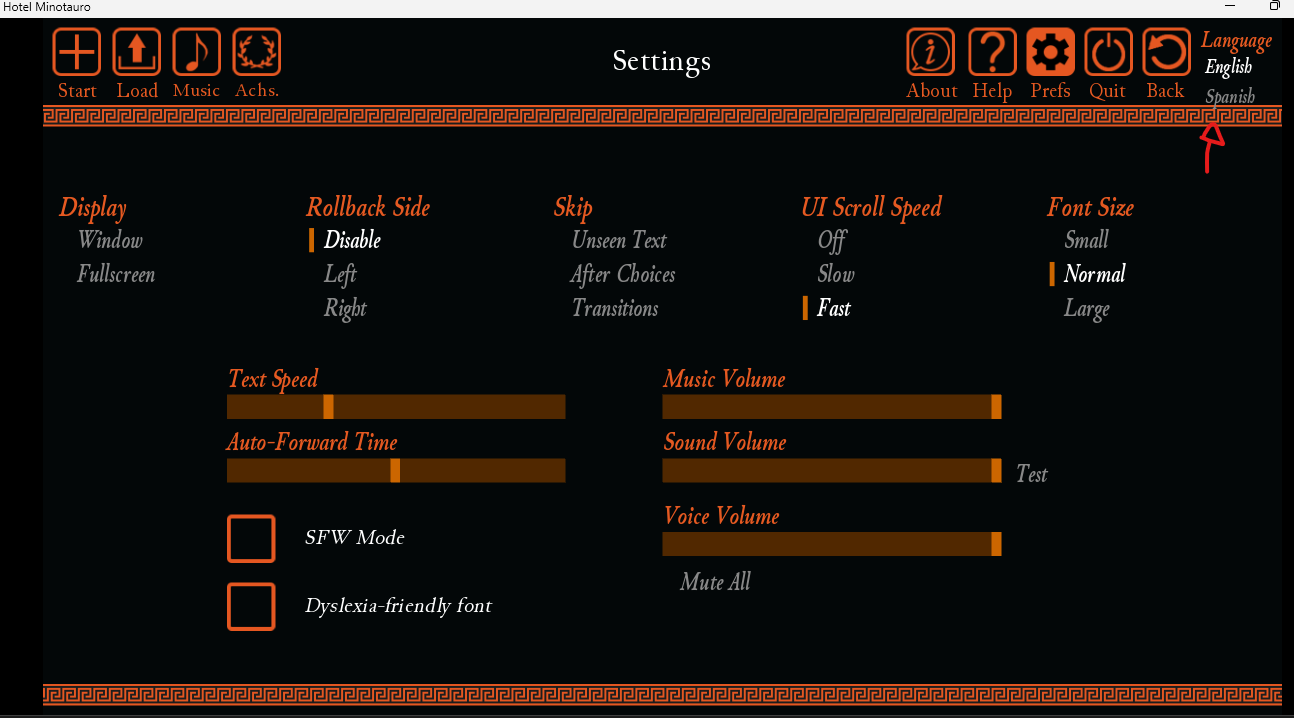
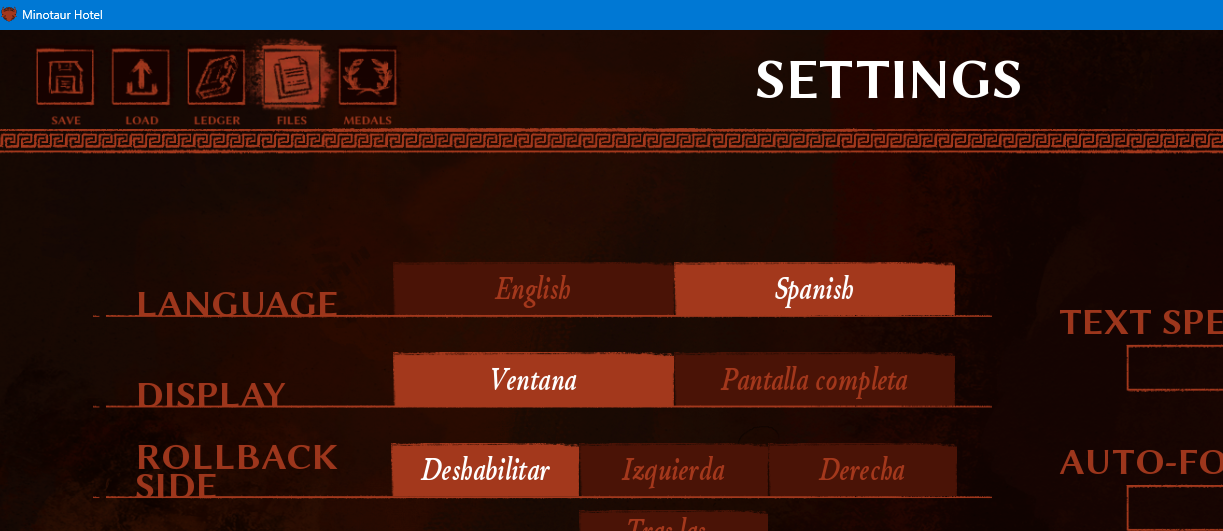
5- Iniciáis el juego, vais a settings y deberíais ver un botón de Language. Ponerlo en Español
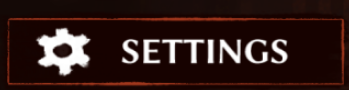

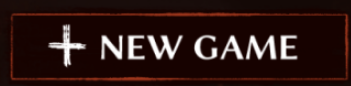
6- Con ello ya podéis iniciar partida aunque ponga New Game

Es una traducción casera así que puede haber cosas que no estén del todo bien. Es la traducción para el PC, no he mirado como funciona en android.
-----------------------------------------------------------------------------------------------------------------------
Hello,
First of all, huge thanks to J4yjjg for helping me get a working language-switch button!! He gave me the first push I needed to get the translation running on my own
The second thing is, I’m happy to announce that this translation now works with the Visual Update and the last version!!! and that all the text from the first chapters has been reviewed. If you read anything strange, or find any errors or text in English, please let me know!!
How to change the game to Spanish - 03/04/2026:
1 - The first thing you need to do is download the game from here or from Patreon. Remember not to use strange links or anything suspicious, always use official sources!
2.1 - You need to go to the folder: \MinotaurHotel-0.13-Public-pc\game\scripts\screens
2.2 - You need to open the file: settings.rpy and add this line:
use settings_option(_("LANGUAGE"), [(_("English"), Language(None)), (_("Español"), Language("es_es"))])
It should look like it does in this image:

2 - OPTIONAL - If you do not want to bother with replacing lines in files, you can download the settings.rpy file from here. Replace it and that is it
3 - Download the translation from this link. es_es
4 - The folder you just downloaded, "es_es", must be pasted into \MinotaurHotel-0.13-Patreon-pc\game\tl and completely replace the one that was already there
5 - Start the game, go to settings, and you should see a Language button. Set it to Español

6 - After that, you can start a game even if it says New Game

This is a homemade translation. There may be errors. This translation only works on PC not in Android