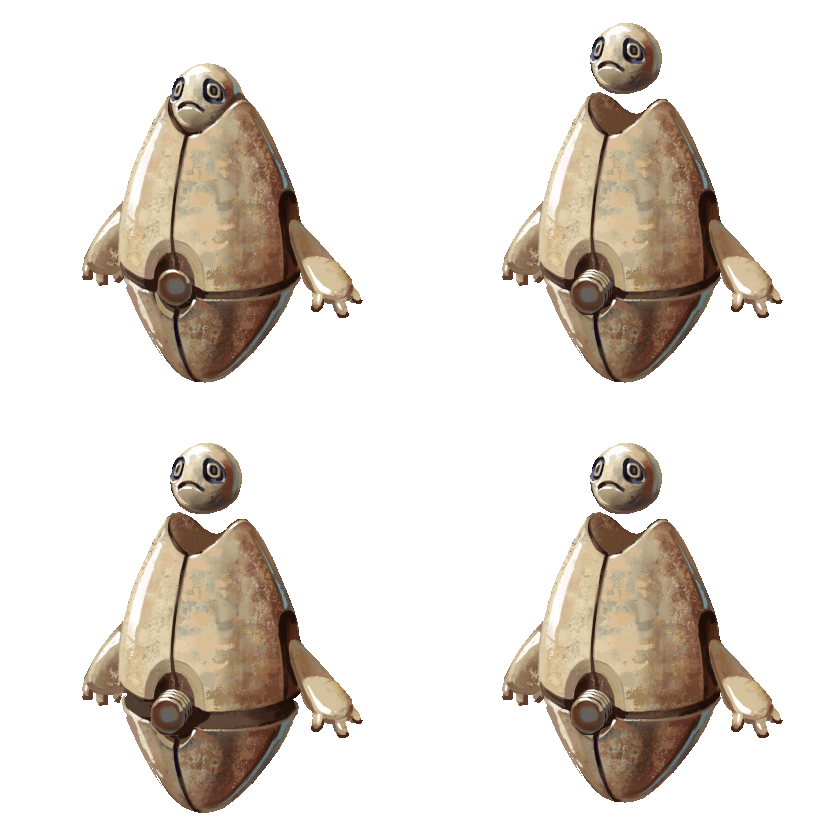
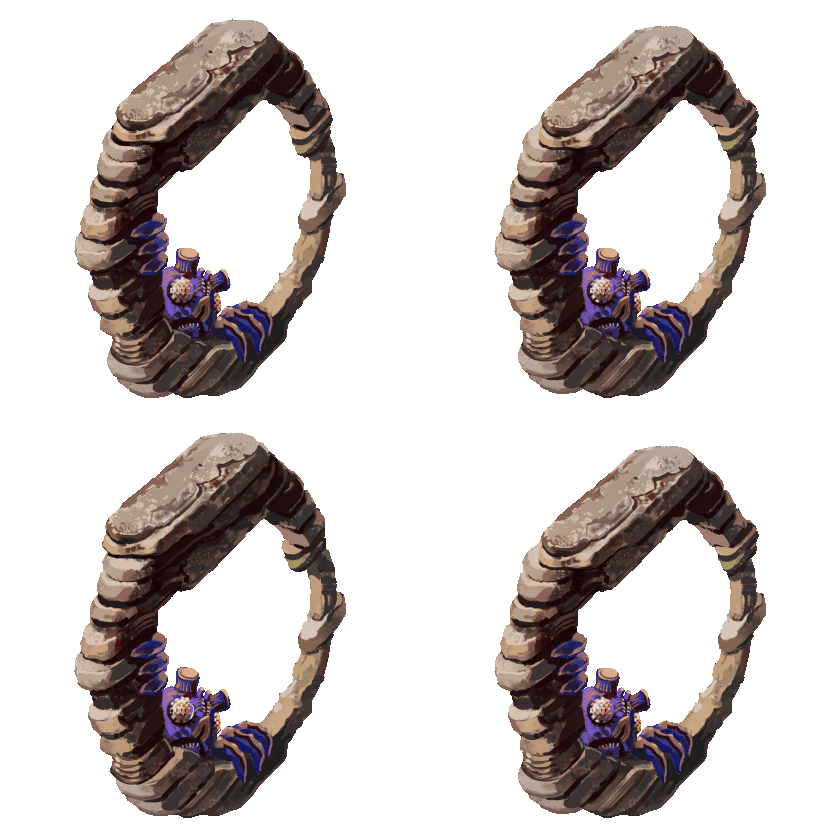
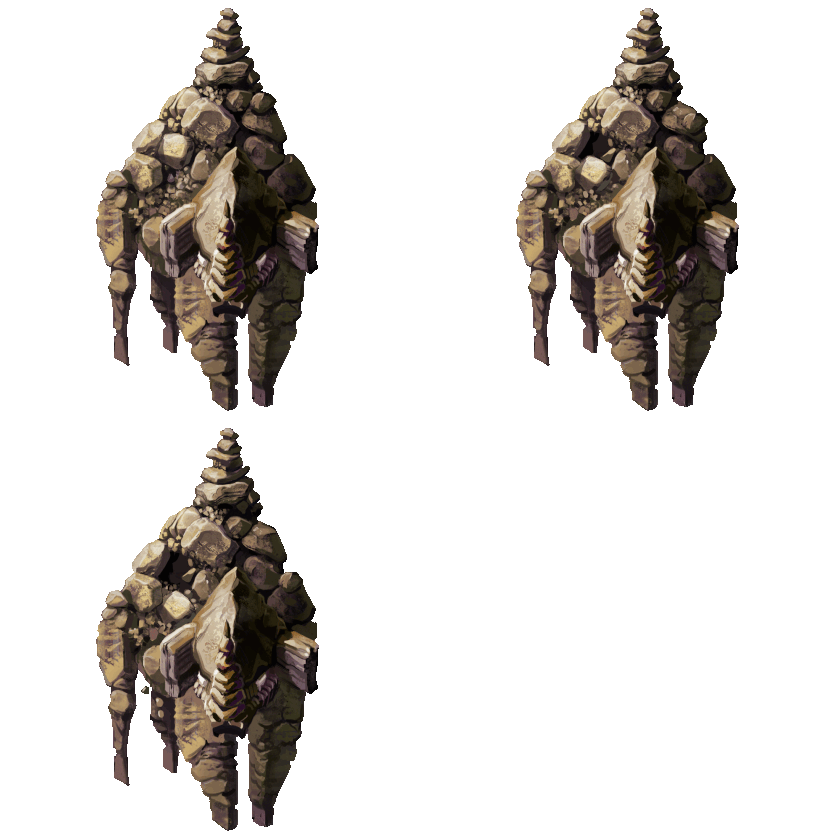
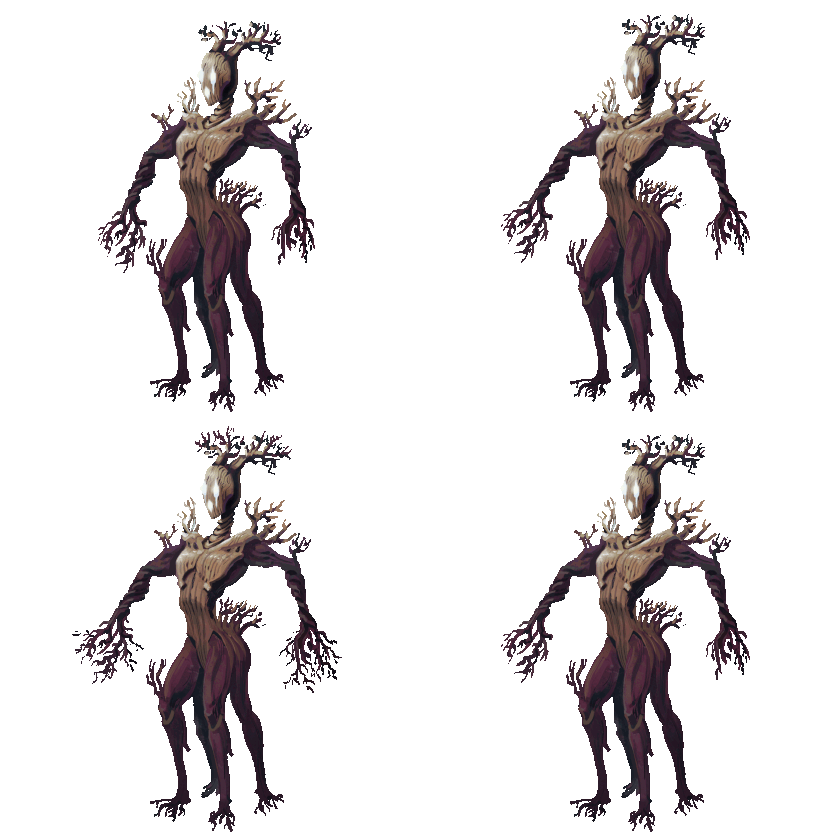
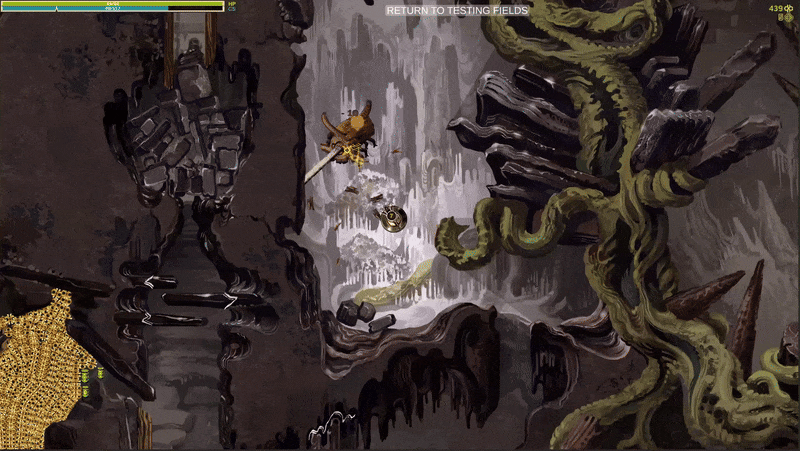
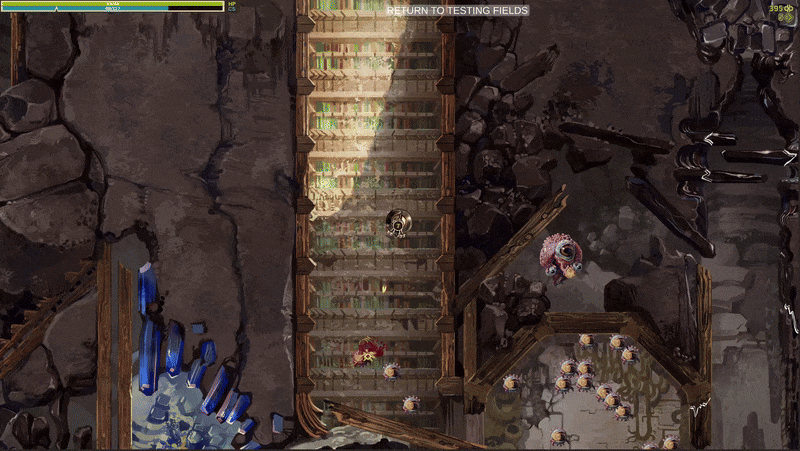
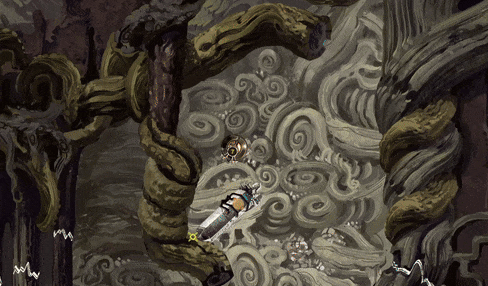
Indie game storeFree gamesFun gamesHorror games
Game developmentAssetsComics
SalesBundles
Jobs
TagsGame Engines

Powered by Monsters - a hand painted monster collection game

A topic by Augustinas Raginskis created Jan 21, 2025 Views: 8,484 Replies: 85
Viewing posts 1 to 65
(6 edits) (+1)

UPDATE 03 February 2026: DEMO IS OUT NOW:  https://ultra-shenanigans.itch.io/abandoned-monsters-demo


UPDATE 9/30/2025 a gameplay video of an entire level

UPDATE 3/28/2025 a video preview of the new destroybale assets in Abandoned Archives level:


ORIGINAL POST BELOW

I’m primarily an artist, which might be obvious from the images I included, but I also think I finally progressed far enough in my understanding of coding and other game design elements where I can reasonably try to include some more complex game mechanics.

The game would consist of three main parts:

1 Various caves and underground areas where a large variety of monsters can be found and captured. These monsters can then be used in various ways depending on the type: some can be weaponized, others can be used to improve weapons, to be used as crafting materials or simply as fuel, to be sold for currency etc.

2 Bosses throwing waves of monsters at you to battle. Winning these challenges can unlock further monsters, grant skill points, unlock further areas of the game and also unlock a higher tier challenge for the same boss.

3 A hub area that has access to the caves, the bosses, some NPCs and also just look cool and help in introducing lore about the game.

I have some work done for all three of these, but right now I would like to mostly talk about the caves and the monster capture part. I have the most done in that area.


Setting

This takes place in the far future where many things are grown instead of being built resulting in various monster-like creations. Monster ARE the technology.

Also all this takes place on a planet divided into 4 quite distinct nations with different paths to creating these monsters. Each different approach has resulted in monsters that adhere to the theme of each faction: robot, horror, fantasy and cartoon. Additionally there is an area on the planet where all 4 factions manage to more or less collaborate in the interest of improving various technologies known as the Testing Fields, which is our hub area and where the game takes place.


Capturing monsters, exploring caves 

Take a look at the short gameplay video I included, I’m basically explaining the game mechanics you can see there.

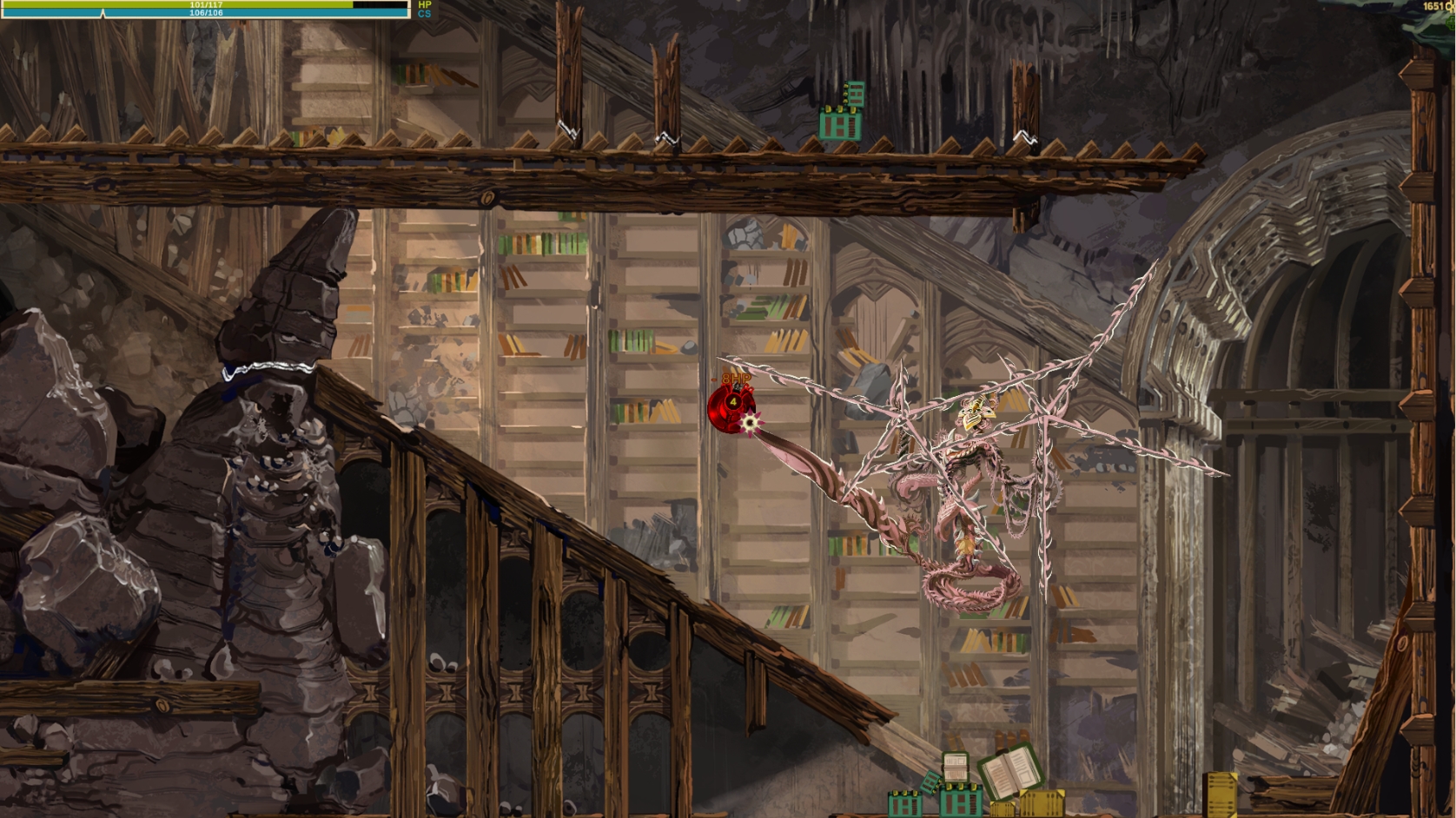
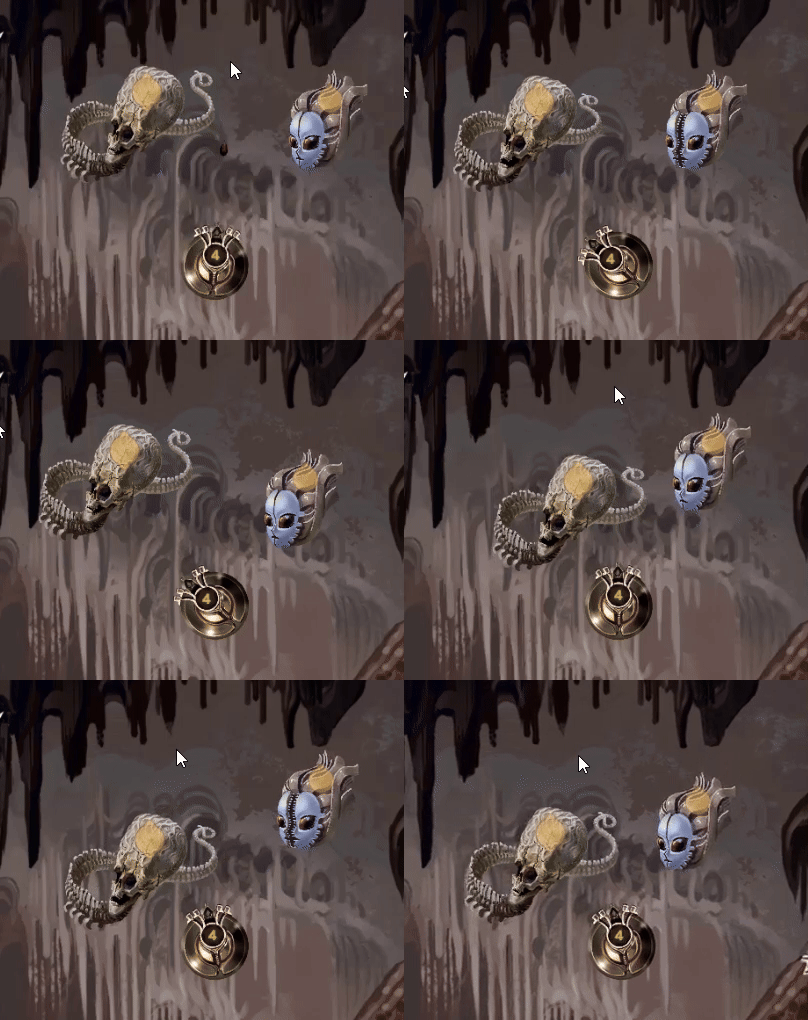
The caves can be explored by controlling a small drone which has the abilities to capture monsters, navigate narrow passages and to destroy smaller obstacles. Monster are captured by deploying Capture Lines from the drone and hitting a marked weak spot on any given monster. Higher tier monsters need more Capture Lines and also each monster has a movement pattern so capturing might be easy or challenging depending on circumstances. The yellow weakspot on the monster has a different number of pointy bits to indicate how many Lines you will need. For example: skeletal monster on the left needs two Capture Lines, while the mouthy one on the right only needs one. Some monsters need more Lines than you start with.
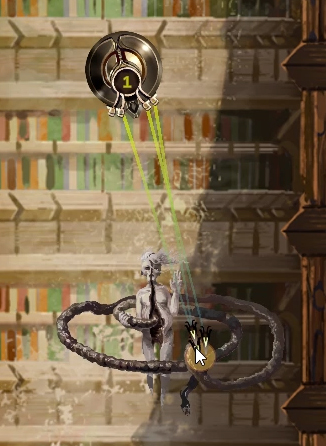
Monster Behavior

The monsters have fairly simple behavior patterns, but there are many different looks ( right now I have around 40 horror monsters and starting on fantasy ones). Also some monsters are rarer, the locations and specific encounters are somewhat randomized so my hope is that it will be exiting to go and find out what you can find in a new or previously visited part of the caves.

Some monsters also have extra behaviors like the bouncing eyeballs you can see in the video, or these slimy territorial creatures. Each has an area marked as a circle around it, circle getting larger depending on monster tier. If you enter the circle the monster will move to the center of it and then pursue you until you leave their territory or until you loose the drone.
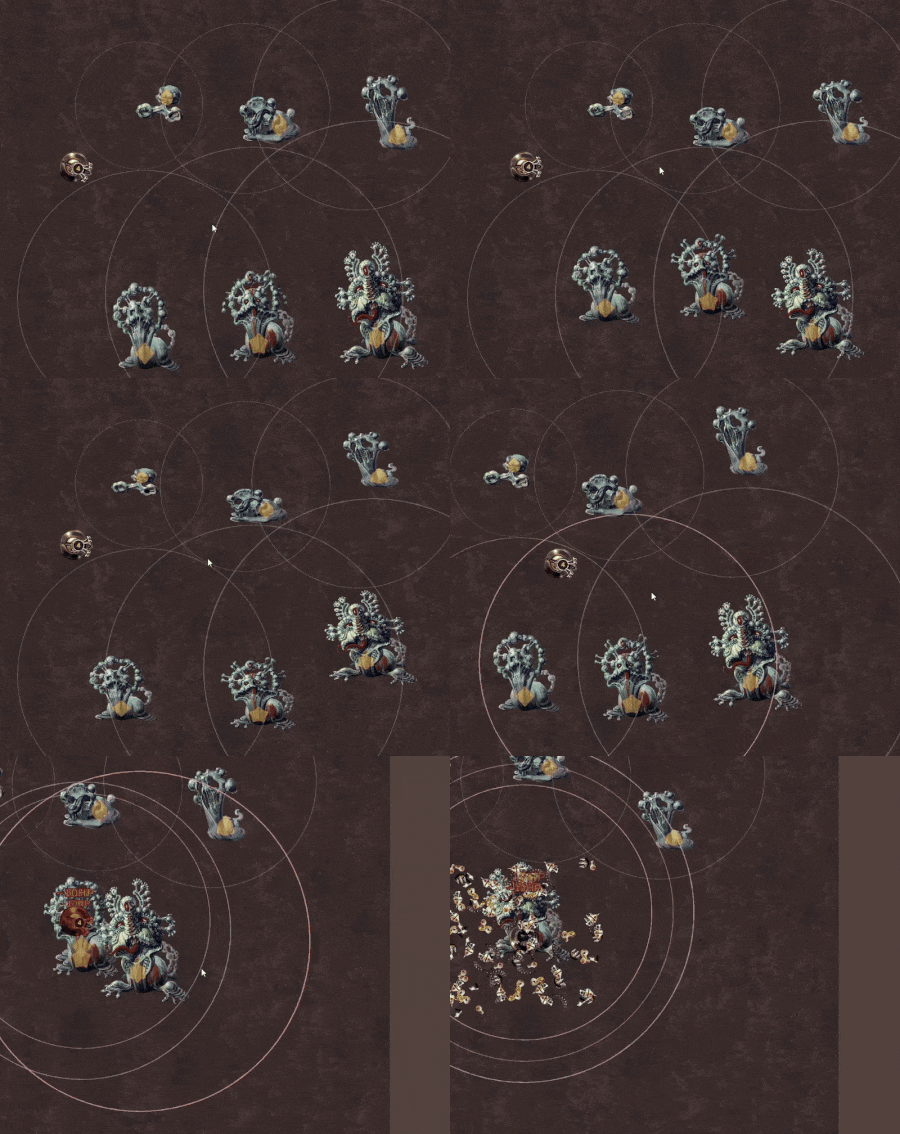

Failing a Capture

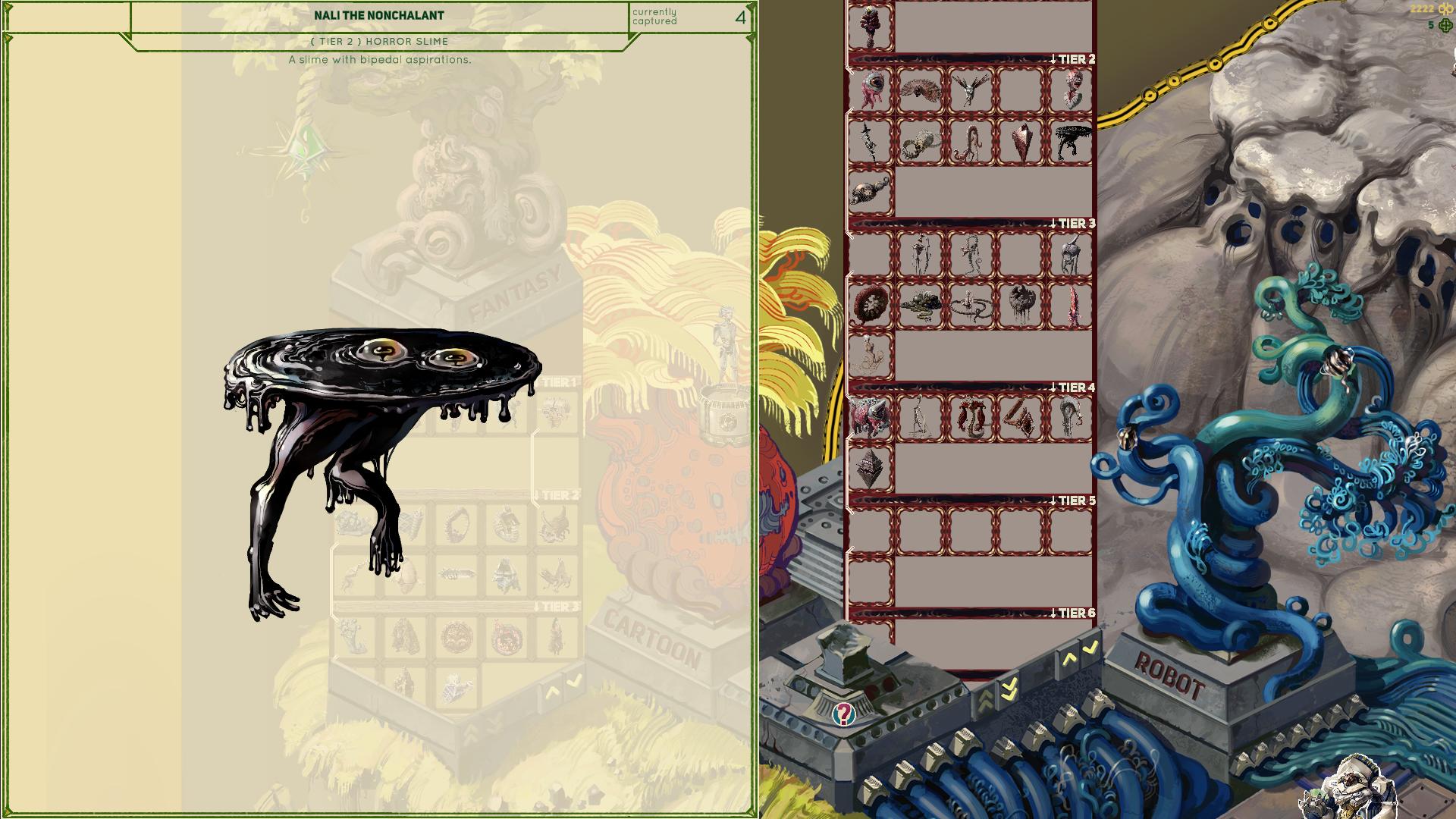
You start with 4 Capture Lines and if you use up all 4 without capturing a monster, it will either run away or attack you. It’s all good though, you can try shooting down the monster before it damages the drone too much and try again with another creature. Captured creatures will appear in the pause menu where you can see the monsters name and the tags it has ( I’ve shown this in the vid) and the monster will always be transferred to the Collection Area in the hub/Testing Fields even if the drone is destroyed right after a capture. You can learn more about the monster and how it can be used in there(tags, flavor text, tier, type). Some monsters have evolution lines like the slime creatures above.
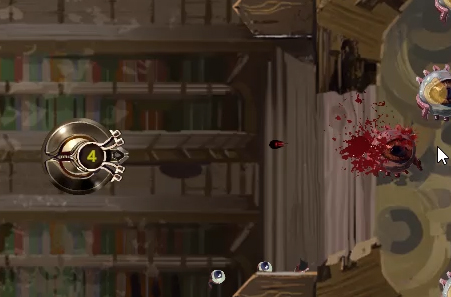

Laser Explosion

The Cave Drone you control is also equipped with a Laser Explosion, which can destroy smaller obstacles and damage monsters. However, each time you use it you risk decreasing the Cave Stability, which is another resource besides Cave Drone’s HP which you have to pay attention to.
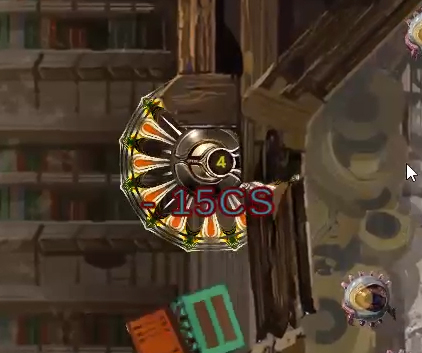

Drawing a Line Path for the Drone

Very importantly, there is also a way for the Drone to squeeze past various gaps and passages that are normally too narrow or to avoid monsters. You can draw a path starting from the drone and the Drone will follow it while being invulnerable and fitting into narrow gaps. If you’re not careful doing this, you might get stuck and once again reduce Cave Stability or run into monsters.
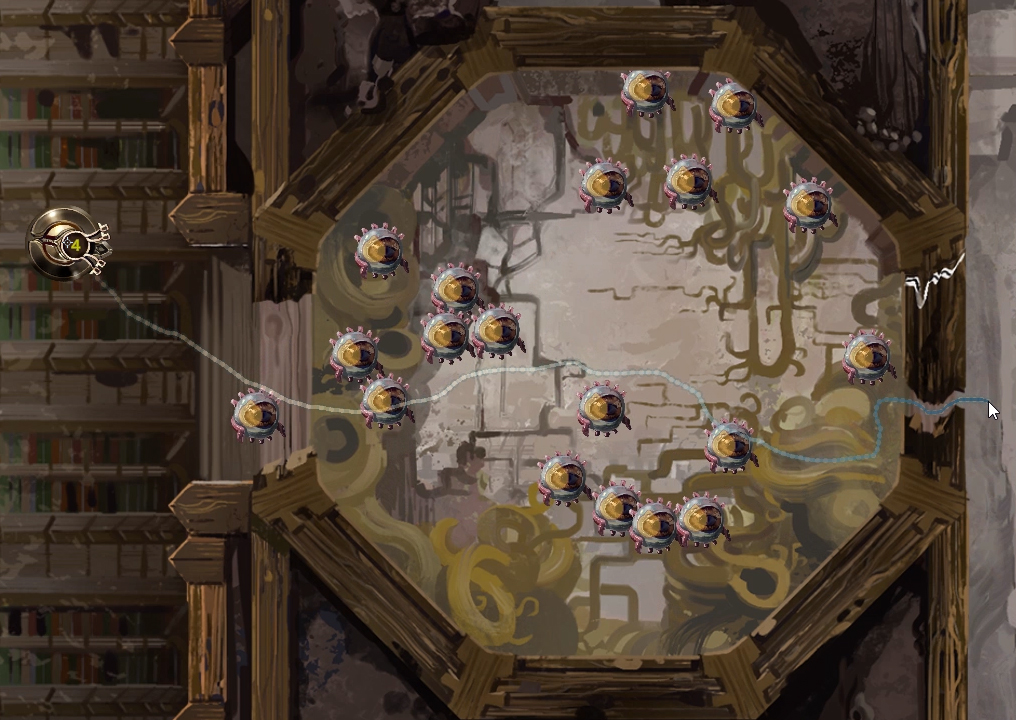


Caves and Cave Stability

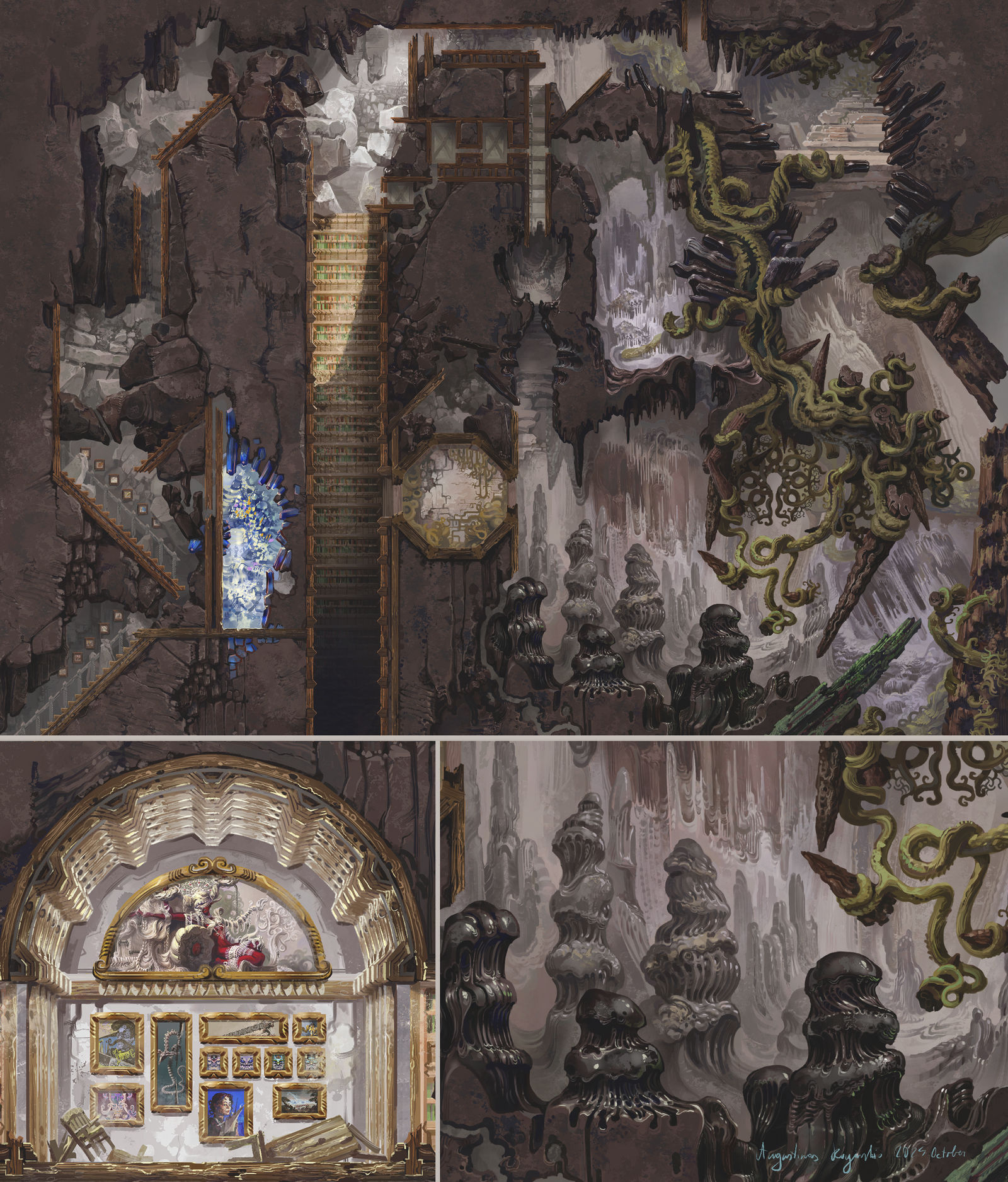
You start in the first cave called the Abandoned Archives. The plan here is to hand craft the entire area, with very few repeating parts. Basically I’m approaching it less as a tileset and more as a painting of the entire level. This means that each cave wont be huge, but it will be dense with various details and encounters and at least to me that seems quite appealing. I tend to get bored of oversized empty levels in games myself and it’s simply fun to design a level like this from my side of things. Also I plan to add some amount of randomly appearing rooms and details, which together with randomized monster encounters should make each run feel different.

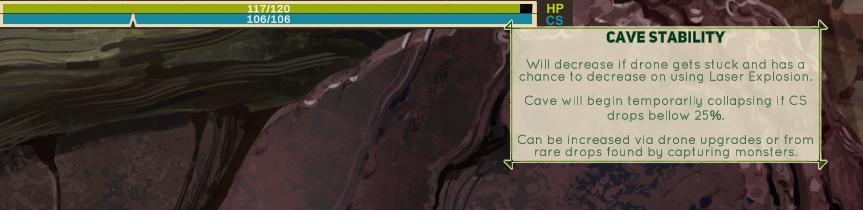
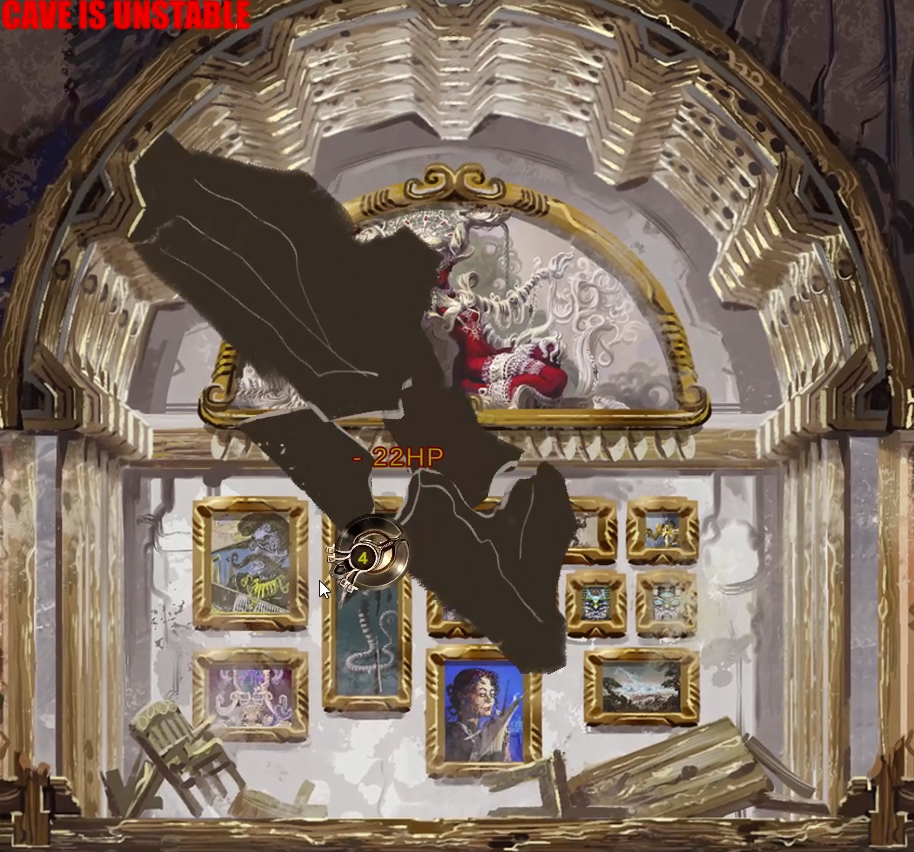
The cave is fully stable at the start of a run, but there are a few ways to reduce Cave Stability mentioned above. If the cave stability falls bellow 25 percent, the cave will start to collapse and rocks will start falling possibly damaging the drone. However, game is not lost even if Cave Stability falls to 0, it only ends if the drone is damaged beyond repair and cave stability can potentially be brought back up. Right now I have a resource that can be found that increases cave stability, but I might include other methods as well or maybe make the instability temporary, we’ll see.

Finished part of the cave:

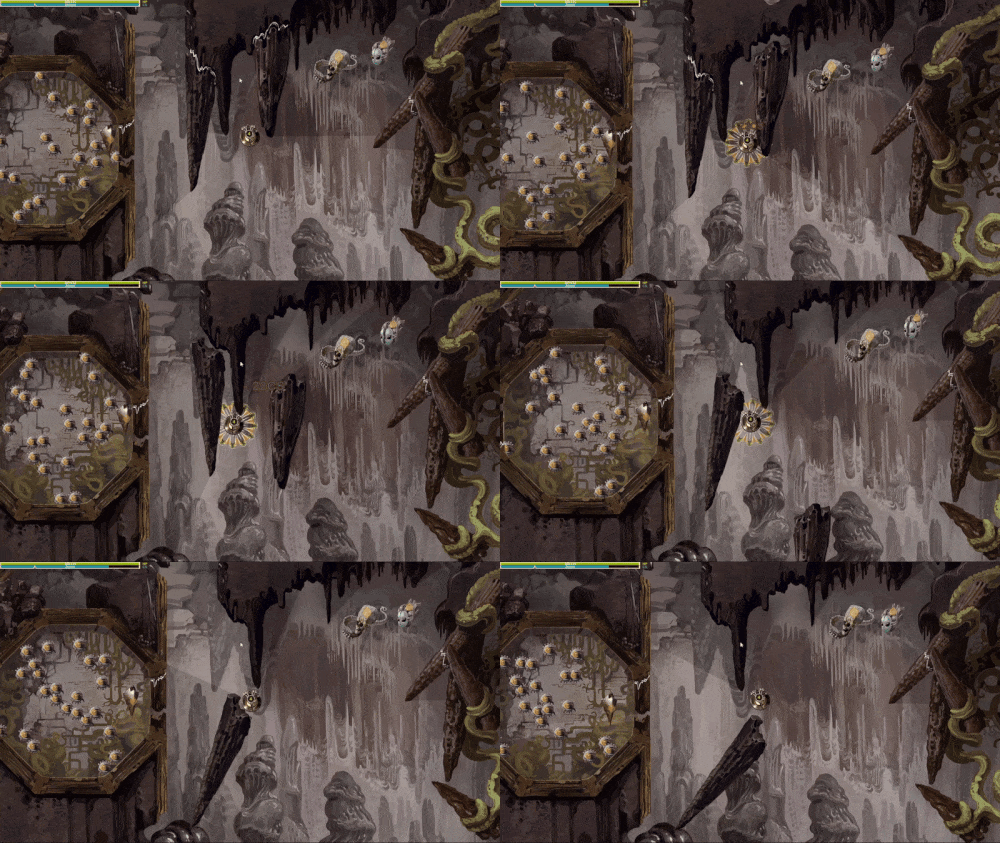
Rocks falling on the drone ( yeah, the falling rocks asset is still a sketch):

Where I’m going with this

So yeah, this is just one of the things I want to talk about the game and I plan to keep updating this devlog as I complete them. I have a million ideas and for me an uncharacteristic amount of enthusiasm for this, the only limiting factor is time. There are also many smaller aspects like a simple story, the reason for capturing these monsters, drone upgrades, skill system for fighting the bosses and other things I haven’t mentioned but already started on, but one thing at a time.

Right now I want to make a fully working demo with two or three caves, a single fancy boss and partially finished hub area and then see how much content I can reasonably add to it before I call it finished. And even a demo is a lot of work, but it continues to be fun making this so hopefully some people like it and give me extra motivation.

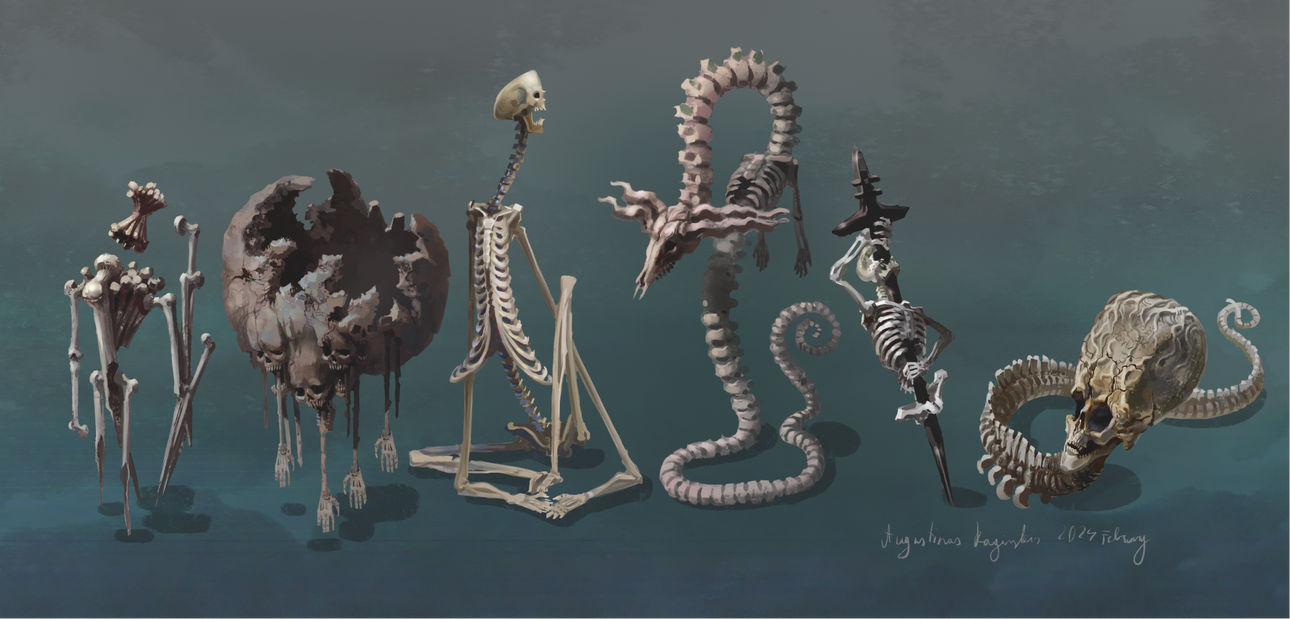
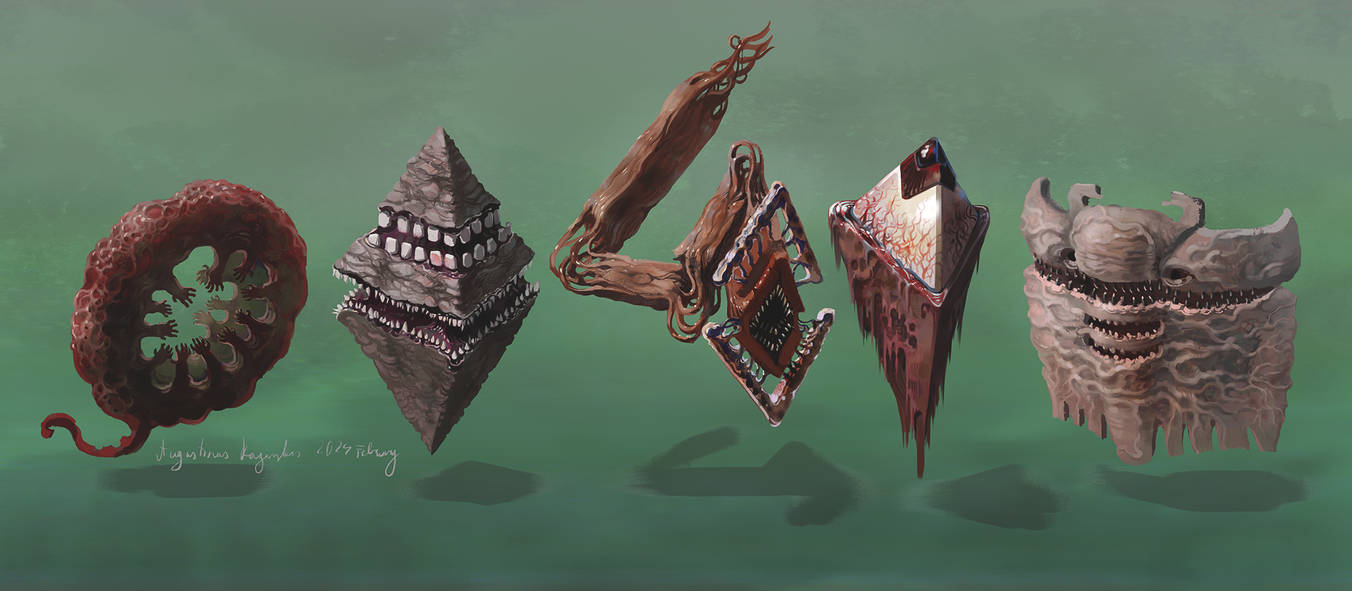
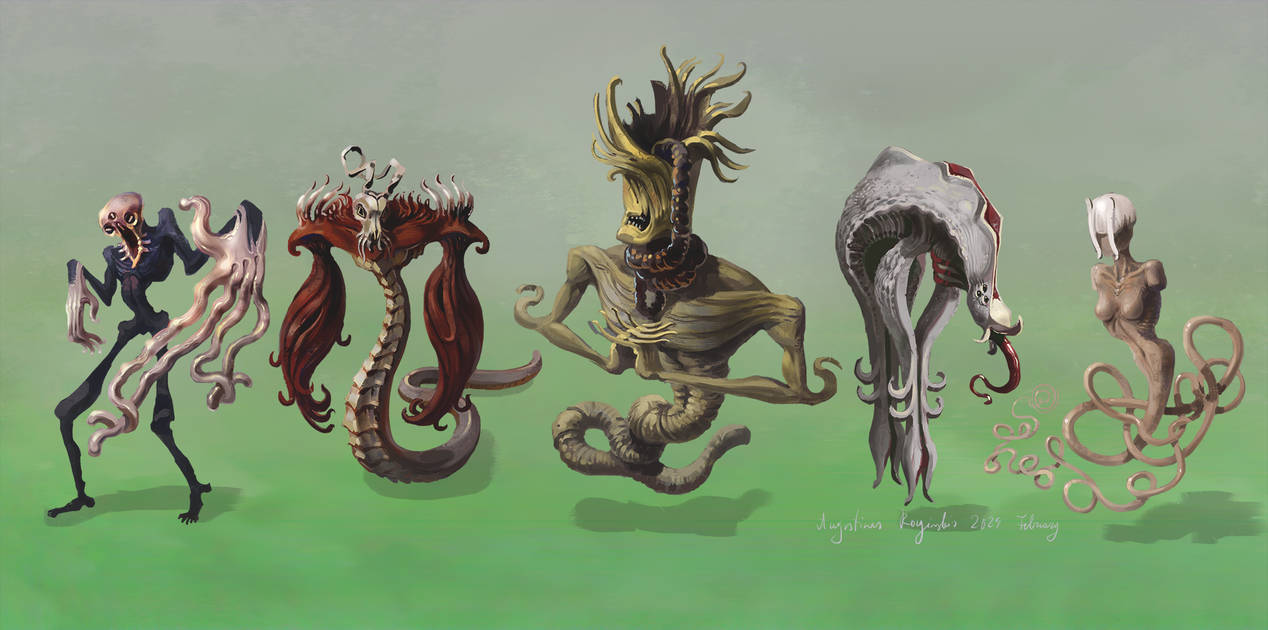
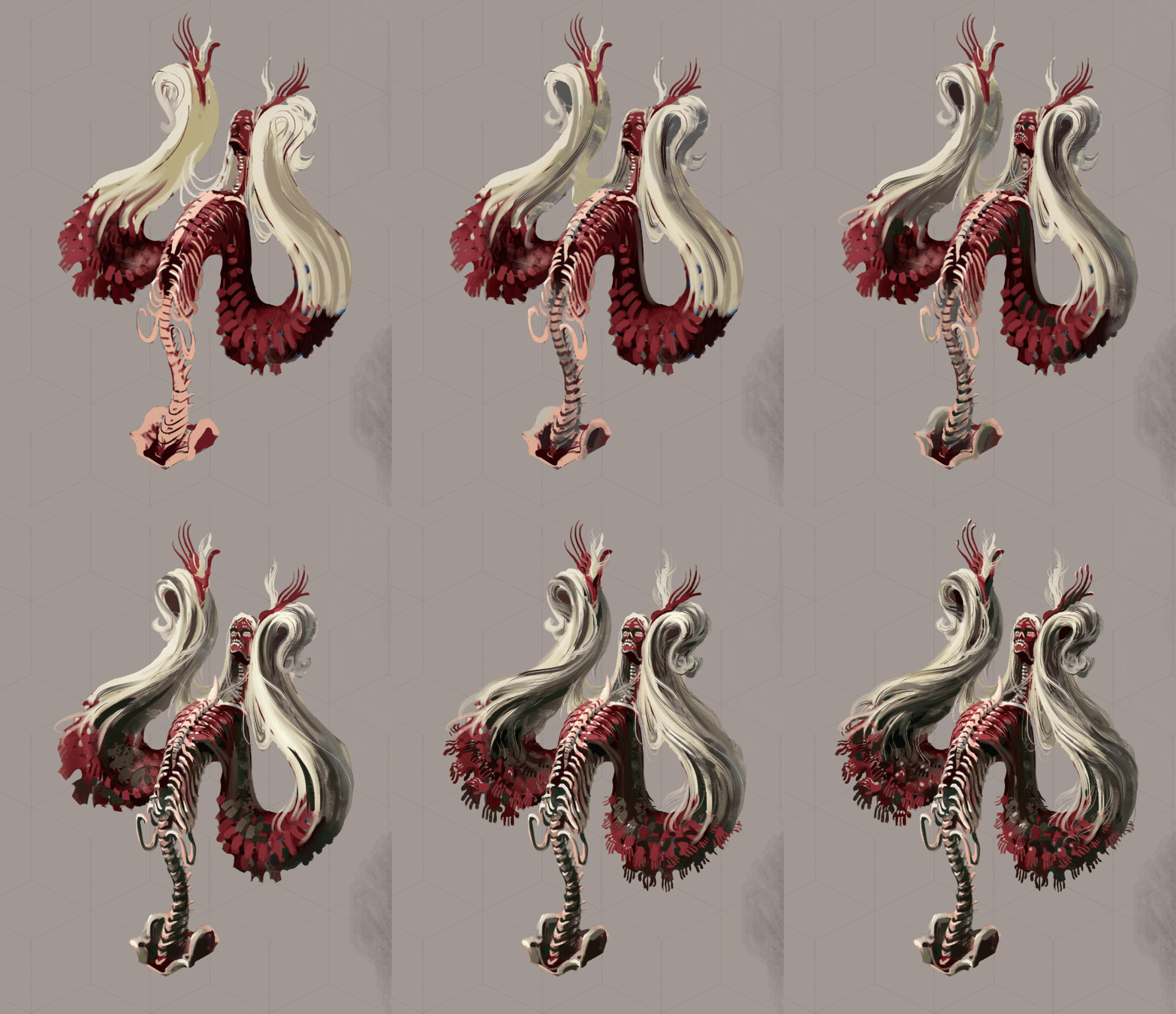
Some more monsters I designed – the main reason I decided to make a game like this:
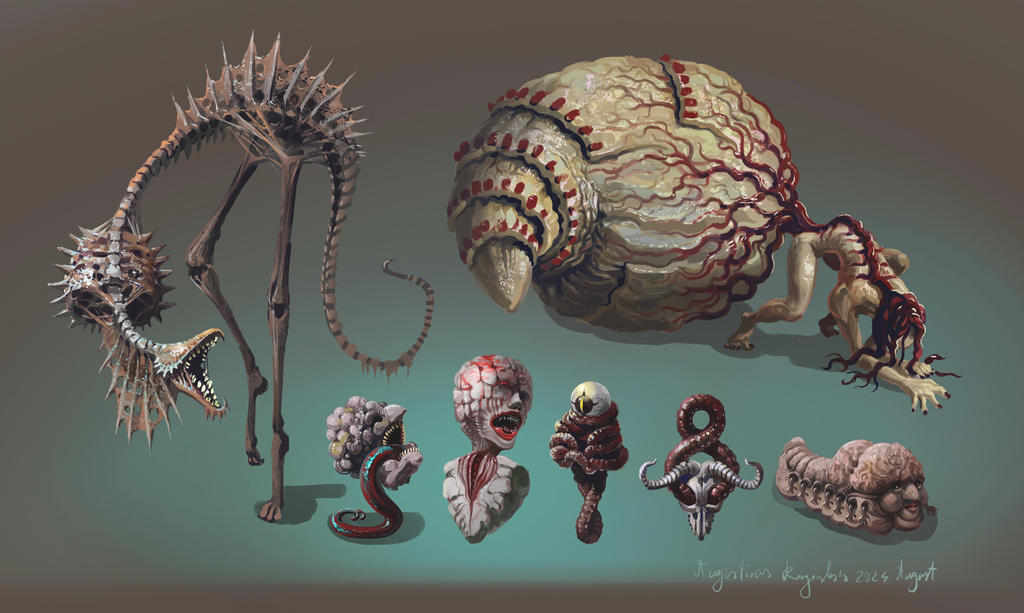

More horror monsters, some fantasy monster sketches

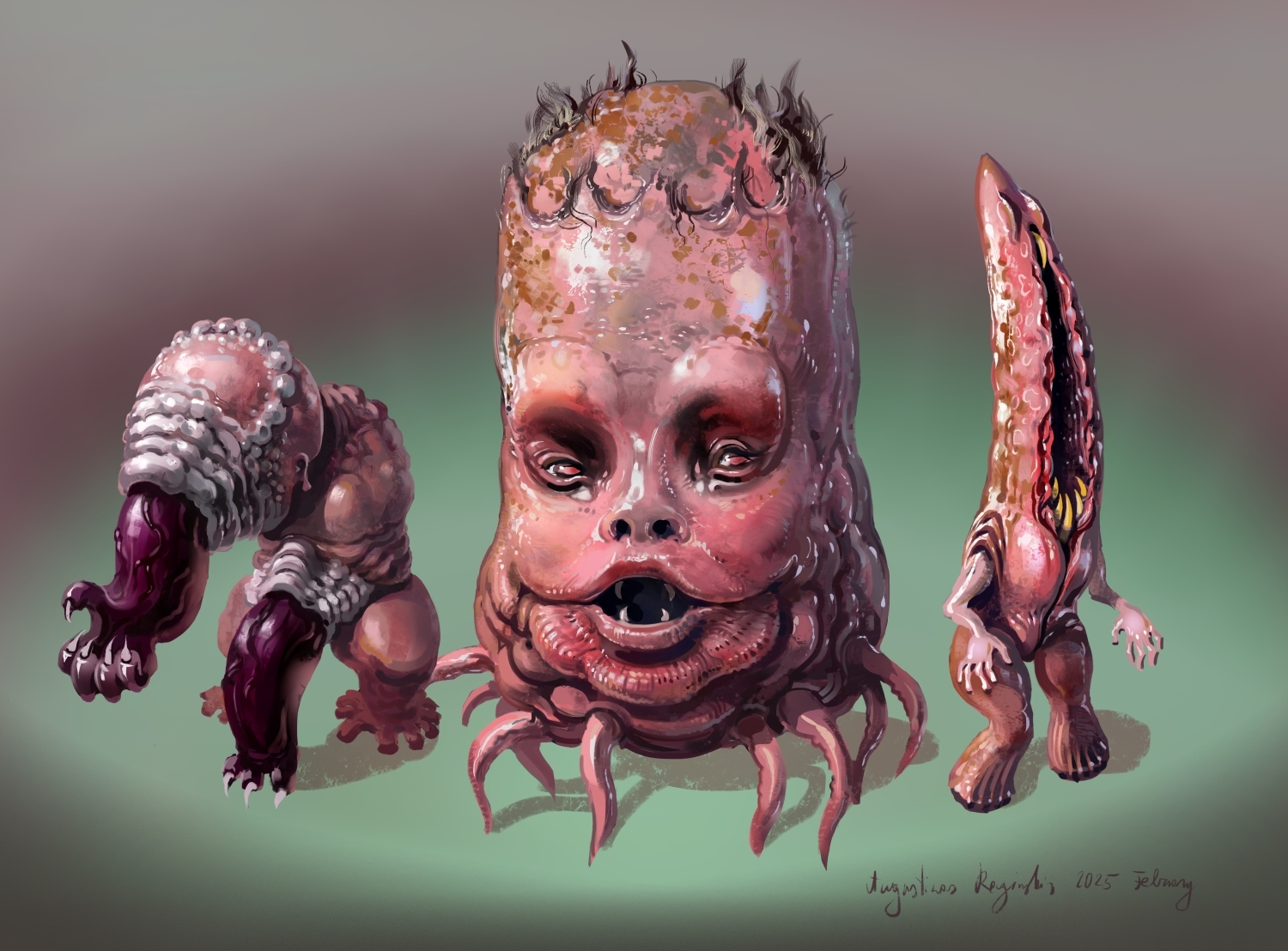
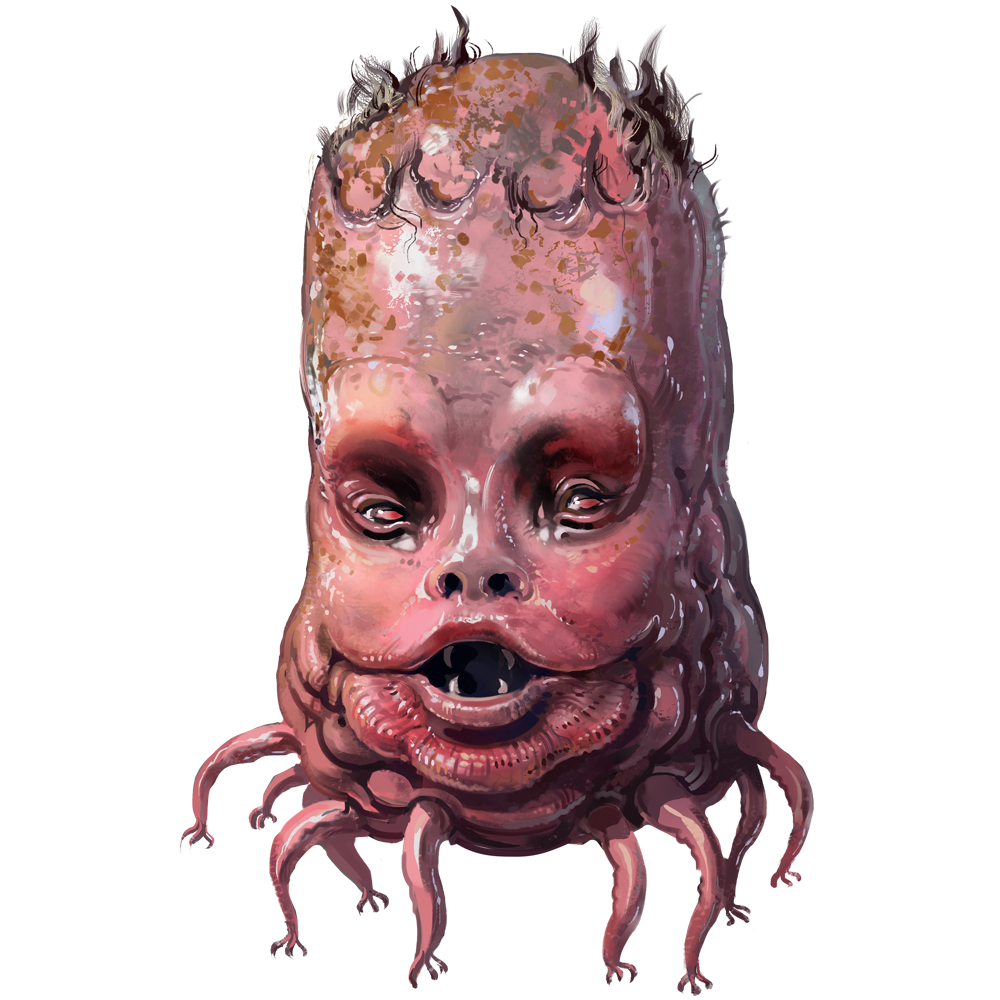
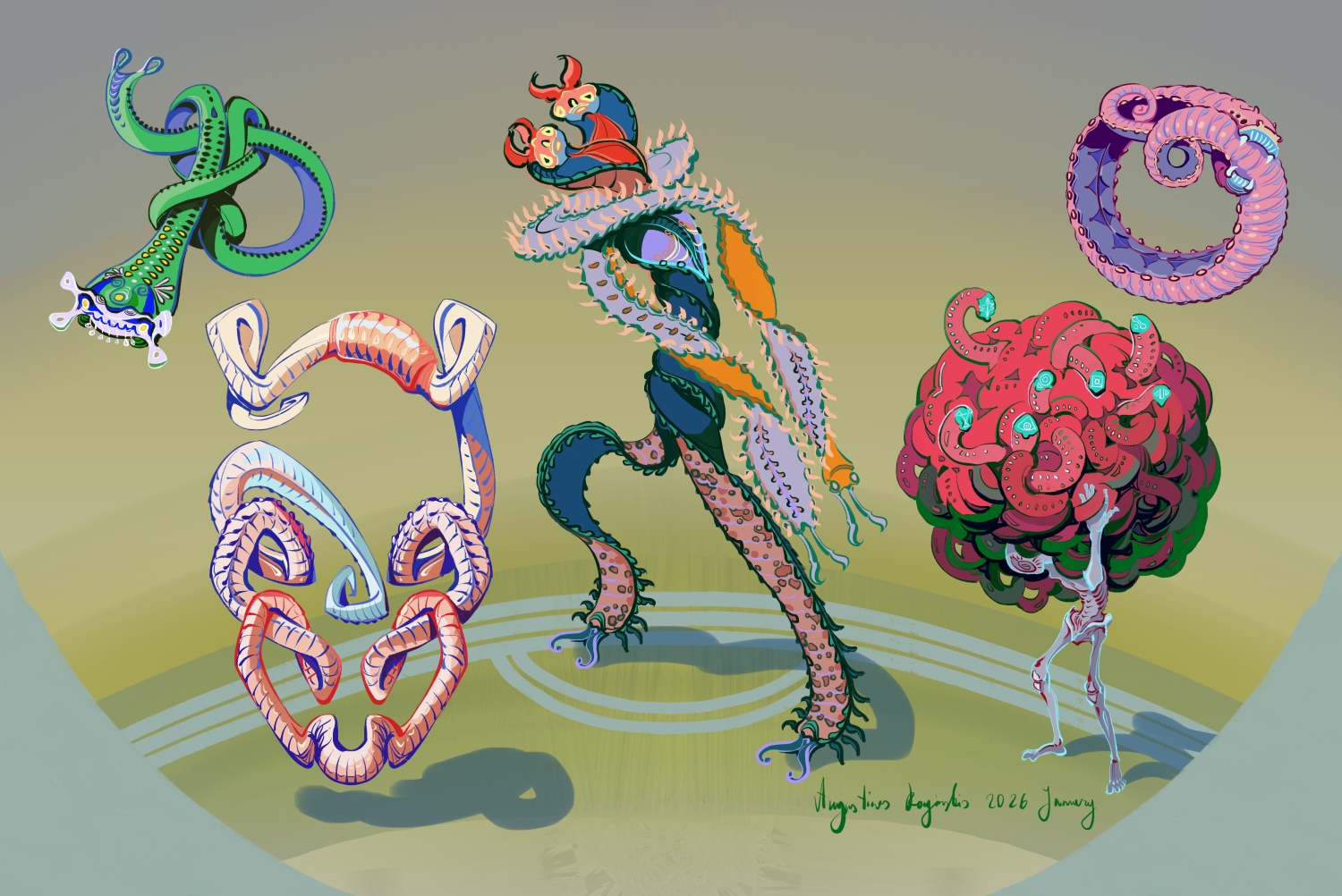
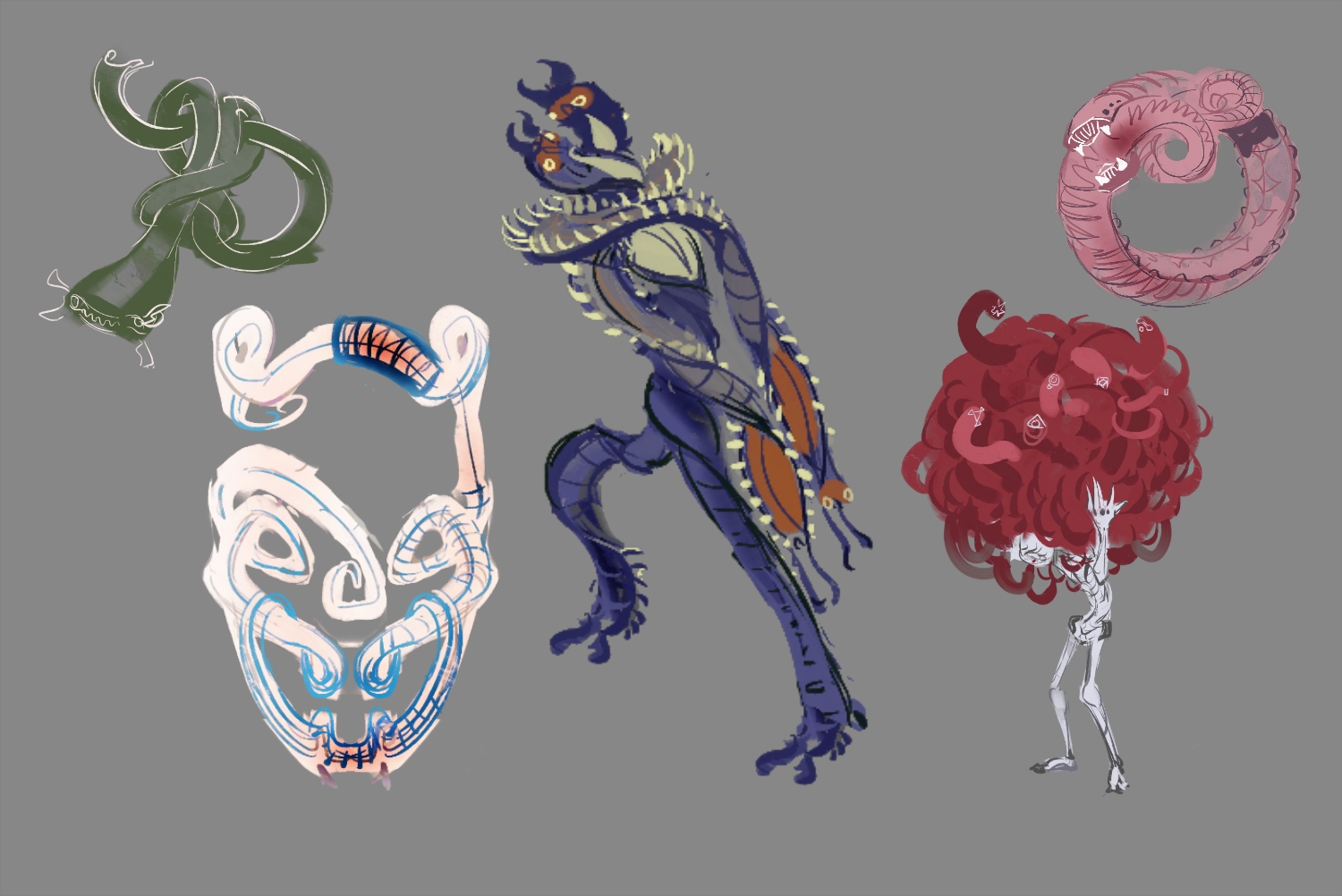
Here are some more horror monsters I finished for the game. All these also have a specific tag "tentacle" in the game. Monsters with specific tags will be suitable tor specific upgrades and such, so I was thinking about using the "tentacle" tag to upgrade the Cave Drone's Line Catchers.


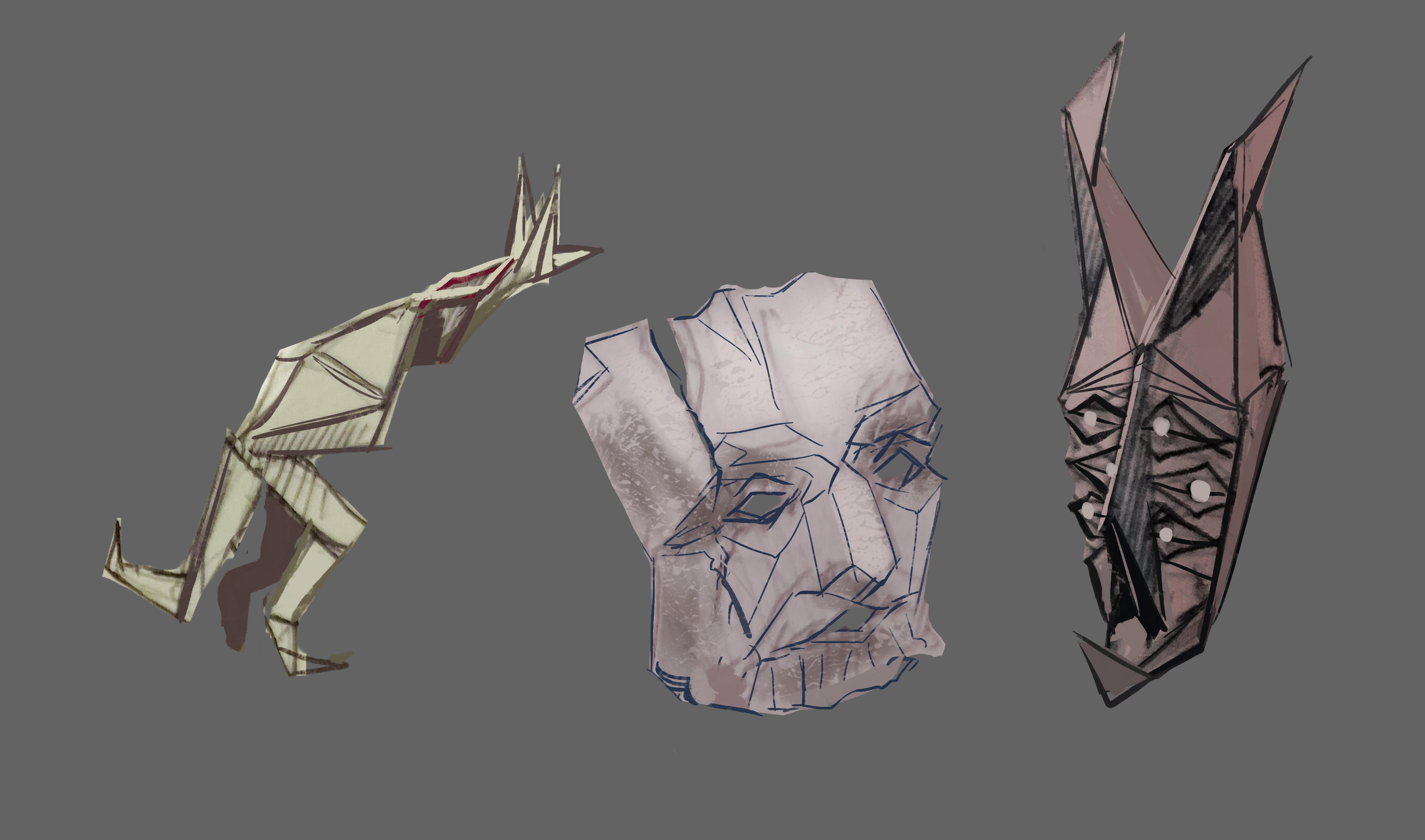
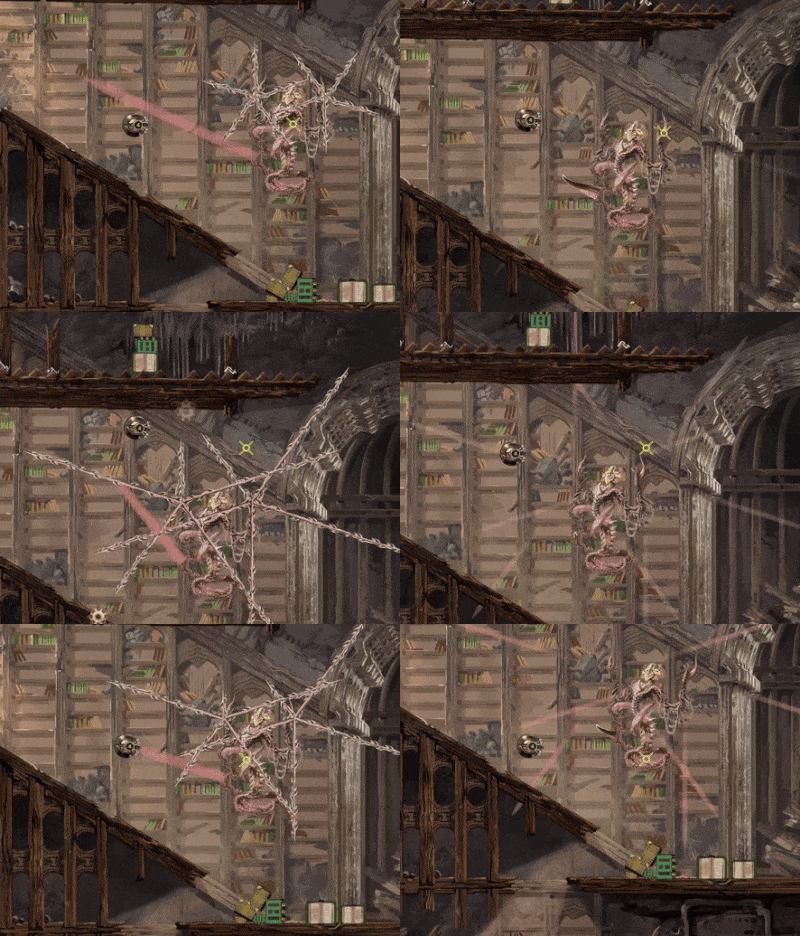
I'm also starting to do more work on the fantasy themed monsters and these are some sketches of Paper Elementals. The cave where these will be found is called the Abandoned Archives, a large part of it has an old library vibe, so I thought this would be a nice theme to go with some of these monsters. In game I plan to call these Paper Stichija, Crumple Stichija, Fold Sichija, or something similar, Stichija just being the Lithuanian word for Elemental.


(+1)

The map looks great m8. Are you planning on some light effects? I think they would look neat

Thanks, glad you like it.


At least for now i don't have plans for light effects. I need to look into that, see if it's doable without needing to redraw large amount of assets or something. 

Painting even that relatively small part of the map took me almost three weeks, so time is an important factor. It did get faster along the way though, since i had parts that could mostly be reused with small changes like wooden pillars and random rocks.

Yea, i can see that took an incredible amount of time

Honestly, as a drawer with no previous experience in game engines, I'm finding most VFX stuff like lighting is surprisingly easy once you get it to work and allows you to sort of glue the assets together

I will probably look into it at some point. If it's not super time consuming in my case then it might be a cool things to add.

Are you  talking about lighting in 2d games? Because I believe I saw you had a devlog, but it was for a 3d game? I've tried a little bit of lighting effects for a 3d level in another game and that was quite painful  to me, haha

(+1)

Yea, i believe you can do cool effects with 2D as well
3D lightning has been very easy for me, easier than drawing for sure, took about an afternoon to get it right but i guess it depends on engine and things

That's cool, glad it worked for you . I know a fair bit about 3d modelling, but 3d lighting/rendering has always been torture for me. Probably because I had to try to learn that on an older version of 3ds max maybe 12 years ago. I enjoy the drawing part, so that's always the best way for me to do things.


I did google some tutorials for 2d lighting in Unity, which i use, and it does seem to be fairly straightforward, so you basically talked me into checking it out. I do see that it tends to mess a bit with the original look of 2d sprites, but that probably depends on how the lighting is used. I imagine it could work well in my case

(1 edit) (+1)

Cave lighting and paper monsters

I did try adding some lights to the 2d cave environment, and I kinda like the look. I wanted to sooner or later add lighting effects to some attacks and such, so I guess it’s for the best I found the motivation to look into and learn the basics now( thanks for the idea).

I do want to keep the lighting fairly subtle and let the 2d assets I painted to speak for themselves though, if that makes sense. Also if I make the shadows more prominent, the background art starts looking flatter, which I don’t want. And I didn’t plan for this, but the shadows help with understanding what counts as an obstacle: if it casts a shadow then it’s an obstacle. So that’s useful.

Installing the plugins into Unity to make these 2d lights work was easy, theoretically, except that like always there were a few extra steps missing from the official documentation. So I had to extract that forbidden ancient knowledge from debts of reddit, random 30 minute long youtube videos of which 5 seconds were useful to me and 4 or 5 random forum sites I never heard off. At this point I assume this sort of thing is the intended method.

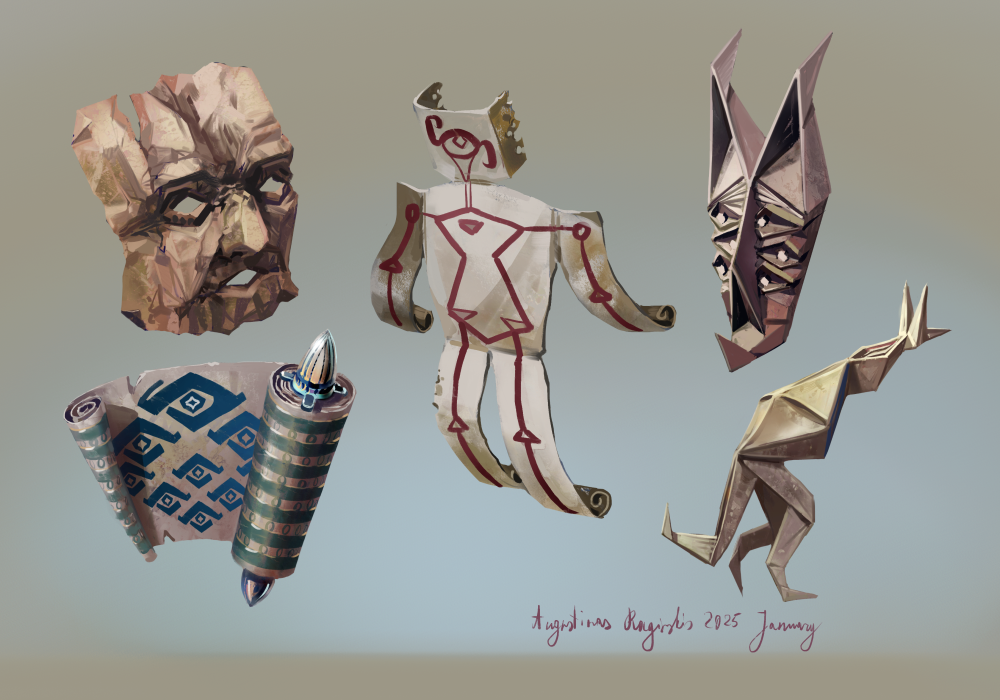
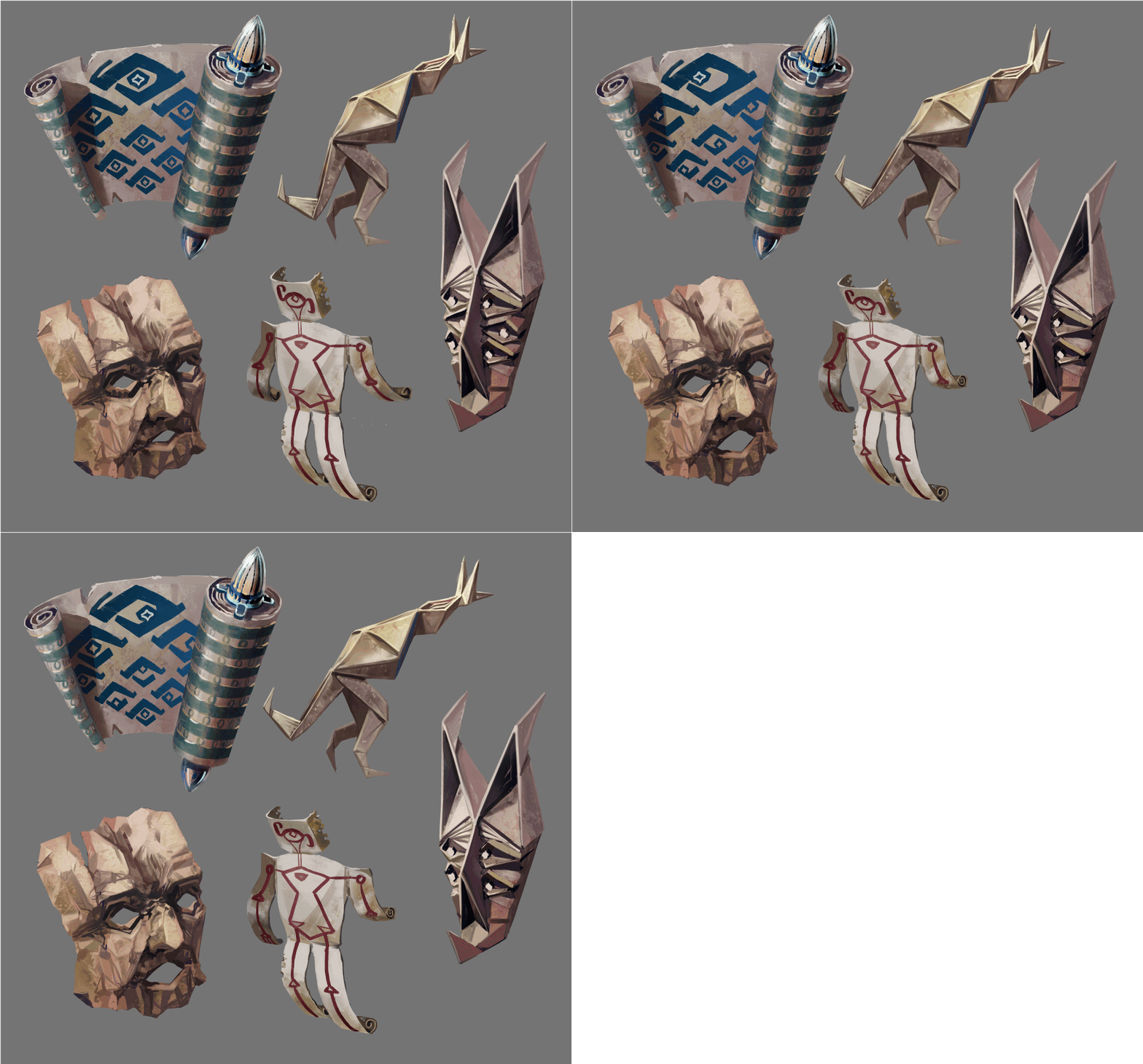
I also painted some paper monsters from the sketch earlier as well as a couple others. I haven’t put them into the game yet, but here is the artwork. The names starting from the left: Crumple Stichija and Ancient Knowledge Stichija, Paper Stichija in the middle, Fold Stichija and Origami Stichija on the right.

I do like the idea of calling these fantasy themed monsters SomethingWayTooSpecific+ Stichija ( elemental ). I will probably continue with that naming convention for these, it amuses me.

Monster Designs

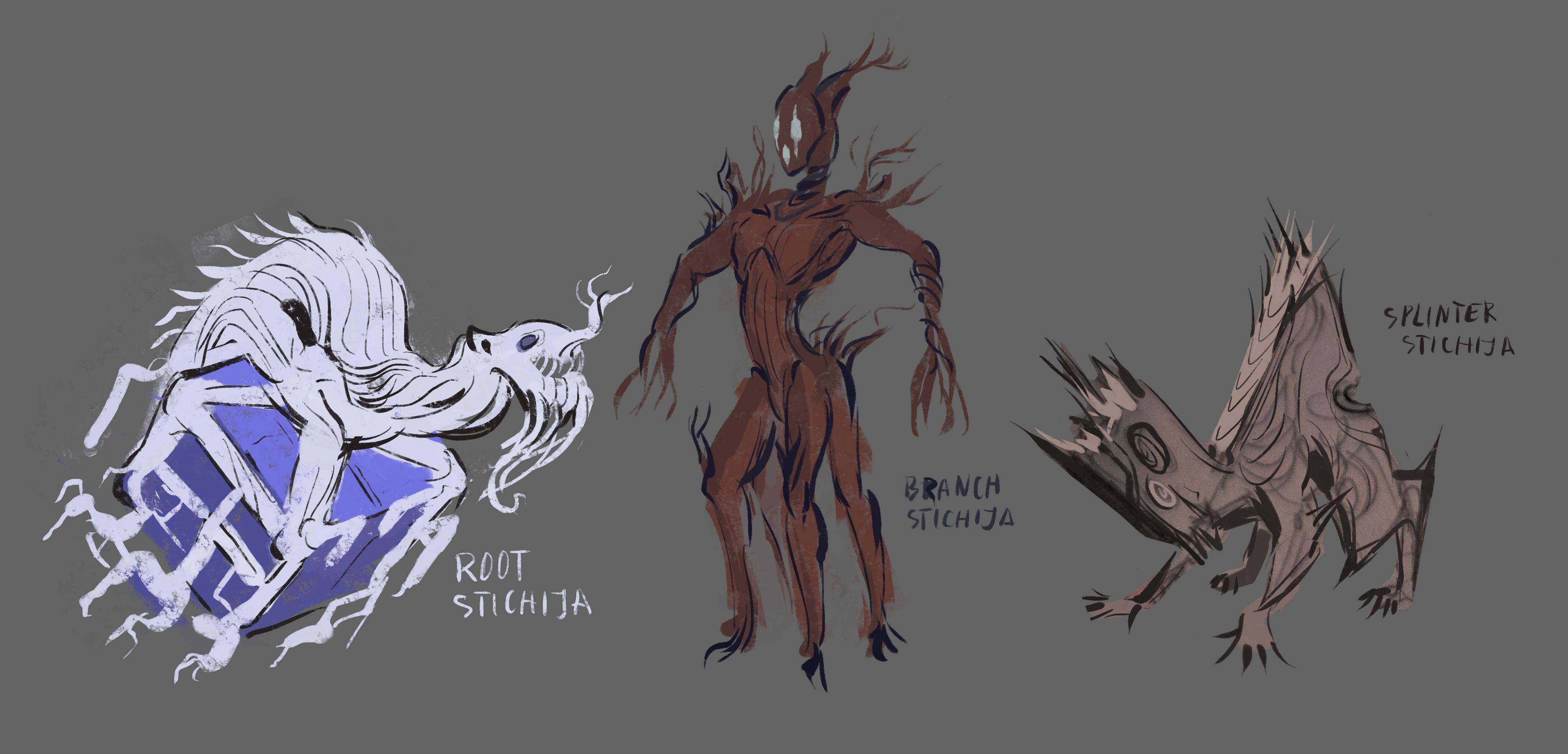
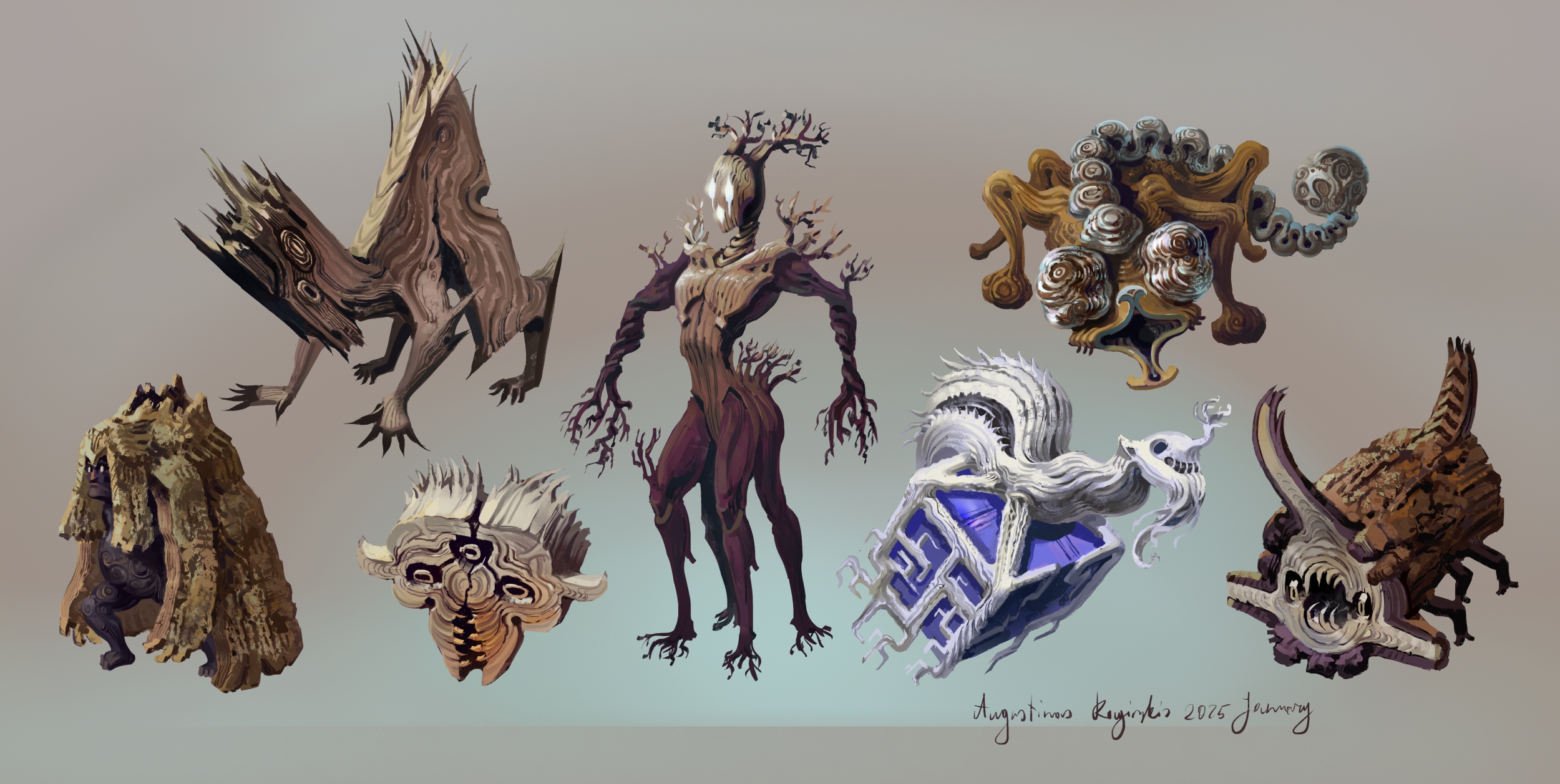
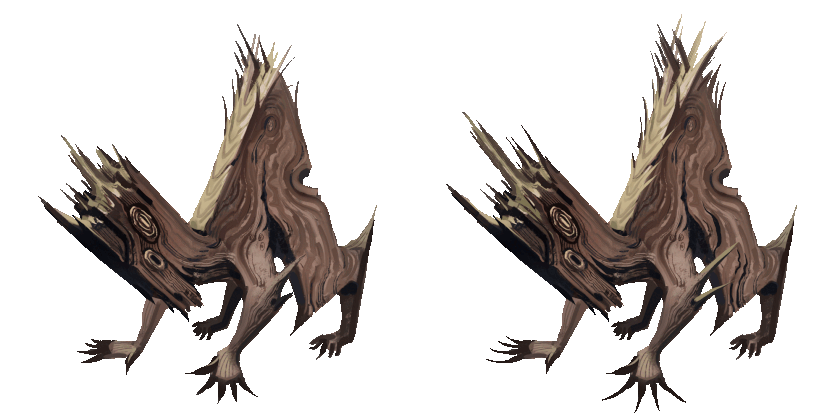
I've been sketching a lot of monsters these days. Here are some sketches for more fantasy monsters, this time wood elementals.


After I have a sketch and more or less know where I want to go with this, a monster in the general detail level of these or the paper monsters from before usually take me 1 to 3 hours to paint. So I can keep making them fairly quickly when I have the time. Of course that doesn't take into account the time it takes to add these into the game, adding any special behaviors, finding and adding sound effects and making a couple frames of simple animation for each of these.

Speaking of animations, here's a preview of the paper monsters with very simple animations added. I am not an animator and fully animating anything would murder my motivation to live, but adding small things like these is not too difficult or time consuming and I think it still makes the game feel more alive:


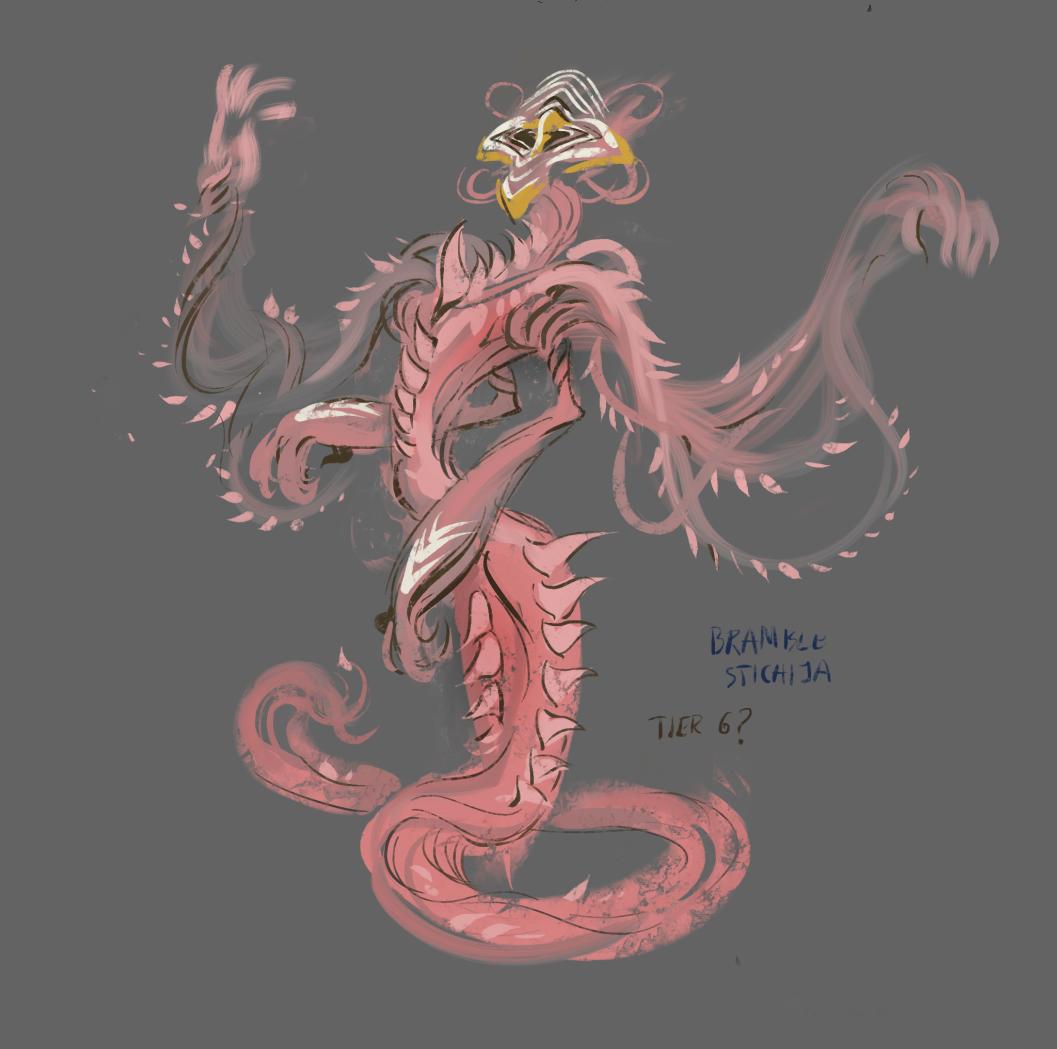
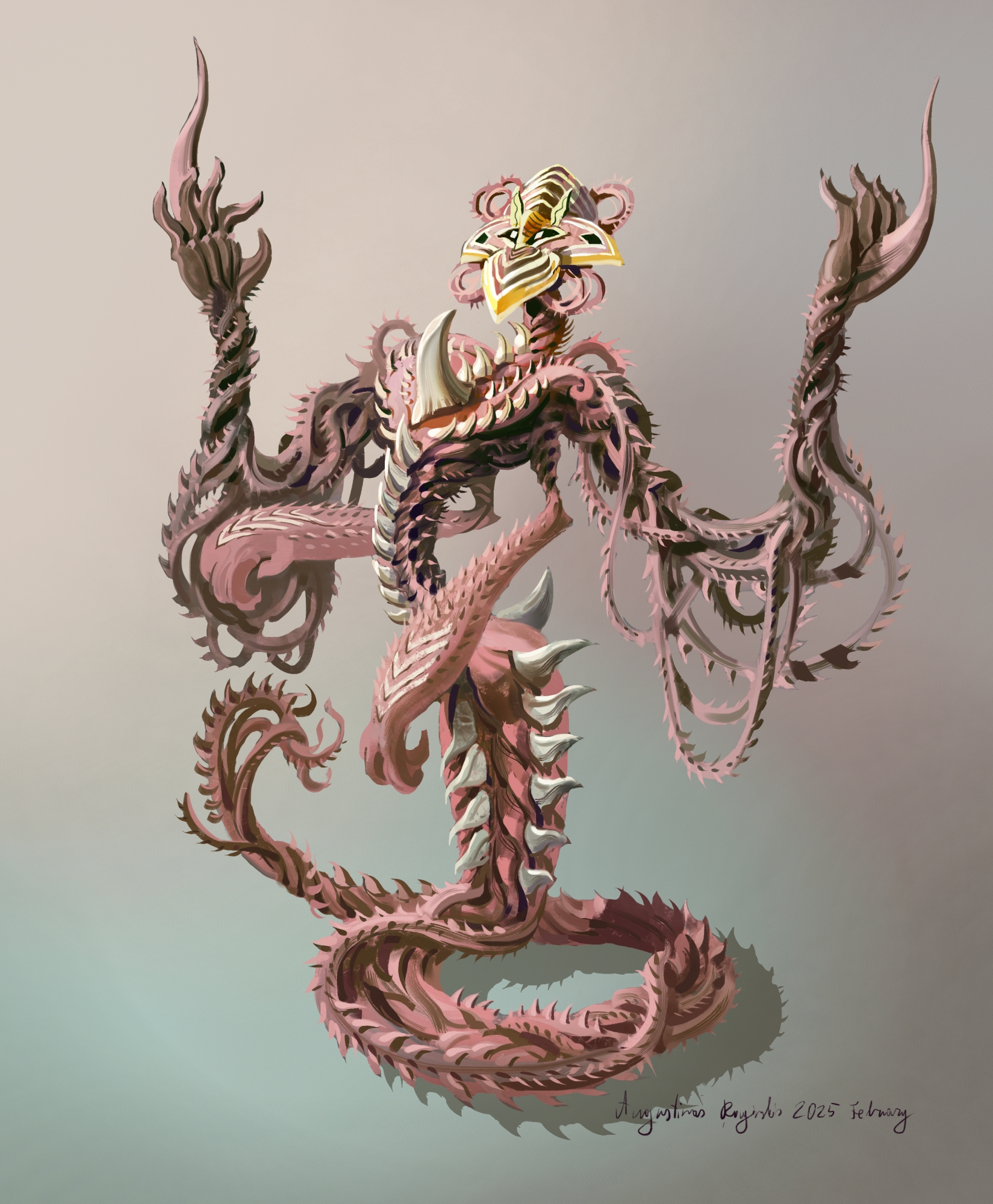
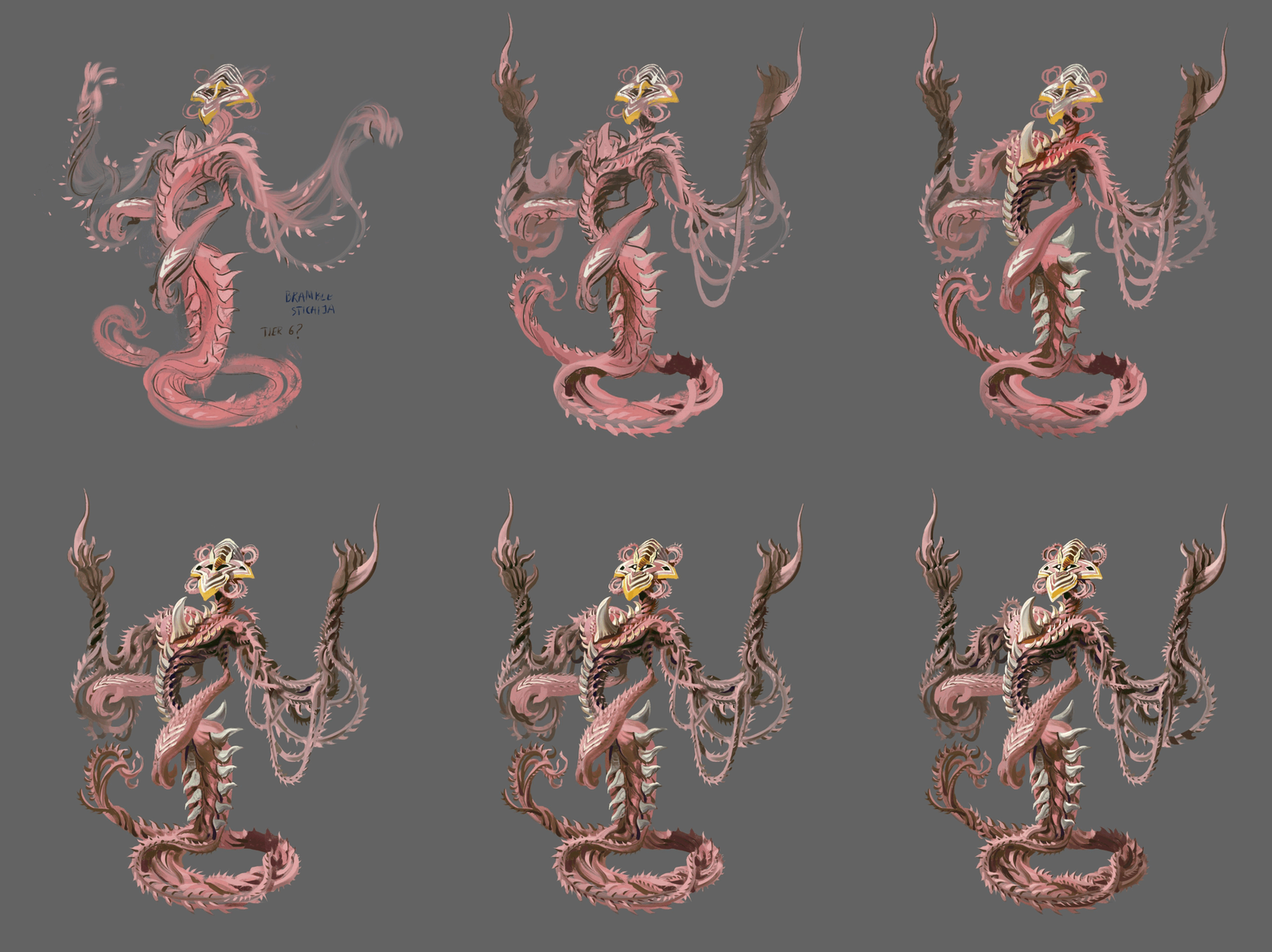
I also made another sketch for the wood themed monsters which I like the most from these: the Bramble Stichija. I wanted to do something with brambles and I also stumbled upon some strange white and black stripped flower while googling rare plants for inspiration. That gave me an idea for the head of this critter and combined with the bramble thing we get this design. I think it's a fancy enough design to be used as a higher tier monster than all the other sketches and I will spend more time on this. If I treat it like a detailed character painting then it might take two or three full days, but hey, it's fun though.


Adding monster behaviors

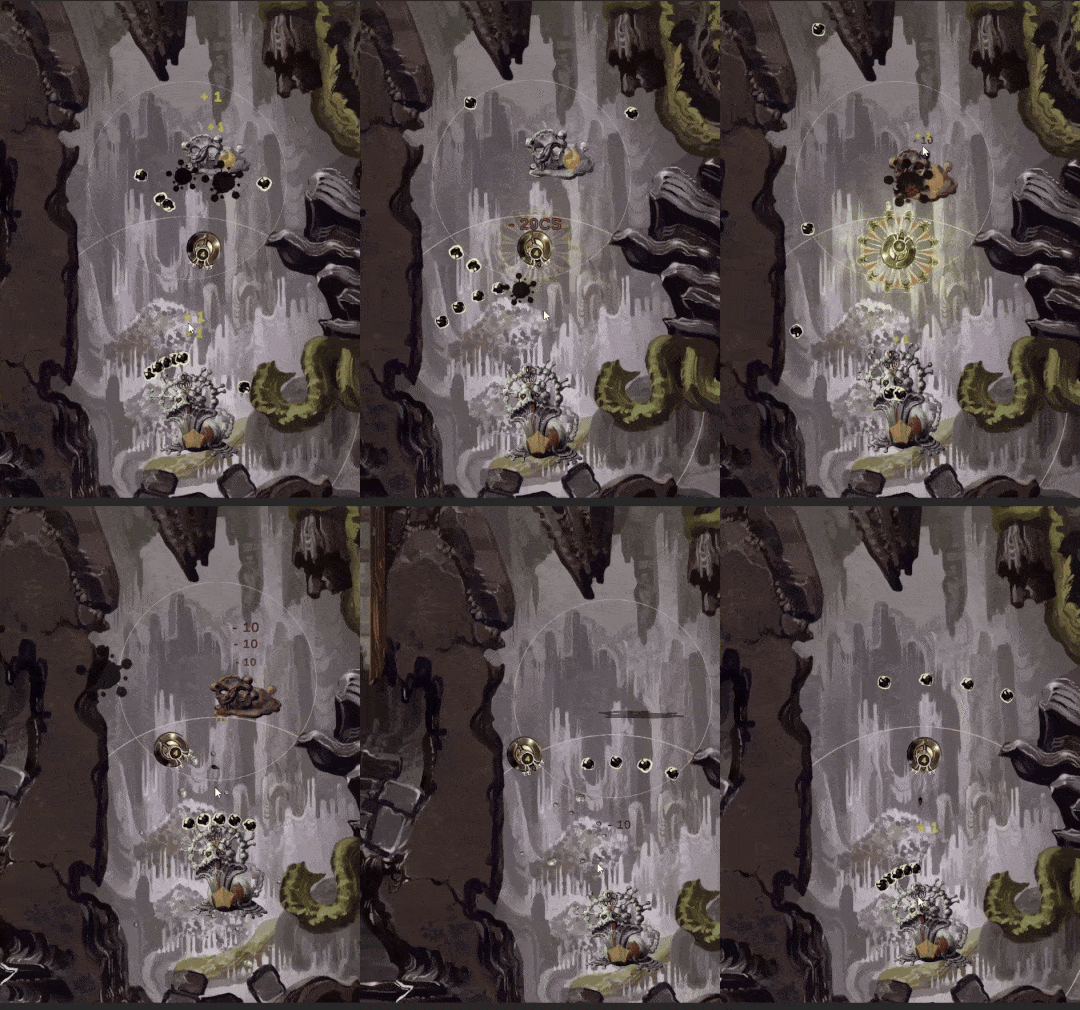
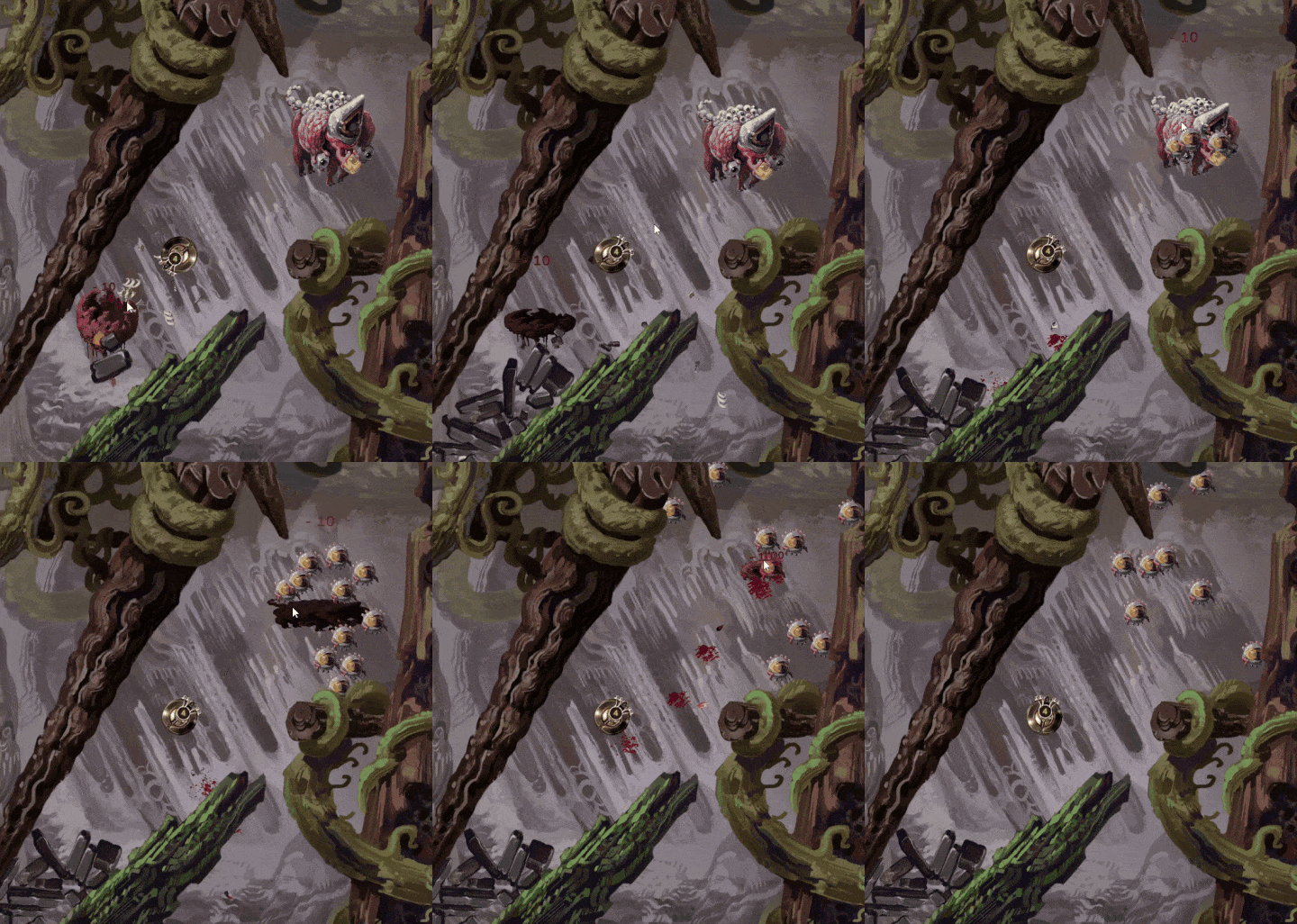
I’ve been coding some monster behaviors to add some complexity to the encounters. First thing I added was the slime monsters shooting damaging slime at you while in range, which looks like this:

I might increase the range later if they seem too easy to bypass. The slime shots only damage you a tiny bit, but there might be a lot of them coming at you from various sides depending on the situation, so I think that’s for the best. Also the same shots keep healing the monster shooting at you and any other monsters it manages to hit( you can see tiny text “+1” rising from the monsters). I purposefully didn’t limit that either, so monsters can just keep rising each others max HP while you’re close. Also the slime projectiles can be destroyed by shooting at them or by using Laser Explosion( I added light effects to that, I think it looks way better now).

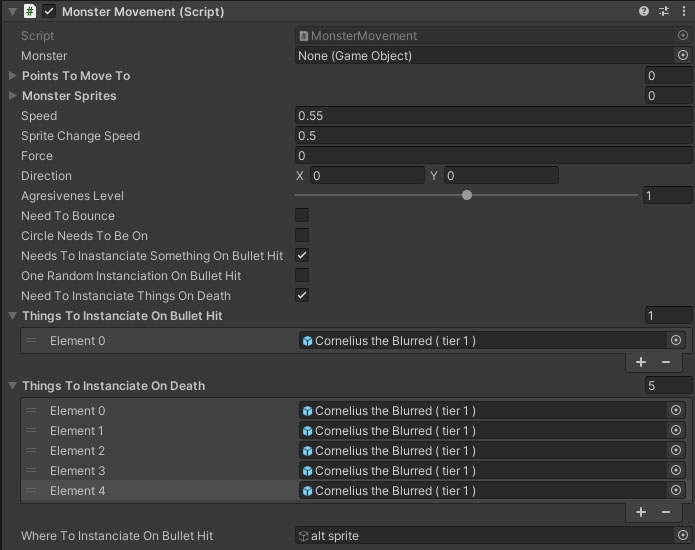
I always try to set these things up in a way that it’s easy to alter later on if I want to, ideally by simply ticking some boxes when possible to change the monster behavior. This is how those options look in engine now, I only need to choose a few things and variables for a script I wrote. I made sure the circle marking the monster territory gets resized automatically depending on the monster tier and also it automatically increases the projectile count based on same tier.


For targeting the slime projectiles I slightly altered the same code I use for Cave Drone facing the mouse( which is just a couple lines I found in every single coding tutorial ever, and it involves trigonometry so I’m glad I didn’t need to figure that out from zero). The trickiest part was making sure every extra projectile was automatically rotated a few degrees so they all don’t shoot in the exactly same direction. I ended up kinda brute forcing that, but hey, it works.

It might be hard to see at this size, but the slime projectiles keep changing between three sprites while moving. I wrote a very simple Gif Maker script a while ago and I use that all over the place in the game. It just cycles through an array of sprites using a co-routine. It’s very convenient being able to just throw on that little script onto any object, adding a few sprites, choosing the speed between sprites and it just works 95% of the time. I also coded in an option to switch between the given sprites randomly or in sequence.

Another seemingly simple piece of code I added is spawning some prefabs either on monster hit, or on monster death. I think it will have many uses, below you can see a monster spawning rocks on hit and a larger amount of them on death( I want to later have Elemental Rock monsters essentially bleeding rocks, but I used any monster I made earlier for testing). The rocks don’t damage you and they can be shot to pieces, or pushed aside using Laser Explosion, but they might block passages when you are trying to quickly escape or such. Also I think it’s just satisfying shooting them apart and little pieces flying all about the place.


I used the exact same code to make higher tier eye monsters spawn low tier bouncing eye monsters I already had made. Anyways, I will keep adding new behaviors and I’m planning a couple fancier ones as well.

More Elemental Monsters and Monster Evolutions

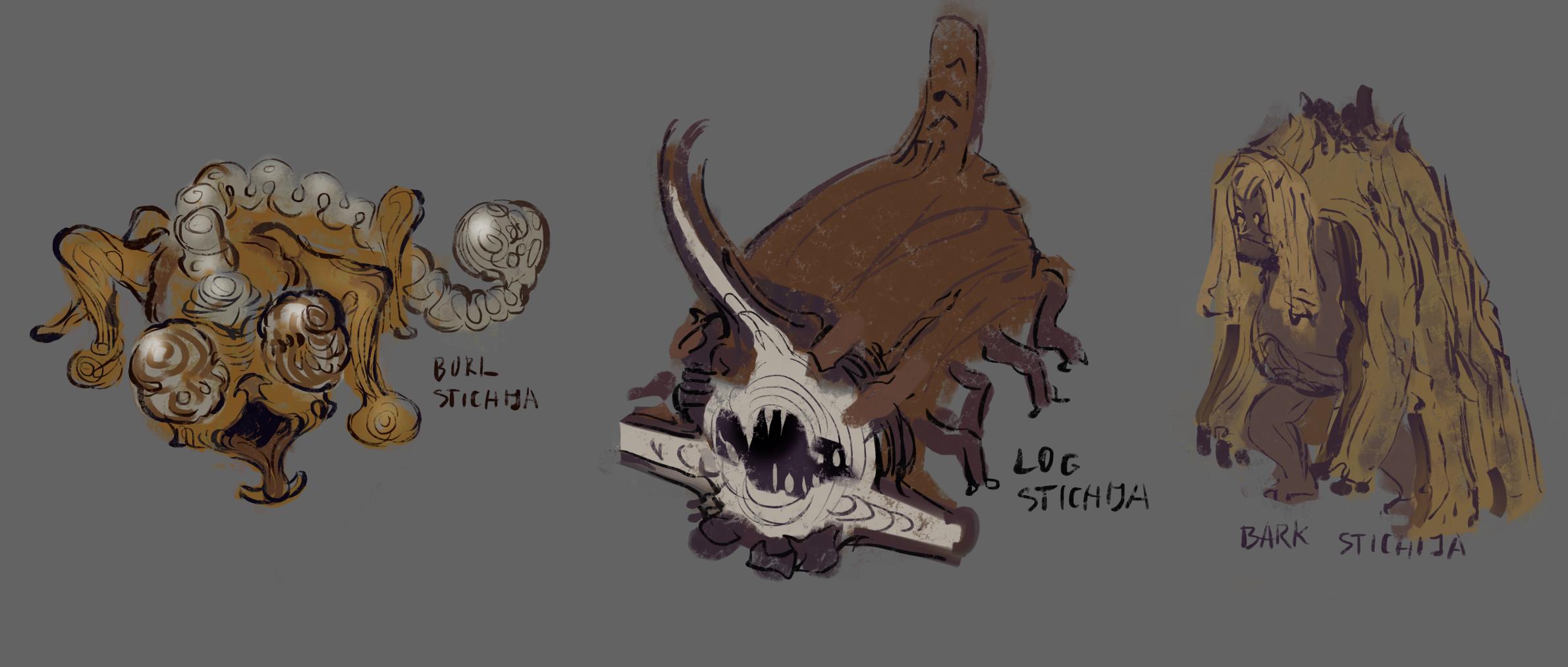
I finished painting the wood creatures from the earlier sketches. The names starting from the left: Bark Stichija, Splinter Stichija, Split Trunk Stichija, Branch Stichija in the center, Root Stichija, Burl Stichija and Rotten Trunk Stichija.


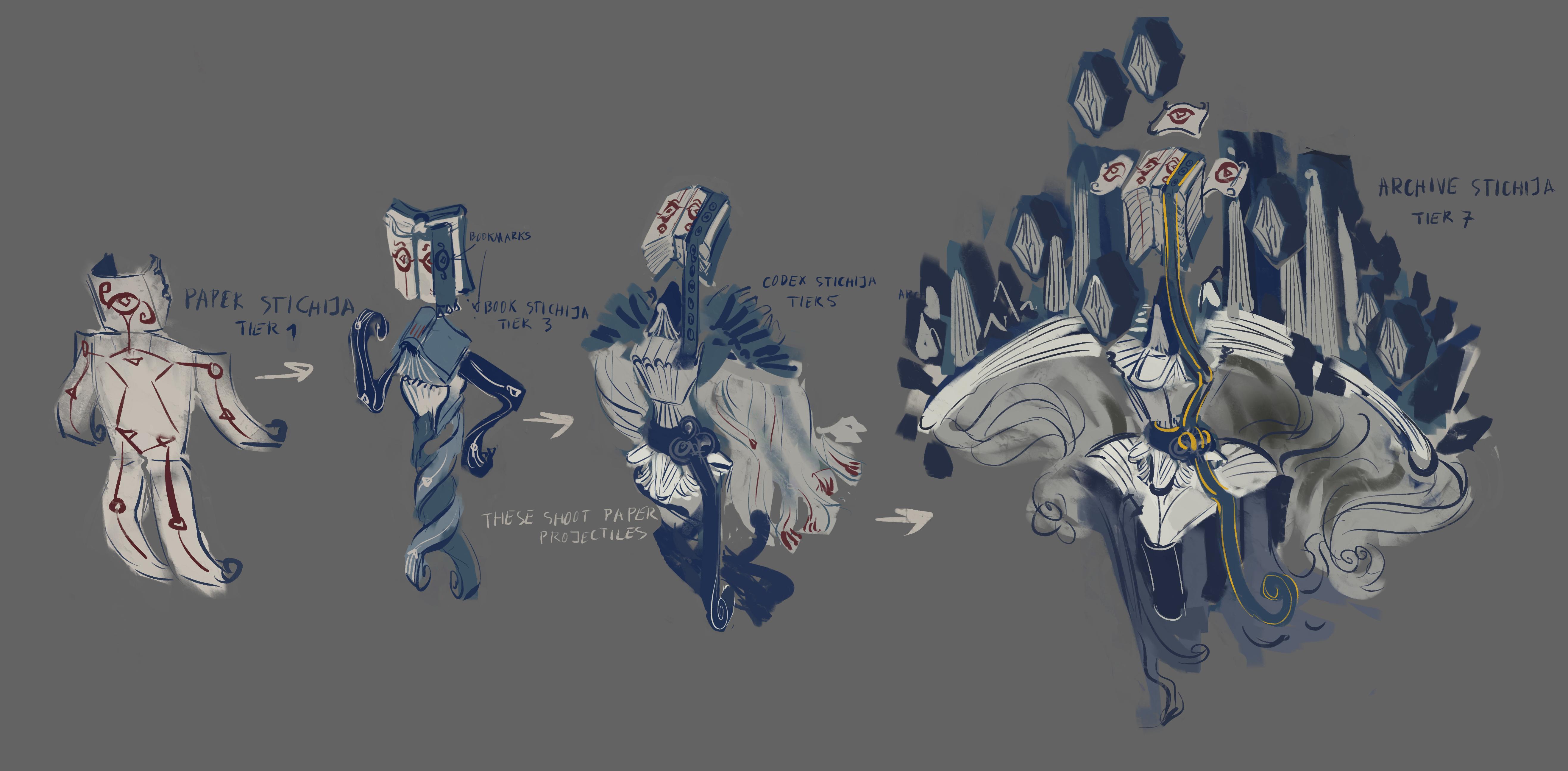
Also I had an idea to make the Paper Stichija monster from earlier into an evolving monster, here are my sketches for that:


Each monster has a tier assigned to it in the game, and a minority of monsters also have evolution lines. However, I want to have different number of evolutions in many cases and also some monsters might skip a tier instead of rising in them one by one. I think that would be a need little game mechanic to try to figure out which monsters do that and potentially get access to some more powerful/useful monsters quicker if you can do it.

In this case specifically the monster would evolve from Paper Stichija ( tier 1 ) to Book Stichija ( tier 3 ) to Codex Stichija ( tier 5 ) to Archive Stichija ( tier 7 ). Tier 7 is the highest  for now, but I might have some monsters later on that go higher.

Planning out the hub area- The Testing Fields

In the first devlog I briefly mentioned that the action in this game is supposed to take place in The Testing Fields – an area where all four major factions in this world with very different approaches to technology collide. The idea here is that, for example, while one of the factions is very fantasy-like, that’s actually just their approach to make advanced technology no single person understands more intuitive. So while the Robot Faction might have devices similar to smartphones, the Fantasy Faction would instead have the same functionality in special moving tattoos they control using speech resembling magic words. Everyone knows it’s not actually magic, but more like a coding language made more approachable.

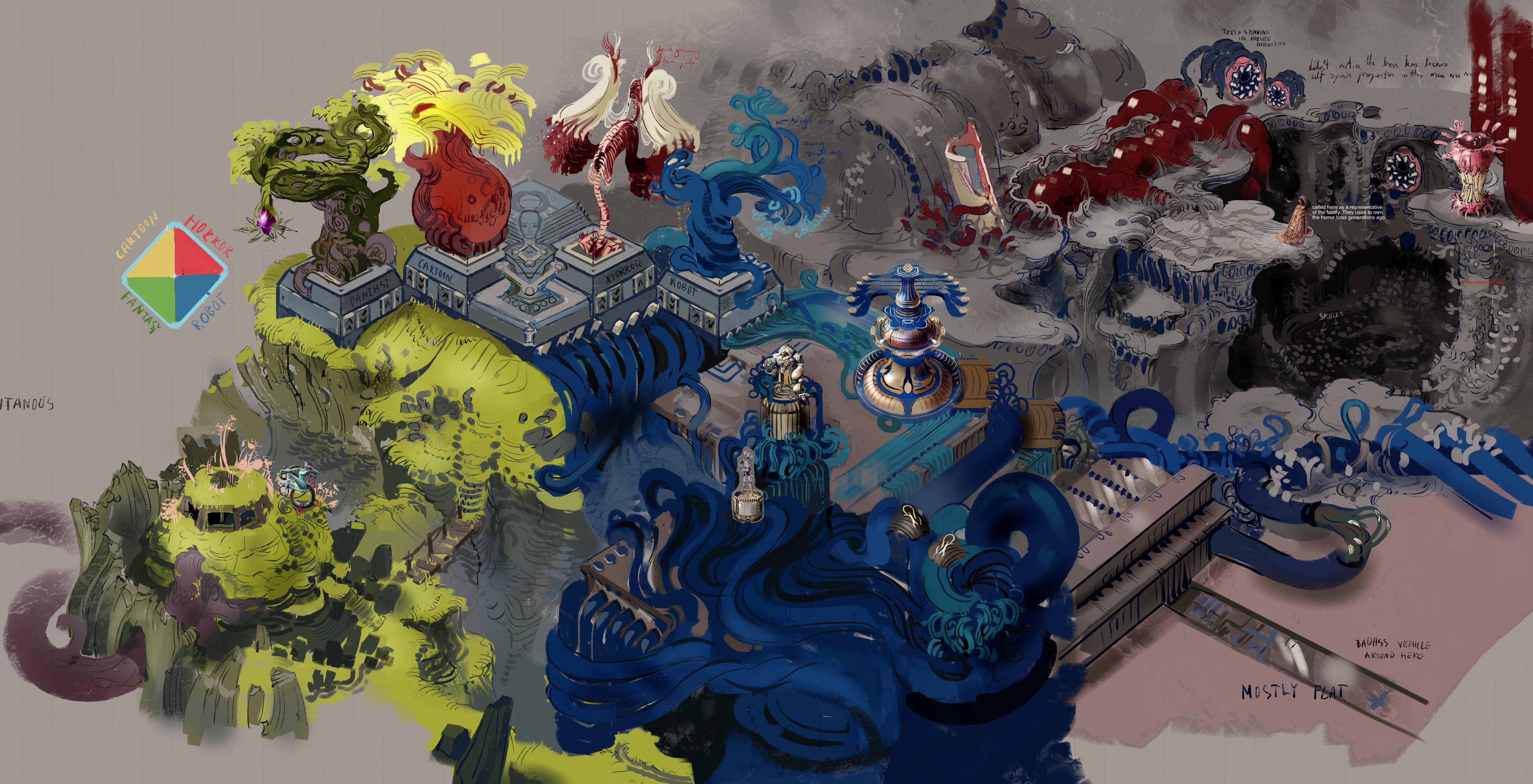
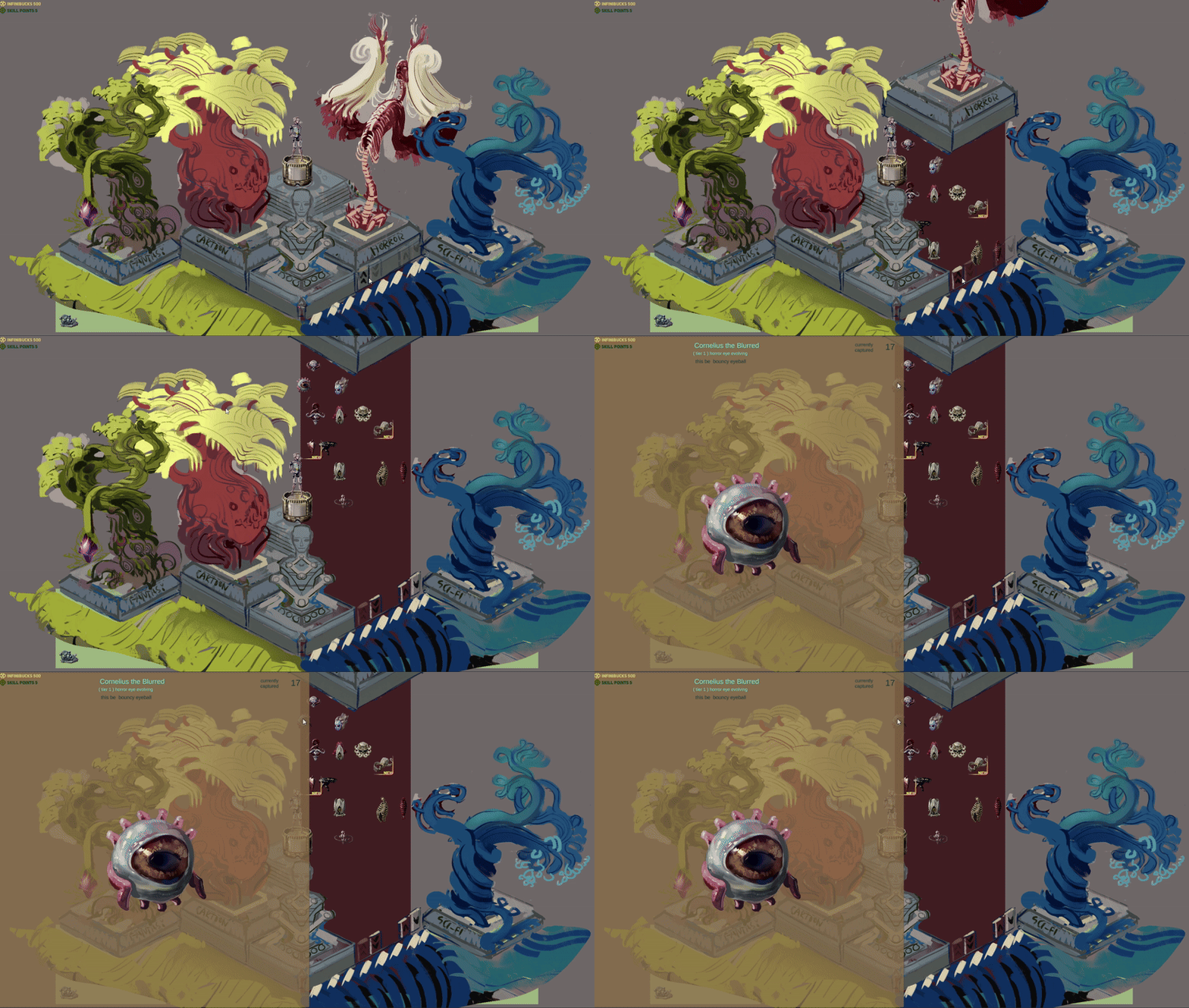
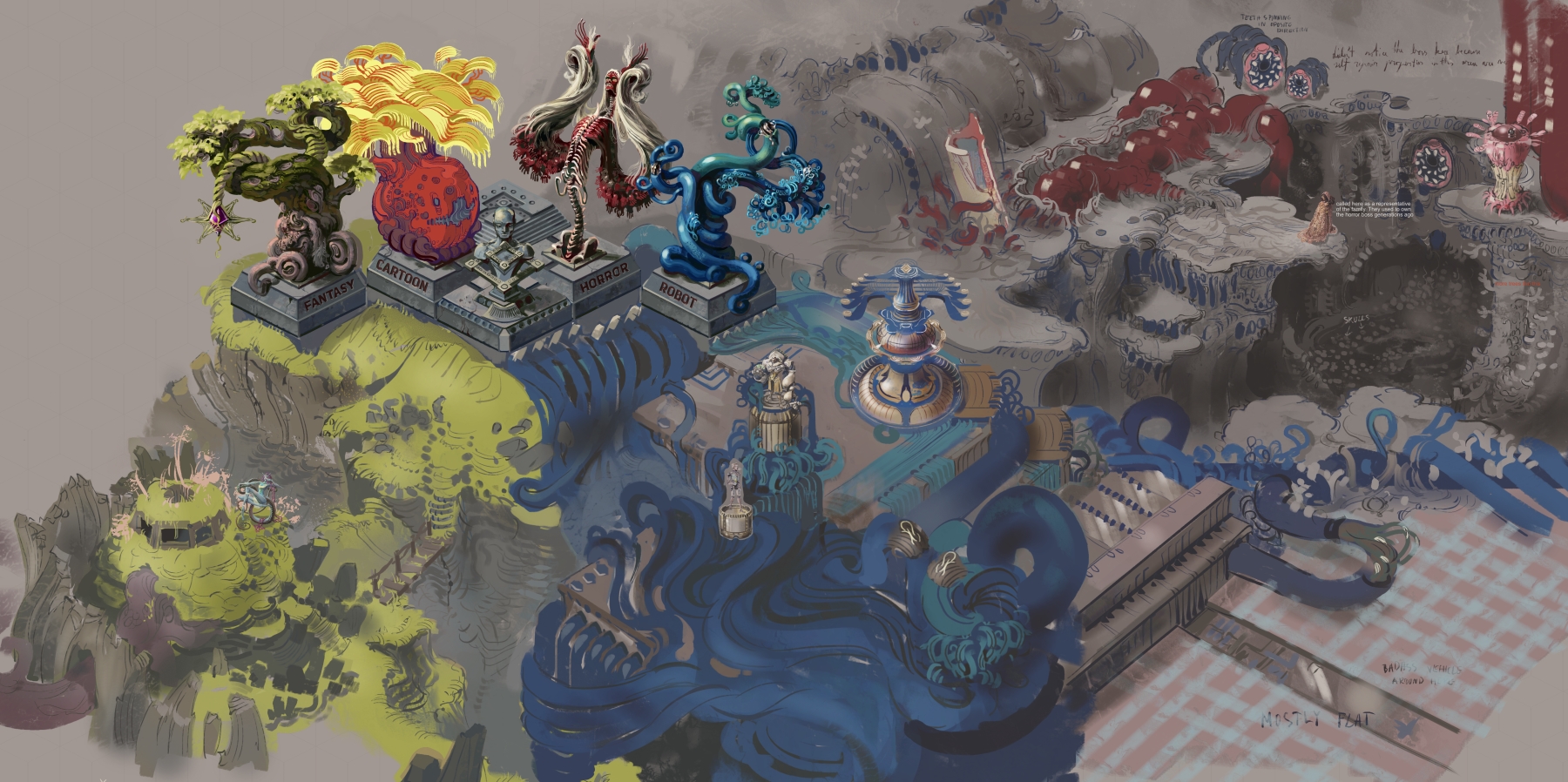
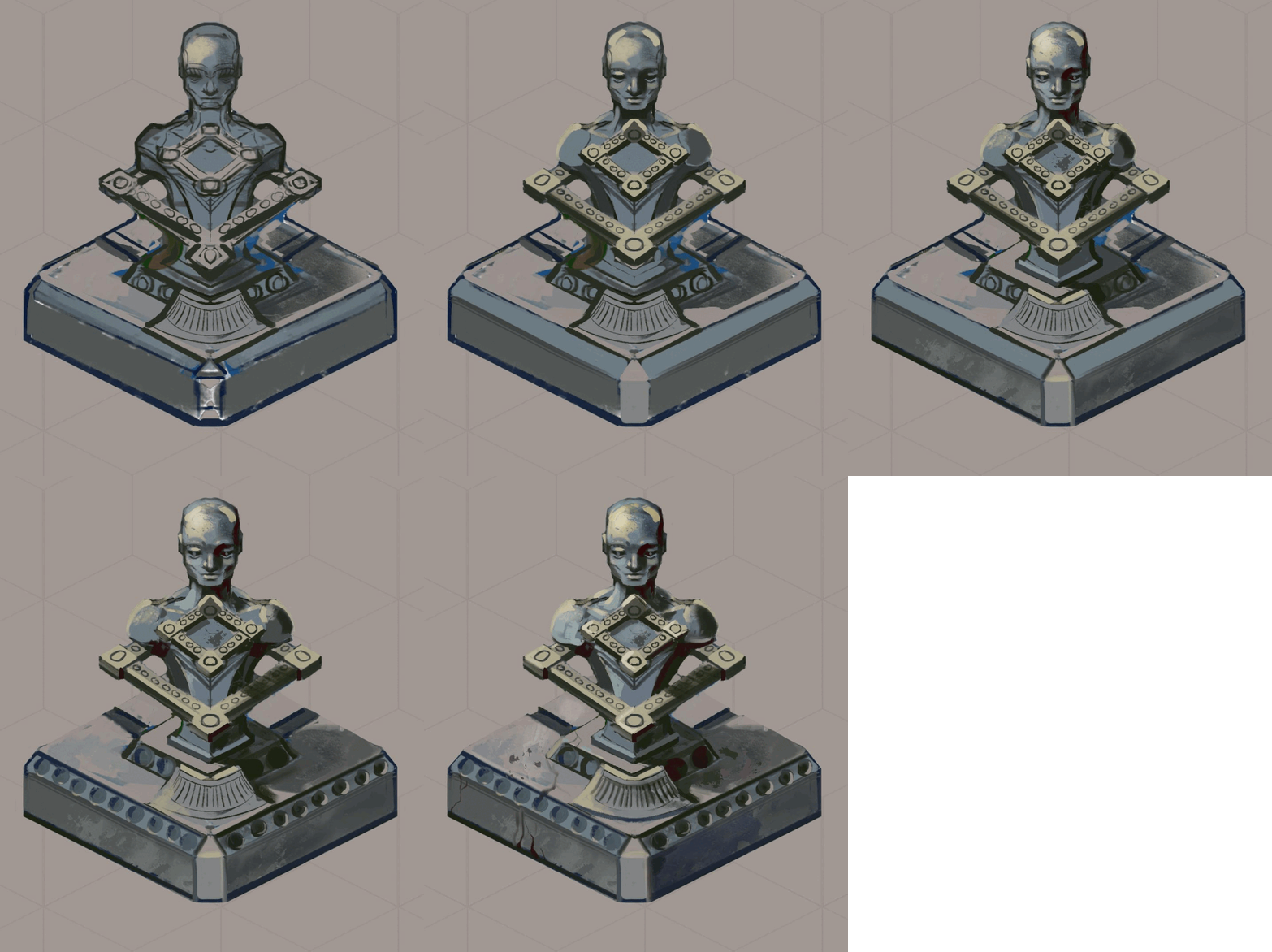
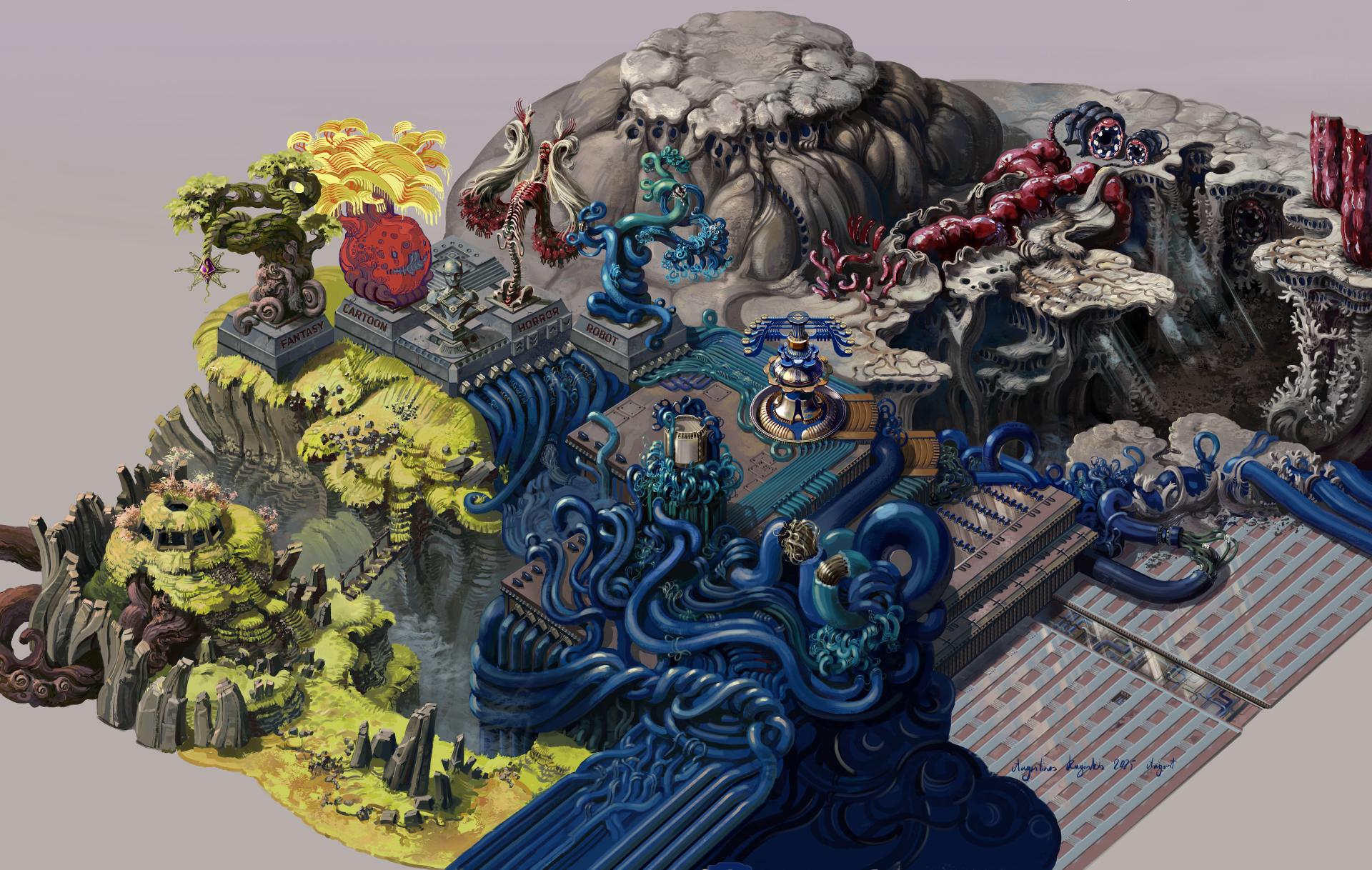
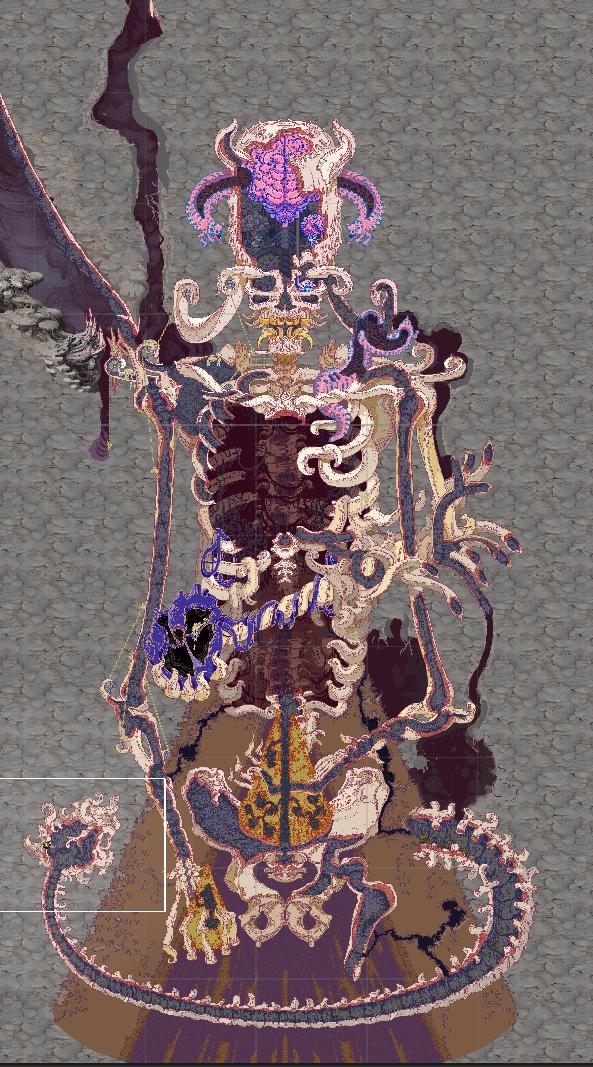
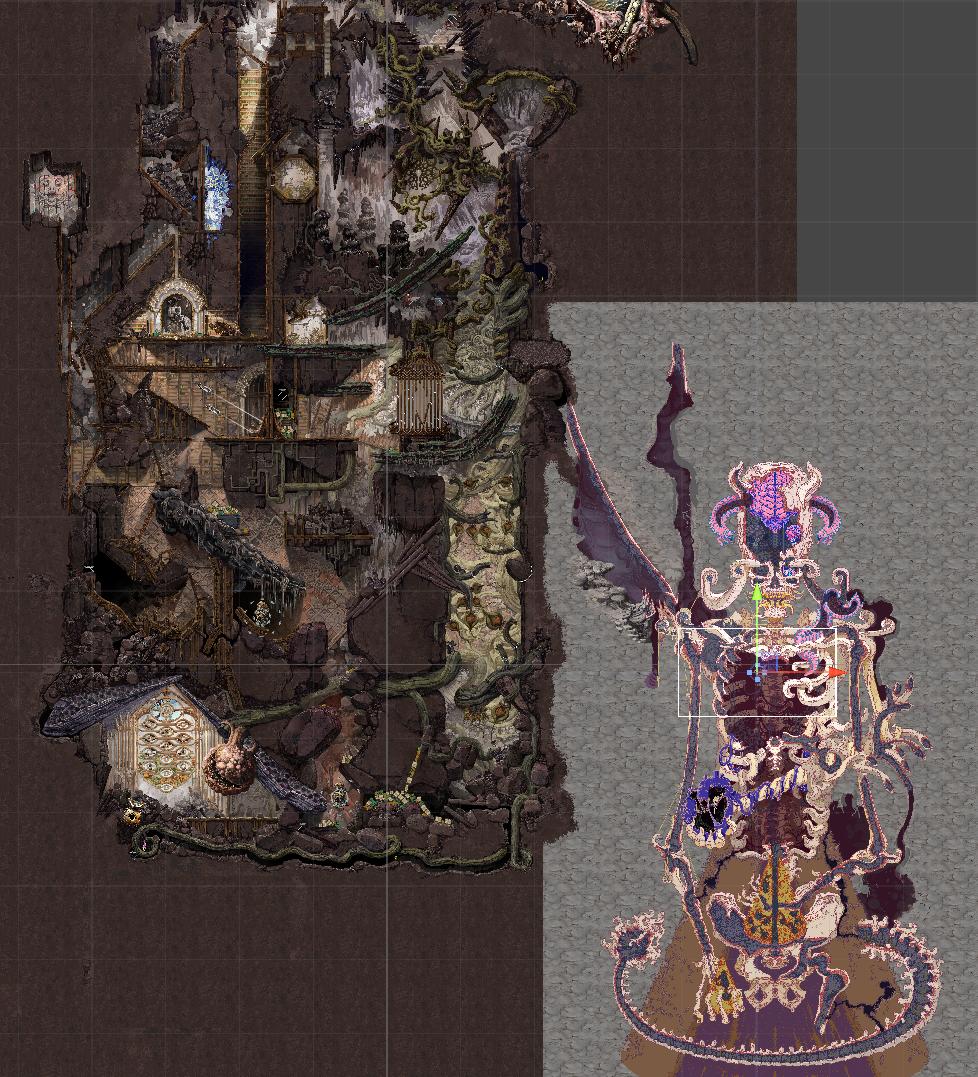
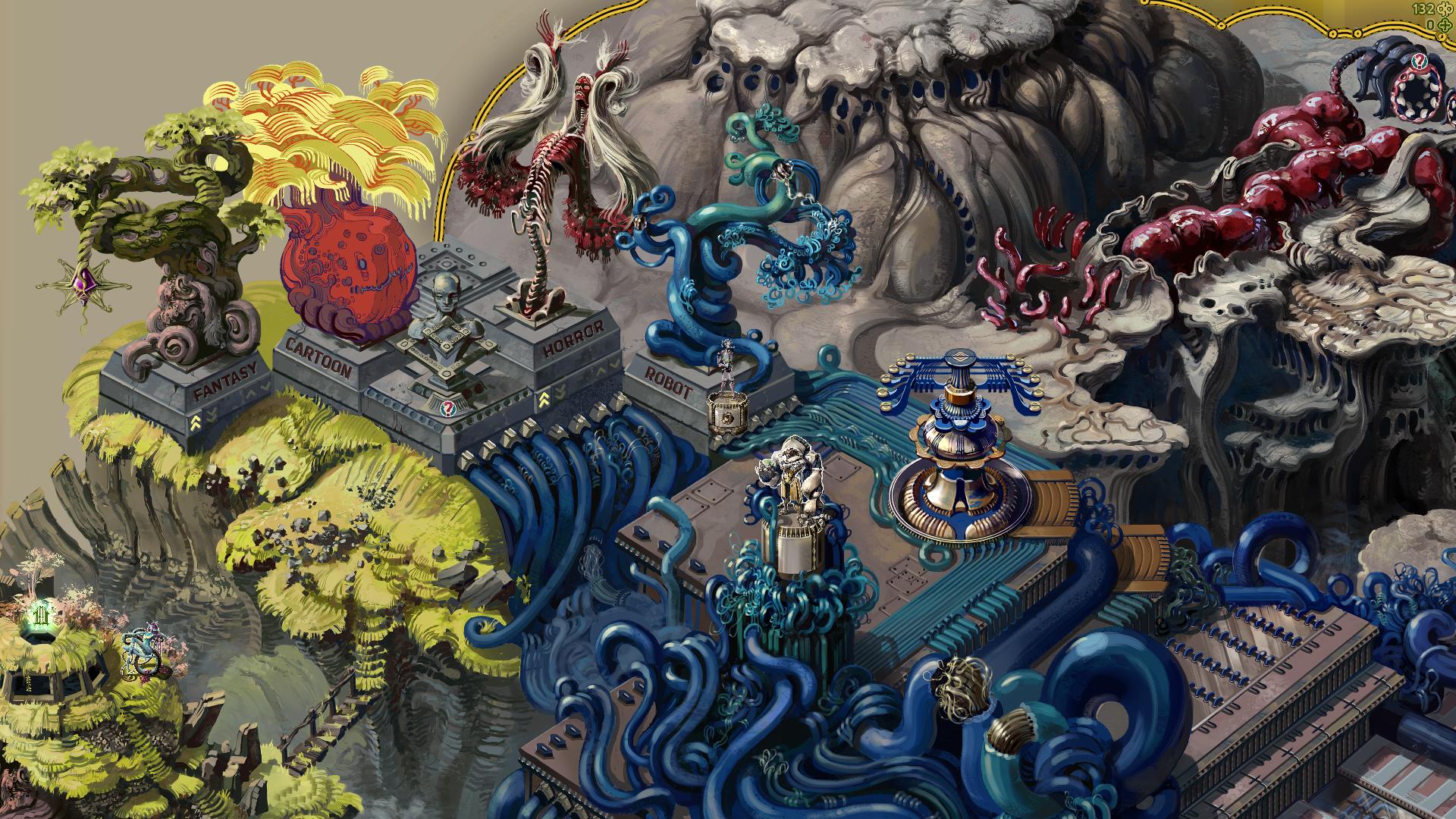
This is the sketch of Testing Fields so far, I’ve been slowly planning it out for a while now. Everything to the North East of the center monument is the Horror area, South East is the Robot area, South West is Fantasy and North West the Cartoon. I haven’t sketched that much for that last one yet. 


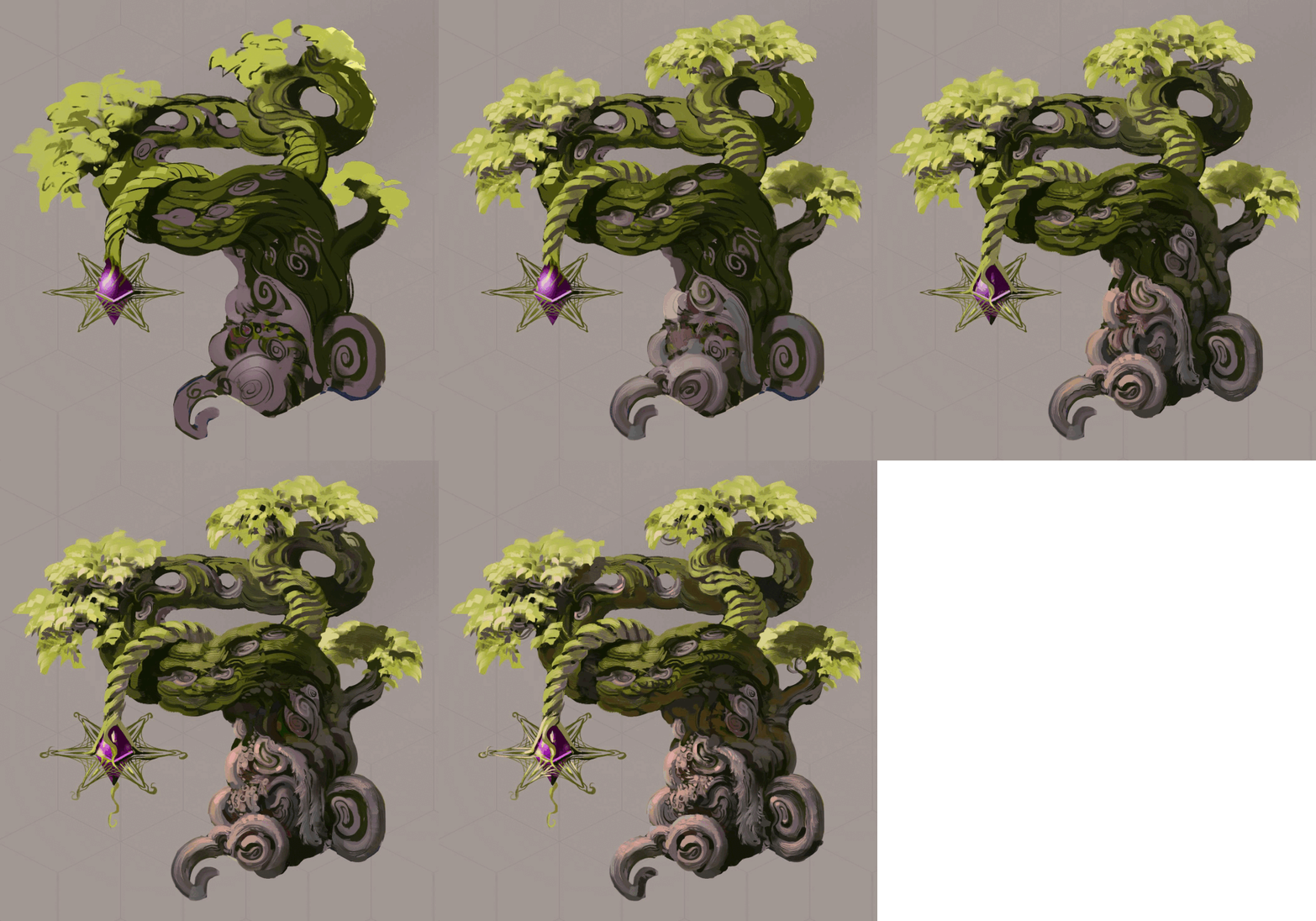
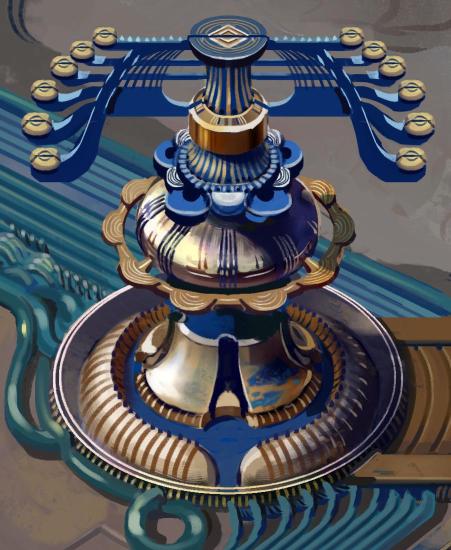
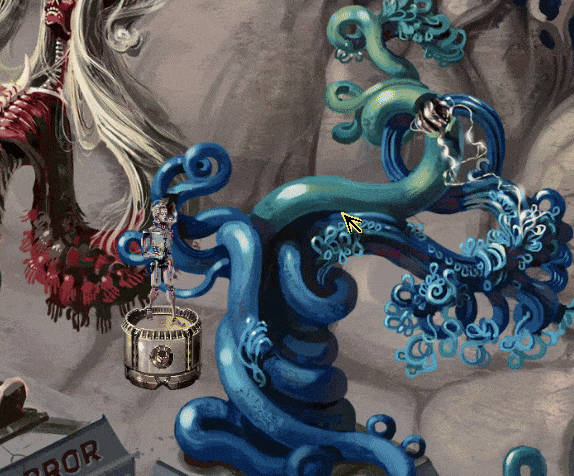
Even more precisely you start the game just next to the monument in the very center of Testing Fields marked by a small statue and a tree from each faction. The trees ( from left to right ) are to mark the Fantasy Faction, Cartoon Faction, Horror Faction, Robot Faction. 


Also the Center monument is where all the monsters you capture in the caves will be located. Each tree can be raised to reveal your collection of the monsters matching the tree and you can see more info about the monster here- its tags, name, how many you captured, some descriptions, maybe gameplay hints and such.


I have mostly horror monsters now, so I started with that tree. At a push of a button it raises enough to show all the monsters you captured and you can then raise the tree more if you want( I want to add slots here when I make the finalized version to show how many monsters remain and also to give some sort of indication which monsters have evolution lines).

The way this works is that I have all the monsters, even the locked ones in there already and before raising the tree, the code checks which ones are unlocked and shows only those. Then it raises until it passes the lowest unlocked monster by a little bit. I will probably make the center statue turn transparent when the trees are raised later on, I think it gets in the way too much. Also if I coded all that correctly then it should be fairly easy to make the other 3 trees work the same way too, but I might be jinxing myself there a bit, haha.


Anyway, there is a lot to plan out here and to make it as cool as I can, but here are a few other details:

You will be able to talk to the first NPC here, right bellow the center monument, giving you the basic rules of the game:


This will serve as the entrance to the first cave where you can send the drone and capture monsters. Also there will be another NPC here to explain the cave/monster capture situation:


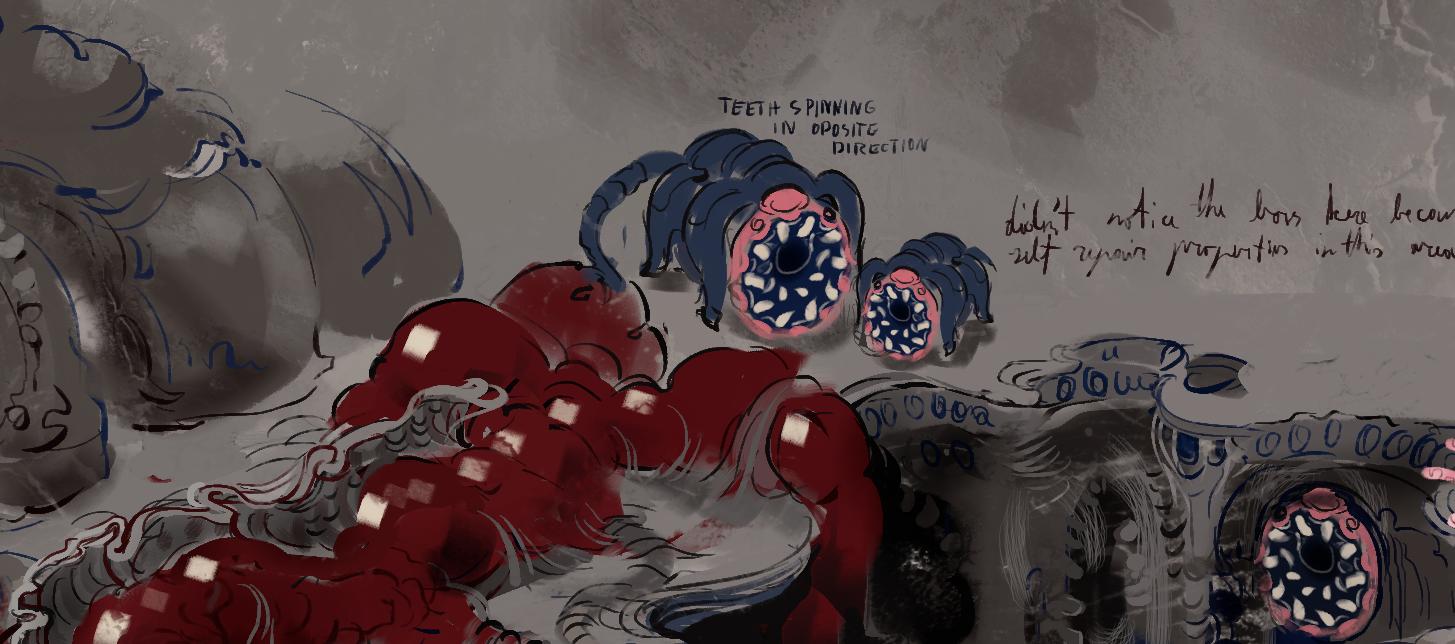
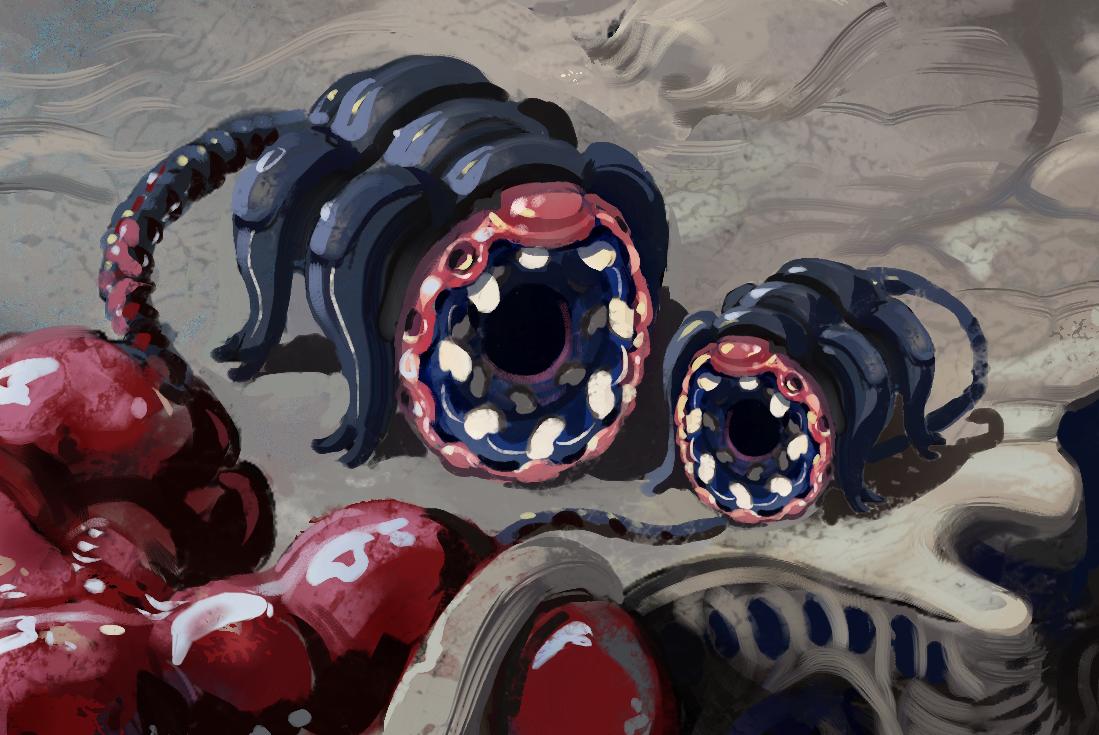
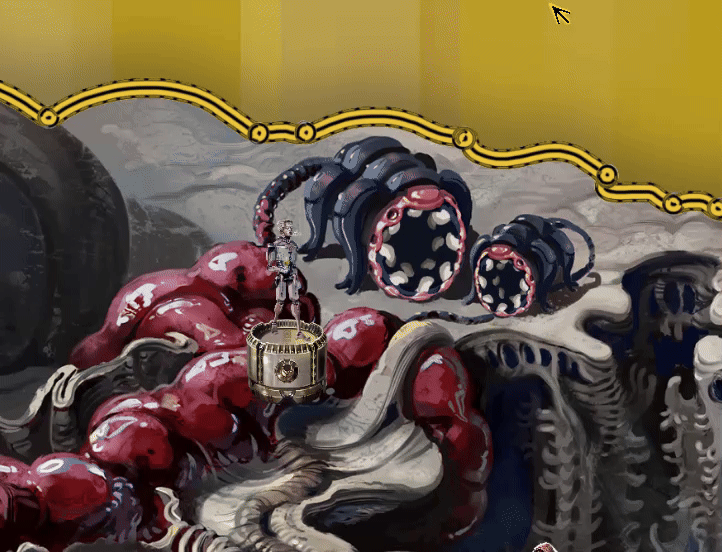
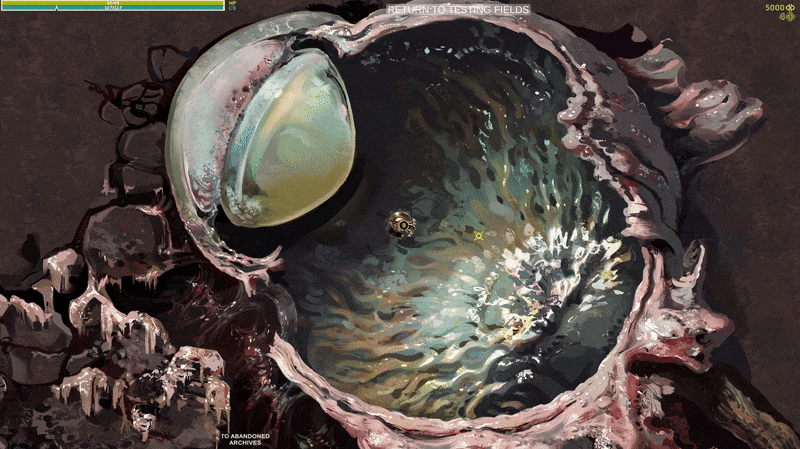
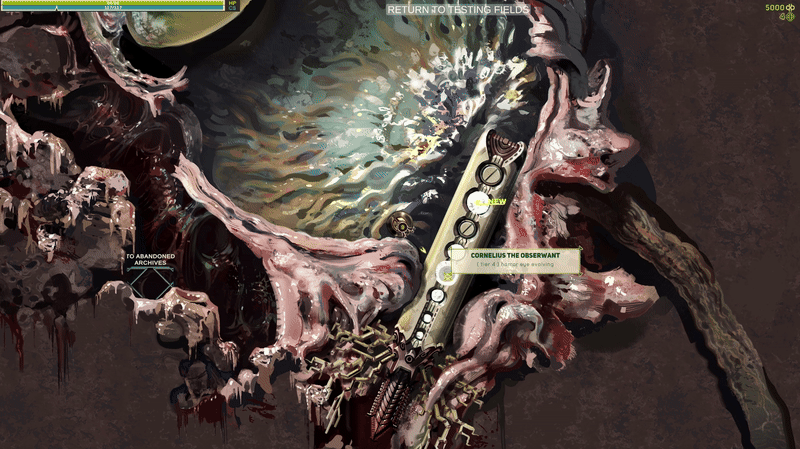
In the horror area I have these digging monsters which can’t be captured, but serve as a little bit of world building. They are connected to a giant artery/intestines to quickly get rid of the dug up materials they chew up. I want to add a little animation to have their teeth spin like some living tunneling machine and also I will be adding little optional notes to explain that. I want to add a lot of little things like this, because it’s fun for me and because I think it will help to make the mismatched and strange area feel a little more believable


(1 edit)

More about the hub area, a little bit about character design and naming conventions

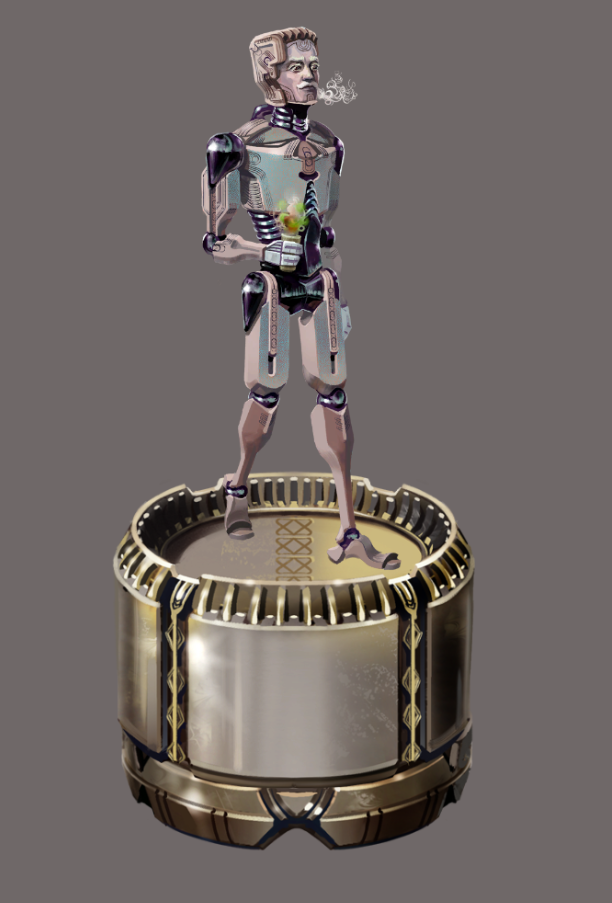
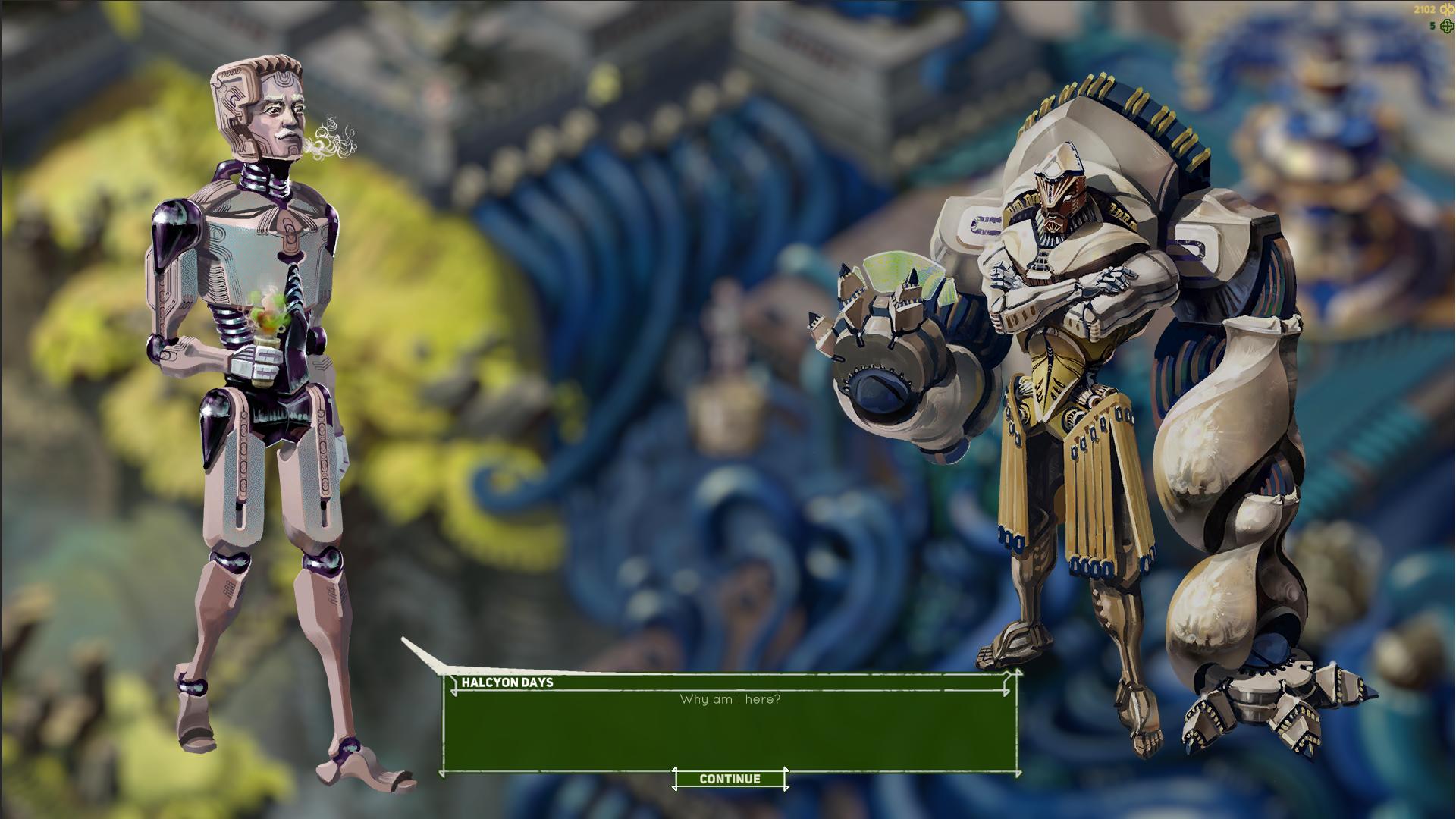
So while in the caves you control a little robot drone, in the hub area – the Testing Fields you will be controlling a cyborg man floating around on a mechanical Control Platform. This means you will play as him when interacting with NPCs and when fighting bosses. The cave Drone is supposed to be piloted remotely by this character and I will at some point make a little animation where a drone is released from this platform whenever you want to enter a cave area.

The idea for this character is that he’s a human currently occupying a very basic cyborg body. I designed it like that because I wanted to add unlockable customization clothing/body options for him, though I will leave that idea for later for now. I do know I can make it from the technical side of things, but it is quite time consuming. I had quite a lot of character customization in Human Upgrade Labs, my previous game. 


I’m thinking of naming him Halcyon Days. I have different naming schemes for each category of monsters/characters. So for now the names work something like this:
Fantasy names: must include a Lithuanian word( excluding Lithuanian only letters, I don’t want to torture people) e.g. Branch Stichija

Horror names: a somewhat normal name + “the” + something edgy or fancy. E.g. Cornelius the Judgmental Gaze.

Scifi names: basically just bad band names, haha. E.g. Halcyon Days or Glorious Sycatrix. I will stick with somewhat possible names for characters, but I want to go really dumb with these for monsters. Cause why not.

Cartoon names: still figuring this out, but probably 3 or 4 word names, each word starting with the same letter.

There’s no real reason for these, it’s just nice to have some sort of theme to make it easier to come up with names, especially when I need a lot of them for each monster and I chose something I like. I named all characters in another game ( Dream Mechanic) using references to various UFO encounters but it took some serious digging to come up with 25-ish names to go with that theme.

I honestly think Halcyon Days sound kinda cool. It’s an old expression basically meaning the good old days and also I first heard the word “halcyon” in an electronic song called Halcyon Plus On Plus On, or some such, by Orbital, and it stuck with me.


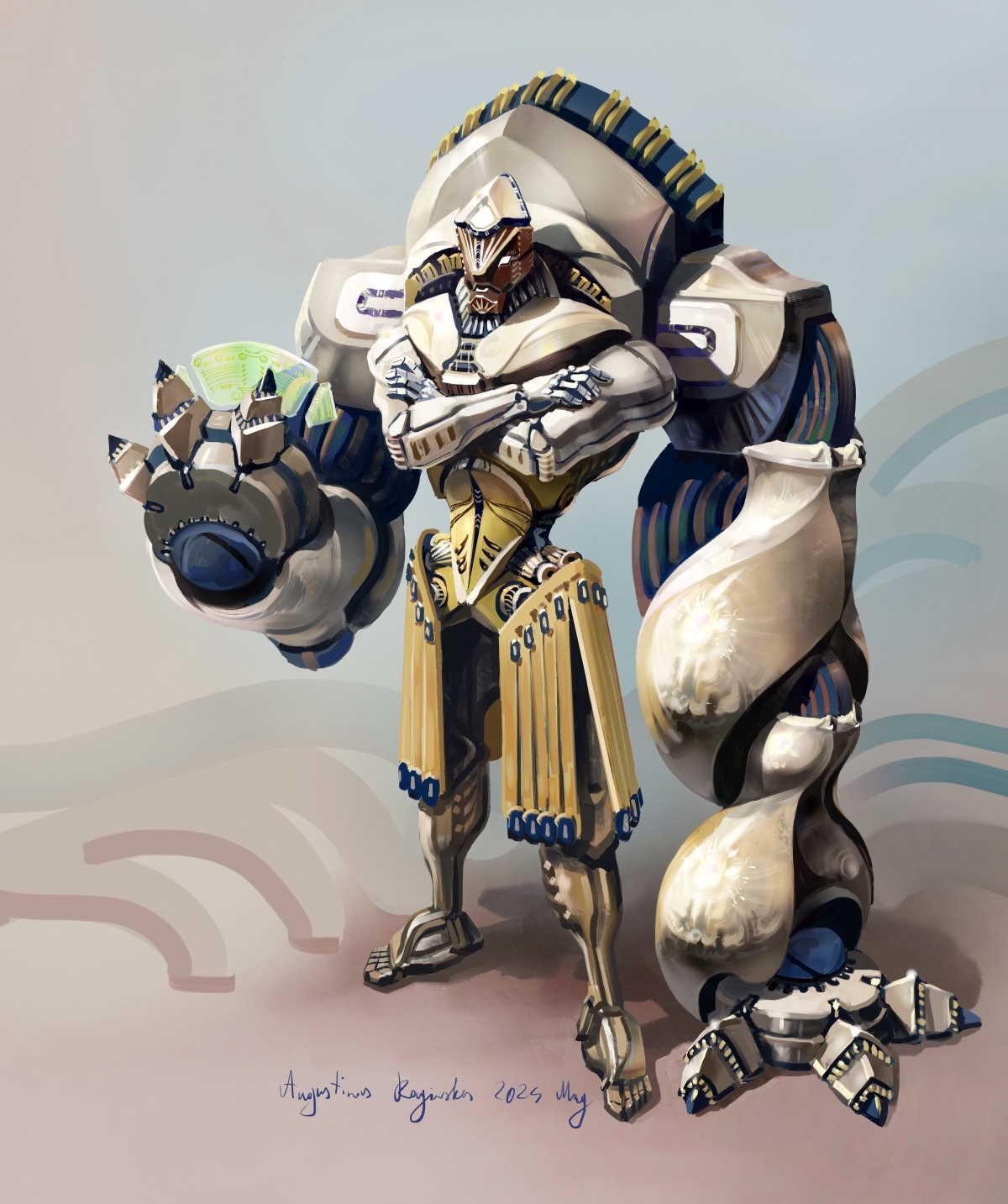
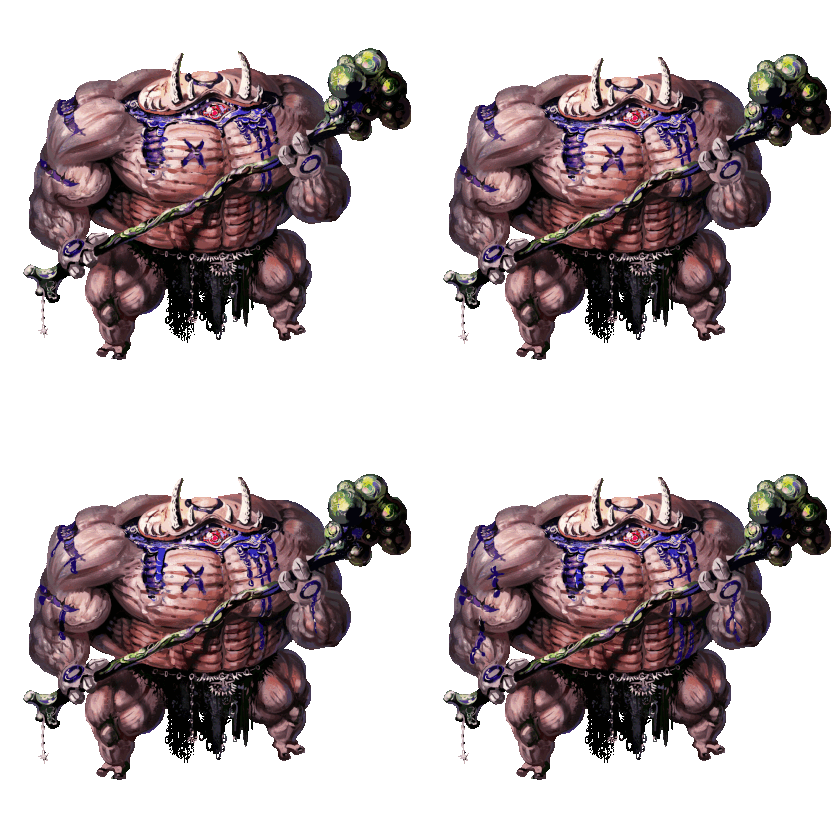
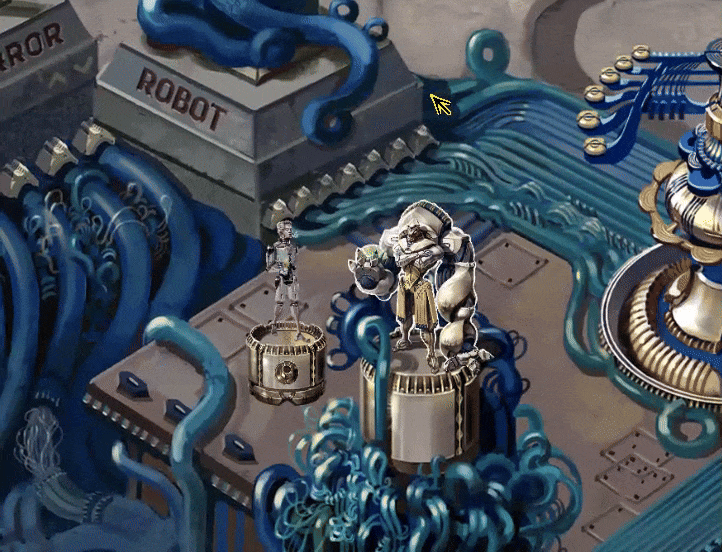
And here is another character I designed a while ago. He is supposed to be the first NPC you encounter explaining some of the basics and I imagine him kinda like an old colleague of the main guy, just more serious( as opposed to the more casual and a bit apathetic main dude) and more into massive cybernetic, bicep heavy enhancements. I’m calling this guy Evergreen Dreams:


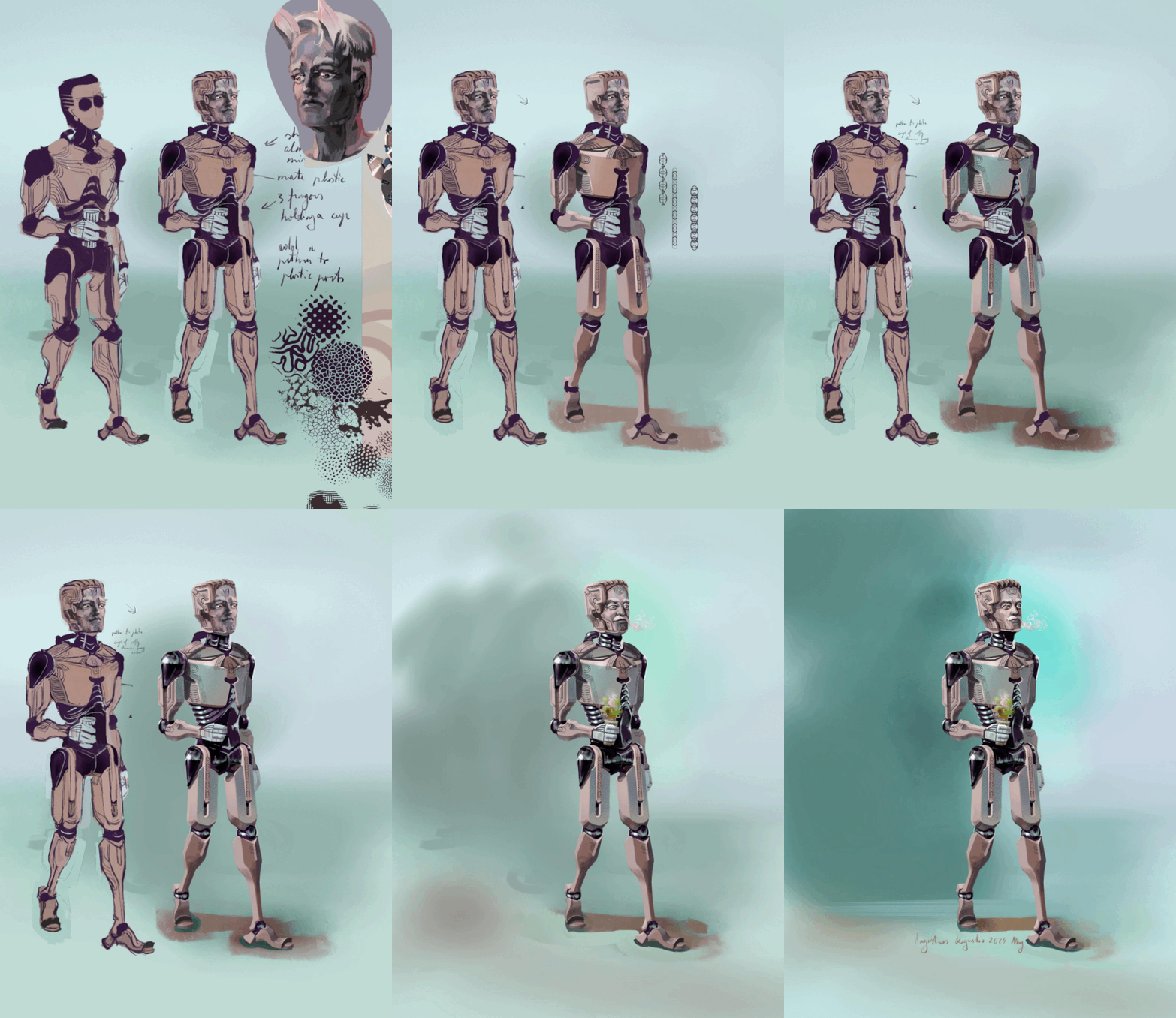
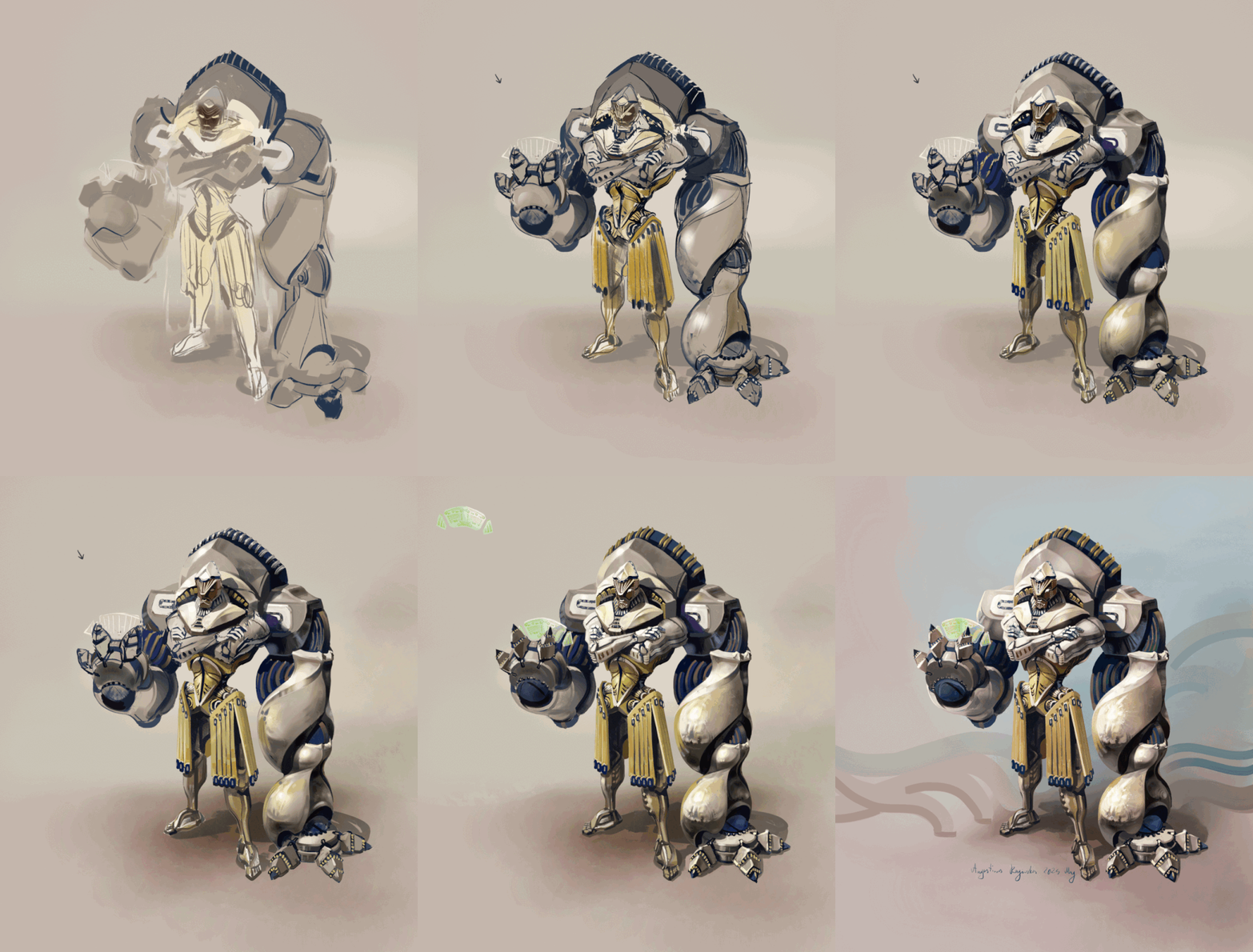
Also here are a couple of gifs of how I painted the artwork for these. I designed both months ago actually, so I have uploaded those to my portfolios and such already:


Does anyone else have some unusual methods for naming things, I’m curious?

Level Design

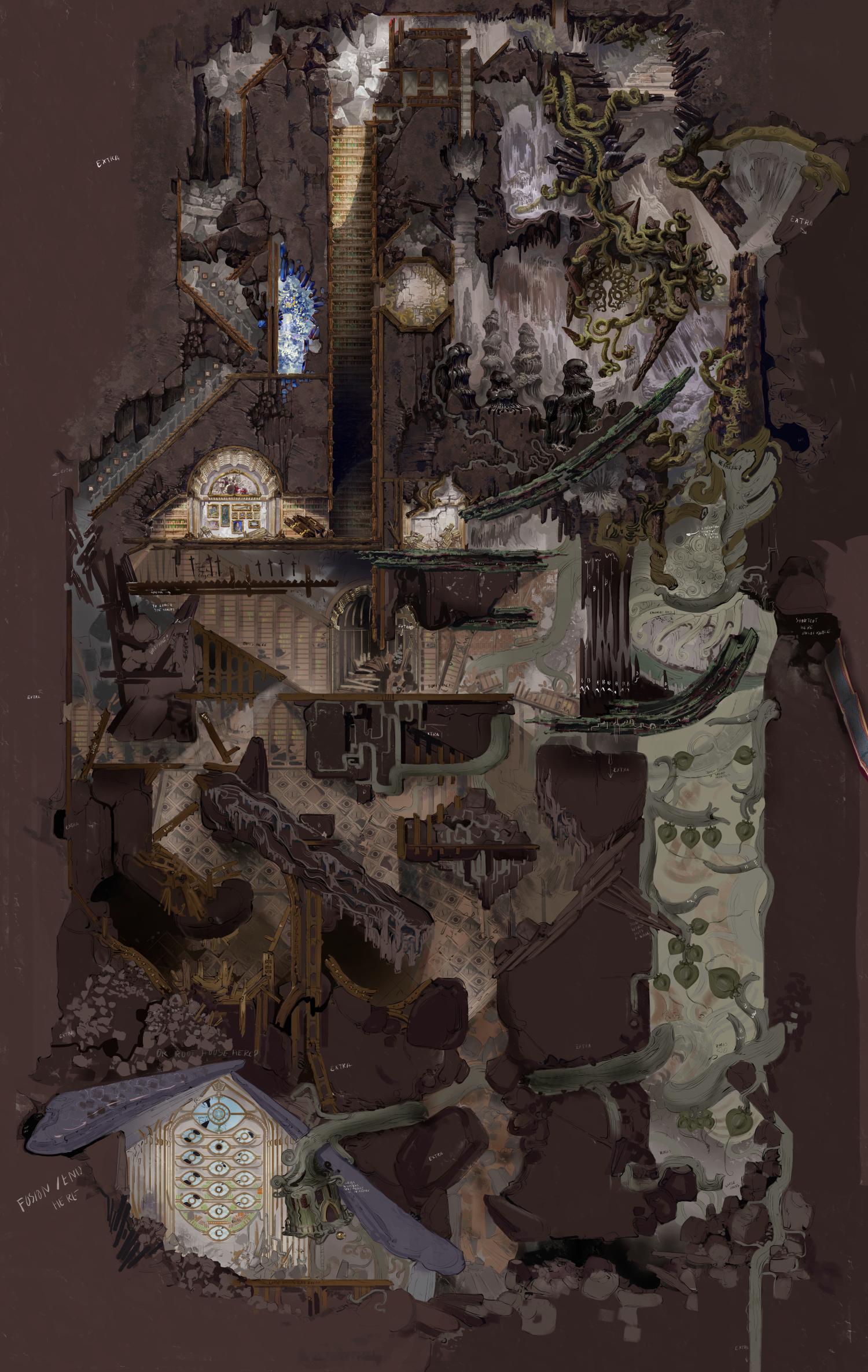
I showed off a partially finished cave level before called the Abandoned Archives and now I have been trying to complete it.


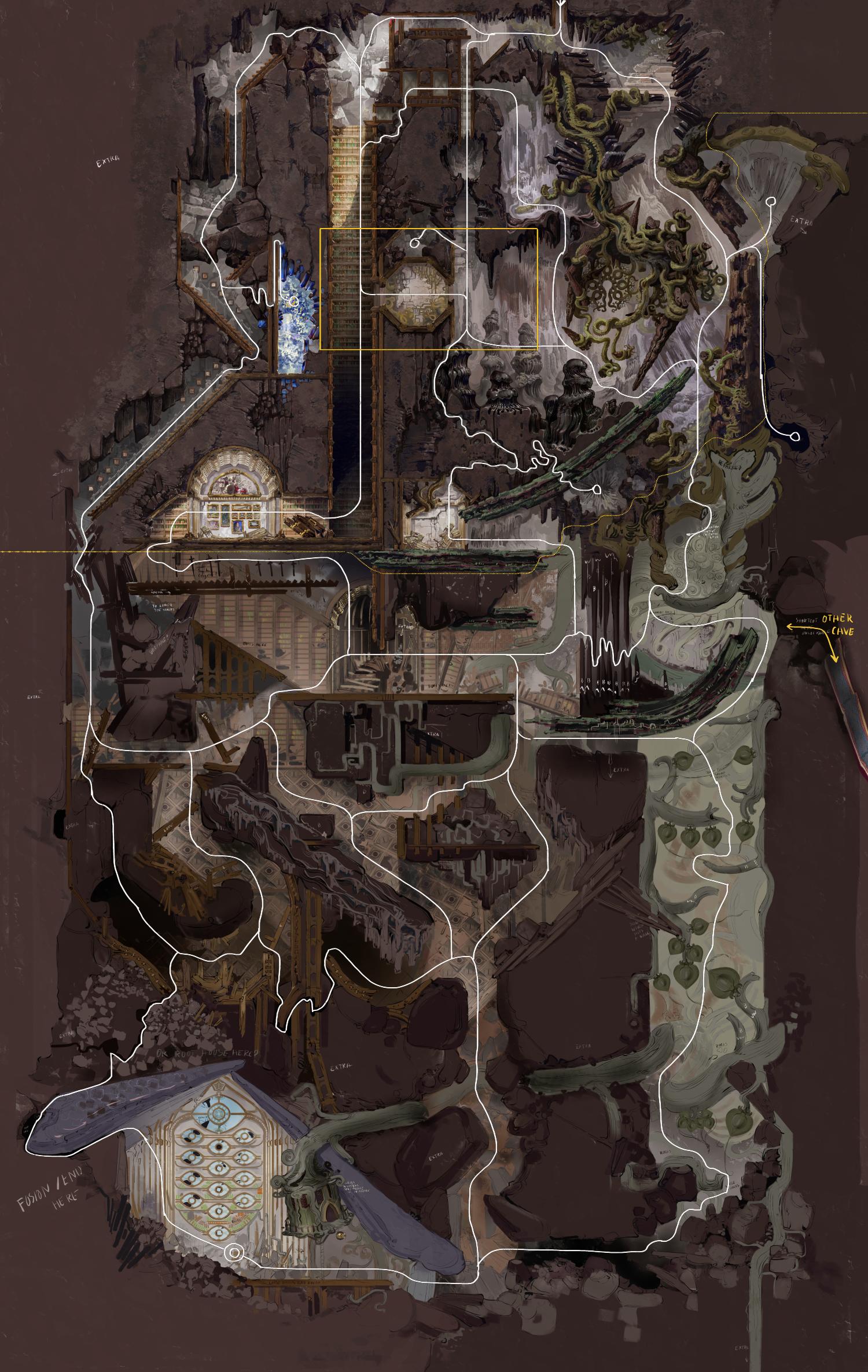
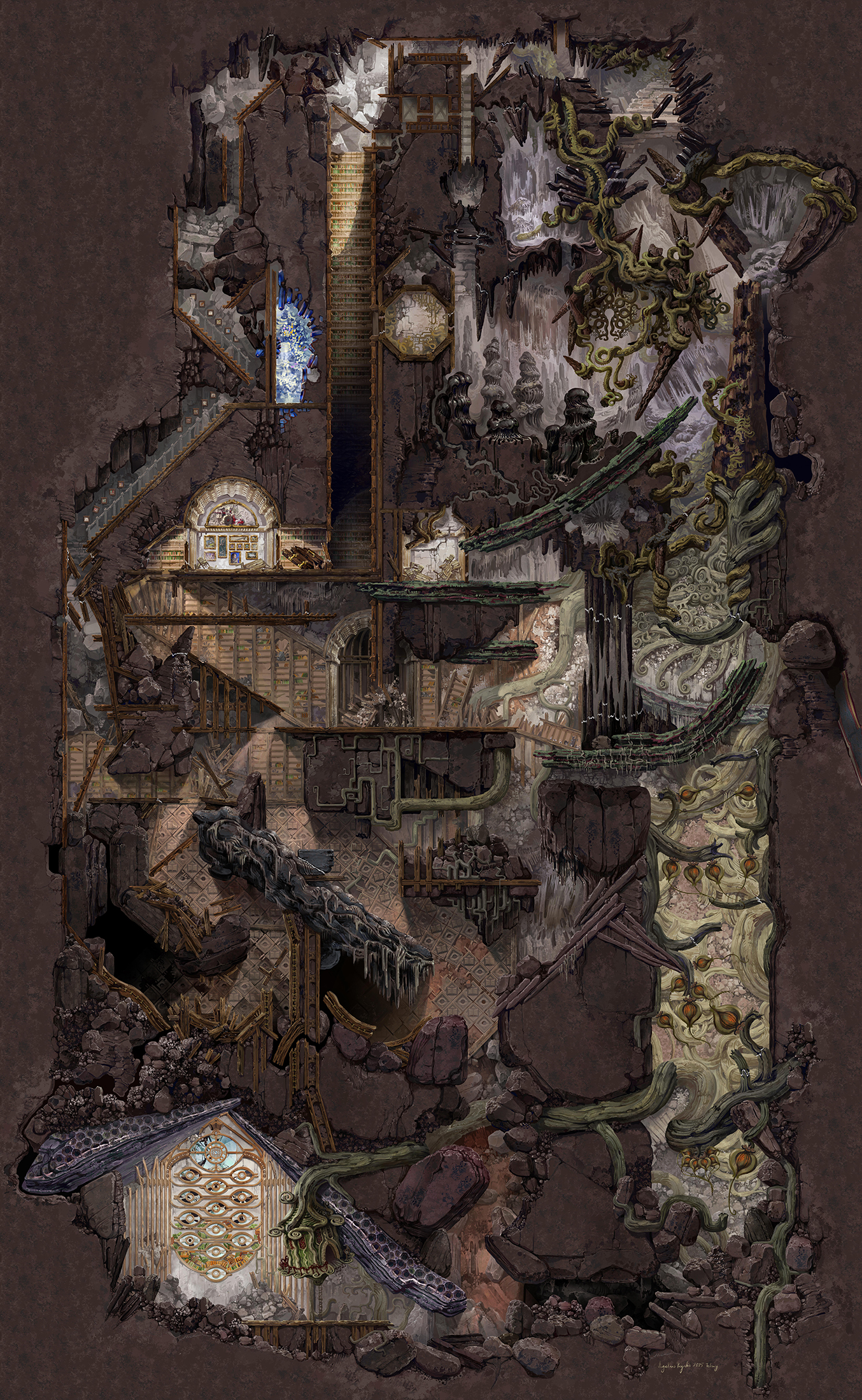
The point of this cave is to explore and to find and capture different monsters, so I don’t want to make it a single path towards the end. I added multiple branching paths that all eventually lead to the end of the level at the bottom left and you can use any of these or even all of them, depending on how you want to play. The white lines mark all the possible passages and everything bellow the dotted yellow line are the new parts I recently planned out. I will also need to place something at the end of the level to mark the spot where you can finish the level or continue exploring. I want to make a simple crafting system where you can upgrade or exchange the monsters you captured, so most likely a device for that will go there.

I have been painting the final version of this cave for a good bit already actually( I kept forgetting to upload this sketch) and I already spent probably around 80 hours on that. A yellow rectangle marks how much of the cave you can see in a single screen, so I think it’s gotten quite large. It’s a lot of work, but I’m quite close to completing it so it’s somewhat manageable. If I painted every little bit completely from nothing than it would likely be way too much work to complete anything in a reasonable amount of time( by reasonable I mean before I get bored or burned out), but I am reusing smaller parts of the environment quite a bit. I copy and modify parts to make it not obvious and paint from scratch where that’s unaplicable. I think this approach works quite well, I can put a lot of variety in these levels and not be limited with a strict grid like I would be if I used a tileset.

The next thing to do will be to add randomized extra rooms to really expand on the variety, I want to level to be replayable after all. I left some spaces in the level where those can fit and also quite a few of those will go around the sides. Note sure how many of those I will be including yet, but I definitely know I want to have that mechanic.

On the right middle I have an arrow marking passage to another cave. That cave is still in the concept stage, but overall I think it would be cool to have all the levels I add in the future to connect to this one, so you have larger and larger single area to explore, as opposed to several separate levels. At the beginning only the Abandoned Archives will be unlocked, but you will be able to permanently unlock the connection between caves if you enter that passage from the other cave, once that’s available.

Rock Elemental Monster Sketches

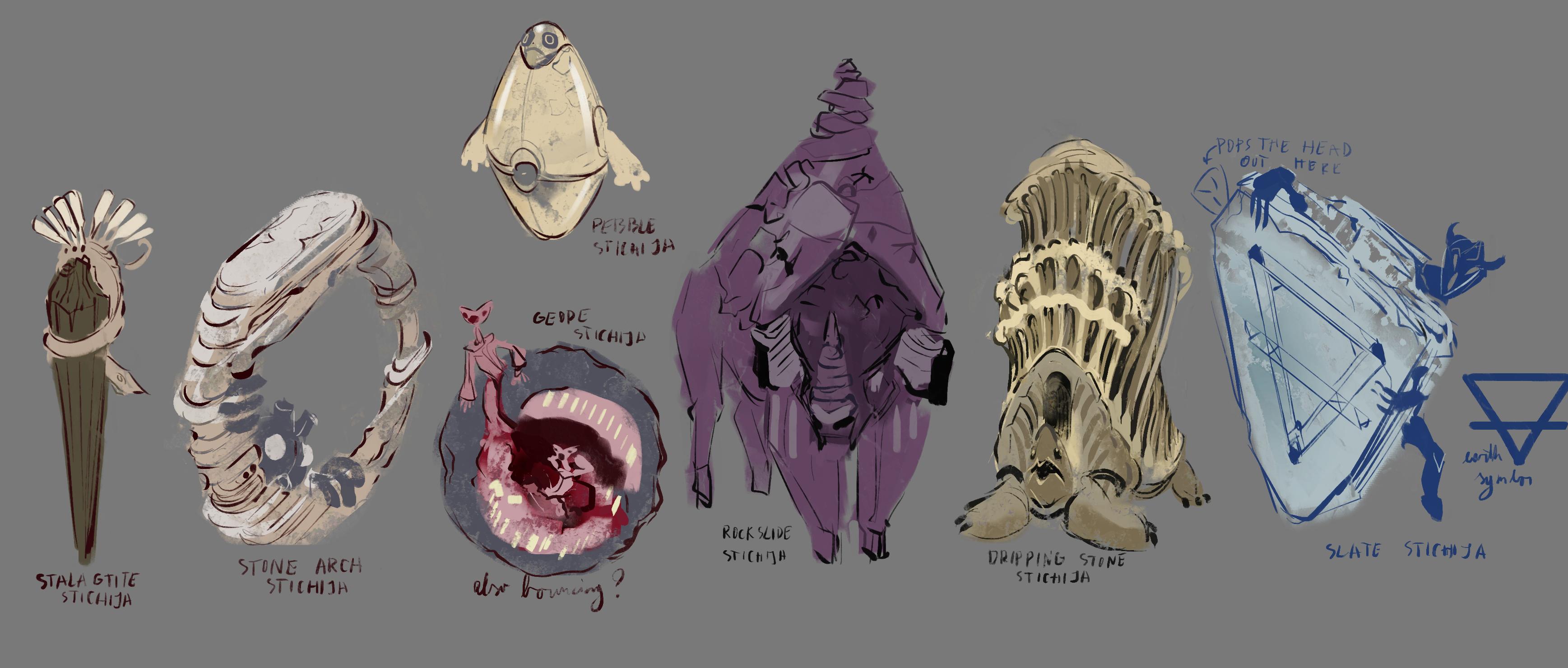
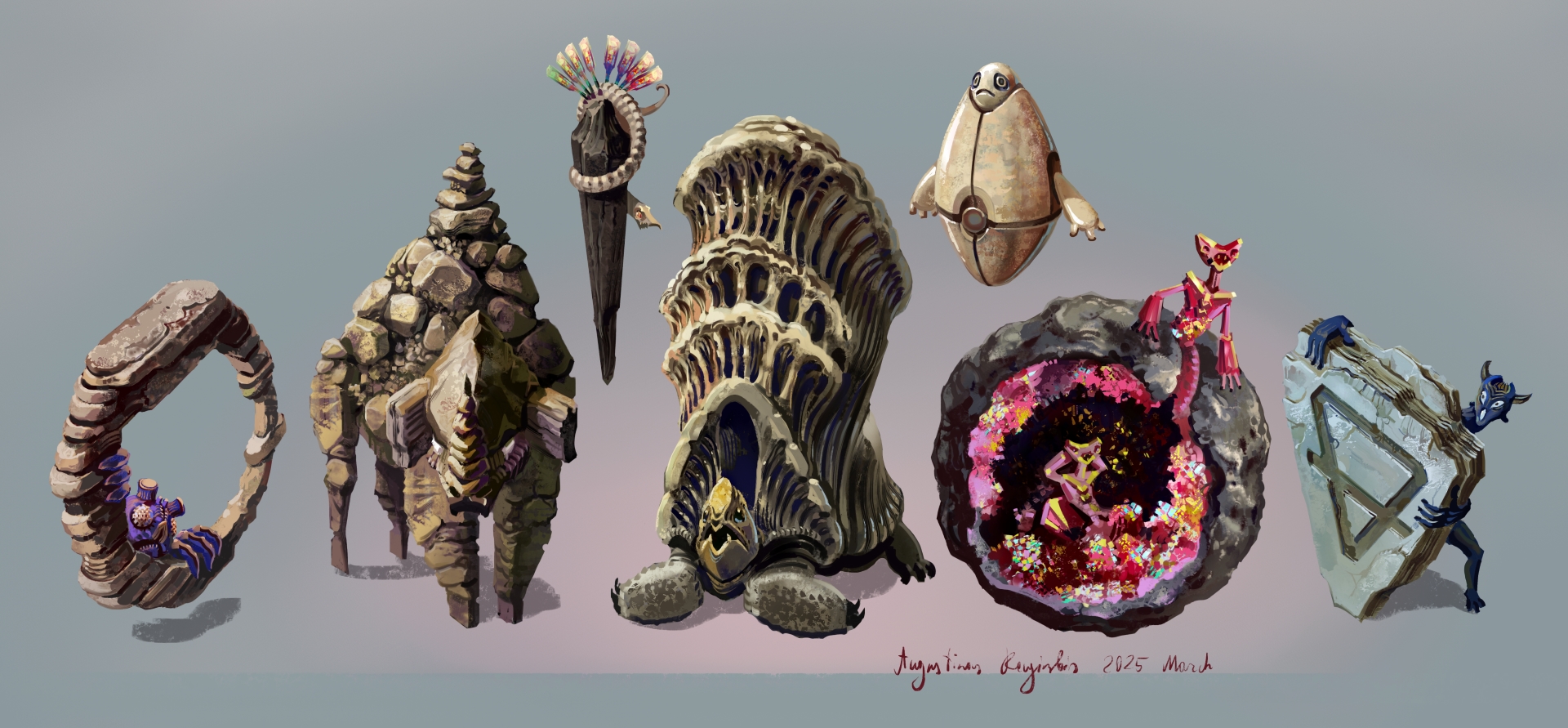
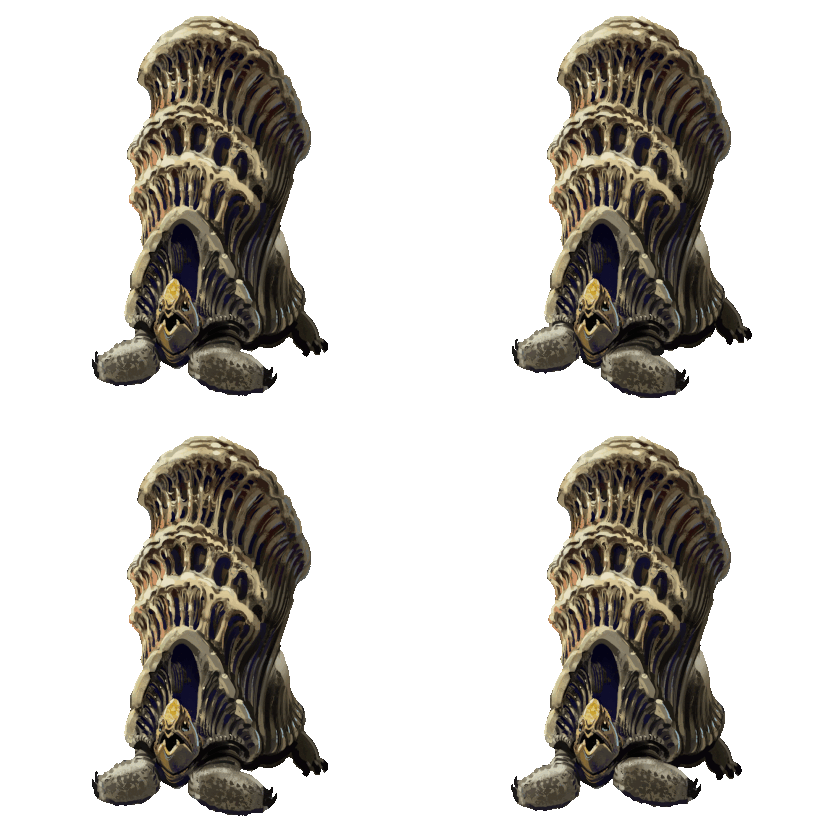
I like to switch between working on different aspects of the game, so I took a little bit of time away from painting background for a cave level to sketch out some more monsters. I knew I wanted some more elemental monsters after working on the paper elementals, so this time we have some rock based ones:


The one on the left disguises itself as a stalactite and charges the player if he gets close enough( should be easy to incorporate that, I essentially already coded monsters to do something very similar).

My drawing program crashed in a new and exiting way just after I sketched out the bull looking guy in the middle and deleted a whole layer full of stuff, so I ended up redrawing it. Luckily I had a backup for most of it and I only lost that one sketch but now I’m paranoid.

The turtle has stone structures on it’s back similar to what I saw Carlsbad Caverns in USA. They have some really strange and cool rock formations, so I wanted to use something like that for a monster for a while. I should make a rock jellyfish, now that I think about it, those rocks already look like it.

And I wanted some sort of symbol to add to the slate guy on the right, so I ended up googling an alchemical symbol for Earth. Unfortunately there doesn’t seem to be a symbol for Rock or such, but it’s close enough.

I showed a sketch of this critter a while ago and here it is now finished. I think the design is fancy enough to make this the highest tier monster from the fantasy themed monsters I have so far.


Abandoned Archives level art is finished!

I showed of around third of this before, but now the first level artwork is done!

I worked on this in several sessions and drew other stuff in between of course, but overall just the painting of this took around 150 hours. Luckily integrating this into the game engine, adding all the colliders and such is much faster.

I'm actually quite happy with this and the next thing to do will be to add some smaller randomized rooms to this to make the level a bit different each time. Also I'm sure it's hard to get the scale of this, so take a look at the secondary images, those represent how much of the background you will see in a single game screen.


Planning out some randomized areas

So like I mentioned before, I want to add randomly appearing objects and extra rooms into the Abandoned Archives level, and later into future levels.

Some of these additions change the paths you can take through the level, some add some world building details, some will have a smaller chance to appear and contain something useful on first discovery, like a permanent HP increase.

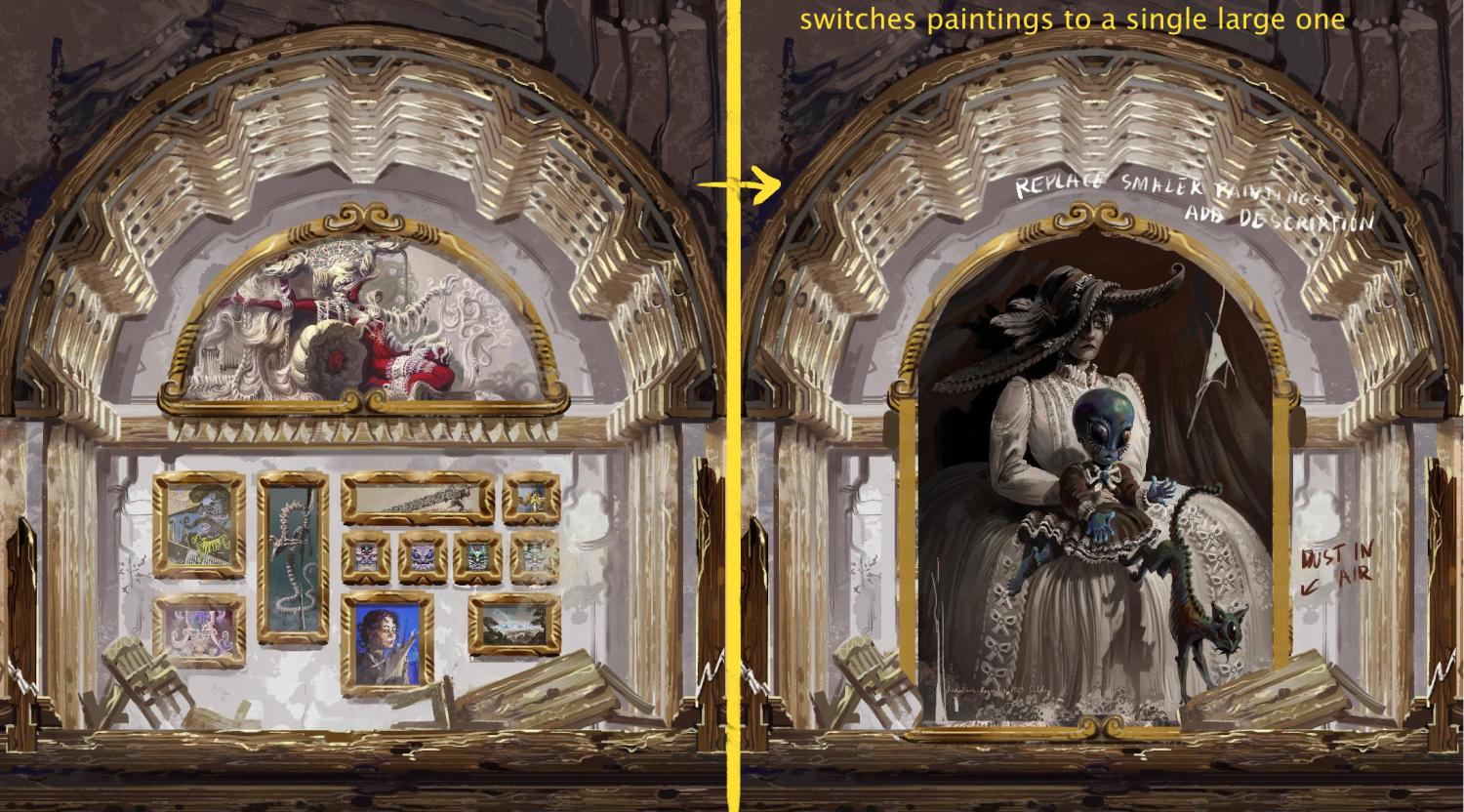
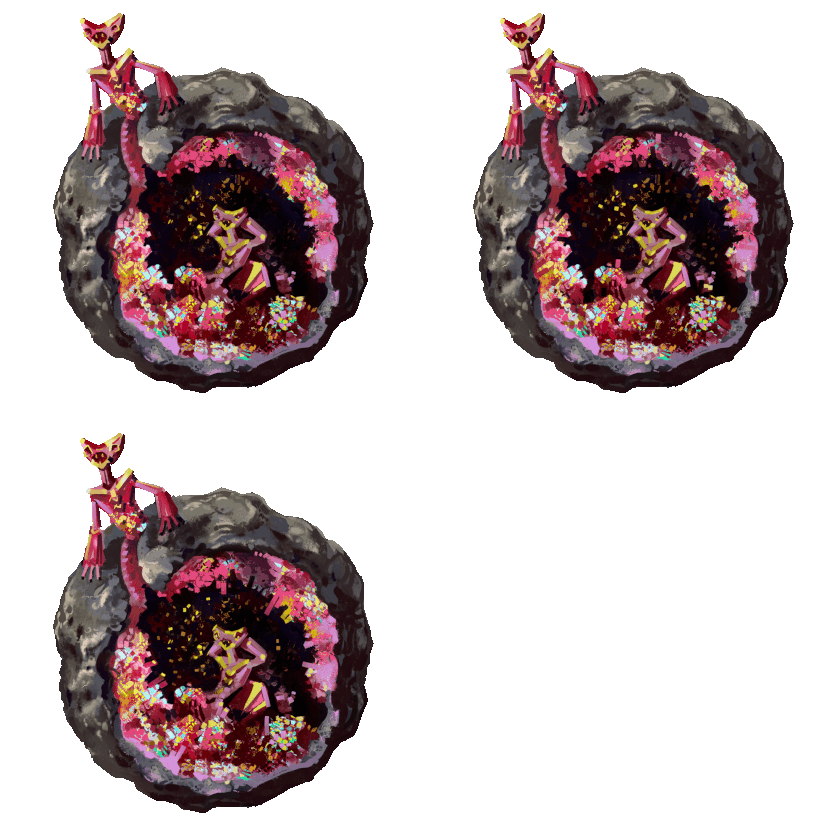
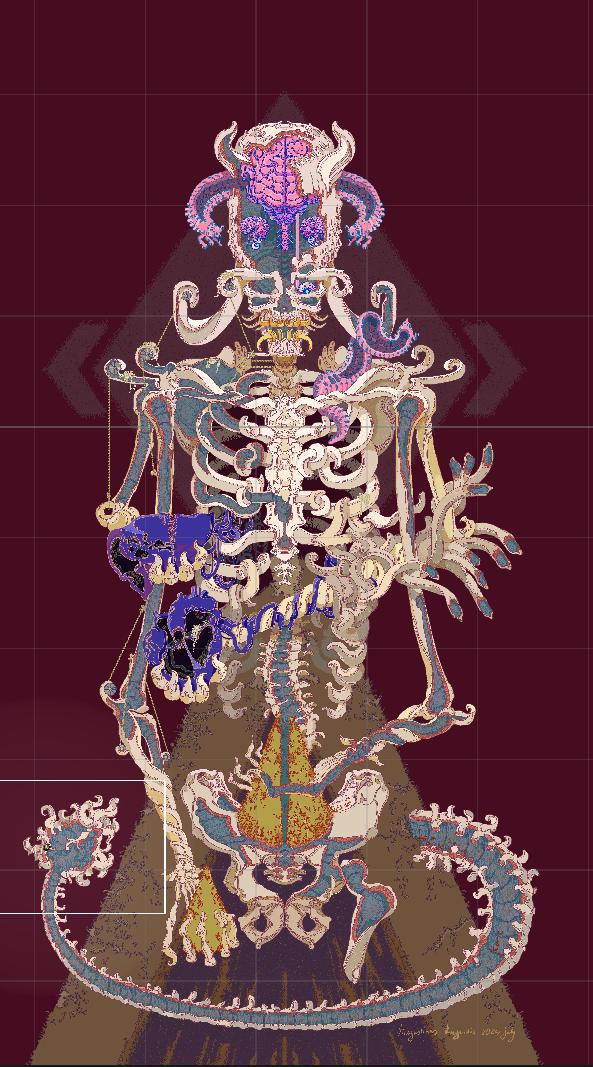
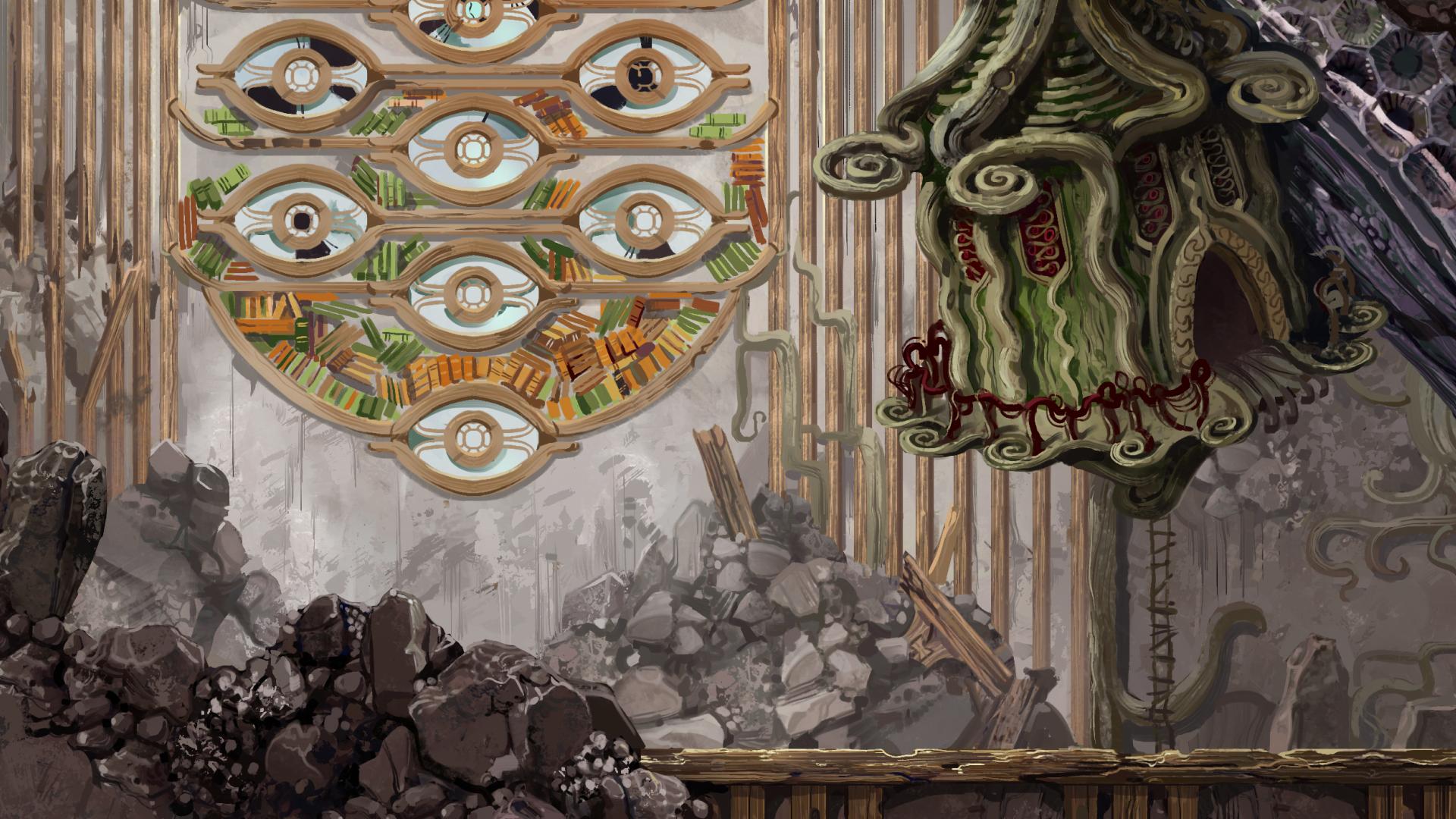
This first addition is a bit of a special case. I’m adding a chance to encounter a larger single painting in the room with a bunch of small paintings. I might be a crazy bastard and spend stupid amounts of time on little details from time to time, but it would be difficult even for me to paint a detailed portrait like you see bellow just for this. The thing is, I painted this portrait around a year and a half ago and ended up not using it anywhere. It so happens that the backstory I came up with for it fits in quite well into this game and I will add a little lore explanation into the game to show that.

This game takes place in far future where extreme body modification is almost casual, even for children and pets. The idea is that the mother here is influenced by ancient fashion and from their perspective the Victorian times and the later half of 20th century when the gray alien look became popular are so close together that they kinda blend into the same thing. A lot of misinterpretation can happen in thousands of years and digital media doesn't exactly tend to be preserved as well as stone tablets either.


The Stone Stichija monster artwork is finished!

The names starting from the left: Arch Stichija( just means elemental in Lithuanian), Rockslide Stichija, Stalactite Stichija, Dripping Stone Stichija, pebble Stichija( the little floating guy), Geode Stichija and Slate Stichija.

The next thing to do with these is to add very simple 2to 4 frame animations and put them into the game. I was already working on attacks for monsters that shoot rock projectiles but didn't have the artwork so this will be really nice to finish that little part of the game.


(+1)

This is actually insanely impressive, I think I've fallen in love with the art for this game and it's clear you're passionate about it!
Do you think you'll be looking for any sound design or music later down the line? I compose and have plenty of experience in sound design and would love to get involved if so :)

Below is my portfolio if you're interested

https://fosterstone.carrd.co/

Thanks, I'm really glad you like it.

Yeah, this will need some sort of music so I will start looking into that sooner or later. I'm working on the sound effects myself, editing and combining open source sounds, but trying to make any sort of music myself would be a disaster, haha. I'll take a look at your portfolio and for sure let you know if I think it could be a good fit when it comes to that

(+1)

For sure, I'd recommend giving "My name is Omar" a listen for music or the soundtrack for "Kitchen Hand" (top 0.7% for audio in GameOff2024) but I've been writing professionally for quite some time so can be pretty versatile. Lmk though when you get to that stage :)

(+1)

Thanks, I will check it out

Back to designing horror monsters

Obviously I jump around between the different things I need to do for this game and also some are too boring to share. For example I’ve been integrating the Abandoned Archives level art I showed earlier into the engine, but it’s just adding a bunch of colliders and marking out light sources and such for now.

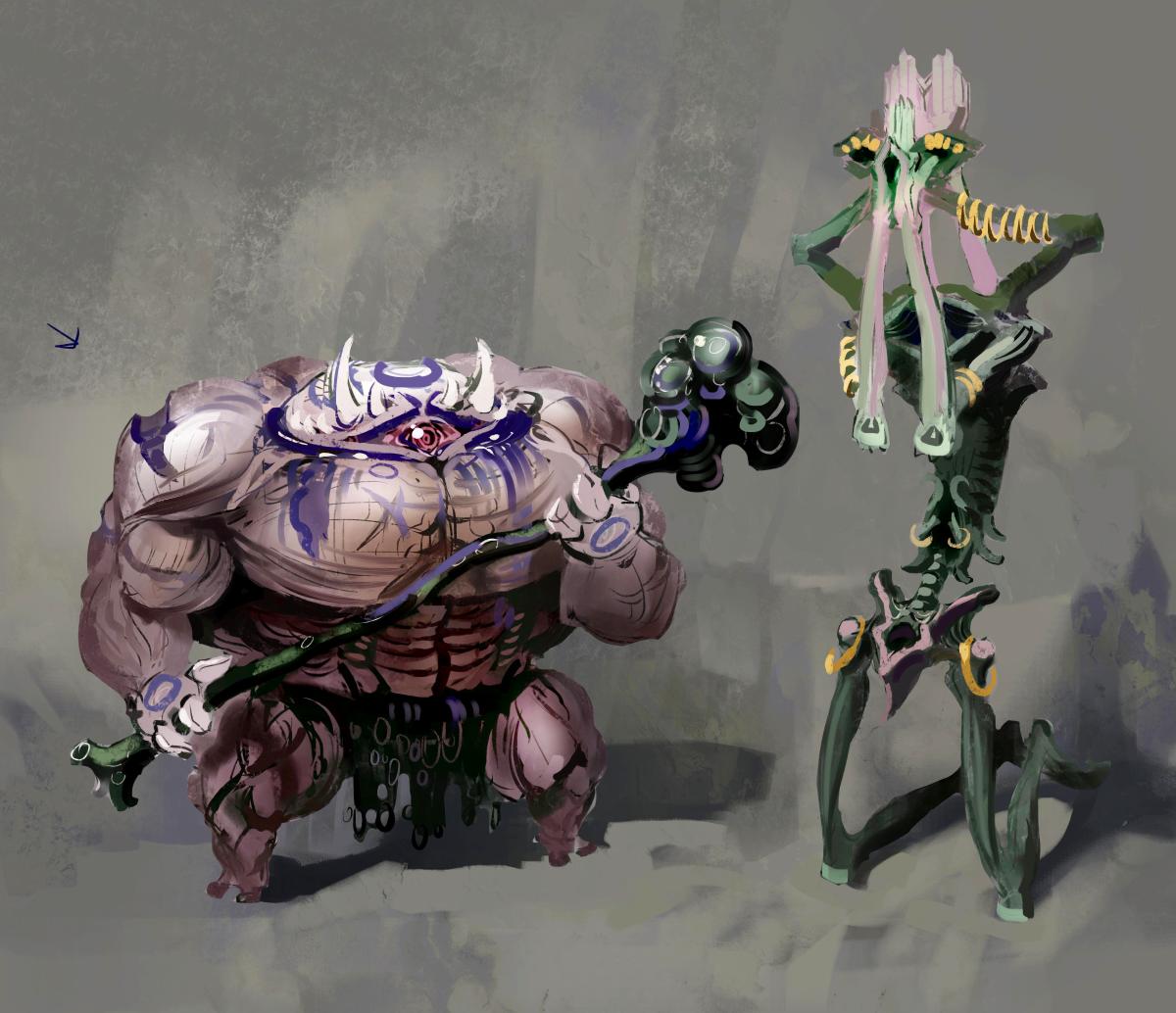
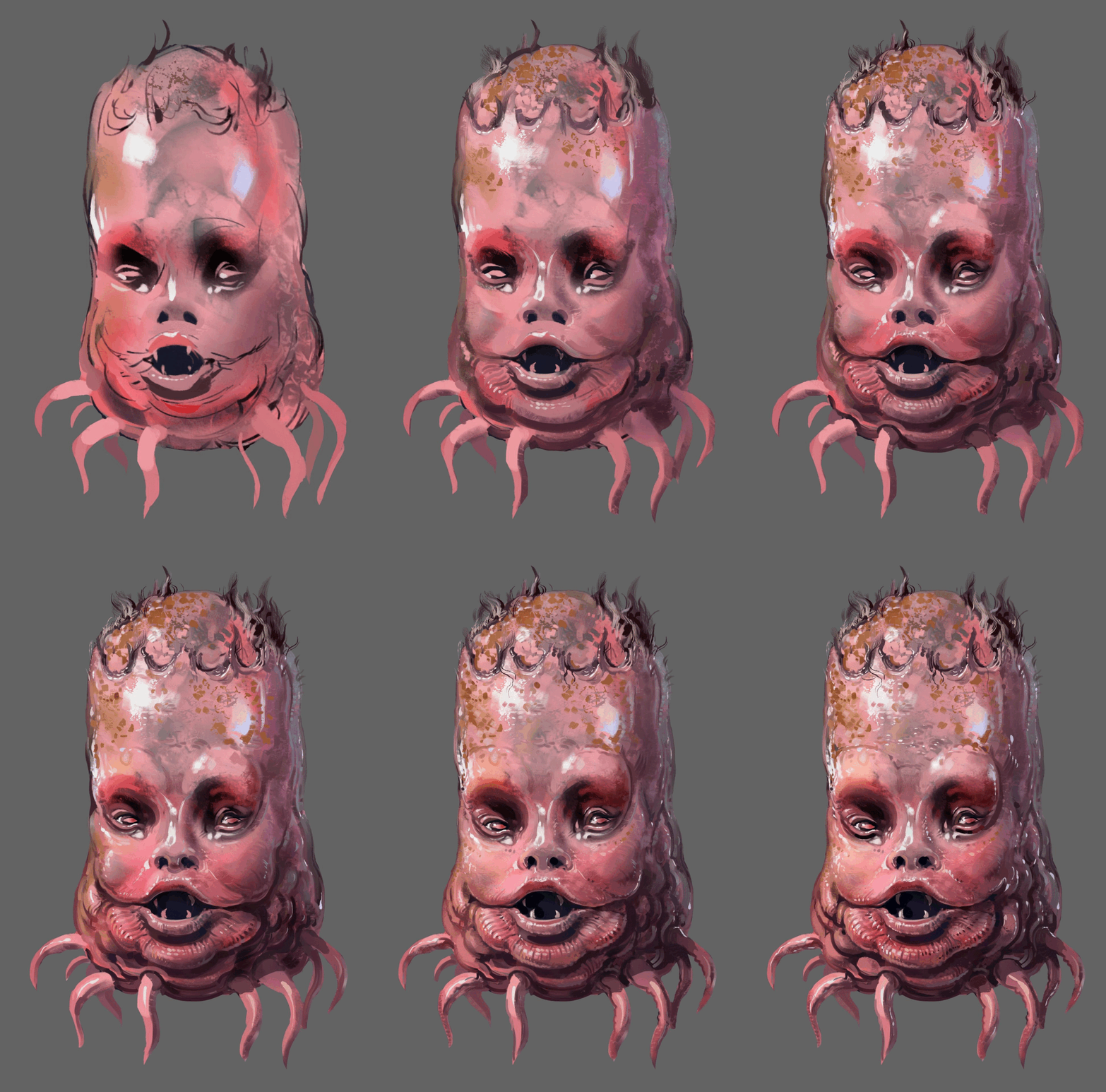
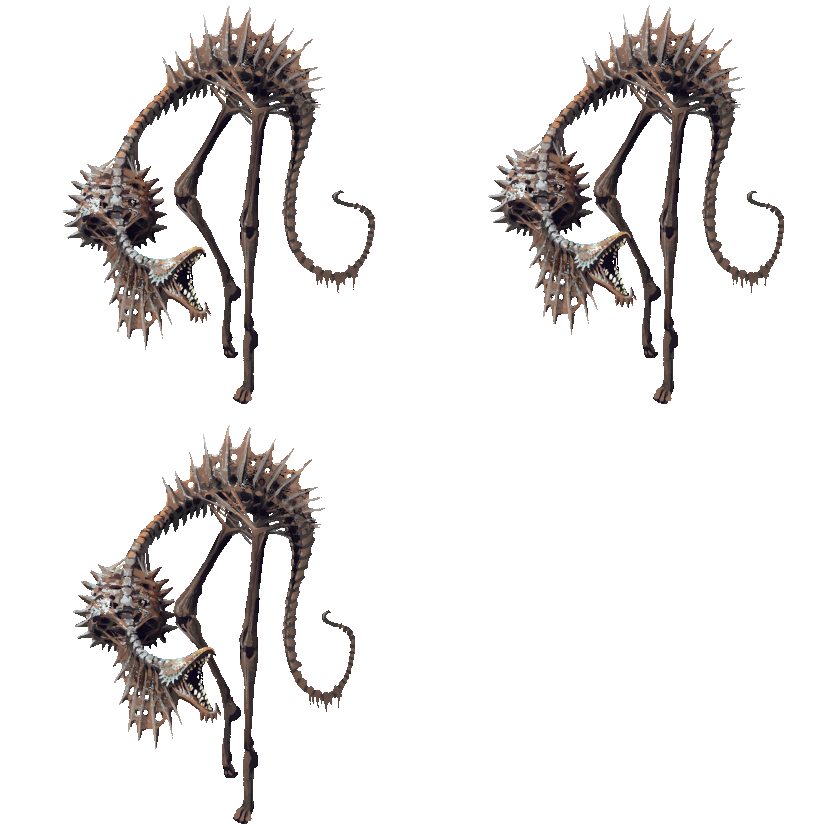
What I think is more interesting for my little tiny devlog here is some new monster ideas. I was working on the fantasy side of things for a while and I had an itch to draw something more intimidating and creepy again. Here are sketches for a couple high tier monsters I’m working on:


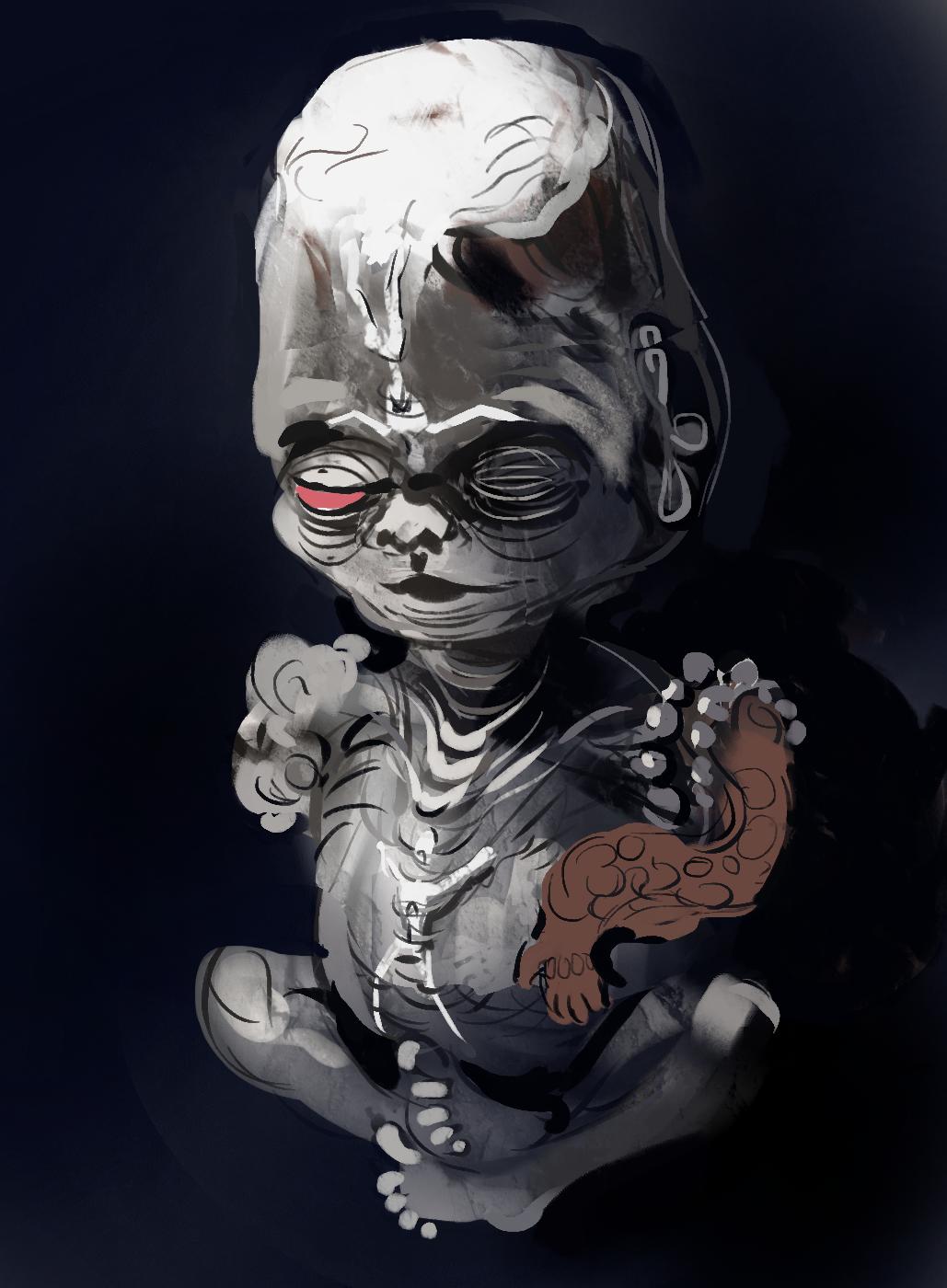
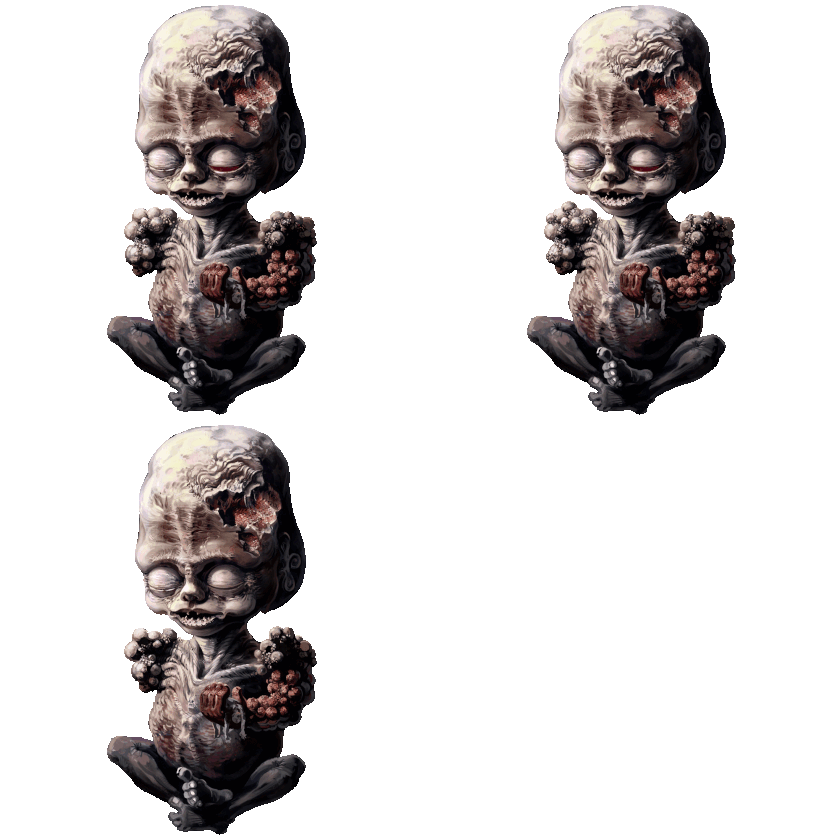
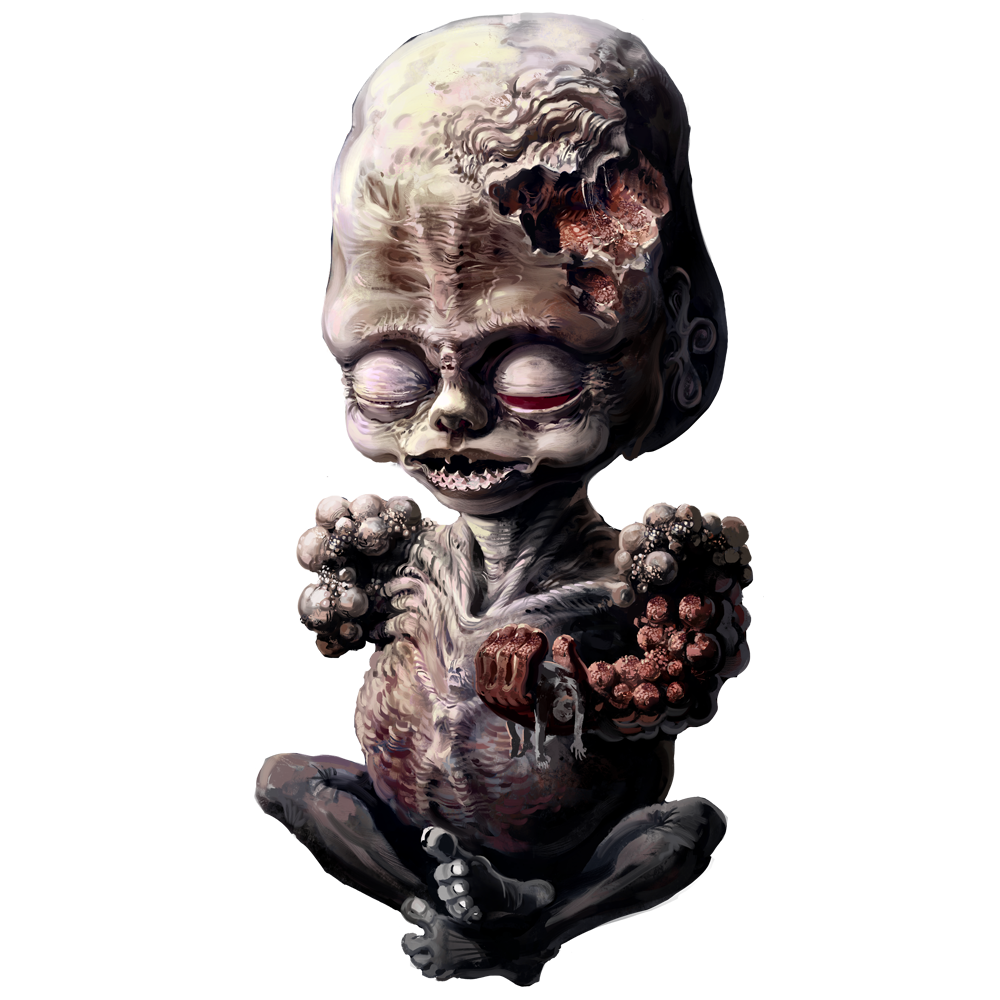
Also there’s this cute little baby boy, I want to paint this in a lot of detail and I’m thinking about setting it up so that he only shows up in the darkest areas of the game level:


This one is inspired by a crazy weirdo priest I used to know when I was around 13 and my parents made me to go to after school church activity thing and memorize bits of the bible. The priest guy would occasionally bust out this jarred fetus to show the horrors of abortion, or because it was fun to him or something, I’m not sure to this day. Everyone thought he somehow got the thing from some museum exhibit, but it could have easily been fake, no idea. The only thing I know for sure is that this sounds like a fake story, but I know around 10 people who also encountered the same nonsense and it was creepy as hell.

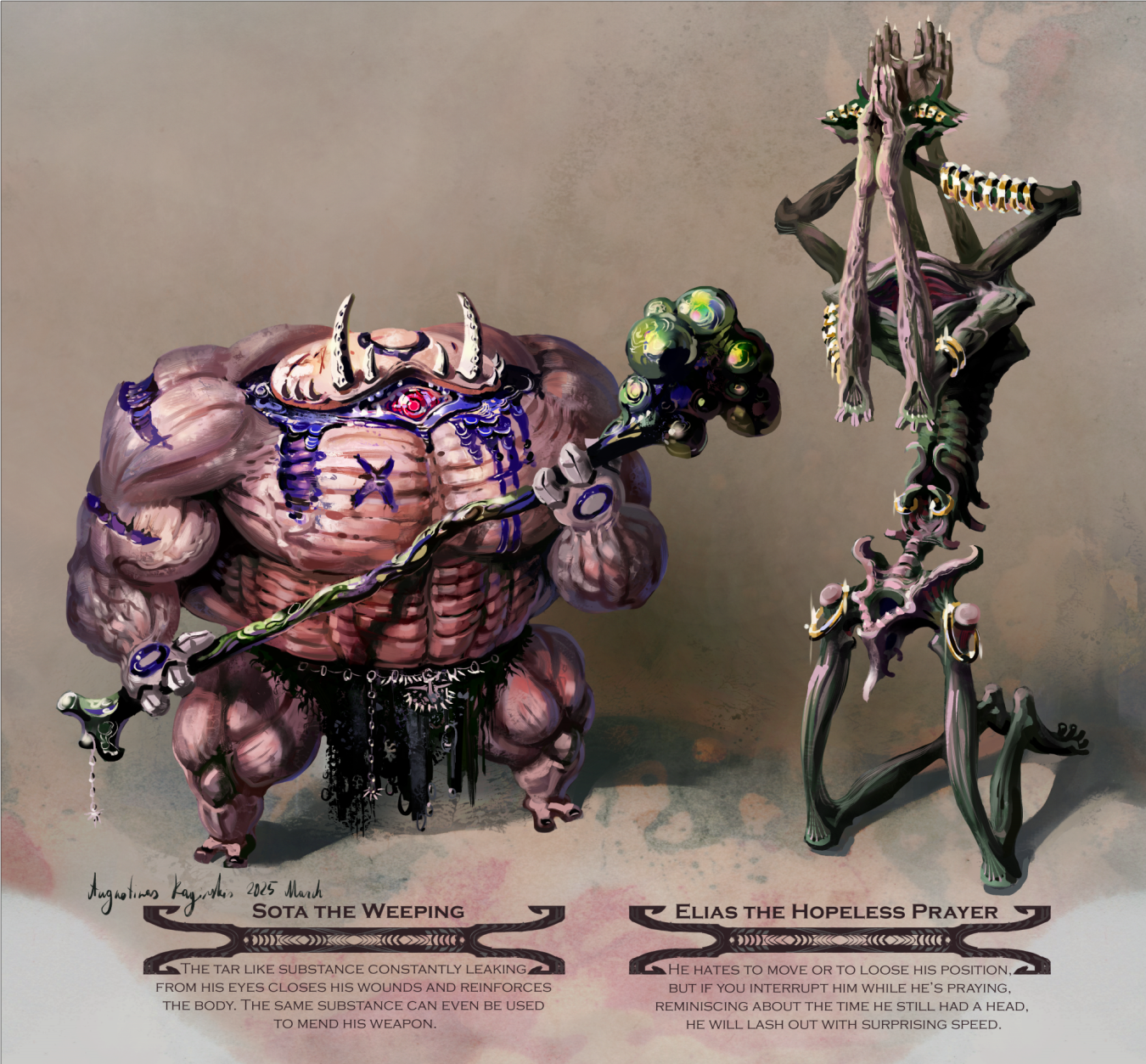
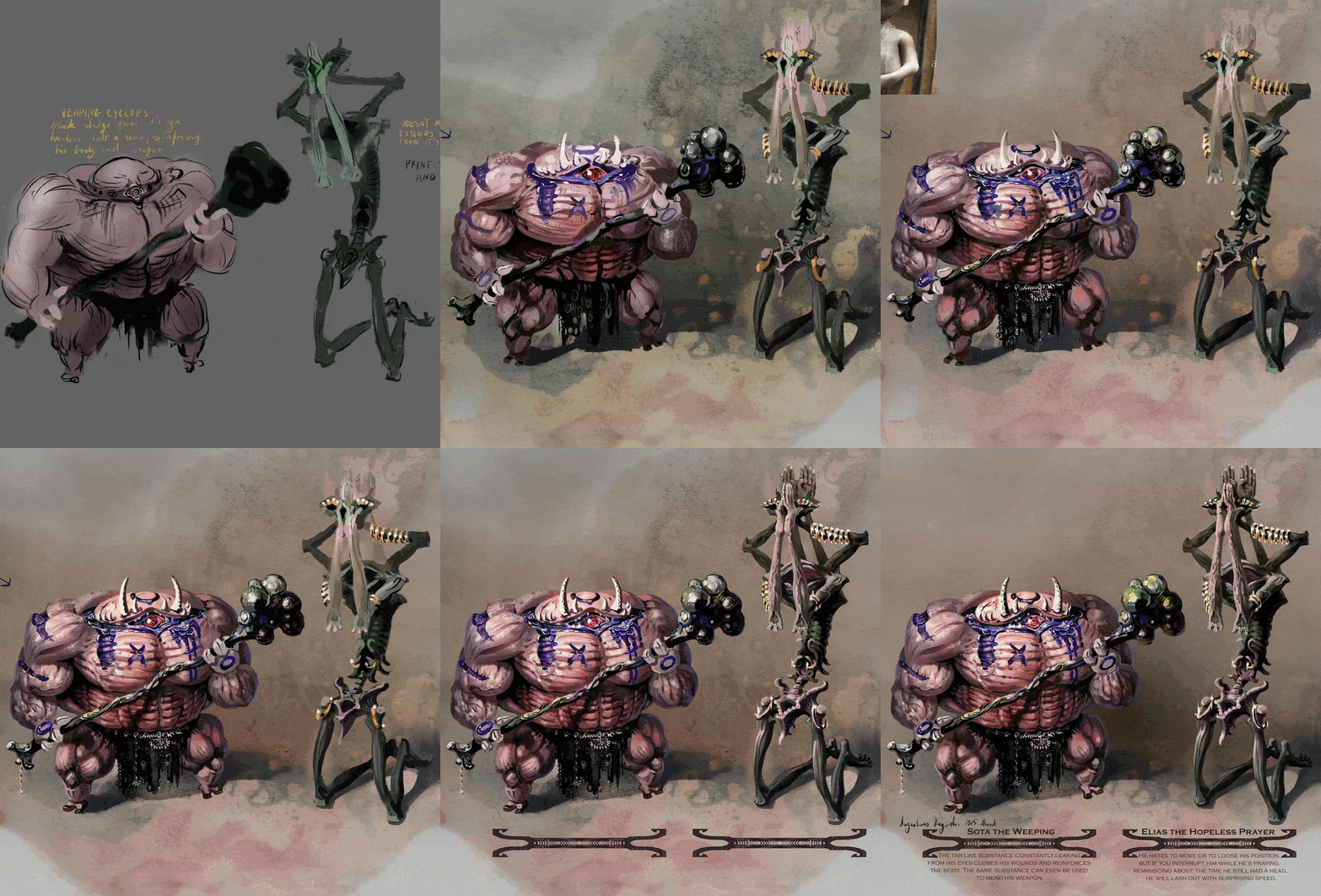
And here are a couple of those monsters completed. I though I might as well include the names and the flavor text I was thinking of using in game:


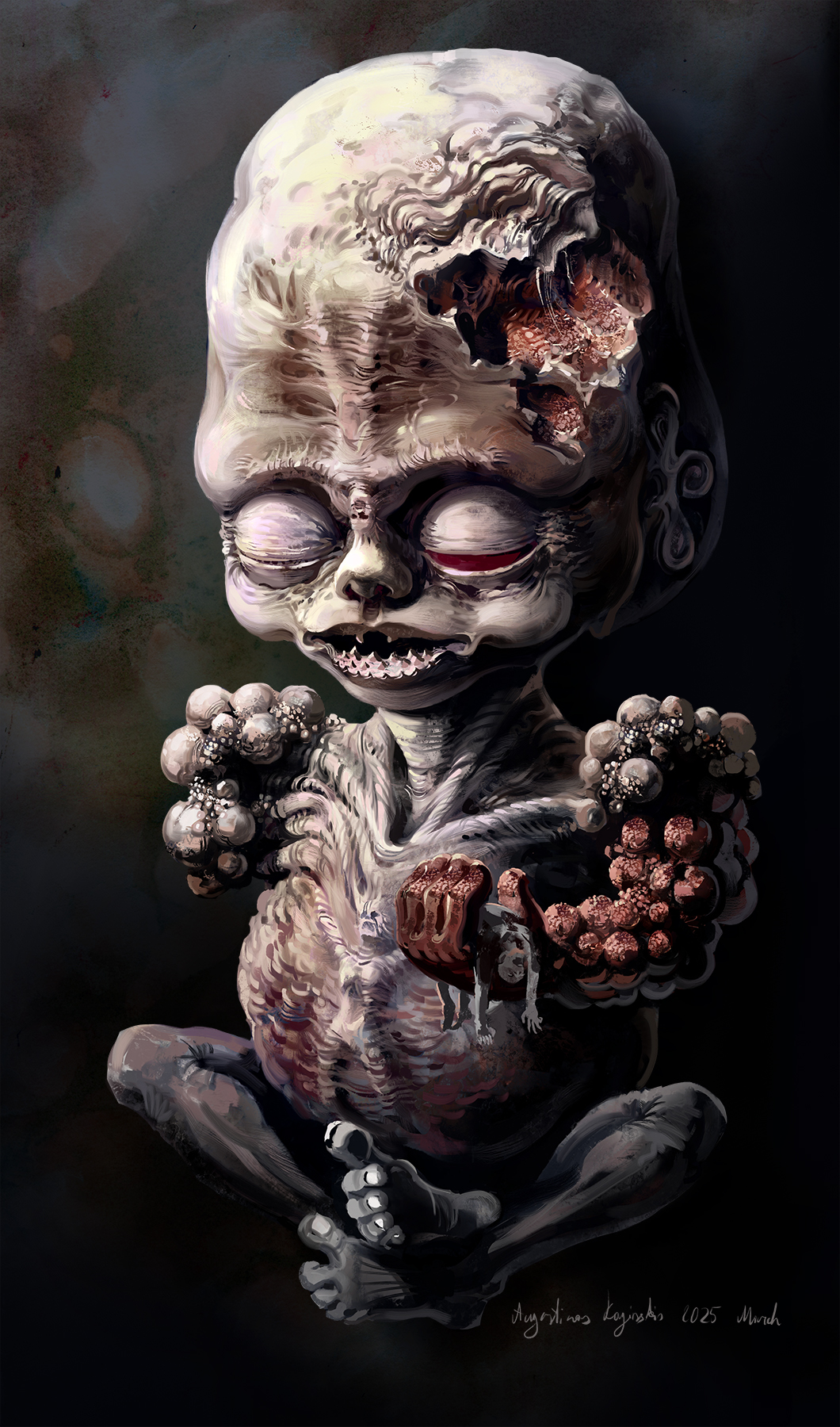
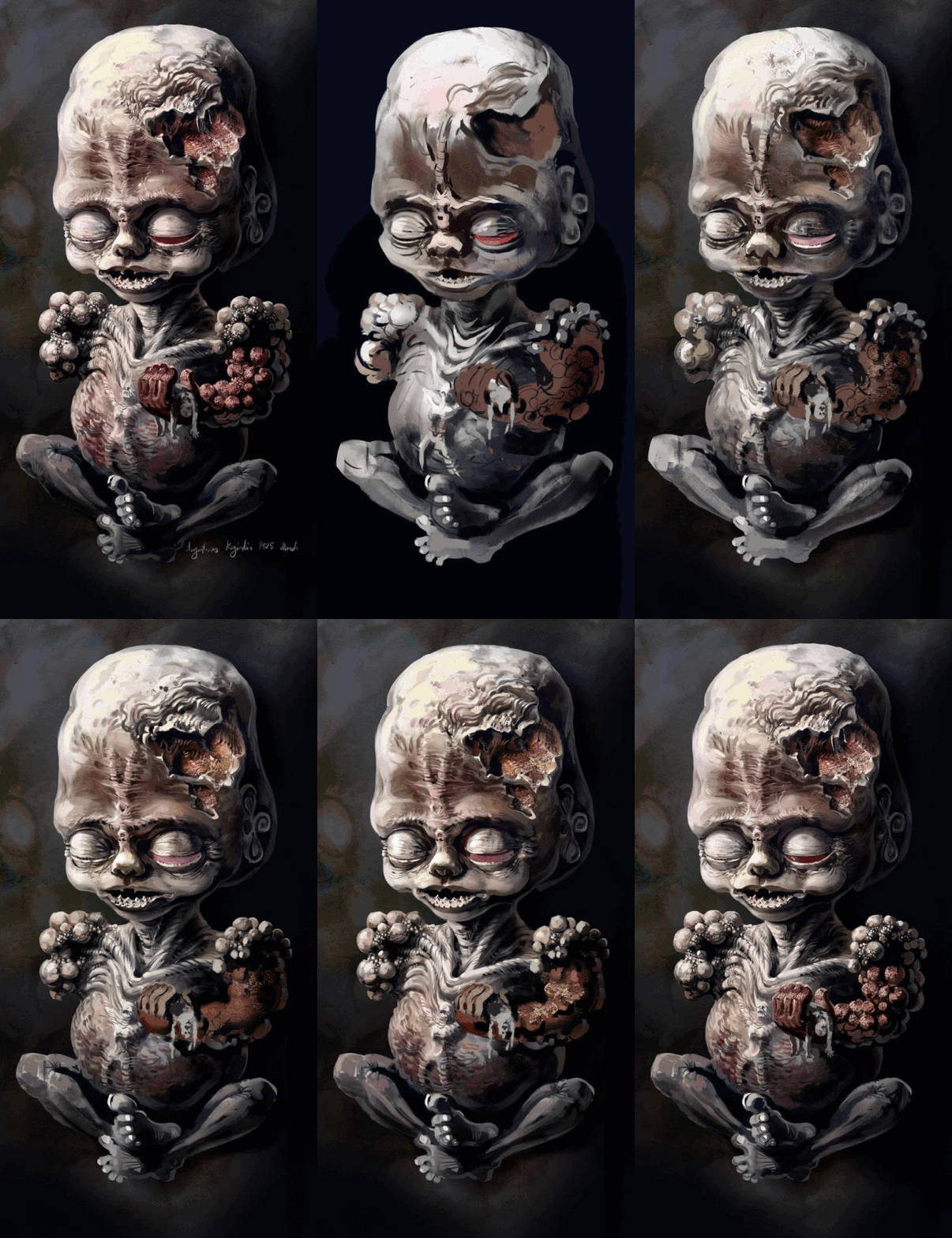
So I finished the artwork for a creepy baby monster, I showed off a sketch of this guy earlier.

I will probably make this adorable boy have a small chance to spawn in only dark areas and act somewhat like a ghost: fade out into darkness, have inconsistent size or such.


I'm pretty much done with integrating the main environmental assets for Abandoned Archives level into the engine. Here is a little video preview of some destroyable terrain in it:

(+1)

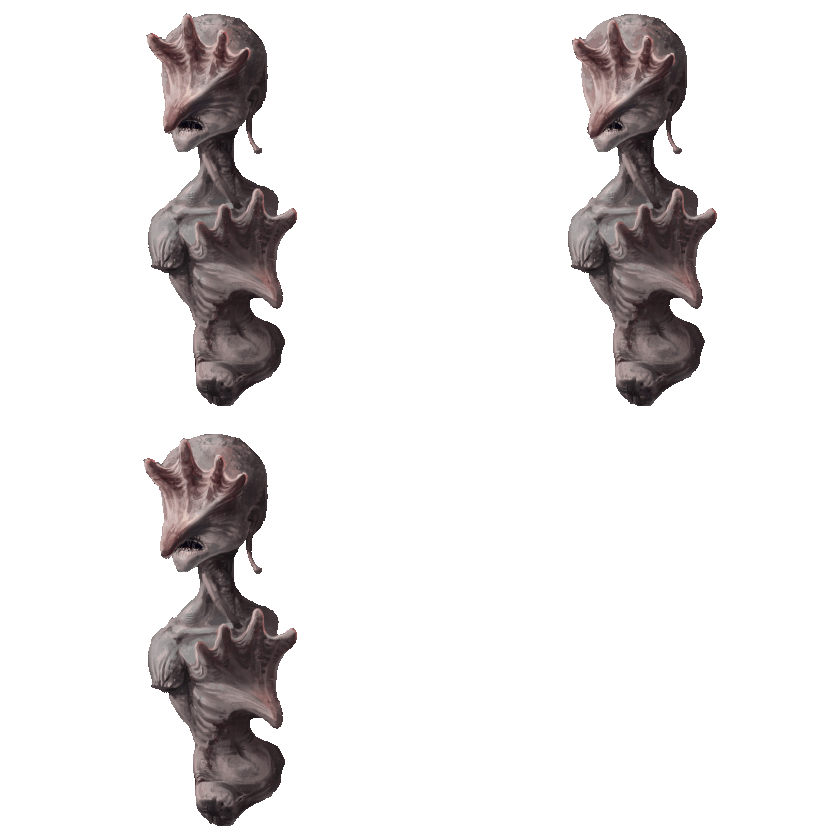
And here are some more finished creepy monster art. I think I did enough horror themed ones for now. I will likely move to more fantasy monsters when I continue on that part of the game. I had paper, wood and stone elementals and I will probably make some crystal themed ones next.


(+1)

This looks amazing! The head is really disturbing looking.

Thanks. I think it will be interesting to be able to catch these sort of creepy creatures, as well as the more normal fantasy ones

Guiding the Cave Drone


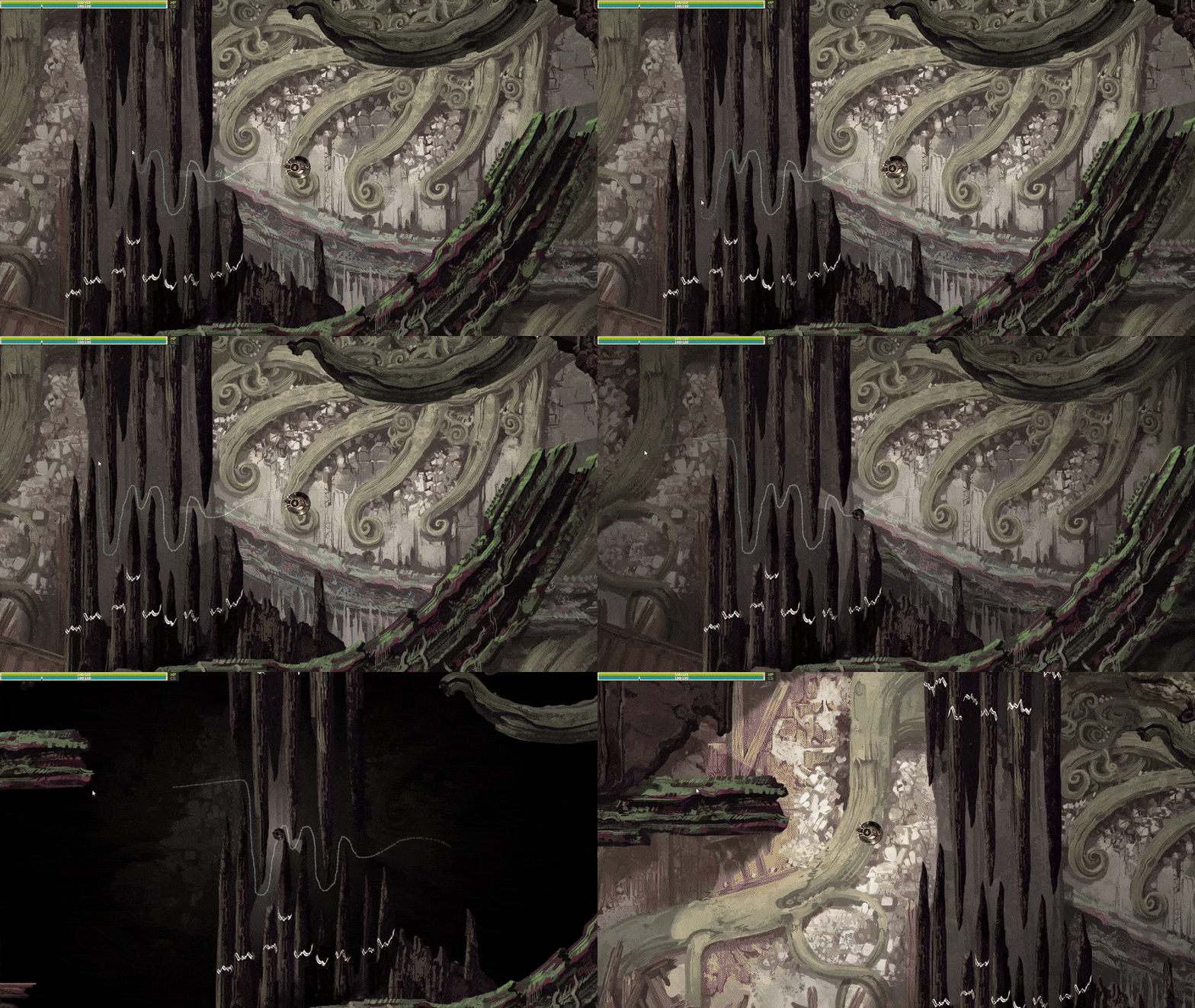
So I have this mechanic in the game where you can draw a path using the mouse to guide the Cave Drone through narrow passages or past monsters, but I wasn’t happy with how it looks. The Drone doesn’t take damage from the monsters while following the path( it does at the end, if you touched a monster while drawing the path, which stops the drawing), and allows it to squeeze through narrow gaps. So to help with that I made two changes:

1. Now the drone sprite is reduced in size and darkened while on the path. I think it makes much more sense visually to show why the drone might fit though those gaps.

2. The lighting starts darkening and shadows intensify when you start on the path and in one second it goes to max darkness where you can see in only a small area around the Drone. It jumps back to normal lighting right away as soon as you stop.

Some UI stuff

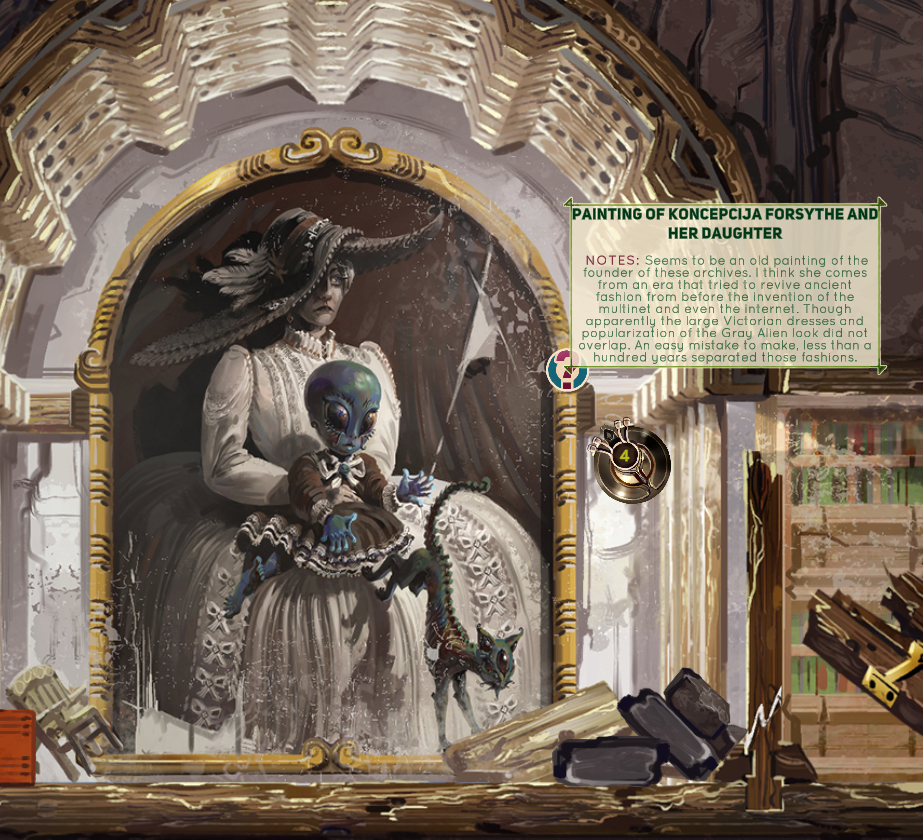
I mentioned before that I wanted to add text bubbles to some areas in the game to show some info about objects found in the caves, to add some world building details and such. So I finally got a round to including that properly and I’m pretty happy with how clean it looks:


I often go too detailed with UI, so I wanted to keep it simple this time. If you mouse over the question mark icon for around half a second( I added a slight delay, so it doesn’t flicker in and out if you happen to move the mouse pointer around that area), the text bubble will appear. It resizes automatically without stretching out the green UI border and is separated into headline and NOTES text, which supposed to represent what your character thinks about whatever object you encounter.

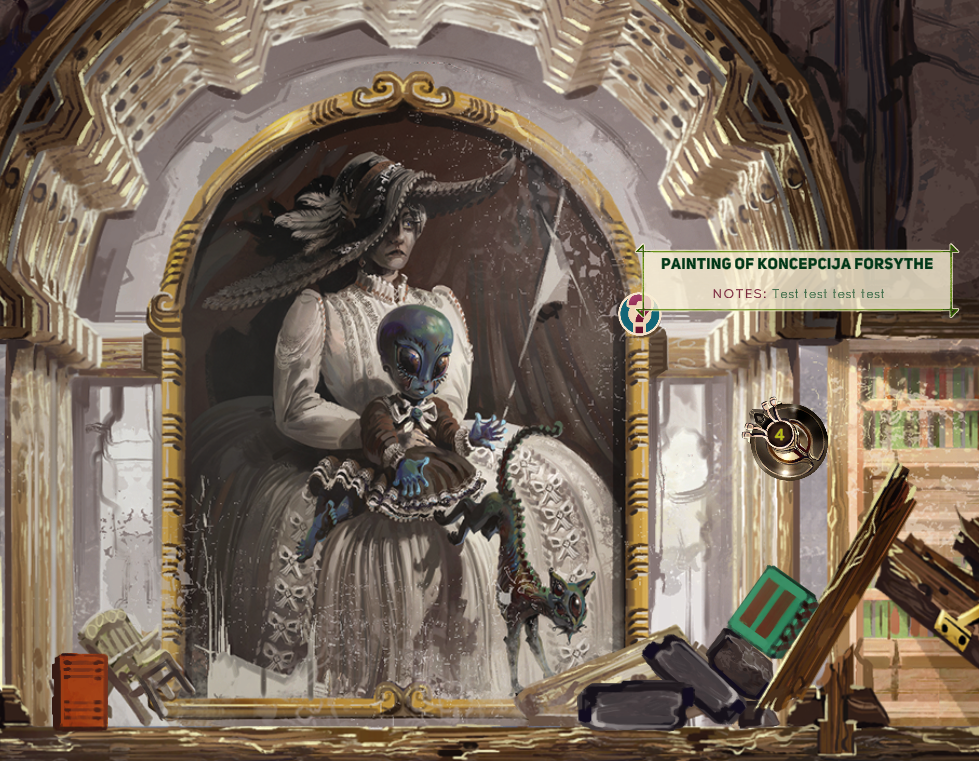
I had to learn how to change the font colors and add special symbols within the string itself to get this effect. For example, this is how the NOTES text looks from my side of things:

<br> <b><color=#630021>NOTES:</color> </b>Seems to be an old painting of the founder of these archives. I think she comes from an era that tried to revive ancient fashion from before the invention of the multinet and even the internet. Though apparently the large Victorian dresses and popularization of the Gray Alien look did not overlap. An easy mistake to make, less than a hundred years separated those fashions.

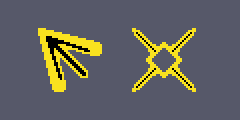
Also I made custom cursors, which I’m pretty happy with too. The arrow serves as a base cursor instead of the boring white default windows cursor and the cross-hairs cursor is activated when the drone is able to shoot, so it also helps as a nice indicator for that too.  Here they are at 200% size:


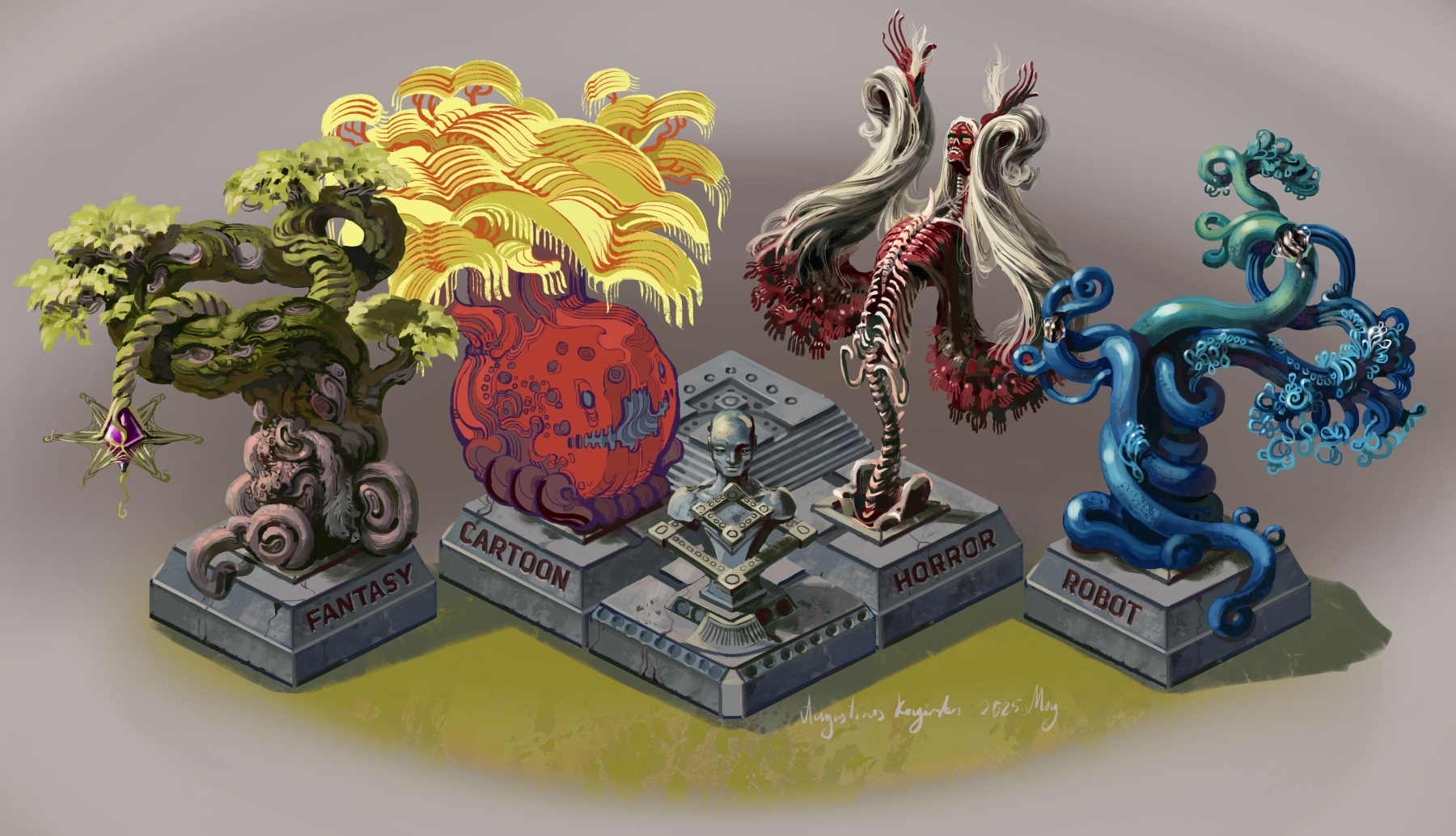
I painted this mishmash of themed "trees" for a hub area. This sits in the center of that hub, where 4, differently themed areas meet, each corresponding to a tree.

Strangely, the cartoon tree was probably the most challenging to draw. I wasn't entirely sure how I should go about the linework for it, because I have the least made for that part of the game, so I ended up completely redrawing that tree after I was finished with the first version. I had a sketch version of these in my game files for months and I'm glad I finally finished something for the hub area.


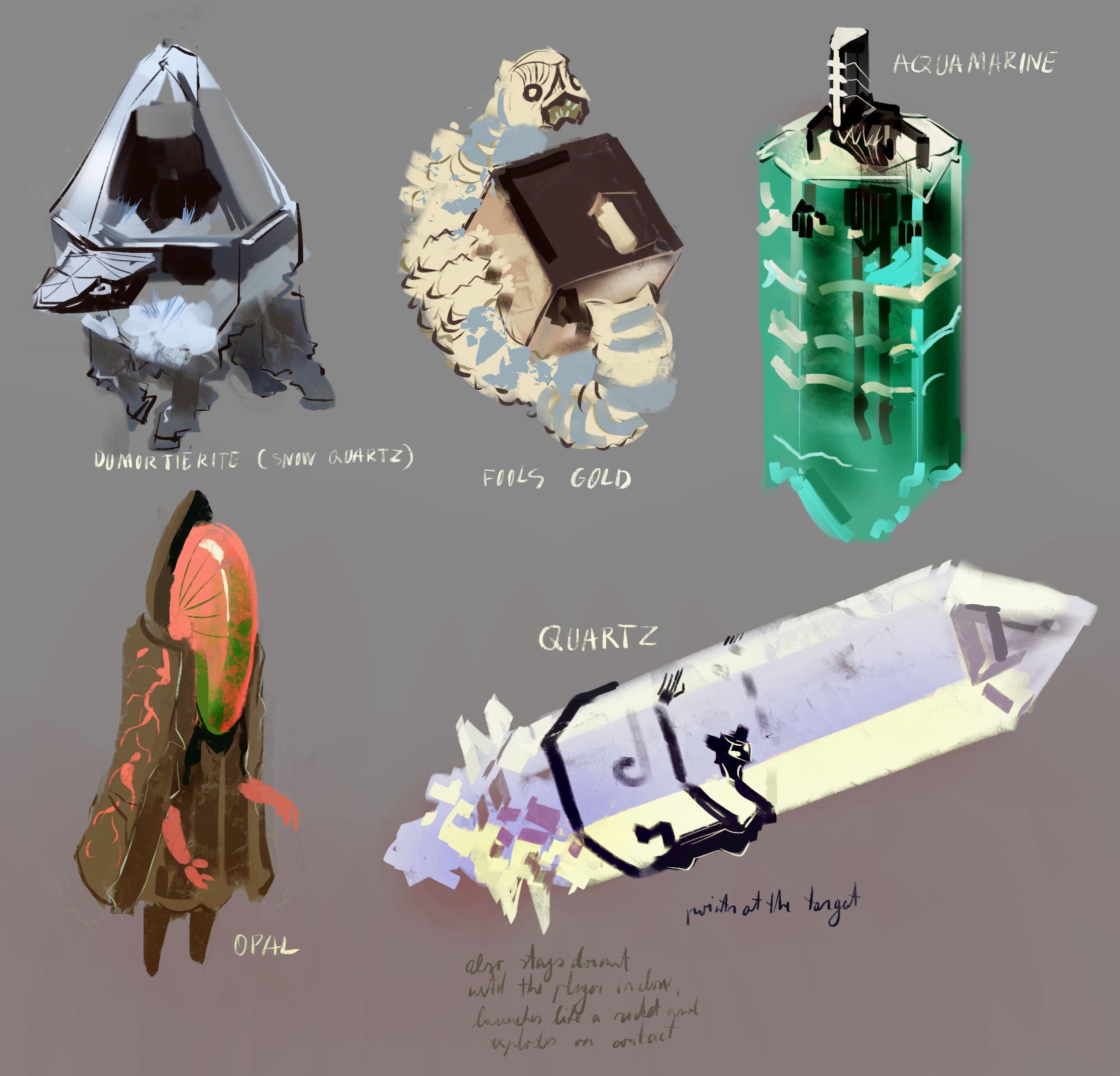
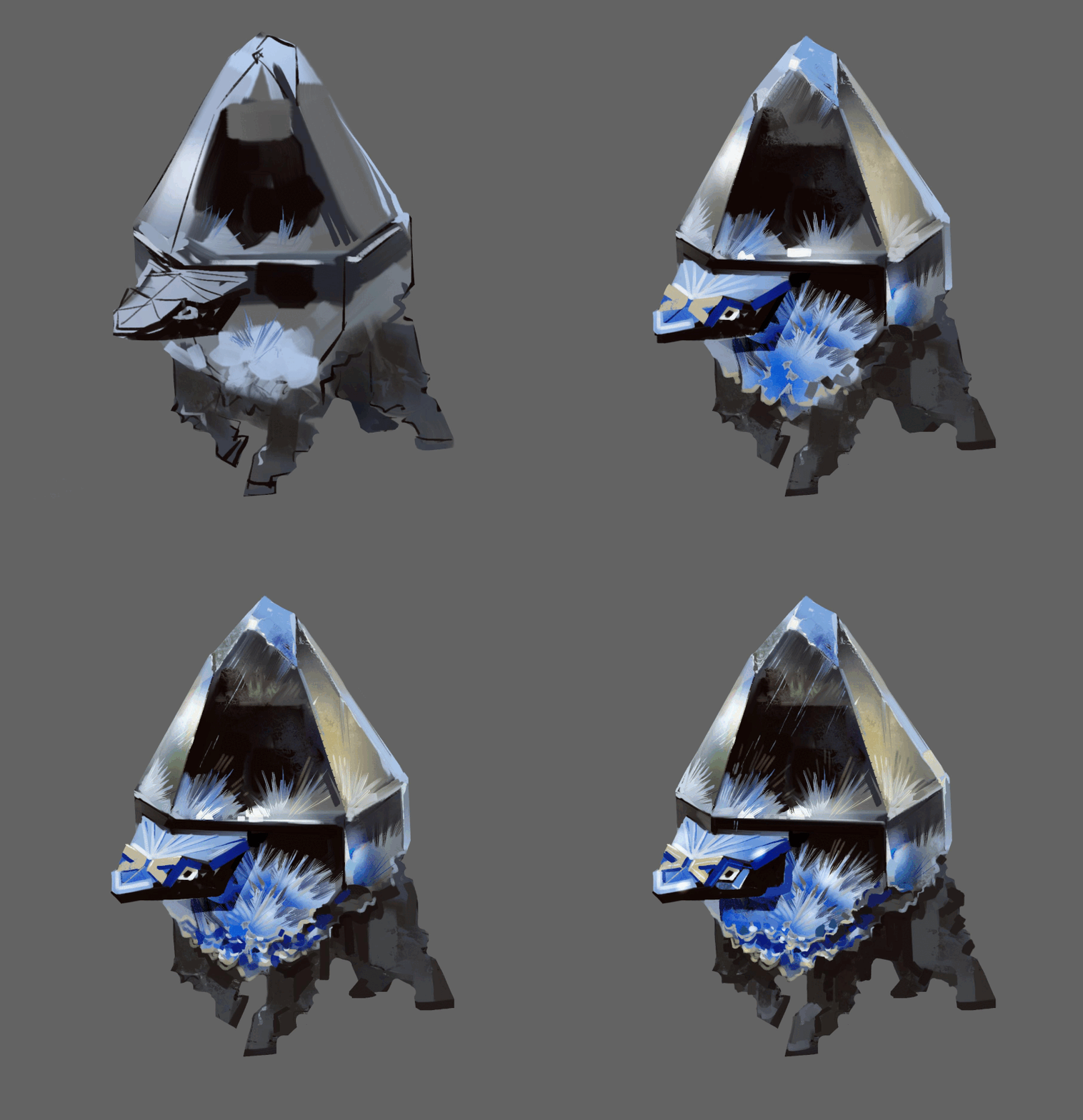
Crystal Elementals

Just a very quick update. I’m working on a few crystal elemental monsters. Here are the sketches for these lovely shiny boys and I already started painting final versions of these. It’s also a good opportunity to study some material painting for me, crystals and similar shiny objects have always been a bit difficult and I’m usually not super happy with the results when I paint something like that.


I think I have enough fantasy monsters/elementals for the area I’m working on now, so the next big task will probably be to integrate all these creatures into the game, work on additional monster behaviors and such.

(1 edit)

And the artwork for Crystal Elementals is finished

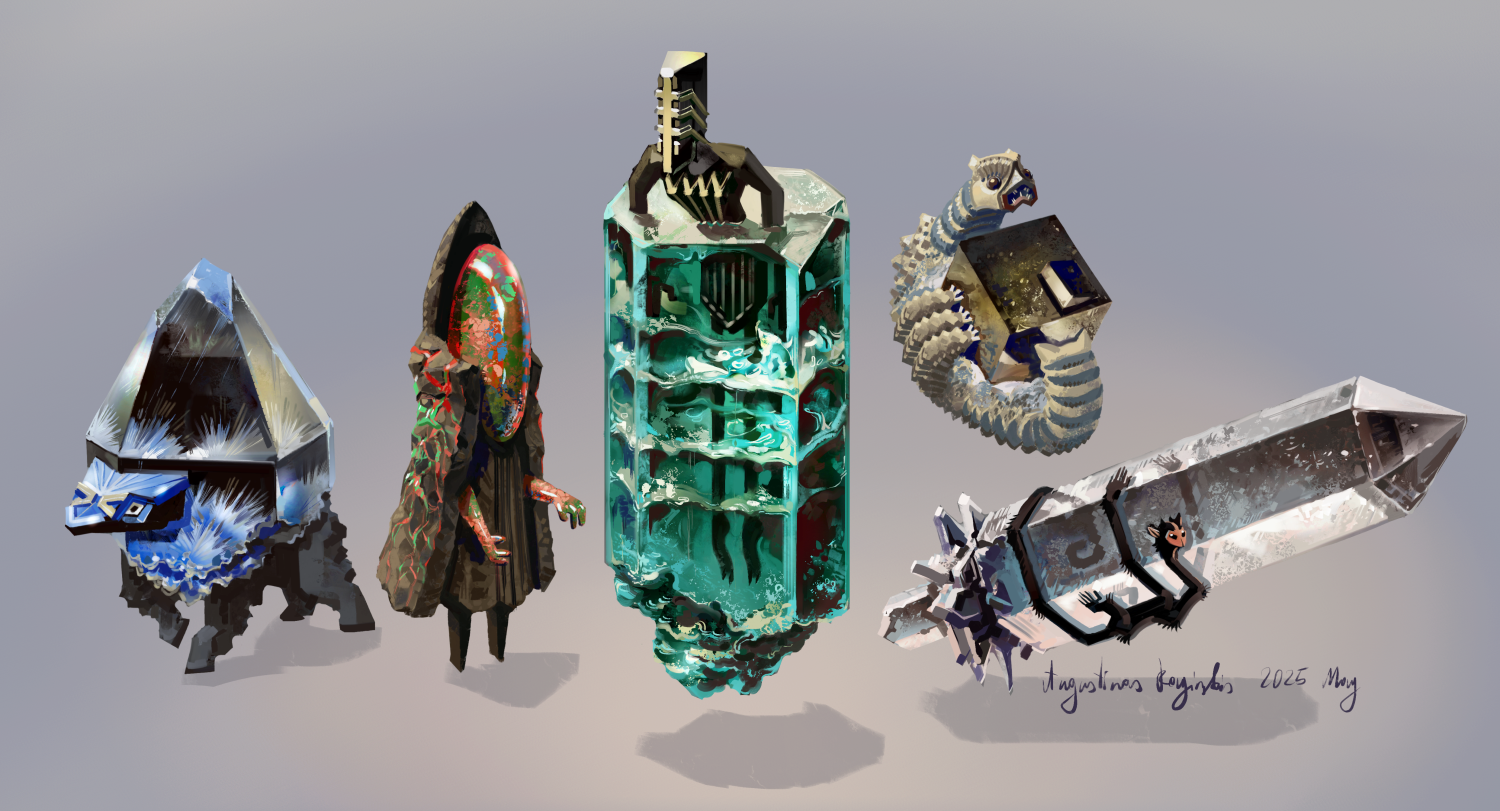
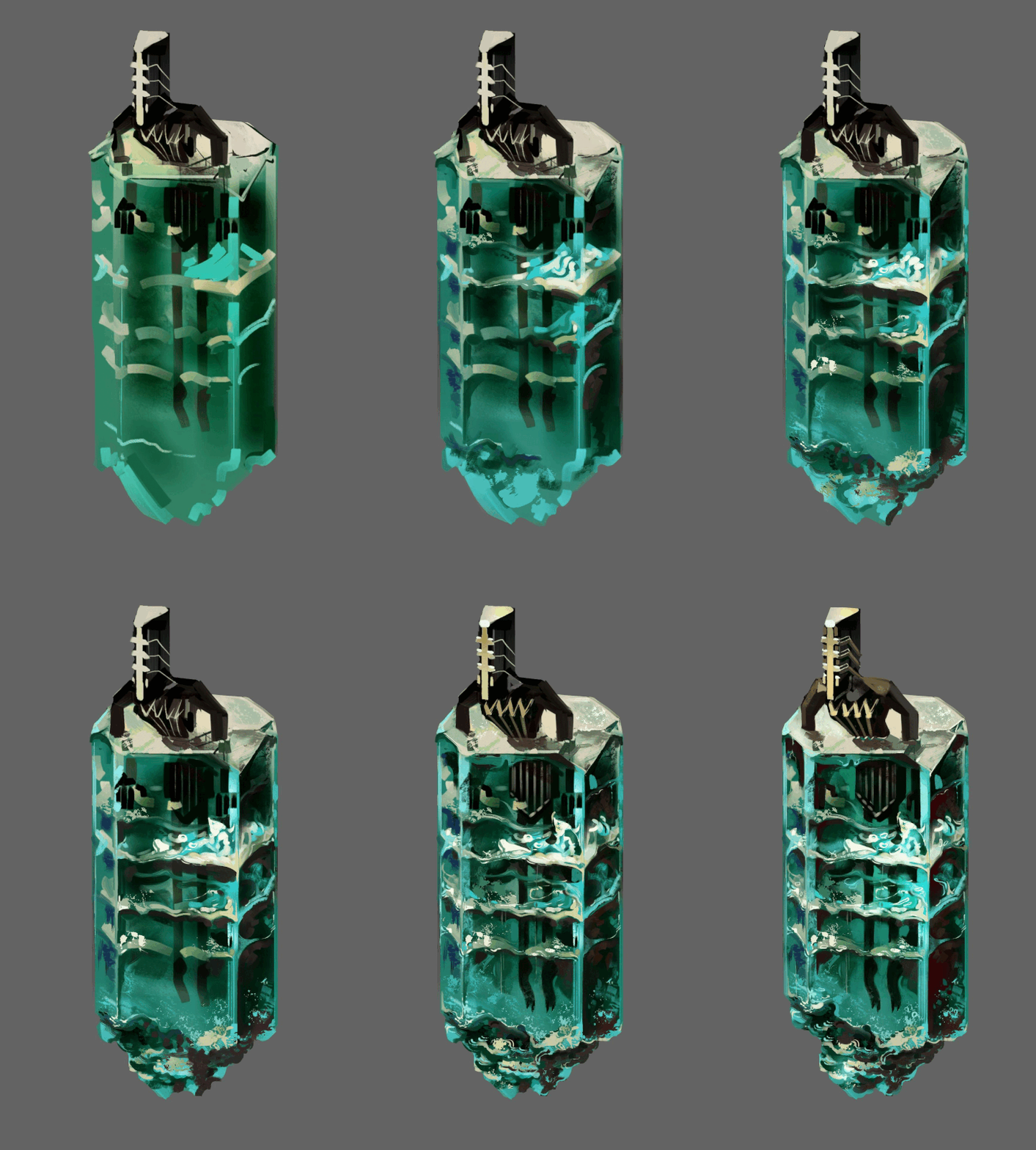
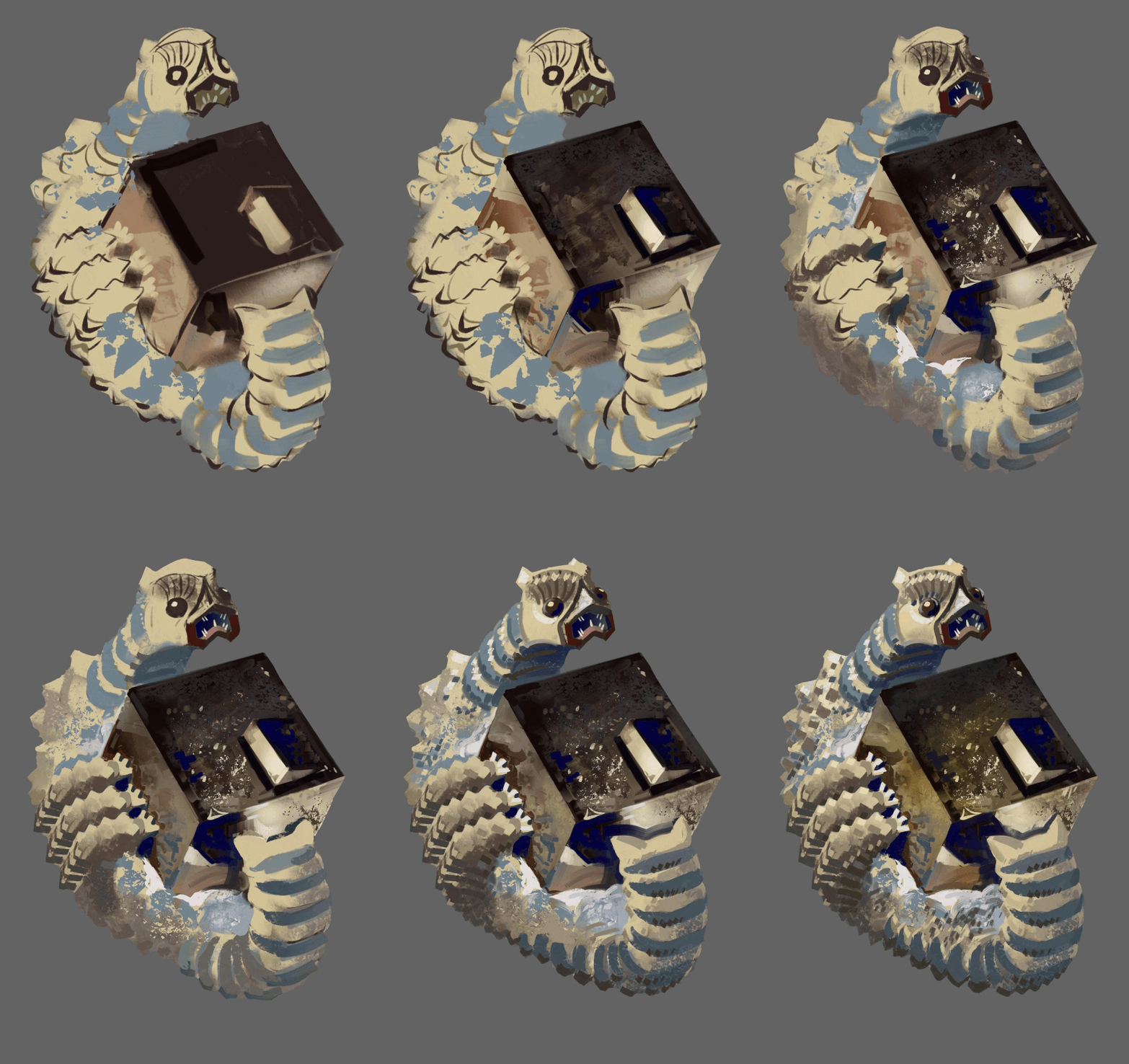
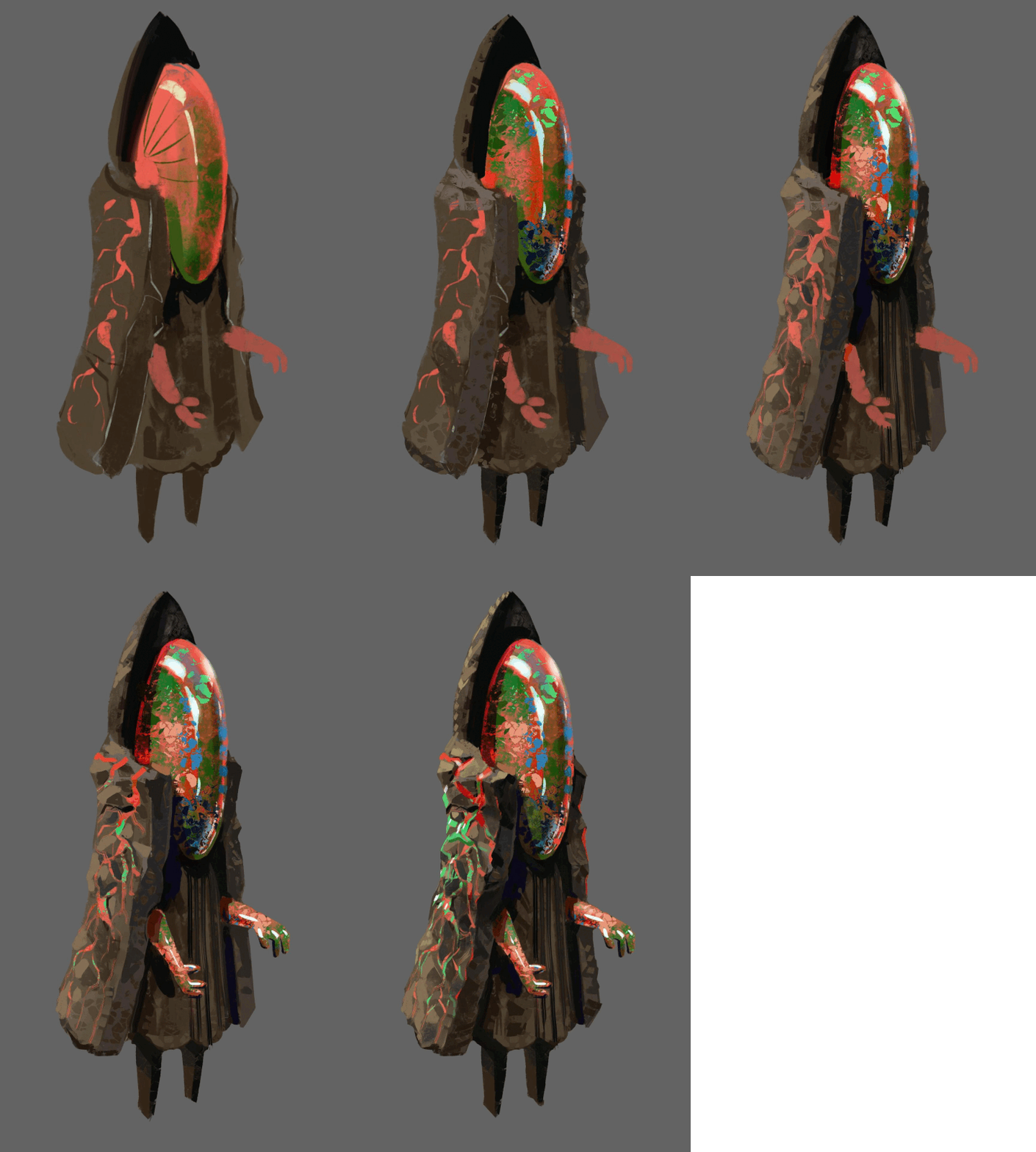
 These are based on real crystals, from left to right: a type of quartz that looks like it has ice inclusions, an opal, aquamarine, fools gold, which sometimes form into very precise cube shapes and good old fashion basic vanilla quartz.


I forgot so save progress images for the fifth creature unfortunately.

Making minimalist animations for my monsters

I would die if i would have to animate anything fully and my sort of detailed painted artwork doesn't work too well with animation to begin with, but i still wanted to add some very simple animations. I think the difference between a static png and almost static png is still huge, haha. Here is what I did with the rock elemental monsters:


And here are some more simple monster animations. This time for the wood elementals:


(+1)

Bro, this looks amazing. The artwork is really killer. Would you like some help on the coding and story side of things? 

Thanks, I'm really glad you like it so far.


And thanks. I'm not on the same level in coding and writing as I am in artwork department of course, but this is my baby, haha, so I kinda want to do as much as possible myself. The only part I'm definitely not doing myself is the music, but luckily there is quite a bit of free or cheap music available for these sort of projects, some of it on this website.

(+1)

That's cool. I totally respect that. I don't want to be pushy, but maybe I can provide an observers perspective on it and give you a few tips or ideas. I think this game could be something really special. You don't have to take anything you don't want to.

Thanks. I could definitelly use some feedback once I have a little more done. It would be really cool to hear your thoughts once I have a working demo, but that' still a bit away.

Are you open to changing the design at all?

The sooner you can get feedback and shape the direction of the project, the easier it's going to be on you in the future. I like that you want to keep this game to yourself, that's honestly better for me. I think it should be yours, but I worry you are setting up for a game that needs a full team so that you have to be a full team.

You aren't doing a bad job on the coding or writing or anything, but the art is the star here. I want to chat with you about focusing this game to make the art the backbone and only using the gameplay and story to enhance that for players.

We can chat more on discord if you want. No pressure. RootNeg1Reality

I am open  to changing specific mechanics, I have done some of that before based on feedback. I am very unlikely to change the big stuff like what's the game about, the main stuff about worldbuilding and such. This is my project afterall, and it is the way it is because that's what's interesting for me.

I have been working on this for over a year now and it's finally shaping up into something. i don't even know how much I would need to explain to someone else to have the same context, so that's why I want to leave that for when the demo is ready.

And yeah, I know I need to choose some part where the majority of my focus goes and that is of course the art in this case. I'm gonna do minimal storytelling, it's mostly worldbuilding, a lot of it is in the form of artwork.

(+1)

You can let the art do the work for you there. You have something amazing here, no shame in letting that do the heavy lifting. There are game mechanics that push the art forward and storytelling that uses art to invoke the narrative.

It's up to you. I can tell you more if you want.

And even more simple monster animations. This time for some of the horror monsters


Brother, what app you use to paint this? 

(+1)

Corel Painter, but it' no magical app, the specific program doesn't matter much. I originally learned traditional art and I like that program because it's quite good at mimicking real art tools. I've been seriously studying/ working as an artist for over 15 years no I think

Broliukas to kalbi lietuviskai? 

Jo. Atspejai is vardo?

Taip :D

Lietuviu neisvengsi, ju visur pilna

Tentacle Attack

I’ve been adding quite a few monster behaviors and attacks into the game, so it’s time to talk about some of them. Here is a tentacle attack with some variations:


The way it works is like this:
1. Monster stops moving around when you enter range, higher tier monsters have larger range.

2. The attack aims and the a red indicator is briefly shown. You’d better get out of the way now. If monster has multiple tentacles then they will start at a slightly randomized delay instead of all at once.

3. The tentacle or tentacles quickly snap to indicated spot and retract slower.

4. Repeat cycle or stop it once you exit range.

I also made sure to code it in a way that makes it easy to add different tentacle sprites to make sense with whatever monster has this attack and to be able to add any amount of tentacles to a monster easily without extra code. That was a bit of a mess with my limited coding finesse, but it works and I saved myself some future headache, I’m sure. This adorable monster has 6 tentacles for example:


Each tentacle only deals 1 damage by default, but I added an override I can adjust if I want to add a beefier tentacle to deal extra damage, and I can easily mix and match these if I want, by simply slotting in different tentacle prefabs, so I’m pretty happy with how that works.

There was some headache involved, because some unexpected mistakes and interaction always come up. Mainly I wanted the tentacle to stop if it hits a wall and to slowly retract from there but if kept not registering collisions and going through walls! This should be a fairly easy and standard thing so what the hell. After way too much time and going through some gameplay a frame at a time I figured out I made a mistake in the corroutine that controls the quick tentacle snap and it would start properly, but then move immediately to it’s end location. The collider would effectively teleport through the wall and only register when coming back slowly. Luckily I only needed to tweak a single variable to fix that. This is how it looks after:


Bramble Attack

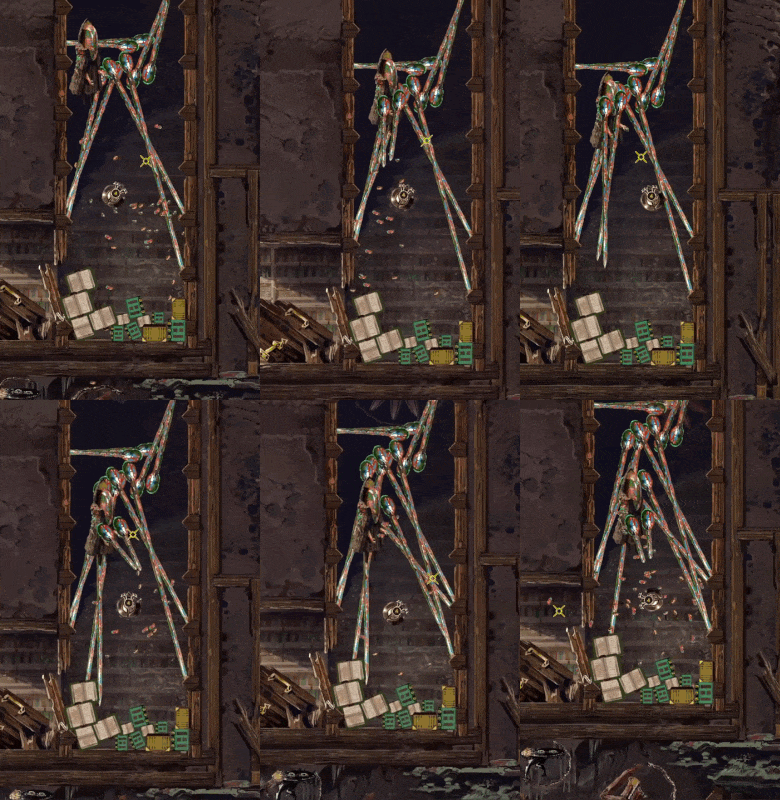
Continuing from the tentacle attack from the last devlog, I made a variation of if where the tentacle ( or in this case bramble) attack doesn't aim at you, but always shoots in a set direction. Simple stuff really, but adding multiple of these to the same monster and mixing with the aiming version really does give a different feel. Like for example this attack pattern for my Bramble Stichija monster:

I added 10 small brambles that always shoot out in a preset pattern, but also a much larger, aiming bramble that deals more damage and forces you to move to try to dodge and potentially run into the smaller attacks. This is meant to be a higher tier monster, so the more difficult to dodge pattern makes sense to me. Also small brambles still deal only a single point of damage( you start with 100 without upgrades) so I think it still feels fair.


Currency Drops

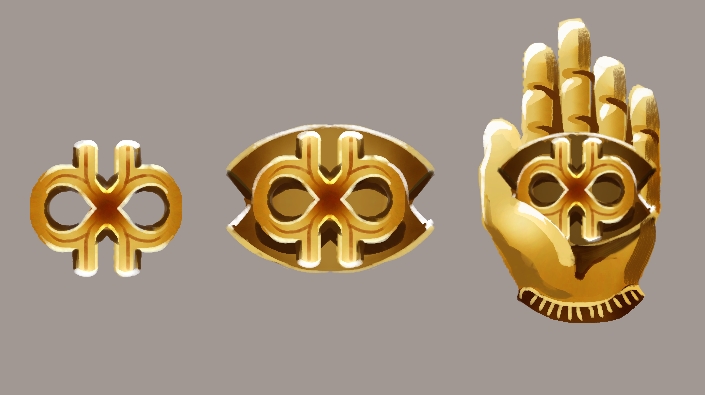
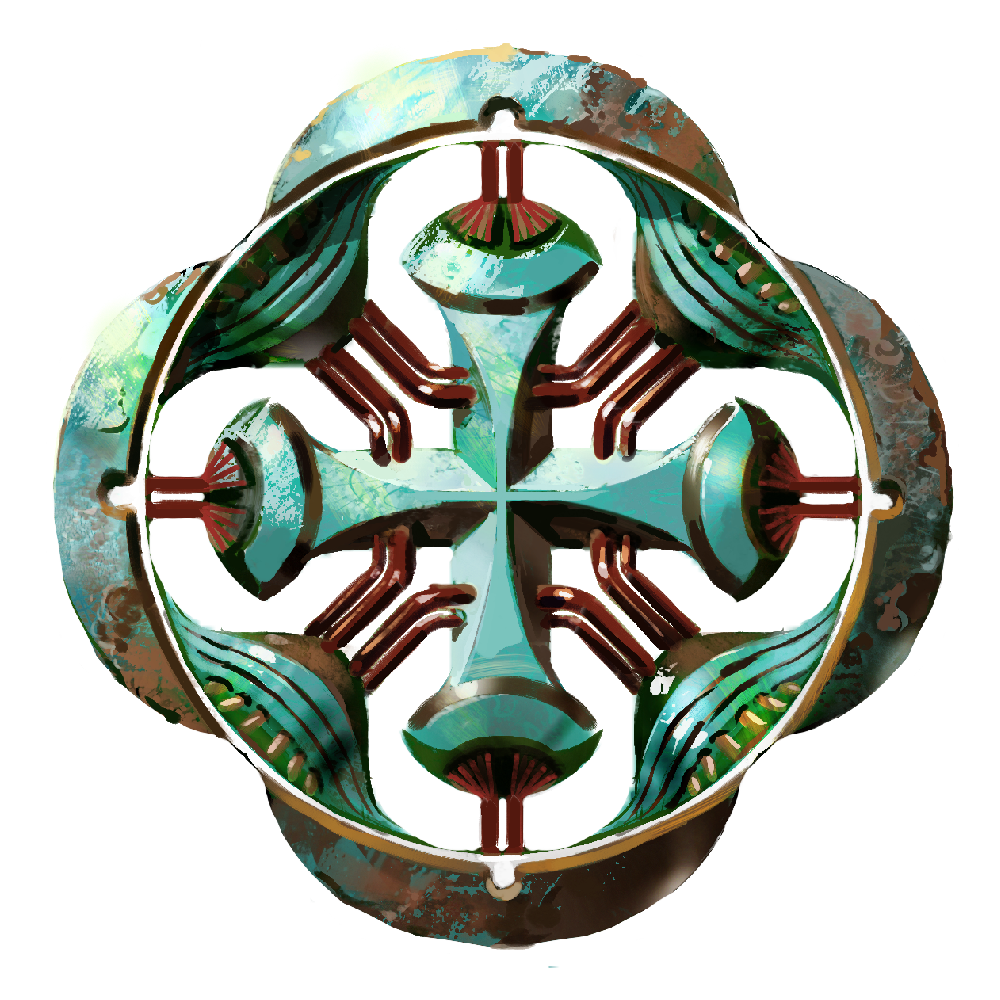
I have this currency in the game called Infinibucks and the symbol for it looks like this:

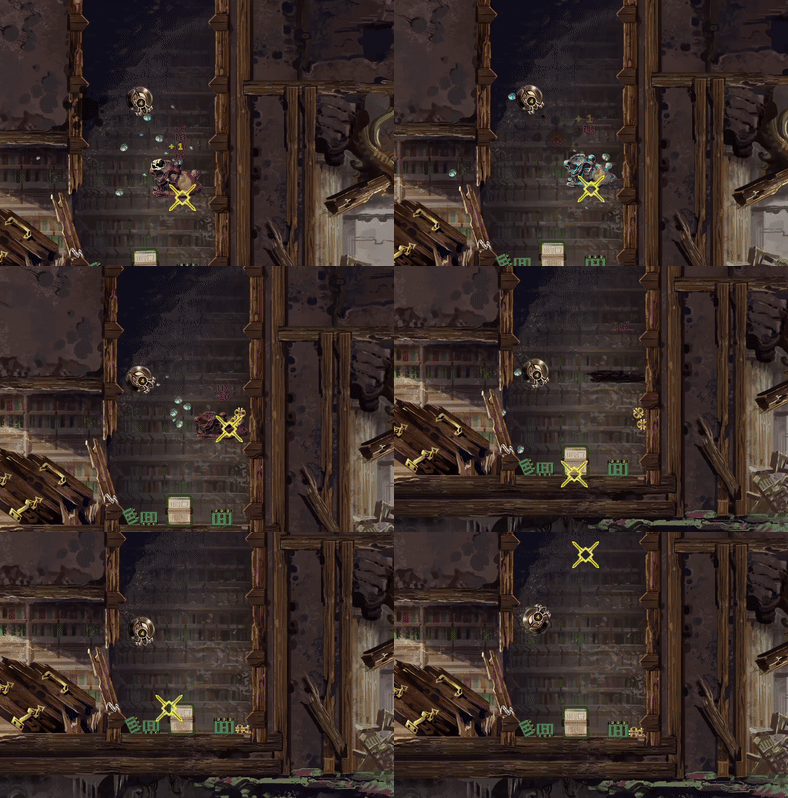
Why this name? Because it amuses me. Recently I added currency drops from the various monsters when they are killed. Other drops are possible if you capture the monster, but a certain amount of Infinibucks drop if you annihilate it. The amount is calculated based on the tier of the monster and it has a bit of randomness to it. I have three levels of these currency drops as of right now: the smallest one gives 1 to 2 Infinibucks when collected, the middle one gives 3 to 5 and the large one gives 6 to 10. Also I added a little piece of code to overwrite that if I want, for example to make some specific monster always drop a large amount of currency. I might add to it or change numbers around later, but here is how those pieces of currency looks like when dropped:


The Infinibucks act as physics objects when dropped in the game until you pick them up, meaning they can drop to the floor, role down inclines etc. I took inspiration for that from the game Noita, but in my case the currency doesn’t disappear after a few seconds. Normally a monster drops a fairly small amount of Infinibucks, as I don’t want to encourage always killing monsters instead of capturing them, but I also added a tiny chance to receive triple amount of Infinibucks, just for fun. The first is an example of a regular drop, and the second of a monster that drops a bit more, with that triple drop:


Secret Monster

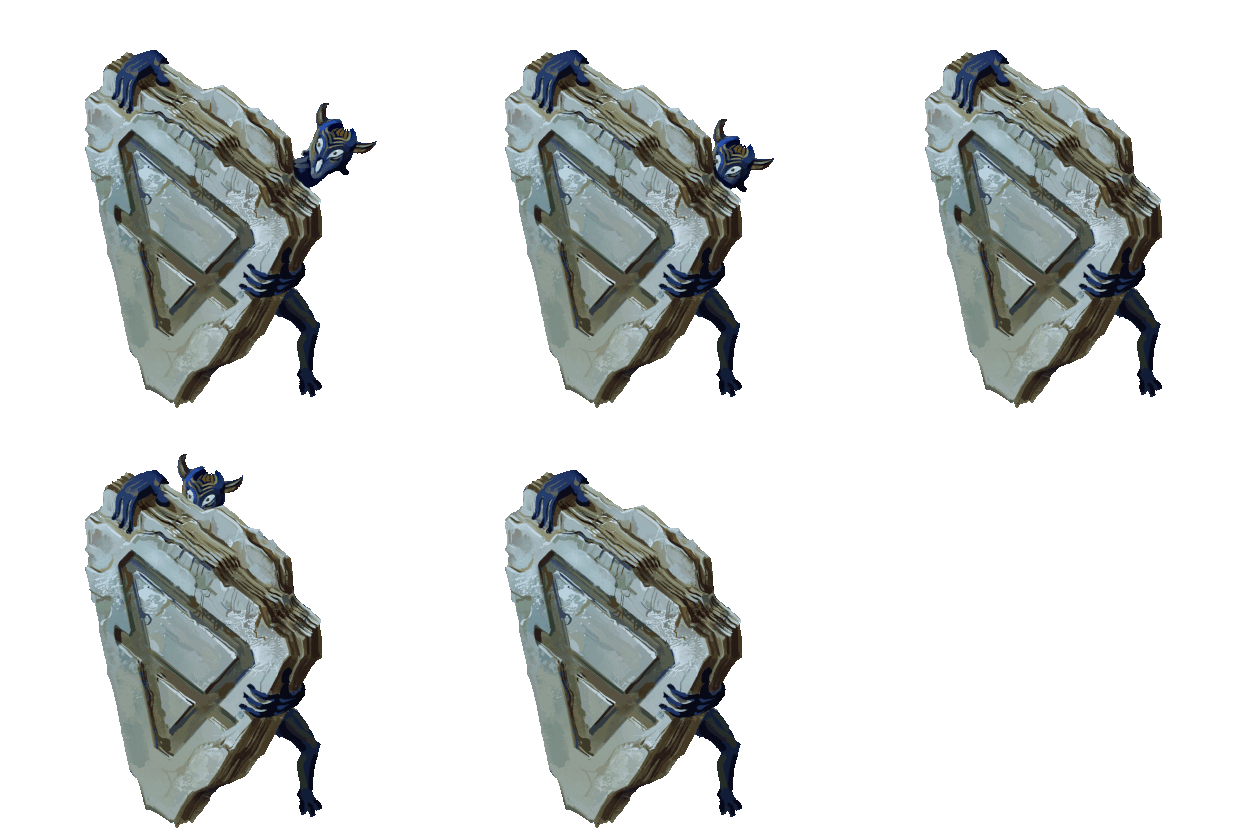
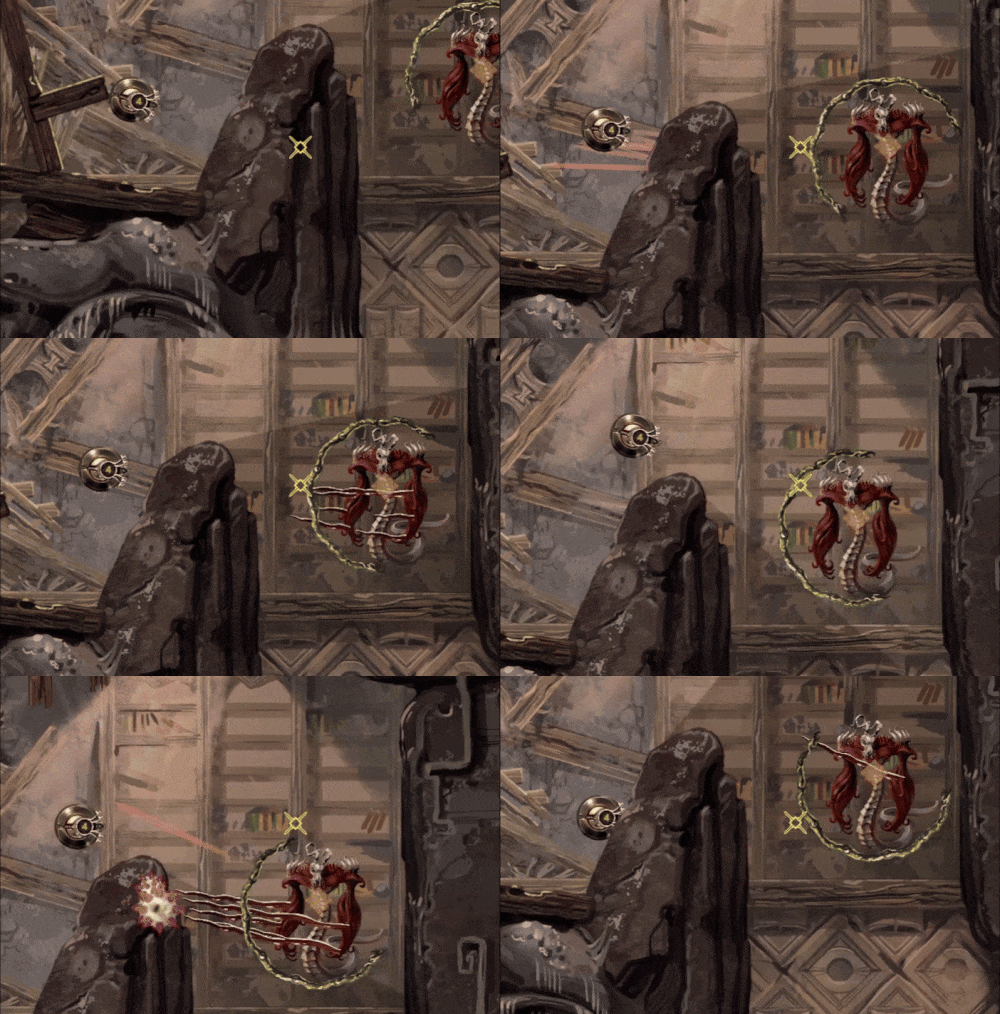
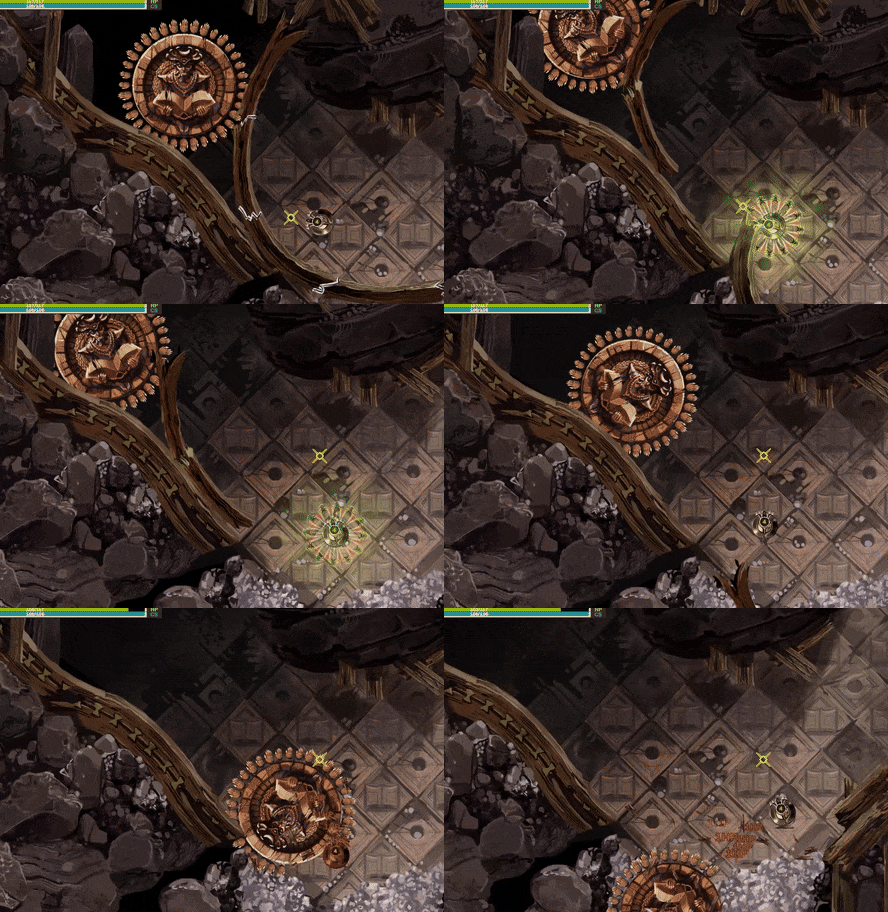
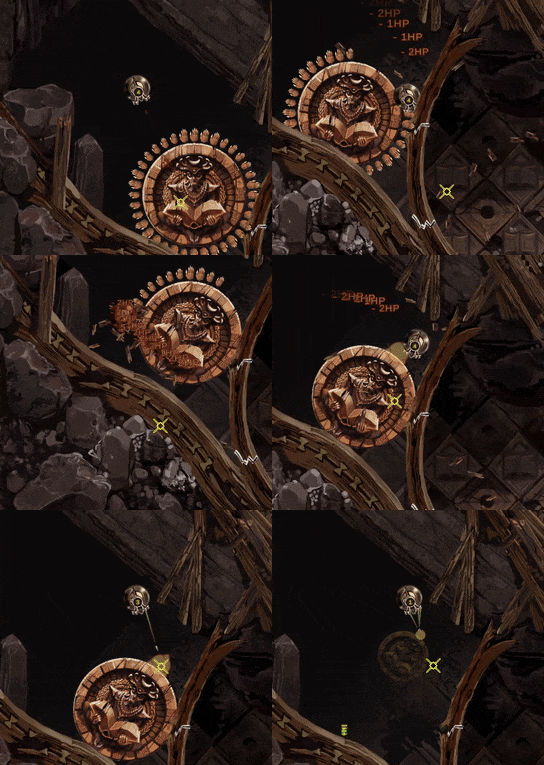
So I added an environmental obstacle into the game, a large rolling statue, Indian Jones style. It’s a statue of a devil-like creature with a large open book that can roll over you.


The statue itself does no damage, besides possibly pushing you into enemies or such, but each of it’s 36 hands does a little bit of damage, before breaking if you touch them.


Only that’s not all, there is a little secret. If you are exceptionally bad at dealing with this obstacle, or decide to tank all the damage and destroy every single hand in the process for some reason, the statue will display a weak point, count as a monster and be easily capturable. Alternatively, it’s possible to lure some other monster into the statues’ way and the statues’ hands will also break on contact with that monster.


The statue will always drop a heal item on capture and will appear in the monster collection as the Devil’s Knowledge Statula( statue in Lithuanian).

Crystal Attack

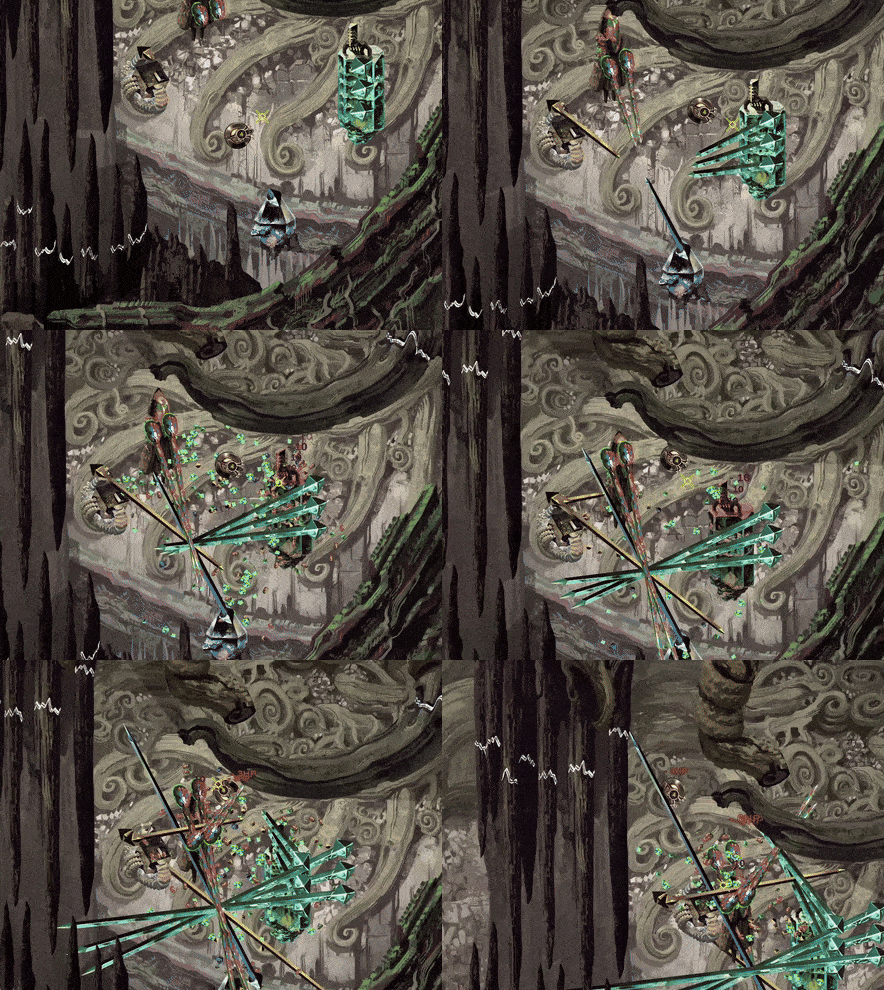
I wanted to add an attack to some enemies that fires a projectile that turns into a wall/obstacle after hitting. I implemented that in a couple ways actually but the main area where I used that is for several crystal elemental monsters. It seemed to make sense thematically, crystals can grow in real life, so let’s make that process a million times quicker and turn it into a projectile.

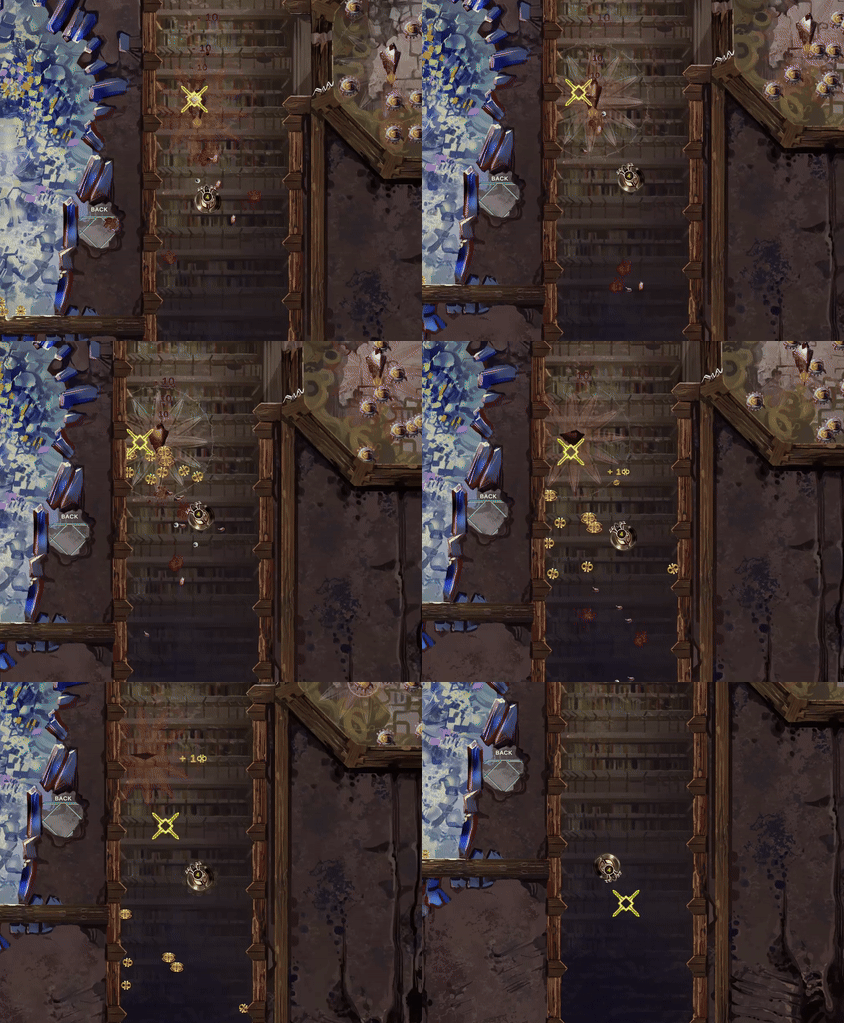
It works like this: when you approach one of these crystal monsters, it will instantiate one or more crystal bases and start rapidly growing crystals in your direction. Crystals will deal a bit of damage if they hit the player and they can’t be destroyed until they finish growing. If they hit a wall, they stop and turn into obstacles which deal no damage, but block the path and take three hits to destroy. This is how it looks in action if you encounter a single crystal monster: 


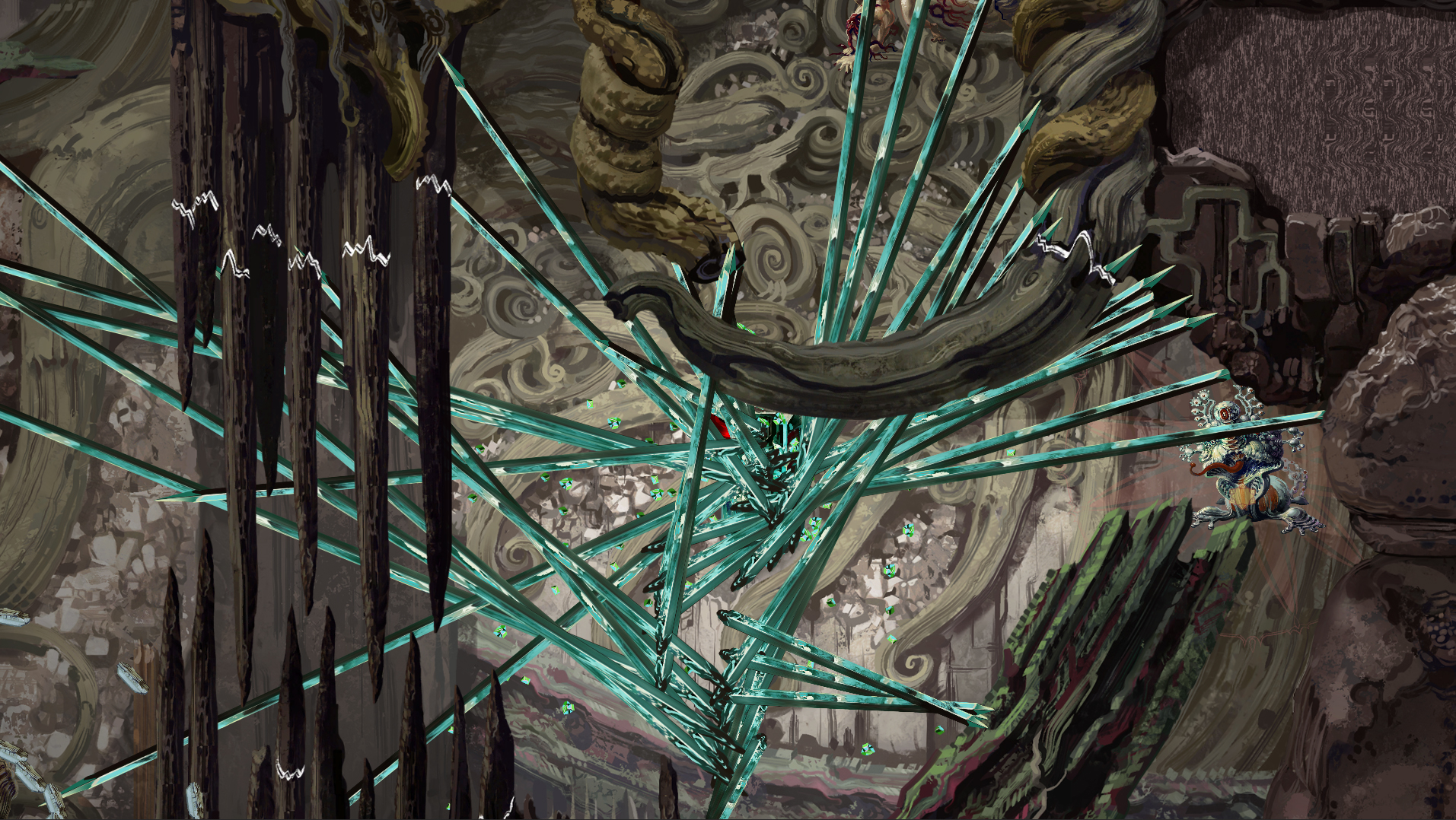
I don’t plan to place too may of these monsters close to each other, but they will follow you while firing crystal projectiles, so theoretically you might end up in a mess like this, surrounded by 4 different crystal monsters:


I made the crystals grow slow enough so that they are fairly easy to dodge, but you could end up with a bunch of them blocking you, if you don’t destroy some of them as you go along. Here are a couple screenshots of me testing how it works:


Heals of all kinds

I wrote a couple updates earlier about currency that killed monsters drop - the Infinibucks. Naturally there are some other necessary drops: HP heal item and CS heal item( cave stability). Both of these can sometimes be dropped by captured monsters, all of them have a small chance to do so and I added a higher chance, in some cases a 100% for one of these to drop from certain enemies. The green one is for health points and the blue one is for cave stability:


The green thingy restores 25 HP( out of 100 at the beginning of the game) and the blue one restores a random amount of cave stability from 15 to 35, at least for the moment( also out of a 100).

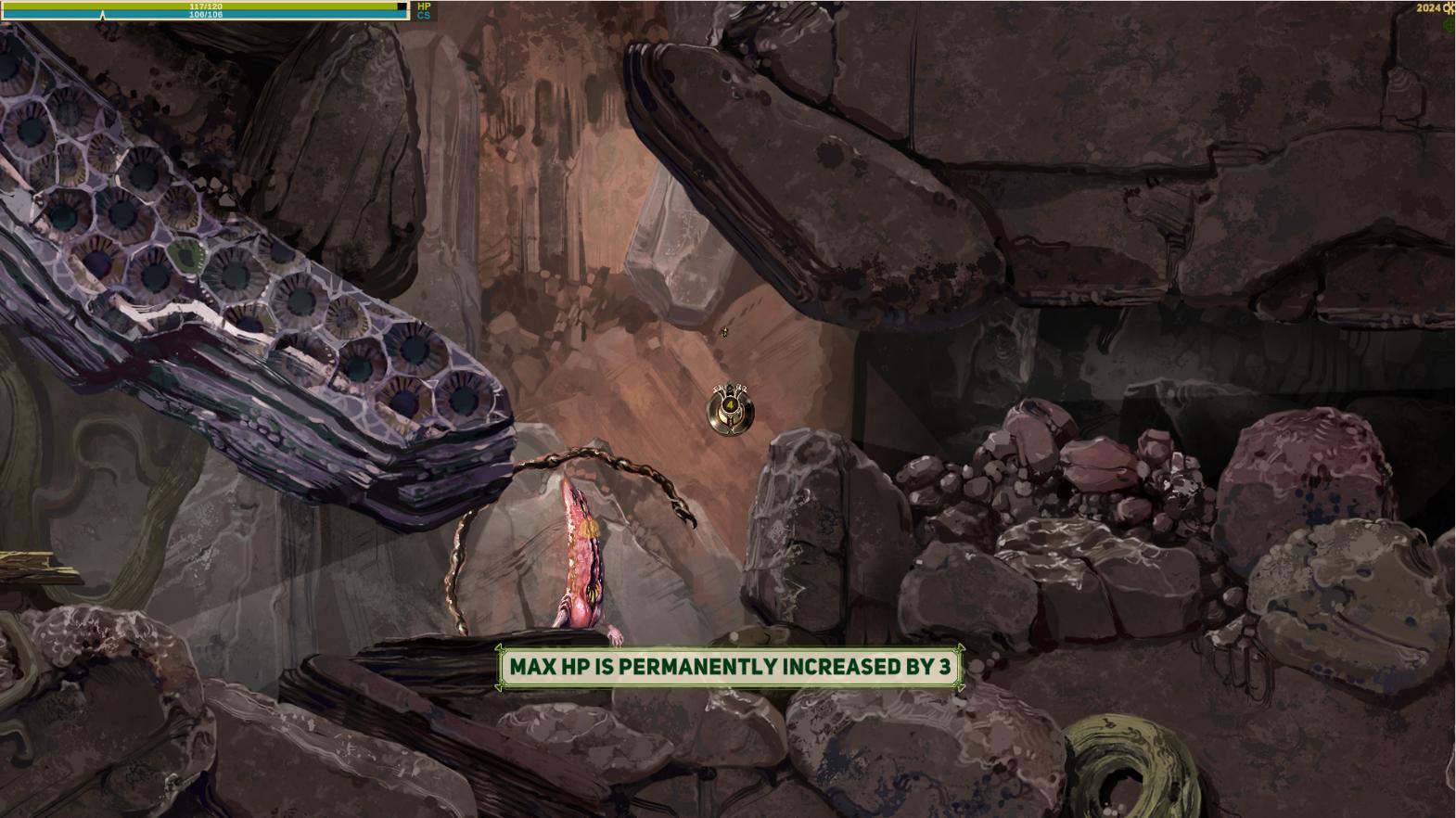
Also I'm adding special heal items that add 1 or 3 points to HP or CS on first discovery. These can be found in some harder to reach places and I will probably add them as a reward for the first capture of some higher tier monsters. They spawn regular heals instead after the first time. I coded it in a way where I don't need to do any extra adjustment, on the first pick up it just saves the unique name for each heal and replaces itself automatically with a regular version later. So as long as I don't make duplicate names, it's very easy to spread these around( with my memory I will need to double check that though). Also these permanent ones display a large bright message for a few seconds, so hopefully it's obvious what these do in game.


Also I added messages to explain how things like cave stability work, when you mouse over the cave stability UI bar at the top left. I want this sort of basic game mechanics info to be available if you pay attention. I personally get annoyed when I have to google and find out how a certain game mechanic works because the game doesn't tell you anything( yes, I have been playing Elden Ring way after it's release), and of course this little game of mine is unlikely to have wiki pages dedicated to it.


Crystal Rocket Attack

I showed how some of the Crystal enemies work before, but I had a special attack for a single specific crystal monster in mind - the crystal rocket attack:


It works like this:
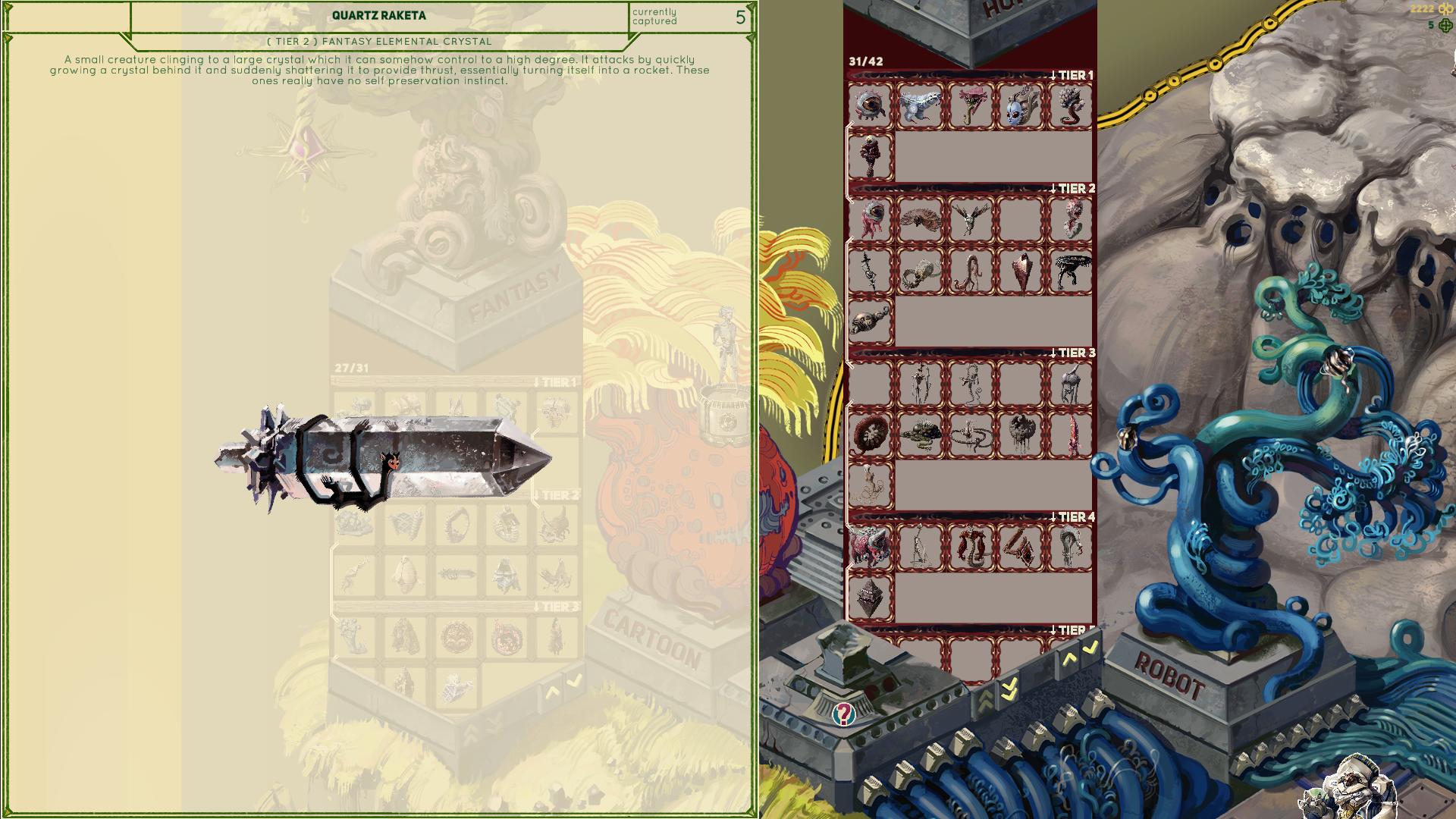
This enemy, the Quartz Raketa( rocket in Lithuanian), is stationary and keeps spinning with a white indicator in front of it. If you wander into the white indicator, it will turn red to warn you and then you have around a second to gtfo because this enemy will start growing a crystal on it's back side. The crystal then explodes rapidly propelling the whole enemy towards the location you were when it locked on you and explode in a bright white light. It will do some damage and can also break some walls and reduce Cave Stability as well.

Unlike most monsters, this one doesn't notice you behind obstacles, because the indicator you need to avoid is ray casted and is stopped by walls, random debris, other monsters etc. I actually never used ray casting for anything somehow, so it was a nice tool to add to my belt.

Stunning designs. Absolutely love it. Now, I realise I'm late to the party here (as you've been working on this for a while now), and you mention earlier that you may be using some free music :( But if you ARE ever looking for a composer and something which fits the game perfectly, then I'd love to be involved. Here's my latest reel, and there's more examples and some sound design over on my site fracturesmusic.com 


(+1)

A little art update. 

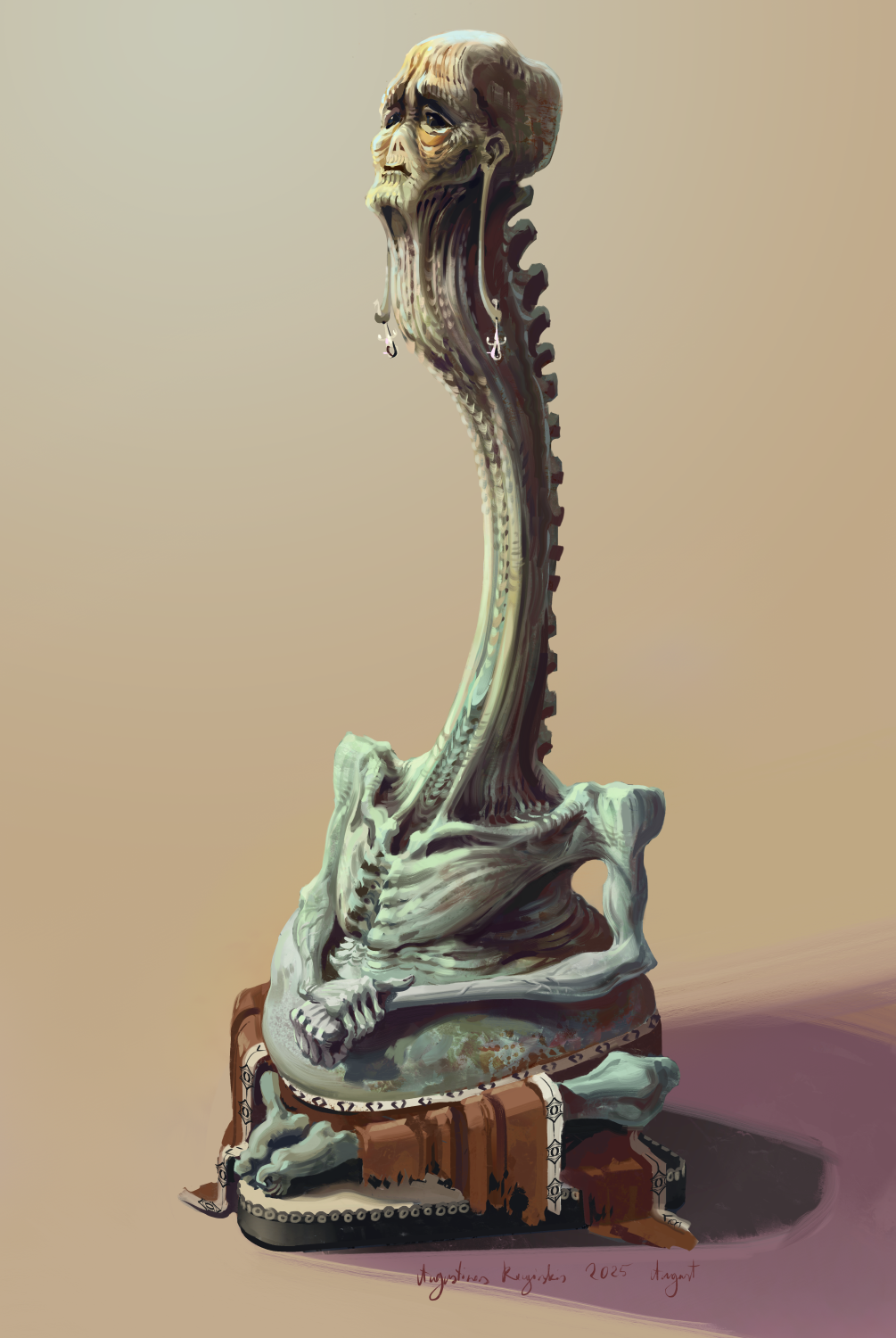
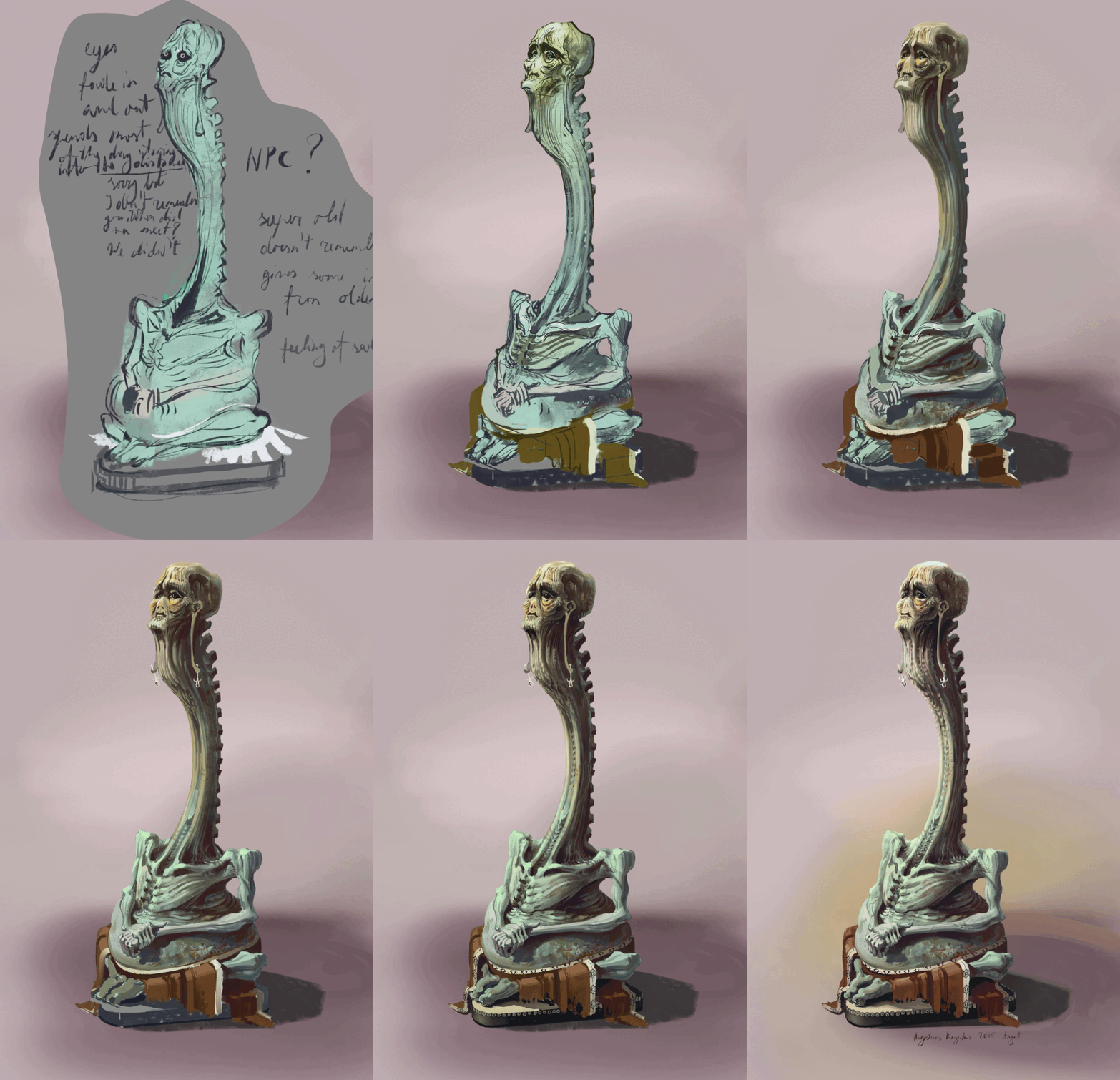
I painted this guy and I'm planning to use him as an NPC in the testing fields. At first I sketched him out as a monster, but I liked the general look of it and decided to turn him into an NPC instead.  He will be somewhere on the horror side of the Testing Fields hub area and probably won't have too many lines, but I think it will add to the overall atmosphere of the place.


A couple more optional cave areas

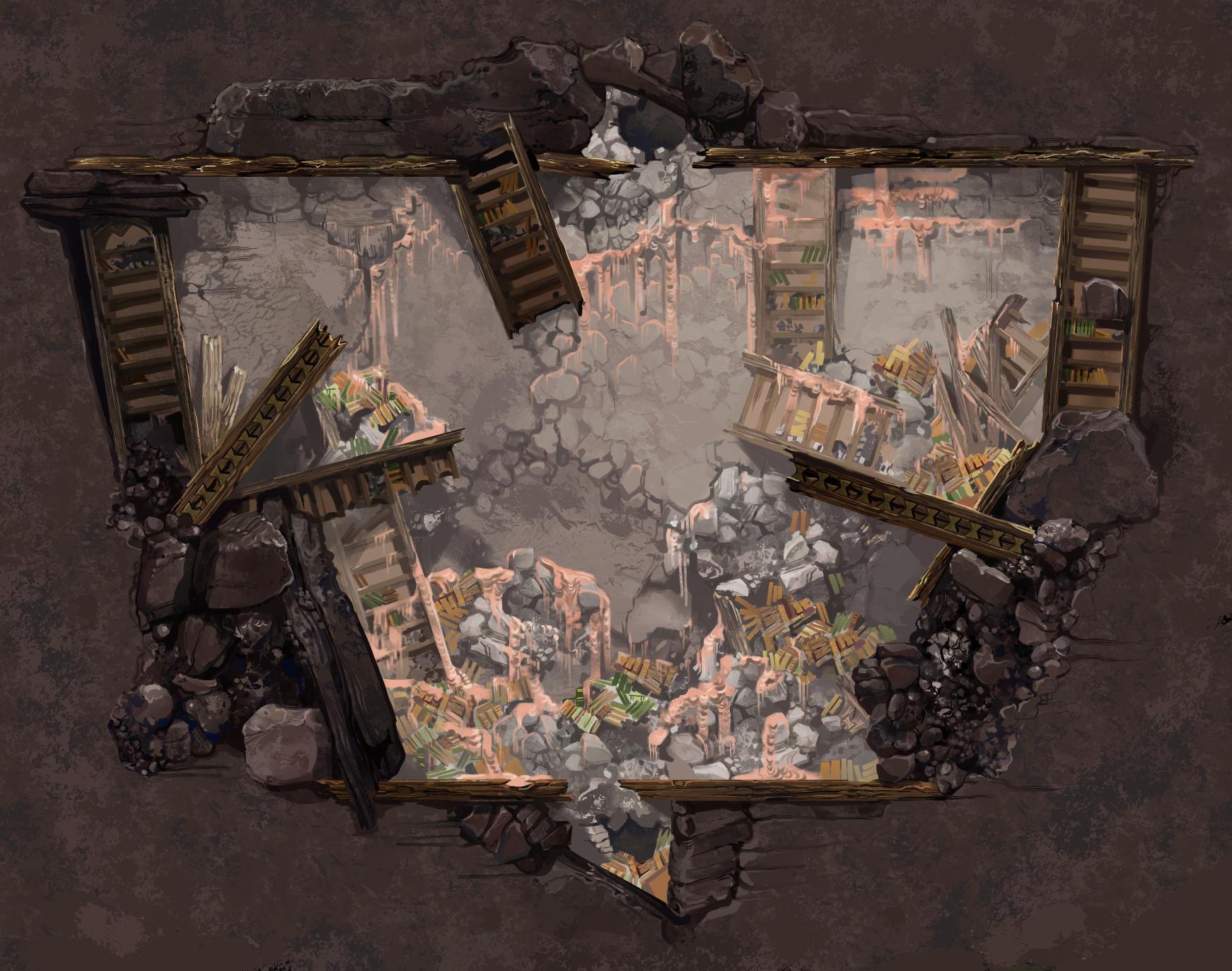
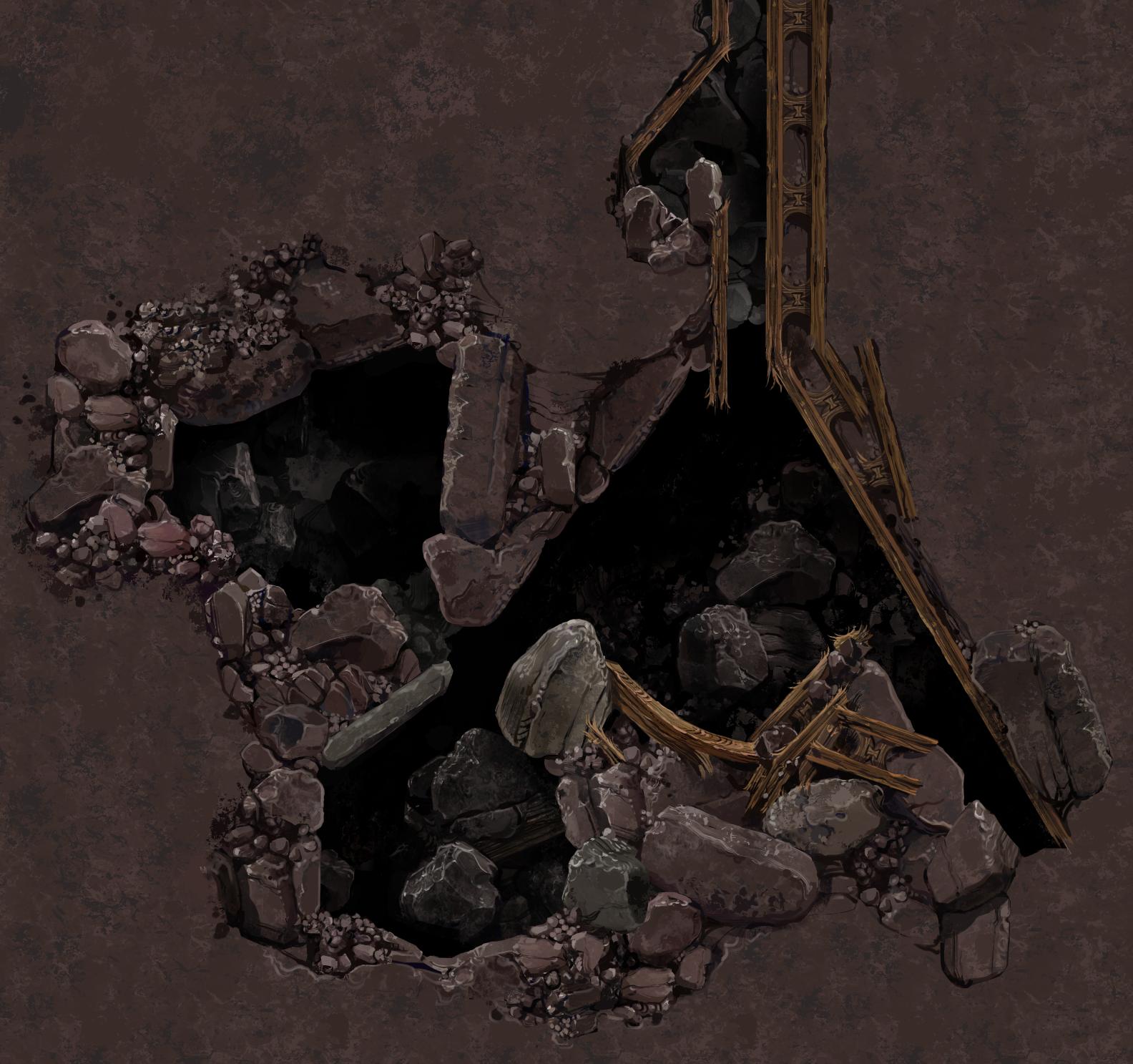
I just finished painting and I'm now integrating a couple larger, more open areas in the Abandoned Archives cave. I needed these for a couple larger monster encounters and these have a chance to appear towards the end of the cave. 


I showed the artwork for the monsters that will appear in these cave areas a while ago, these ones below. I already mostly coded the behavior for these cute boys too and I should be able to show off some of that hopefully soon after some more testing and tweaking.


(+1)

nice work!

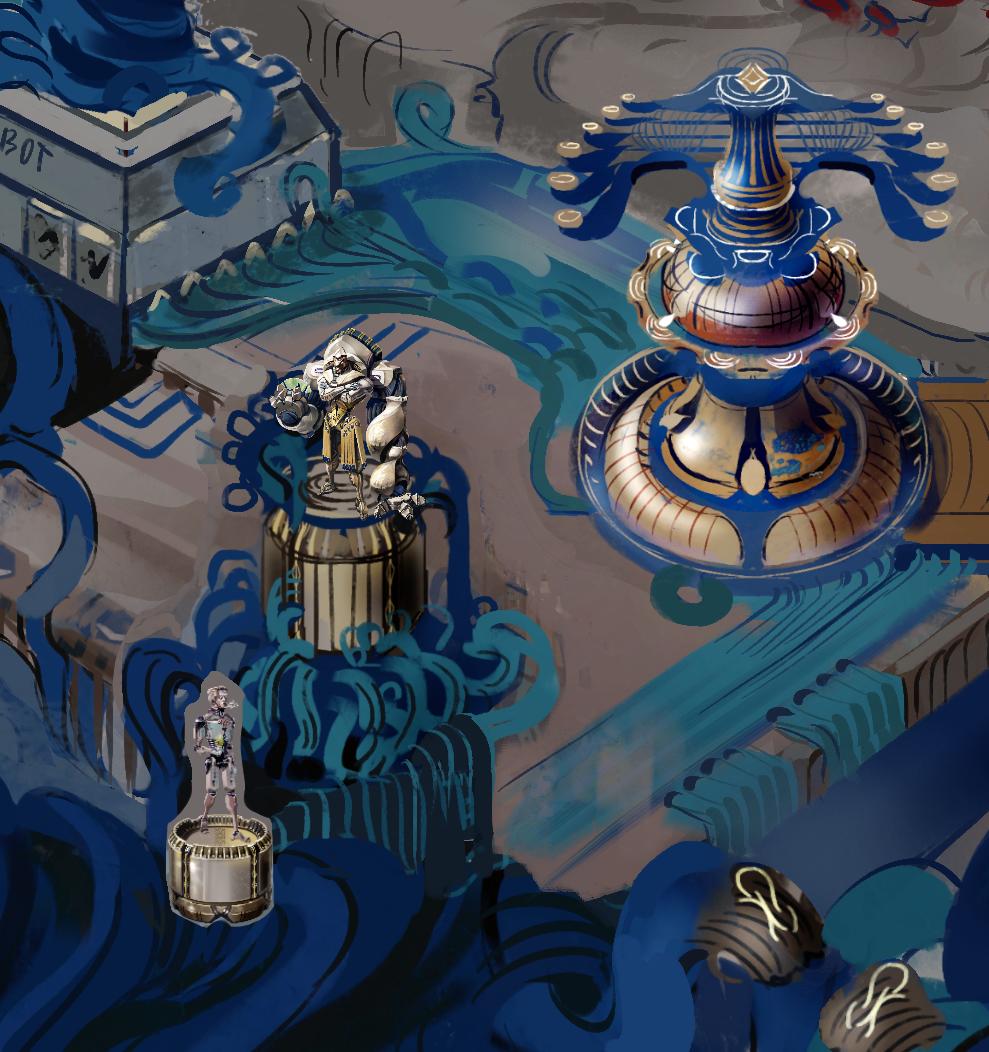
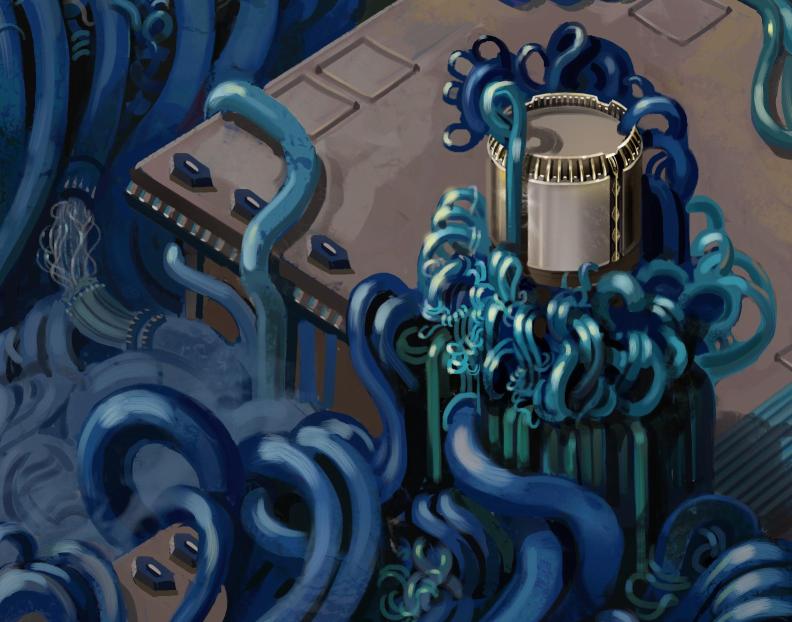
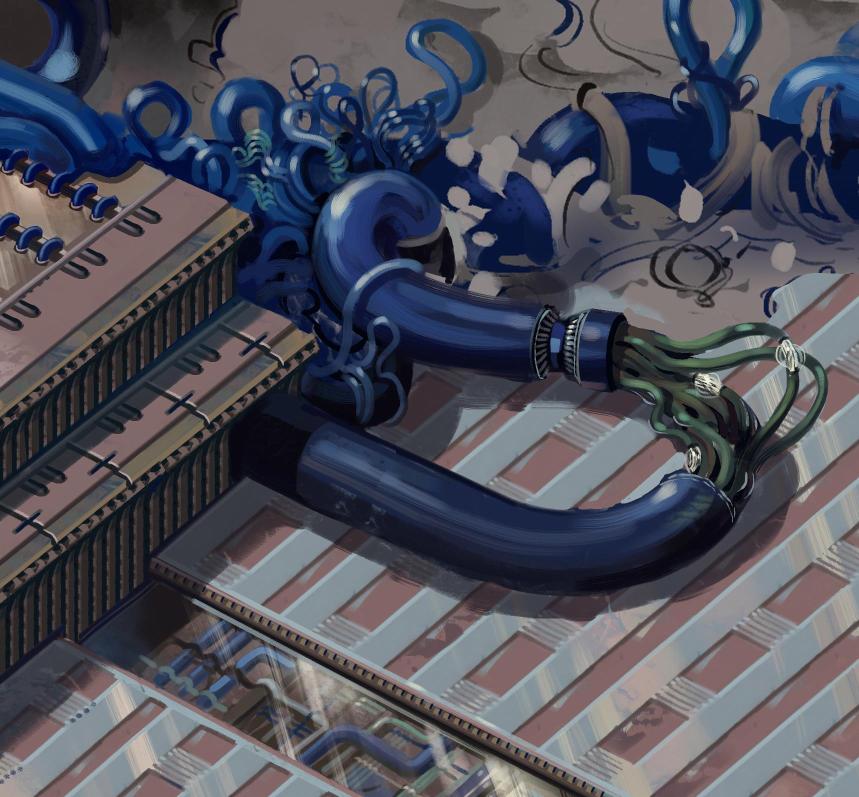
Painting Some Blue Wires ( working on overworld area )

I've been coding a decent bit for the game for a while now so I wanted to take a break from that and do some painting. I showed a sketch of a good chunk of the overworld probably months ago and I just now finally got to painting it. Honestly, it's been fun, especially because for once the painting was going faster than I expected and I felt more energized to do this extra artwork besides the stuff I do as a freelance artist daily.

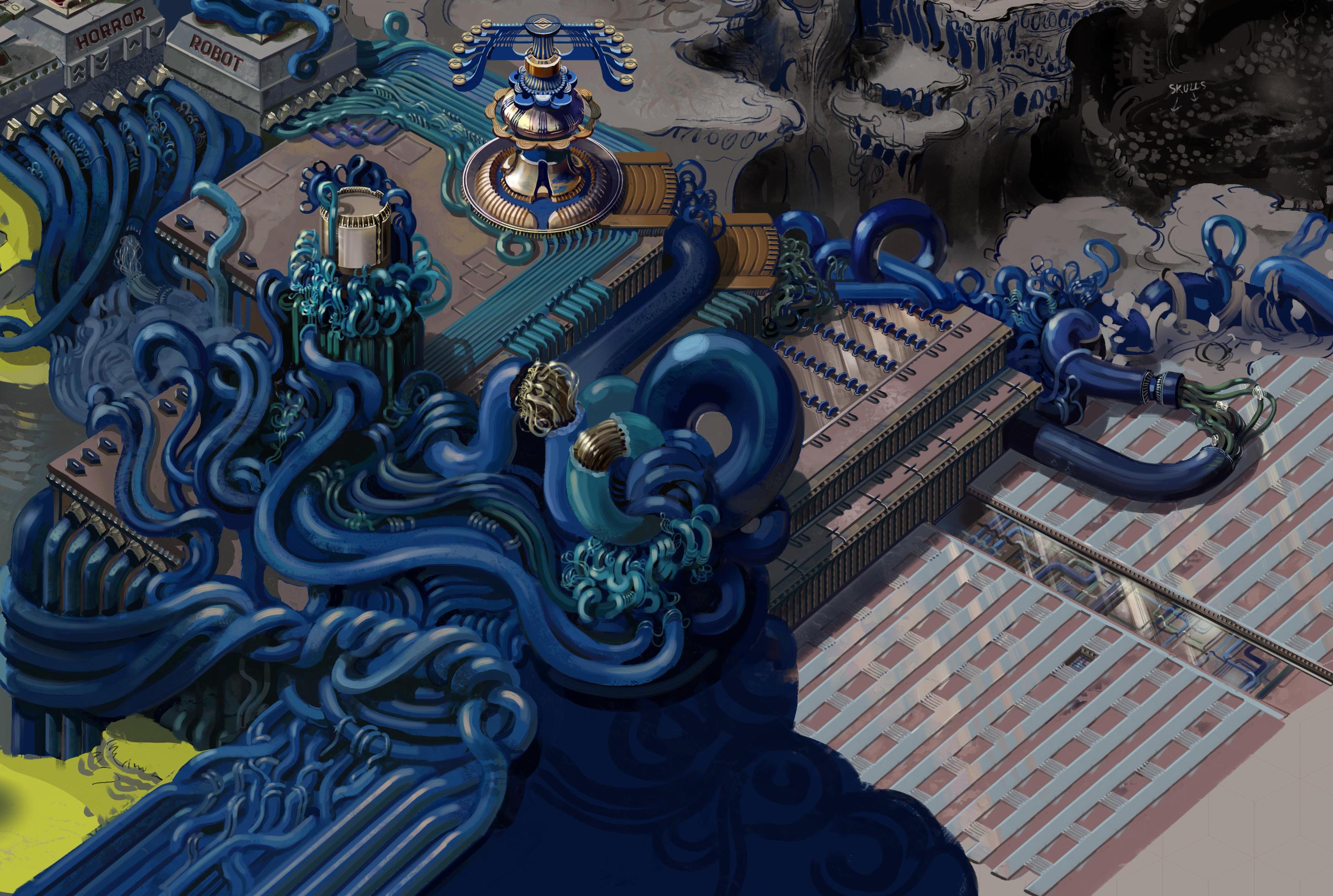
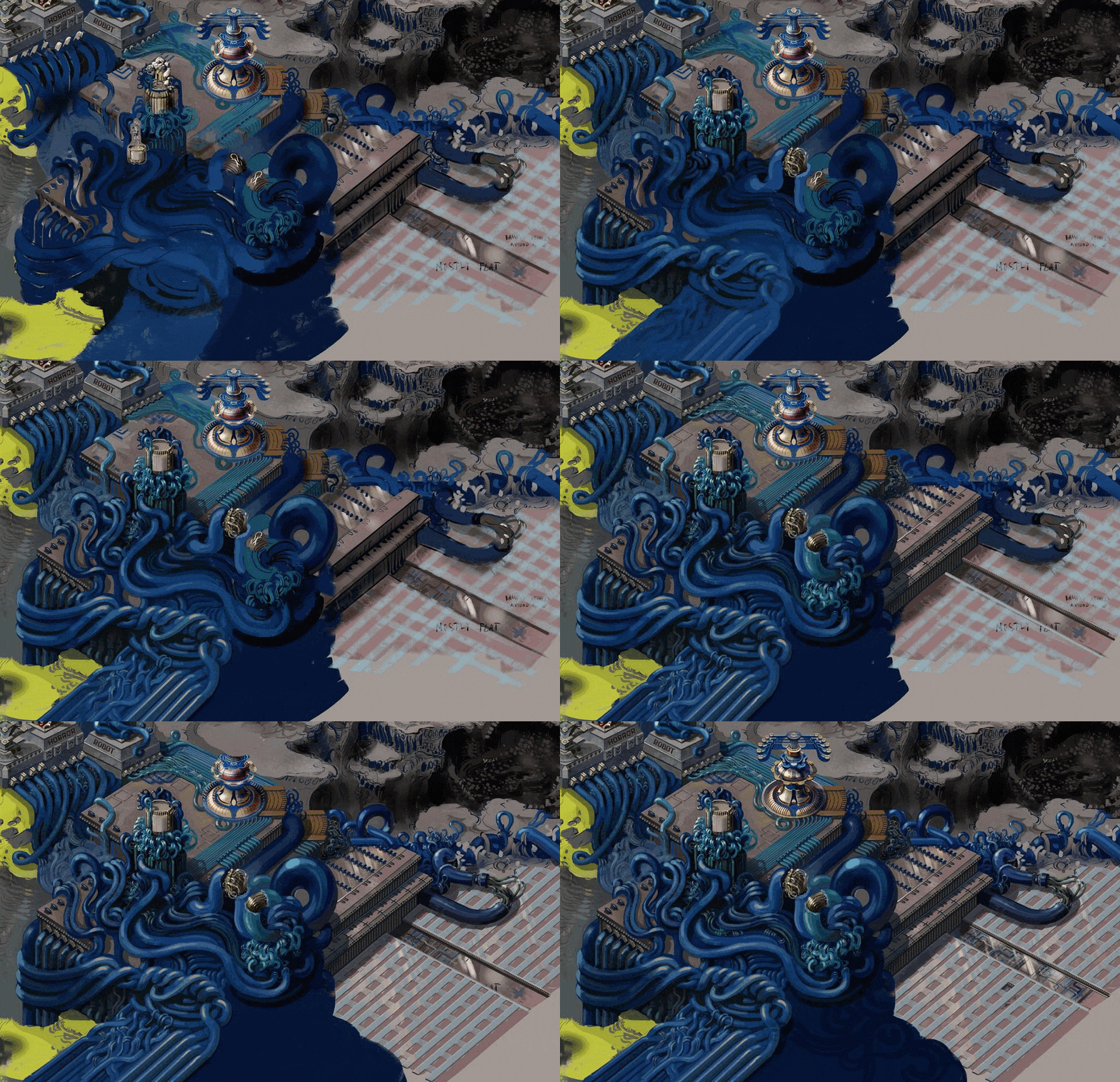
I was working on this sci-f i themed blue wire area of the overworld and it will need some final touches once I have more work done on the rest of the place, but this bit is 80 or 90% done. That took me around 5 days( not full days, mind you) which is way faster than I expected.

Here it is together with my progress gif and a couple close ups:


More hub area art


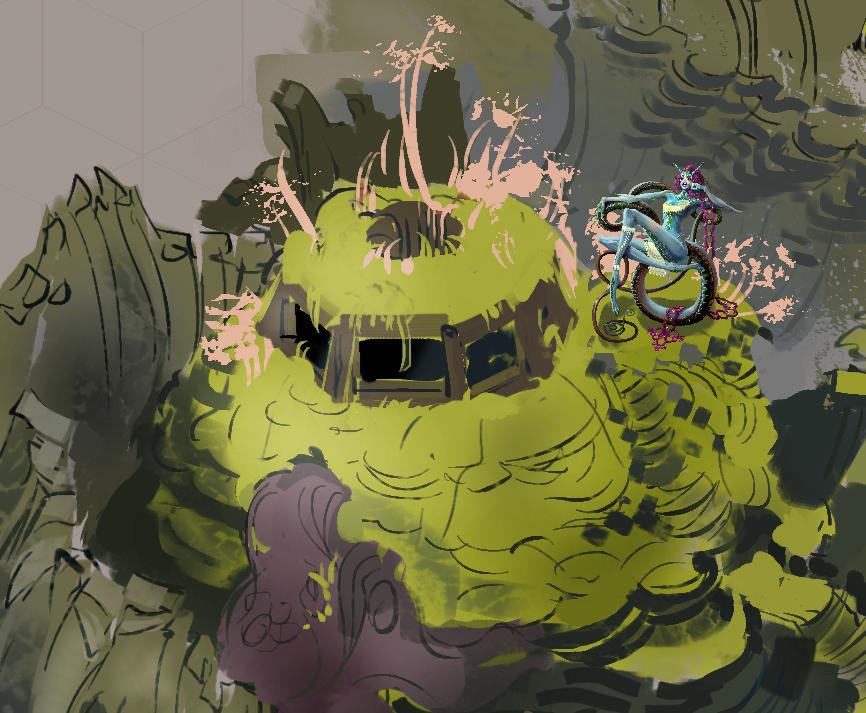
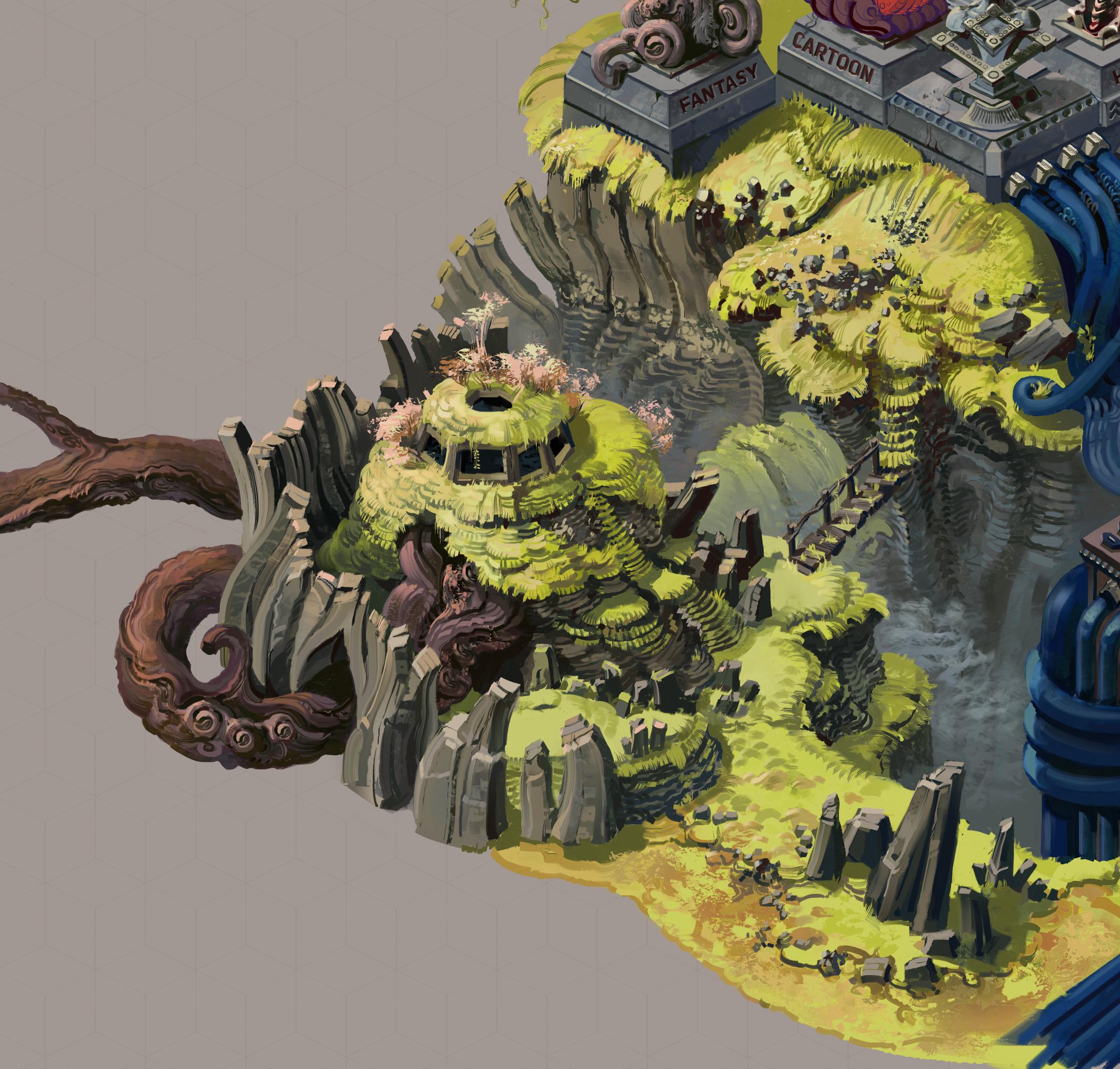
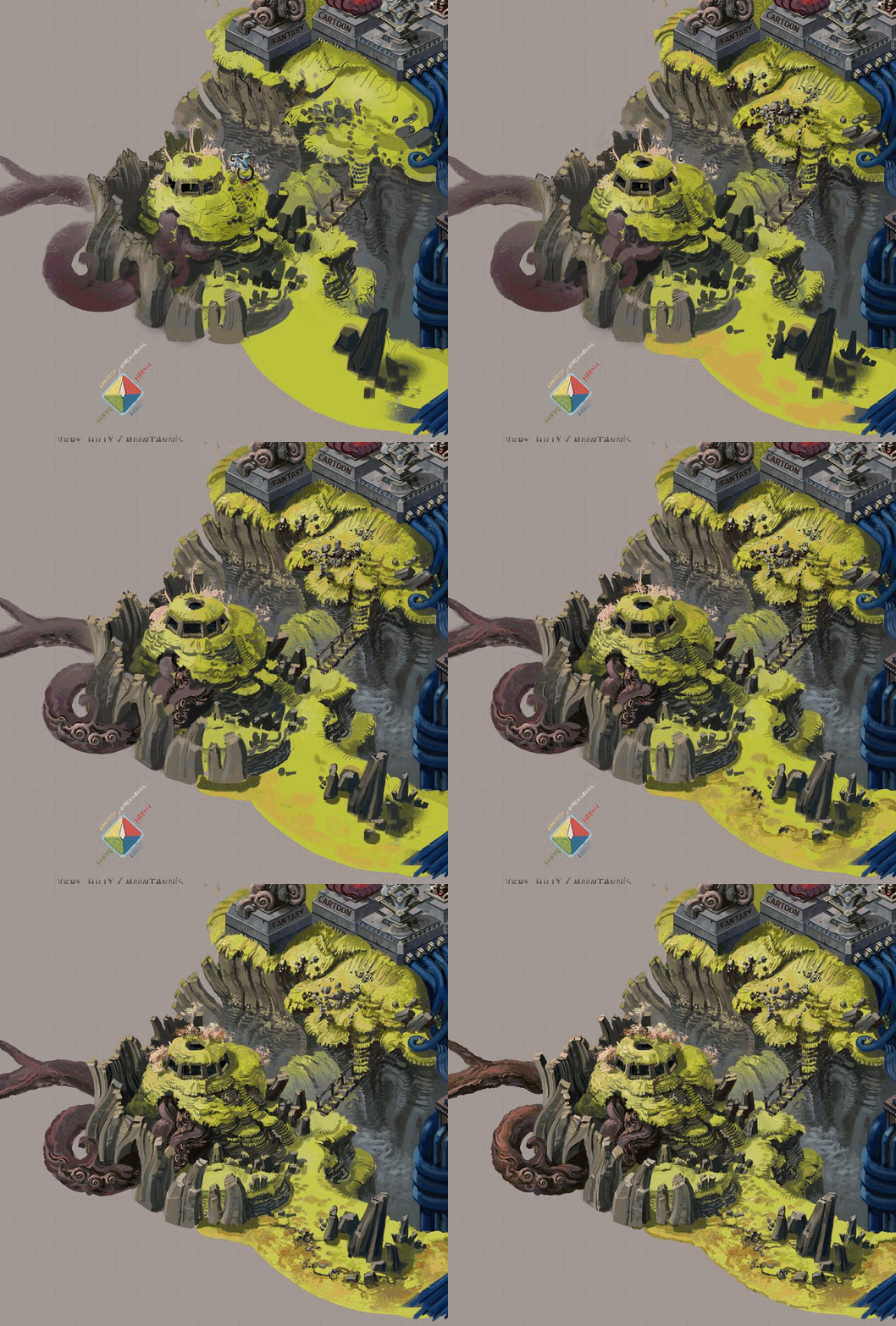
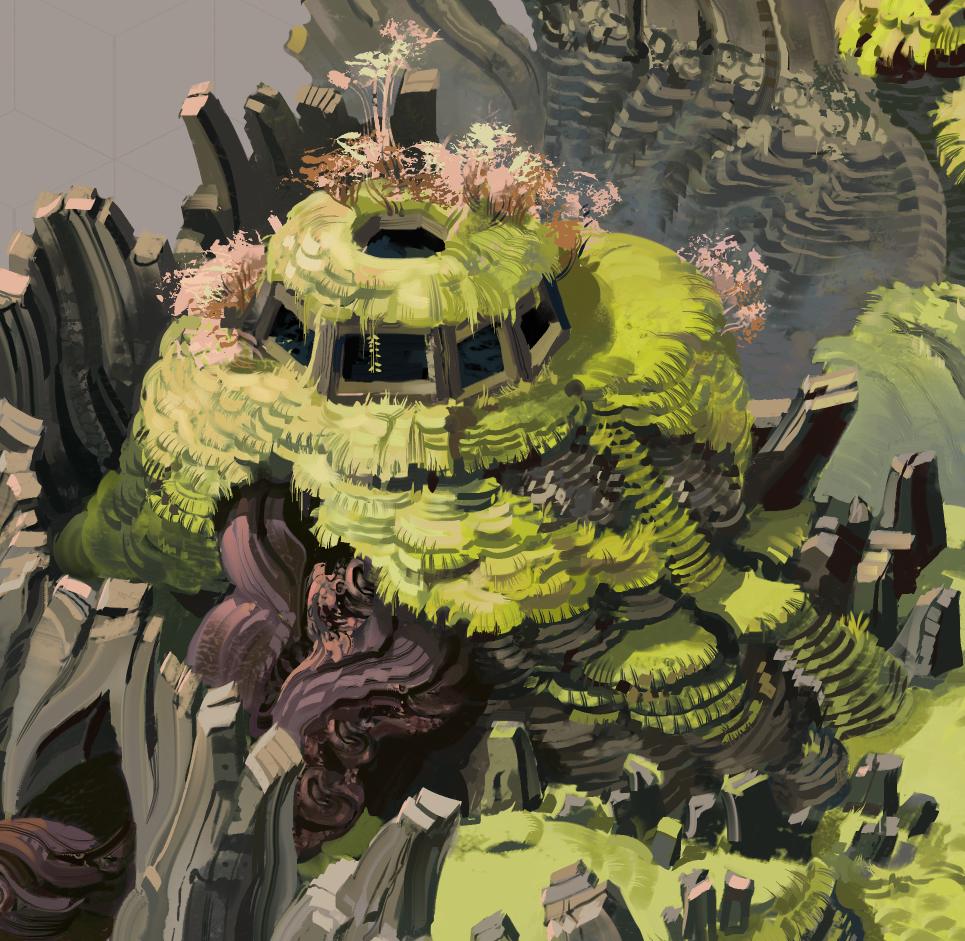
I've been having fun with this and it continues to go fairly quickly so I painted another part of the hub area. The previous blue wire area was scifi themed and this time it's fantasy.


This area also contains the entrance to the cave a lot of the previous work on the game was focused on:


I think I will continue with this and paint the horror themed area that connects to these two and if I manage to finish that soon, then I will have most of the hub I want to have for the game demo. There are smaller bits I need to add to make the area more alive, like sparks to the exposed wires, but it would be a huge amount of work done. I want to have more and more of the hub unlocked as needed, probably including the last quarter of the hub I haven't touched yet - the cartoon themed area. I also need to figure out how exactly I want to hide the area outside of the hub artwork so it doesn't look like it's sitting in the middle of a grey void, but I have an idea for that that I think will fit in thematically.

Even more hub area art

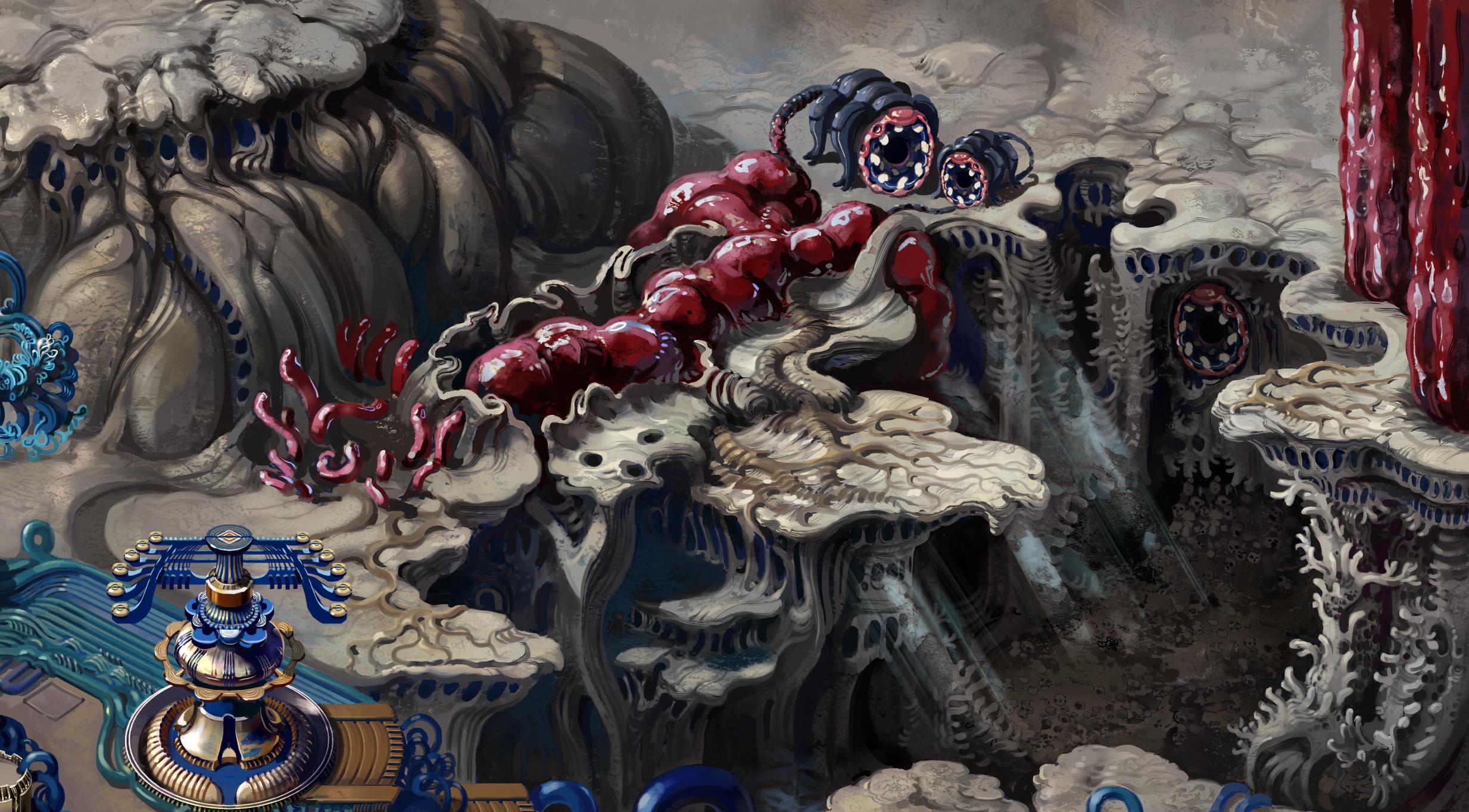
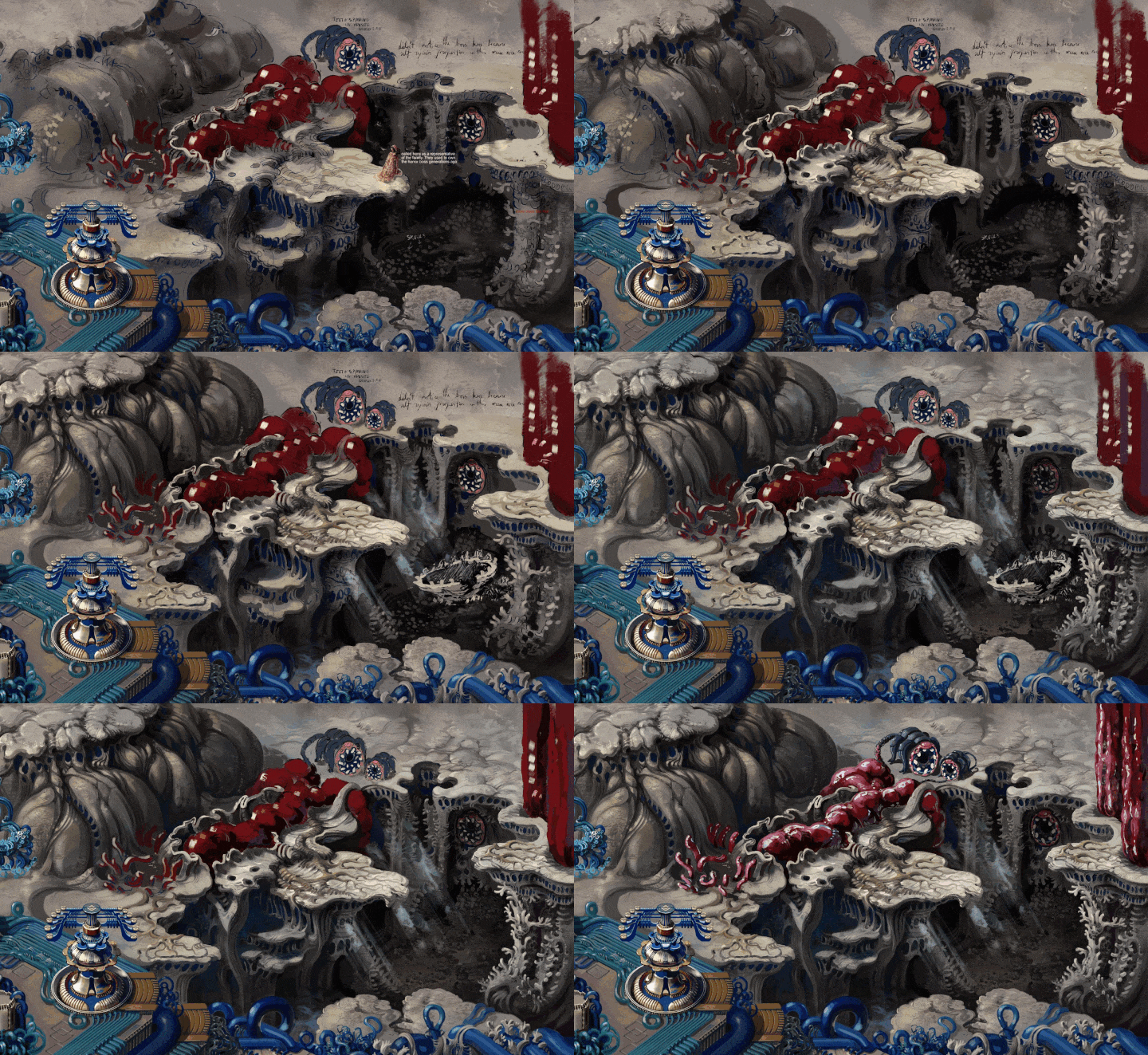
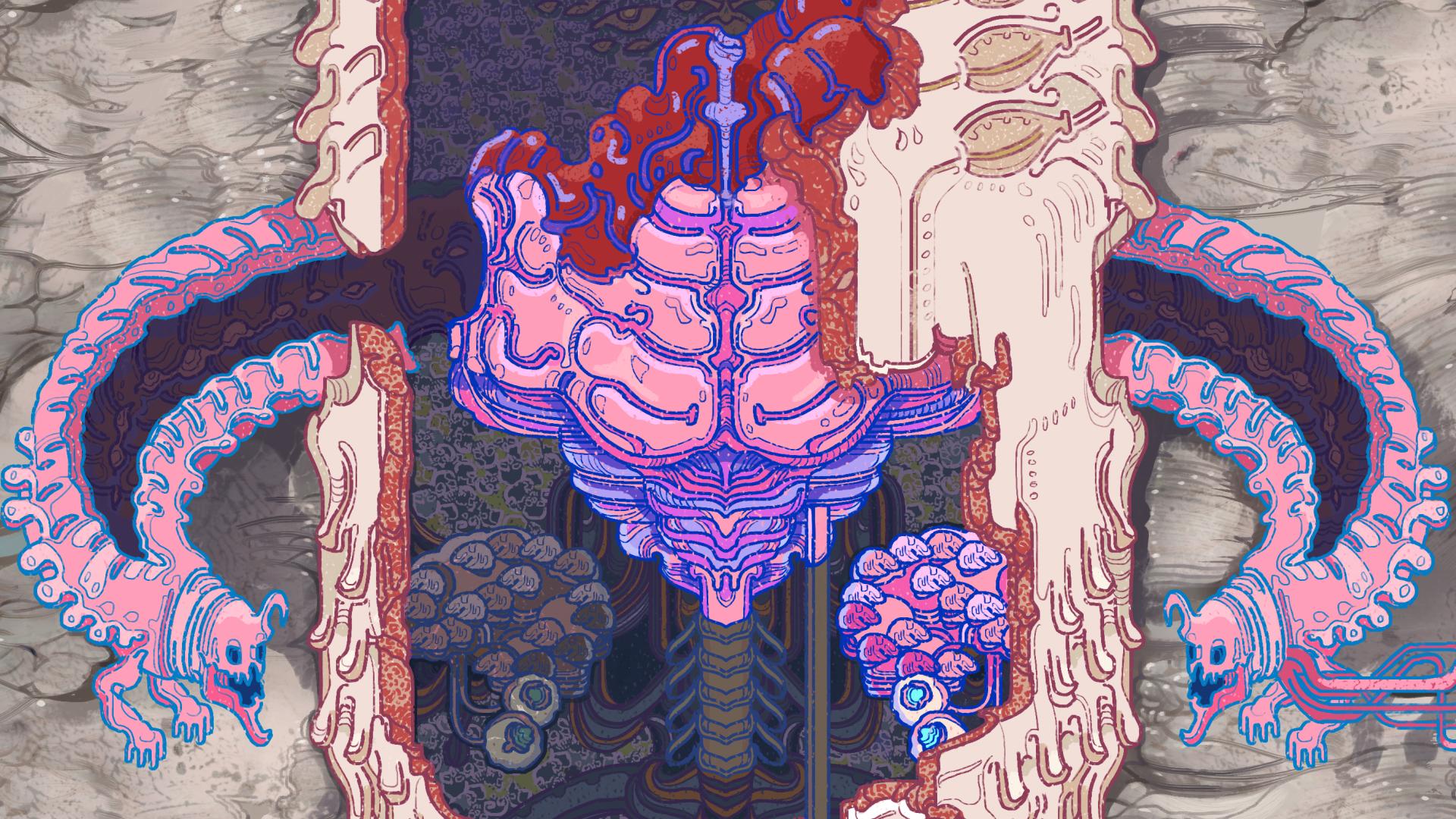
And here is the remaining part of the hub I wanted to paint for now - the horror themed area:

Here's a little GIF of how I painted it:

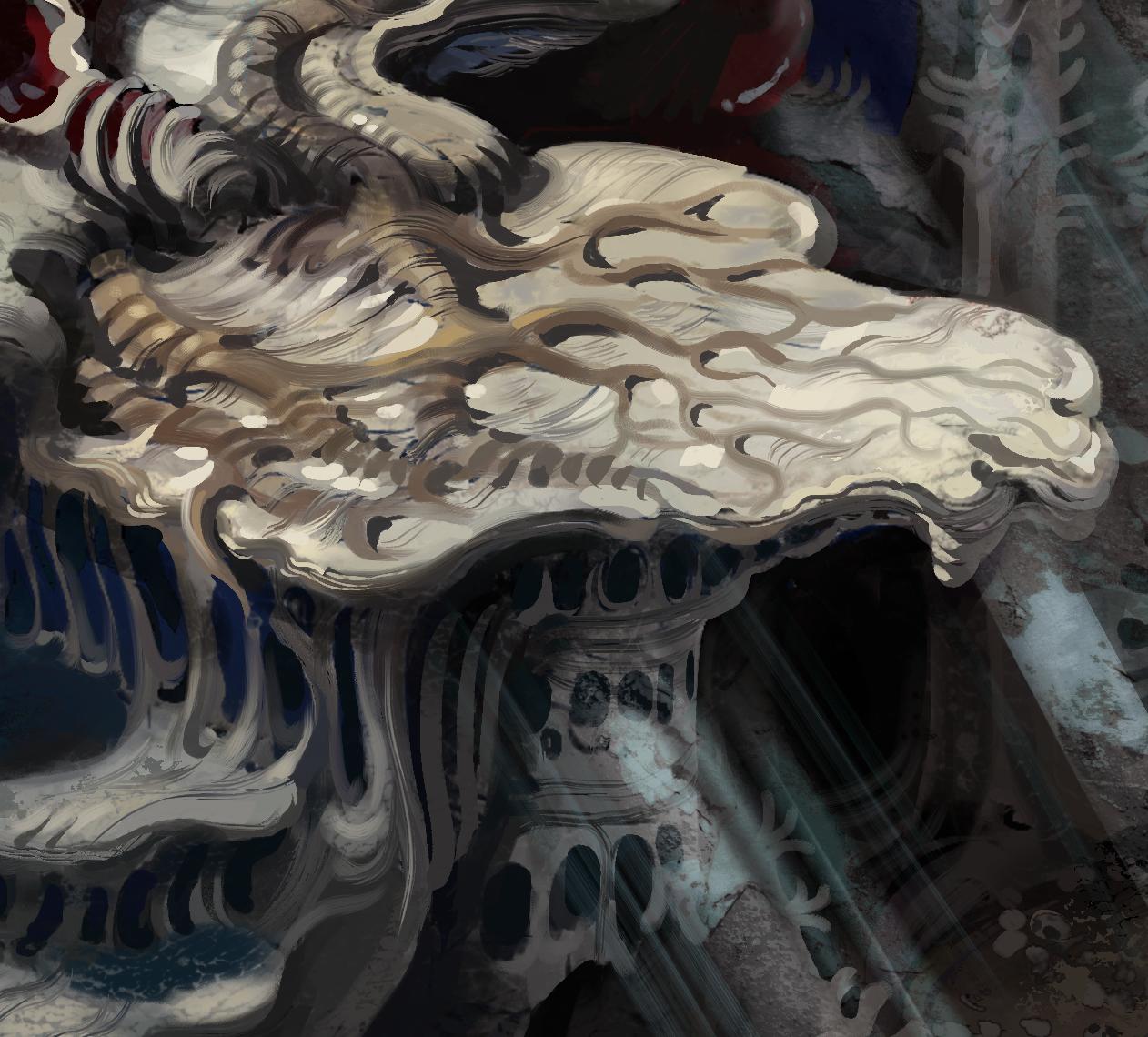
And a couple bits up close:

Now I need to let all three parts of the hub art sit for a little bit, marinate in the back of my head and add some final touches. I want to make a few adjustments for better visual readability, add a tiny bit more detail in places and I'll probably come up wit a couple more things I need to change to call it complete. But this really has been going surprisingly quickly so far, so hopefully I can finish it up real soon as well.

After that I will need to integrate quite a bit of artwork into the game itself, together with this I have a bunch of assets pilled up and ready for that. I'm sensing another potential work heavy period in the near future so I want to do a lot on this personal project while I have some time.

(+1)

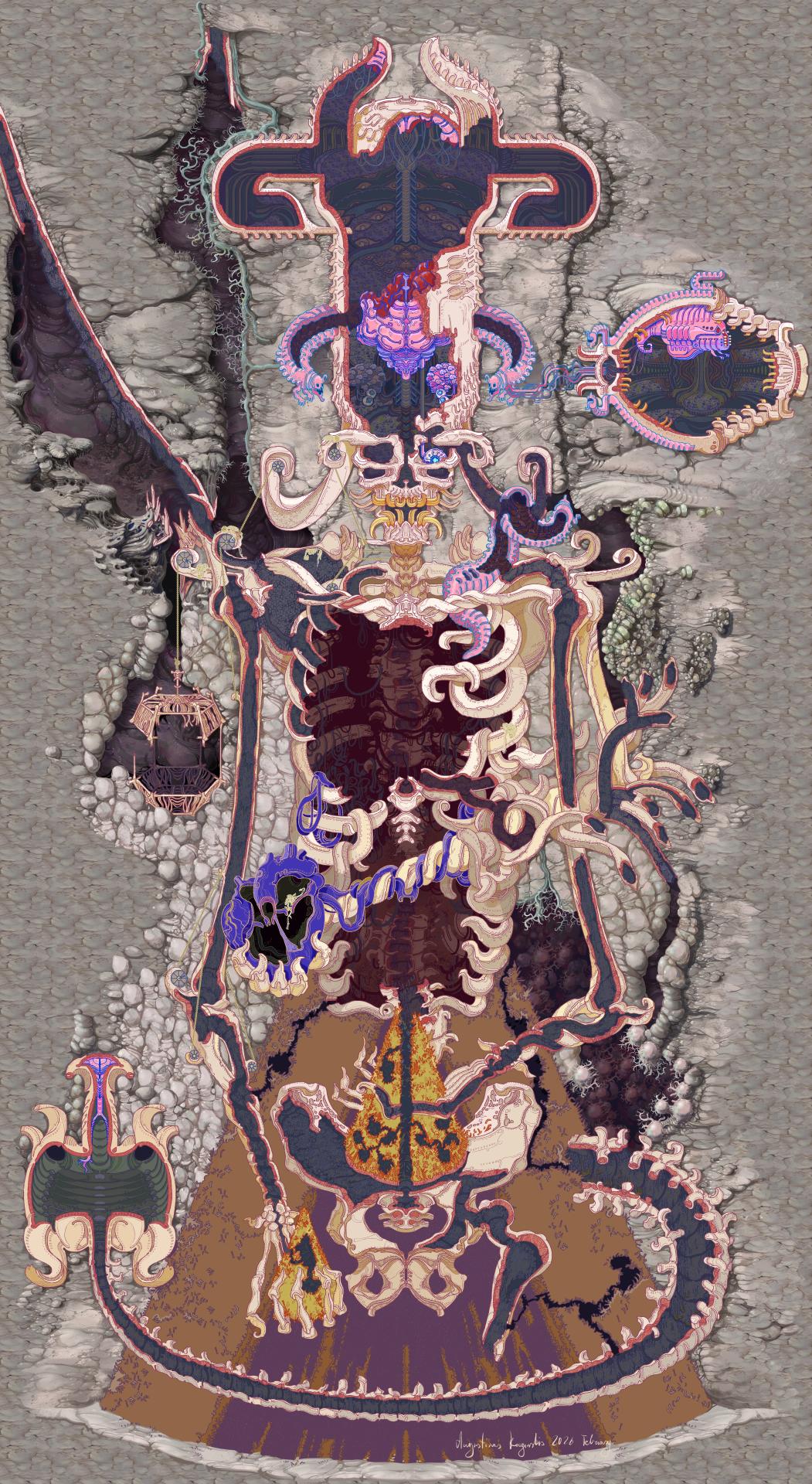
And the artwork for Testing Fields - the hub area is finished!

Overall I'm pretty happy with how this turned out. I also came up with quite a few little ways to add some animations and movement to this area, so I'll share that as well once I have this integrated into the game.

Finalizing Abandoned Archives cave layout

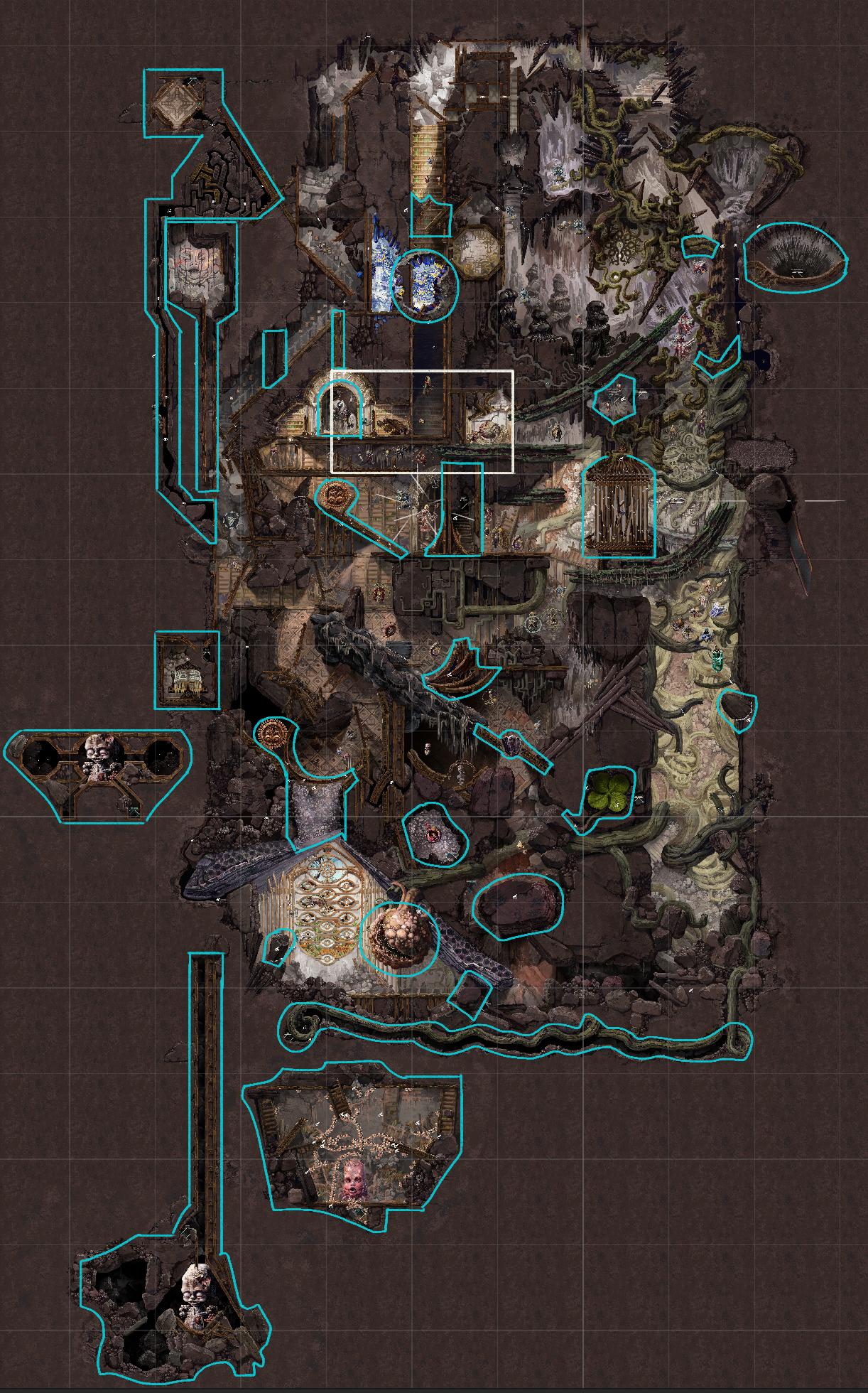
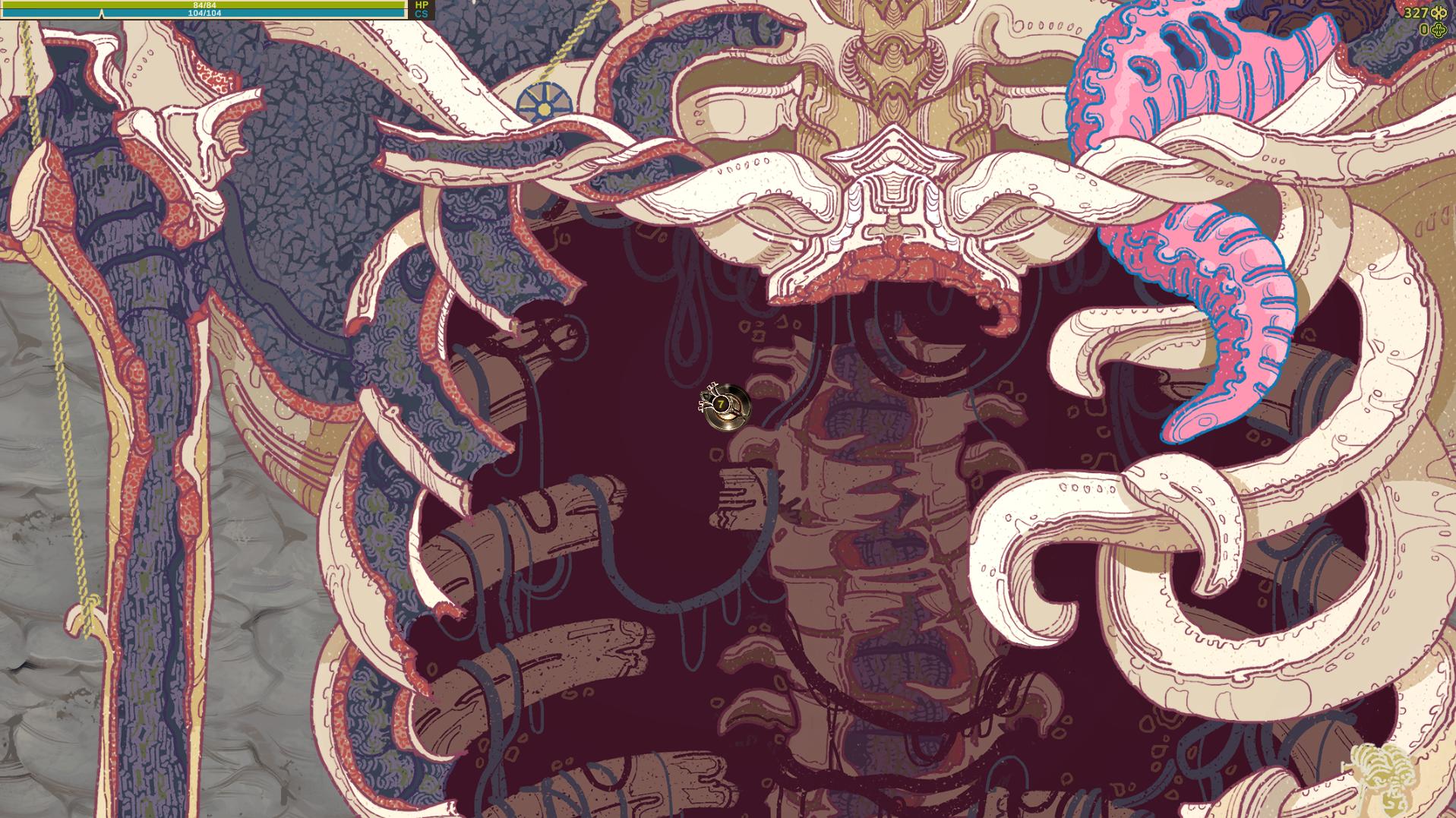
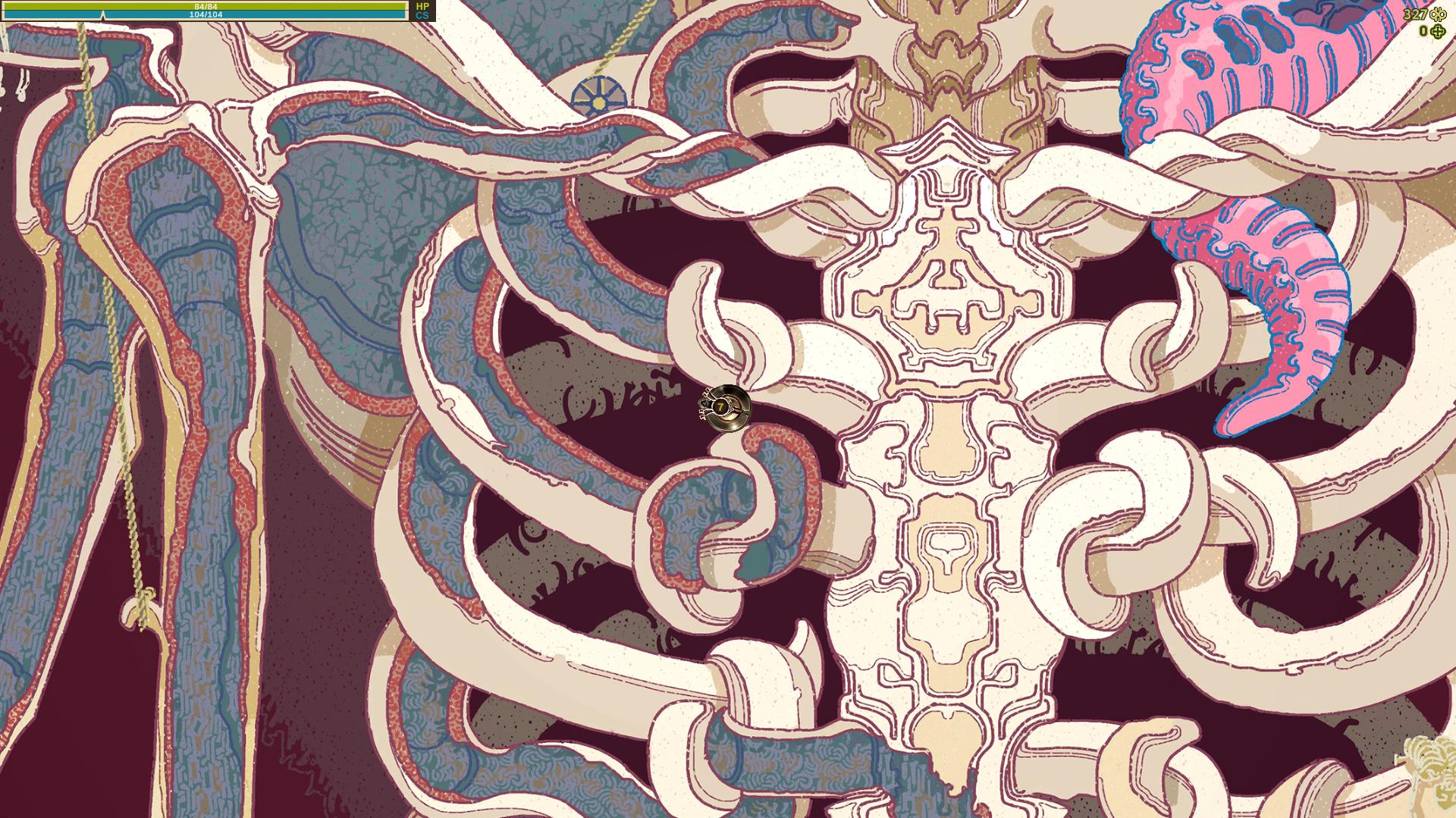
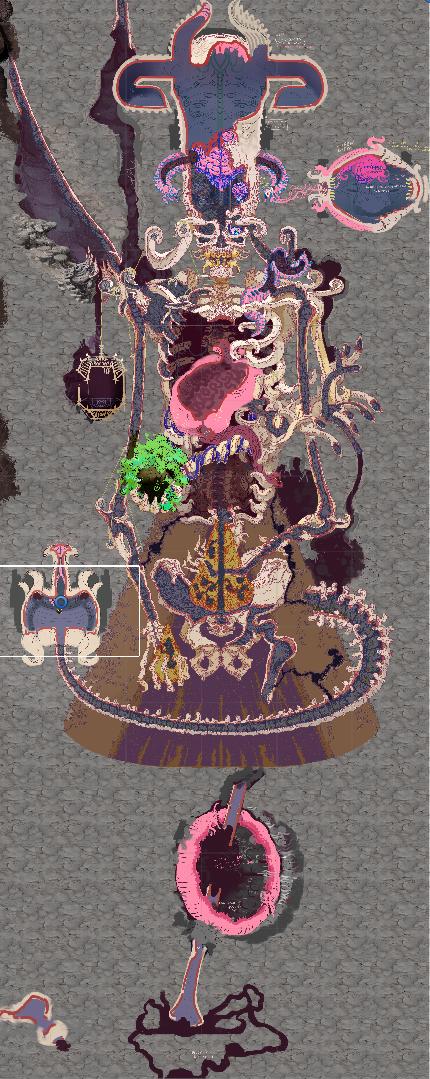
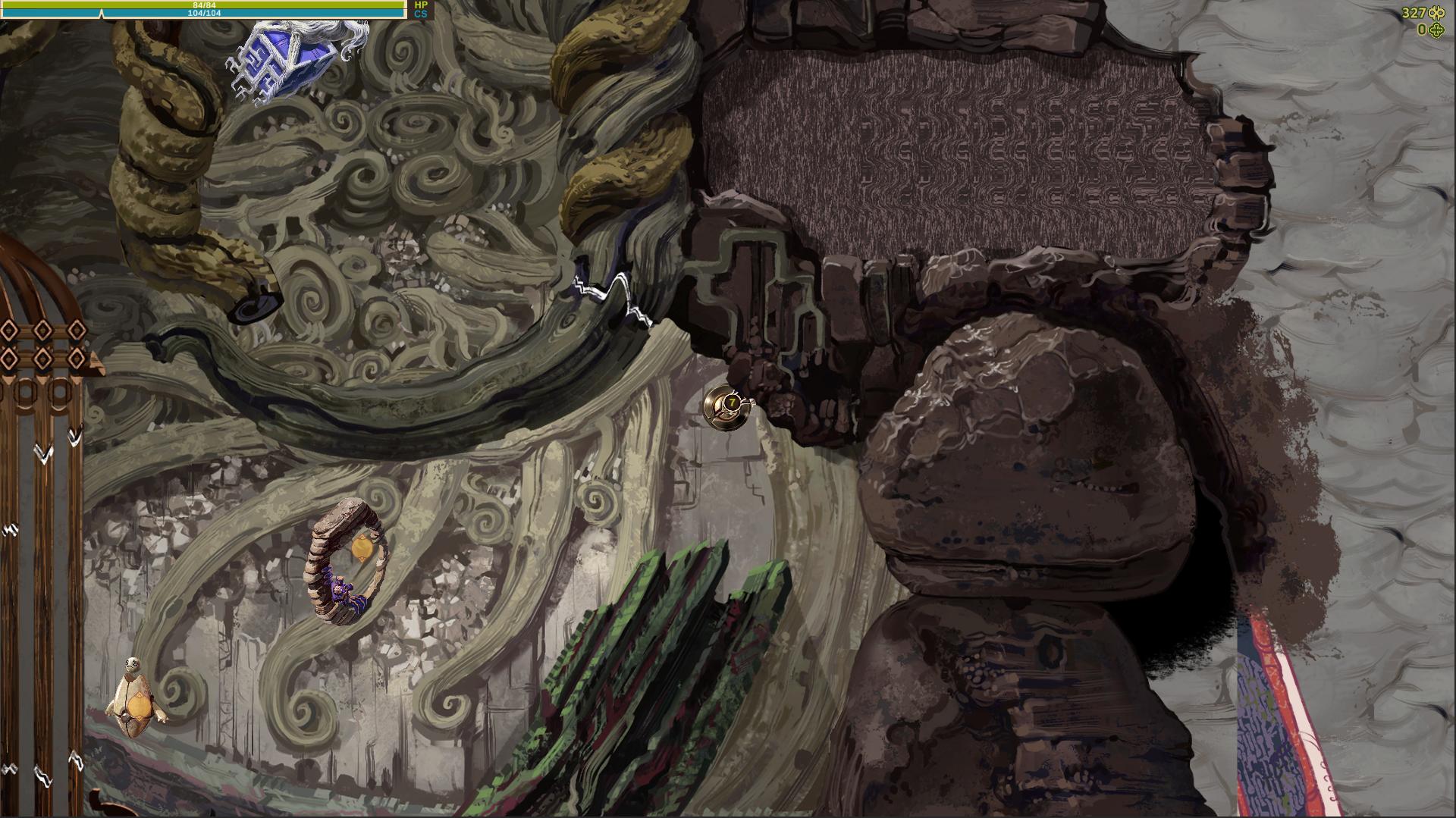
So this bastard is really getting close to it's final form. Here is the layout of the entire cave. The white rectangle marks the size of a single game screen. I did end up zooming the camera out by around 20 % so in game everything looks a bit more detailed and a slightly larger area is visible.

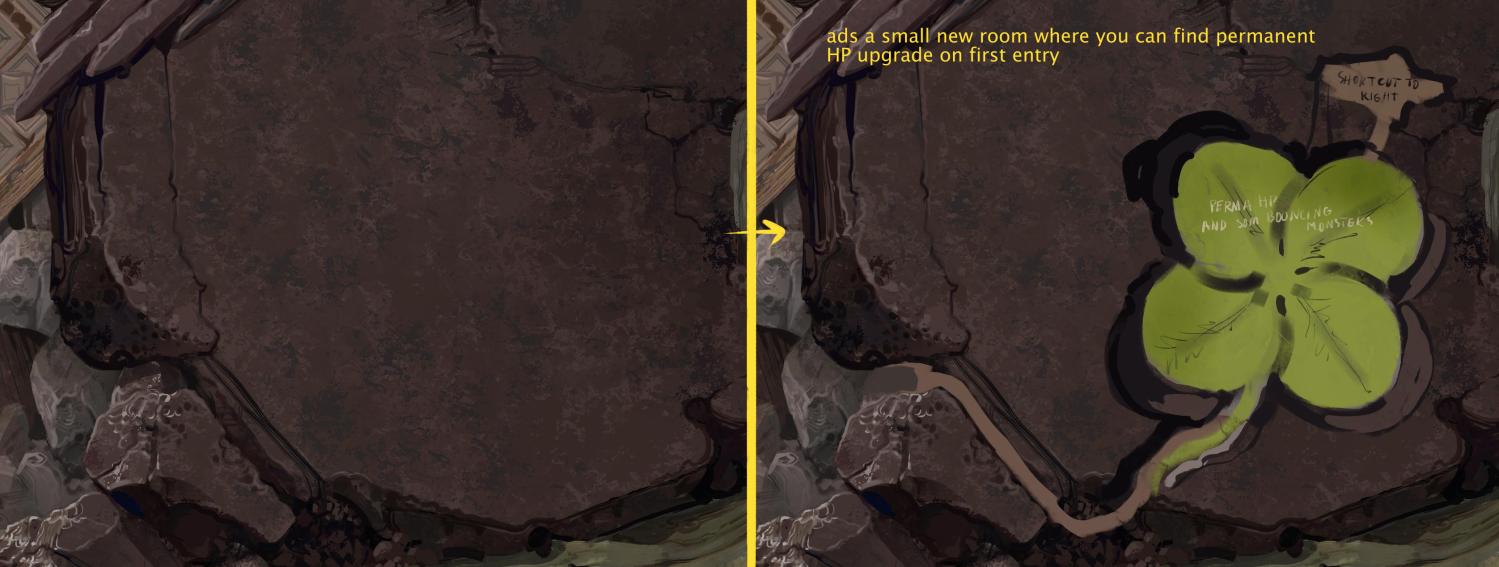
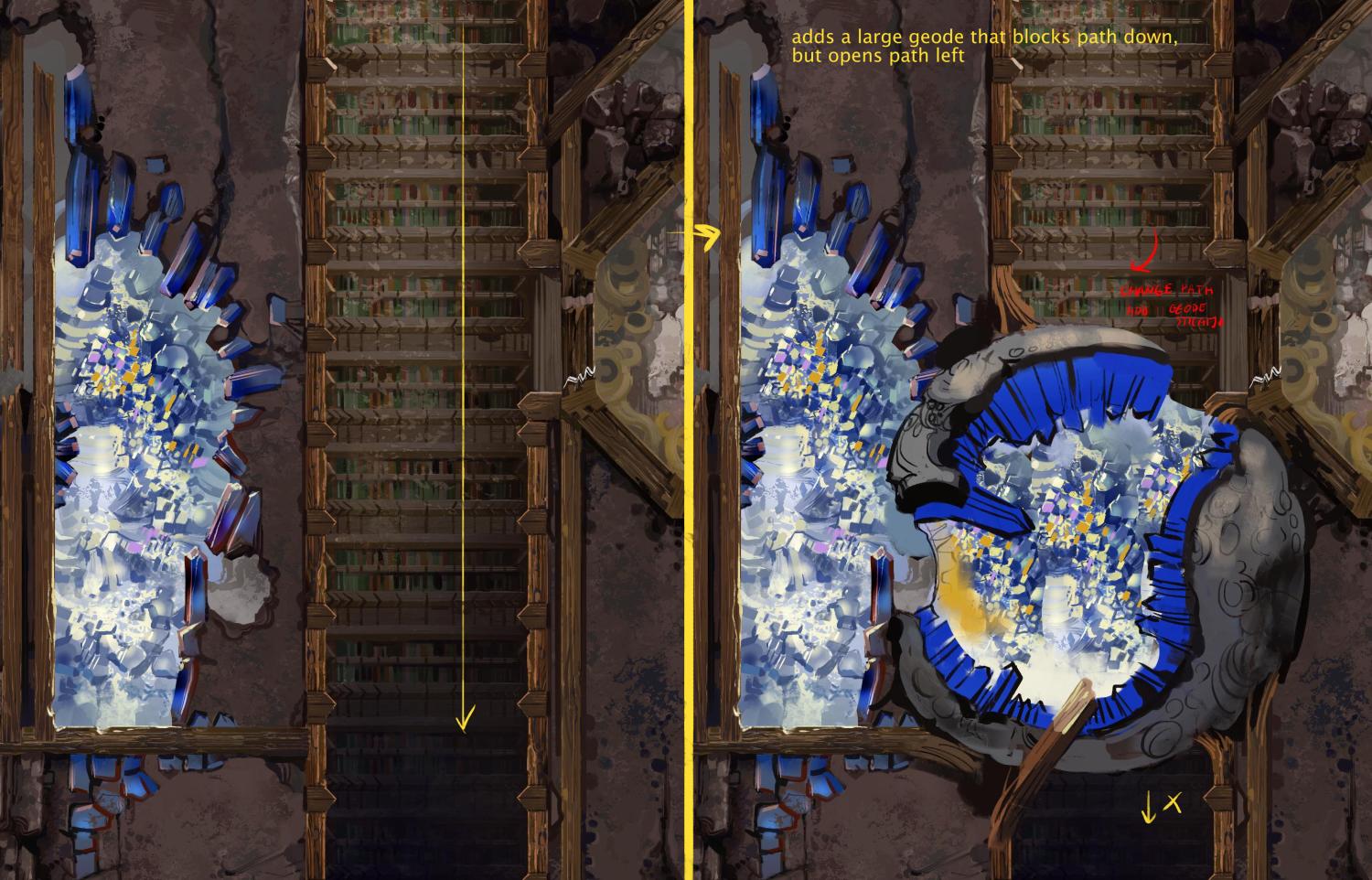
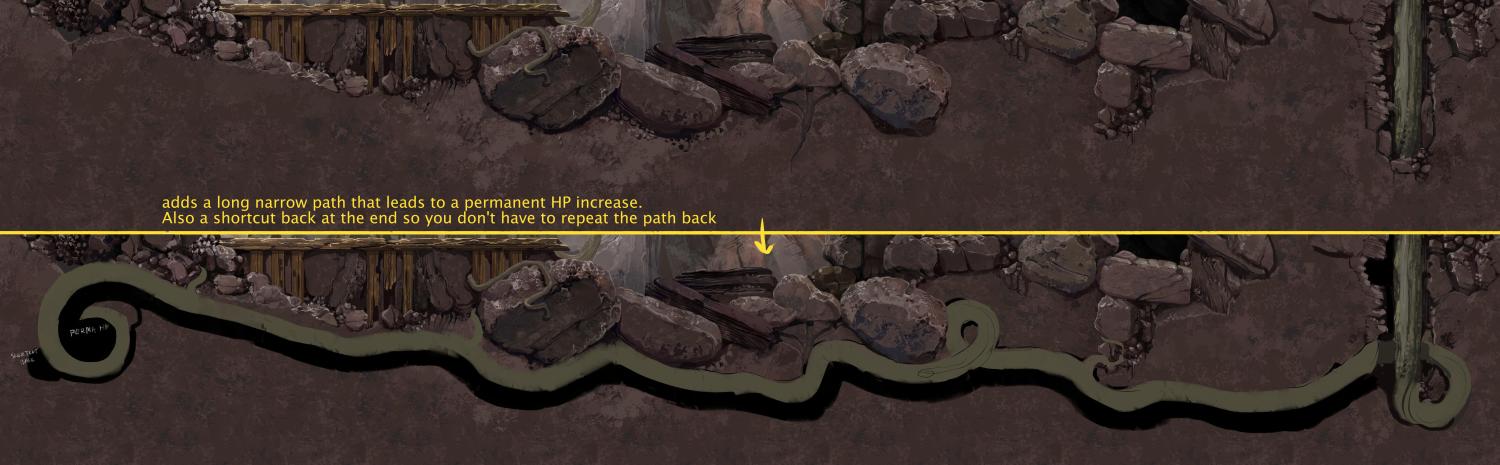
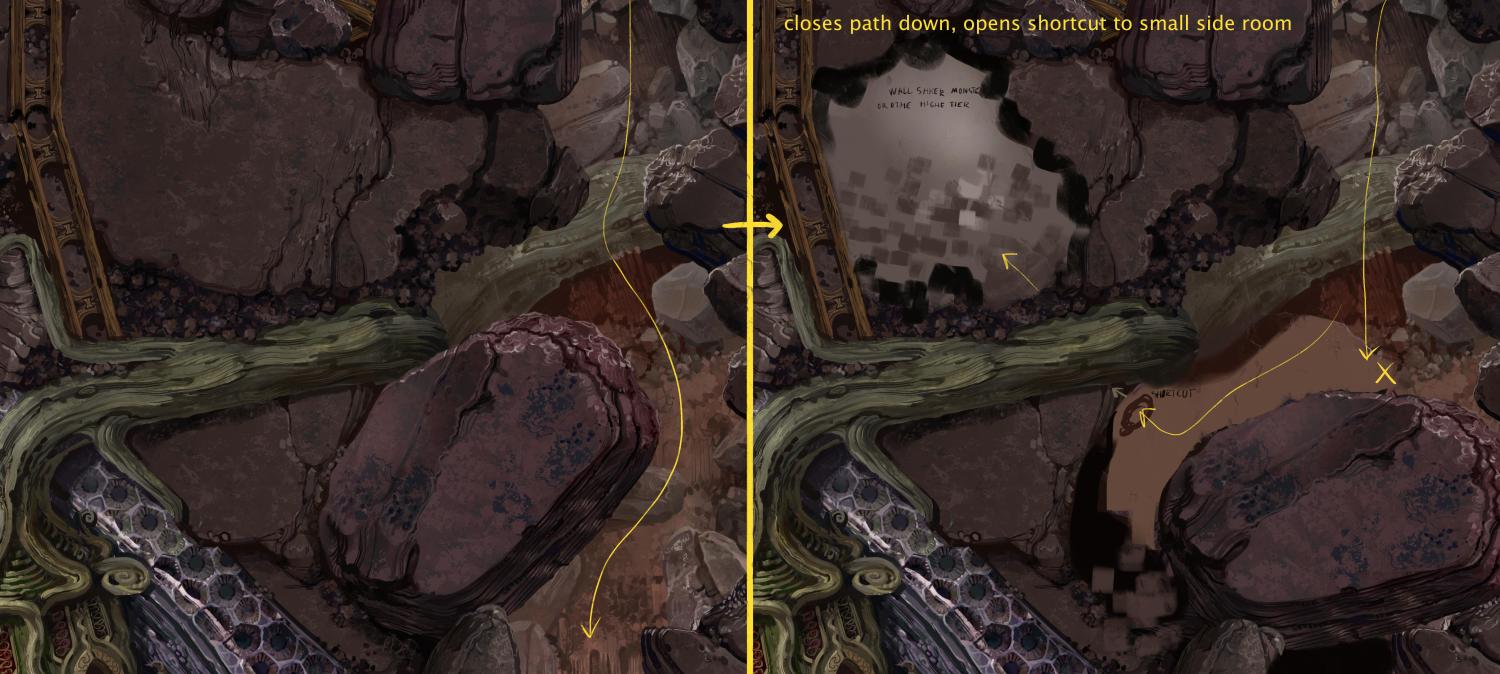
The blue outlines mark all the areas that have variations or optional rooms that have a random chance to appear in a given play through. Some of these have a 70 percent chance to show up, some as low as 25. I can always add more but for now these are all I wanted to add and hopefully they provide a decent bit of variation on top of various paths you can take through the cave. Some of these areas simply block a path and open another, some are shortcuts and some lead to semi secret rooms with upgrades or even small arenas for rarer monsters that can only be found there.

Now I need to finalize the monster placements. I will be adding some randomness to that as well, though I won't leave it entirely to chance or balancing would be impossible. I want to have two or three options for most rooms to ( so for example you might find 5 low tier monsters, or 2 higher tier ones), and there are a couple areas closer to the end of the cave where it pulls from a much larger list of possible monsters. I actually wrote a monster spawner script months ago, so it's mostly placing things around and seeing what I like now.


So here's a pretty large update, a gameplay preview of an entire level!

I've been pretty lazy with sharing any progress about the game lately, but I have actually been doing a lot. This still needs polish, some tweaks and I'm sure I'll find all sorts of fun bugs to be annoyed by, but this is a pretty big milestone for the game.  We are getting closer and closer to a demo version.

In the video you can see that I added some features I probably haven't even mentioned yet. For example a level end area where a creepy monster spawning blob is located, and it's one of two monster spawners you might encounter there, the other one being fantasy themed. 

I also added a simple monster crafting feature. At the end of the level you can find a Damaged Monster Synthesizer which can spawn the type and tier of monster you choose semi-randomly. All you need is to feed it Monster Power from the monsters you captured. Also you can exchange Fantasy Monster Power to Horror, for example, for some currency.  The features of this device will expand a bit as you unlock new types of monsters and areas.

Lastly at the end of the video you can see I entered a hidden optional area that has a higher tier monster that can only be found in the  that and one other hidden tunnel. There are a couple more rare monsters that can only be found in their own randomly appearing, sometimes hidden areas.


That's not all of course. I might make some more updates going into a few things in more detail, but really this is a game, best experienced for yourself, so hopefully this preview will make some people look forward to that demo a bit more. I know I have been having fun testing the game, even though I know all the mechanics and surprises, so that's has to be a good sign.

(3 edits)

Adding detail to the hub area

IF THE GIFS DOWN WORK SO GOOD, take a look at this devlog on my deviant art. I keep a copy there and the gifs seem to be messing up this time for some reason here: https://www.deviantart.com/augustinasraginskis/journal/Devlog-32-adding-detail-t...

I had the artwork for this initial area hub finished for a couple months or so now, but now it's time to fully integrate it into the game and give it some life.
I've been adding details like sparks randomly jumping between damaged wire. This is just 3 little png images I drew rapidly switching, but I think the effect looks quite good:


I added spinning teeth to these digger monsters in the background. I simply made two teeth circles spinning in opposite directions and squished them a bit so they appear elliptical in shape:

I still need to add a dialog system, but I started integrating the characters. They have a slowly flickering white outline to make them stand out from the background more and they display a thicker outline when you mouse over to indicate that they can be interacted with. All these effects have sounds added to them that fade out if you move further, so they never just blare at you all at once:

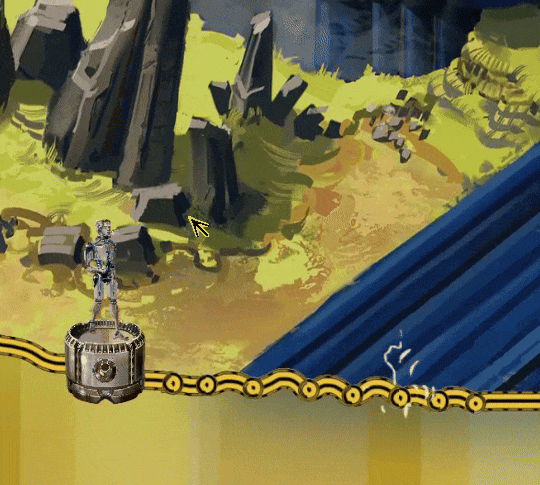
The hub area is not too huge for now, it's about 4 or 5 screens in size and has a clear border, beyond which will be further unlockable areas. I had the idea of showing it as a prohibited area covered by a holographic wall or something like that. So it shows this message if you mouse over beyond the edge:

The yellow hologram also has lines of slowly changing color, which probably isn't obvious in these compressed gifs. It still needs some work, but I think I'm getting there with this area. There are more little animations I'm adding all over the place here and I think it really helps to make the area feel alive.

Dialog System


I’m not making a story focused game, but I still need some sort of dialog system to explain a few things about the game and to make it a bit more immersive. I noticed two games back that even a very simple dialog is much better in that regard than a tutorial bubble. At least to me.

I have coded dialog systems before, but I’m not exactly a pro programmer so spaghetti code is wild and I tend to forget what the hell I coded months ago and how to modify it to begin with. I found some simple tutorials for dialogs, no need to reinvent the bicycle after all. I tried copying a specific very simple dialog system that seamed promising, but it just refused to work in the game engine, it showed multiple errors. Could have been a number of things, but the problem is that the tutorial used some code a bit above my knowledge level so it was hard for me to tell that the hell was going on. And the whole idea is to use code that’s easy to modify later so what the hell?

So I decided to reinvent the bicycle anyway and rewrote most of it, just kept a couple things that seemed to make more sense compared to my previous attempts and it works now. Took me less time than trying to debug the tutorial and I know how everything works in it now. Haven’t found any issues with it so far, but of course that remains to be fully tested. Basically, build your own bicycle, I guess.

Also I wanted to blur out the background when entering the dialog to make the dialog window and the characters stand out more. It’s easy theoretically, there are just some image post processing functionality in the engine, but that ended up being a lie. The thing is, the menus and the official documentation for all this in unity says that you can blur out any layers you choose, so you could blur out the background, but not the characters, but that turns out to be nonsense. In the set up I have it either blurs out everything except UI layer, or nothing at all, while showing in the menus that it’s blurring out just the background. Took me like two hours to figure that whole nonsense out and it seems a lot of people were confused by that. Oh well, it’s not worth trying all sorts of workarounds for just that, it’s not a huge issue in my case. I just wish the documentation was a little less ass.

The gif showing how this works is a bit too large to work on this site, but take a look at this same devlog post on my DA page if you want to see that: https://www.deviantart.com/augustinasraginskis/journal/Devlog-33-Dialog-System-1...

Bits and pieces of artwork

I’ve been working on a variety of smaller things for the game, adding some polish and such to the parts of the game that are close to being finished.

Here is an item that grants a skill point used for upgrades. I only had a small green plus shaped icon of it before, and I decided I want have a much larger and fancier version when it is dropped by some of the stronger monsters on first capture, found in hard to reach areas or at the end of a level etc:


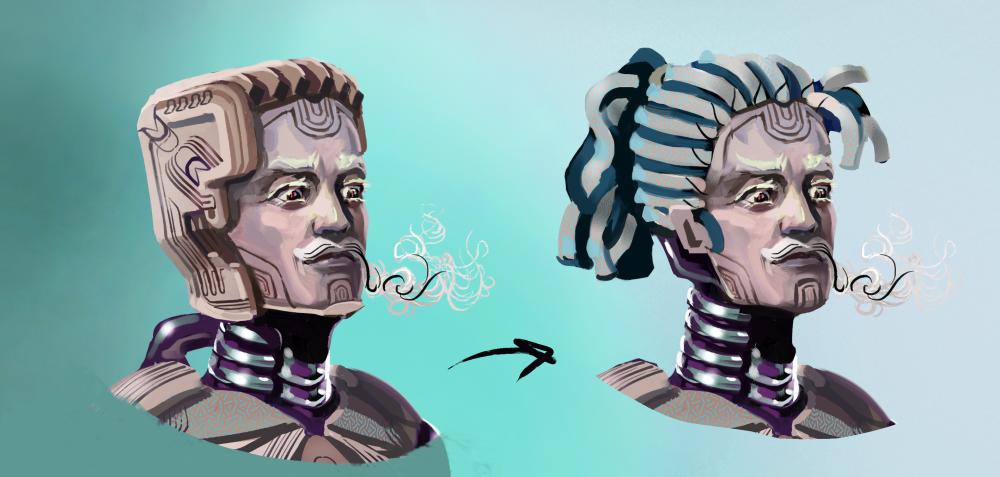
I painted the main character you play as a while ago and I decided I don’t like his goofy head. So I changed that. It’s becoming more important after I finally added the dialog system and you can see the characters at full size:


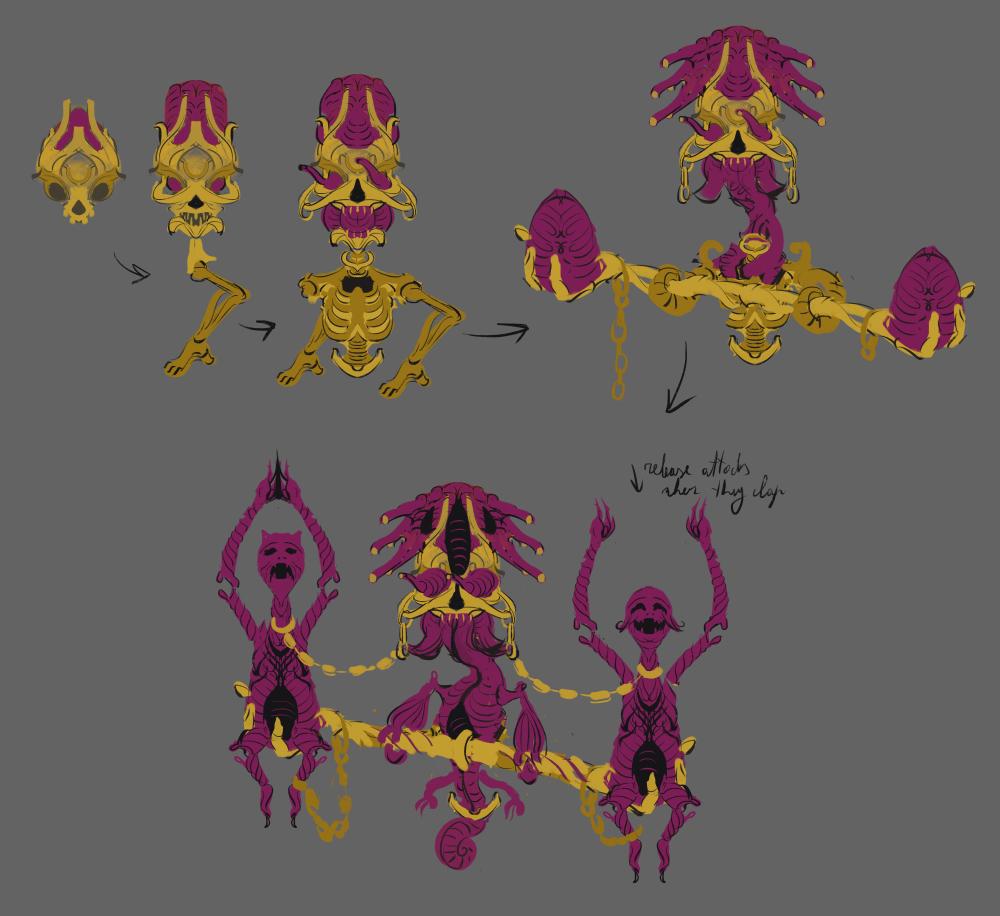
Also it’s been a long time since I drew some monsters and that’s just plain unhealthy. I started thinking about some cartoon themed monsters I want to add into the game after the demo is done. These are some sketches of this evolving golden brain worm guy and he will be drawn using linework, as opposed to being painted later on:


Monster collection and controls


I've been tiding up and finishing up the monster collection menus. Small, but very important part of the game.

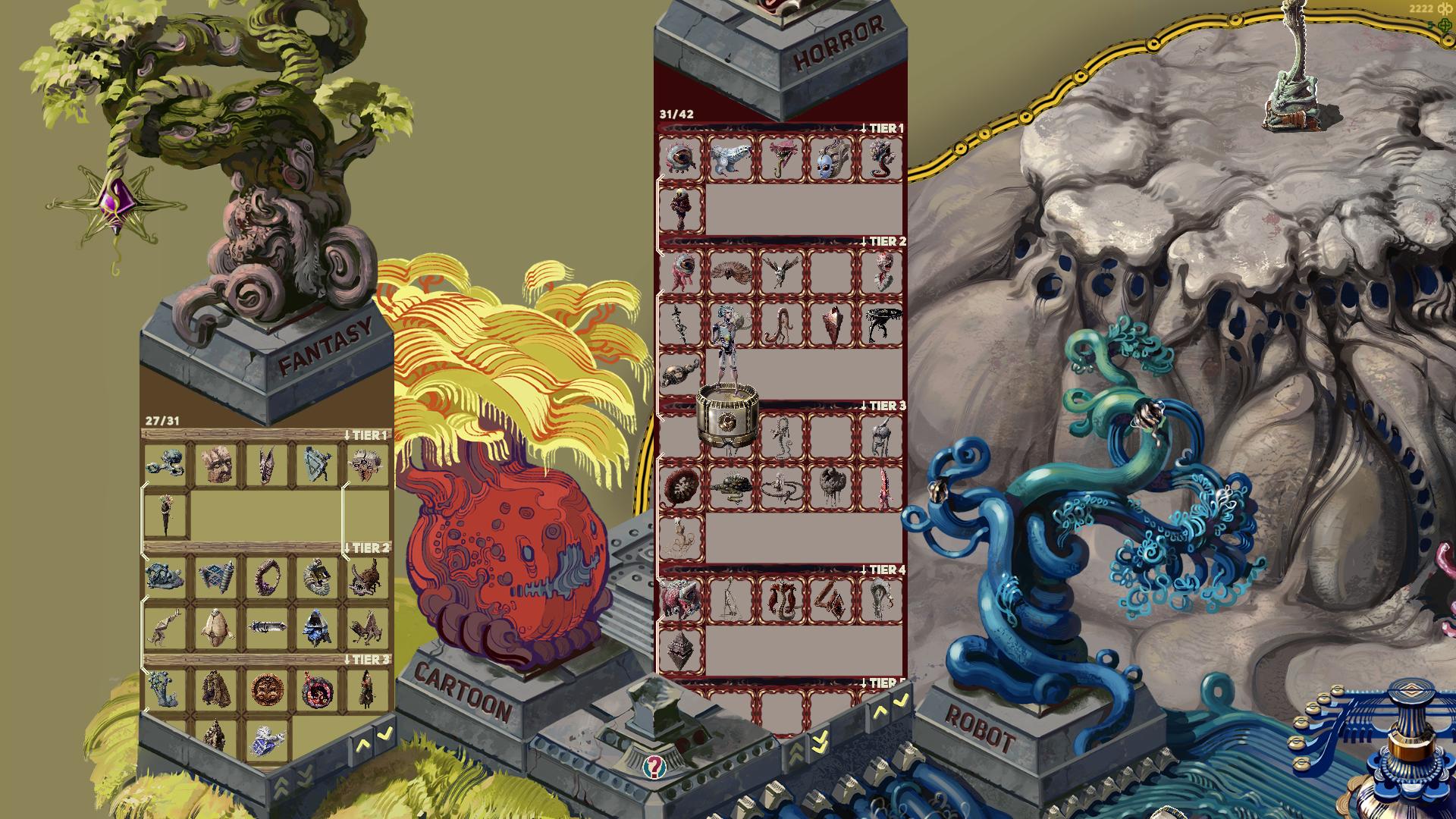
All captured monsters are sorted into categories and displayed in the hub area like so:


The collection shows the type of monster, so in this case Fantasy monsters in the left pillar and Horror monsters in the right. You can also scroll to see how many and what tier monsters are still not captured. Some of the monsters have white lines connecting them, those mark the evolution lines for the monsters that have those.

Also I added short descriptions to each monster together with other info, which you can see if you mouse over them. Some explain a bit about mechanics of a specific monster, some are purely for flavor text:


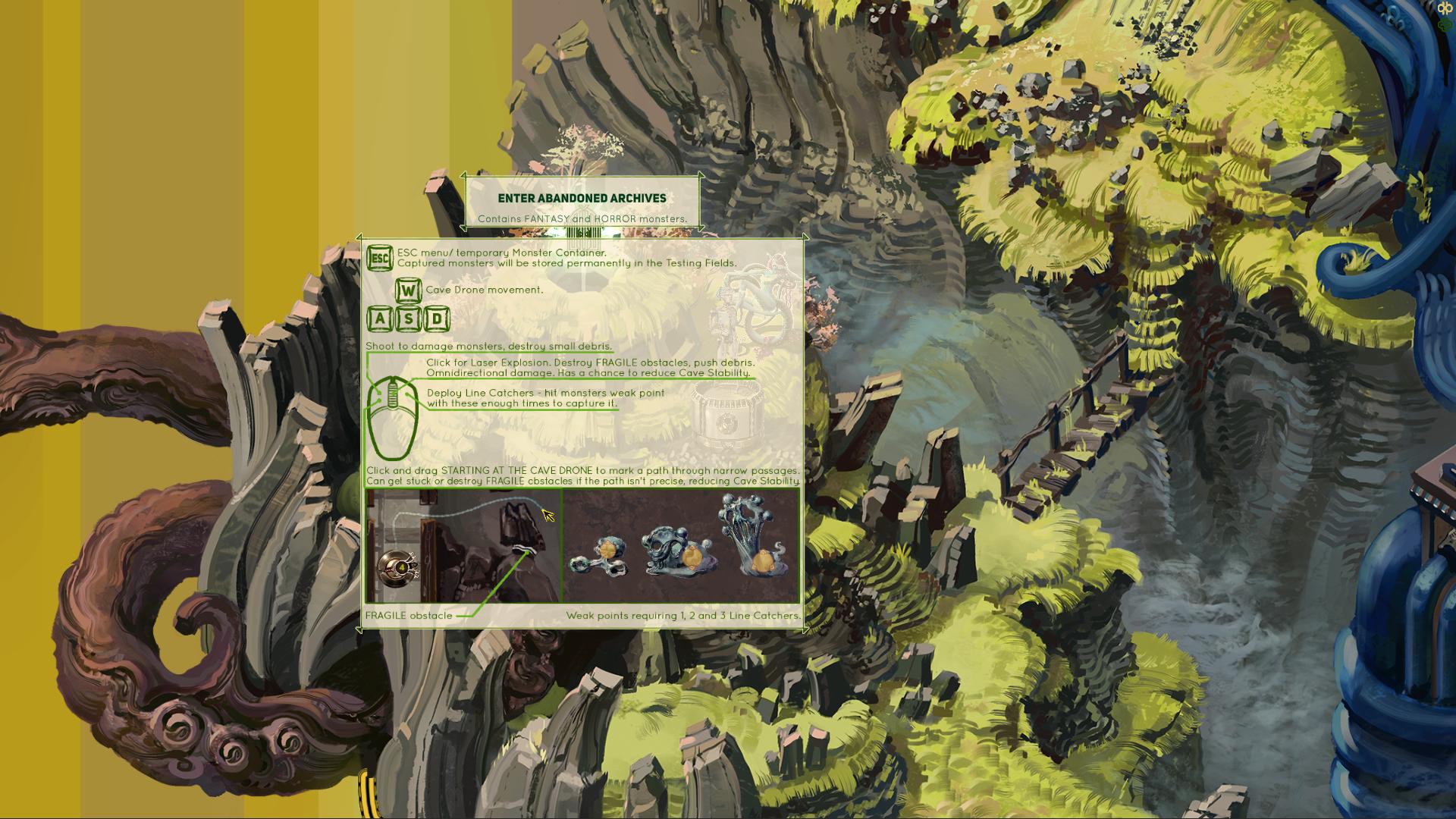
The controls are getting slightly complicated at this point, so I finally got to adding an explanation about those. These are shown every time you want to enter a cave, and can also be checked any time in the pause menu while in the cave:


It's quite possible I will be adding a couple more buttons for various Cave Drone upgrades I have planned, but I want to display only the base controls until that is unlocked, so as to not overwhelm a new player with too much info at once. I don't know about you, but I usually skim any rules explanation if it's too long and pretend I will be able to figure it out as I go.

The Upgrade Menu. After all these centuries!


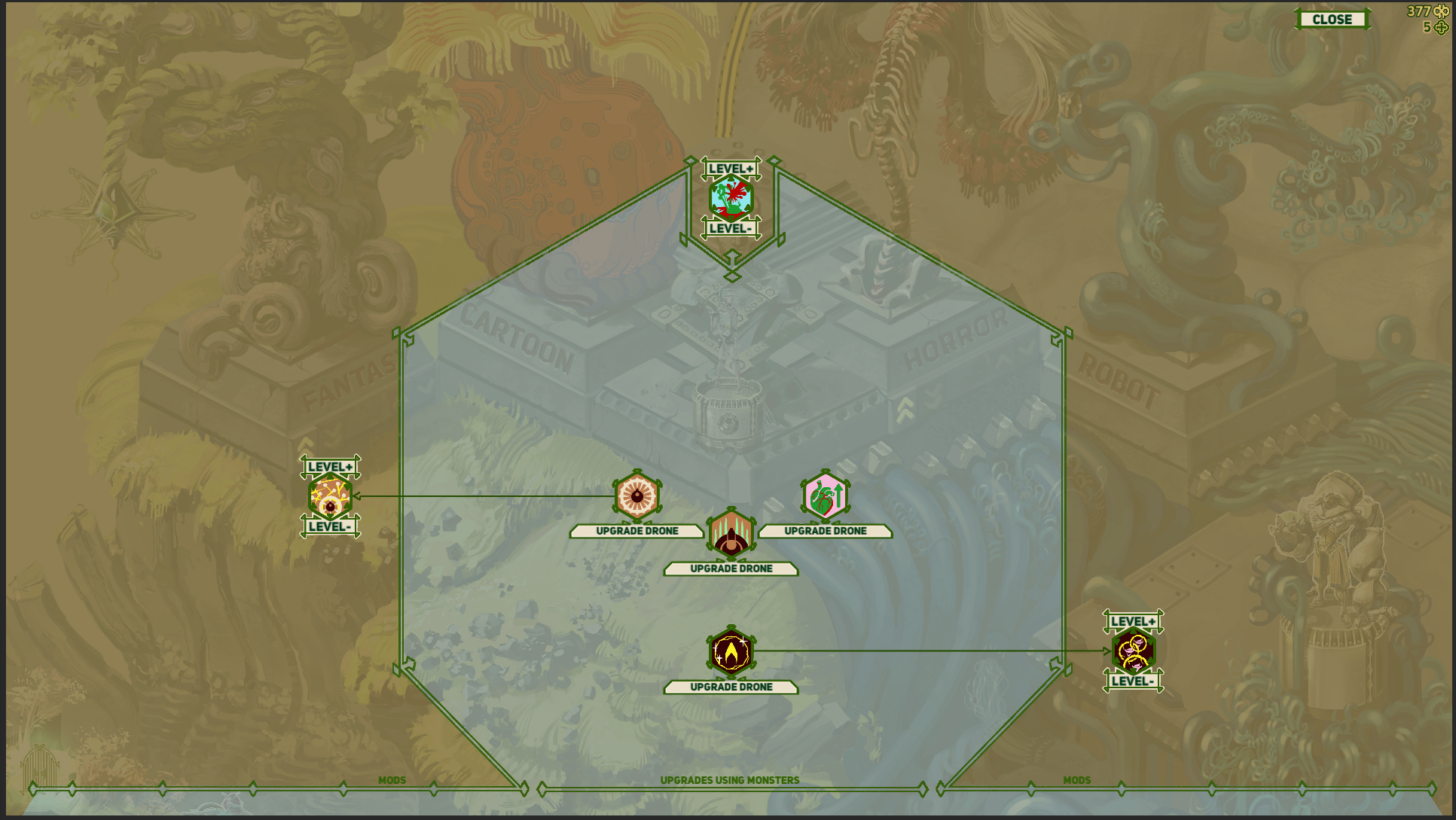
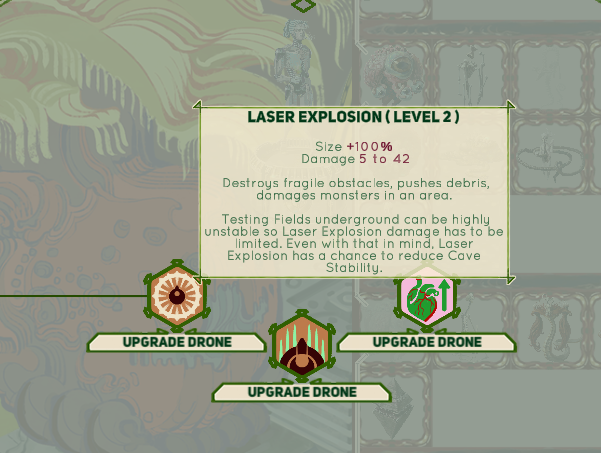
I had the beginnings of this from almost the start of this game development over a year ago now, but I just now got to finally implementing it properly. I plan to have a fair few more upgrades available later on, but I think these will serve as a good start. I have two types of upgrades, the ones that use monsters you capture and give higher upgrades depending on the tier of the compatible monster and MODS.

Mods can be upgraded via mod points you find by exploring, capturing some of the more difficult monsters etc. The plan is to make at least most of the mods to not have a cap on how many mod points you can invest, so you can use all of them on a single mod even, if you are of the extremely min-maxed mindset. We'll sea how that shakes out in the end.

The upgrade menu as of now:

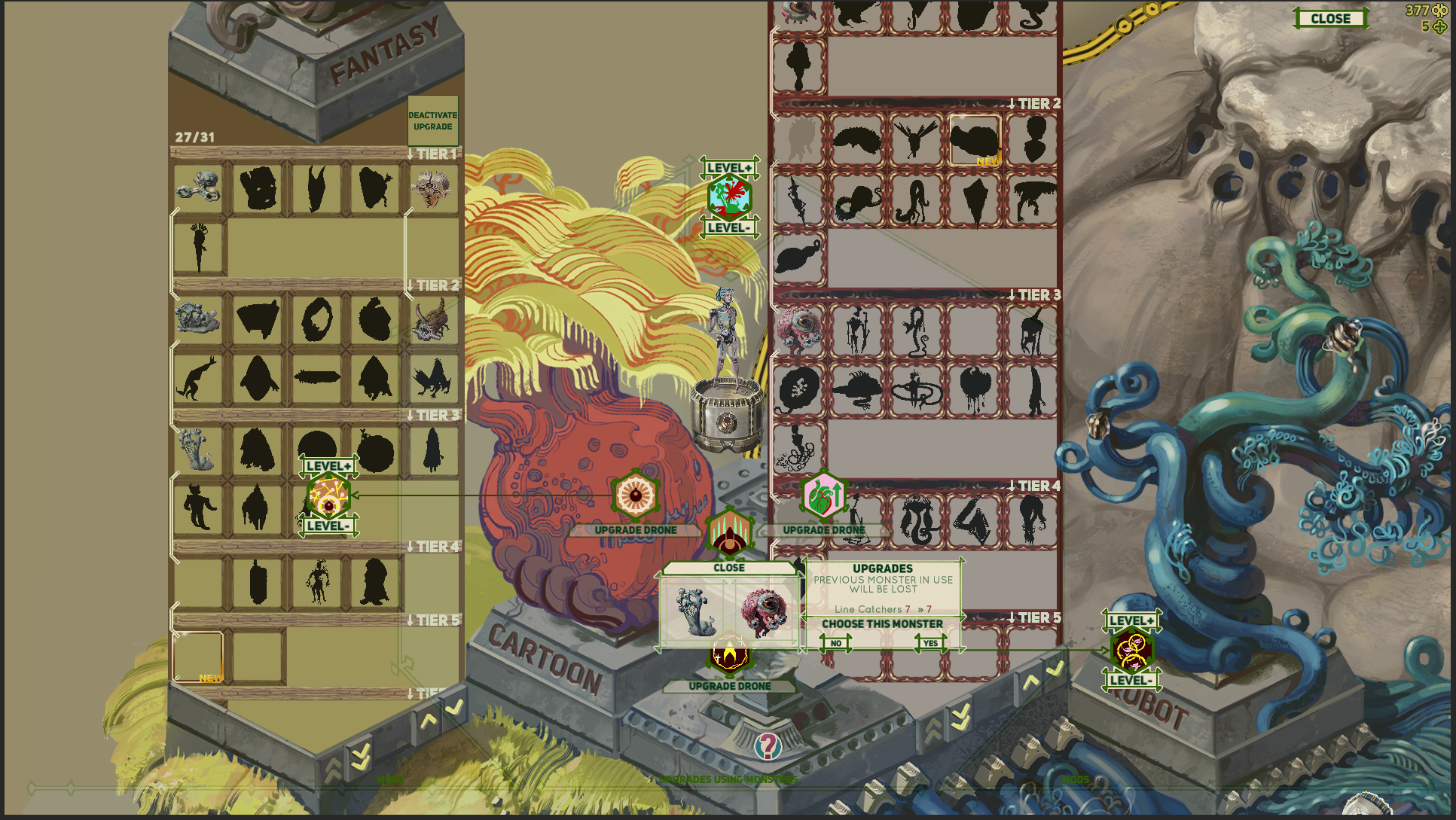
It fades out and let's you select a monster from your captured monster collection for upgrades. In this example I need to select a monster with the tag EVOLVING tag and I had used up all higher tier ones already so I selected one of the same tier just to show how it looks:


The menu seams pretty simple but of course there are tons of non obvious little problems I've been working out. How to intuitively show which monsters are available, how to sort the various extra smaller menus that pop up, how to change the monster, how to convey sometimes a bit complicated explanations, how to turn off the skill if it doesn't suit your playstyle etc. I think now it works fairly well, but I look forward to releasing the working demo "fairly soon" and seeing some feedback. 


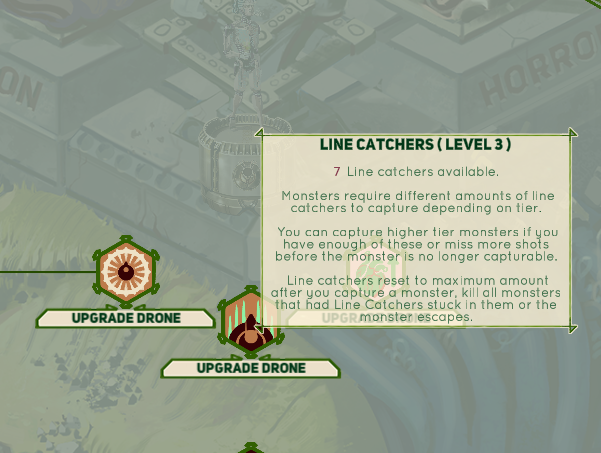
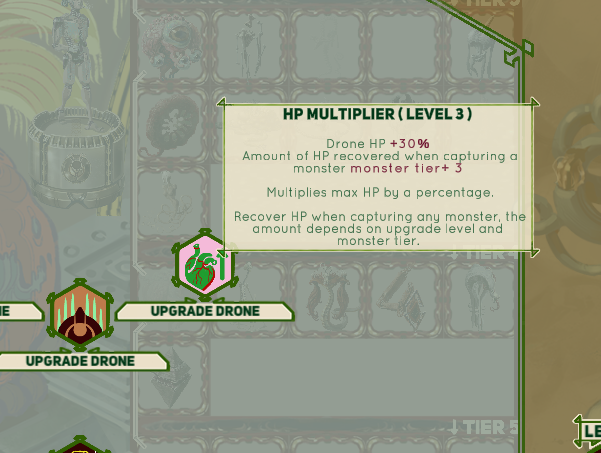
Here are the explanations of other basic upgrades I implemented:

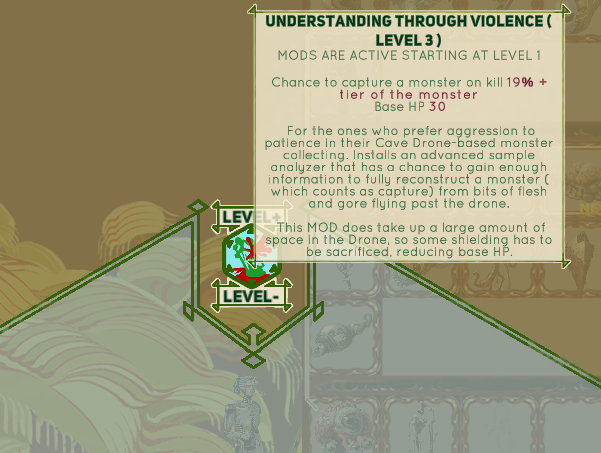
And also here we have a MOD that potentially changes the gameplay quite a lot :


It allows you to play much more aggressively and still capture some monster at the expense of HP.  Also it has a nice synergy with the HP Multiplier Upgrade, as that one heals you when you capture a monster. As I mentioned, mods, including this one don't have a skill cap so you can easily go into negative base HP. This is not an automatic loss, because other upgrades and permanent HP increases found by shooting at monsters a lot,  can pull you out of the negative numbers. However, this is the only mod I have without any cost added if you want to downgrade it and retrieve a mod level( and reduce the HP debuf in this case). Otherwise you might soft-lock yourself and die as soon as you enter a cave area wit less than zero HP.

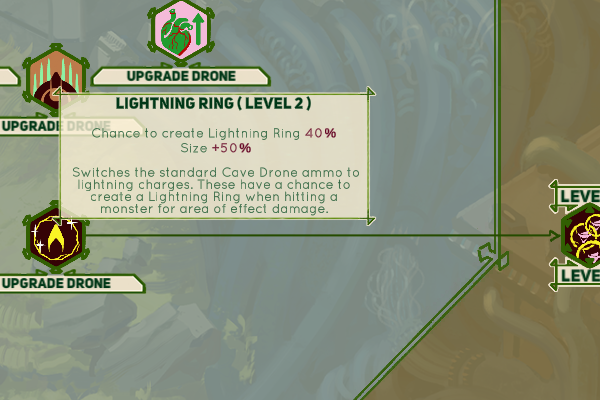
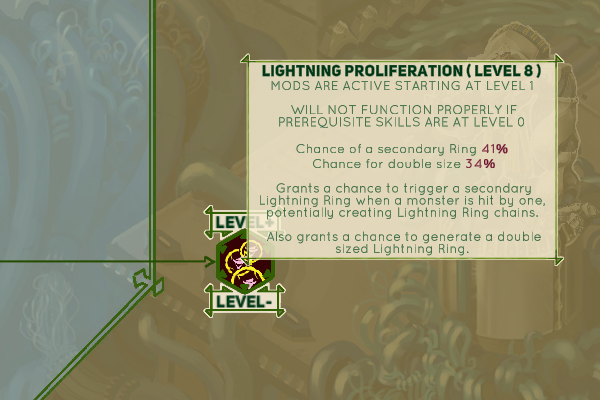
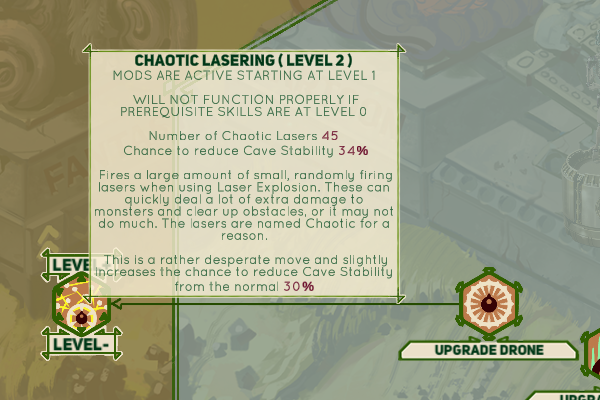
Lastly, I made one more monster based upgrade( Lightning Ring) and two other mods( Lightning Proliferation and Chaotic Lasering) that serve as upgrades and changes to your weapons and they have more visuals I want to show off.  I'll ramble about those later, but I think they are turning out quite fun so far, possibly a bit ridiculous. 

(1 edit)

The Other Upgrades

Alright, so here is what the remaining three upgrades do: 


The two Lightning Ring upgrades feel pretty fun, but I gotta say, they are kinda too strong right now. Here's how it looks normally  and how it can look if you have both of them and run into an optimal use scenario( a bunch of monsters tightly packed):

images below are supposed to be gifs. If they refuse to work, check out the same devlog on my DA: https://www.deviantart.com/augustinasraginskis/journal/Devlog-37-The-Other-Upgra...

This needs some more testing so I'm not changing anything at the moment, but maybe I need reduce the damage, kinda make it obvious that this is a large area attack, but each individual Ring has low damage so you need a bunch of them. For me it's visually more fun to have just a ton of them. Also I could make them disappear after reaching a wall so they don't cover such a large part of the map. That would make it so larger open area allows for a larger Ring. 

I found a related bug when working on these as well. Some monsters spawn objects on every hit and that's just not a good combo with a ton of fast low power attacks. You could easily kill yourself or bring down the frame rate or both. I will probably change it so that those monsters spawn something after taking 10 damage, which is how it effectively worked when you had only the basic shots.


Here's a preview of Chaotic Lasering. It starts with 30 randomized projectiles and I tested even with 150. This one starts out a bit week, but ends up quite ridiculous. It can also destroy fragile walls and can be used in combination with regular shooting so I'm much happier with the balance for that. Maaaybe I will do the reverse and buff it a bit at low level.


Planning the last additions to the Abandoned Archives level


I'm adding two little side areas: Slime Nest and Eye Nest. Here are the sketches for those:

The Eye Nest will be close to the start of the level, so easily accessible, but I will probably add a secondary exit to the overworld from the Slime Nest, so it will serve as another access point to the underground areas in general.


I have two lines of evolving monsters in the game right now, one slime themed and one eye themed. Normally you can encounter up to tier 3 versions of those monsters, but in these caves you will be able to fully upgrade them to the maximum 6th tier( maximum for these monsters, I might have higher tiers later on for others).

I'm still working out the details, but the idea is that you can bring a certain device to these caves which can extract genetic info left in the nests and synthesize higher tiers than normally possible. You will have to bring some combination of resources to that device in order to spawn each tier monster which then can be captured and you can repeat the process if you failed or want multiples of the same monster.  This is probably going be the way you will be most easily able to catch evolving monsters in future levels too. At least for now these evolving monsters can go a couple tiers higher than any other monster, so they will be valuable for Cave Drone upgrades I mentioned in recent devlogs and I will probably add other rewards for fully evolving a monster.

The evolving device art is pretty much finished:


Finished Slime Nest and Eye Nest artwork


I actually had quite a bit done for one of these by the time I got to uploading some sketches last time, so I managed to finish these quite quickly. I'm starting to incorporate them into the game, but it needs a decent chunk of new code and I'm feeling hella lazy at the moment, so we'll see how fast or slow that goes.

Brain Worms

I've been doing a lot of coding and related stuff for the game recently, so for a change of pace I decided to design a few more monsters:

Above is the finished art and I shared the sketches for these a while ago. These will not yet be used in the demo version of the game, but in the next update I want to make afterwards. There will be a whole area where most monsters are cartoon themed, meaning they will be more stylized and drawn, instead of painted like all the previous ones.

(1 edit)

Monster Evolver

So I think I figured out the Monster Evolver device in the game. You can find two monster nests( later there will be a nest for each new monster evolution line) and call down an Evolver device like shown in the gif below:

Gifs been acting up here for some reason so here is a link to my DA page with the same gifs if these don't work: https://www.deviantart.com/augustinasraginskis/journal/Devlog-39-Monster-Evolver...


I did the crash/splatter animation purely in code because then I can have other Evolvers work similarly but drop from a different angle, splatter different materials and activate without changing anything else or altering animations, so I’m pretty happy about that. Adding the second Evolver I have now was easy because of that.

After the Evolver is activated you can see names and tags of monsters can be spawned if you bring the correct resources and which of those monsters haven’t been captured yet. For now the prices are in Infinibucks, some combination of other low tier monsters and your current HP. If the monster has several prices then they can be paid over multiple games, it’s all saved and displayed clearly if a price is fulfilled. I just added a small image preview for price monsters, so it all seems to work fairly smoothly. Also I added an automatic reward of +1 MOD point for evolving each monster fully for the first time, regardless of whether you capture it or kill it or die in the process. Should be a nice extra reward if the current monster isn’t super useful for the specific upgrades you want.


To add other Evolvers I simply slot in the monsters that will be spawned, select prices from some options, slot in a monster or two to work as a price if I want to and the rest is automatic, so it’s really easy for me to adjust that and should be fairly simple to add different prices later on. It took me only a bout 15 minutes to add a price in current HP option after I tested other prices, so it seems fairly promising. I try to always pay attention to this sort of stuff as well, being a hobbyist programmer I tend to forget wtf I coded before and it can sometimes be hard to sort out what I spaghettified months ago even having in mind that I code it all myself.

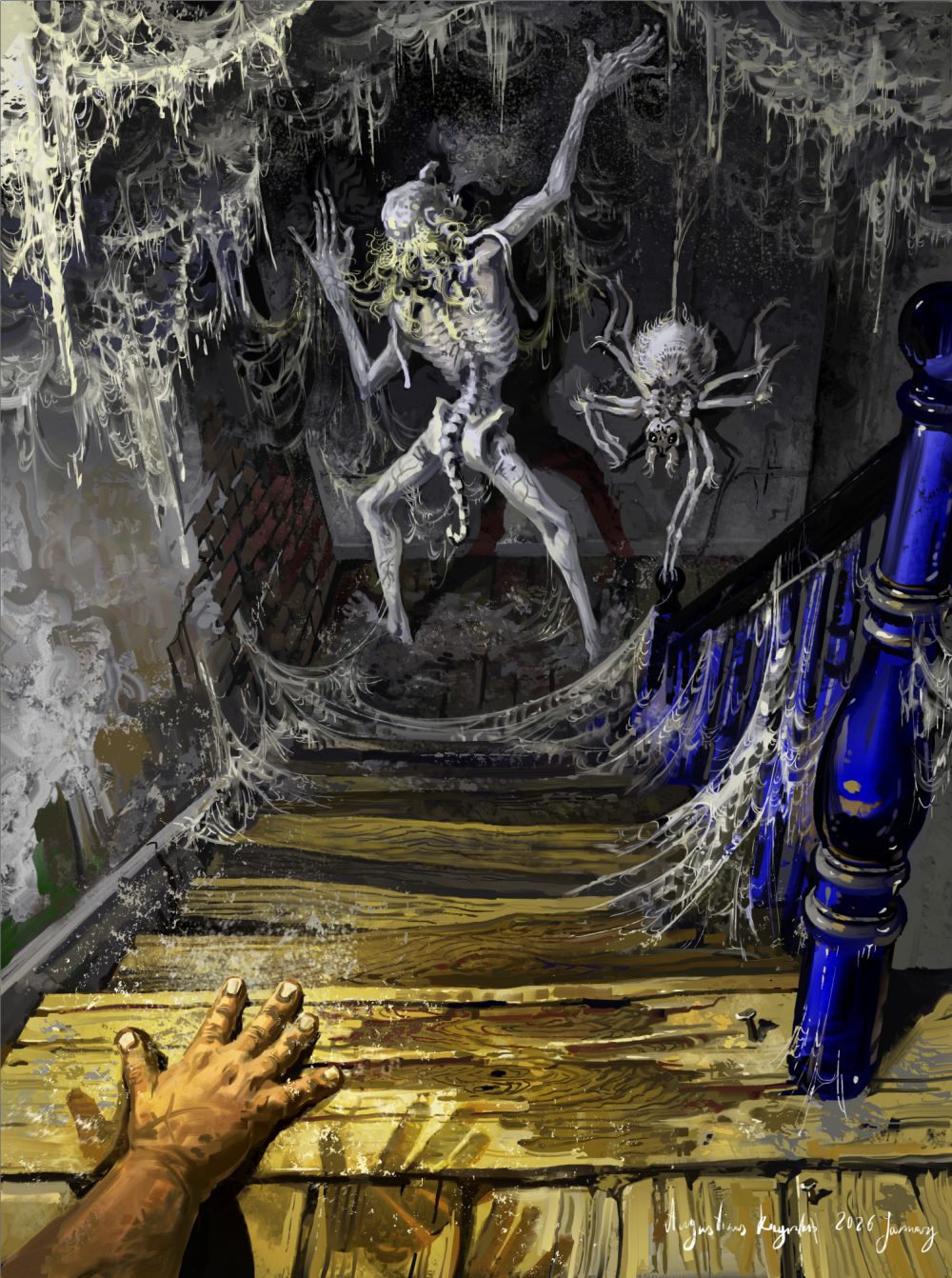
I've been on a little side quest, a painting side quest. Here's something I made over a several days, I needed to take a break from mostly coding and technical stuff for the game. I probably won't use this in the game, but who knows, maybe I'll make a functioning monster based on this at some point.


The Dust Fairy loooves dust and is attracted to homes that have plenty of it. He brings some more dust himself of course, to be a gracious guest. If he's really impressed with your home, he might even leave you some allergies under your bed.

His spider friend is very fluffy, if a tiny bit bitty.

Inspired by my hate for dust and every spiderwebby attic in the world.

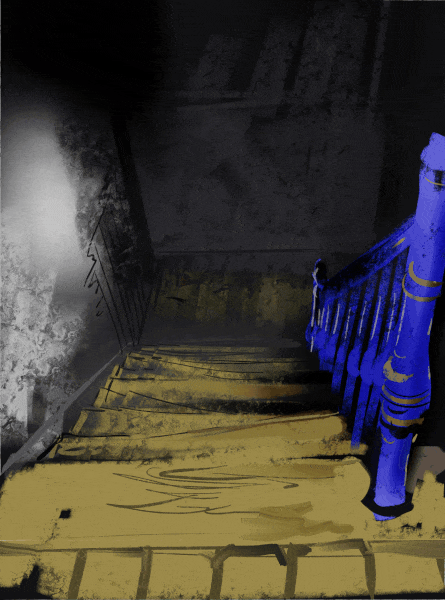
I used a picture of an old stairway I took for lighting reference, though of course I made it much much worse. The actual one had maybe a single spiderweb in a corner and the spider in it was slightly smaller than this one.

Title Screen


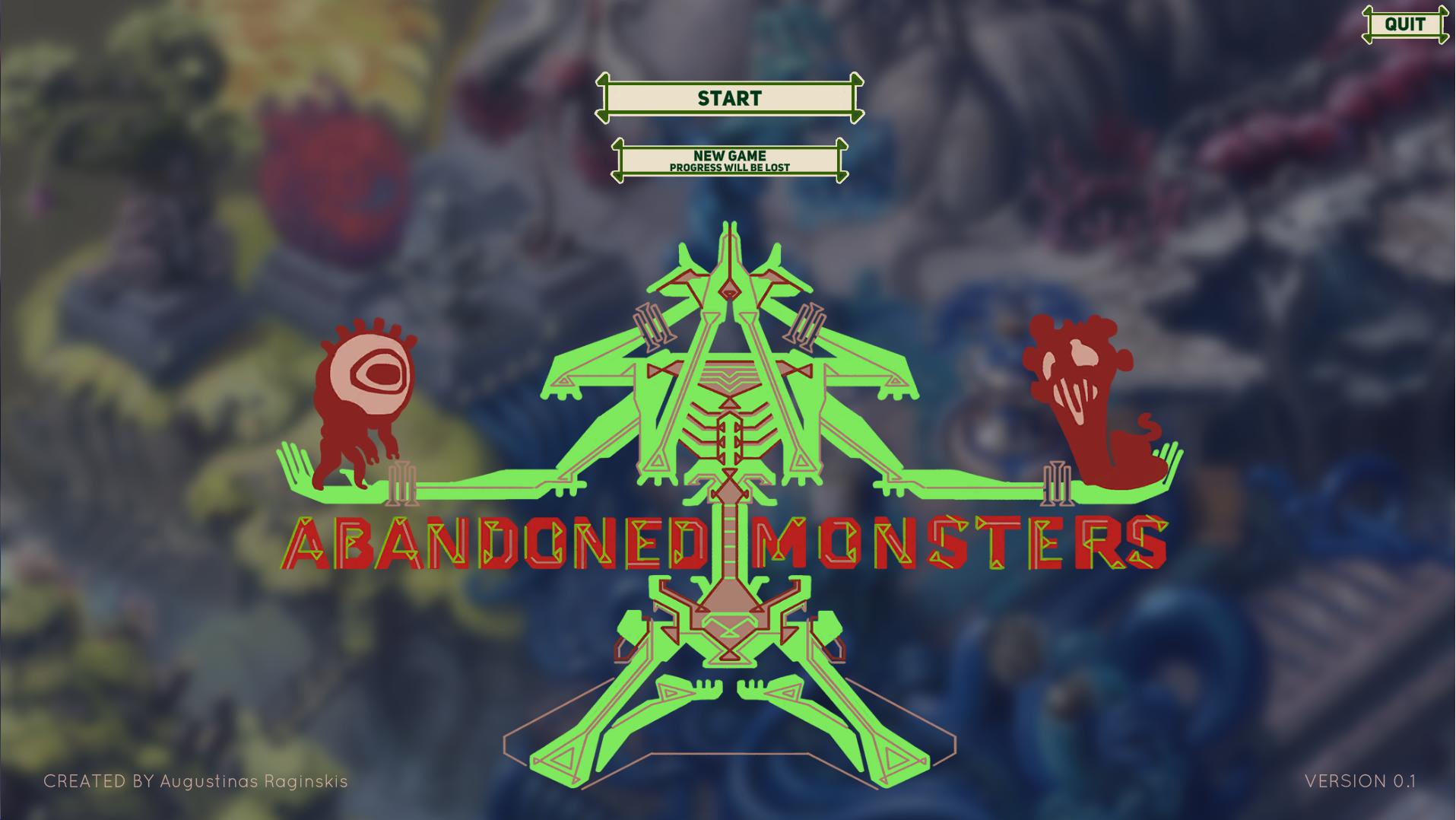
So I'm finally getting to these sort of finishing touches. Not something I spent a lot of time thinking about in advance, to be honest. Here's how the title screen looks:


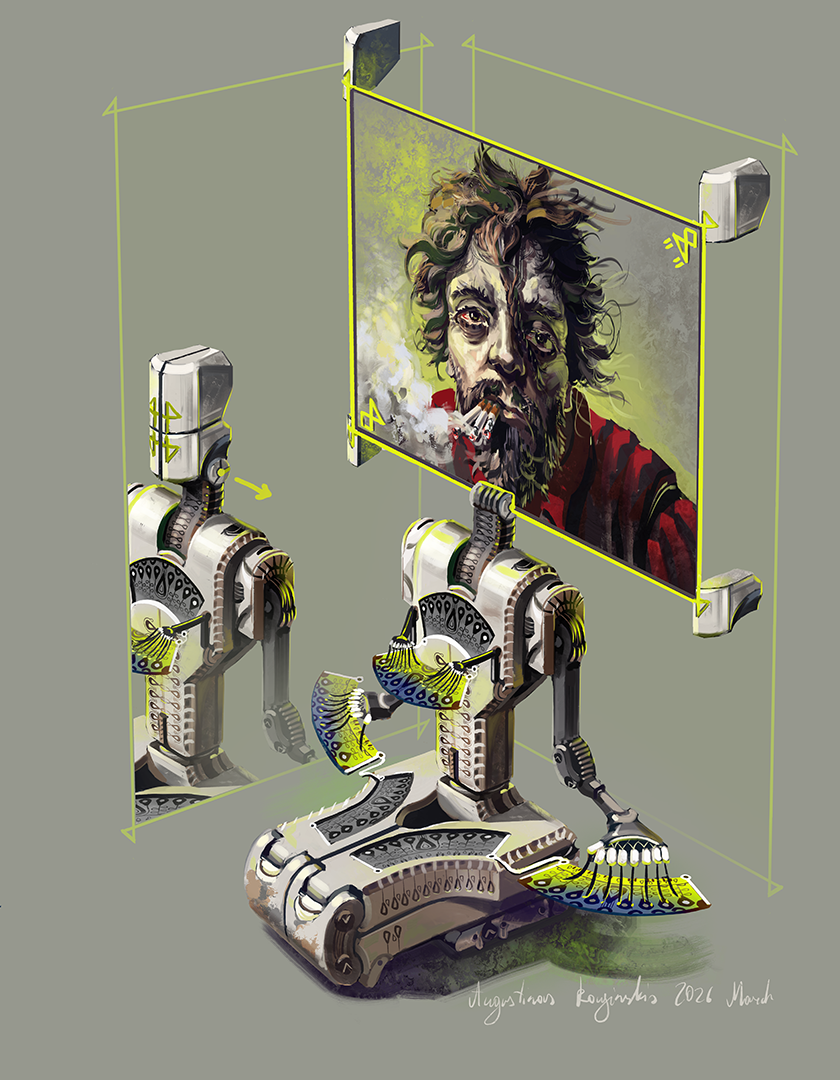
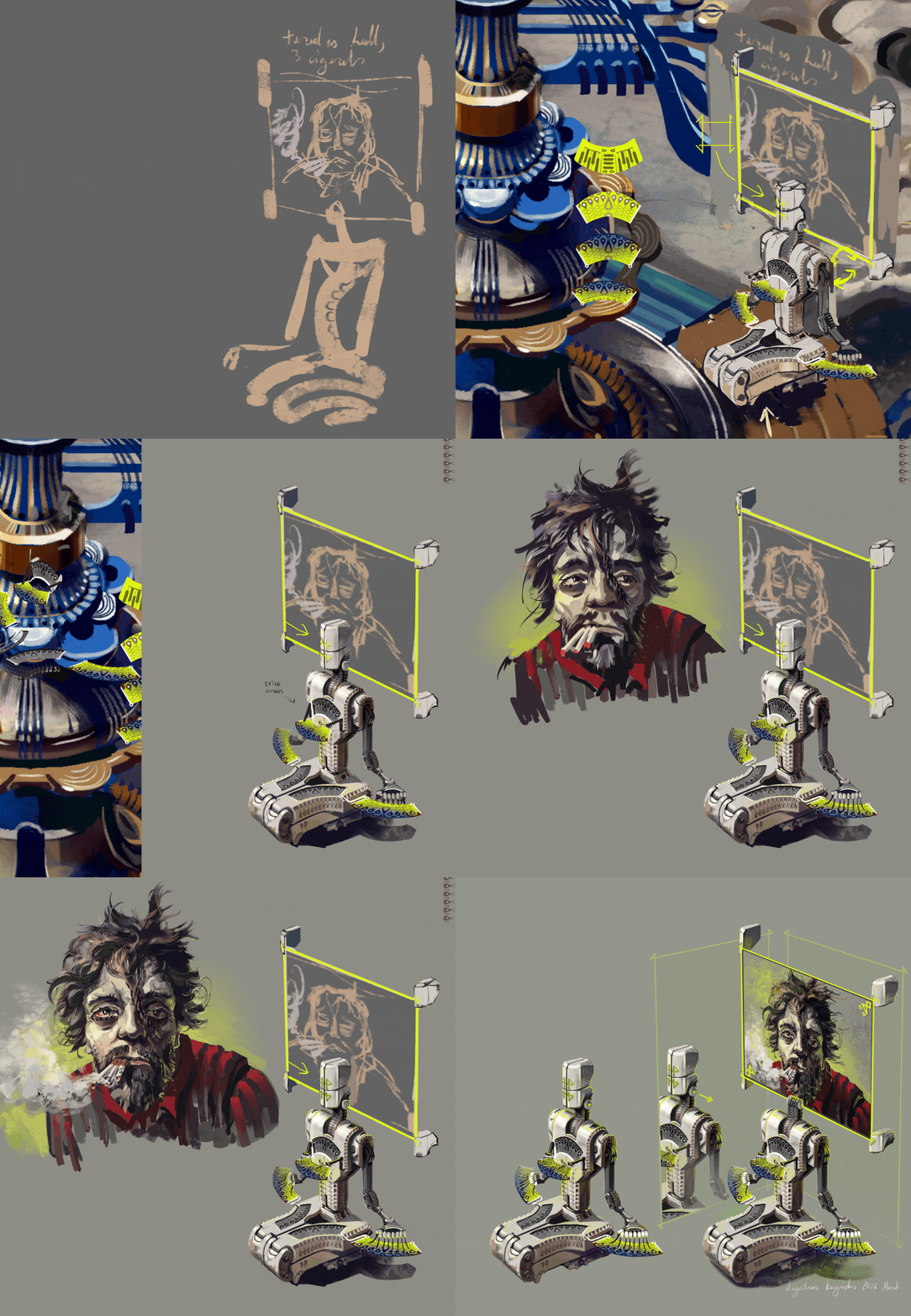
And here's a little bit of my thinking process:


I'm renaming the game to Abandoned Monsters, instead of Powered by Monsters, which was always a temporary title. We'll see if I like it, there's always time to change my mind again, but at least for now I think I'll keep it. 

I adapted the central green monster using the UI style I have in the rest of the game to work as part of the title/logo based on the 6 armed monster you see on the right. It's not yet in the game, but it will be a bit later and the main reason I decided to use that one was because it has enough arms to hold several small monsters I do have in the game. The two little ones are some of the first monster you can encounter and represent horror and fantasy monster types. I want the green title monster to appear with another arms extended, holding other monsters as you unlock them in the game. Wouldn't that be cool!


The title screen background is just a blurred part of the hub area. You immediately go to it as soon as you click start, so it seems to make sense to use here.


Oh, and I have been writing some introductory dialogs that explain the basics of the game ad introduce new players to the world a little bit. There aren't that many of them so far, but I am no professional writer so it takes me a while to mull over it and to form this stuff into something semi-comprehensible. I wrote all the rough versions for every dialog I want to be in the Demo version and it's about 2000 words. Should explain stuff without being too much of a pain if you tend to skip that sort of stuff. I sometimes do, depending on the type of game. I have over a 1000 hours in Path of Exile and I still have no clue what it's about in terms of story. Alright, rambling done.

THE DEMO IS OUT NOW!

Finally, I have something fully playable, even if it has only a part of the content I want to eventually include.

Try it out on Itch: https://ultra-shenanigans.itch.io/abandoned-monsters-demo

I would appreciate hearing some feedback if you do. Either here or as comments on itch page. I've been aggressively hunting for bugs for a couple weeks now, so hopefully I didn't leave in anything major, but let me know about that too, if you notice something.

Designing some worm based monsters


I want to have the next level that contains quite a few cartoony/stylized/linework based creatures, as well as the regular, painted ones. Also I'm making most of those creatures animal themed, so here are a few worm based ones I came up with. 

Been doing way too much coding and not enough drawing recently, it's good to switch it up.

Planning out a level inside the bones of a giant skeleton!


Take a look at this drawing. I drew this over a year and a half ago:


I'm mentioning this because even then I drew it with the idea of using it as a base for a level in this game. Take a look at the original post of this drawing in my portfolio, if you want to see how I drew it: https://www.artstation.com/artwork/4Nonv1

The game was in very early stages back then, so naturally a lot has changed now that I finally worked my way up to starting on this level for real. Here is a work in progress of it now. I expanded accessible places, added paths in the surrounding ground/flesh and so on: 

The gray background is very much still not done, so don't pay too much attention to that. This whole area is in a different style from the rest of the game so far, so there are quite a few things I still need to work out about integrating this linework style on top of painted background. All the dark blue and dark red areas are walkable, everything else  will count as walls. Over the last few days I also added more linework to raise the detail level. This thing is quite a massive drawing , it needs to look good at full zoom. This is the chest area now at the actual size you will play at and I think the linework detail level will work quite nice and is close to being finished: 

And this is the same area before: 

Like in the first level, Abandoned Archives, I will be adding little areas/ rooms that have a chance to appear, making each play through a bit different. This time these will mostly take form or various organs and missing bones. Here's a sketch of some I came up with so far: 

I think all this should be fun and gory to explore.

Lastly, here's how this whole level is placed in the game. It connects to the previous area and a passage will be opeanable permanently from the side of this new level. 

I will be adding a secret way to access this level from the very start, which should be fairly hard to find naturally. A little extra for anyone with specific knowledge of a hint I placed where these two levels connect: 

The brown rock pattern on the top right contains a three letter code. I'm not going to say exactly how it's hidden, but I would be interested in hearing if anyone who stumbles on this devlog knows the method. 


Base art for giant skeleton level is done


Some up close detail:


About a year and a half ago I uploaded the first version of this lovely skeletal guy, this:
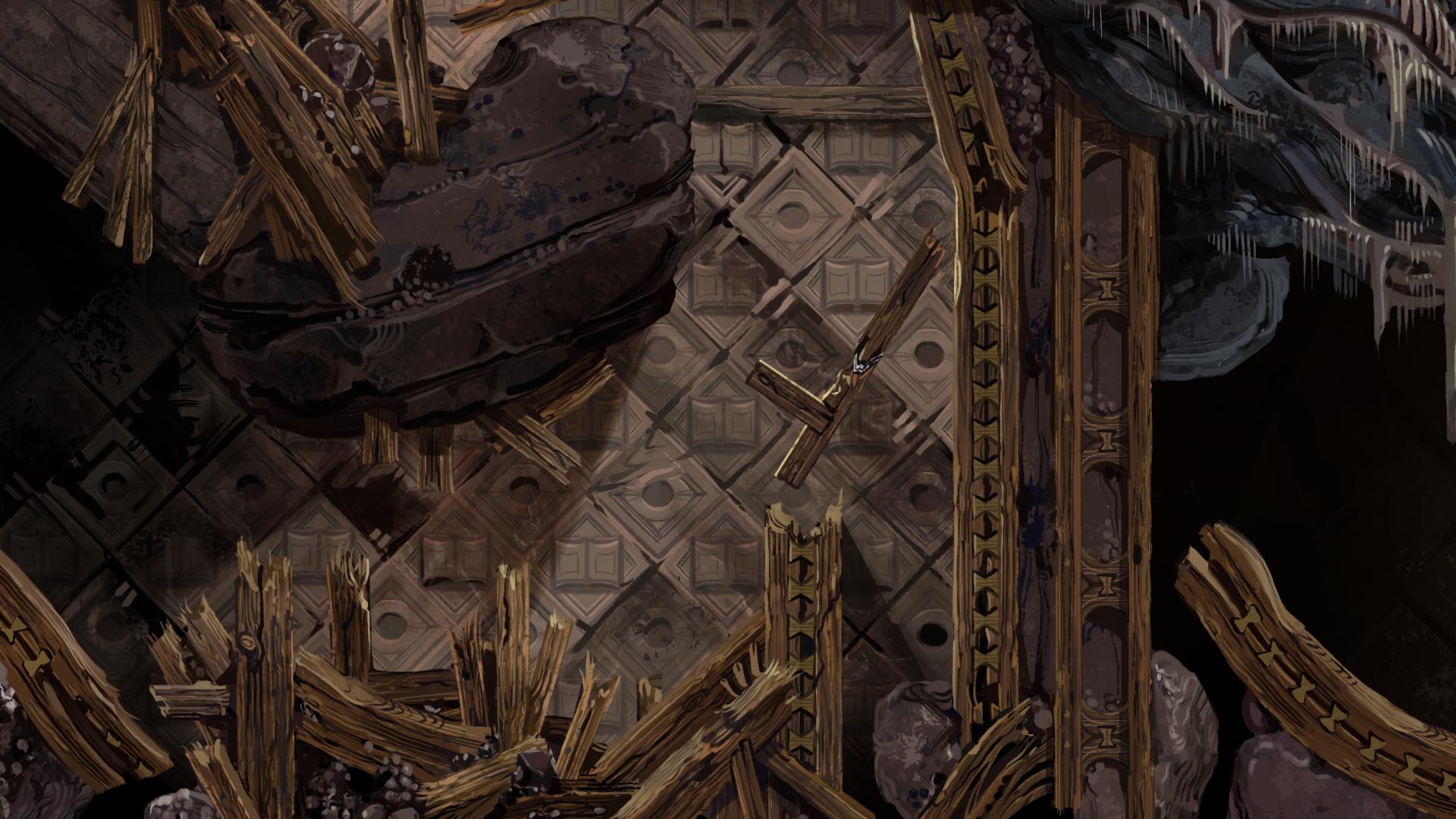
Naive Human Machine

Even at the time I was planning to use it as a base for a level in my monster collection game Abandoned Monsters, but a lot has changed since and it needed some serious overhauling. Way more detail when viewing up close, painted fleshy background to integrate this into the rest of the game and most importantly I expanded and enfancified many in-bone areas where you can move in the game.

It's only the base, many little additions will go into if even before actual monsters and the player character itself, but this is a huge amount of work in the making of this level. Feels good man, I had this idea cooking for like two years.

Remote Overworker - a new NPC art


A little character I drew to be used as a new NPC . This one will be in charge of a certain device I already placed in the hub area. It's not functioning yet, but it will be a way to unlock some story elements and extra artwork in game, though I'm not sure if that will be available in the upcoming update or the one after that yet. You can see in the progress gif where this NPC will be placed, here's the general area from further away for reference:
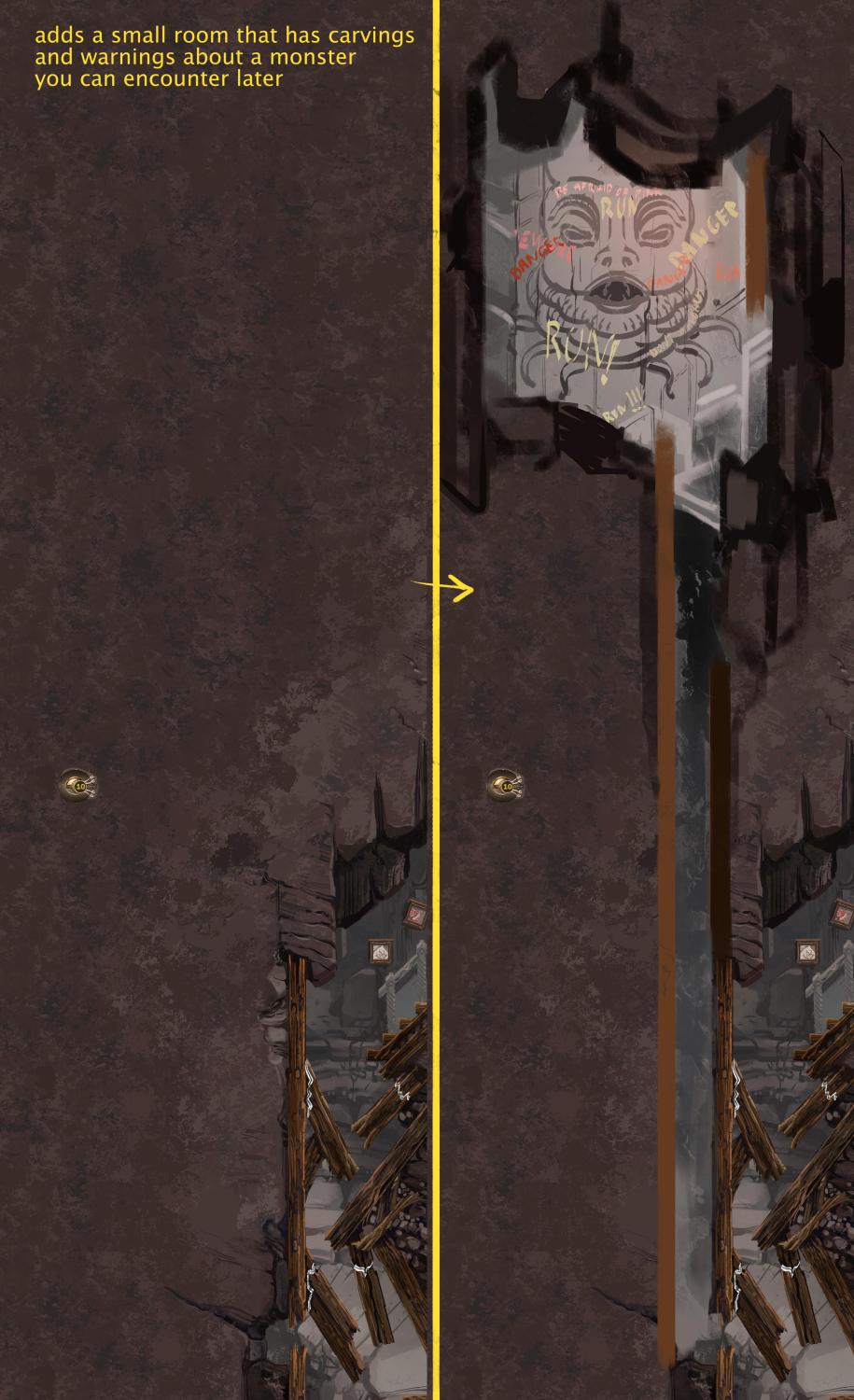
I wanted a highly tired and overworked guy with a little bit of that homeless chic even. This was partially inspired by a programmer I know who once admitted to me he realized he was smoking five packs a day while working remotely. That's two and a half times more than I have even heard of before from the heaviest smokers.