Some UI stuff
I mentioned before that I wanted to add text bubbles to some areas in the game to show some info about objects found in the caves, to add some world building details and such. So I finally got a round to including that properly and I’m pretty happy with how clean it looks:
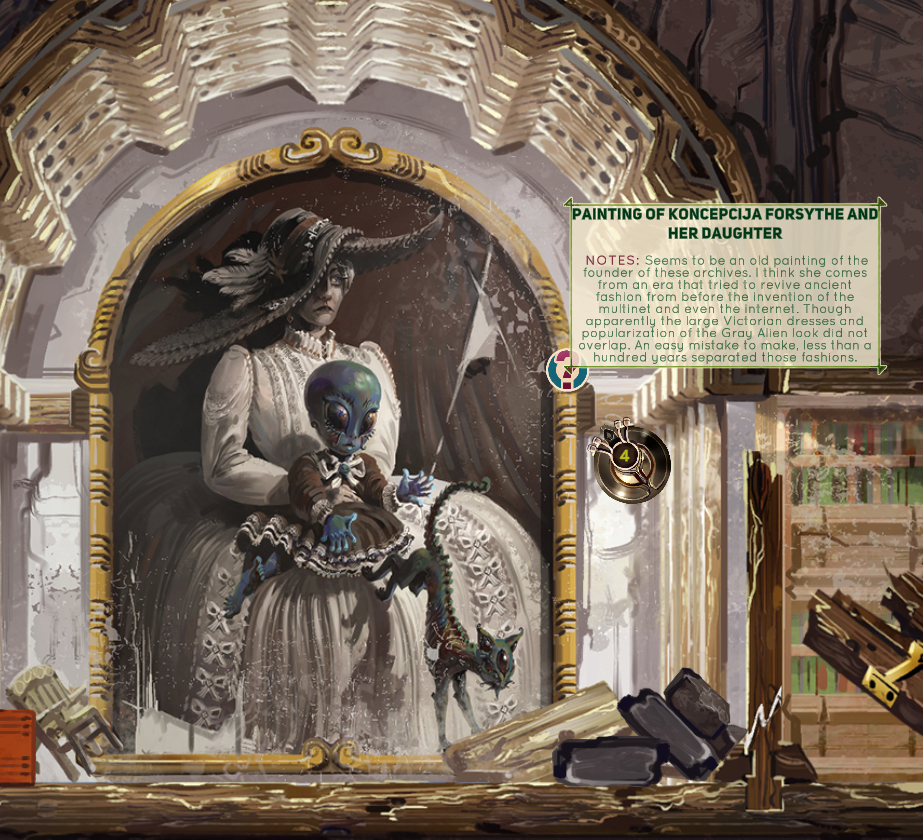
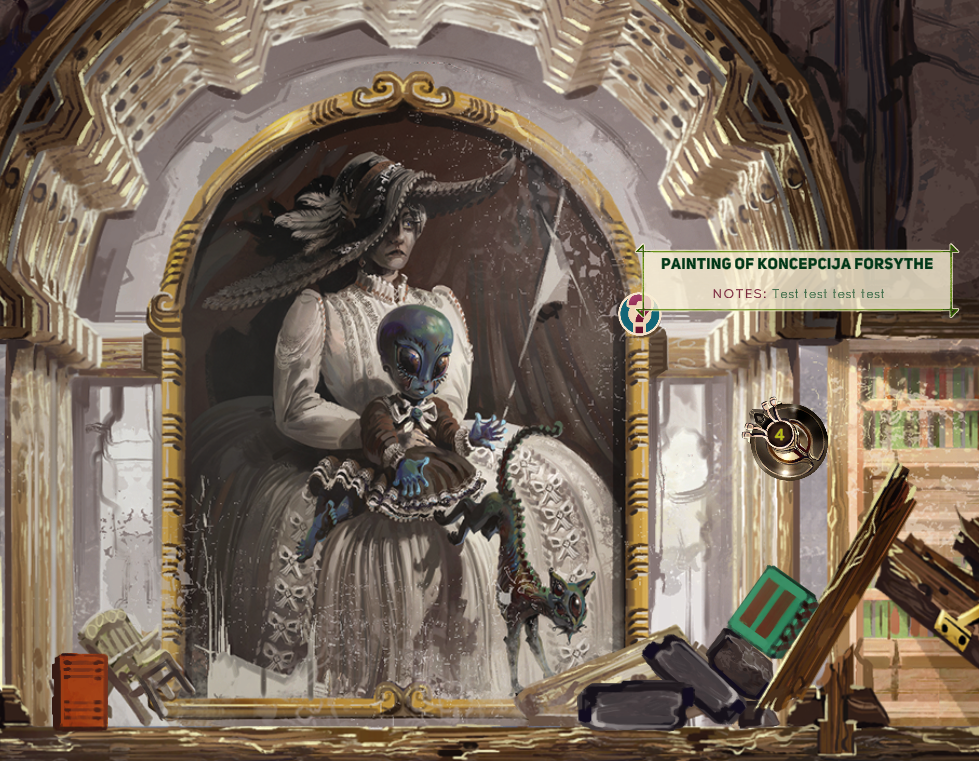
I often go too detailed with UI, so I wanted to keep it simple this time. If you mouse over the question mark icon for around half a second( I added a slight delay, so it doesn’t flicker in and out if you happen to move the mouse pointer around that area), the text bubble will appear. It resizes automatically without stretching out the green UI border and is separated into headline and NOTES text, which supposed to represent what your character thinks about whatever object you encounter.
I had to learn how to change the font colors and add special symbols within the string itself to get this effect. For example, this is how the NOTES text looks from my side of things:
<br> <b><color=#630021>NOTES:</color> </b>Seems to be an old painting of the founder of these archives. I think she comes from an era that tried to revive ancient fashion from before the invention of the multinet and even the internet. Though apparently the large Victorian dresses and popularization of the Gray Alien look did not overlap. An easy mistake to make, less than a hundred years separated those fashions.
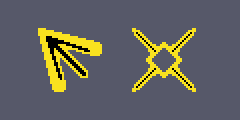
Also I made custom cursors, which I’m pretty happy with too. The arrow serves as a base cursor instead of the boring white default windows cursor and the cross-hairs cursor is activated when the drone is able to shoot, so it also helps as a nice indicator for that too. Here they are at 200% size: