On Sale: GamesAssetsToolsTabletopComics
Indie game storeFree gamesFun gamesHorror games
Game developmentAssetsComics
SalesBundles
Jobs
TagsGame Engines

Augustinas Raginskis

193
Posts
17
Topics
148
Followers
5
Following
A member registered Nov 15, 2020 · View creator page →

Creator of

Recent community posts

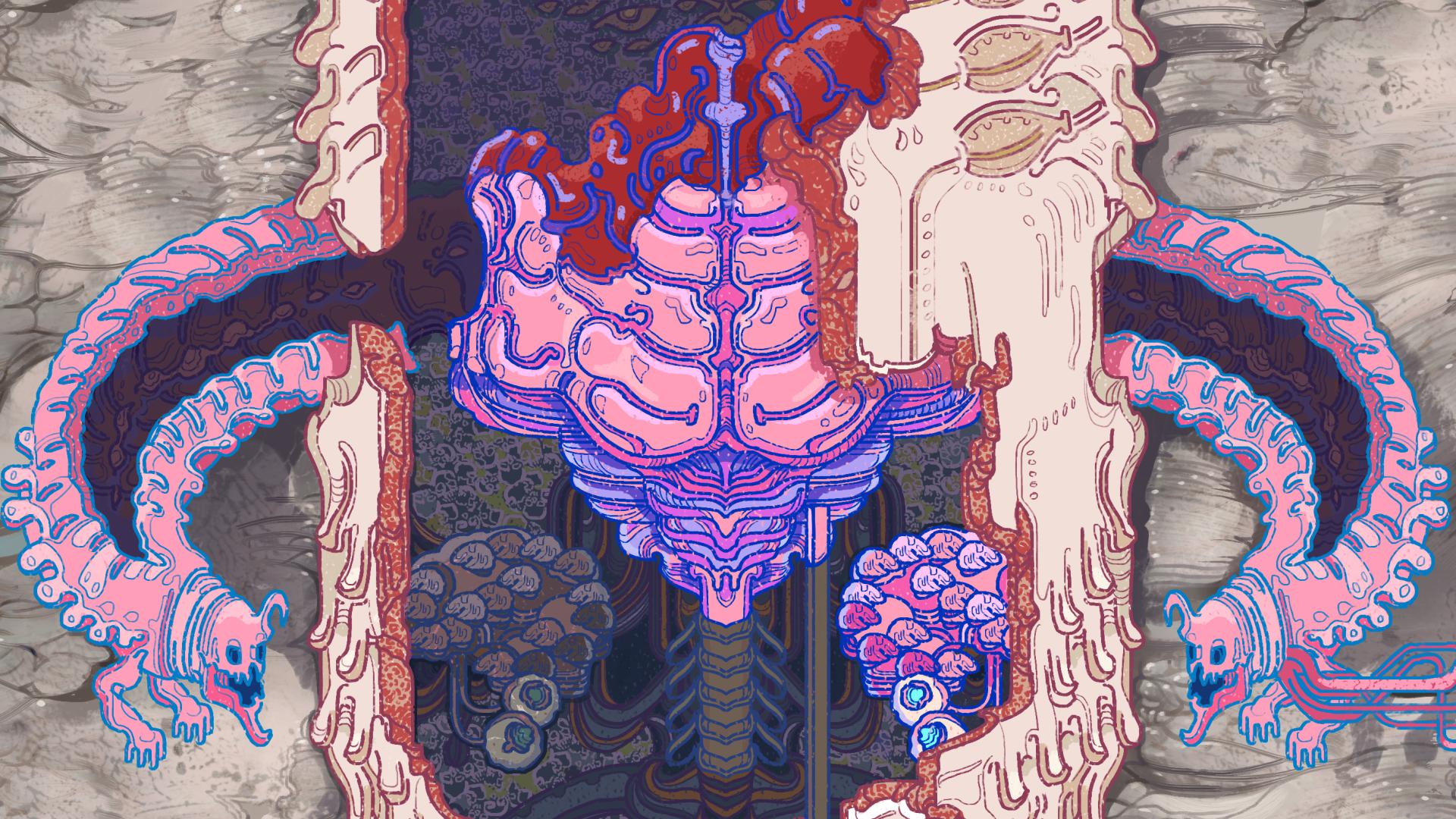
Brain Worms

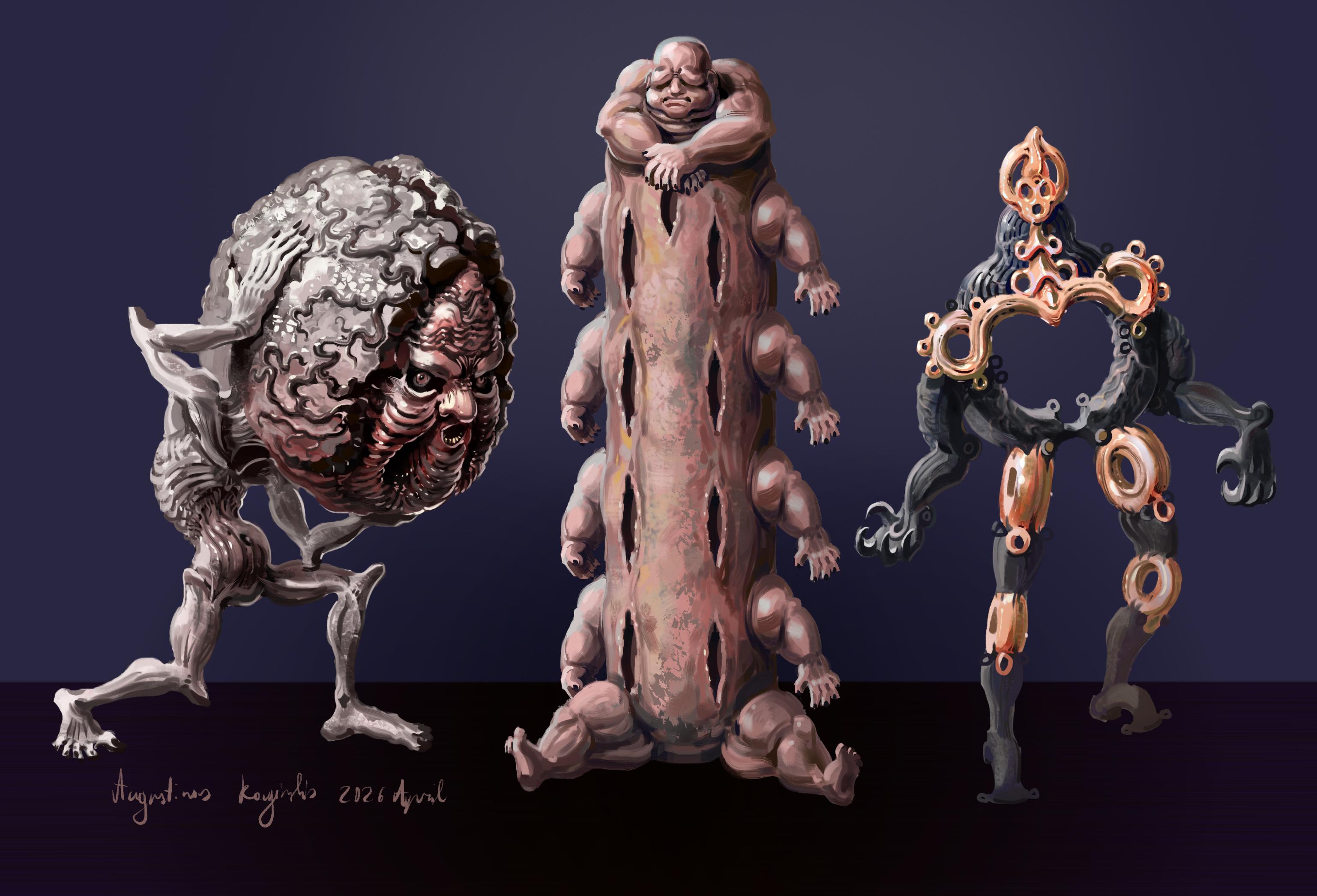
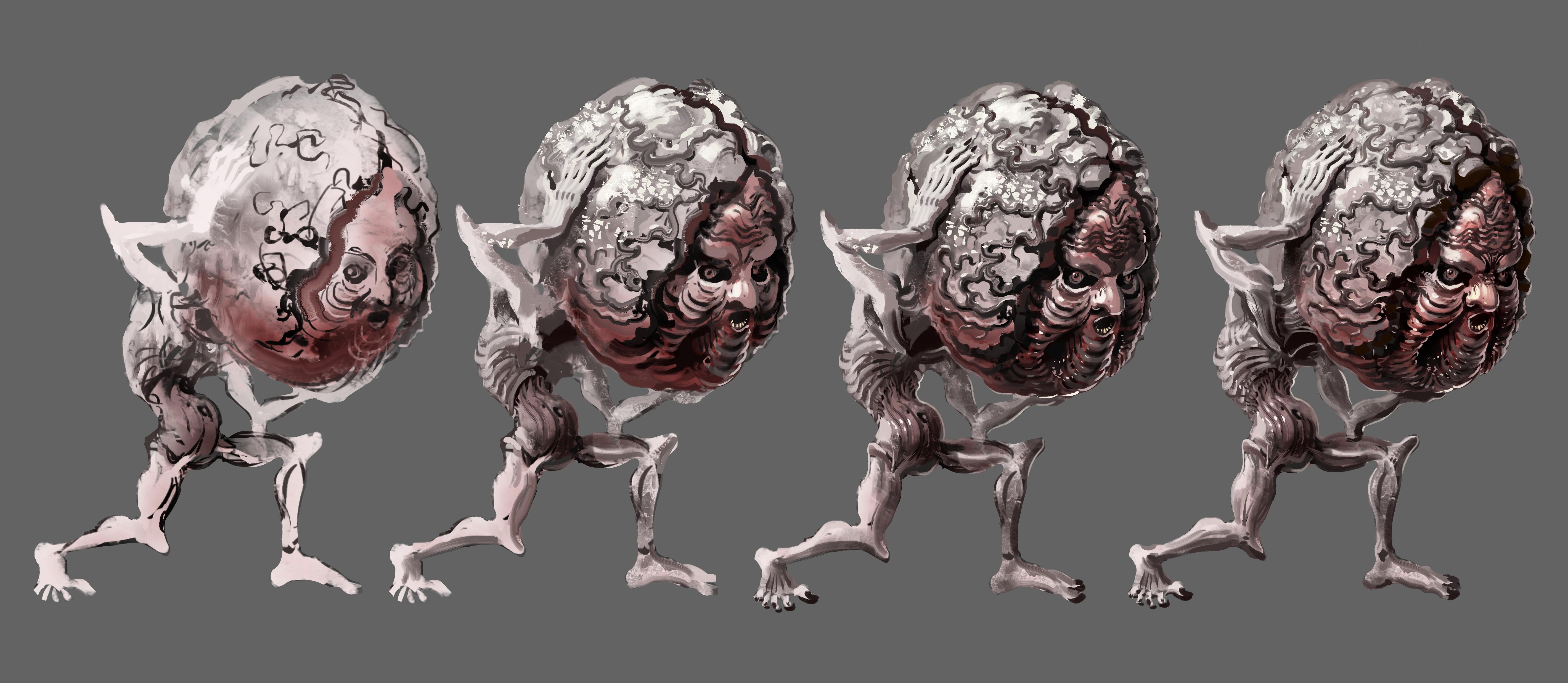
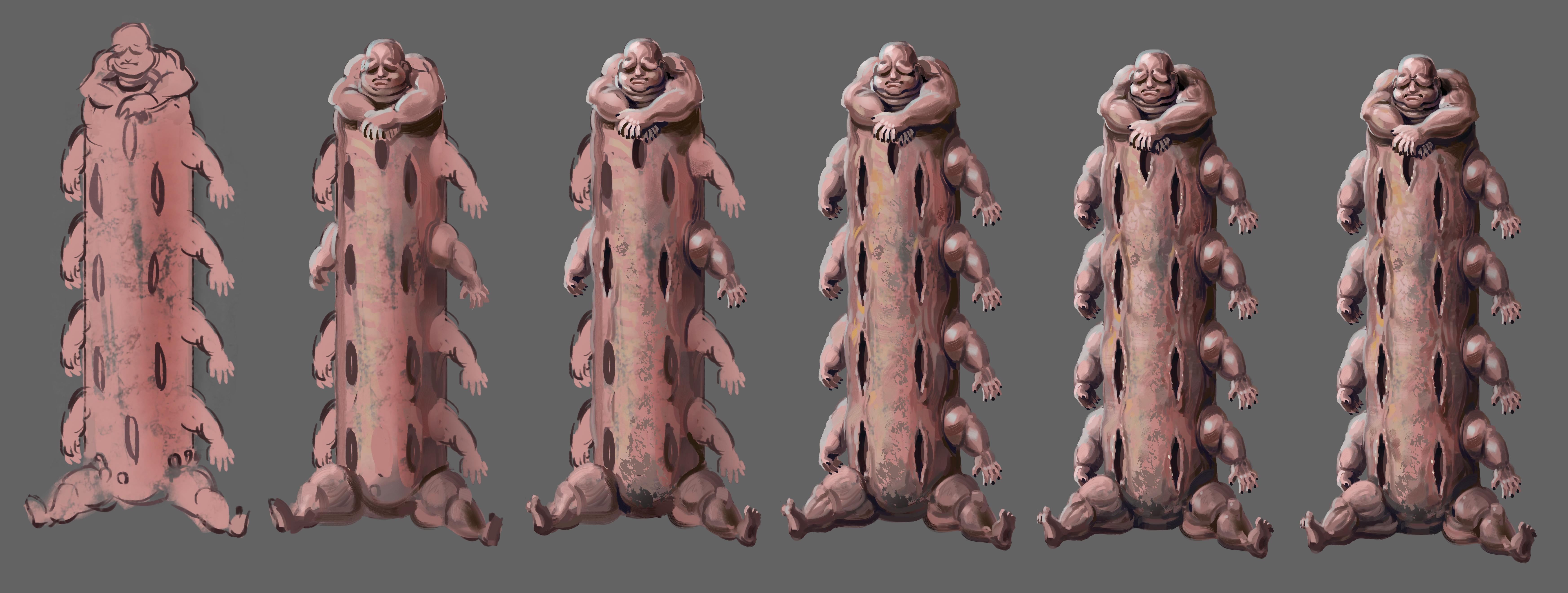
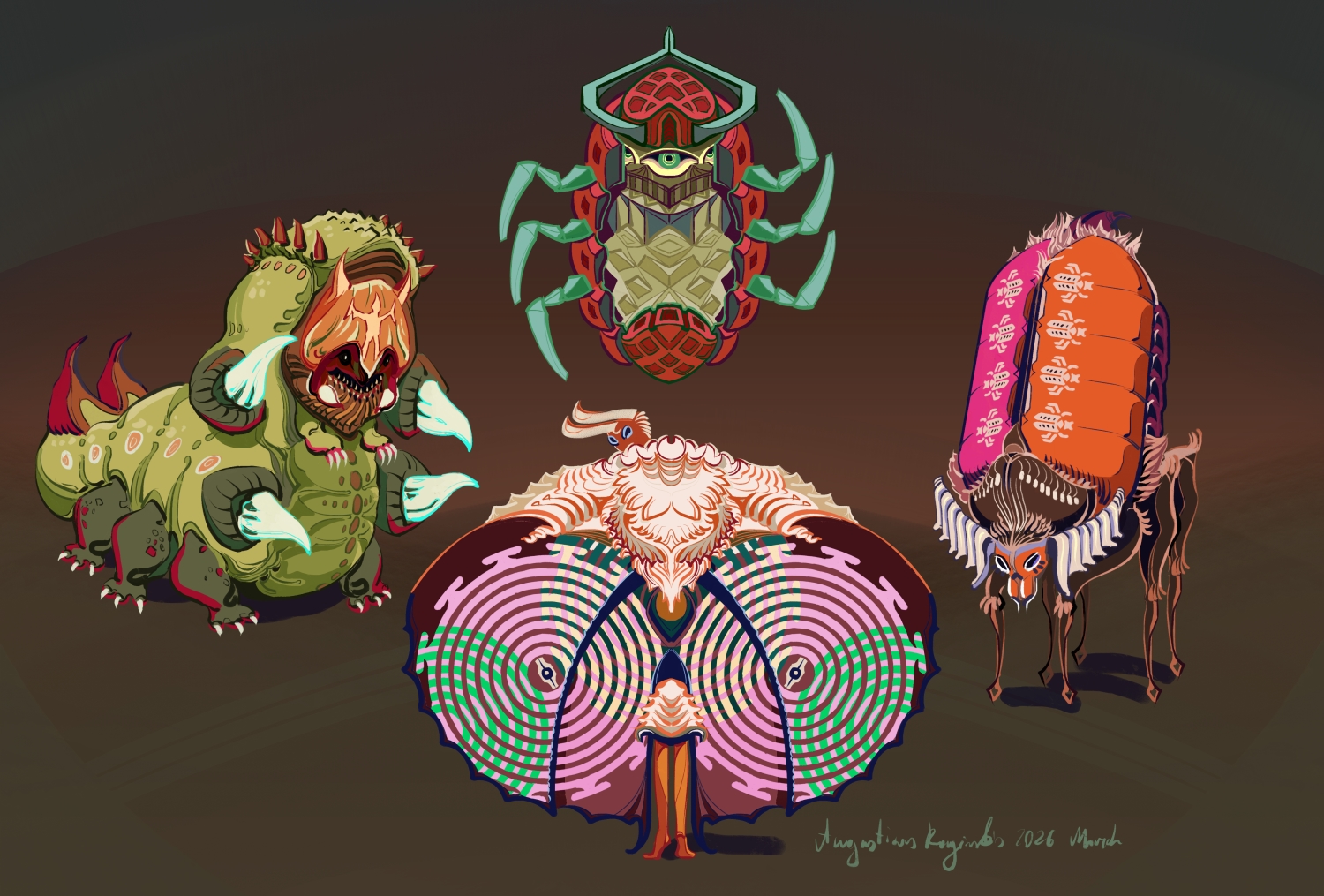
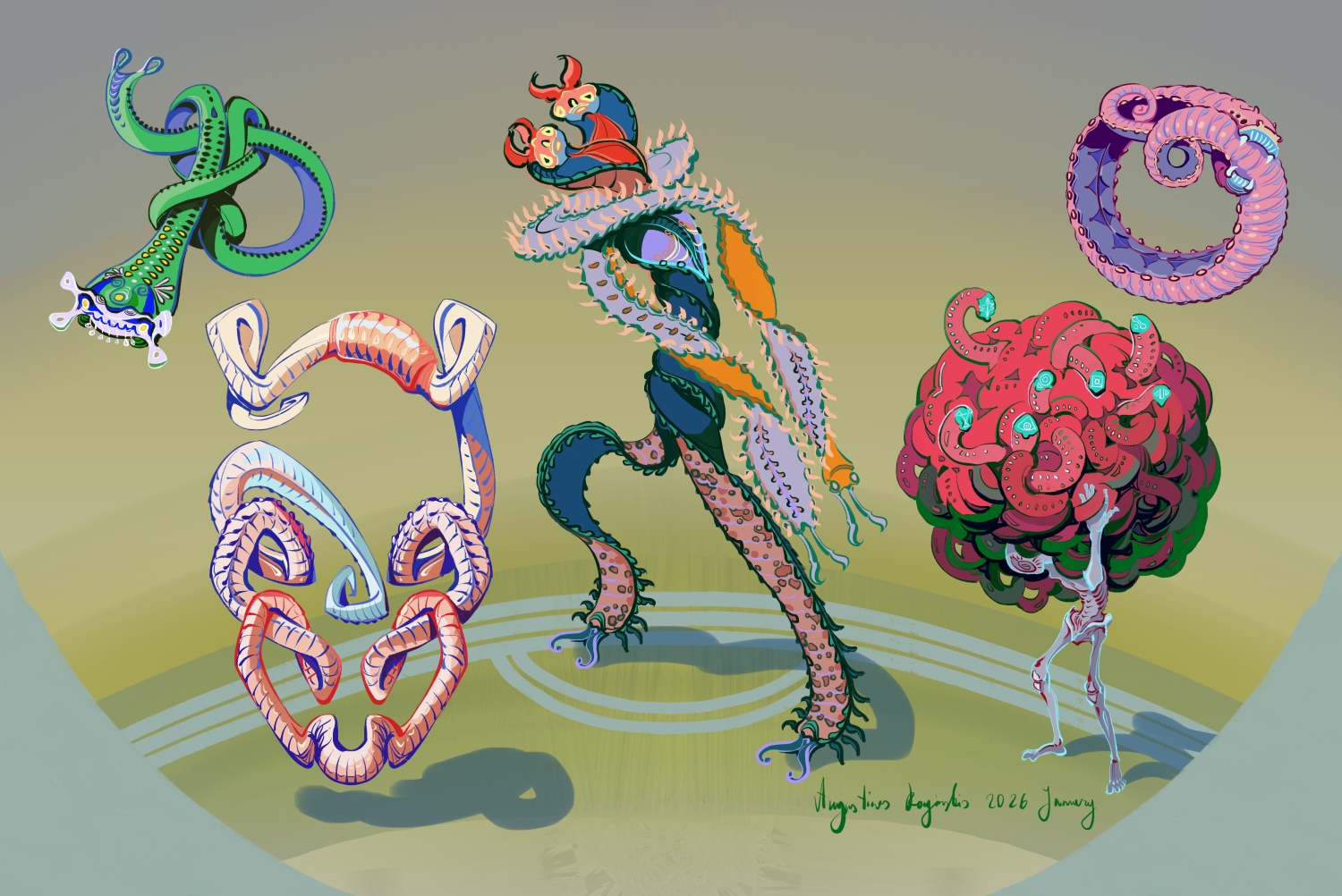
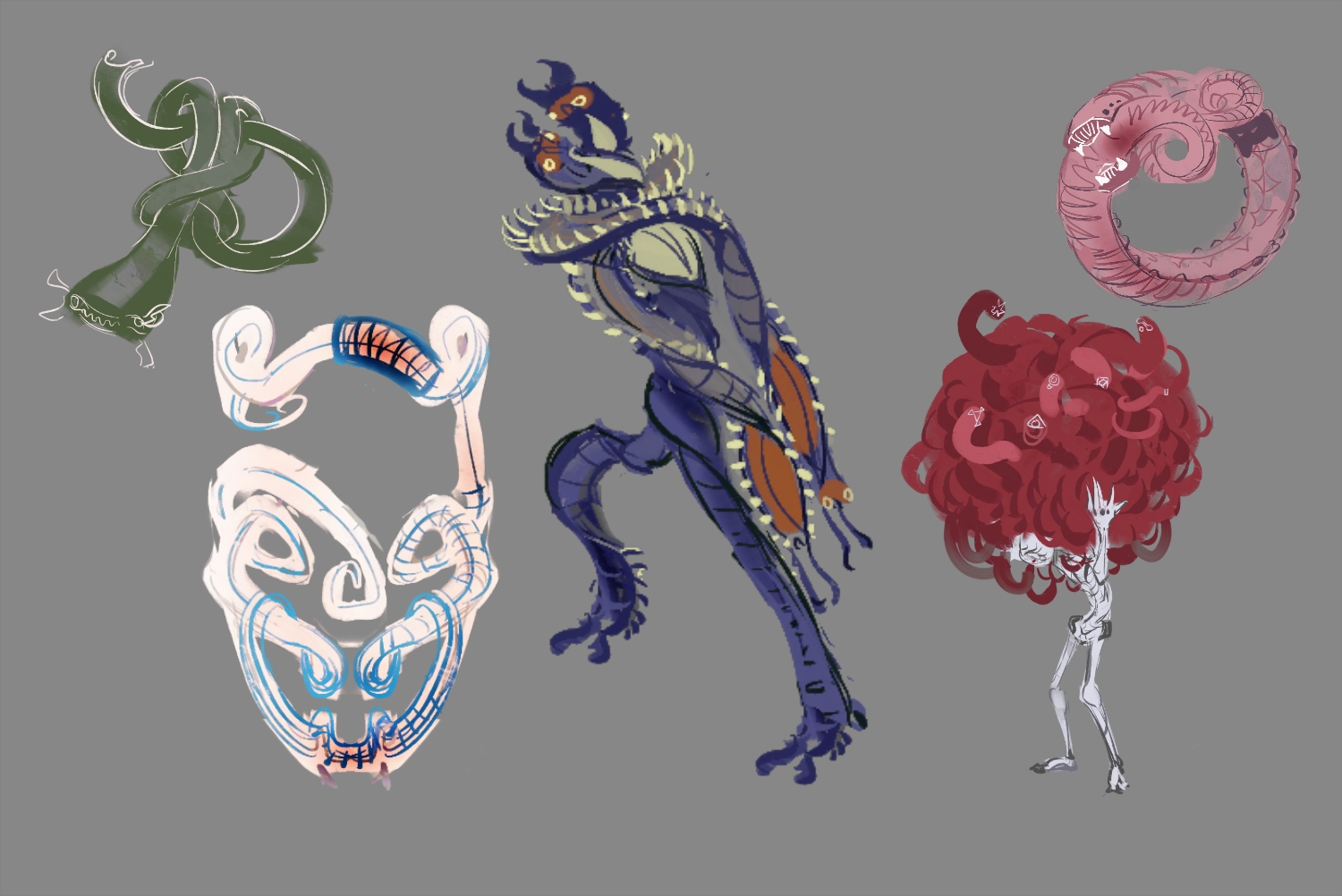
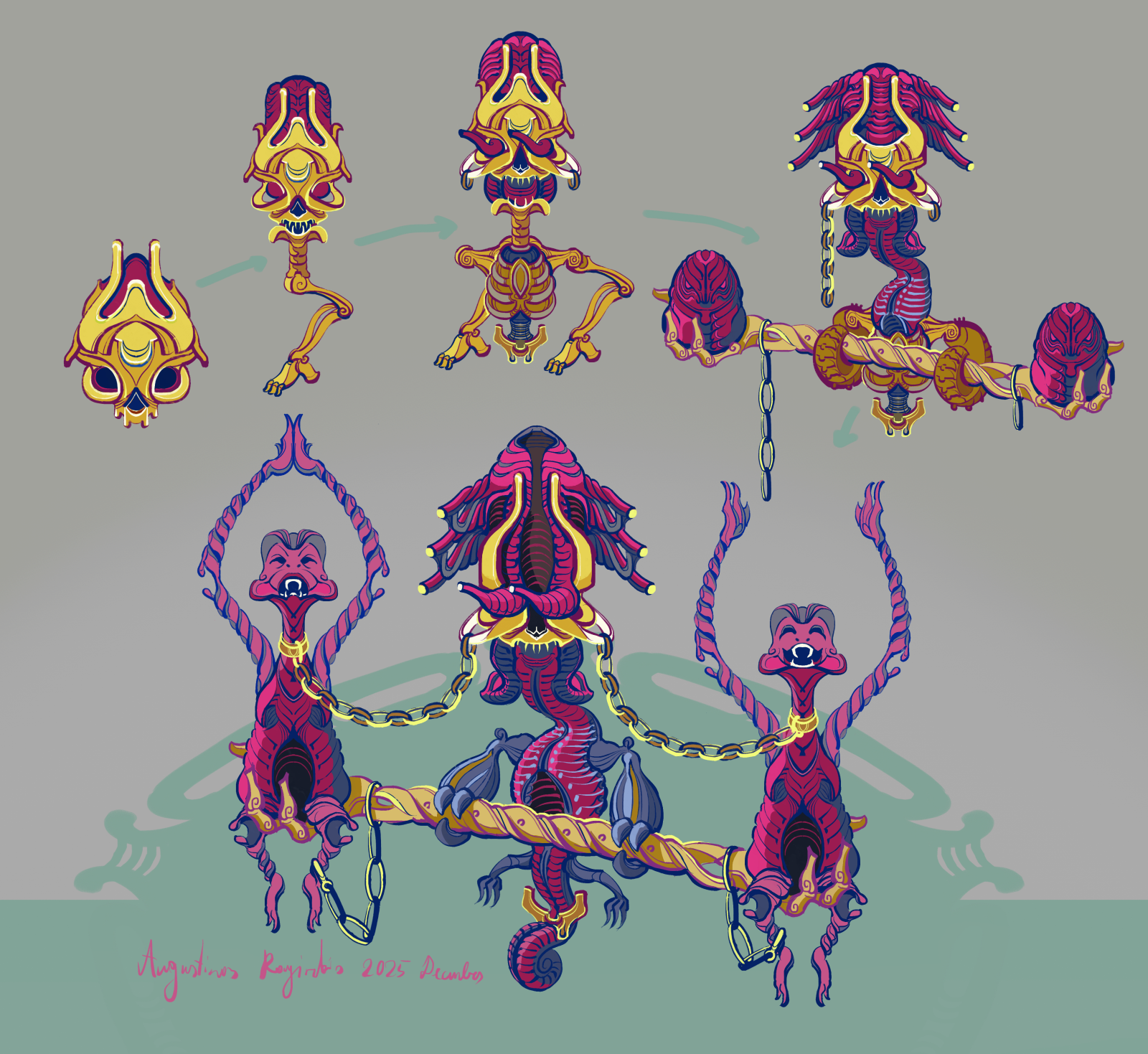
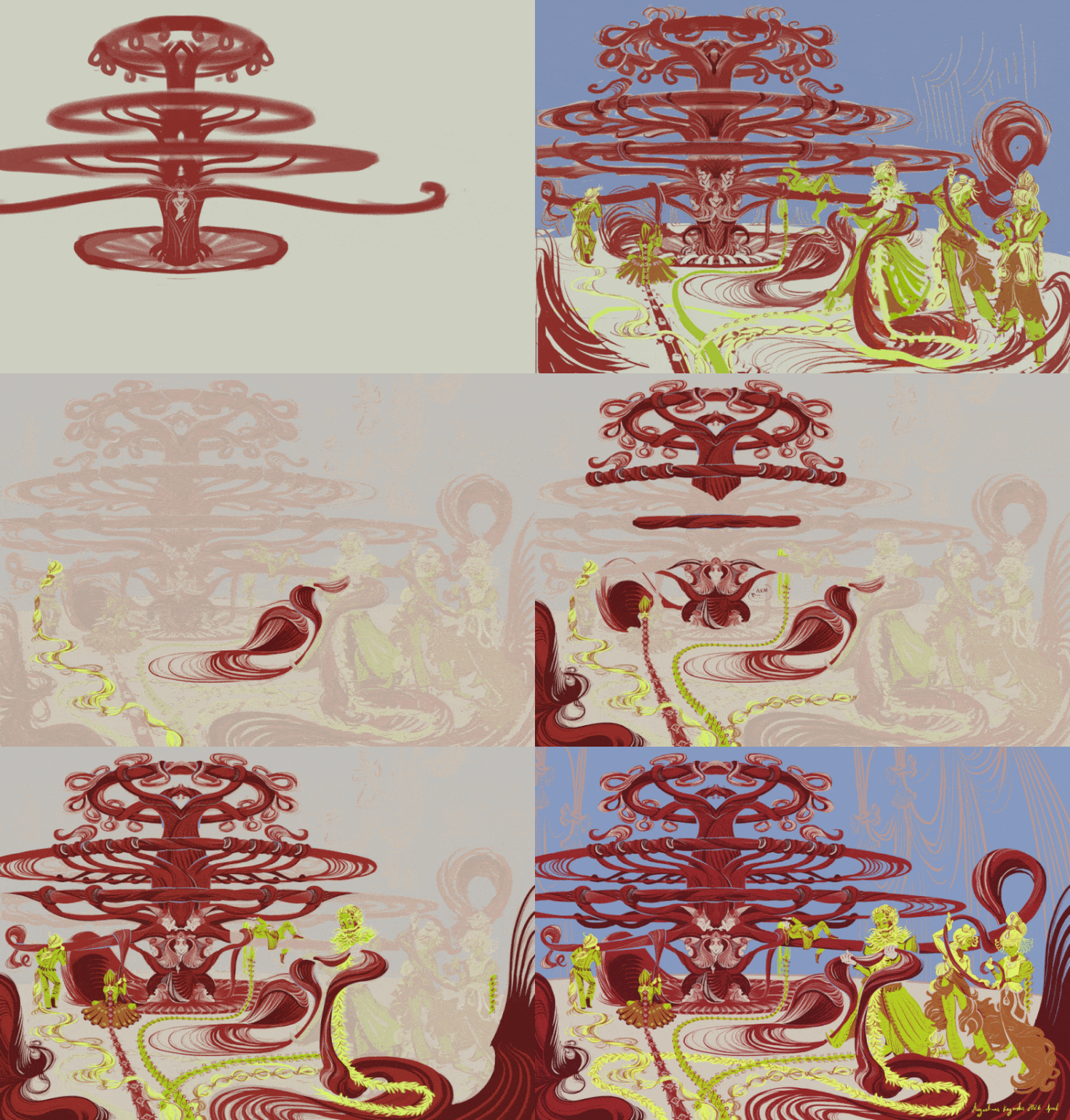
I've been doing a lot of coding and related stuff for the game recently, so for a change of pace I decided to design a few more monsters:

Above is the finished art and I shared the sketches for these a while ago. These will not yet be used in the demo version of the game, but in the next update I want to make afterwards. There will be a whole area where most monsters are cartoon themed, meaning they will be more stylized and drawn, instead of painted like all the previous ones.
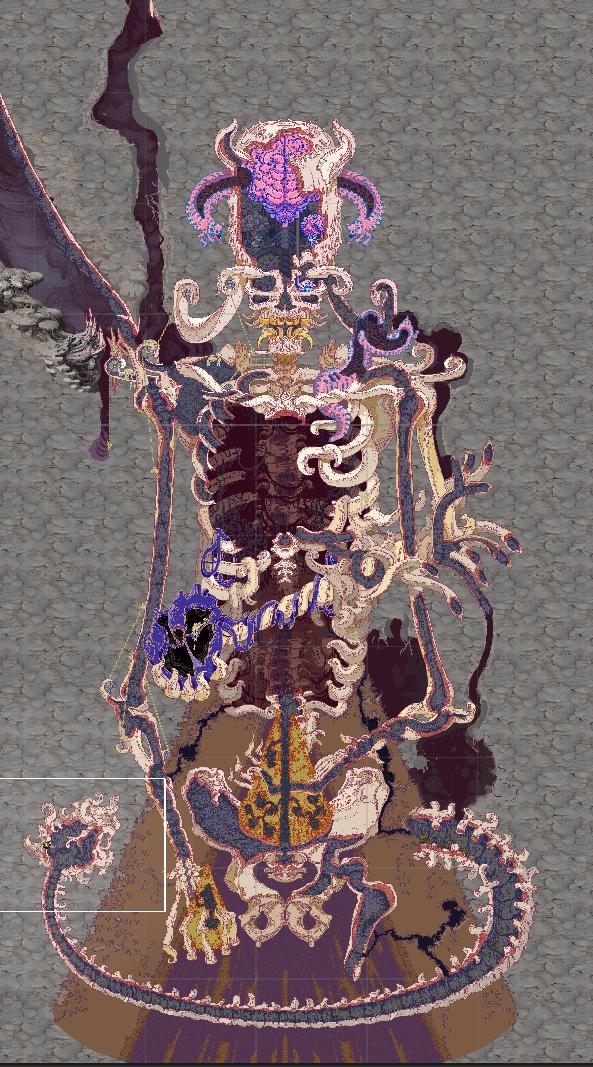
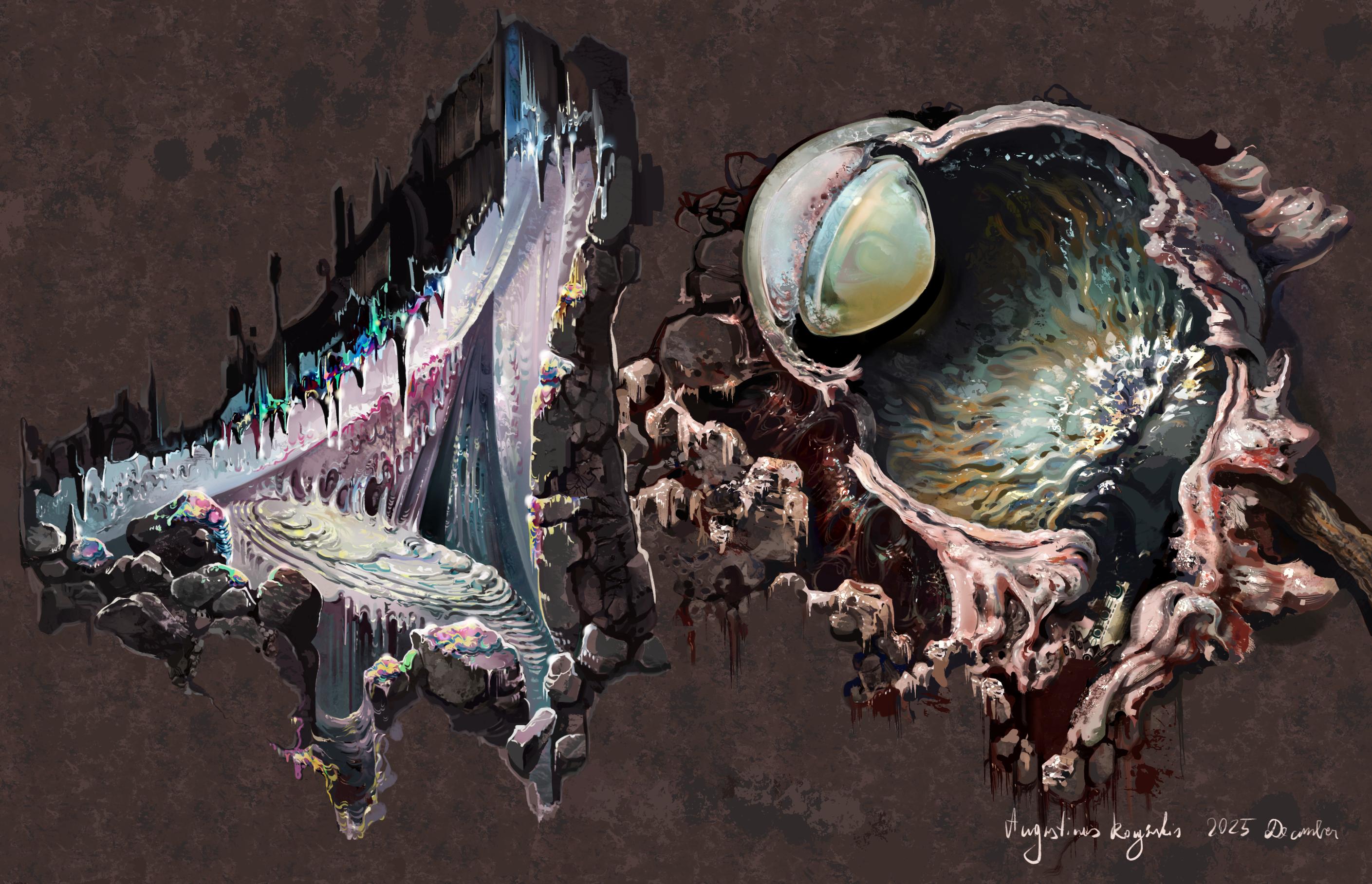
Finished Slime Nest and Eye Nest artwork


I actually had quite a bit done for one of these by the time I got to uploading some sketches last time, so I managed to finish these quite quickly. I'm starting to incorporate them into the game, but it needs a decent chunk of new code and I'm feeling hella lazy at the moment, so we'll see how fast or slow that goes.

Planning the last additions to the Abandoned Archives level


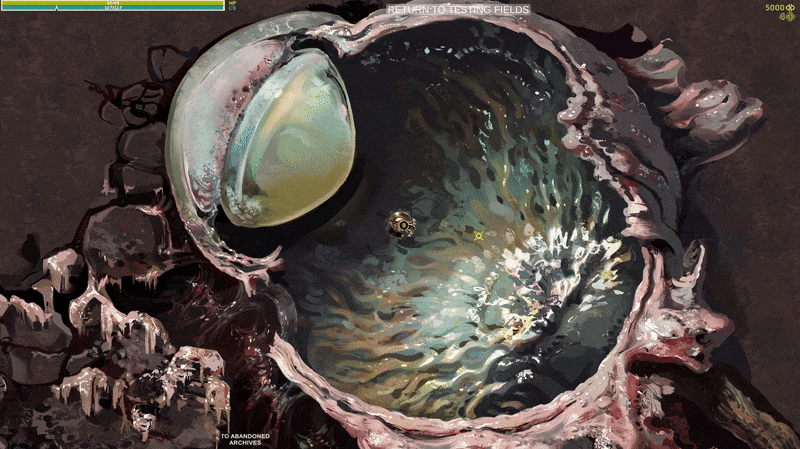
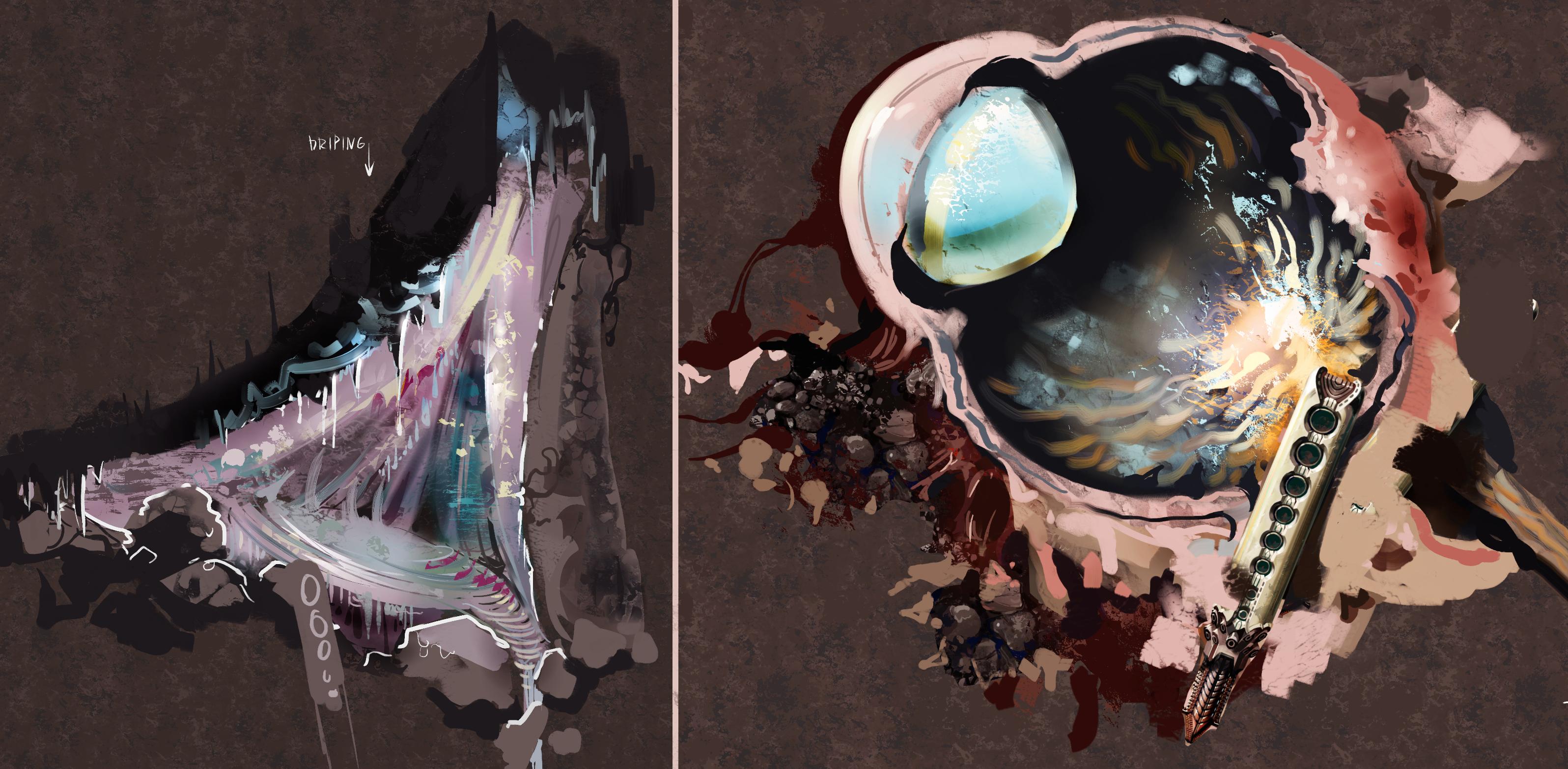
I'm adding two little side areas: Slime Nest and Eye Nest. Here are the sketches for those:

The Eye Nest will be close to the start of the level, so easily accessible, but I will probably add a secondary exit to the overworld from the Slime Nest, so it will serve as another access point to the underground areas in general.


I have two lines of evolving monsters in the game right now, one slime themed and one eye themed. Normally you can encounter up to tier 3 versions of those monsters, but in these caves you will be able to fully upgrade them to the maximum 6th tier( maximum for these monsters, I might have higher tiers later on for others).

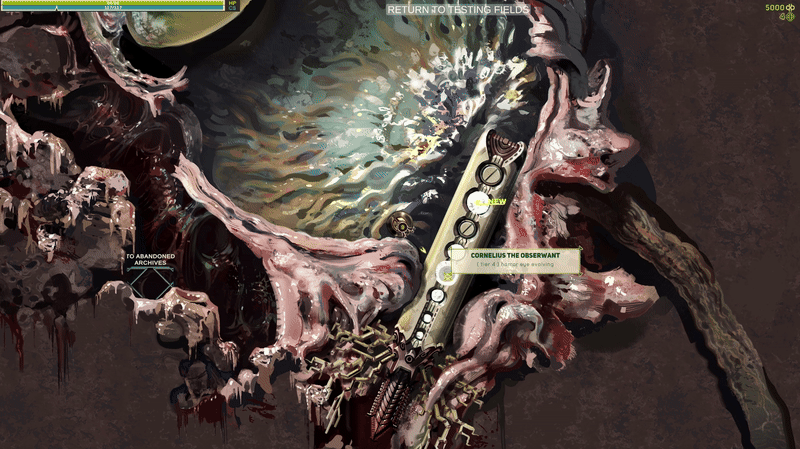
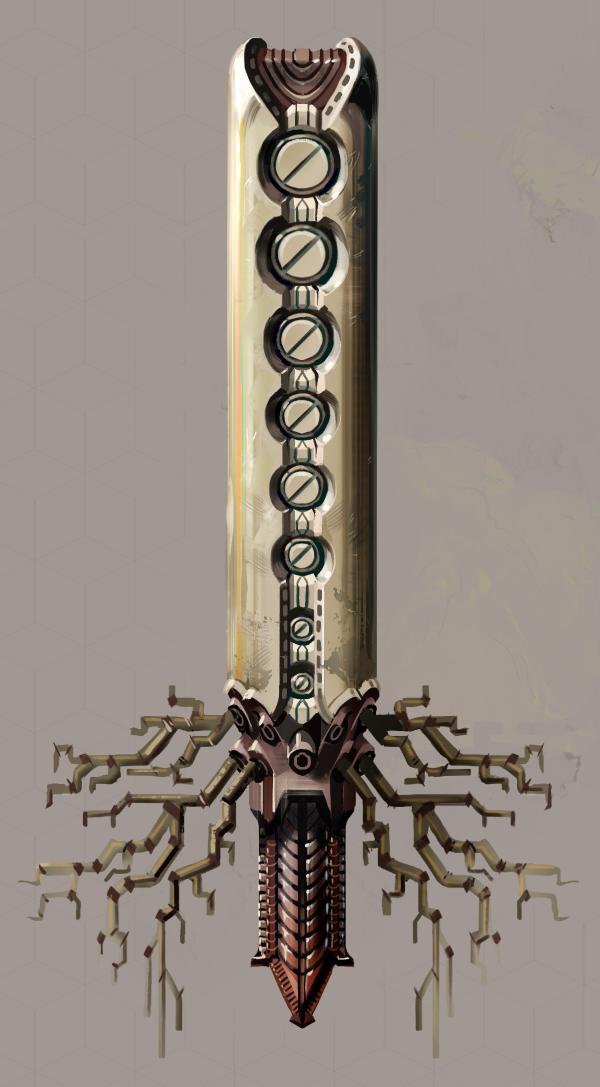
I'm still working out the details, but the idea is that you can bring a certain device to these caves which can extract genetic info left in the nests and synthesize higher tiers than normally possible. You will have to bring some combination of resources to that device in order to spawn each tier monster which then can be captured and you can repeat the process if you failed or want multiples of the same monster.  This is probably going be the way you will be most easily able to catch evolving monsters in future levels too. At least for now these evolving monsters can go a couple tiers higher than any other monster, so they will be valuable for Cave Drone upgrades I mentioned in recent devlogs and I will probably add other rewards for fully evolving a monster.

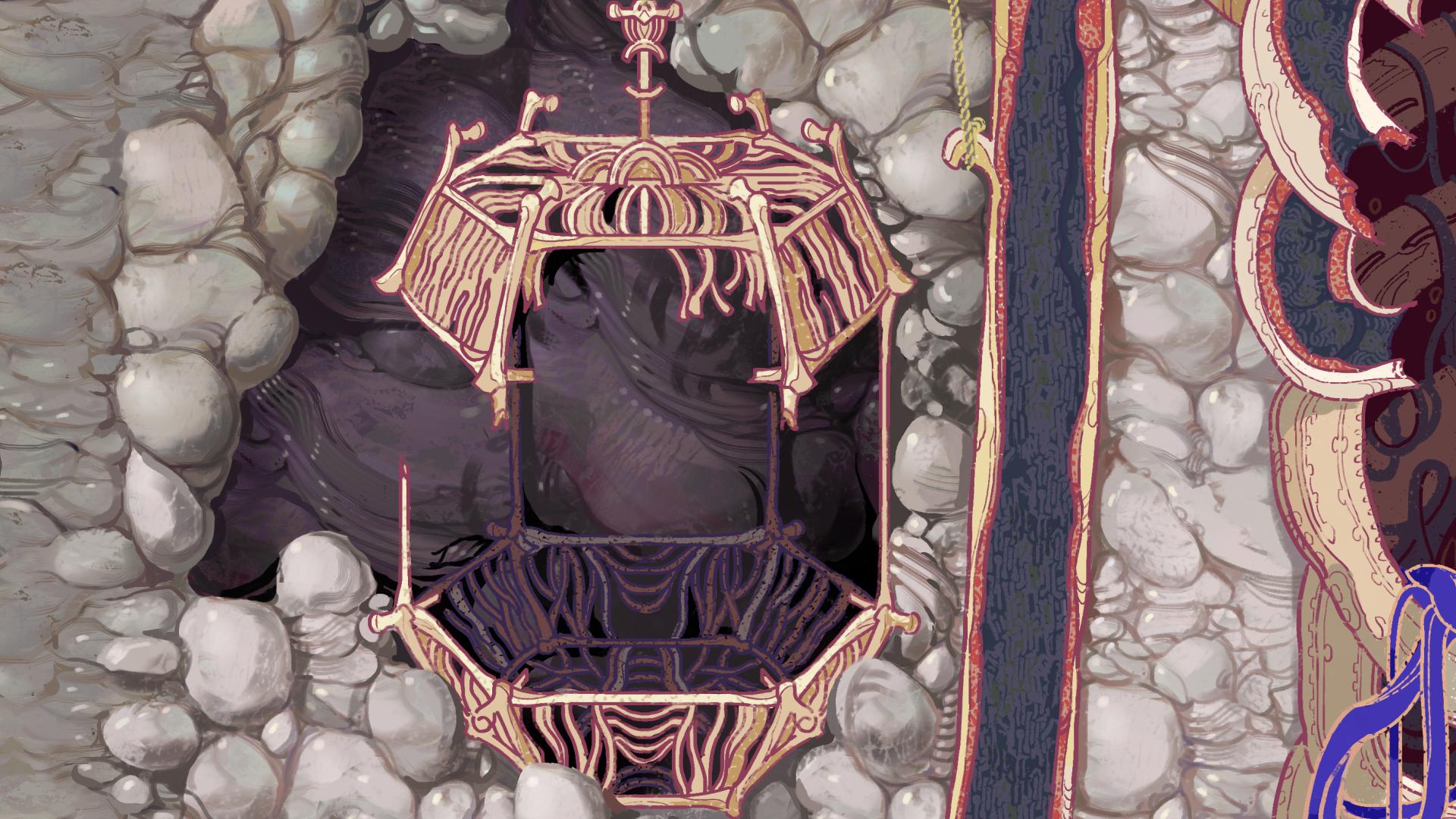
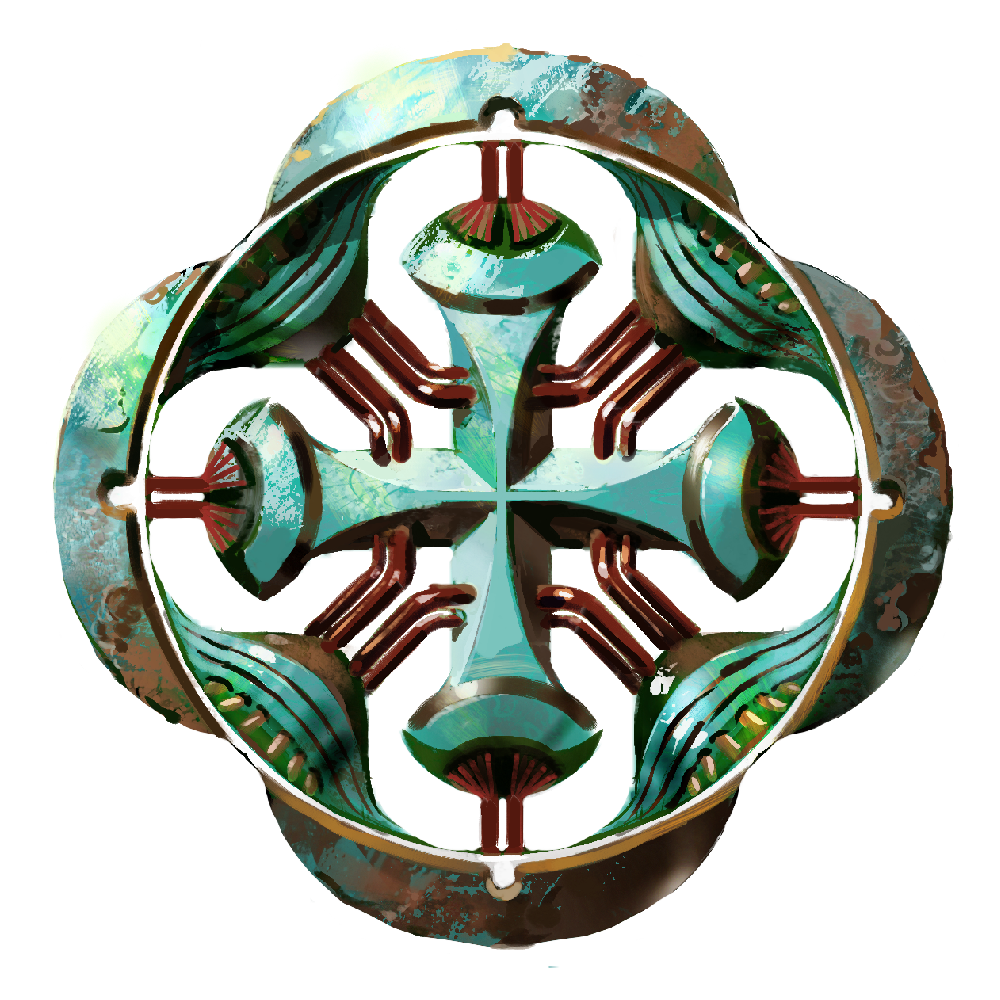
The evolving device art is pretty much finished:


(1 edit)

The Other Upgrades

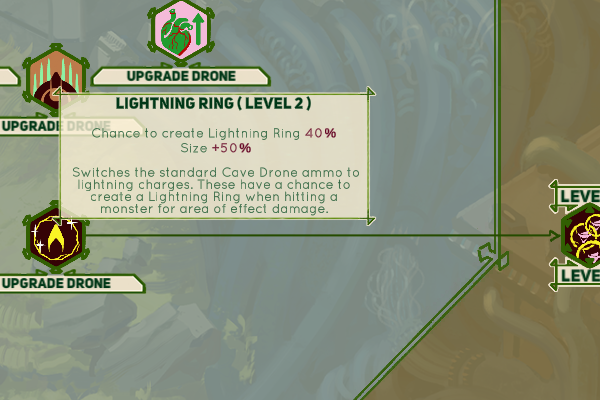
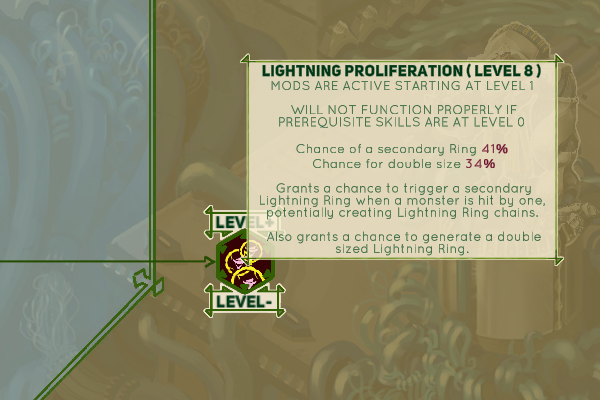
Alright, so here is what the remaining three upgrades do: 


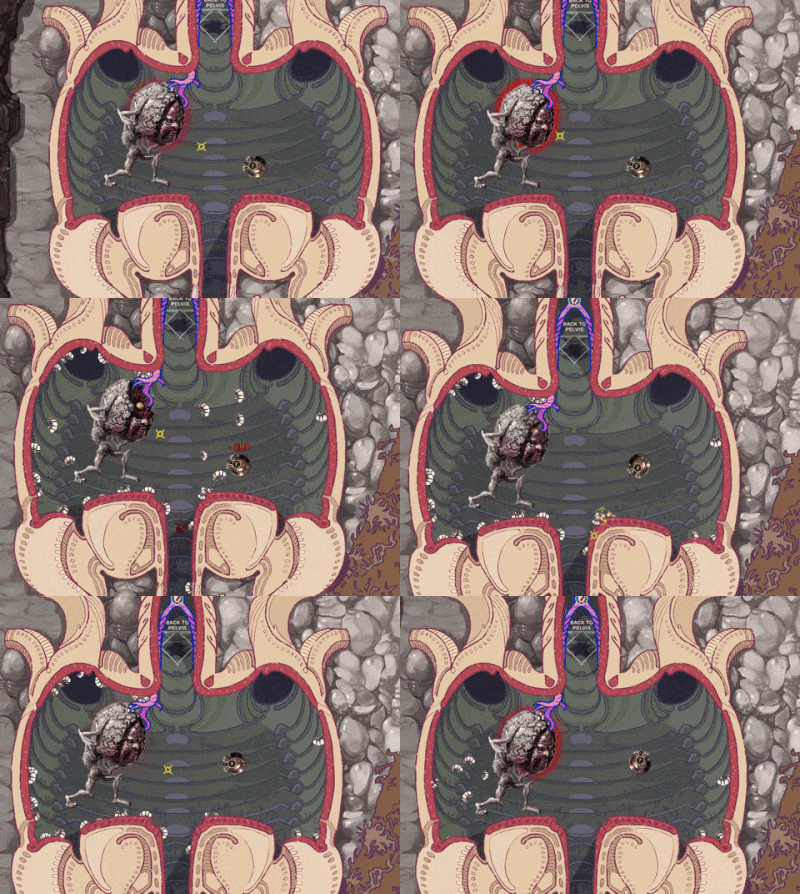
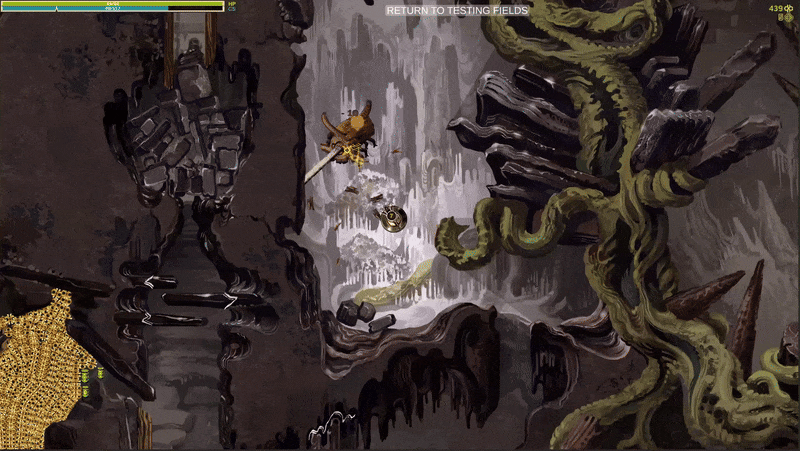
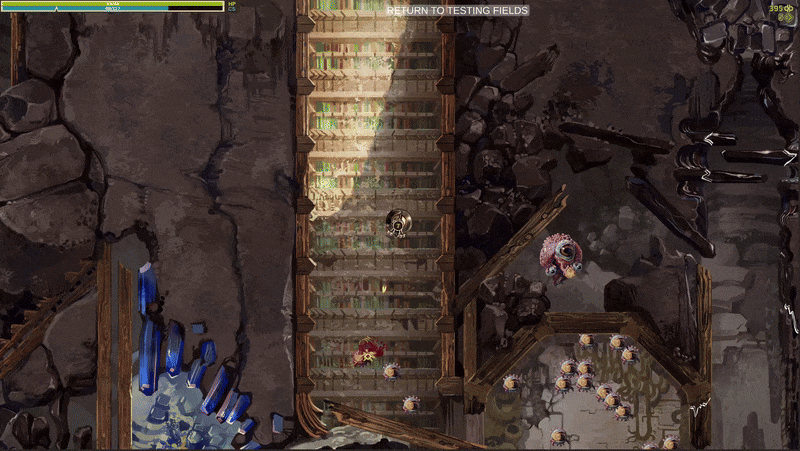
The two Lightning Ring upgrades feel pretty fun, but I gotta say, they are kinda too strong right now. Here's how it looks normally  and how it can look if you have both of them and run into an optimal use scenario( a bunch of monsters tightly packed):

images below are supposed to be gifs. If they refuse to work, check out the same devlog on my DA: https://www.deviantart.com/augustinasraginskis/journal/Devlog-37-The-Other-Upgra...

This needs some more testing so I'm not changing anything at the moment, but maybe I need reduce the damage, kinda make it obvious that this is a large area attack, but each individual Ring has low damage so you need a bunch of them. For me it's visually more fun to have just a ton of them. Also I could make them disappear after reaching a wall so they don't cover such a large part of the map. That would make it so larger open area allows for a larger Ring. 

I found a related bug when working on these as well. Some monsters spawn objects on every hit and that's just not a good combo with a ton of fast low power attacks. You could easily kill yourself or bring down the frame rate or both. I will probably change it so that those monsters spawn something after taking 10 damage, which is how it effectively worked when you had only the basic shots.


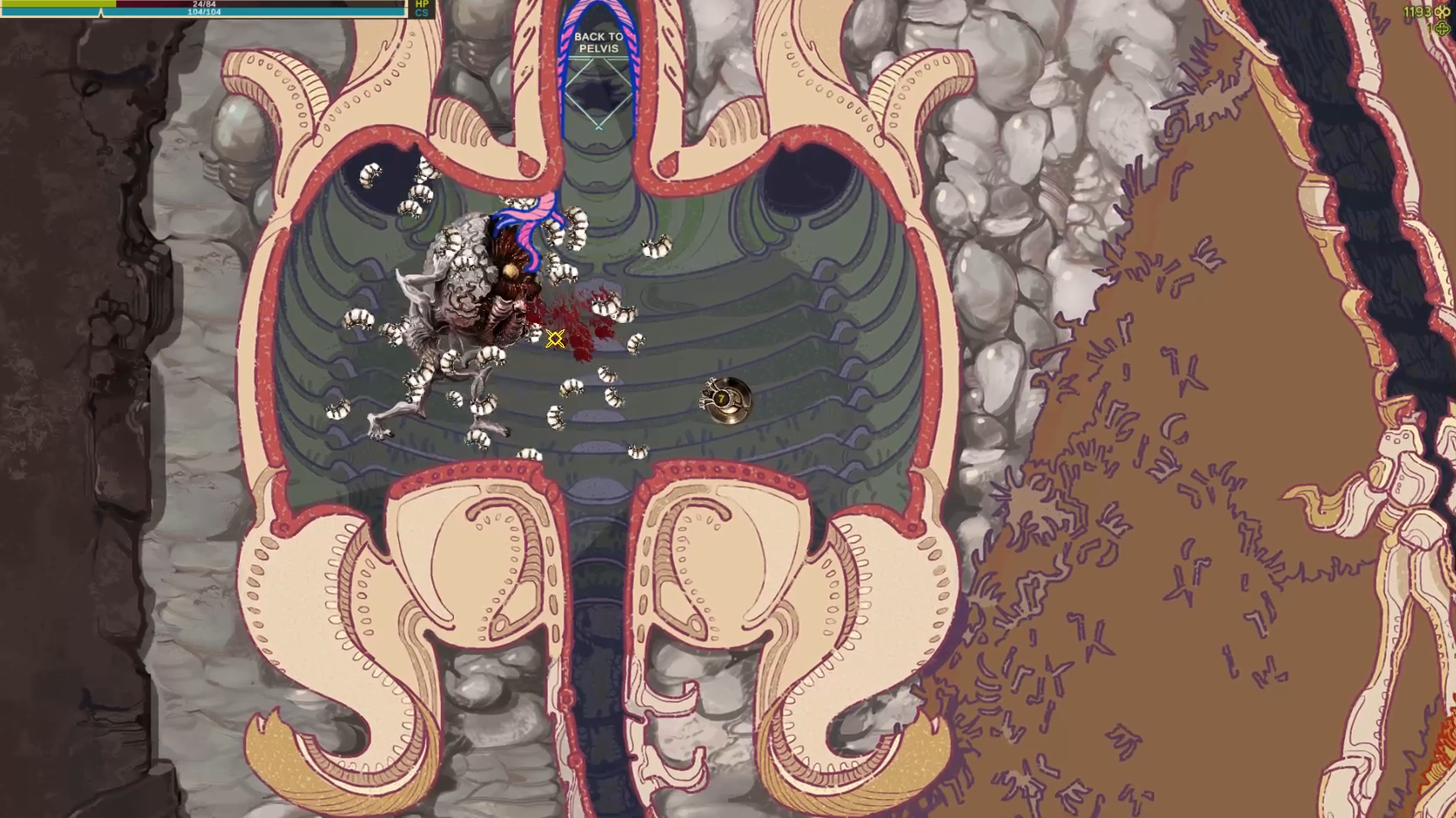
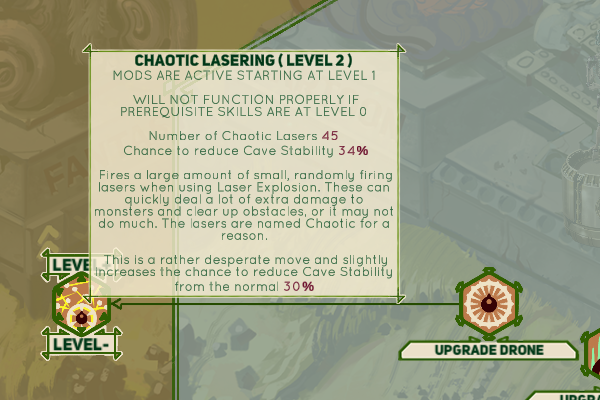
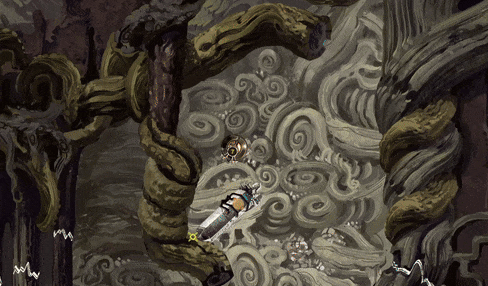
Here's a preview of Chaotic Lasering. It starts with 30 randomized projectiles and I tested even with 150. This one starts out a bit week, but ends up quite ridiculous. It can also destroy fragile walls and can be used in combination with regular shooting so I'm much happier with the balance for that. Maaaybe I will do the reverse and buff it a bit at low level.


The Upgrade Menu. After all these centuries!


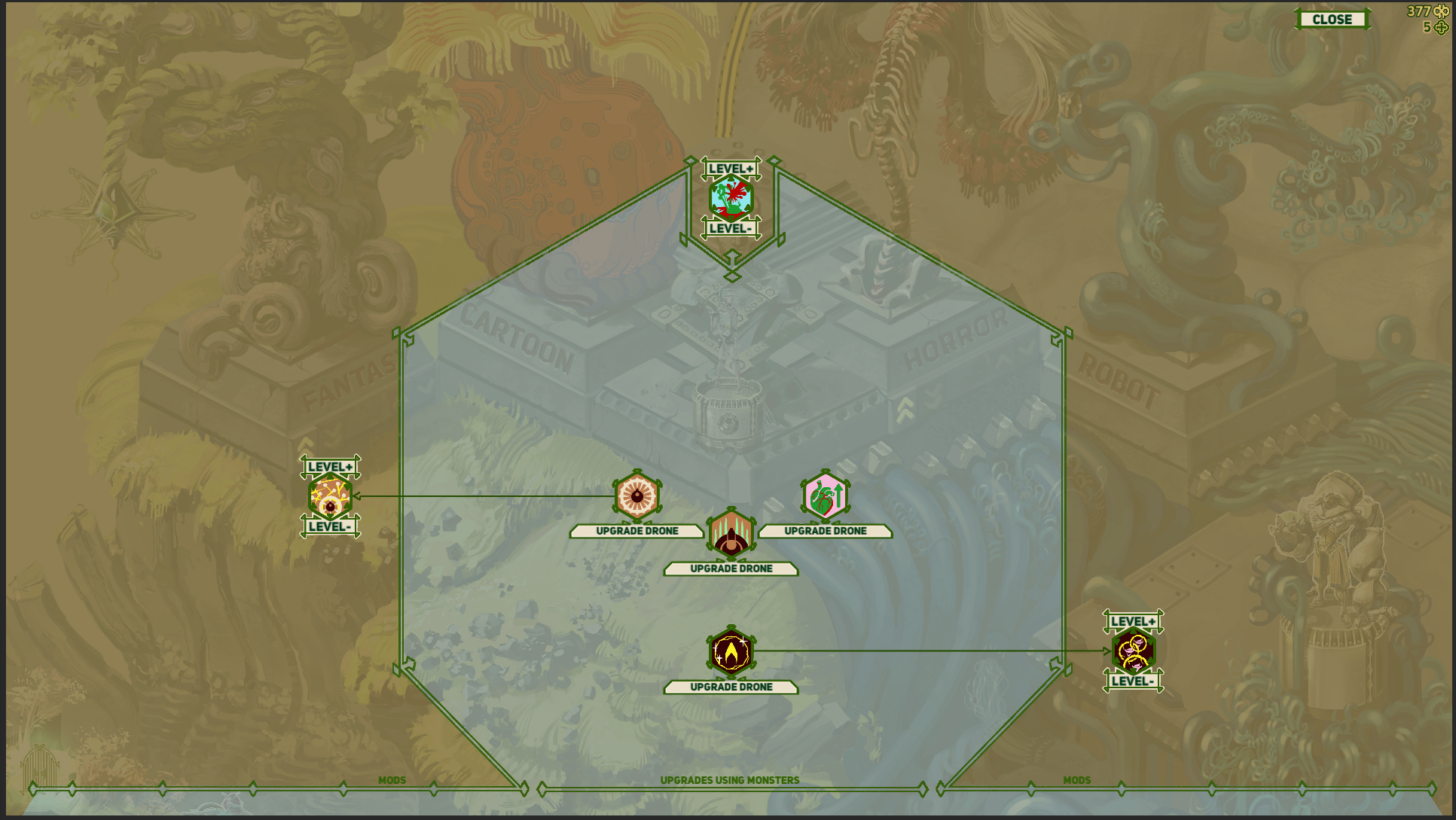
I had the beginnings of this from almost the start of this game development over a year ago now, but I just now got to finally implementing it properly. I plan to have a fair few more upgrades available later on, but I think these will serve as a good start. I have two types of upgrades, the ones that use monsters you capture and give higher upgrades depending on the tier of the compatible monster and MODS.

Mods can be upgraded via mod points you find by exploring, capturing some of the more difficult monsters etc. The plan is to make at least most of the mods to not have a cap on how many mod points you can invest, so you can use all of them on a single mod even, if you are of the extremely min-maxed mindset. We'll sea how that shakes out in the end.

The upgrade menu as of now:

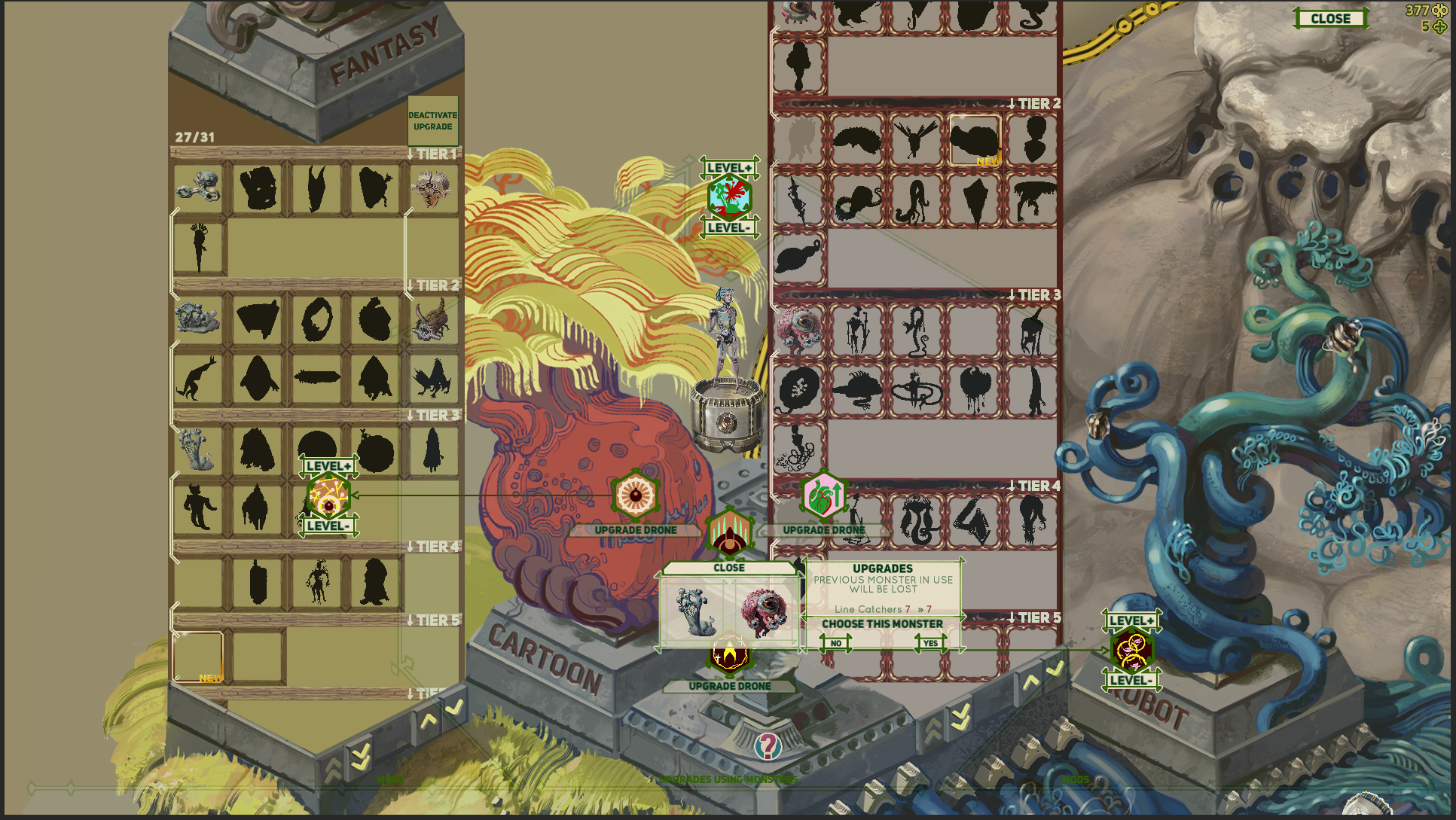
It fades out and let's you select a monster from your captured monster collection for upgrades. In this example I need to select a monster with the tag EVOLVING tag and I had used up all higher tier ones already so I selected one of the same tier just to show how it looks:


The menu seams pretty simple but of course there are tons of non obvious little problems I've been working out. How to intuitively show which monsters are available, how to sort the various extra smaller menus that pop up, how to change the monster, how to convey sometimes a bit complicated explanations, how to turn off the skill if it doesn't suit your playstyle etc. I think now it works fairly well, but I look forward to releasing the working demo "fairly soon" and seeing some feedback. 
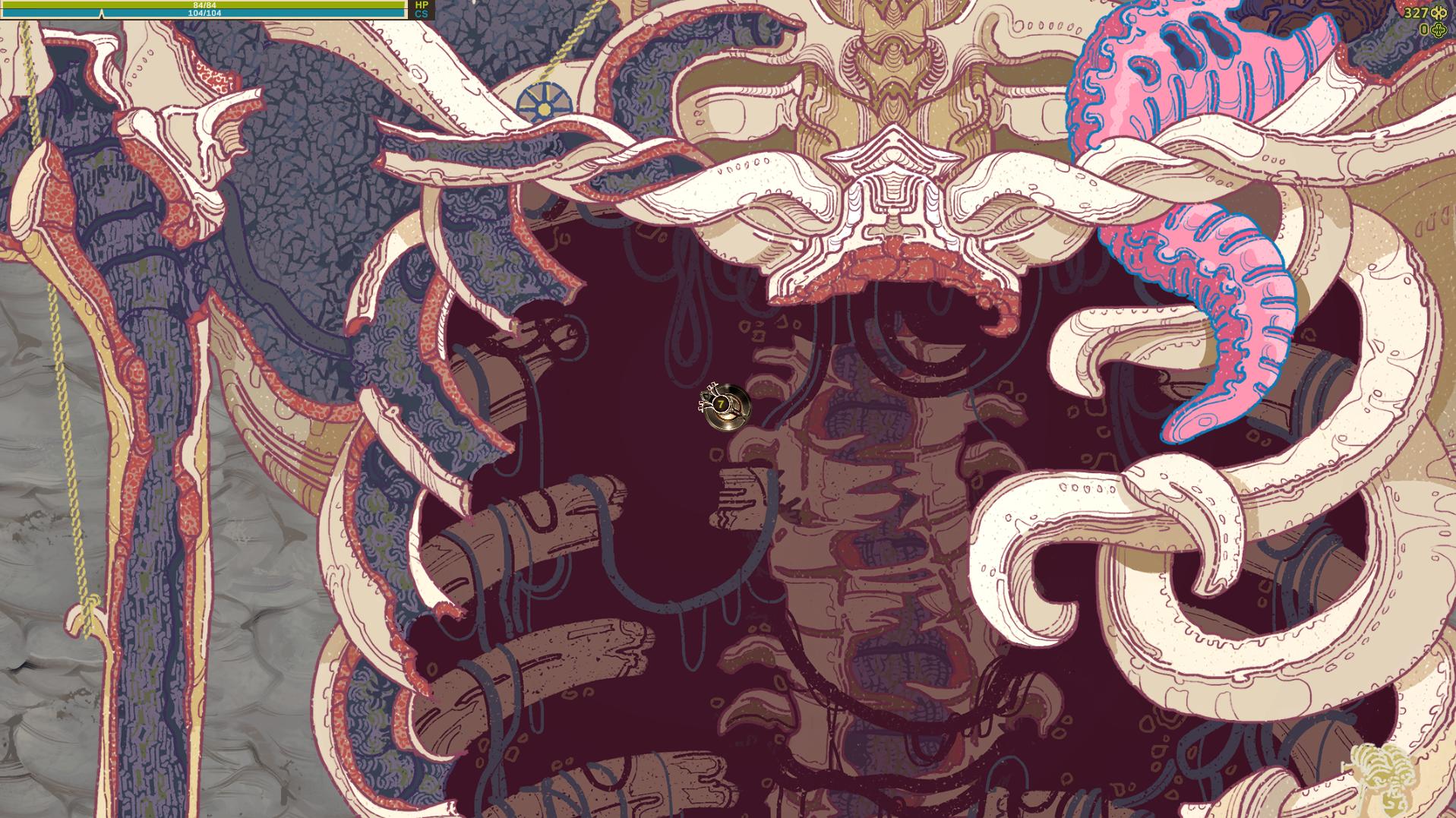

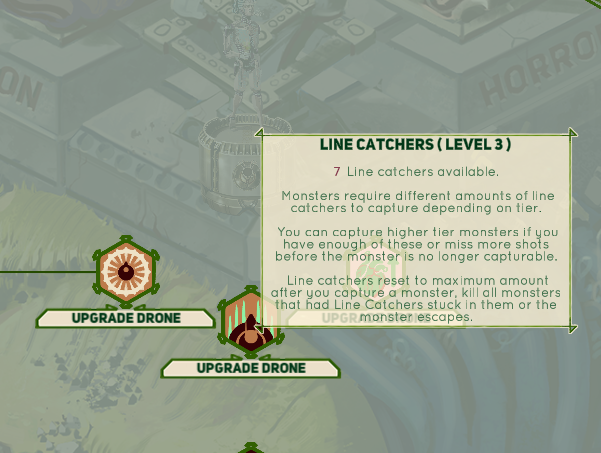
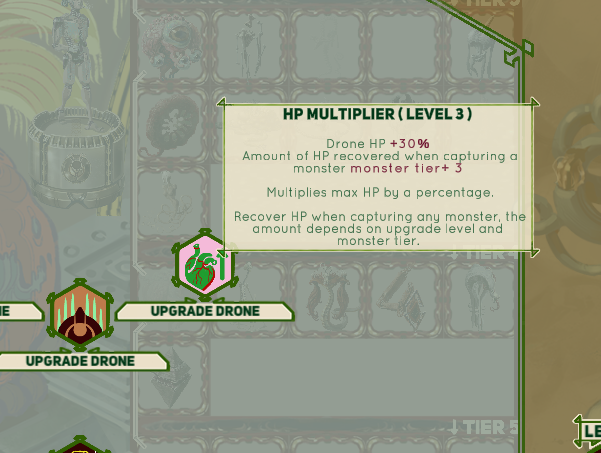
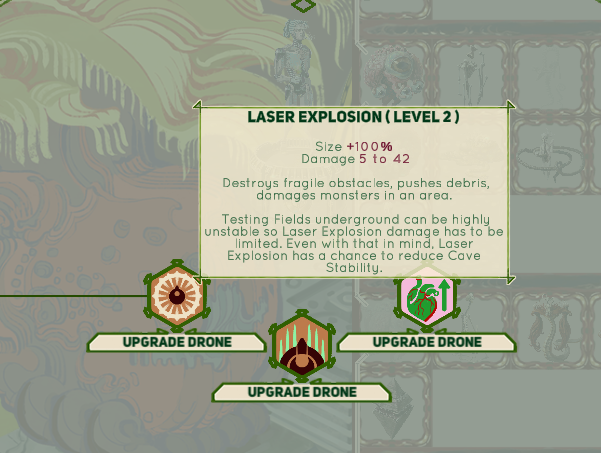
Here are the explanations of other basic upgrades I implemented:

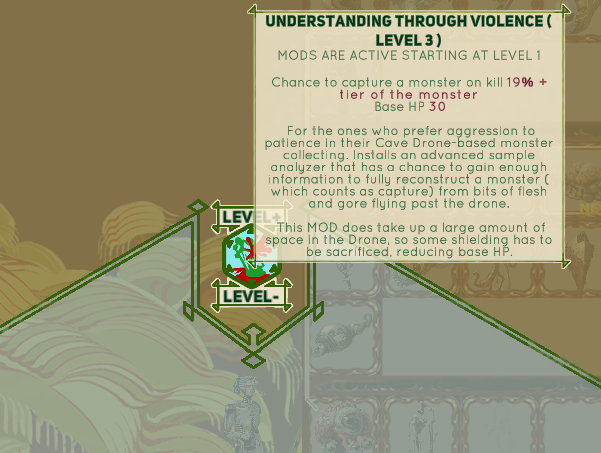
And also here we have a MOD that potentially changes the gameplay quite a lot :


It allows you to play much more aggressively and still capture some monster at the expense of HP.  Also it has a nice synergy with the HP Multiplier Upgrade, as that one heals you when you capture a monster. As I mentioned, mods, including this one don't have a skill cap so you can easily go into negative base HP. This is not an automatic loss, because other upgrades and permanent HP increases found by shooting at monsters a lot,  can pull you out of the negative numbers. However, this is the only mod I have without any cost added if you want to downgrade it and retrieve a mod level( and reduce the HP debuf in this case). Otherwise you might soft-lock yourself and die as soon as you enter a cave area wit less than zero HP.

Lastly, I made one more monster based upgrade( Lightning Ring) and two other mods( Lightning Proliferation and Chaotic Lasering) that serve as upgrades and changes to your weapons and they have more visuals I want to show off.  I'll ramble about those later, but I think they are turning out quite fun so far, possibly a bit ridiculous. 

Monster collection and controls


I've been tiding up and finishing up the monster collection menus. Small, but very important part of the game.

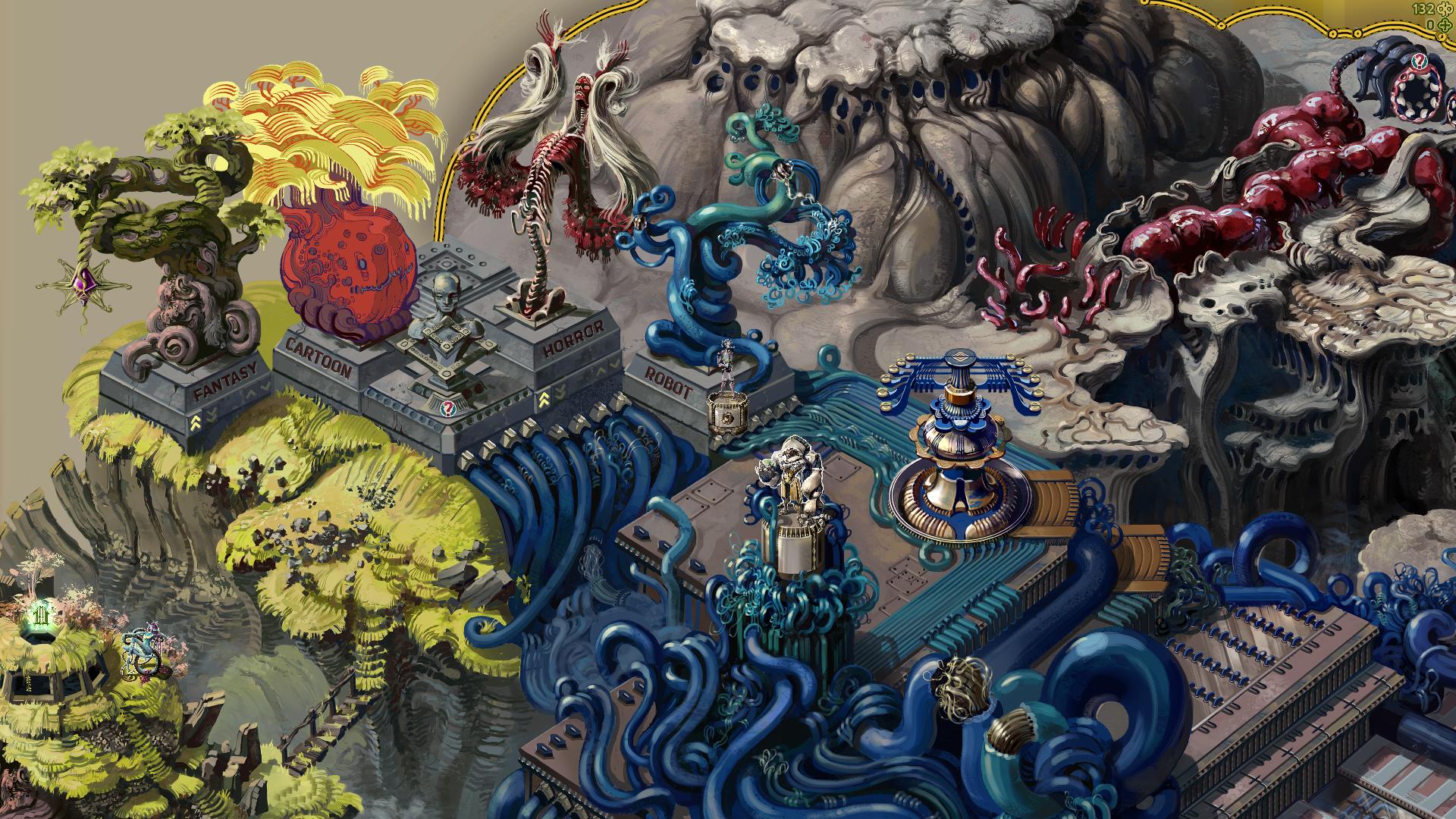
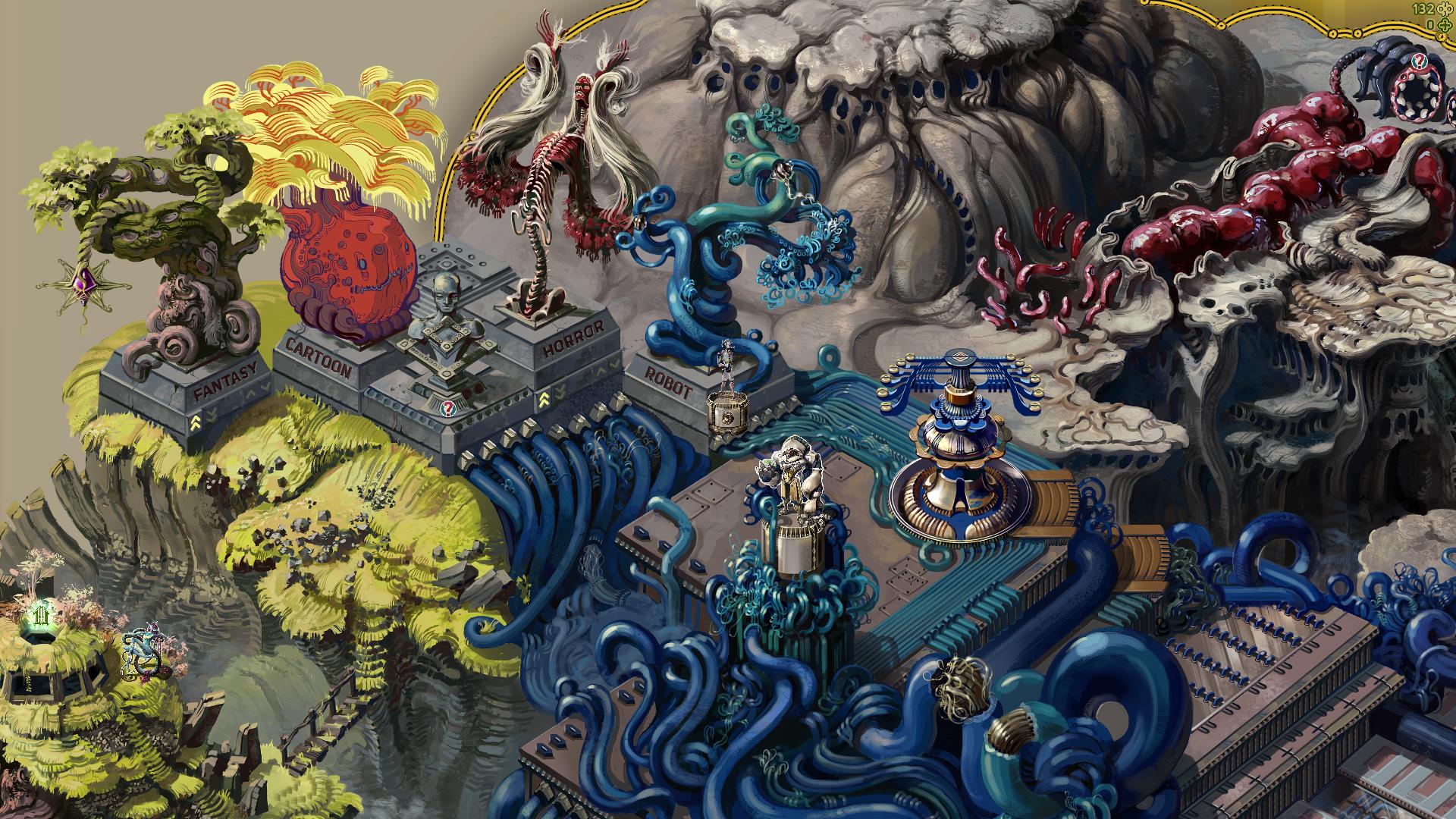
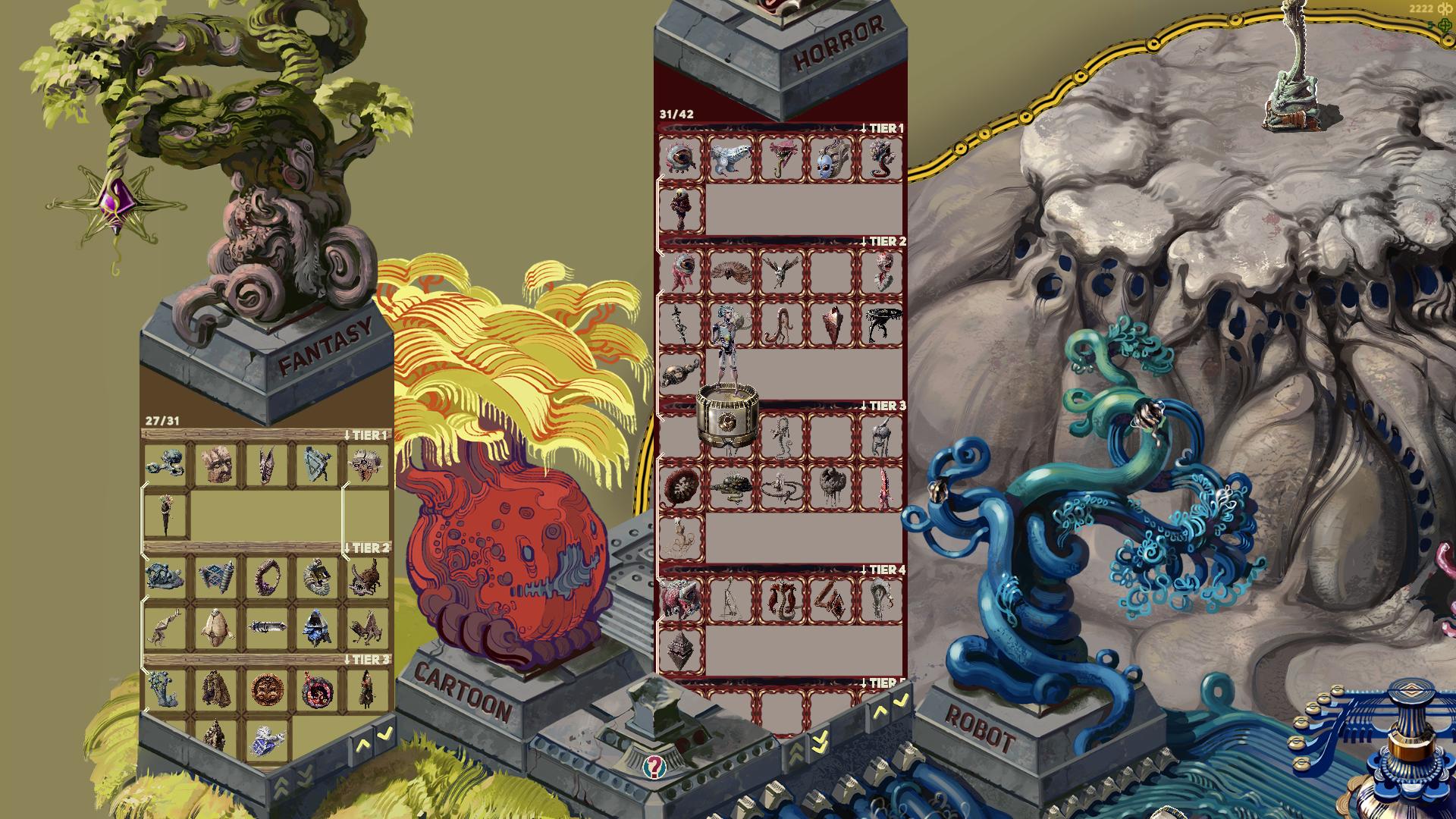
All captured monsters are sorted into categories and displayed in the hub area like so:


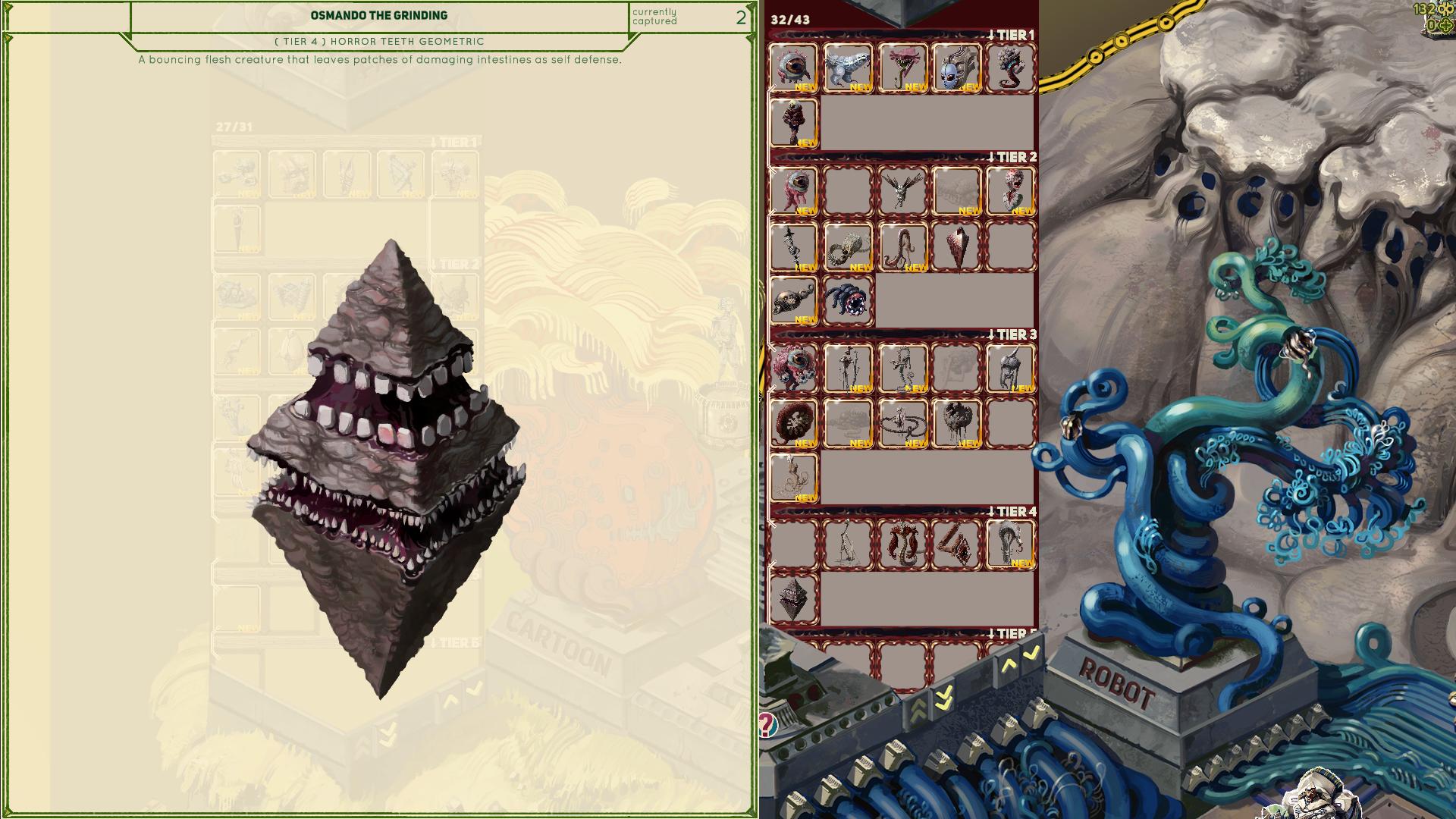
The collection shows the type of monster, so in this case Fantasy monsters in the left pillar and Horror monsters in the right. You can also scroll to see how many and what tier monsters are still not captured. Some of the monsters have white lines connecting them, those mark the evolution lines for the monsters that have those.

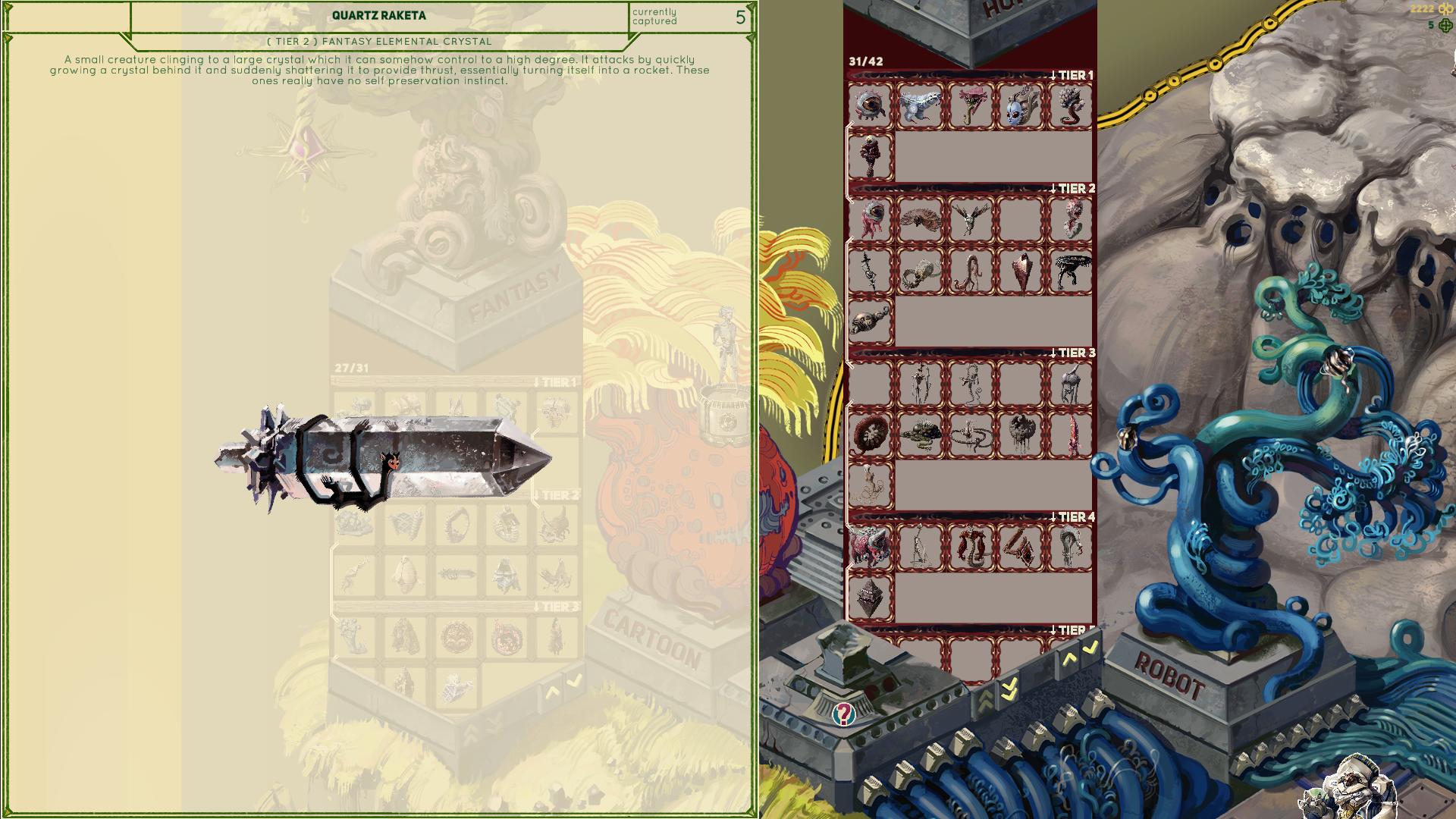
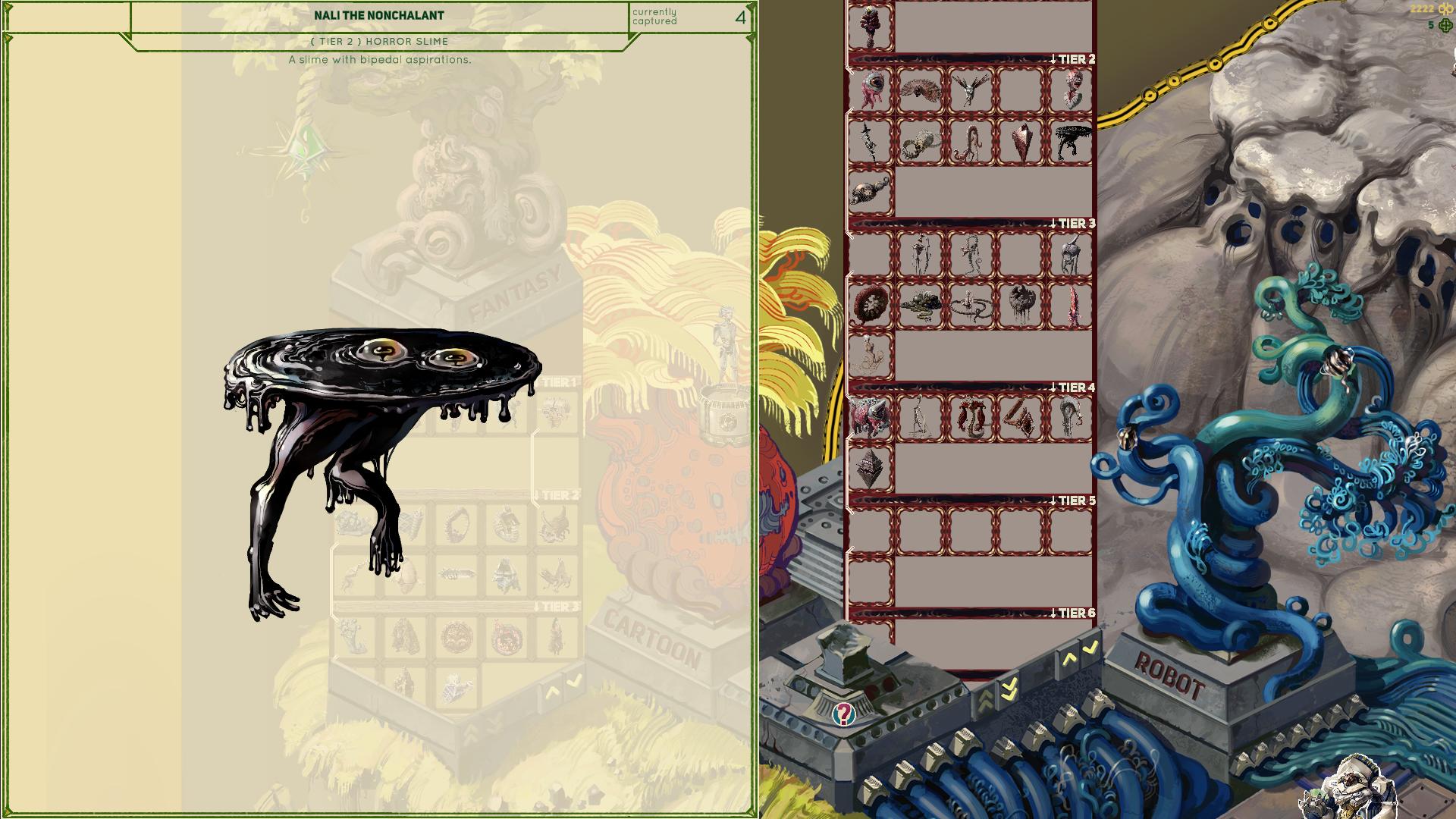
Also I added short descriptions to each monster together with other info, which you can see if you mouse over them. Some explain a bit about mechanics of a specific monster, some are purely for flavor text:


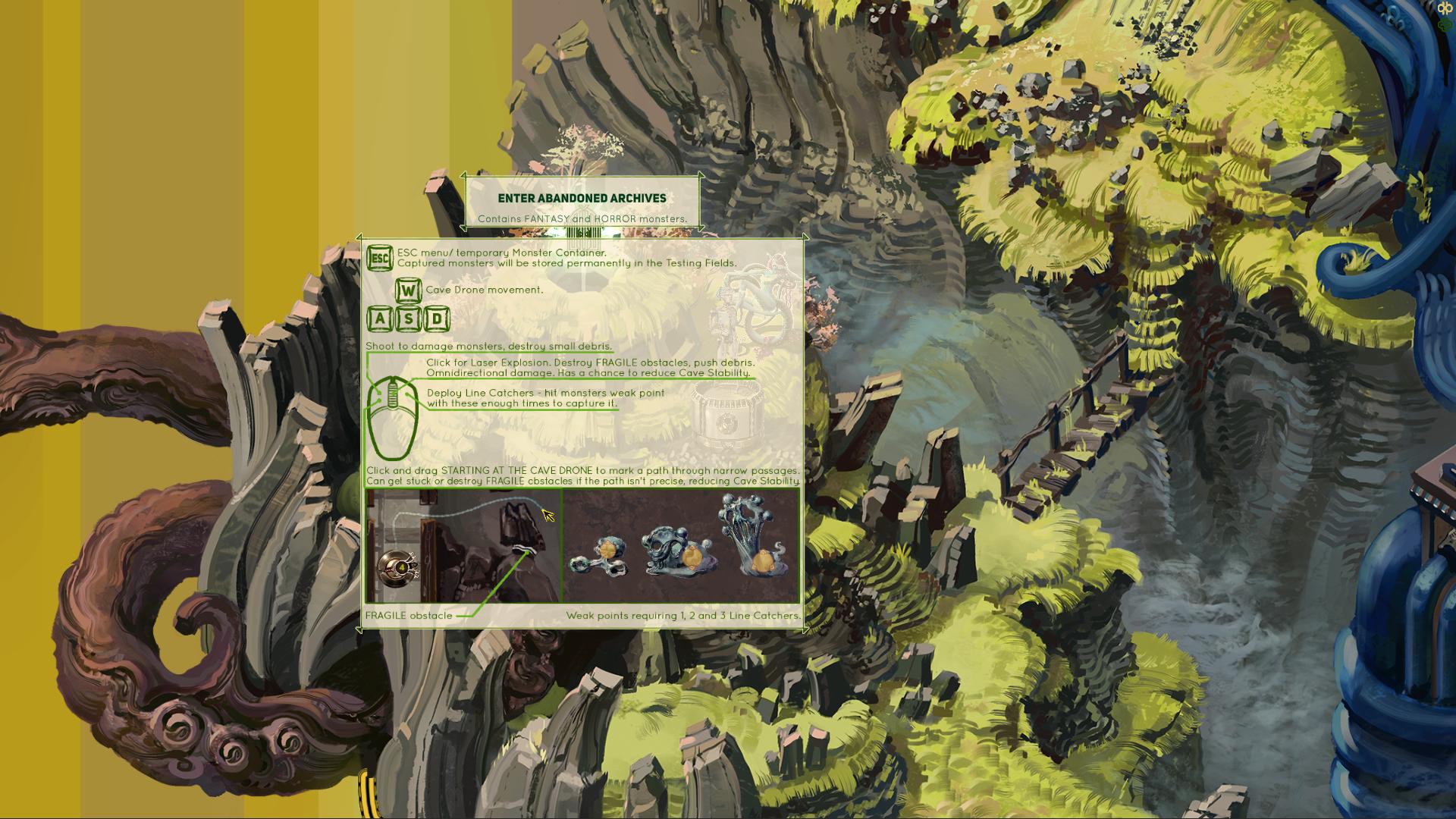
The controls are getting slightly complicated at this point, so I finally got to adding an explanation about those. These are shown every time you want to enter a cave, and can also be checked any time in the pause menu while in the cave:


It's quite possible I will be adding a couple more buttons for various Cave Drone upgrades I have planned, but I want to display only the base controls until that is unlocked, so as to not overwhelm a new player with too much info at once. I don't know about you, but I usually skim any rules explanation if it's too long and pretend I will be able to figure it out as I go.

Bits and pieces of artwork

I’ve been working on a variety of smaller things for the game, adding some polish and such to the parts of the game that are close to being finished.

Here is an item that grants a skill point used for upgrades. I only had a small green plus shaped icon of it before, and I decided I want have a much larger and fancier version when it is dropped by some of the stronger monsters on first capture, found in hard to reach areas or at the end of a level etc:


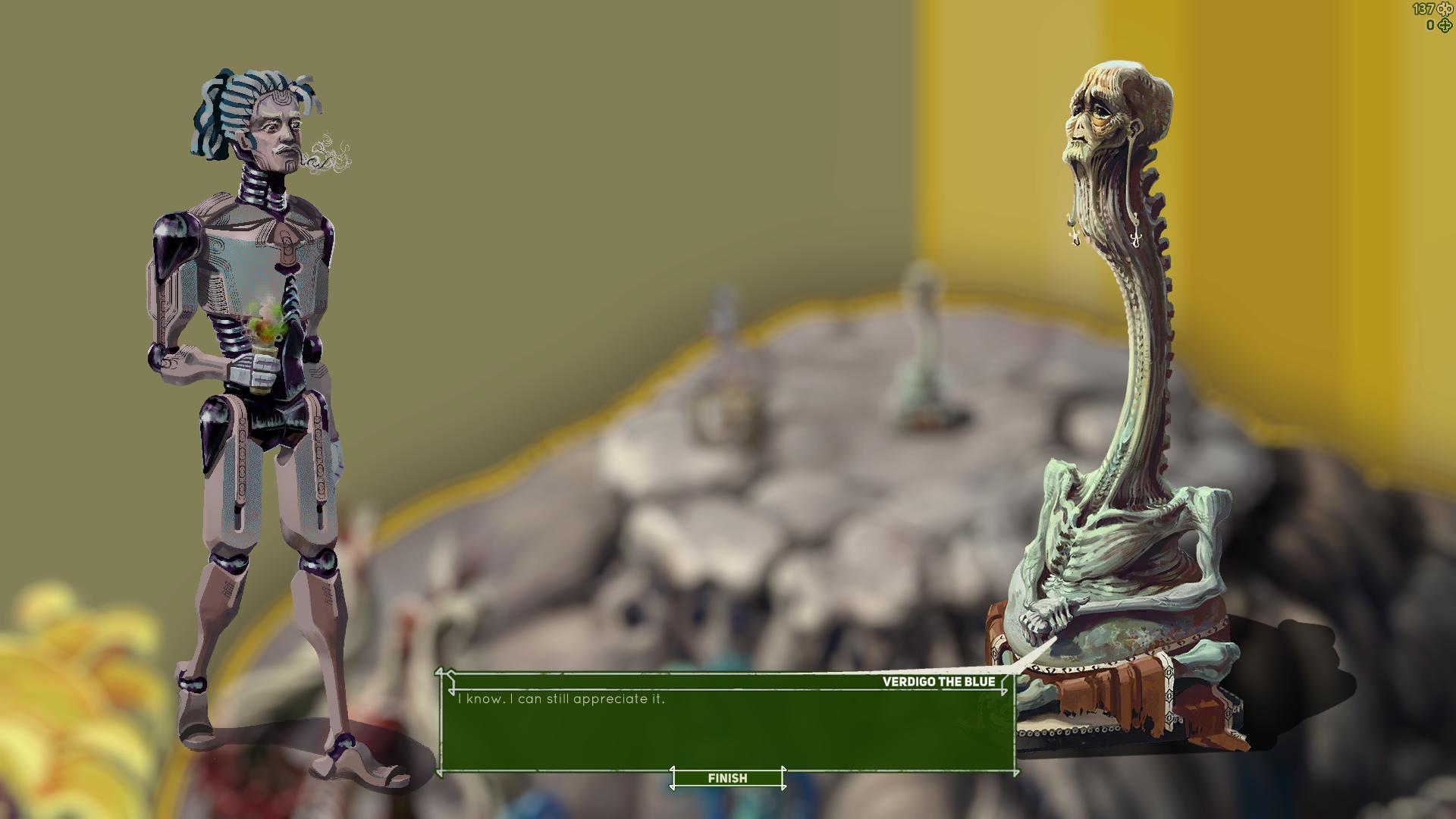
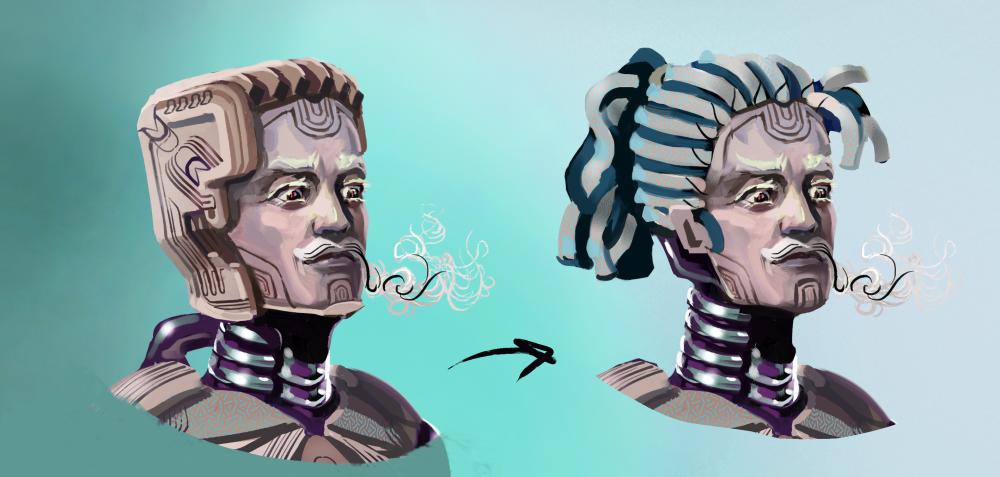
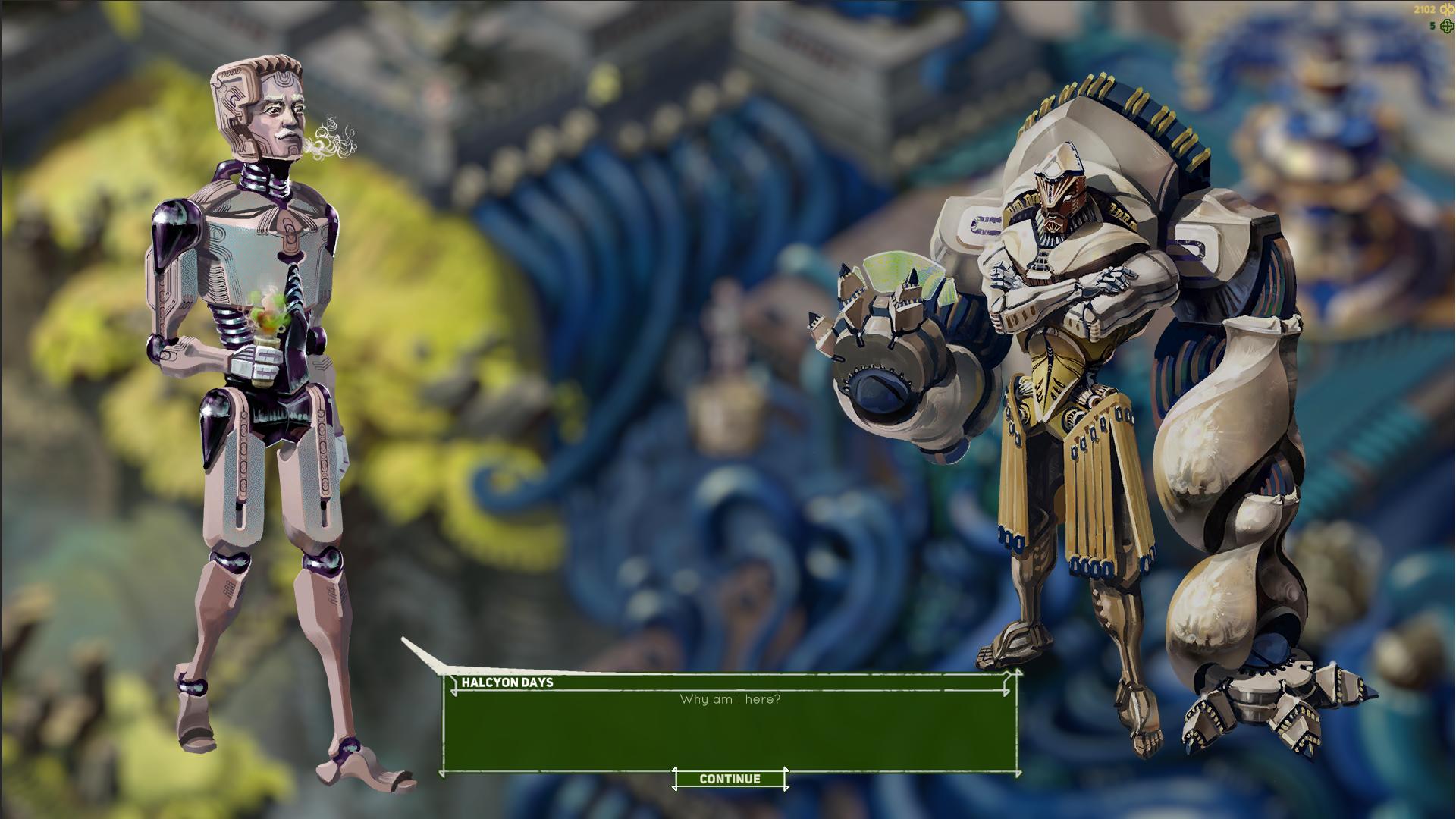
I painted the main character you play as a while ago and I decided I don’t like his goofy head. So I changed that. It’s becoming more important after I finally added the dialog system and you can see the characters at full size:


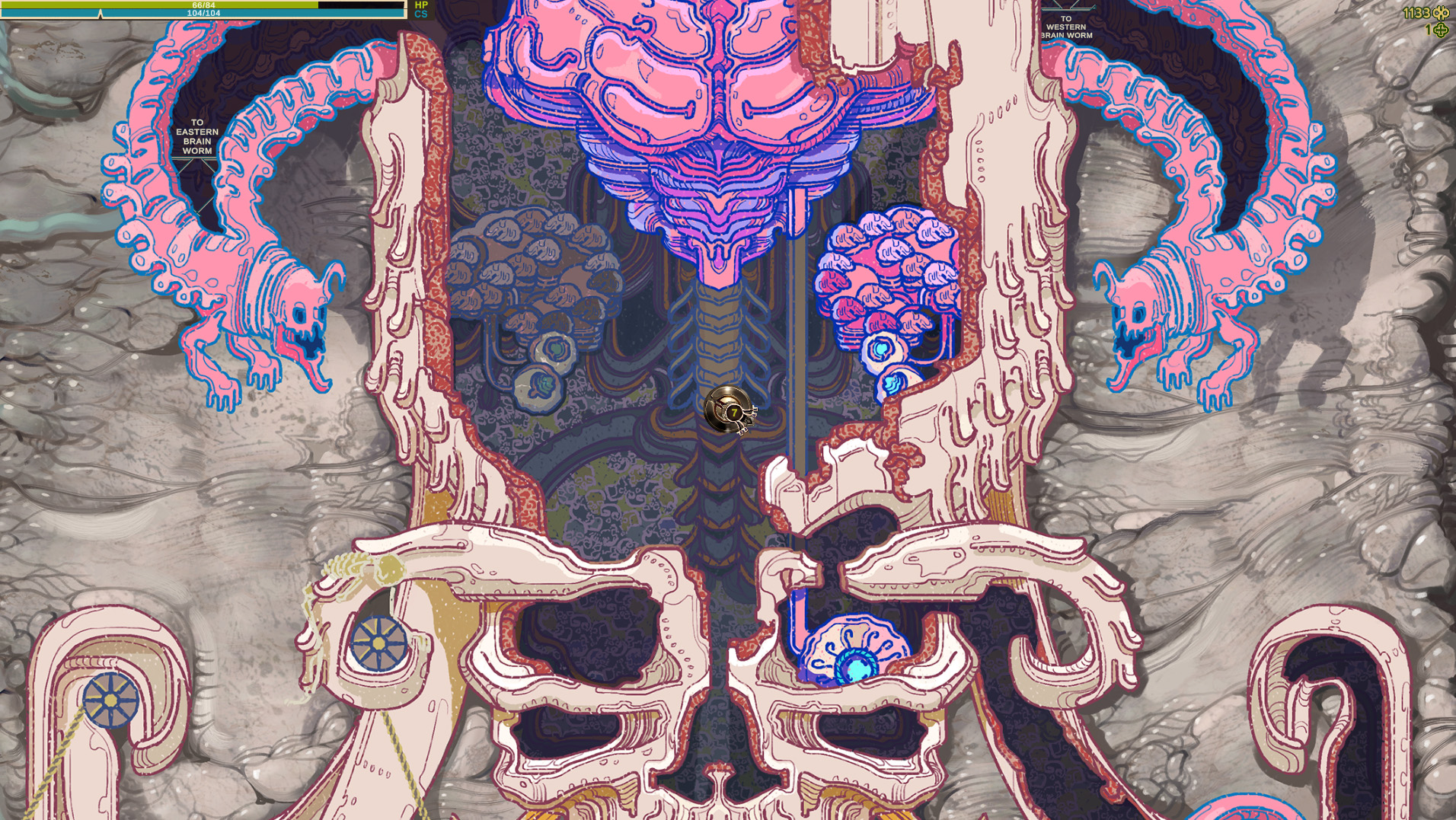
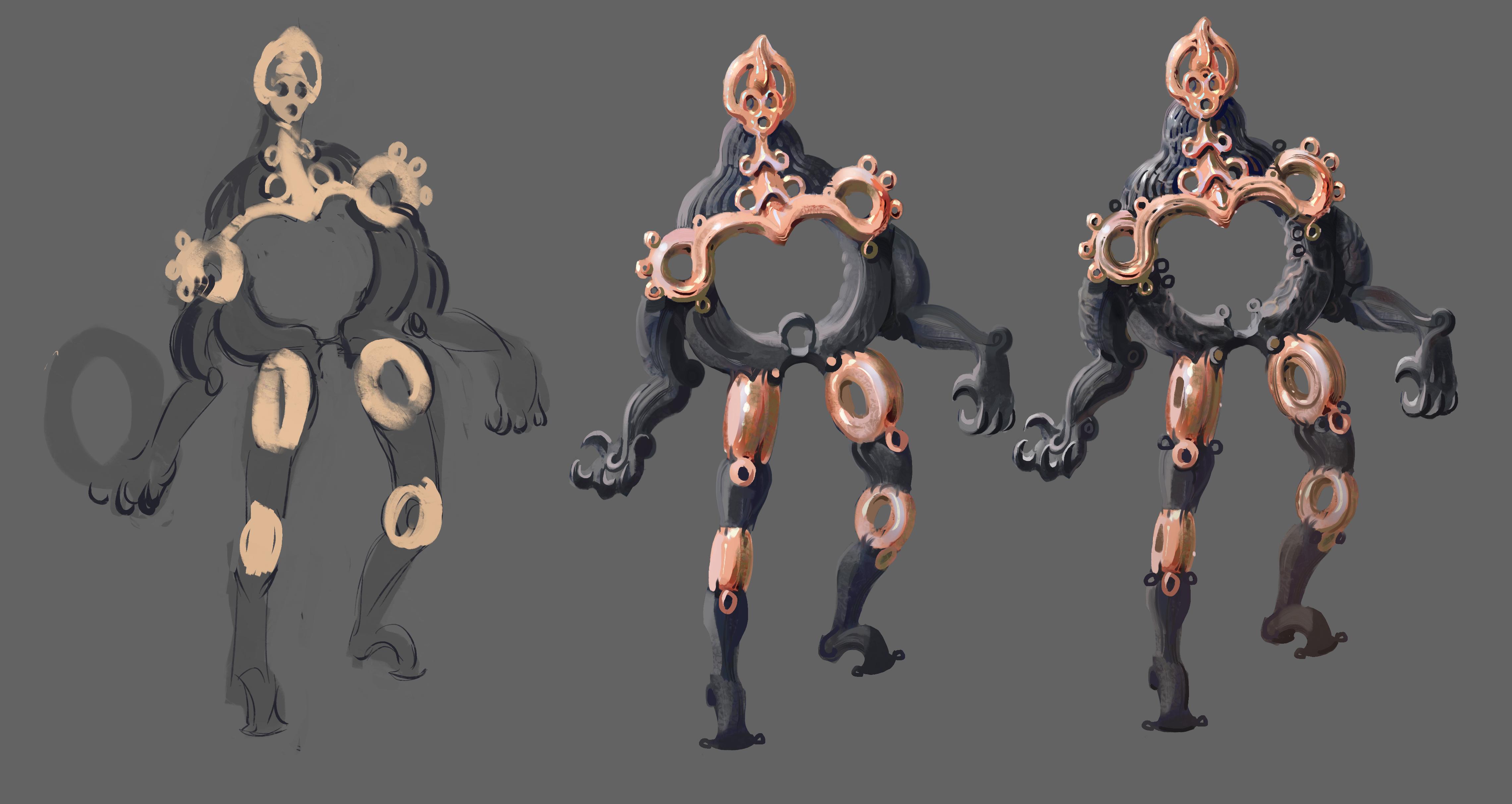
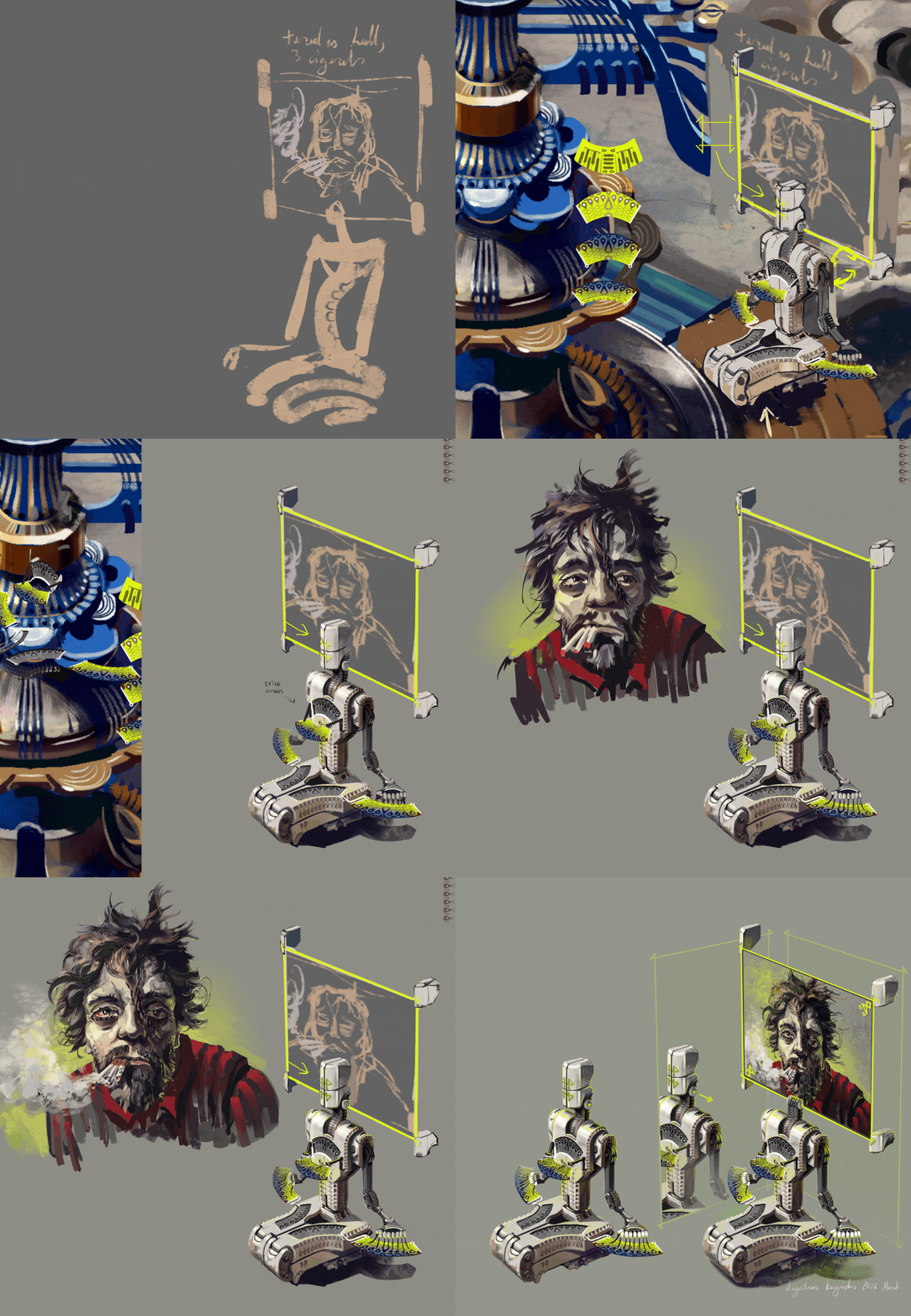
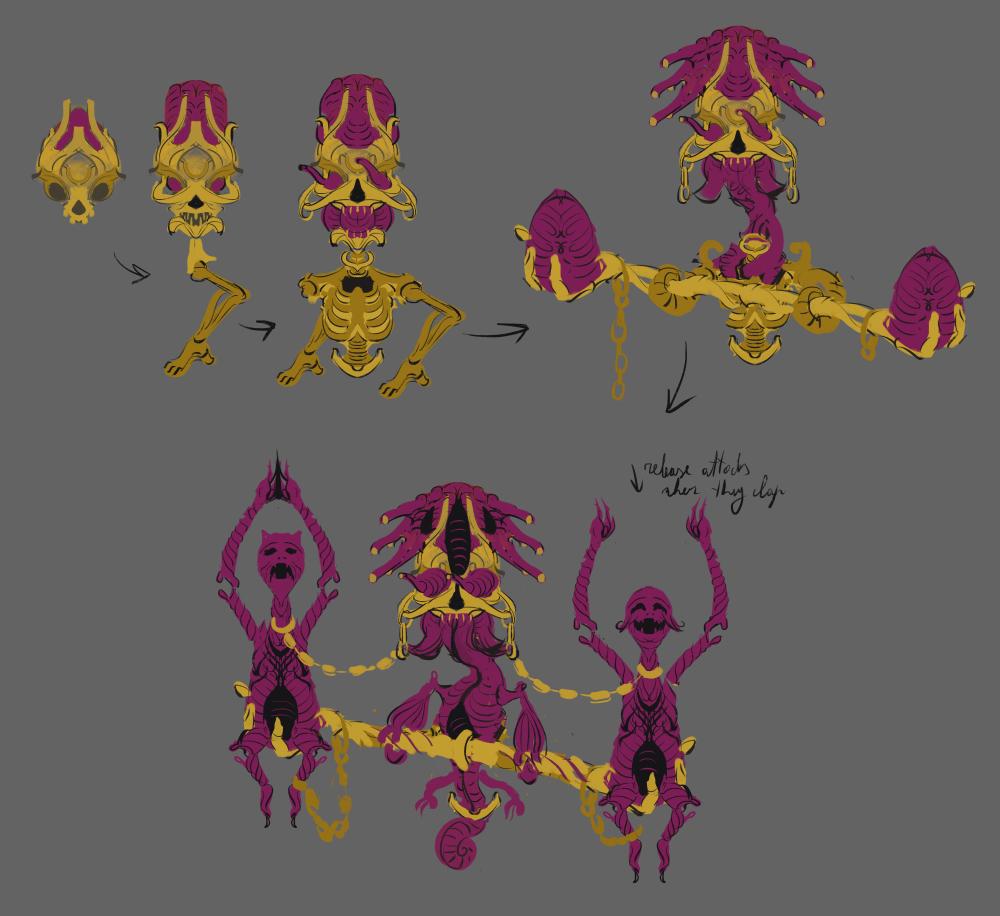
Also it’s been a long time since I drew some monsters and that’s just plain unhealthy. I started thinking about some cartoon themed monsters I want to add into the game after the demo is done. These are some sketches of this evolving golden brain worm guy and he will be drawn using linework, as opposed to being painted later on:

Dialog System


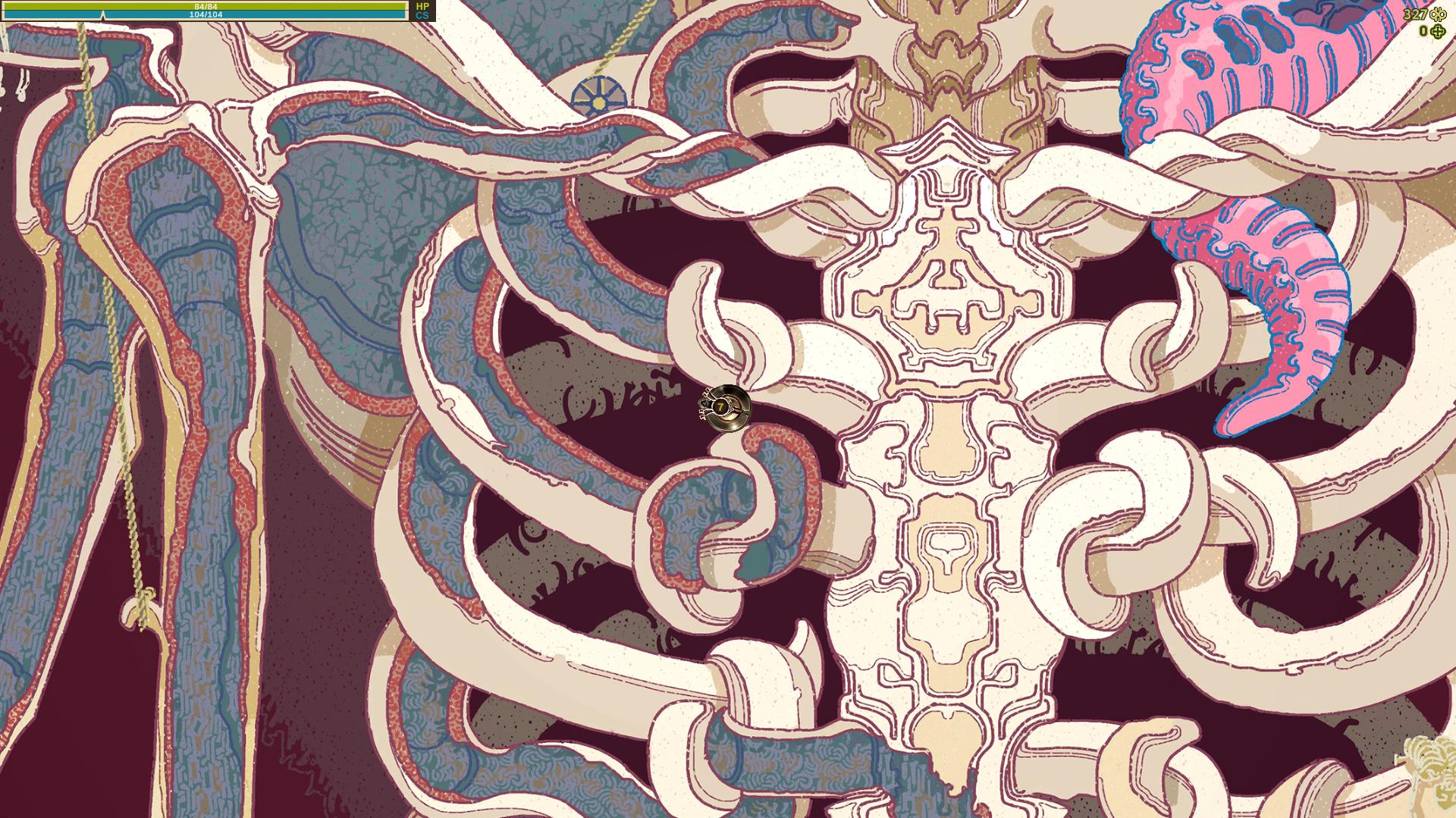
I’m not making a story focused game, but I still need some sort of dialog system to explain a few things about the game and to make it a bit more immersive. I noticed two games back that even a very simple dialog is much better in that regard than a tutorial bubble. At least to me.

I have coded dialog systems before, but I’m not exactly a pro programmer so spaghetti code is wild and I tend to forget what the hell I coded months ago and how to modify it to begin with. I found some simple tutorials for dialogs, no need to reinvent the bicycle after all. I tried copying a specific very simple dialog system that seamed promising, but it just refused to work in the game engine, it showed multiple errors. Could have been a number of things, but the problem is that the tutorial used some code a bit above my knowledge level so it was hard for me to tell that the hell was going on. And the whole idea is to use code that’s easy to modify later so what the hell?

So I decided to reinvent the bicycle anyway and rewrote most of it, just kept a couple things that seemed to make more sense compared to my previous attempts and it works now. Took me less time than trying to debug the tutorial and I know how everything works in it now. Haven’t found any issues with it so far, but of course that remains to be fully tested. Basically, build your own bicycle, I guess.

Also I wanted to blur out the background when entering the dialog to make the dialog window and the characters stand out more. It’s easy theoretically, there are just some image post processing functionality in the engine, but that ended up being a lie. The thing is, the menus and the official documentation for all this in unity says that you can blur out any layers you choose, so you could blur out the background, but not the characters, but that turns out to be nonsense. In the set up I have it either blurs out everything except UI layer, or nothing at all, while showing in the menus that it’s blurring out just the background. Took me like two hours to figure that whole nonsense out and it seems a lot of people were confused by that. Oh well, it’s not worth trying all sorts of workarounds for just that, it’s not a huge issue in my case. I just wish the documentation was a little less ass.

The gif showing how this works is a bit too large to work on this site, but take a look at this same devlog post on my DA page if you want to see that: https://www.deviantart.com/augustinasraginskis/journal/Devlog-33-Dialog-System-1...

(3 edits)

Adding detail to the hub area

IF THE GIFS DOWN WORK SO GOOD, take a look at this devlog on my deviant art. I keep a copy there and the gifs seem to be messing up this time for some reason here: https://www.deviantart.com/augustinasraginskis/journal/Devlog-32-adding-detail-t...

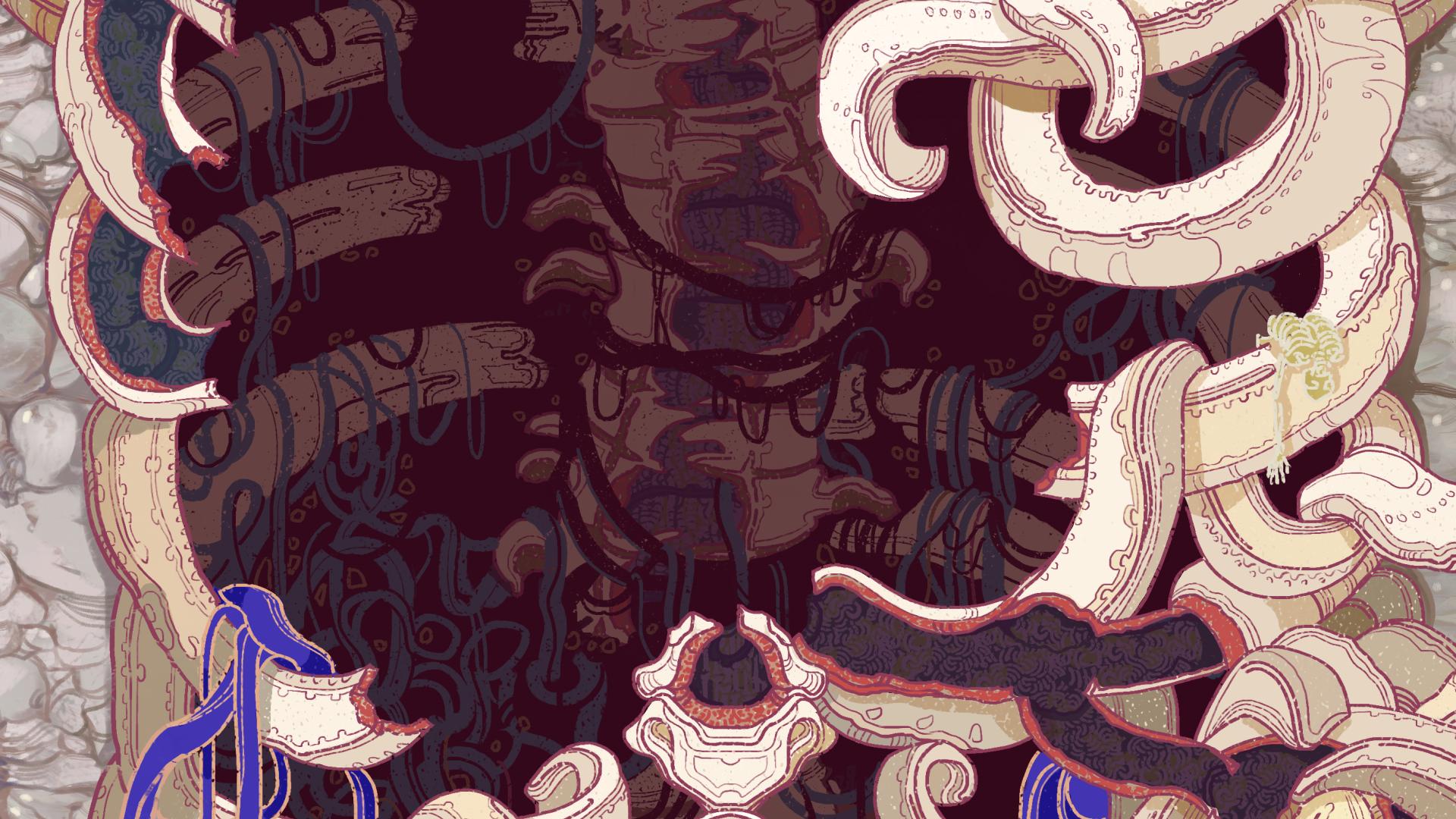
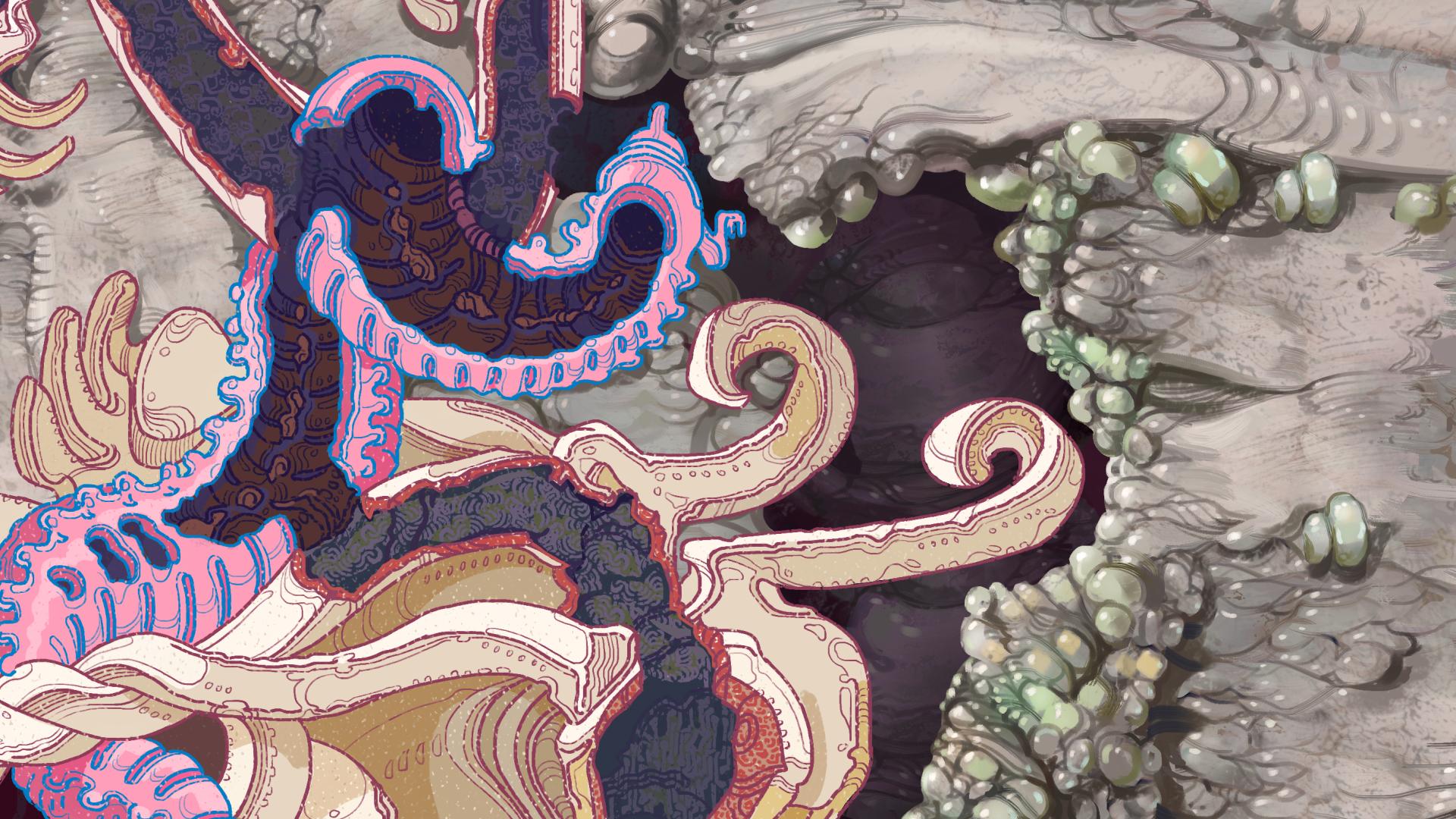
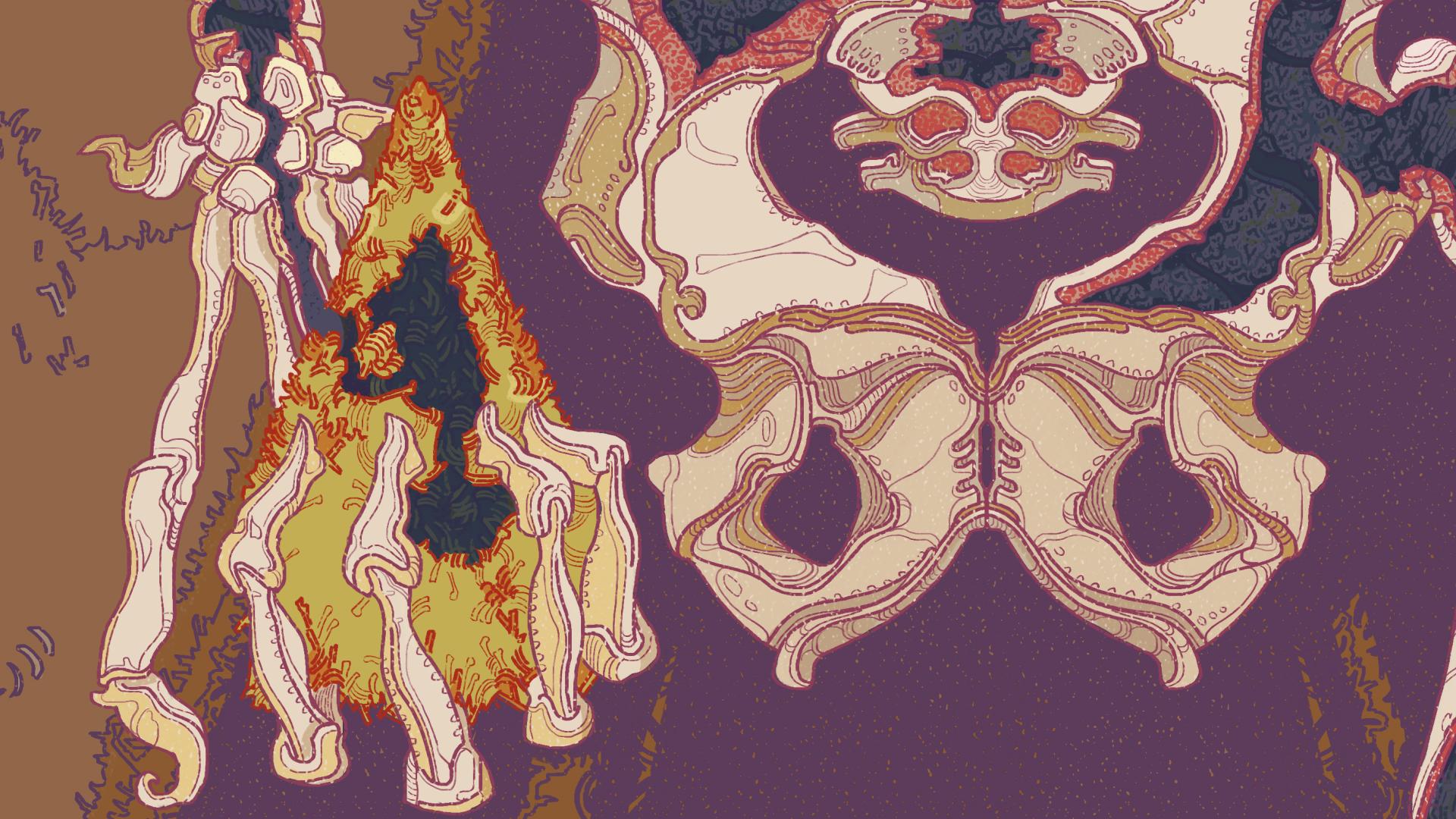
I had the artwork for this initial area hub finished for a couple months or so now, but now it's time to fully integrate it into the game and give it some life.
I've been adding details like sparks randomly jumping between damaged wire. This is just 3 little png images I drew rapidly switching, but I think the effect looks quite good:


I added spinning teeth to these digger monsters in the background. I simply made two teeth circles spinning in opposite directions and squished them a bit so they appear elliptical in shape:

I still need to add a dialog system, but I started integrating the characters. They have a slowly flickering white outline to make them stand out from the background more and they display a thicker outline when you mouse over to indicate that they can be interacted with. All these effects have sounds added to them that fade out if you move further, so they never just blare at you all at once:

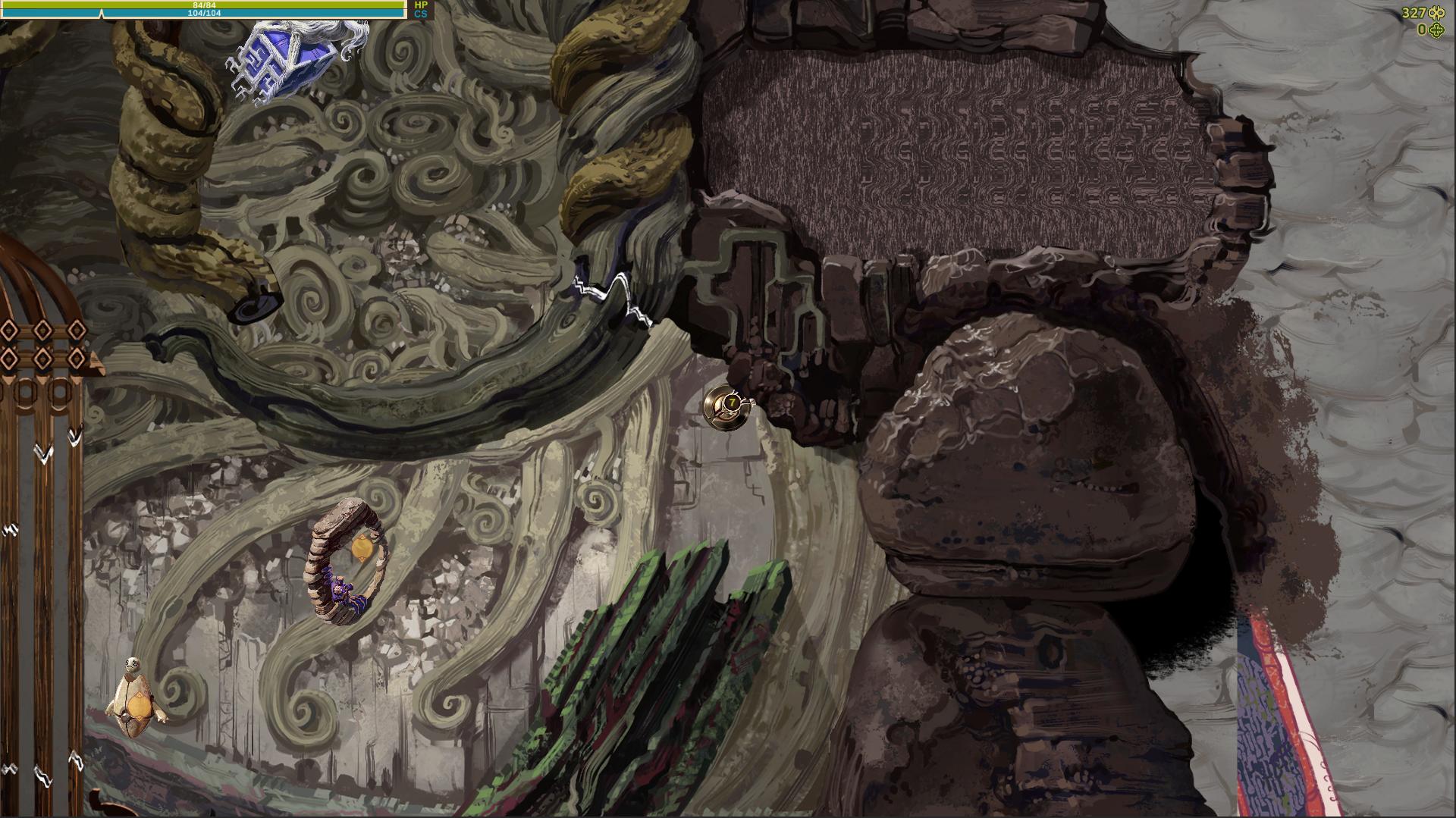
The hub area is not too huge for now, it's about 4 or 5 screens in size and has a clear border, beyond which will be further unlockable areas. I had the idea of showing it as a prohibited area covered by a holographic wall or something like that. So it shows this message if you mouse over beyond the edge:

The yellow hologram also has lines of slowly changing color, which probably isn't obvious in these compressed gifs. It still needs some work, but I think I'm getting there with this area. There are more little animations I'm adding all over the place here and I think it really helps to make the area feel alive.


So here's a pretty large update, a gameplay preview of an entire level!

I've been pretty lazy with sharing any progress about the game lately, but I have actually been doing a lot. This still needs polish, some tweaks and I'm sure I'll find all sorts of fun bugs to be annoyed by, but this is a pretty big milestone for the game.  We are getting closer and closer to a demo version.

In the video you can see that I added some features I probably haven't even mentioned yet. For example a level end area where a creepy monster spawning blob is located, and it's one of two monster spawners you might encounter there, the other one being fantasy themed. 

I also added a simple monster crafting feature. At the end of the level you can find a Damaged Monster Synthesizer which can spawn the type and tier of monster you choose semi-randomly. All you need is to feed it Monster Power from the monsters you captured. Also you can exchange Fantasy Monster Power to Horror, for example, for some currency.  The features of this device will expand a bit as you unlock new types of monsters and areas.

Lastly at the end of the video you can see I entered a hidden optional area that has a higher tier monster that can only be found in the  that and one other hidden tunnel. There are a couple more rare monsters that can only be found in their own randomly appearing, sometimes hidden areas.


That's not all of course. I might make some more updates going into a few things in more detail, but really this is a game, best experienced for yourself, so hopefully this preview will make some people look forward to that demo a bit more. I know I have been having fun testing the game, even though I know all the mechanics and surprises, so that's has to be a good sign.

Finalizing Abandoned Archives cave layout

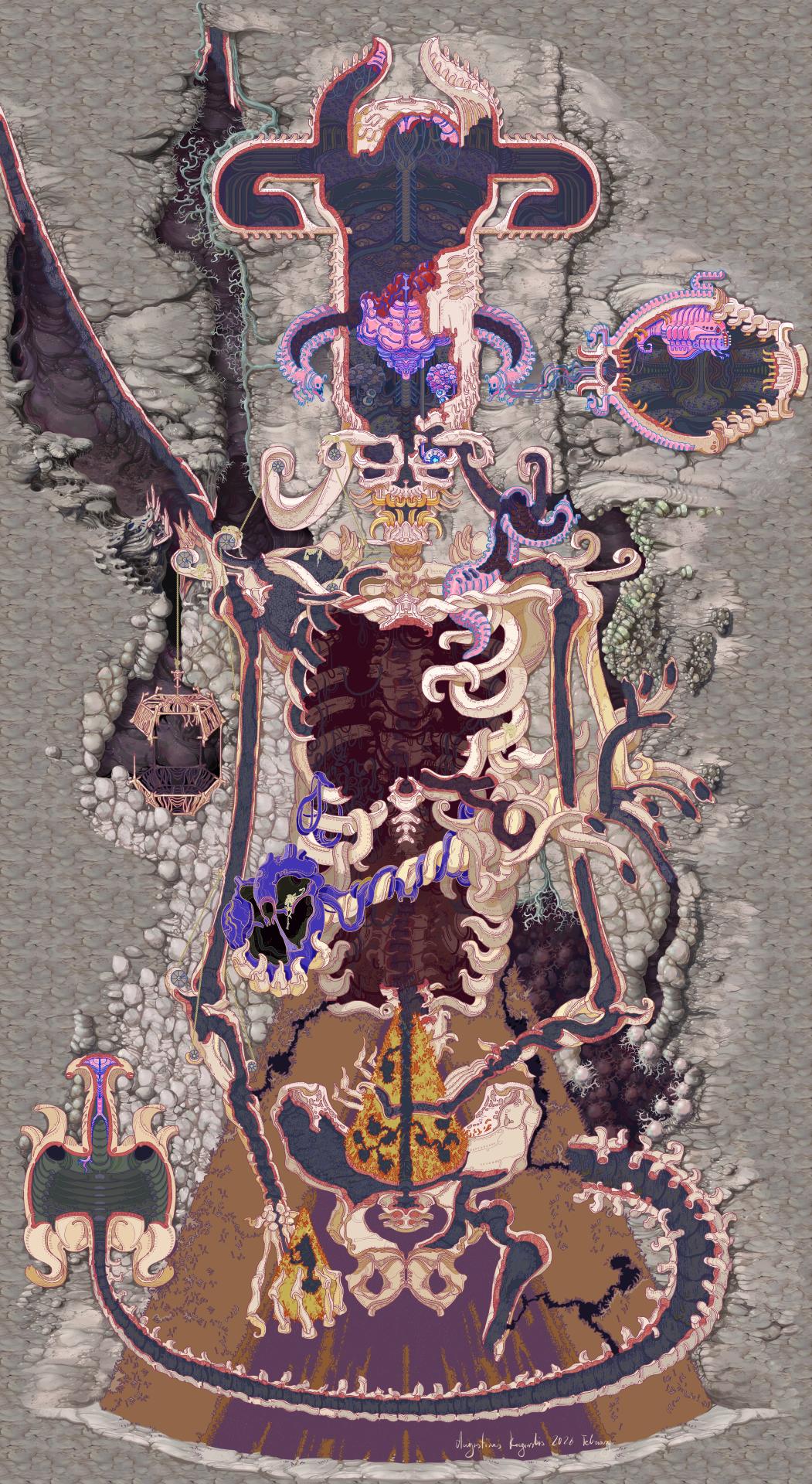
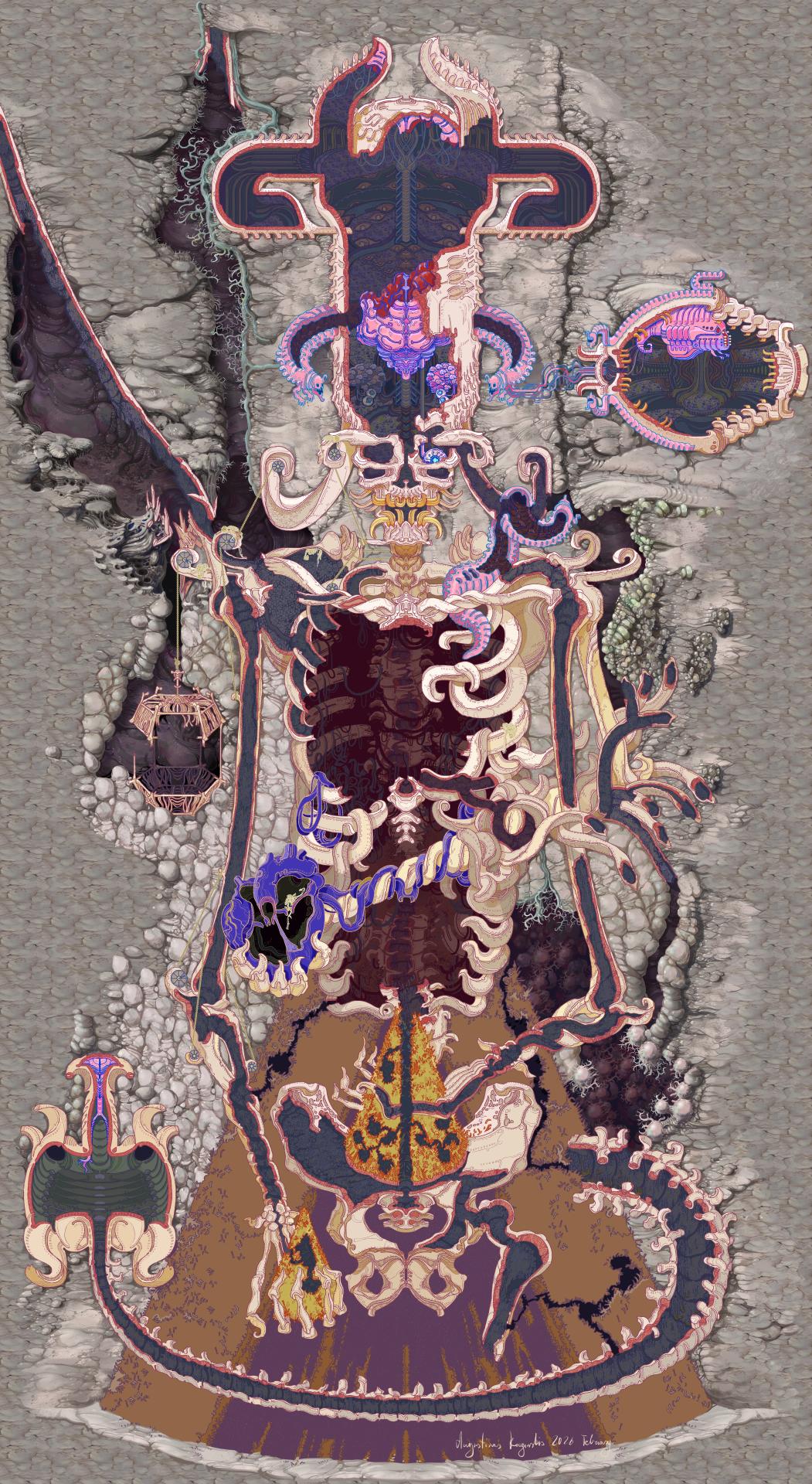
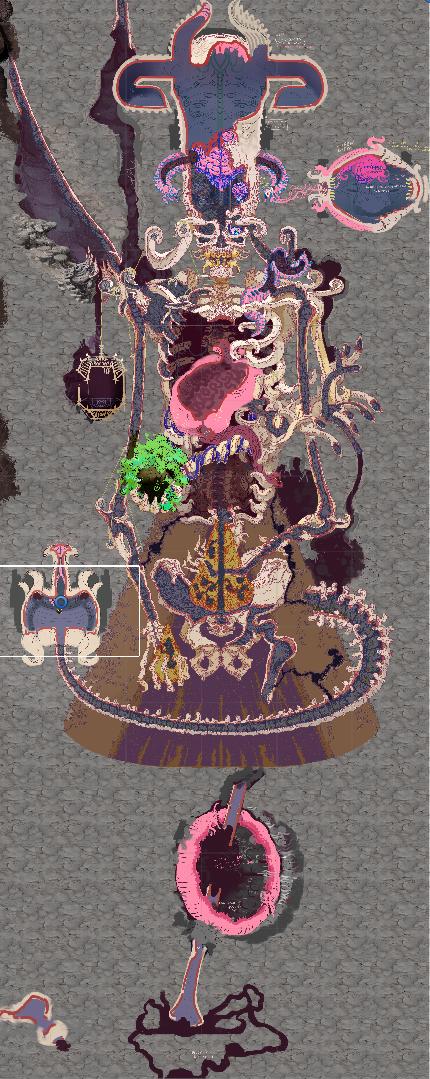
So this bastard is really getting close to it's final form. Here is the layout of the entire cave. The white rectangle marks the size of a single game screen. I did end up zooming the camera out by around 20 % so in game everything looks a bit more detailed and a slightly larger area is visible.

The blue outlines mark all the areas that have variations or optional rooms that have a random chance to appear in a given play through. Some of these have a 70 percent chance to show up, some as low as 25. I can always add more but for now these are all I wanted to add and hopefully they provide a decent bit of variation on top of various paths you can take through the cave. Some of these areas simply block a path and open another, some are shortcuts and some lead to semi secret rooms with upgrades or even small arenas for rarer monsters that can only be found there.

Now I need to finalize the monster placements. I will be adding some randomness to that as well, though I won't leave it entirely to chance or balancing would be impossible. I want to have two or three options for most rooms to ( so for example you might find 5 low tier monsters, or 2 higher tier ones), and there are a couple areas closer to the end of the cave where it pulls from a much larger list of possible monsters. I actually wrote a monster spawner script months ago, so it's mostly placing things around and seeing what I like now.

And the artwork for Testing Fields - the hub area is finished!

Overall I'm pretty happy with how this turned out. I also came up with quite a few little ways to add some animations and movement to this area, so I'll share that as well once I have this integrated into the game.

Even more hub area art

And here is the remaining part of the hub I wanted to paint for now - the horror themed area:

Here's a little GIF of how I painted it:

And a couple bits up close:

Now I need to let all three parts of the hub art sit for a little bit, marinate in the back of my head and add some final touches. I want to make a few adjustments for better visual readability, add a tiny bit more detail in places and I'll probably come up wit a couple more things I need to change to call it complete. But this really has been going surprisingly quickly so far, so hopefully I can finish it up real soon as well.

After that I will need to integrate quite a bit of artwork into the game itself, together with this I have a bunch of assets pilled up and ready for that. I'm sensing another potential work heavy period in the near future so I want to do a lot on this personal project while I have some time.

More hub area art


I've been having fun with this and it continues to go fairly quickly so I painted another part of the hub area. The previous blue wire area was scifi themed and this time it's fantasy.


This area also contains the entrance to the cave a lot of the previous work on the game was focused on:


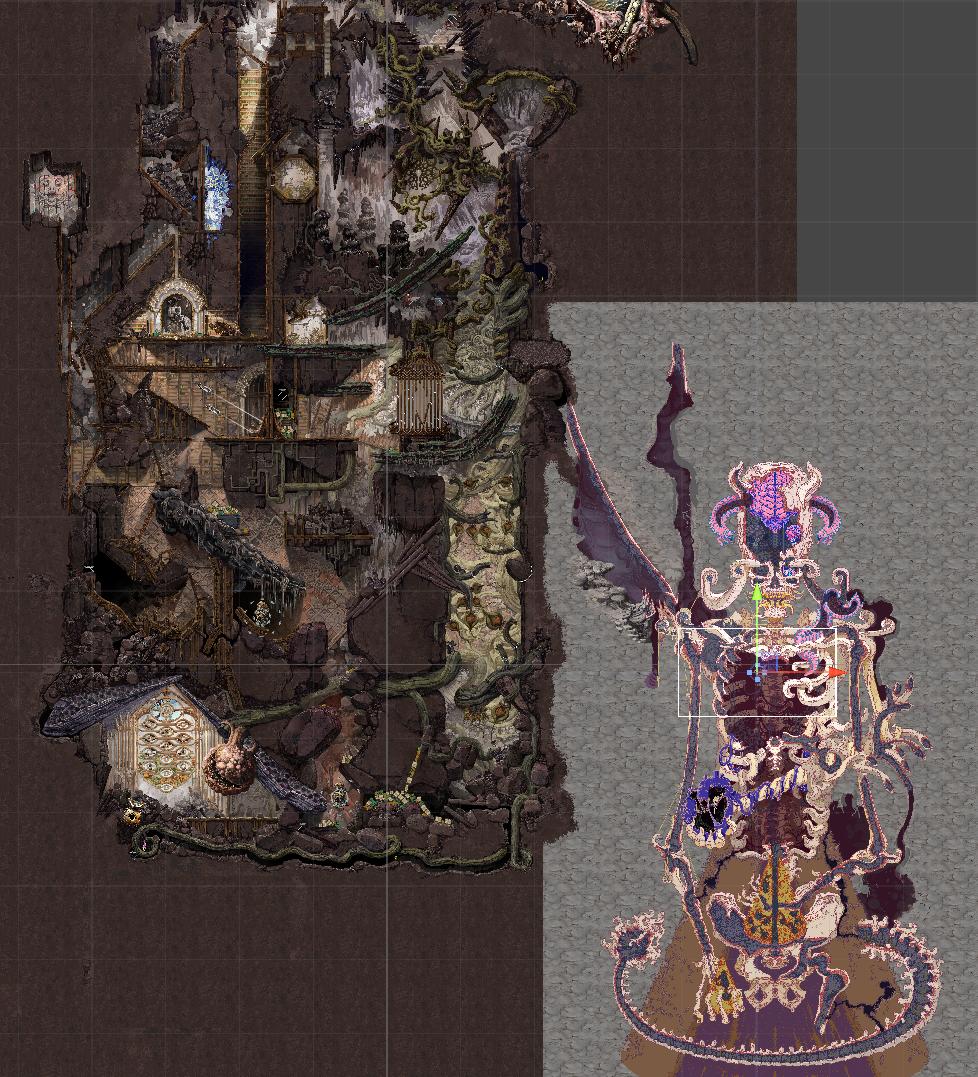
I think I will continue with this and paint the horror themed area that connects to these two and if I manage to finish that soon, then I will have most of the hub I want to have for the game demo. There are smaller bits I need to add to make the area more alive, like sparks to the exposed wires, but it would be a huge amount of work done. I want to have more and more of the hub unlocked as needed, probably including the last quarter of the hub I haven't touched yet - the cartoon themed area. I also need to figure out how exactly I want to hide the area outside of the hub artwork so it doesn't look like it's sitting in the middle of a grey void, but I have an idea for that that I think will fit in thematically.

Painting Some Blue Wires ( working on overworld area )

I've been coding a decent bit for the game for a while now so I wanted to take a break from that and do some painting. I showed a sketch of a good chunk of the overworld probably months ago and I just now finally got to painting it. Honestly, it's been fun, especially because for once the painting was going faster than I expected and I felt more energized to do this extra artwork besides the stuff I do as a freelance artist daily.

I was working on this sci-f i themed blue wire area of the overworld and it will need some final touches once I have more work done on the rest of the place, but this bit is 80 or 90% done. That took me around 5 days( not full days, mind you) which is way faster than I expected.

Here it is together with my progress gif and a couple close ups:


A couple more optional cave areas

I just finished painting and I'm now integrating a couple larger, more open areas in the Abandoned Archives cave. I needed these for a couple larger monster encounters and these have a chance to appear towards the end of the cave. 


I showed the artwork for the monsters that will appear in these cave areas a while ago, these ones below. I already mostly coded the behavior for these cute boys too and I should be able to show off some of that hopefully soon after some more testing and tweaking.


A little art update. 

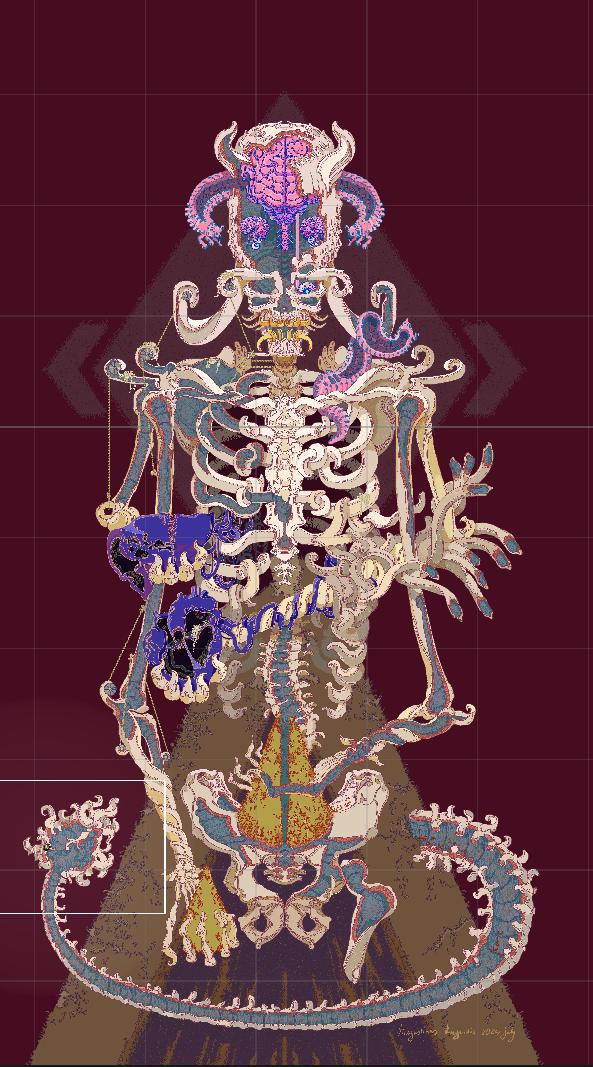
I painted this guy and I'm planning to use him as an NPC in the testing fields. At first I sketched him out as a monster, but I liked the general look of it and decided to turn him into an NPC instead.  He will be somewhere on the horror side of the Testing Fields hub area and probably won't have too many lines, but I think it will add to the overall atmosphere of the place.


Crystal Rocket Attack

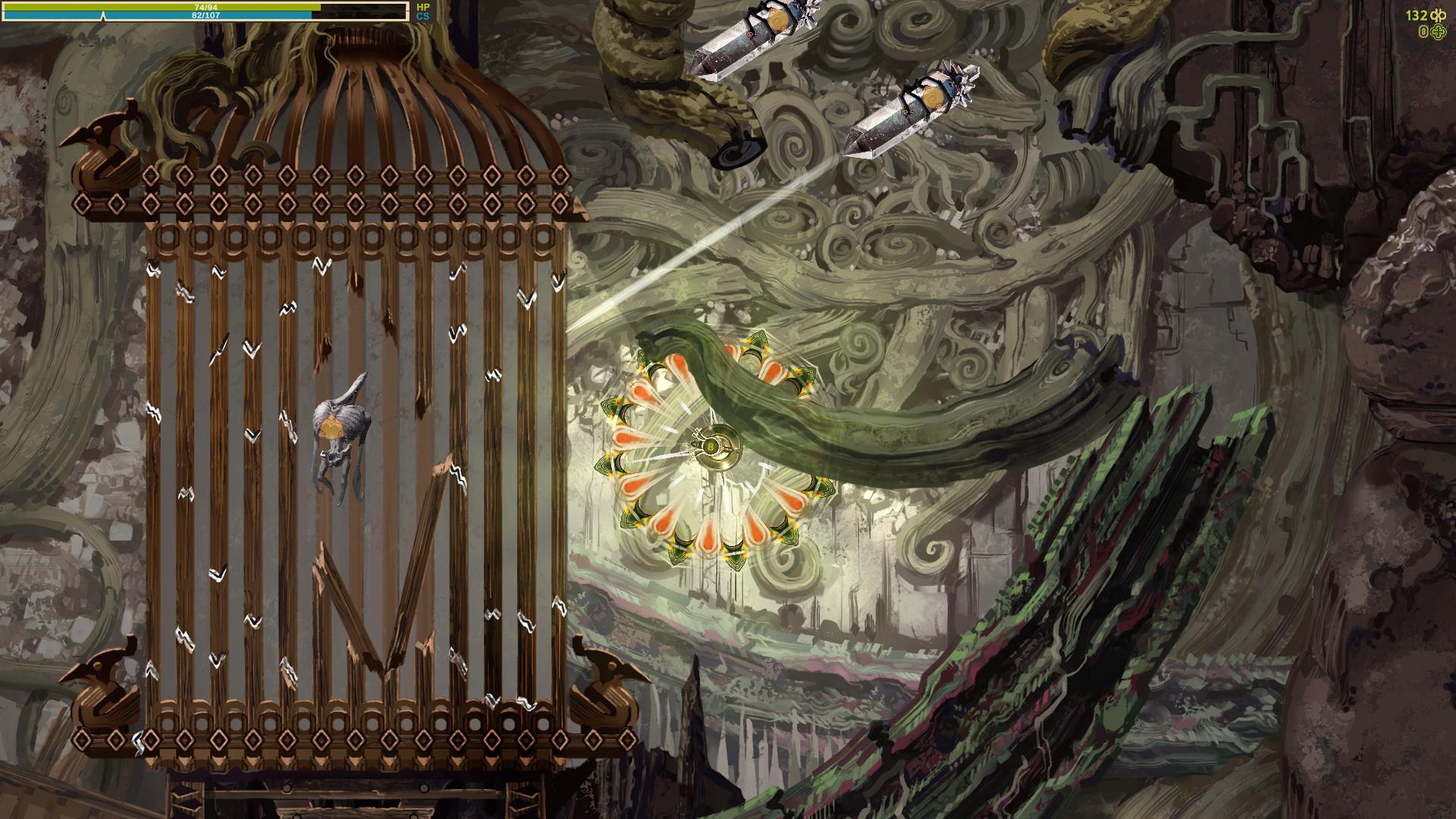
I showed how some of the Crystal enemies work before, but I had a special attack for a single specific crystal monster in mind - the crystal rocket attack:


It works like this:

This enemy, the Quartz Raketa( rocket in Lithuanian), is stationary and keeps spinning with a white indicator in front of it. If you wander into the white indicator, it will turn red to warn you and then you have around a second to gtfo because this enemy will start growing a crystal on it's back side. The crystal then explodes rapidly propelling the whole enemy towards the location you were when it locked on you and explode in a bright white light. It will do some damage and can also break some walls and reduce Cave Stability as well.

Unlike most monsters, this one doesn't notice you behind obstacles, because the indicator you need to avoid is ray casted and is stopped by walls, random debris, other monsters etc. I actually never used ray casting for anything somehow, so it was a nice tool to add to my belt.

Heals of all kinds

I wrote a couple updates earlier about currency that killed monsters drop - the Infinibucks. Naturally there are some other necessary drops: HP heal item and CS heal item( cave stability). Both of these can sometimes be dropped by captured monsters, all of them have a small chance to do so and I added a higher chance, in some cases a 100% for one of these to drop from certain enemies. The green one is for health points and the blue one is for cave stability:


The green thingy restores 25 HP( out of 100 at the beginning of the game) and the blue one restores a random amount of cave stability from 15 to 35, at least for the moment( also out of a 100).

Also I'm adding special heal items that add 1 or 3 points to HP or CS on first discovery. These can be found in some harder to reach places and I will probably add them as a reward for the first capture of some higher tier monsters. They spawn regular heals instead after the first time. I coded it in a way where I don't need to do any extra adjustment, on the first pick up it just saves the unique name for each heal and replaces itself automatically with a regular version later. So as long as I don't make duplicate names, it's very easy to spread these around( with my memory I will need to double check that though). Also these permanent ones display a large bright message for a few seconds, so hopefully it's obvious what these do in game.


Also I added messages to explain how things like cave stability work, when you mouse over the cave stability UI bar at the top left. I want this sort of basic game mechanics info to be available if you pay attention. I personally get annoyed when I have to google and find out how a certain game mechanic works because the game doesn't tell you anything( yes, I have been playing Elden Ring way after it's release), and of course this little game of mine is unlikely to have wiki pages dedicated to it.


Crystal Attack

I wanted to add an attack to some enemies that fires a projectile that turns into a wall/obstacle after hitting. I implemented that in a couple ways actually but the main area where I used that is for several crystal elemental monsters. It seemed to make sense thematically, crystals can grow in real life, so let’s make that process a million times quicker and turn it into a projectile.

It works like this: when you approach one of these crystal monsters, it will instantiate one or more crystal bases and start rapidly growing crystals in your direction. Crystals will deal a bit of damage if they hit the player and they can’t be destroyed until they finish growing. If they hit a wall, they stop and turn into obstacles which deal no damage, but block the path and take three hits to destroy. This is how it looks in action if you encounter a single crystal monster: 


I don’t plan to place too may of these monsters close to each other, but they will follow you while firing crystal projectiles, so theoretically you might end up in a mess like this, surrounded by 4 different crystal monsters:


I made the crystals grow slow enough so that they are fairly easy to dodge, but you could end up with a bunch of them blocking you, if you don’t destroy some of them as you go along. Here are a couple screenshots of me testing how it works:


Secret Monster

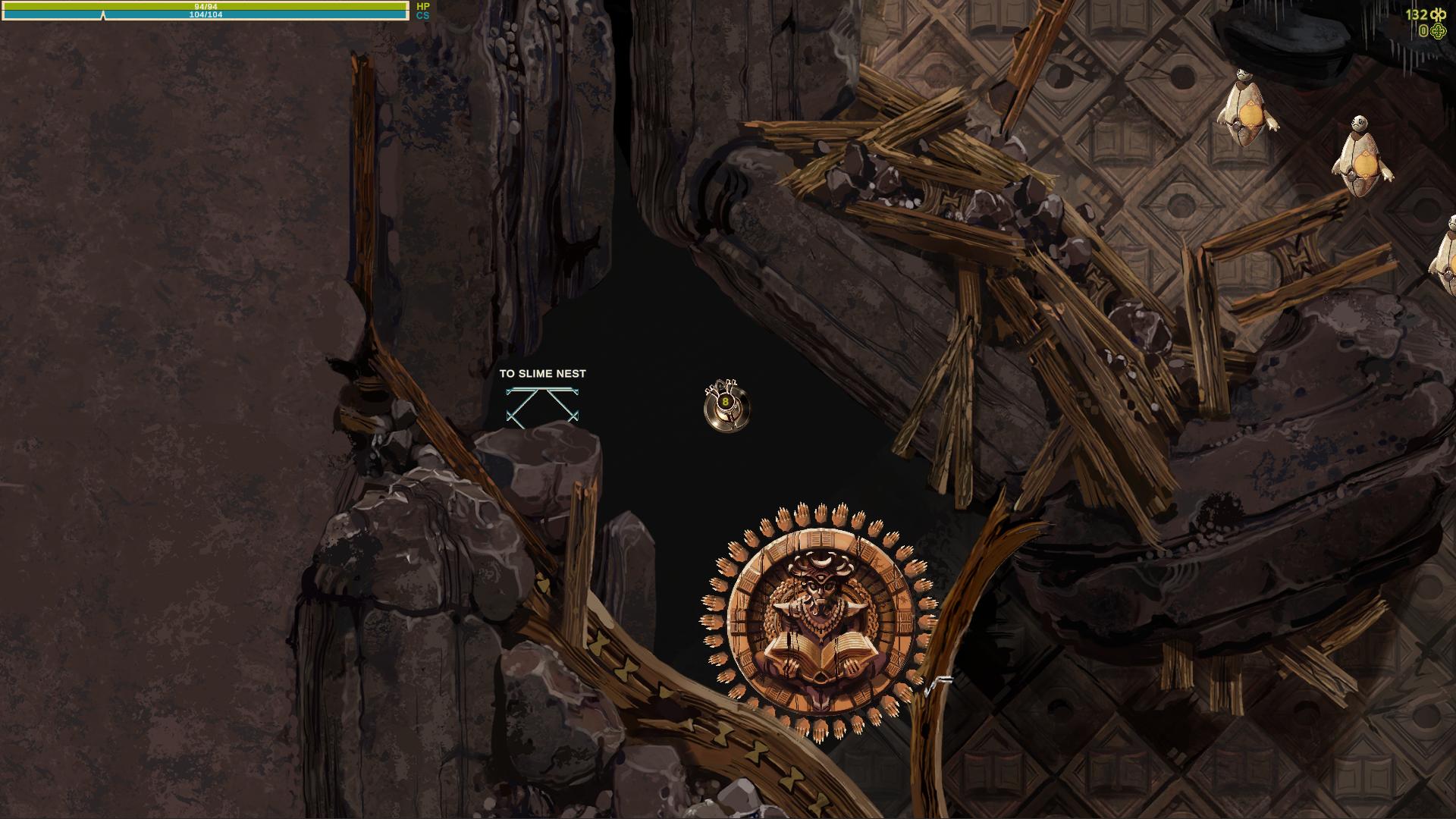
So I added an environmental obstacle into the game, a large rolling statue, Indian Jones style. It’s a statue of a devil-like creature with a large open book that can roll over you.


The statue itself does no damage, besides possibly pushing you into enemies or such, but each of it’s 36 hands does a little bit of damage, before breaking if you touch them.


Only that’s not all, there is a little secret. If you are exceptionally bad at dealing with this obstacle, or decide to tank all the damage and destroy every single hand in the process for some reason, the statue will display a weak point, count as a monster and be easily capturable. Alternatively, it’s possible to lure some other monster into the statues’ way and the statues’ hands will also break on contact with that monster.


The statue will always drop a heal item on capture and will appear in the monster collection as the Devil’s Knowledge Statula( statue in Lithuanian).

Currency Drops

I have this currency in the game called Infinibucks and the symbol for it looks like this:


Why this name? Because it amuses me. Recently I added currency drops from the various monsters when they are killed. Other drops are possible if you capture the monster, but a certain amount of Infinibucks drop if you annihilate it. The amount is calculated based on the tier of the monster and it has a bit of randomness to it. I have three levels of these currency drops as of right now: the smallest one gives 1 to 2 Infinibucks when collected, the middle one gives 3 to 5 and the large one gives 6 to 10. Also I added a little piece of code to overwrite that if I want, for example to make some specific monster always drop a large amount of currency. I might add to it or change numbers around later, but here is how those pieces of currency looks like when dropped:


The Infinibucks act as physics objects when dropped in the game until you pick them up, meaning they can drop to the floor, role down inclines etc. I took inspiration for that from the game Noita, but in my case the currency doesn’t disappear after a few seconds. Normally a monster drops a fairly small amount of Infinibucks, as I don’t want to encourage always killing monsters instead of capturing them, but I also added a tiny chance to receive triple amount of Infinibucks, just for fun. The first is an example of a regular drop, and the second of a monster that drops a bit more, with that triple drop:


Bramble Attack

Continuing from the tentacle attack from the last devlog, I made a variation of if where the tentacle ( or in this case bramble) attack doesn't aim at you, but always shoots in a set direction. Simple stuff really, but adding multiple of these to the same monster and mixing with the aiming version really does give a different feel. Like for example this attack pattern for my Bramble Stichija monster:

I added 10 small brambles that always shoot out in a preset pattern, but also a much larger, aiming bramble that deals more damage and forces you to move to try to dodge and potentially run into the smaller attacks. This is meant to be a higher tier monster, so the more difficult to dodge pattern makes sense to me. Also small brambles still deal only a single point of damage( you start with 100 without upgrades) so I think it still feels fair.


Thanks for the offer, I will definitely keep this in mind for the future. Human Upgrade Labs is essentially the same situation, but maybe later on after I publish the game I'm working on now, if it gets more attention.

I can handle coding for something like this, I'm pretty sure, it just requires a decent amount of time to test and check everything, not to leave any dumb mistakes and such. Most of the work would be the translation itself, I'm sure.


I hope more people discover these projects too, thanks!

Thanks, I'm really glad to hear you're enjoying it so far!


Theoretically yes, another language option would be a really cool thing to have I think, but it would only make sense to try to implement if quite a bit more people played my little game. In the past two weeks I got a surprising new influx of downloads, but we are still talking about a comparatively tiny number of people. Implementing a language option would be a decent chunk of work most likely, but mostly there is a bigger chunk of my ramblings to translate then you might expect at first. The game contains around 19000 words of dialog. I had forgotten it was that much actually, I just checked my files.

I'm really glad you like it!

I know what you mean, I kinda noticed that later on after I learned a bit more about game design, hopefully it's not too big an issue for you. I might make another update some time if more people mention things like this, but it's kinda difficult to get into the code I wrote years ago while I could be working on my current more ambitious project, if that makes sense.

I did notice a sudden and fairly large increase in downloads for this game in the past couple weeks, so that does give me motivation. Not sure why though, earlier updates I made haven't had such a sudden change...

Thanks man!

Tentacle Attack

I’ve been adding quite a few monster behaviors and attacks into the game, so it’s time to talk about some of them. Here is a tentacle attack with some variations:


The way it works is like this:

1. Monster stops moving around when you enter range, higher tier monsters have larger range.

2. The attack aims and the a red indicator is briefly shown. You’d better get out of the way now. If monster has multiple tentacles then they will start at a slightly randomized delay instead of all at once.

3. The tentacle or tentacles quickly snap to indicated spot and retract slower.

4. Repeat cycle or stop it once you exit range.

I also made sure to code it in a way that makes it easy to add different tentacle sprites to make sense with whatever monster has this attack and to be able to add any amount of tentacles to a monster easily without extra code. That was a bit of a mess with my limited coding finesse, but it works and I saved myself some future headache, I’m sure. This adorable monster has 6 tentacles for example:


Each tentacle only deals 1 damage by default, but I added an override I can adjust if I want to add a beefier tentacle to deal extra damage, and I can easily mix and match these if I want, by simply slotting in different tentacle prefabs, so I’m pretty happy with how that works.

There was some headache involved, because some unexpected mistakes and interaction always come up. Mainly I wanted the tentacle to stop if it hits a wall and to slowly retract from there but if kept not registering collisions and going through walls! This should be a fairly easy and standard thing so what the hell. After way too much time and going through some gameplay a frame at a time I figured out I made a mistake in the corroutine that controls the quick tentacle snap and it would start properly, but then move immediately to it’s end location. The collider would effectively teleport through the wall and only register when coming back slowly. Luckily I only needed to tweak a single variable to fix that. This is how it looks after:


Hey, this is a veeeeeery late response, but I just made a small game update to fix the issue you mentioned in your original comment. It should all be fixed now.

I am open  to changing specific mechanics, I have done some of that before based on feedback. I am very unlikely to change the big stuff like what's the game about, the main stuff about worldbuilding and such. This is my project afterall, and it is the way it is because that's what's interesting for me.

I have been working on this for over a year now and it's finally shaping up into something. i don't even know how much I would need to explain to someone else to have the same context, so that's why I want to leave that for when the demo is ready.

And yeah, I know I need to choose some part where the majority of my focus goes and that is of course the art in this case. I'm gonna do minimal storytelling, it's mostly worldbuilding, a lot of it is in the form of artwork.

Lietuviu neisvengsi, ju visur pilna

Jo. Atspejai is vardo?

Corel Painter, but it' no magical app, the specific program doesn't matter much. I originally learned traditional art and I like that program because it's quite good at mimicking real art tools. I've been seriously studying/ working as an artist for over 15 years no I think

Thanks. I could definitelly use some feedback once I have a little more done. It would be really cool to hear your thoughts once I have a working demo, but that' still a bit away.

Thanks, I'm really glad you like it so far.


And thanks. I'm not on the same level in coding and writing as I am in artwork department of course, but this is my baby, haha, so I kinda want to do as much as possible myself. The only part I'm definitely not doing myself is the music, but luckily there is quite a bit of free or cheap music available for these sort of projects, some of it on this website.

And even more simple monster animations. This time for some of the horror monsters


And here are some more simple monster animations. This time for the wood elementals:


Making minimalist animations for my monsters

I would die if i would have to animate anything fully and my sort of detailed painted artwork doesn't work too well with animation to begin with, but i still wanted to add some very simple animations. I think the difference between a static png and almost static png is still huge, haha. Here is what I did with the rock elemental monsters:


(1 edit)

And the artwork for Crystal Elementals is finished

 These are based on real crystals, from left to right: a type of quartz that looks like it has ice inclusions, an opal, aquamarine, fools gold, which sometimes form into very precise cube shapes and good old fashion basic vanilla quartz.


I forgot so save progress images for the fifth creature unfortunately.

Crystal Elementals

Just a very quick update. I’m working on a few crystal elemental monsters. Here are the sketches for these lovely shiny boys and I already started painting final versions of these. It’s also a good opportunity to study some material painting for me, crystals and similar shiny objects have always been a bit difficult and I’m usually not super happy with the results when I paint something like that.


I think I have enough fantasy monsters/elementals for the area I’m working on now, so the next big task will probably be to integrate all these creatures into the game, work on additional monster behaviors and such.