Thanks Charlie, I should have also asked are there going to be updates, I know we talked about inlays and was wondering if that is still moving forward.
Joe..
Charlie..
I just started 3d carving using STL files. I was testing some cut files , and was looking at the confine cut option for operations parameter. I understand how it works. For those type of files, confine cuts would be better option to confine it to the STL layer. It could be used for borders and clamping easier . Point out the error of my ways.
Thanks Joe
I've tried the hole drilling , I get operation failed to generate tool path. I'm not seeing what I did wrong. I have my path layer selected with the holes. They are 1/4 inch holes, tool is 1/8 EM , have my cut and max depth selected.Not sure what I'm missing, any thoughts ? With a Regular tool bit , how do you describe it in tool definitions?
Thanks Joe
Hi Charlie;
I was trying to drill some holes for a game board. I just need the holes to locate some pegs, they screw in so i need the center located. I can't seem to find a operation that will do that.Ive used medial carve with a offset to find the center of hole, but it's not really a straight forward process. I saw in one of the topics a few month ago where you were working on a drilling operation. Is there an easy way I'm just not seeing.
Just a question about cutting out a project, using 1/4 EM and 2D profile milling, why does that require a step-over ?
Thanks Joe
Charlie;
I have been adding new bits lately, alot of bits have been including max rpm, max depth of cut, max IPM . would this be a good thing to add to the definitions, then when you choose a tool , the data could be entered into tool operations automatically as a starting point. I usually run at the max on all, machine is very rigid . If I make adjustments I do it on the fly.
Just a thought Thanks Joe
Been kicking around the idea of adding ATC, full disclosure I'm not exactly sure how they choose the correct tool. I was assuming that they go by tool number. All the projects start with one. Maybe that's not how they work. Any insight on that ? One other thing comes to mind, Is there a way to run a custom macro such as M3333. Ive tried several things . I dont know how to add it , can it be added by comments? I cant seem to make that work.
Thanks Joe
Hi Charlie,
After I create my G-code, the tool numbers are labeled as the project labels them. Always starts with number 1. I looked through the post file, is there a way the tools can get labeled by the number in the tool library ? I have a lot of bits and it would be easier to just label them with the corresponding number in the tool library. Did I miss something .
Thanks Joe
Charlie....
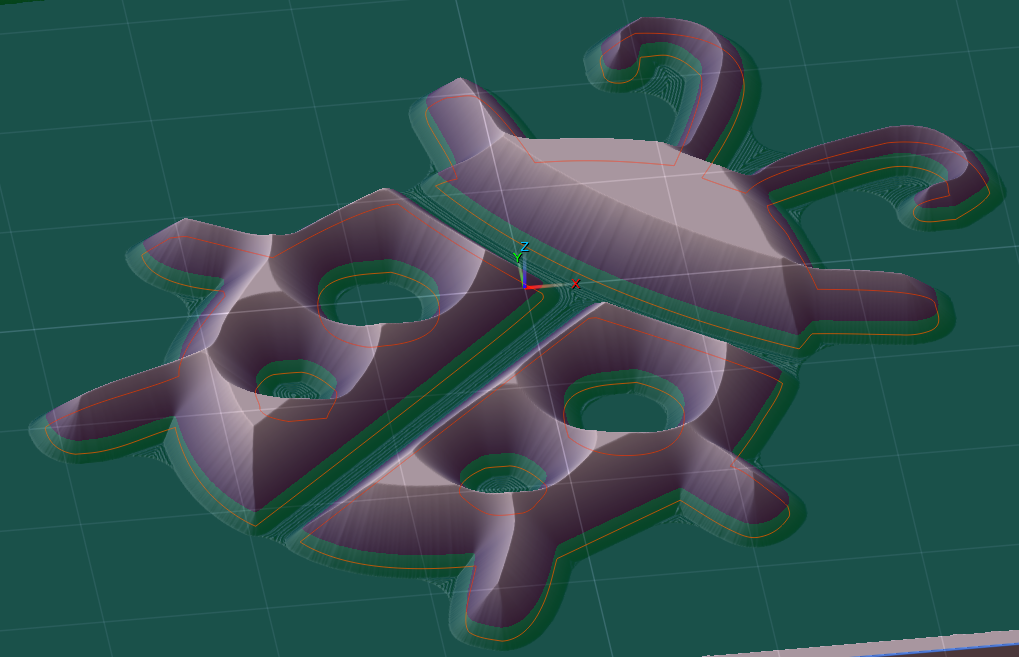
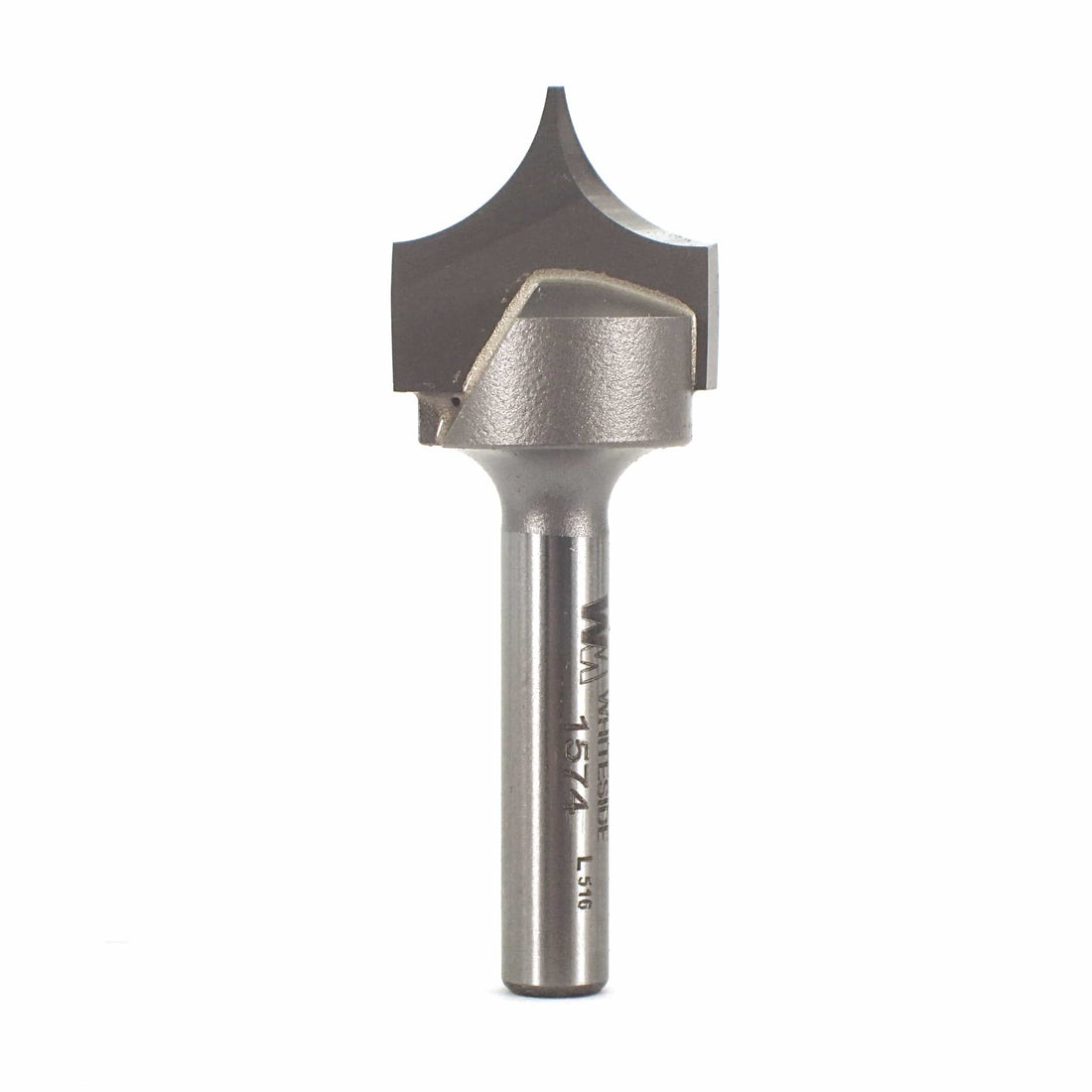
I've been reading about Tapered RN bits for inlays. Example bit .25 mm diameter ball nose with a one side angle of 5.25 deg. Is the tool path calculated using the RN ? (Mostly for surface contouring) Does the angle figure into the toolpath ? For medial axis carving. From what I understand RN is not recommended for inlays without some compensation, seems like mostly trial and error. Or am I totally missing something? I've done simulations and the offsets are off for RN tapered bits using the angle. Any insight you can provide would be great.
Thanks Joe....
Charlie...
I do log slices, I flatten them before carving. I can do your suggestion with a small canvas z . A lot of times I have to do multiple passes. Is there a way to pause gcode between z changes. Example: If I want a total depth of .4 with a .1 cut , so from . 1 to .2 to .3 it would pause between z changes so I can decide to continue or terminate.I never really know how much I have a to remove.
Thanks Joe
Charlie....
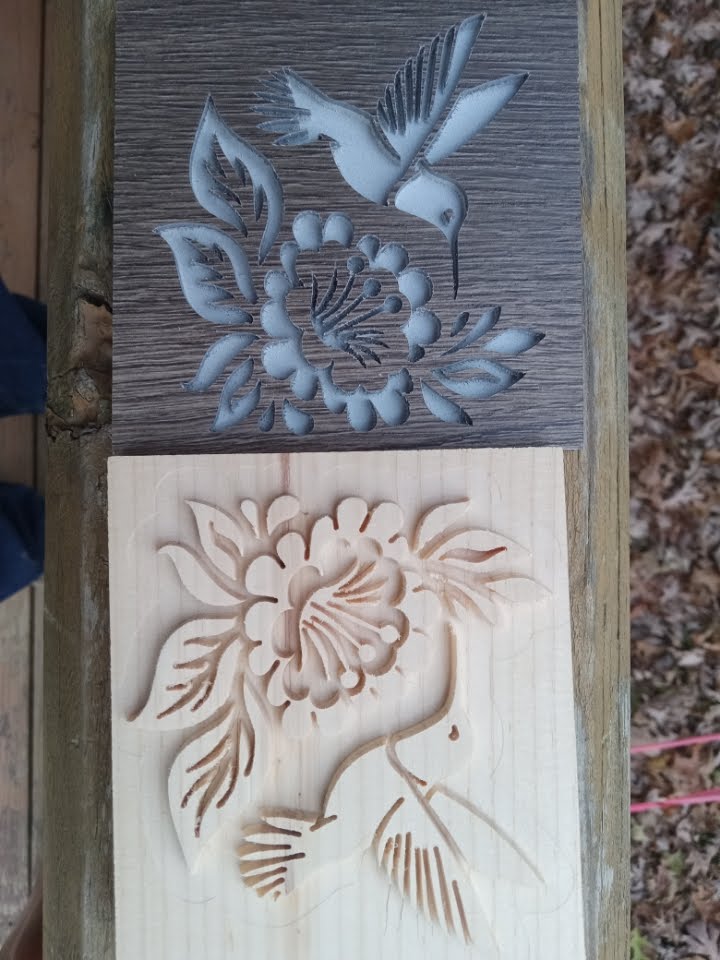
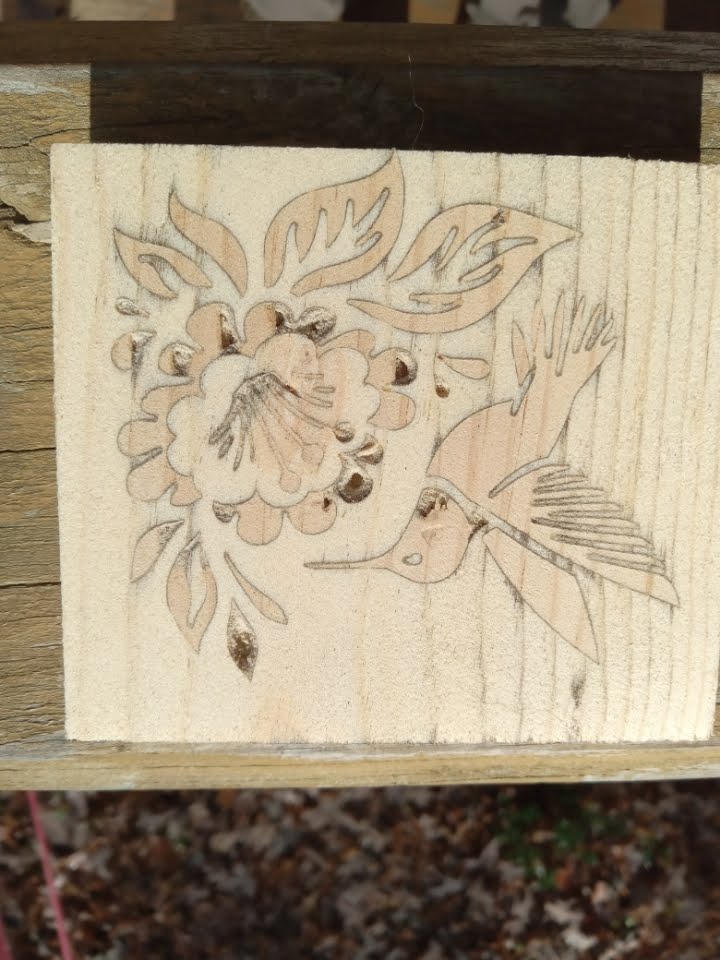
I tried a 10.5 deg inlay. While the male fit in I couldn't seat it deep enough, think I have to offset one of the other to make it fit. All the missing pieces are because I didn't let the glue dry. I knew it wasn't seated correctly so I rushed ahead. That's not much of an angle needs some tweaking but it does work...no wonder I couldn't duplicate that color...Joe
Charlie...
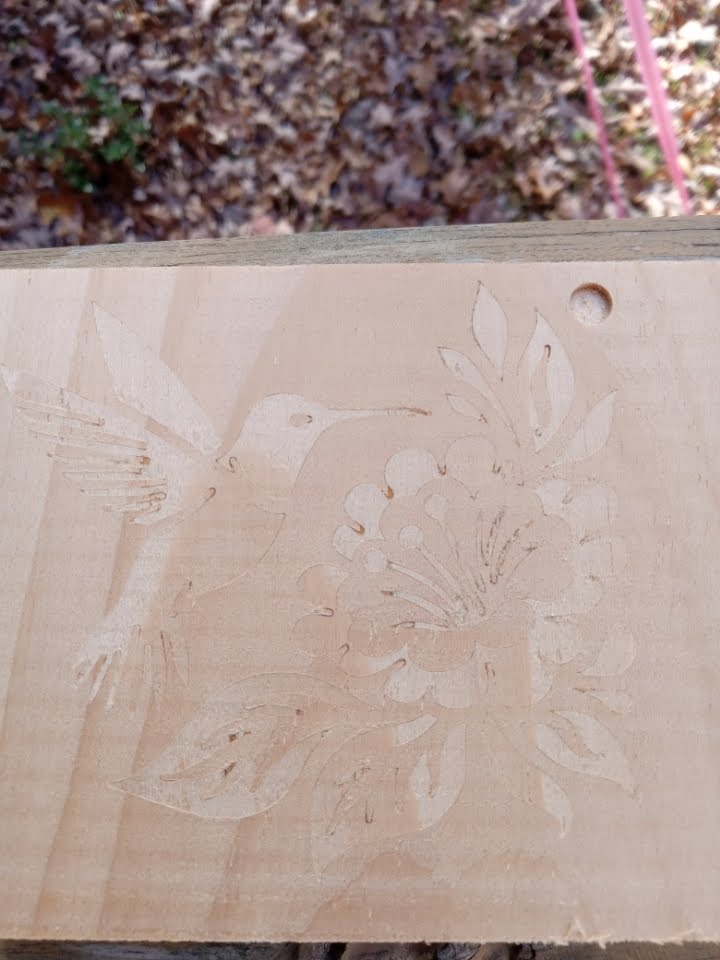
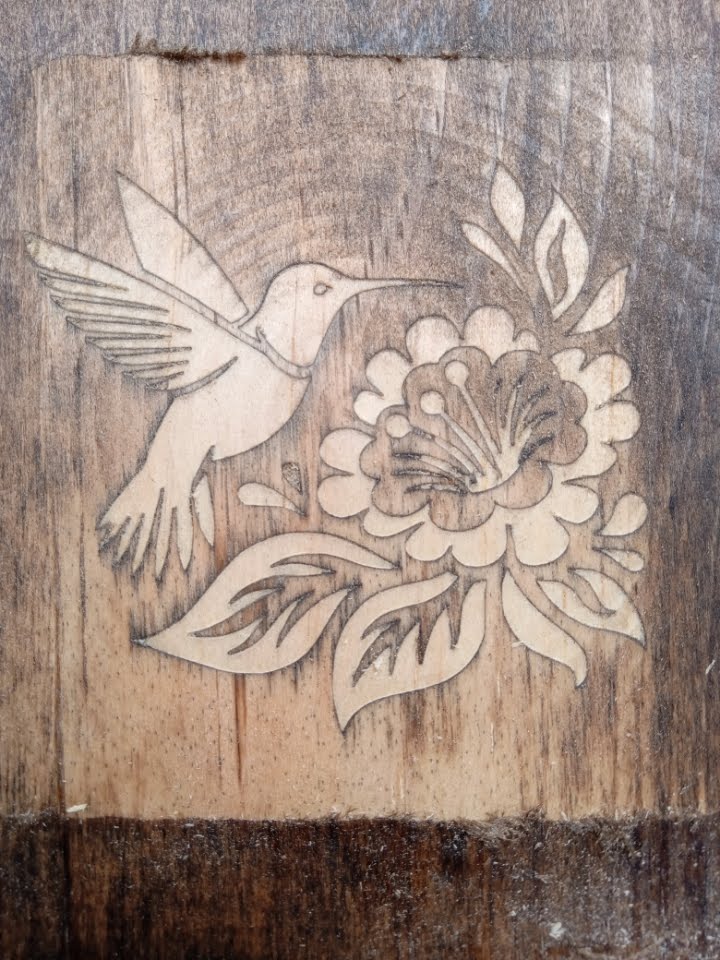
All the tear out occurred in the male piece before glueing. None occurred when I milled the waste off. The inside of the flower and some of the leaf ends were so fine a detail the pine could not hold it. The gaps are all tight the stain was still not dried when it was glued up. I was thinking a bit with a sharper angle to get a little deeper and a bigger saw gap. I've seen inlay videos where they were use 15 degree bit... I'm going to try again...
Charlie....
Just a thought. On your offset number you already know your bit geometry and your depth of cut. Can't you calculate that automatically, similar to your canvas top and zero out option. Give you a starting point to add or deduct from there. This would work in all your offset situations not just inlays.
Thanks Joe
Thanks Charlie...I was trying to calculate that. After you showed me the example, I checked my calculator it was set to radians. No wonder I couldn't figure it. I know you can do the calculation in Pixel, just easier to use calculator..(except this time). Sounds like a good addition the numbers seem to all follow your depth of cut. Only difference I'm seeing is the details in the design for your bit selection. I'm close to trying a cut with a 60 deg bit.
Charlie...Going over the details of female inlay. Don't know where you got your .105 , I know why the .005 but can't see where you got .1 ( important parameters here are the Offset and the Width of Cuts. We are cutting 0.1" deep so we want to push our 2D Profiling away from the sides of our design by 0.1", but we add 0.005")....how did you calculate the 0.1 or it just depth of cut ?
Thanks Joe...
Charlie...
That works fine , what I did on the first one I resized text layer manually to fit better. I compacted and made the font taller. When I did that I changed the whole font characteristic so there is no way for me to duplicate it easily. No way to make the text layer static ? The percent would work then ? As usual I do things the hard way....
Thanks Joe..
Charlie..
I have a street sign project I'm starting. My canvas size is 5.5 x 32 for the first one, I make my text layer with street name EG. Hollow Cavern Road. I size it to fit . My question is when I edit the words ,even taking the "d" out of road and putting it back the text layer changes size. the percentage in the font stays the same but I have to resize the text layer after editing. Every sign will have a different length, but I want the font size identical. The way I'm doing it now is trial and error by matching letter size. I must be missing something..Is it something in my setup that's wrong. I've tried several things, the text layer dynamically changes it's what is messing me up I think. Any help would be great..
Thanks Joe
The ones I have they are made of nylon and very flexible, with the different grits some are pretty gentle. Even with softer woods and using a lighter touch I haven't found them to be harsh. I've used them for detailed carving with great results. You have to follow the cuts not across them, but can go against the grain just fine. I think it's mostly the pressure you apply, but pretty simple to use.
Hi Charlie...
I got interested in your final example. I tried to recreate what you have done. I've tried several ways and can't get my sleeves looking nearly as good as yours . Would you mind sharing your method to get there ? It seems simple but it is not, would make a good video tutorial perhaps ?
Thanks Joe