On Sale: GamesAssetsToolsTabletopComics
Indie game storeFree gamesFun gamesHorror games
Game developmentAssetsComics
SalesBundles
Jobs
TagsGame Engines

Digital Logic Sim

鈥婣 minimalistic digital logic simulator 路 By Sebastian Lague

suggestions

A topic by Misha279_UA created Apr 12, 2025 Views: 1,427 Replies: 45
Viewing posts 1 to 24
(1 edit) (+2)

1 1/4/8 constant (looks like INs, but constnt)

2 ability to enter hex /rgb codes when editing chips

(+2)

display grid too
and maybe some kind of sound debugging feature

(+1)

ctrl+g for grid

(-1)

display as in like LCD screen that acts like an output, thanks for the response nevertheless :D

(+1)

There should be a dot display and an RGB display in the library

(1 edit) (+3)

make collections be able to be put inside other collections and a way to copy paste parts of a chip

edit: also a way to move inputs and outputs in the customization menu

(+1)

i like how people use my topic as officail suggestions

(+1)

i cant imagine how much notifications you get daily 馃槶

(3 edits)

Might as well ;)

+ Suggestion: use the Chip Color as the background in the chip menu at the bottom.
+ Suggestion: Home and End key support on text inputs (bonus CTRL+ARROW too?)
+ Suggestion: as OP's initial idea, some kind of "Constant" that exists inside the chip, but doesn't create an input for that chip, but as a revision to the suggestion: Let it be a dipswitch :)
+ Suggestion: Preset Color Swatches for Chip Color for quick assignment - I'd suggest using the same presets that one finds in pins?

In my experience the home and end keys work just fine.

(+1)

That's because he added the functionality in the latest patch. Those were pre-2.0.4 suggestions.

(+1)

another sugg.


(1 edit) (+1)

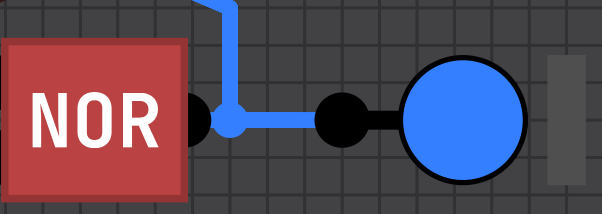
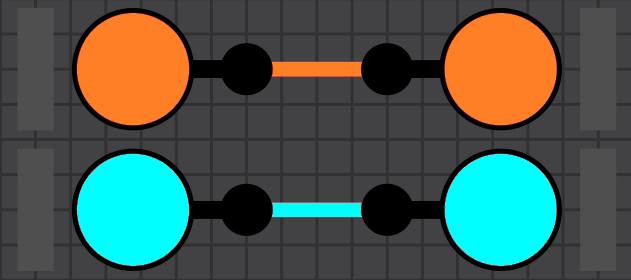
You might want to articulate what the actual suggestion is rather than posting a screenshot with no explanation

(1 edit) (+2)

orange and cyan wires, thinked this is obious enough but ok

(+2)

yeah, my bad: I didn't clock that those aren't already options, so I thought you just took a screen shot of two pins connected together.

(+2)

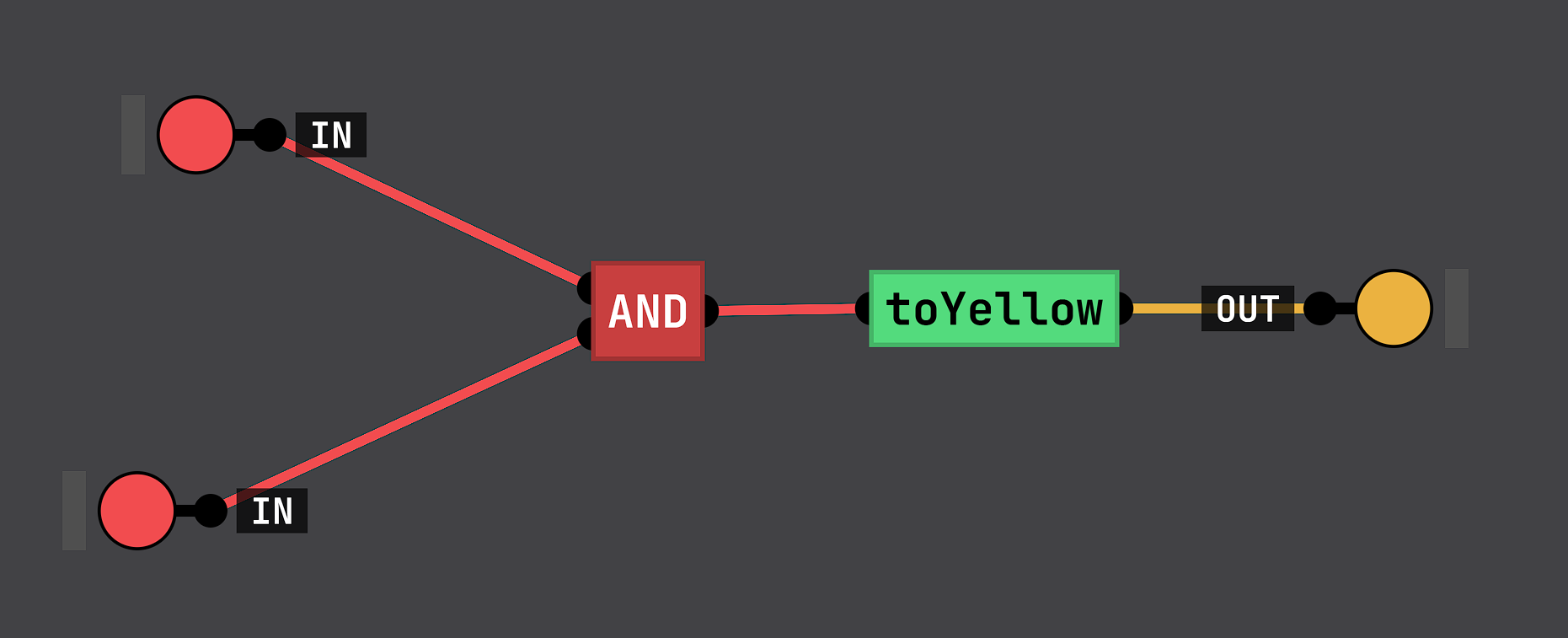
+ add collor "auto", that will use collor from inside of the chip (for 3-state)

(2 edits) (+2)

'n also it would be useful to have ctrl+CVXZY and just more using of select

(+1)

+ Suggestion: Colorable output pins. (I'd like to color my CPU flags from the ALU blue, for example)

(+1)

you mean autocollor? cuz you can select what collor output will be 

(+1)

I don't follow what you mean.
From what I've seen, a wire going from - say - OUT B on a chip to IN B on another chip will always be red. I'd like to make it so that wires coming from an output pin on a chip will be - for example - blue. Can this already be achieved? if so, how?
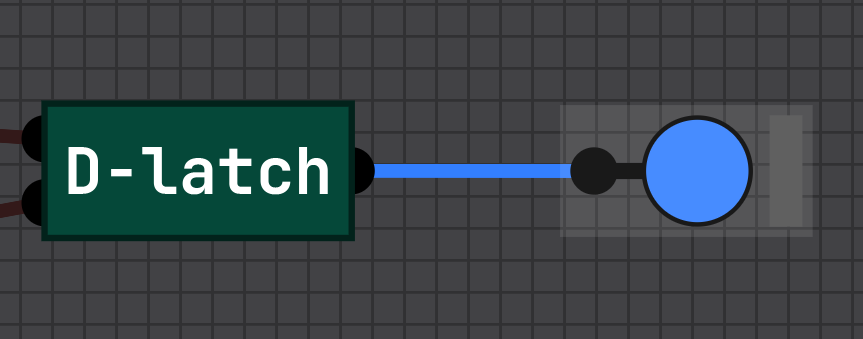
(+1)

my english isn't the best, so sorry
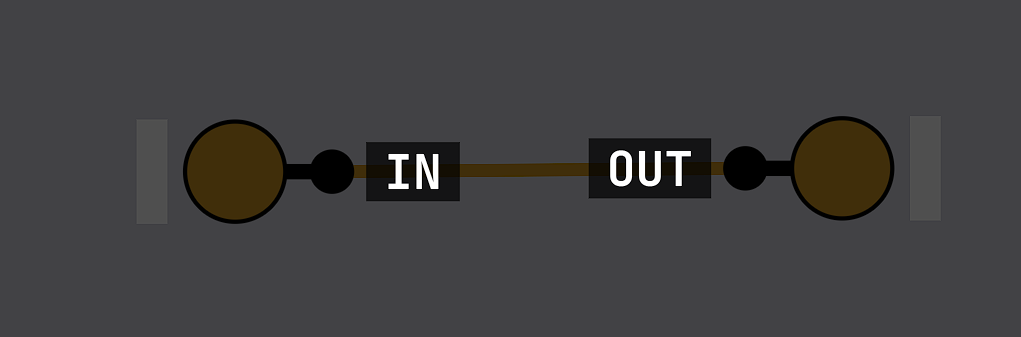
2nd image is what's inside  of im. 1, on which it's default color of the output (and when i was saing about autocolor i ment situations with 3-SB, that use as default color that was on while saving)

Interesting. I still don't quite follow what the inside of your chip is doing, but it gave me enough of an idea.

a kind of "Wire Conversion" chip - the inside of which is just an IN wired directly to an OUT but the IN has the color set.


(+1)

Insides was cut out cuz that's not the main thing here, i just grabbed random chip for this

Developer(+2)

Appreciate the suggestions! So far I've only added the ctrl+arrow in input fields since that's super quick (will be available in next release), but will keep the rest in mind too.

(1 edit) (+1)

danks! using CTRL+arrows to jump words is such a habit that I keep mucking things up >.<

are you cool with us continuing on suggesting? I'd rather not contribute to you getting overwhelmed, 'course.

EDIT: Secondary question: if you're open to even more suggestions, do you prefer here or github? (no doubt either work, but which do you *prefer*)
Developer(+1)

Suggestions are always welcome :) Slight preference for github, easier to track, but either is fine

(1 edit) (+1)

SUGGESTION: I have small hands and want to be able to more efficiently use shortcuts,  can you make it so you can change key shortcuts? I think it would be useful also to have undo, redo, duplicate etc.

(1 edit) (+1)

sugg:

pixel - looks like square 1out, but it's actualy display

switch - same as pixel, but for input (as in ep 3 for two's compliment in display)

(+2)

I miss being able to hit "Tab" for the pin names to appear. It would be nice for that to be added back. Unless I'm missing it.

The Tab key has been reassigned to advance the simulation by one tick while paused.

I miss it too, but maybe it could be a different key, like the grave accent key (usually next to 1 / above tab), as the tab is already in use.

This has been readded in the latest version

Blup

(+3)

Suggestion: 16-Bit input pins for more efficient data transfer

I think it would also be good if you could set the bits

Suggestion: a chip for a fixed input delay

Another Suggestion: A program like the one in the seven-segment display video, where you input a truth table and it generates a logic circuit

(+2)

there is one, it's called Logic Friday

(+2)

build in random chip - on clock pilse toggles or no

Hey... I just love this proyect <3

Can you add some components to make sound? something like a beeper...

It's difficult to implement because if you vary the tick speed the frequency should vary, but I guess you can solve it in some clever way hahahaha

(+1)

Being able to rotate gates/chips would be nice (also inputs and outputs)

https://github.com/SebLague/Digital-Logic-Sim/issues/386
and
https://github.com/SebLague/Digital-Logic-Sim/issues/313
and
https://github.com/SebLague/Digital-Logic-Sim/issues/312

blup

(1 edit)

Create a setting for allowing overlap between chips, because sometimes I want my chips to be more compact

1-time logic -> truth table "compiler" for chips with small input size for better performance

Suggestion: Change Ctrl key to Command key for MacOS. It's very hard to remember Ctrl every time.