















Indie game storeFree gamesFun gamesHorror games
Game developmentAssetsComics
SalesBundles
Jobs
TagsGame Engines

plasmastarfish

199
Posts
1
Topics
965
Followers
37
Following
A member registered Sep 10, 2017 · View creator page →

Creator of

Recent community posts

Interesting, this was happening before but I thought I had fixed it. Assume it’s happening on Chrome browser if you’re using a Chromebook?

(1 edit)

It’s using a Scrabble-like word list — so no proper nouns like Sunday, Tokyo, George, etc.

Thanks for playing!

(1 edit)

image.png

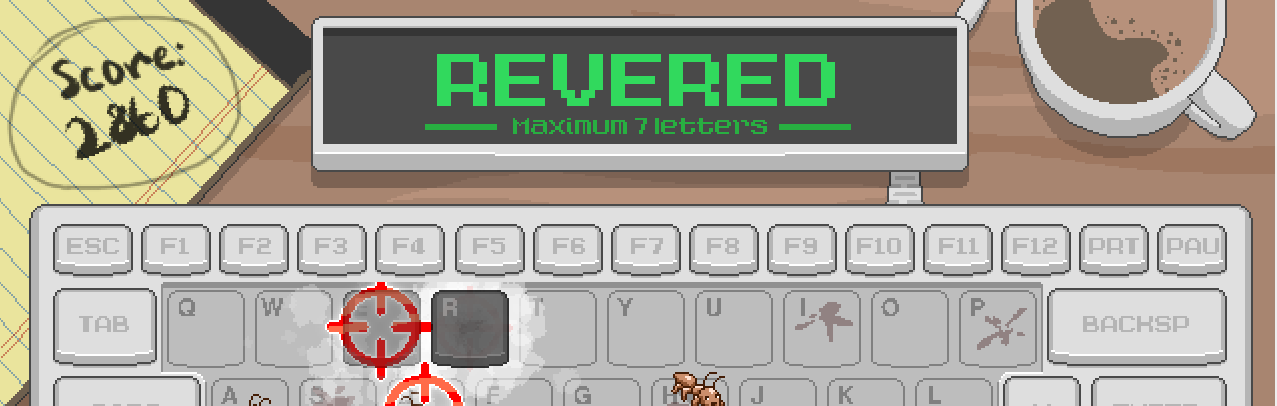
Huh, “revered” is working just fine for me!

It’s using a Scrabble-like word list for valid words — so no hyphenated words, or proper nouns (like “Korean”).

Thanks for playing!

Out of curiosity, where did you find the game? It wasn’t really getting any traffic for months, but something very recent is bringing in new people!

Should be fixed now!

This should be fixed now! Let me know if it’s still causing you trouble!

Interesting, I’m not sure what caused this since I haven’t updated the game in over a year! I’ll try to get a fix this weekend.

No worries! The web build is made with PygBag, which is great but does not always make the most robust/stable builds. Glad you were able to get it working!

Hm, I’m sorry, what browser are you playing on? It’s working for me on Firefox and Chrome/Edge.

(3 edits)

This game is based on my entry to Ludum Dare 52 that earned 1st place in Graphics and 2nd Overall (“Fallowtide”).

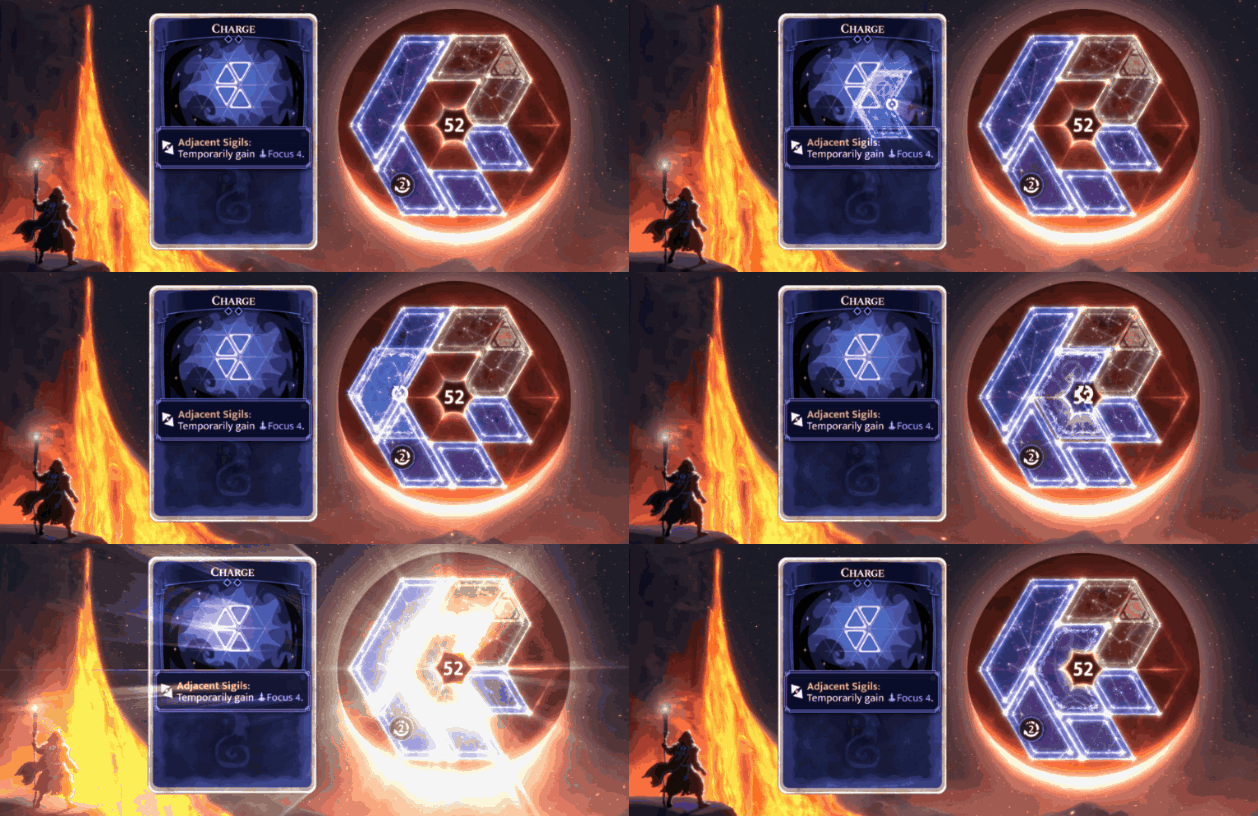
Moonsigil Atlas is a deckbuilding roguelike without traditional energy, mana, or action points. Instead, you use physical space to play your cards! Gain powerful geometric bonuses through adjacency and overlap, modify the shapes of your cards, and create game-breaking combos.

Play now in your browser: https://plasmastarfish.itch.io/moonsigil-atlas

This is a demo for the full game, which we’re hoping to release later this year! We would love to hear your thoughts and feedback so we can fix any issues before the full release.

Release trailer:

Thanks!

This one was made with PyGame Community Edition.

Yep! I made it for a 2-day game jam, and have not expanded it into anything bigger since then.

The game was packaged with PyInstaller, which is sometimes used for malware so antivirus programs tend to flag it. If you’re concerned, you can just play the browser version instead.

It was packaged with pyinstaller, which has also been used by actual viruses so gets caught by anti-virus software. If you’re suspicious of the executable, feel free to play the in-browser version instead.

It was packaged with PyInstaller, which is also sometimes used by actual malware so looks similar to anti-virus. I appealed it to Microsoft for Windows Defender but they haven’t acted on it.

For now, you can still play the browser build without having to download the exe!

(1 edit)

It’s already played by “just Twitch chat,” in the sense that the streamer doesn’t have to do anything to actively run it (I’ve seen someone put it on for their viewers while they were taking a break from the stream, if that is what you meant).

It might be tricky to run in the background while something else is happening on stream, because it takes up the full screen and would be hard to play if it were shrunk down much. It has some fairly small UI elements.

(1 edit)

Yes, already aware of this, and submitted a ticket to Microsoft! If you’re unable to get it to play nicely with your antivirus software, I’d recommend playing in browser instead.

Thanks for the heads up though!

Yeah, I’d recommend just playing it in browser! On good days antivirus doesn’t play well with pyinstaller, but it seems like this one in particular has thrown some red flags because of how many times it’s been downloaded.

Yeah, the Windows build is packaged with PyInstaller, which makes Defender think it’s a virus. I’ve submitted a ticket to Microsoft to get it reviewed.

If you still want to play the Windows version, there’s a way to whitelist the install directory through Defender — if you’re concerned about security, you can just play it in browser instead!

(1 edit)

You got almost everything!

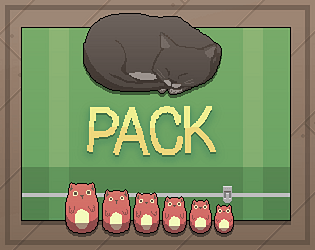
For some reason the link isn’t working for me, but my solution had the mouse in a pretty ordinary place but the smallest catryoshka jammed into a corner of the sigil scroll.

Fun solutions! I actually included some “challenge mode” restrictions on the Ludum Dare page, that you got pretty close to!

That’s pygbag booting up — the packaging tool I used to make a browser build. You might need to refresh the page if it gets stuck on “ready to start.”

Not a Trojan, but it is packaged with PyInstaller which anti-virus tends to get really upset about. If you’re concerned about safety feel free to play the web version instead of the download.

Unfortunately, no mobile support at the moment.

You can open and close containers with right click!

Suitcase go in egg. :)

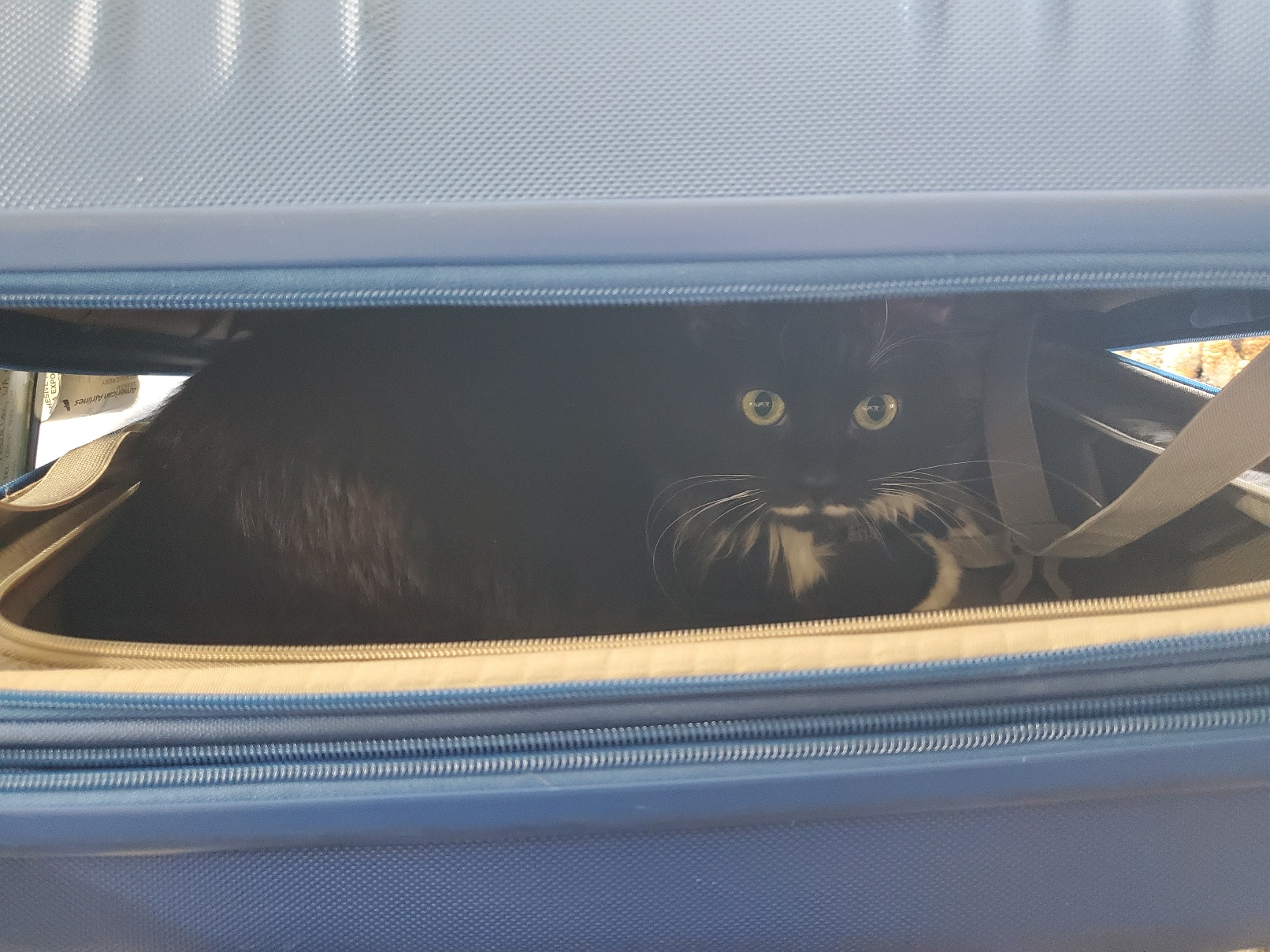
Itch must give it a random name when you upload an image, the cat’s name is Crouton!

Looks like it named the banner for my other game “3vTs4R.png” which is also not the original file name.

Huh, no idea what could have been causing that. Was this in browser or in the downloaded version?

Drag and drop, just like the dice tin or the Catryoshkas!

It’s a little hard to aim because the suitcase is on top of the cursor.

It’s probably underneath the suitcase, you can close the suitcase and drag it out of the way to check!

You should be able to find it above in More Information -> Links -> Ludum Dare!

I think Itch used to have a more prominent banner for LD games, but now you have to go into the dropdown.

It gives some info if you hover over it… it can hold suitcases!

Right now, I’m not planning to. This was made for a 48-hour game development competition, and now that it’s done, I’m pretty much back to working on my main project.

But that could change in the future! Right now the only thing stopping it from being played in browser on a phone is the fact you can’t right click, and a pretty small tweak to the controls would make that possible.

(1 edit)

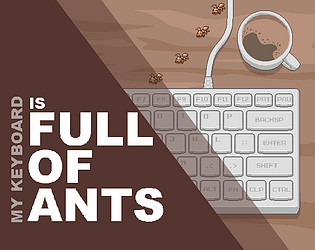
I’m not doing any more development on this game, but if you want to change it to support a different language you can actually do it without changing any code!

  • Download the game
  • Open MyKeyboardIsFullOfAnts/assets/words_alpha.txt
  • Replace with a list of words in the language you want to support (only supports Latin alphabet)

What kind of issues were you running into? Were you not able to launch it at all, or were you able to load the game but it was behaving unexpectedly?

(2 edits)

This was originally hosted on a continuous Twitch stream, so wasn’t intended to be set up easily by others, but here are step-by-step instructions if you want to play it on your own Twitch stream!

  • Install the latest version of Python and PyGame
  • Clone or download the Github repository linked from “source code”
  • In line 36 of main.py, change the Twitch channel from ‘plasmastarfish’ to the name of your own Twitch channel in the self.stream.open call
  • Run main.py with Python (“py -3 main.py” in console)
  • Start streaming, and configure the stream to show the game’s window and audio! Instructions for how to play should be on screen.

Reply here if you aren’t able to get it to work.