On Sale: GamesAssetsToolsTabletopComics
Indie game storeFree gamesFun gamesHorror games
Game developmentAssetsComics
SalesBundles
Jobs
TagsGame Engines

EmaceArt

78
Posts
13
Topics
121
Followers
71
Following
A member registered Sep 10, 2018 · View creator page →

Creator of

Recent community posts

(1 edit)

Hi everyone. I’m not new here, but I’m getting seriously active now and I want to be genuinely present in the community.

I’m EmacEArt. I create 3D assets, mostly environments and level art, modular kits, and props. I’ve been in gamedev for about 15 years. More info is in my bio. If you have quick questions, drop them in this thread and I’ll gladly answer.

I really appreciate what people build on itch. There’s a lot of creativity here, especially in 2D. I have a strong soft spot for pixel art because I grew up on 8-bit games. I’ve worked with pixel art before, and I’d love to go deeper into it in the future. For context, Blind Shot on Steam was a focused, a few-month sprint I shipped with a friend. I was responsible for the entire visual side of the game: all graphics and animations (excluding code), the full UI from concept to final implementation, and also the game theme plus the core gameplay mechanic concept.

I’m now running a 3 to 4 month marathon until March. All my packs will go through an update cycle: Tech, MidArt, MegaArt, and a final Tech pass to lock things in. I’ll also release 8 new packs during the sprint. The first stage, the technical update, is already done for all packs almost 100%. I’m devlogging progress regularly. I’m now moving into stage two, MidArt.

One important note: my profile also has a lot of free packs, and every single one of them has received the technical update as well. I don’t want the free stuff to be neglected. I want it to be a properly maintained part of the library.

The most important thing for me is speed and matching real user needs, so I need prioritization. What’s a must-have, what blocks you, what saves the most time. Join my Discord. There will be a timelining section where you can directly influence what gets done first and where updates go next. If you’ve bought any of my packs, during this sprint you’re guaranteed support. I’m available daily and I take solid feedback seriously.

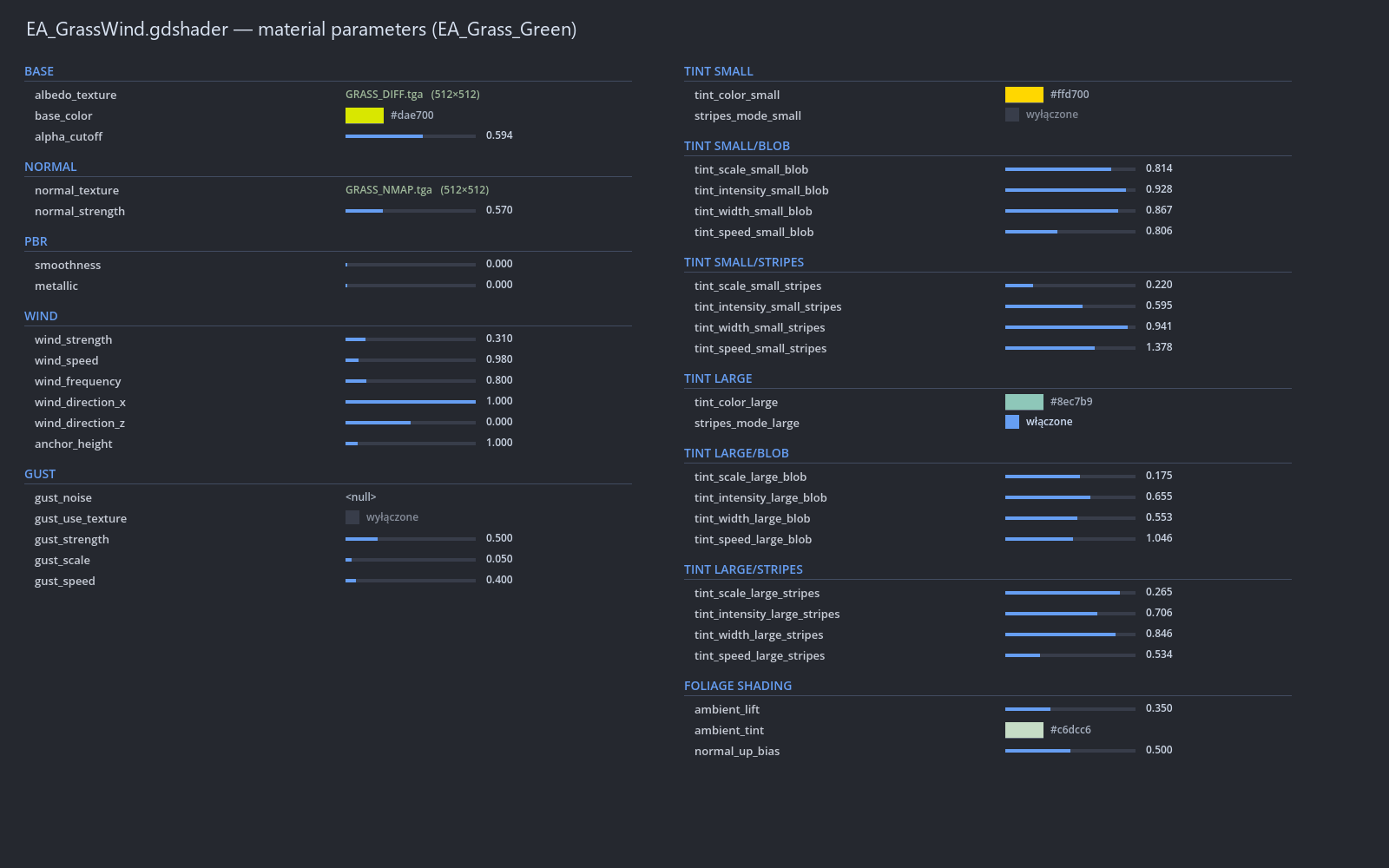
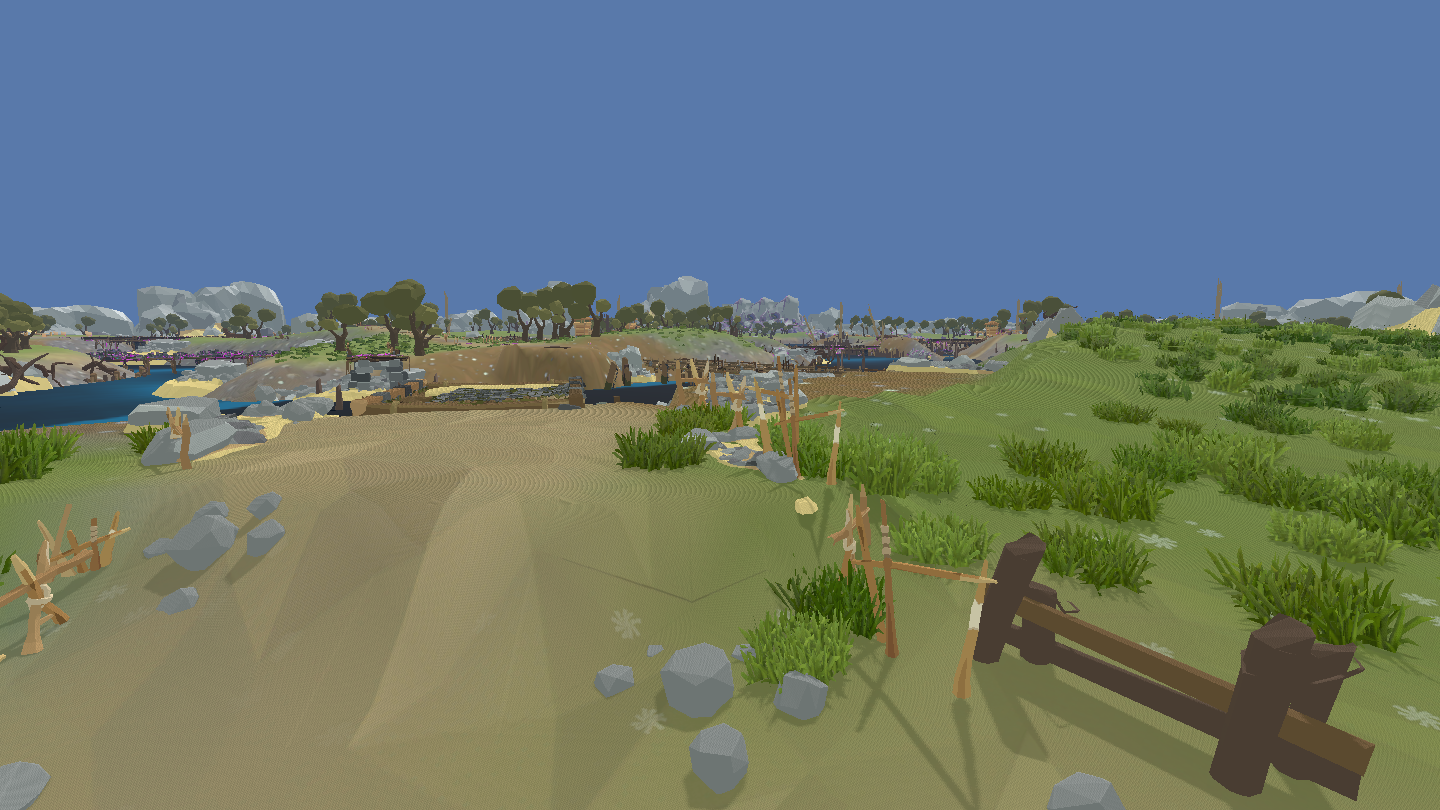
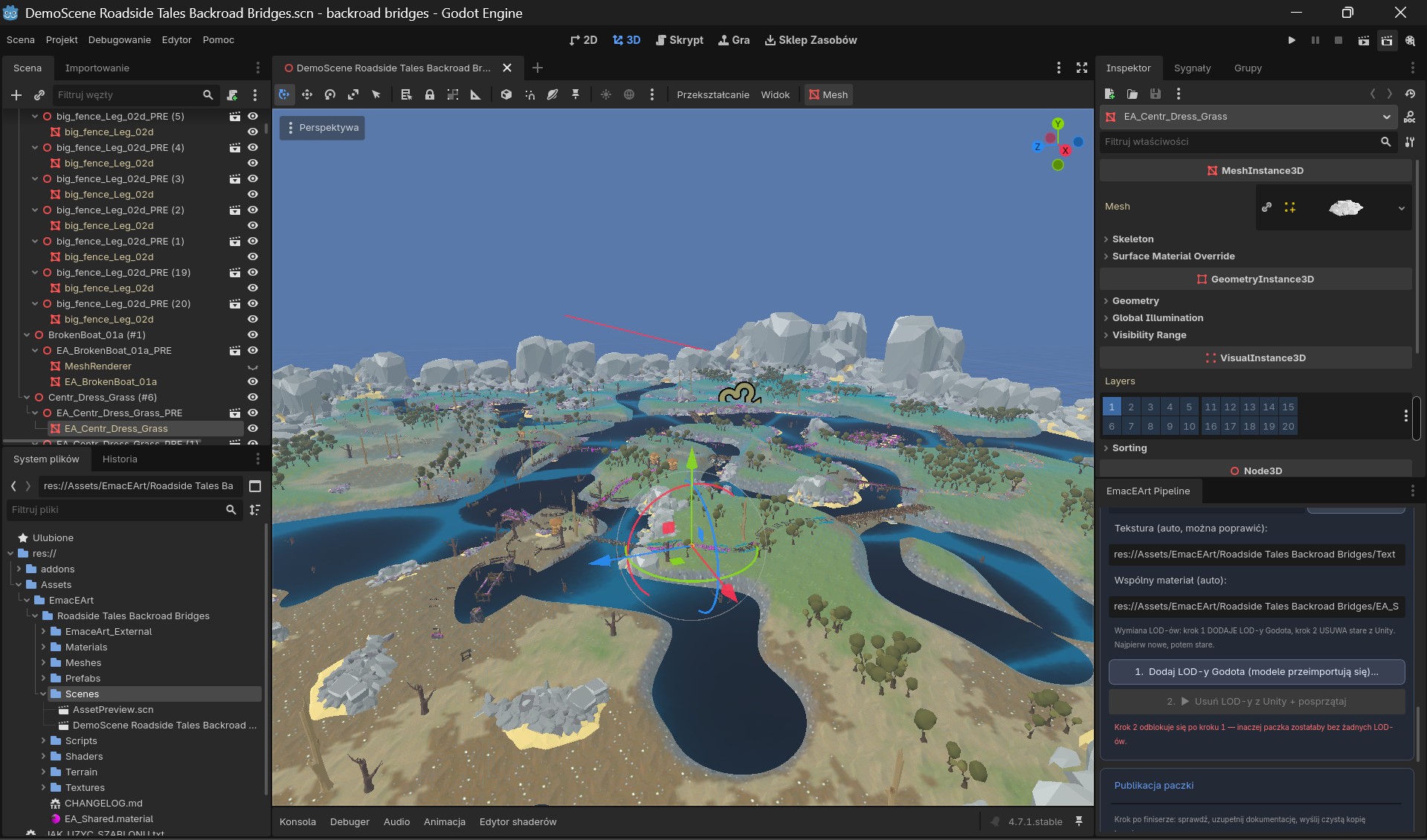
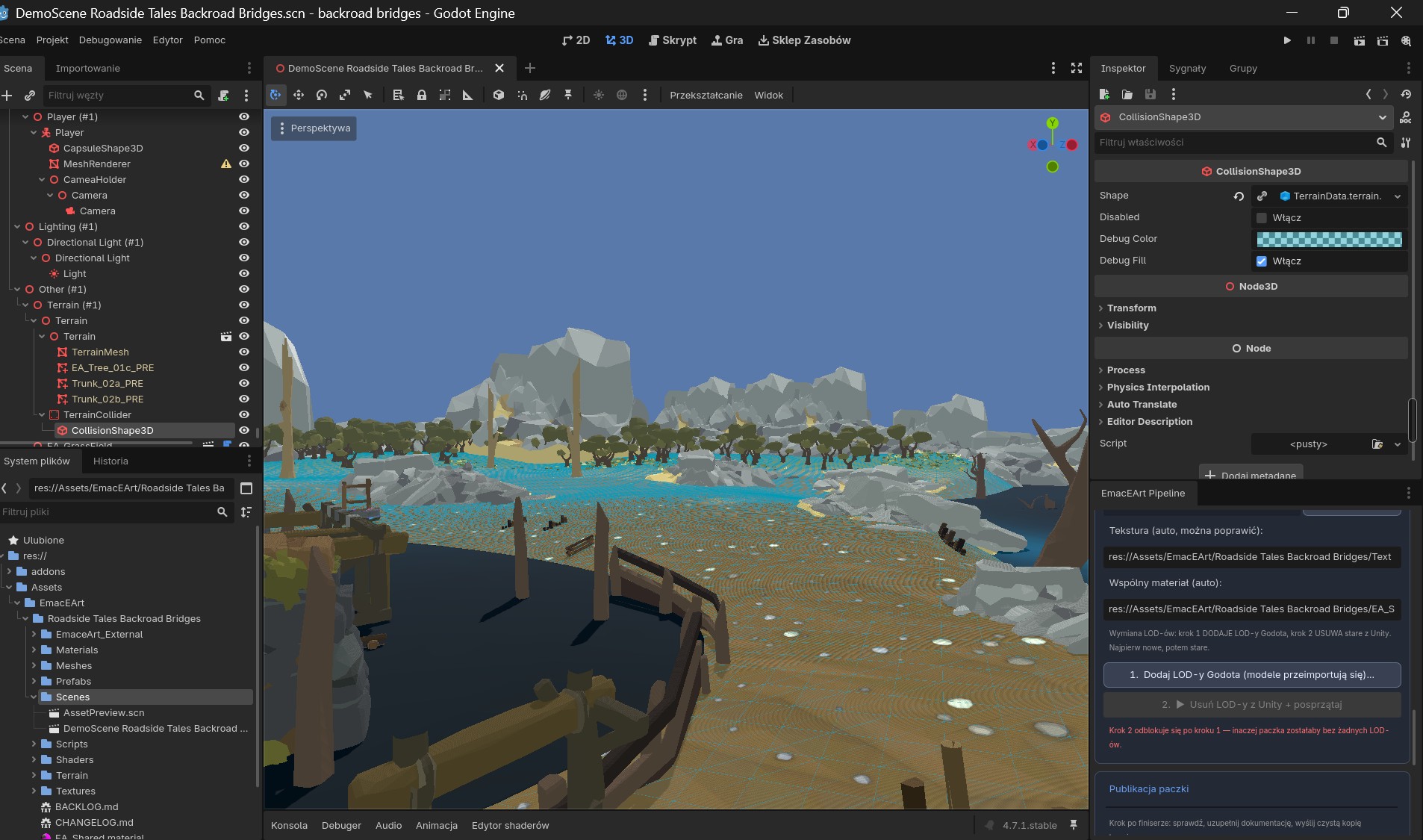
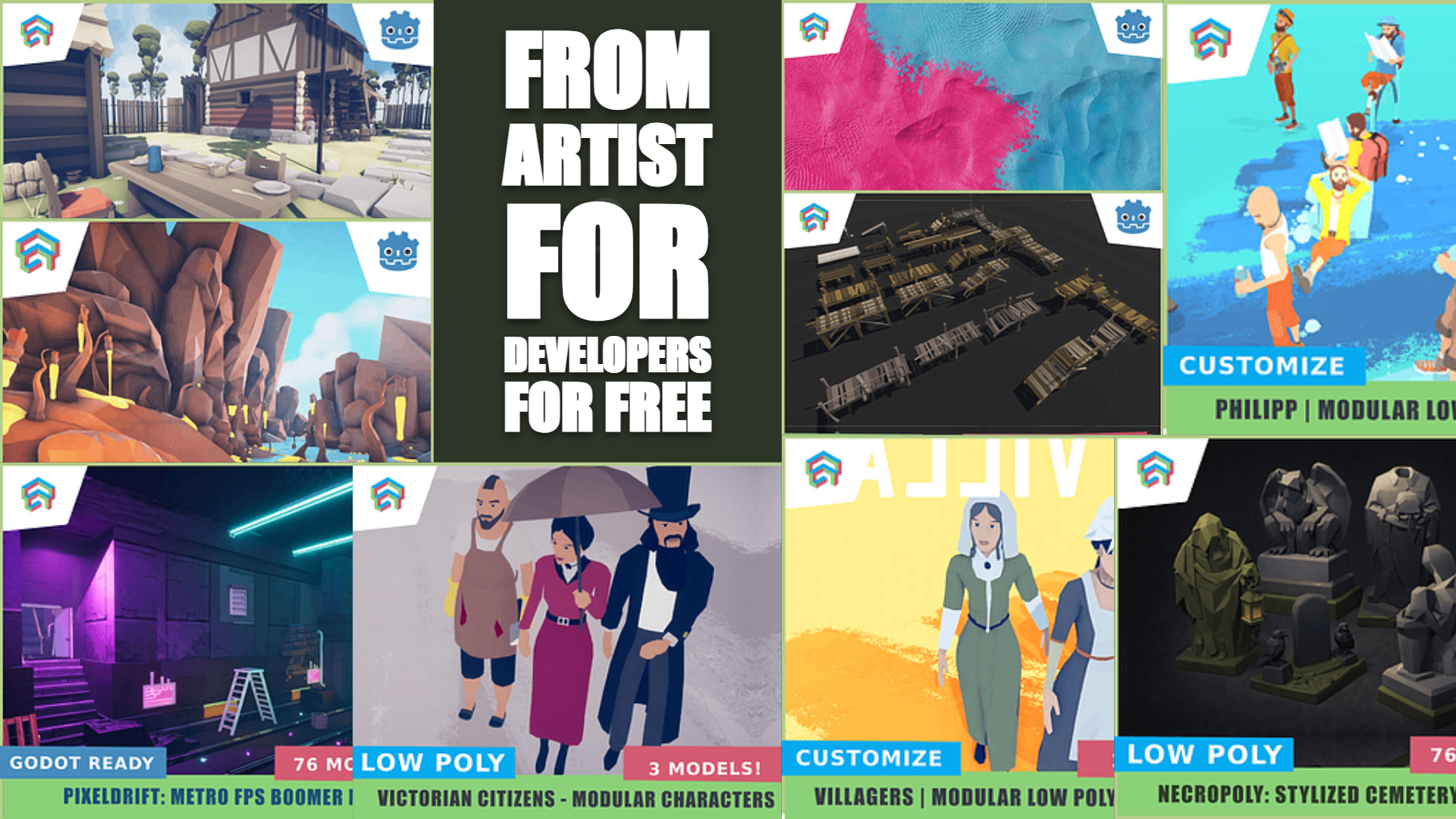
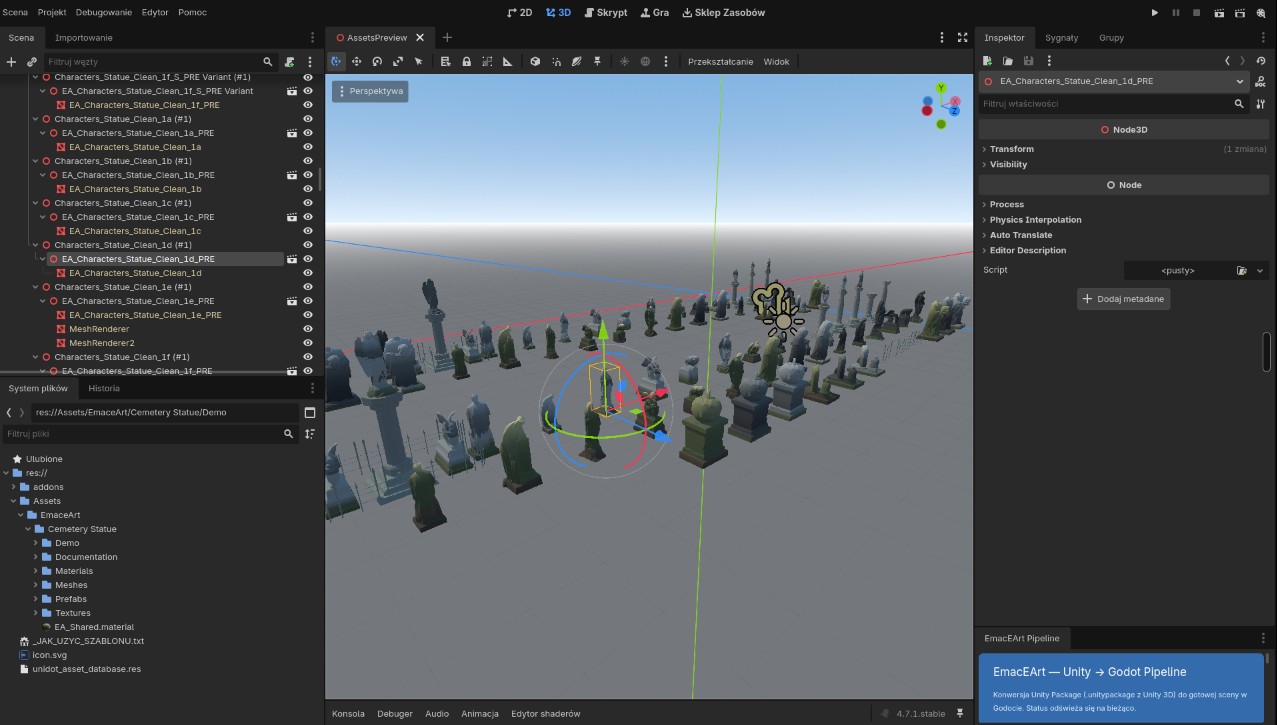
And one more key point: I’m moving into Godot support. I want to build a Godot-focused library and demo scenes with lighting and post-processing, so the packs look good right after import. I haven’t done this workflow before, so if you’re experienced with Godot and have practical tips, especially about importing, materials, lighting, workflow, and best practices, I’d really appreciate the help. Ideally in the timelining section so we can set priorities right away.

See you in the next episode.
ArtStation - EmacEArt !

I’d keep it simple like this: one “hard” socket per bone for all variants, sharing the same pivot and a small box collider. The add-ons using that socket would be grouped into just 2-3 size classes (small/medium/large) instead of perfectly matching every single part - a bit of mesh intersection is fine as long as nothing pops at gameplay camera distance. For colors I’d keep all sockets and brackets on a single neutral material (steel / grey plastic) and only let armor, covers and the main module shapes change colors. On top of that you can have a few fixed palette presets as a base, plus maybe a subtle tint control for one accent color so users can nudge the look towards their project without breaking your original schemes.

The system already feels like a mech-flavoured class creator. I’d push that idea by adding a second layer of small sockets for role-defining bits: extra shoulder and knee armor, backpacks/boosters, antennas, plus dedicated weapon mounts on upper arms/forearms. On top of that, 2-3 chassis frames: a light, tall-legged scout frame, a standard all-rounder, and a heavy base that could even work without legs - more like a mobile turret. On that heavy base the torso could turn into a cockpit block with cannons instead of arms, for a pure frontline or artillery role. I’d also treat color schemes as their own module: a few preset palettes and some example builds like “fast”, “heavy”, “support” that players can tweak, a bit like picking a class in an RPG but translated into your cool robot lineup.

Really love how clearly you laid all of this out. There’s something oddly comforting about reading someone else wrestle with timing and scope instead of just smashing the publish button the second the last asset is “kinda done”. I end up in that “ok, basically finished... but also not really” state way too often, so the way you’re framing the delay feels a lot more intentional than just a stumble. In that light, pushing things by a few days really does read like strategy.

I also really like the idea of the forest / graveyard set being the first chunk of the path, with the other locations growing out of it over 2026 instead of everything shouting for attention on day one. With the kind of folder structure you described, it’s easy to picture people just diving in, grabbing what fits their scenes and getting to work without digging through a mess of directories. And the lower pricing during sales sounds like it nudges folks toward experimenting rather than overthinking if it will “pay off”. Hopefully the bundle timing lines up, the algorithm is in a decent mood, and we start seeing these spaces pop up in all sorts of strange little horror projects here and there, instead of only living forever as a “nice collection in the editor”.

Hey, I really like how honest you are about both the scope and the delays - that’s something a lot of us can relate to. That mix of locations (forest, graveyard, isolated cabin, later maybe hospital or space station) is basically several separate biomes inside a single product, so the hardest part is probably going to be keeping a consistent style across all of that.

I work on horror environments myself and from experience it helps a lot to treat the first release as a tight core: a polished forest/graveyard combo with a few strong hero assets, and then add the other locations later as clearly labeled themed updates. It makes it easier for devs to understand what they’re actually getting, and it lets you keep quality and pace under control.

Nice work on putting out a free modular mech, that’s exactly the kind of thing that can become a “base character” people build around. As someone who ships environment and prop packs: a few things that really help modular characters feel production-ready.

(1 edit)

Appreciate you noticing that. It’s working now — you should see the purchase/download button.

Thanks!

  • These aren’t drawings. They’re live (real-time) renders using post-processing and lighting. Thank you!


  • Hey, welcome!

    “3D art” can mean a lot of things, so it will be much easier to help you if you share a bit more detail about your project. For example:

    - What game engine are you using (Unity, Unreal, Godot, something else)?

    - What kind of 3D art do you need most: environments, props, characters, UI, VFX?

    - What style are you aiming for (realistic, low poly, pixel-style 3D, stylized, etc.)?

    - Is this a paid collaboration, revenue share, or just a hobby project?

    From the screenshots of your profile you’re not doing anything “horribly wrong” - the models look solid, the PSX style reads clearly, and the PlayStation-style side bar on the covers gives you a nice, consistent identity. The main issue is how you present and communicate the packs. On the pump shotgun and double-barrel pages the description is already decent, but on the flamethrower and some single assets you only have one sentence like “After purchasing you will recieve a .glb file” and that’s it. For someone buying assets, the boring technical info is what sells: exactly how many models are in the pack, rough polycount, texture sizes and types, file formats (.glb, .blend, maybe .fbx), orientation/pivots. Add one clear line about the license: allowed in commercial games, jams, trailers, screenshots etc., not allowed to resell the raw files. And it’s worth fixing typos like “recieve” and “FlameThrover” - tiny thing, but it signals how much care went into the page.

    Second thing is previews. You have nice renders on a grey background, but I’d add at least one “in-game” shot: first-person view with hands, or just the weapon placed in a simple lit environment, plus one close-up and maybe a wireframe view. That boosts trust a lot, because people see how it behaves in a real scene. On some pages the text takes half the vertical space and the image is quite small on the side - you could crop tighter so the weapon fills more of the frame. Since you’re doing PSX, consider showing one shot with a stronger retro / dithering look so the vibe is instantly obvious.

    Last point: just uploading assets to itch usually isn’t enough to get attention. Every time you release something, post a short showcase on Twitter / Bluesky / Mastodon, drop it in relevant gamedev Discord channels, and write a tiny devlog on itch about how you made it. Use strong tags like “psx”, “retro 3d”, “low poly weapon”, “low poly gun”, “psx horror”. You can also bundle several of your weapons into a bigger “PSX Weapons Pack” and push that as the main product, with the single items as cheaper options. That usually catches the eye better than five separate pages with one item each. Long story short: your base work is good, you mainly need clearer information and a bit more context/screenshots, and your chances of getting attention should go up a lot.

    Thank you! Glad you like them. I already have a big update planned for this pack, focused on guiding the player along the world's paths in a more cohesive way - with a comprehensive set of pieces and clear landmarks. This is the first of several key updates I’m planning for the near future. I’ll post an update on the page as soon as it’s ready.

    Klimatyczny tytuł :)

    I’m a level/environment artist working in Unity, and I keep hitting the same wall: the more the world grows, the more time disappears into “technical housekeeping” instead of composition, set dressing, and art decisions.


    Which engine do you work in (Unity / Unreal / Godot / custom / other), and at what scale (small scenes vs open world)?

    So I started building small internal tools to reduce friction and keep projects navigable when scenes/packs get large. I’ll drop screenshots in the thread (easier than a wall of text), but here’s the current tool backlog in one breath:


    Prefab Researcher — fast prefab search/browsing so I’m not spelunking folders for half my life.
    Prefab Builder — batch prefab creation with consistent rules (folders/naming/colliders/LOD handling).
    LOD Generator / LOD Fixer — creates or repairs LODGroup structures and naming consistency.
    Hierarchy / Project Organizer — bulk sorting/cleanup to keep large packs/scenes readable.

    Now the part I actually care about: your workflow and pain points.
    If you’re a level/environment artist, can you share one short reply with:


  • 1 How you structure hierarchy / scene organization (your “default pattern”),
    2 The #1 thing that kills your flow (the frustration that keeps coming back),
    3 Any tools/patterns you rely on (built-in, marketplace, your own scripts, anything).


    I’m collecting real-world approaches from artists (not theory) to see what’s common across pipelines—and what’s worth tooling up next.

  • I’d also love to collect feedback on my Discord — that’s where I mostly discuss this stuff and where we’re building these level artist tools/assets together. https://discord.gg/q57hjZCB

    It makes me really happy to read that, thanks a lot for the comment! I like releasing free packs so more people can calmly test the style and play with them in their prototypes. This particular pack should get two more larger updates this month - some new pieces and overall polish - all as free updates. At the same time these releases help me gather honest feedback: what people enjoy, what they miss, and what the current needs and trends are in the dev scene, so I can plan future projects more thoughtfully.

    The atmosphere feels really unique, I rarely see assets in this kind of style. I’m really curious how you achieved the cel shading with those thick outlines - is it driven by the texture/material (like hand-painted edges), or is it some custom shader trick?

    Thx!

    Thanks!!

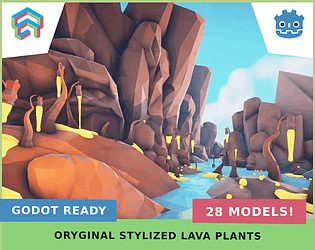
    A fresh pack of stylized, low poly alien flora with a volcanic vibe – perfect for lava caves, toxic lakes, crater zones, or magical biomes.

    Bold shapes and glowing contrasts make these plants stand out even at a distance, making them ideal for level decoration, visual guidance, and atmosphere building.

    What’s Inside:

    • 22 models (FBX, glTF + Unity prefabs)

    • Lightweight geometry (~6k tris / 5k polys / 3k verts)

    • Single texture setup (easy recoloring) + 3 materials: base, water, lava emission

    • LODs 1–3 for distance optimization and stable FPS

    • Unity Demo scene with post-processing profile – just drop in and go

    • Blender Demo scene

      👉 Get it here

    Perfect for:

    Lava levels, alien caves, volcanic worlds, sci-fi or fantasy environments — basically anywhere you need a punch of stylized atmosphere without sacrificing performance.

    This is such a smart take on PSX style - instead of generic rocks and crates you went straight for a very specific narrative space. The amount of destroyed variants is perfect for storytelling: you can build a calm campsite, then gradually push it into horror just by swapping meshes and textures. As someone who also builds environment kits, I really like how each asset belongs to a clear category (sleeping, shelter, fire), which makes it easier to design gameplay beats around them. If you ever expand this, a handful of larger structural pieces - broken cabins, twisted trees, maybe a partially collapsed parking area - would give level designers a few strong anchors to compose around.

    Love how focused this pack is on functional chunks instead of random sci-fi clutter. Buildings, paths, domes, defenses - it’s basically a ready-made kit for blocking out a small base and then pushing it straight to production.

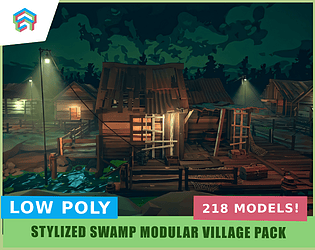
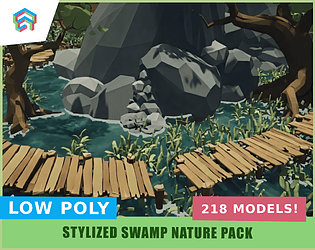
    Your swamp scene has a really solid sense of depth - the way the silhouettes of the trees layer into the fog makes it feel like a playable space, not just a beauty shot. great portfolio piece and super inspiring for people building stylised environments in Unity/UE.

    Really nice building block, that staggered roof instantly feels like a slice of a real Tokyo street. I also like how you keep everything in a calm grey value range, so the windows and railings read clearly and don’t fight with the roof tiles. If you make more variants, a bit of rhythm-breaking - different curtains in a few windows, AC units, a shop sign or some laundry on a balcony - can do a great job hiding the modular repetition in game.

    The story you describe in the post is almost a one-to-one with mine - I also spent years doing client work and a “normal” job, building environments on the side. For the last five years I’ve been saving up and preparing so I can finally try to chase the same dream: becoming a full-time asset publisher and making a living by helping other devs build their worlds. 

    Your video does a great job showing how much the same forest changes character between presets - from a calm night, through full “Silent Hill vibes”, all the way to dirty, unsettling horror. It really feels like an actual level, not just a bundle of trees; the lighting and forest density clearly guide the player. I really respect that you included a full Unreal project and that you’re using this as a way to reconnect with your own ideas. For someone like me, who’s just about to try the same path, it’s super motivating - good luck with the next packs, I’ll be following along.

    Nice update - just adding a proper demo scene can make a huge difference for people who grab a pack “last minute” for game jams.

    Hey folks,
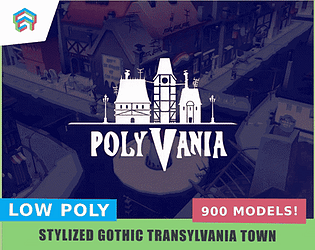
    I’ve just turned my “Polyvania” 3D asset pack from paid to 100% free on itch.io – with no content cut out. It’s exactly the same full version previous paid users got.


    It’s a stylized low/mid-poly pack for vampiric, cartoonish town environments, inspired by the vibe of Hotel Transylvania. Inside you’ll find for example:

    • modular streets, sidewalks and small plazas,

    • lots of house variants to quickly build whole districts,

    • props and details for an immersive, slightly absurd vampire atmosphere (easter eggs, quirky references, exaggerated shapes),

    • ready-made scenes and modular level chunks so you can move from blockout to a playable level much faster.

    Page link:
    ITCH: https://emaceart.itch.io/polyvania
    AssetStore: FREE LowPoly Town Massive Cartoon Pack - Vampiric PolyVania | 3D Urban | Unity Asset Store

    You’re welcome to use it in:

    • commercial and non-commercial games,

    • game jams,

    • prototypes, trailers, devlogs and screenshots.

    The only thing I ask is please don’t re-upload the raw assets as your own pack.
    If you end up using Polyvania in a project, I’d love to see screenshots or short gameplay clips. 🙂

    that mindset of “making things I’d like to use myself” is really good, and usually pays off in the long run. 😊 This pack already feels like something you can build a full scene with, and that’s a huge step up from just having a bag of loose props.

    As someone who also sells stylised asset packs, I really enjoy looking at this kind of work – you can feel that the tavern is meant as a complete “scene machine”, not just a bag of cool standalone props. I like how much attention you give to pivots and modular walls, because that’s exactly where a lot of first packs fall apart: everything looks nice on renders, but in an actual scene nothing wants to sit on the grid. 

    good luck ;)

    Really pleasant and cohesive set – love how you get such a cozy feel out of a few simple shapes.  The lamps and bench give a nice sense of scale so the whole floating tile feels like a ready-made chunk of level for dioramas

    Wow, awesome robots! 😍 I have a real soft spot for this kind of low-poly style – I’ve made two larger environment packs in a similar vibe, under the name FREE Epic Mobile. They’re just begging to be combined with your characters. That Epic Mobile pack is free on my profile, so if you ever look for an environment where a robot like this could feel at home, feel free to check my page – I’ve posted a few scenes there that could fit them nicely.

    Nice question – I’m also a 3D asset creator, mainly environments, and I constantly ask devs the same thing.
    From what I see, the assets that get used the most are not the “coolest” ones, but the boring, modular building blocks that let you actually build levels:
    Environment kits: walls, floors, stairs, railings, fences, doors, windows, roofs.
    Set dressing props in small / medium / large groups: crates, boxes, barrels, furniture, cables, debris – designed so they can be clustered into readable shapes instead of random noise.
    Utility / gameplay objects: switches, gates, terminals, loot containers, signposts – anything devs can hook up to their scripts.

    Weapons are fun, but that market is very crowded.

    (2 edits)

    You’re right, the biggest gain is when we can afford to make more ambitious artistic decisions instead of drowning in repetitive clicks. All that “huge amount of stuff you have to do for the engine” is a bit of an illusion – in reality there are few steps, they’re just tedious when done by hand. In practice, purely in the context of asset export, it comes down to a few constant things: freezing transforms, applying modifiers, sorting out scale / pivot, naming and the export itself. Once you squeeze this into a single button, the technical part almost stops existing.


    It’s good that we can wrap all of this into a single “send” click ;) The real nightmare that remained was naming models! But even that is handled by an Outliner add-on I wrote with some AI help – it searches the scene for all objects that share the same name core, which tend to appear accidentally during fast work, and lets you batch-fix / unify the names so the prefab, LOD and the rest talk to each other the way they should. On top of that, with a simple picker I can immediately assign a category (e.g. object type), which gets appended to name and item, so the whole pack stays organised without manually clicking through hundreds of objects. I’m attaching a screenshot that shows it, and in the near future I want to describe it properly on my blog.

    All this automation is there so we can spend about 98% of the time on the art side. I’d rather make, say, 40–50 hero objects and around 200–300 medium and small objects for scene dressing than 500 hero objects only. You can’t build a nice environment out of heroes alone; with the technical pipeline automated you can design all the missing bits that make the scene feel alive with detail.


    On the Unity side we’ve got a tool we built together (EmaceArTool) that automates the second half of the job: it creates prefabs, generates LODs and has this little “hygiene inspector” that checks the last ~50 used assets to see if they have LODs and colliders. If something is missing, you can add collisions to any number of prefabs with a single click, even attach LODs, all without opening them one by one. Thanks to that, the boring technical part is handled by the computer, and we can pour our time into a massive, dense asset pack and into how everything looks in the frame

    That bit about batch exporting 60+ trees and bushes grabbed me right away – this kind of pipeline thinking is exactly what most small teams are missing. I used FBX Bundle for a long time in the past, mainly for Unity/Unreal/Godot export profiles, batch export of selected objects, freezing transforms, and especially snapping the pivot to the ground, plus LOD support. Once LODs effectively broke for me after the 2.6 era (which is the most important part in my workflow), I stopped using it and, with a bit of help from AI, built my own export add-on that copies only the bits I care about as a level artist and works cleanly in newer Blender versions.

    The Blender Super Batch Export you linked was completely new to me – I checked the docs and I’m honestly surprised how much it covers (multi-format, per-object/collection export, scene presets, transform options, etc.). A few of those ideas are really tempting to steal for my own exporter. For me it’s a good reminder that there’s no single “holy” tool – it’s worth experimenting with different add-ons or even small custom scripts, depending on whether your profile is more technical artist, level artist or, say, character artist.

     For office interiors it’s so easy to fall into a “copy-paste grid”, but with separate parts and that tiny color palette you can build a lot of variations just by recombining pieces and rotating them a bit.

    For beginners this is gold: you can study how the scene is built, how materials are organised, then remix the meshes into your own compositions. 

    As an environment artist this feels like a really solid “toolkit” pack, not just a bunch of random props. The consistent low-poly style and single GLB delivery is super nice for keeping clean pipeline between Blender → Unity/Unreal, especially when you just want to block out a level fast.

    Love how you stick to that tiny 12×12 palette – the whole café feels super coherent and it really helps to keep one clear focus in the scene. The modular furniture kit is perfect for building a clean grid layout (wall – window – counter – cake island) that still reads well from player camera.

    If you ever update the pack, I’d add 2–3 slightly exaggerated hero props (like an over-the-top coffee machine or a front neon sign) so people can build a strong marketing shot right away. Once I drop your set into a test scene in Unity I can share some screenshots and notes on how it behaves in a more cluttered level.

    Hey, very nice free tree set 😊
    Simple, clear shapes – great for people who are learning how to make games. As someone who collects and recommends free assets, I see this as a good base for learning how to build a forest and test gameplay.
    If you ever update it, a few variants – taller / shorter trees and some slightly bent trunks – would help make the forest more varied and interesting. Fingers crossed for more packs in this style.