

Tutorials Page 6
I'm defining midgame as the time at which you've gotten most of your starter items and you begin to check different locations depending on what you have collect...
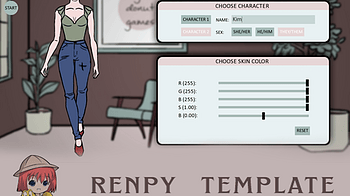
What is the RenPy Character Creator? This Character Creator made by Dangerous Donut Games , is a Ren'Py template designed to provide players with extensive free...
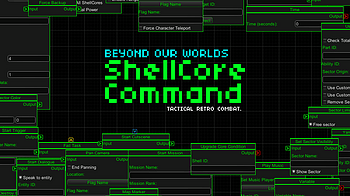
The purpose of this devlog post is to provide world creators information about specific ID components related to the entity's blueprints, canvas nodes, and musi...
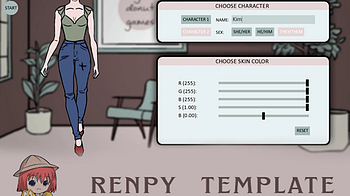
What is the RenPy Character Creator? This Character Creator made by Dangerous Donut Games , is a Ren'Py template designed to provide players with extensive free...
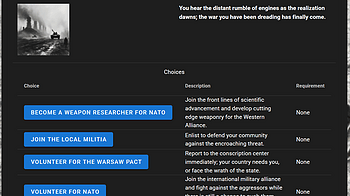
You've drunk the Kool-Aid and decided to GM a play-by-post RPG campaign on Scribarchy. First of all, congratulations, and possibly, condolences. Either way, you...
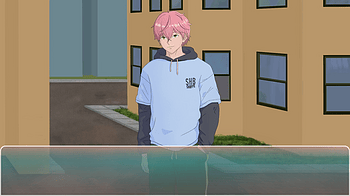
Heeeeeeeeeeeeelllloooooo lovelies! I'm just poppin' in here to do a bit of a document on the process that I'm using to learn how to draw background art for my g...
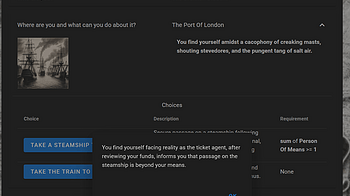
Greetings, Multiverse Curators! Have your players been clicking the same Choice over and over again, hoarding a suspiciously large pile of identical Things? May...
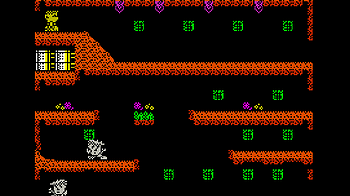
Part One: A quick recap. In the previous tutorials I covered setting up your environment (Tutorial 1) and adding Beepola music to your MPAGD game (Tutorial 2) t...
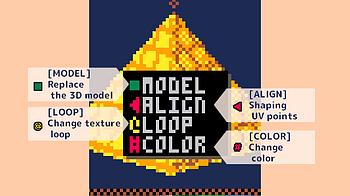
Interface [MODEL] Replace 3D model Change the 3D model displayed in the model view. Only the model to be textured is changed, and the UV being edited is applied...
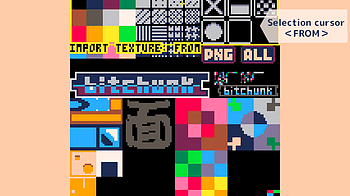
About PELOGEN2 texture images PELOGEN2 texture image data is managed based on the lower half of the sprite data (128x128px) for Pico-8. Interface Drag and drop...
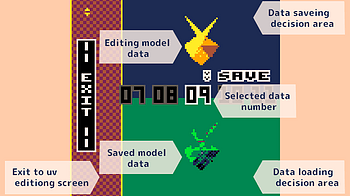
About UV data for PELOGEN2 PELOGEN2 UV data is managed based on the second row from the top when the sprite sheet data for Pico-8 (128x128px) is divided into fo...
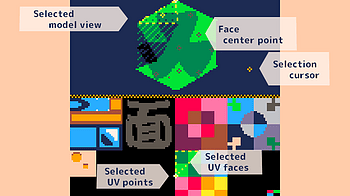
InterfaceSelect UV faces (selected faces, selected UV faces) Selecting UV faces (selected face, selected UV face) You can select UV faces by clicking the " Face...
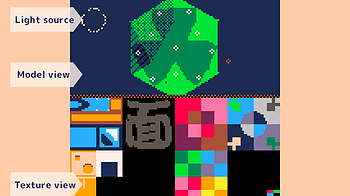
Interface The top of the screen displays the model, and you can manipulate the model like you would in the modeling screen or data management screen. The bottom...
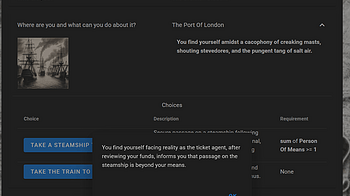
Scribarchy uses an abstraction called the Role to encompass almost everything in a Multiverse. A Role can be an occupation, a membership, a skillset, a trait, a...

For my final project, I'm using P5JS to create a procedural emotion garden Concept I'm making a system where flowers dynamically grow on the canvas, user can al...
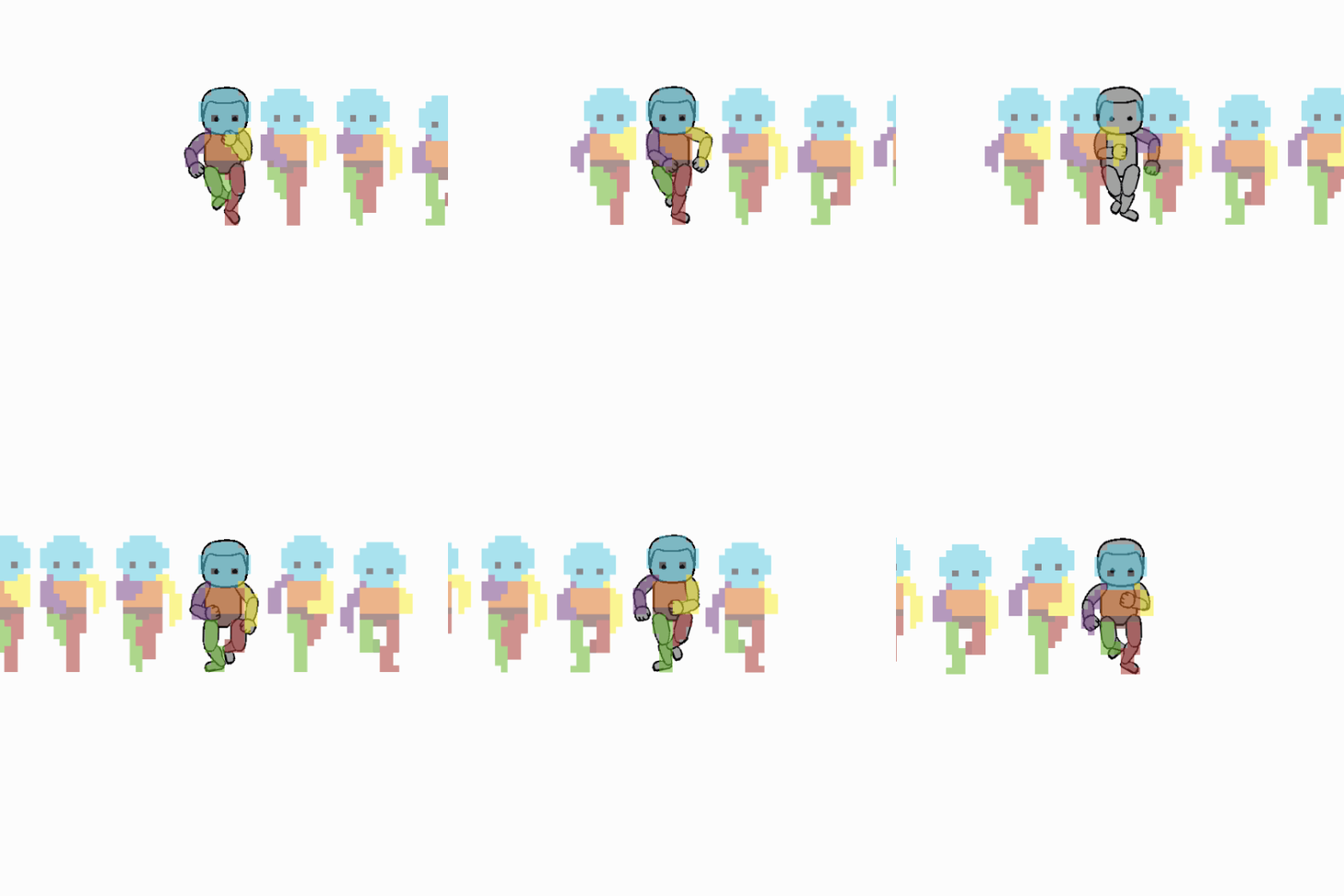
Animation Rigging with ClipStudio - For Dummies - BrushingBlooms This is an art and style development log. I do not have a background in programming thus this i...
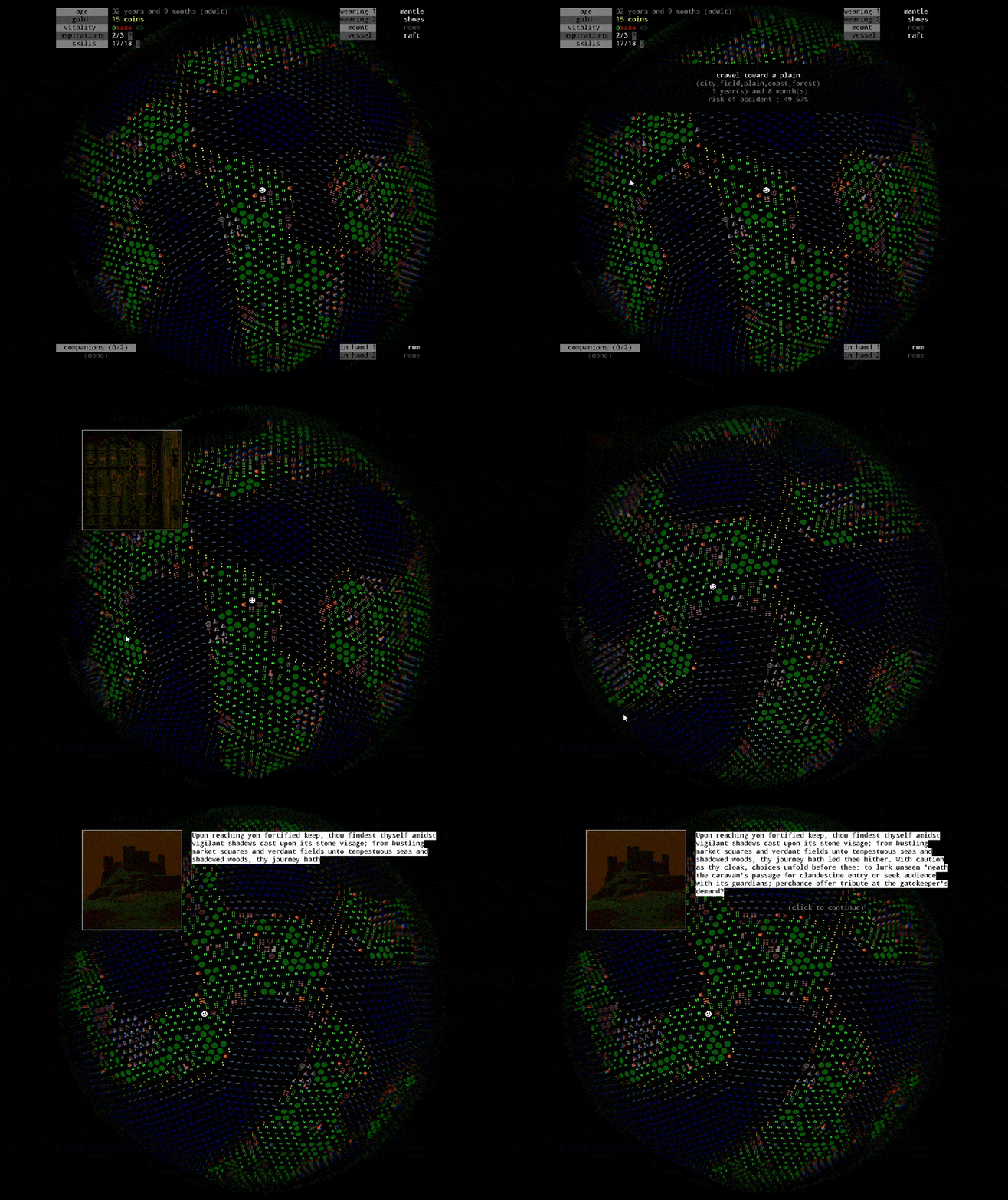
The fourth tutorial video for Jellyfish Egg is now available! In this episode, I show how gold can unlock new actions and how to recruit your first companion. W...
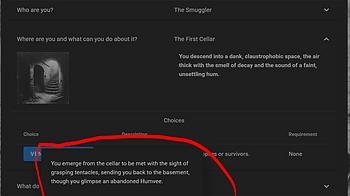
Scribarchy encourages concise writing by enforcing character count limits on names and descriptions. It's part of the challenge of the game. But sometimes, you...
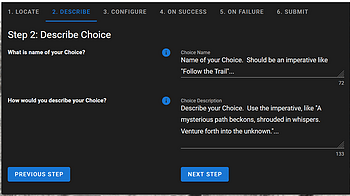
Creating a Choice in Scribarchy requires some planning: 1. Move a Character to the Right Place First, move one of your characters to the Place where you want to...
Part One: A quick recap. In the previous tutorial I guided you through setting up your environment for converting games from the Spectrum to the Enterprise. You...
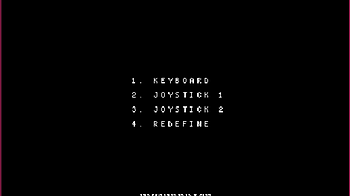
Part One : The introduction A couple of years ago I started developing games for the ZX Spectrum using MPAGD (version 0.7.10). I found it fairly easy to use, bu...
Rendering cutscenes This tutorial shows how to create a cutscene consisting of multiple frames as a playdate video (pdv) Let's use a bearded man for this tutori...
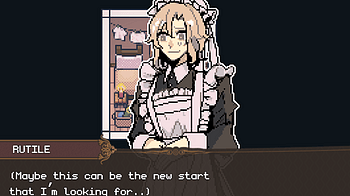
If you're here for the safe password, there are 3 hints that point to it in Winter. Alle said that her appetite is low in Winter because it's not a good season...
2 files
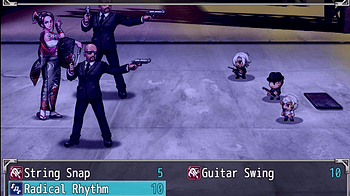
The game has 3 endings and a few quick gameovers. Here's a bitesized guide on how to get one. Bad Ending You let the game advance pass September without reachin...
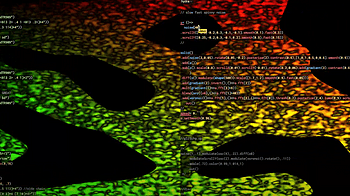
This week @flemin and I are using flok to do live coding with strudel and hydra. Here's a short YouTube video of our performance Here are a few screenshots of t...
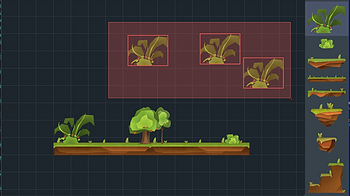
Level Editor User Manual Welcome to the 2D Platformer Level Editor! This manual will guide you through the basic functionalities to help you create amazing game...
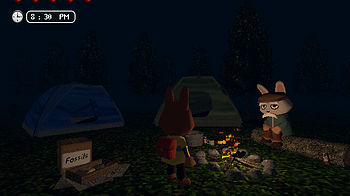
1. Collect at least 4 unique fossils and identify them at the fossil box. 2. Rest at the tent and you will see a dream. This dreams tells you the location of a...
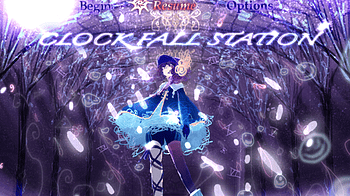
Note: This will spoil parts of the game. I tried to make the puzzles more on the easy side, but there still may be some hard parts especially because some thing...
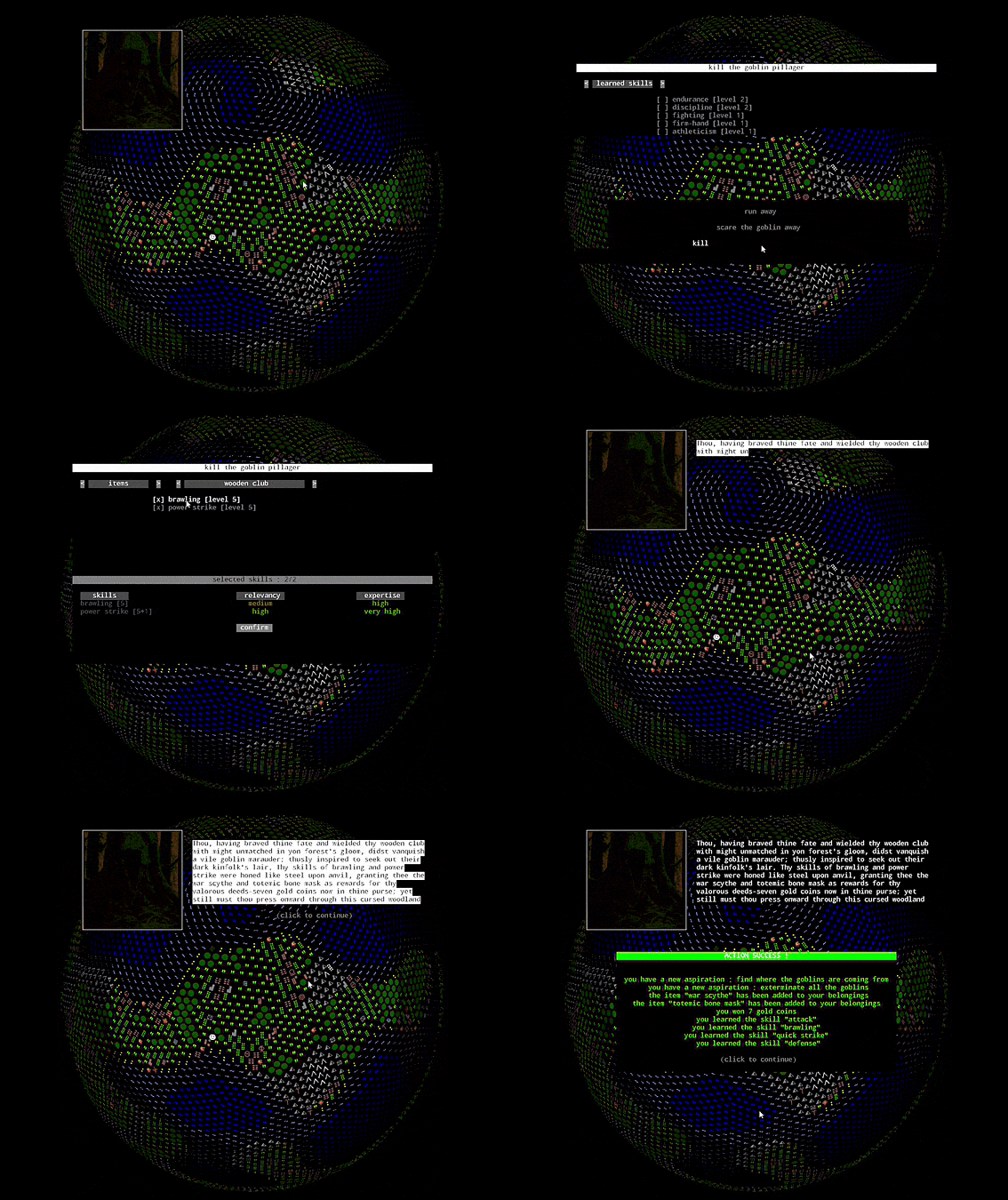
The third tutorial video for Jellyfish Egg focusing on the skill check system is now available on YouTube! This episode marks the end of childhood and the begin...
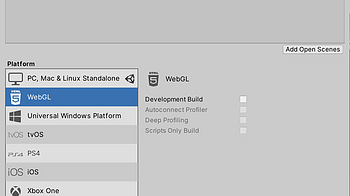
When making a game in Unity, it's recommended to host a WebGL build on itch to make your game significantly more accessible. Here's the step-by-step for how to...

Added GAME MANUAL: English / French GAME MANUAL is available for download under the "downloads" section of the main page...
2 files
Rendering rotations This tutorial shows how to create a series of spritesheets containing multiple frames of animation per rotation from your 3D object. This ap...
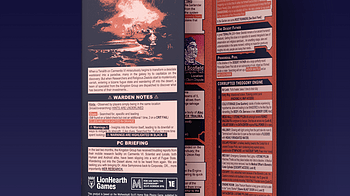
Recently I wrote CHILDREN OF EDEN my first tri-fold module for the MoSh Month Game Jam; and while preparing to do so, I decided to analyze some of the most high...
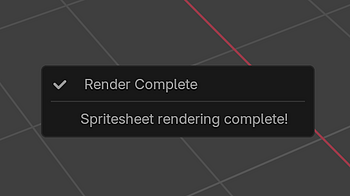
2026 Blender 5 Note It looks like the bearded man .blend file used in this tutorial currently doesn't import correctly into Blender 5, so you'll probably have m...
Rendering rotations This tutorial shows how to create a spritesheet containing multiple rotation angles of your 3D object, allowing you to display it from diffe...
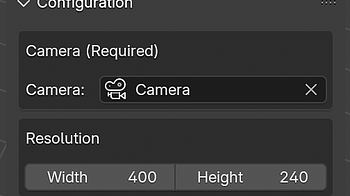
Rendering a Single Static Image This tutorial shows how to export a single image of your object using its current pose and the configured style settings, withou...

The second tutorial video for Jellyfish Egg is now available! In this episode, we explore the childhood phase—a time of easy learning, low risk, and playful d...

Hi everyone! If you feel that the demo isn’t enough to help you install and learn about this engine, then this post is for you! I’ll walk you through how to...
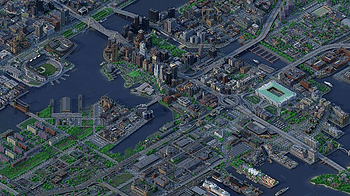
This tutorial covers how to make an isometric voxel render of a Minecraft map in Avoyd, using the arcball camera, tweaking the atmosphere and lighting, tips for...
2 files
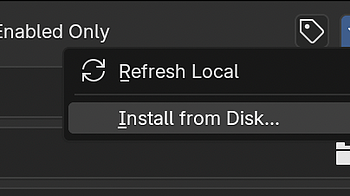
Requirements Blender: Version 4.0 or newer (5.0 or newer for v1.1.0+) Playdate SDK: Version 2.6 or newer (may work on previous versions but untested) Step 1: Do...
so i’ve come to learn that my demographic has been mostly queer people over the age of 20, with the majority over the age of 25, going into 30s, 40s, and even...
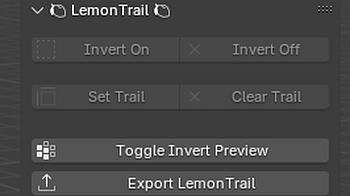
This included extension (lemontrail_exporter.zip) allows you to build and export custom LemonTrail data from mesh objects in Blender. Installation To install th...
Hello, fellow hunters! It’s that time again—when those who have already conquered the game’s challenges dust off their consoles, charge them up, and set o...

Since Ubisoft disabled Far Cry 1 Servers officially in 18 December of 2016 year. But nothing was lost, we created supporting of MP in FCAV Project. Far Cry 1 Mu...

Hi everyone!! This is the walkthrough of "The Key to Us" to help you get all the ends! :D We have already uploaded a PDF guide to the game folder for people pla...

This prologue serves as Rosea’s common route. The details play out differently depending on your choices, and sets you up for the Faith or Mystery story paths...
2 files
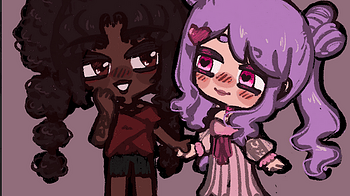
Since this game has beeen getting some more tracting these past few days (thanks for a certain pinterest-post lmao) , I figured I'd post a little walkthrough on...
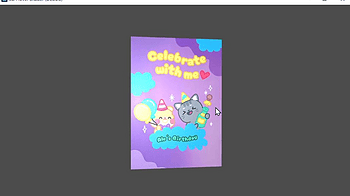
Introduction Ever wanted to add a 3D hover effect to your UI elements in Godot? With this shader, you can make any CanvasItem like TextureRect appear as if they...
Intro This walkthrough does not include any of the secrets and optional upgrades, even if they're along the way and easy to find. Like any metroidvania, these a...
Loading more posts...