

Tutorials Page 14
A while back, I got to play His Majesty the Worm with Tony Vasinda at Plus One EXP. You can watch our stream here. Plus One EXP is one of my favorite channels b...
This post assumes you’ve got at least a vague grasp of the material in both Fundamentals For Tabletop Roleplaying and in Manyfold Theory . If you don’t, you...
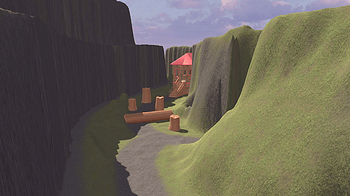
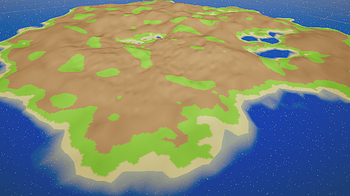
(Figure 1: Video exploration of created terrain) Terrain and Probuilder were the area of focus for this week’s self-study and it was enjoyable to build on my...
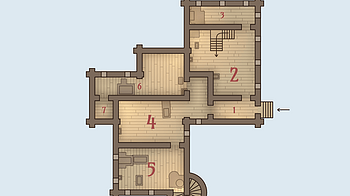
Enter - generate a new house Shift+Enter - reroll floors Ctrl+Enter - reroll rooms ↑ , ↓ (or ← , → ) - switch floors Space - display house name E - show...

En FIDS todo funciona con dados de seis caras (d6), desde los disparos hasta las pruebas más comunes, eso sí, los dados solo intervienen cuando hay incertidum...
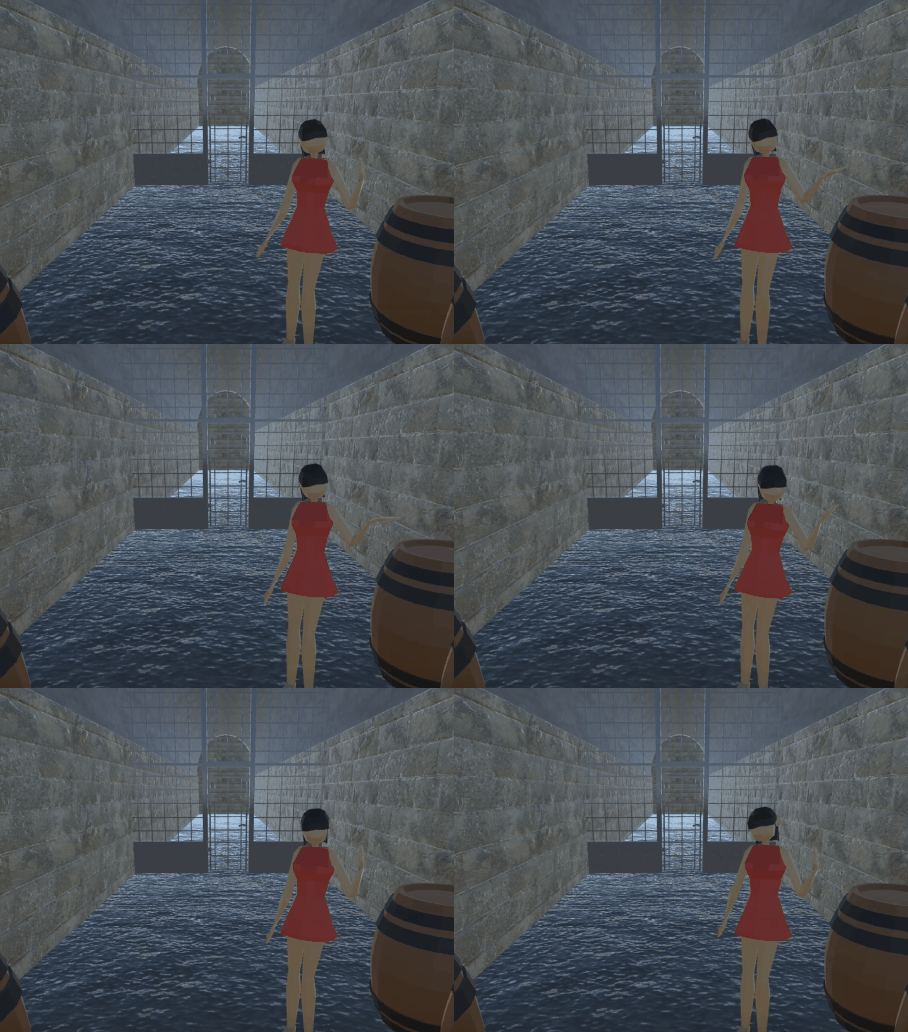
Movement and animation were the topic for this week’s tutorial and the various connections between these two proved to be essential for realistic character ac...
(This is basically just a copy/paste of all the advice I've been sent over the years on all my projects, so some comments will reference some of my other games...

Los puntos de infortunio son una metamoneda del Director de Juego que le permite complicar las cosas en las escenas. Un poco de complicaciones nunca viene mal e...
If you only need the Source Code, dive down to the end of this Guide to click on the Link, though I'd still recommend you to read the Guide. After helping and s...

La creación de PJ en FIDS es bastante sencilla, inicias con un concepto base del personaje que deseas hacer, yo por ejemplo voy a crear a mi compa el Nariz Arr...
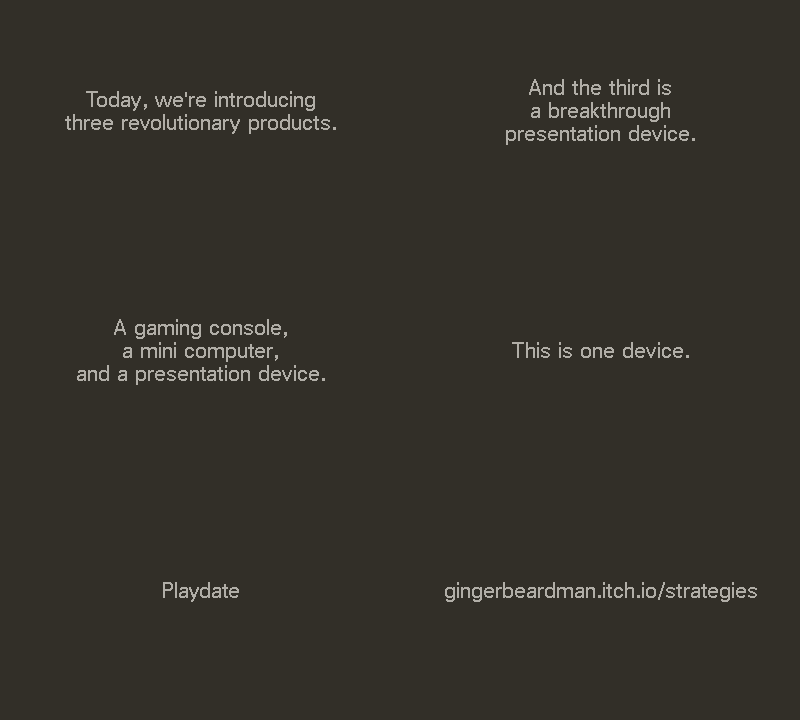
This can be tricky the first time. If you mount the Playdate as data disk, over USB, it will show up as a drive on your computer. Open that drive, then drill in...
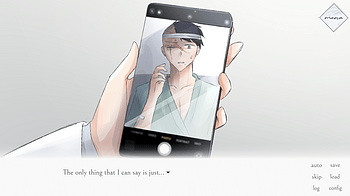
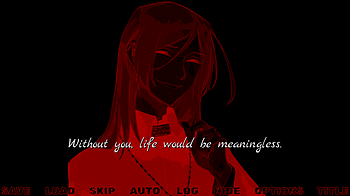
To avoid replaying and skipping all the way from the beginning, make sure to always create a new save file every time a choice pops up, so you can easily go bac...
apple = Chicago bold = Bitroute Bold futura = Futura Bold Oblique computer = IBM-style VGA pixel font pixel = UniPixels sans = Univers serif = JF-Dot-jiskan std...
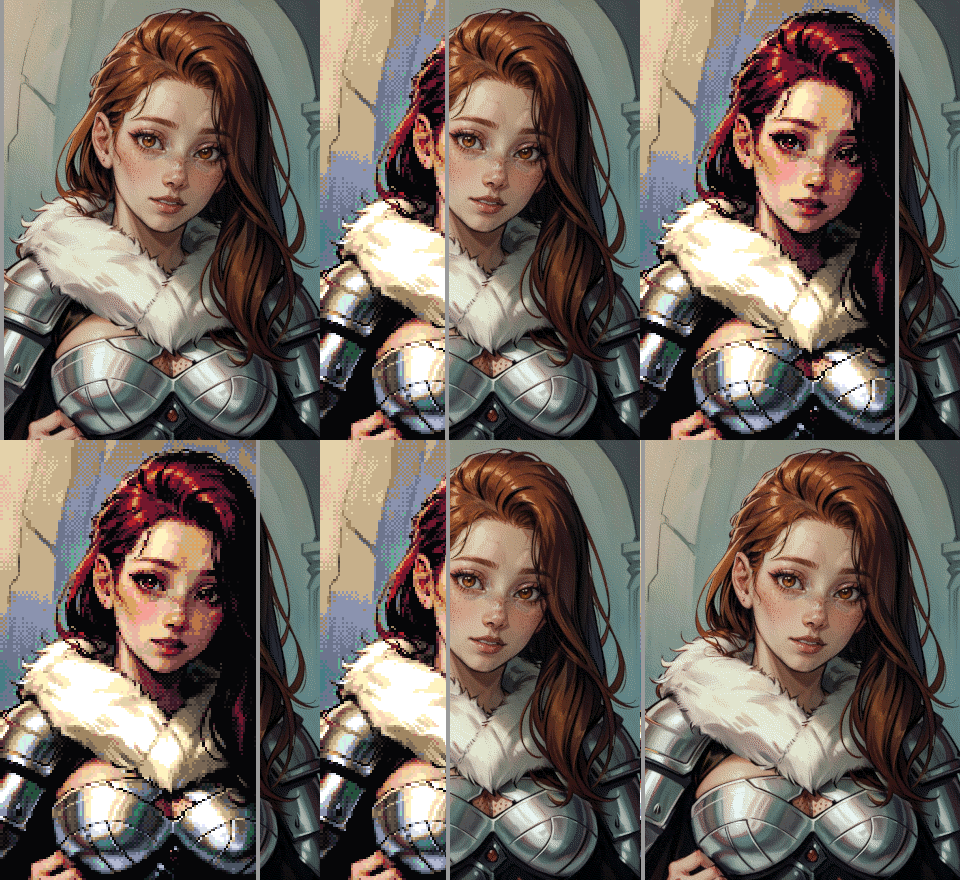
Ditherdragon FAQ and Usage Guide Hello there! This is your go-to guide for questions and answers around Ditherdragon. I’ll update this guide as Ditherdragon e...
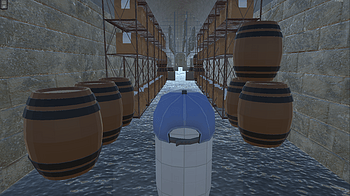
(Figure 1: Video exploration of created Unity scene) The challenge for this week was to implement the previous model of the Tunnel Hill Mushrooms farm into Unit...
The format is the same as a regular custom deck , with additional text to define available buttons and jump locations. Example (title and options cards) The Sec...
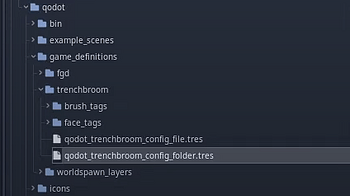
Best way to 3D level design in Godot? We are going to use 2 tools to make our levels in Godot: TrenchBroom + Qodot TrenchBroom (or TrenchBroom 2, or TB) is a fr...
Decks are plain text One line per card Place them in a folder on your Playdate at com.gingerbeardman.strategies/decks Structure first line is Title card second...
New title Screen and pause screen: A white square goes across the screen and when the white square gets to the title, you can see it (If you don't know what I m...
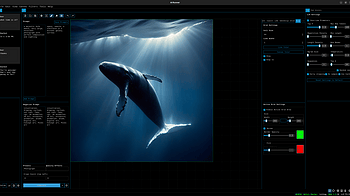
A quick video tutorial on some of the ways to use the Prompt Builder tool to generate unique images...
2 files — 2.2.0
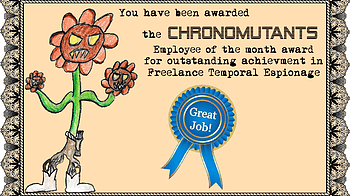
Now that you're a temporal mercenary you may be asking yourself, where do I go from here? How do I become the brightest and best scourge of reality I can possib...
Dan and I got to play ECO MOFOS!! with Tony Plus 1 EXP and Colin Le Sueur We played my one-shot adventure A-Hole in the Ground and it was awesome. Thanks so muc...

It was brought to my attention that some people struggled with getting all the endings, so here's a quick, spoiler-free walkthrough on how to get all the differ...
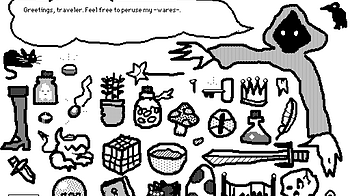
I've been trying to learn my way around Decker for a few weeks now. For a tool that aims to be a modern-day Hypercard , my experience of it has actually been th...
1 file
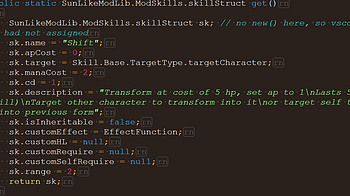
How to make custom skill: 1. This time we make a skill, that will replace existing skill - AngelDemon's Shift skill. How it works originally? You press skill, A...
2 files
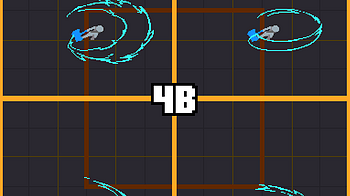
Hello! I'll be sharing my thought process as I create a new animation Slash FX set. These writings are literally hours after the work is done so Itll be as fres...
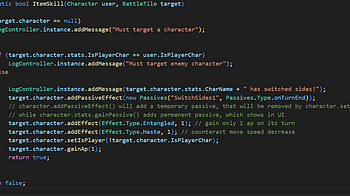
How to add new item skills and new passive effects 1. Let's start by creating a new class, and a static method ItemSkill(). Like consumables' item effects, it r...
2 files
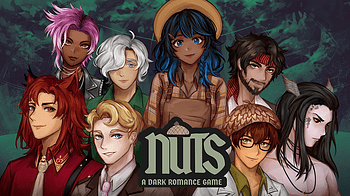
Hello! This is the guide for “Nuts: A Dark Romance Game” to help you get all the endings! Go nuts! ❤️ Recommended play order: Firstly, the Suitors : [an...

How to change icon of an item 1. Find an image you'd like to use. For thos example, I've edited PoisonGrenade sprite, and saved it as 256x256 png image. 2. Crea...
2 files
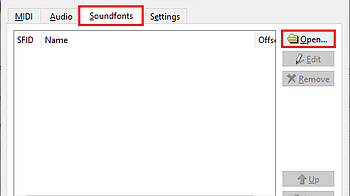
Note: Connecting to Qsynth requires a virtual MIDI port for Angel Beats and Qsynth to communicate. See this tutorial on how to create one. How to Connect Qsynth...
1 file
Hey guys! We meet again with the walkthrough devlog, in case you want to reach some of the other endings that the ones you got and don't know how! But before th...
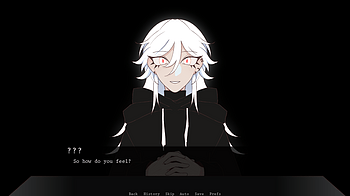
Helloooo~~ Stuck on trying to get an ending? Look no further than in here! Of course, this will contain spoilers so be warned! Some advice! Picking ' female ' a...
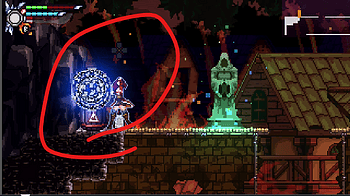
I feel a bit silly having to explain it, I guess the game still needs better writing about the tutorial, I'll try to improve, whatever.... Stuck in front of the...

itch.io provides a launcher application which is the best way to install and use AI Runner as it alerts you to the latest versions of AI Runner and allows you t...
2 files — 1.18.1
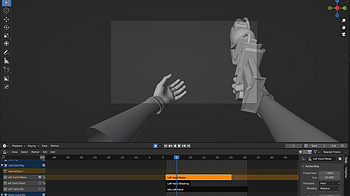
For our game I am responsible for rigging and animating most objects and characters and I chose to do most of the animation and rigging in blender. The rigging...
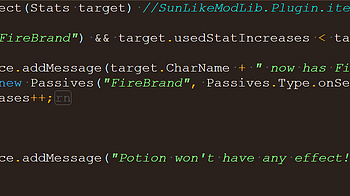
Update 2025 Nov 16 : recompiled for game version 0.32 Also I forgot to properly change version number of dll How to use this library in mod development 1. Add r...
3 files
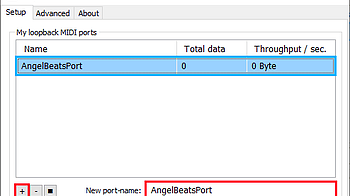
How to Create a Virtual MIDI Device using loopMIDI: 1. Download loopMIDI , then install and open it. 2. Once loopMIDI is open, enter a name for the new virtual...

Resources are the power house of Godot. Nodes get a lot of focus in Godot and for good reason, Most of the engine’s features rely on Nodes. But Nodes Don’t...
1 file
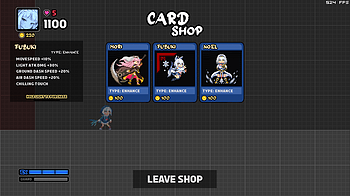
Survival Mode is pretty different from the standard game mechanic wise, so I thought I may as well make a quick primer on it. By the way, be sure to read the Ad...
Oh boy. You ready? Movement For aerial Normals/Heavies, you can only do each once per jump, but you can reset this with an Air Jump/Wall Jump/Air Dash/Super Das...

Making realistic photos is very simple with AI Runner, but it fully dependent on the model and embeddings you choose. In this example I used the following setti...
2 files — 1.17.5

OPERATIONS OF TREE FILE ● Tree Link To create a tree node, follow these steps: 1.Right-click on any node using your mouse. 2.Click on the plus (+) icon to ope...
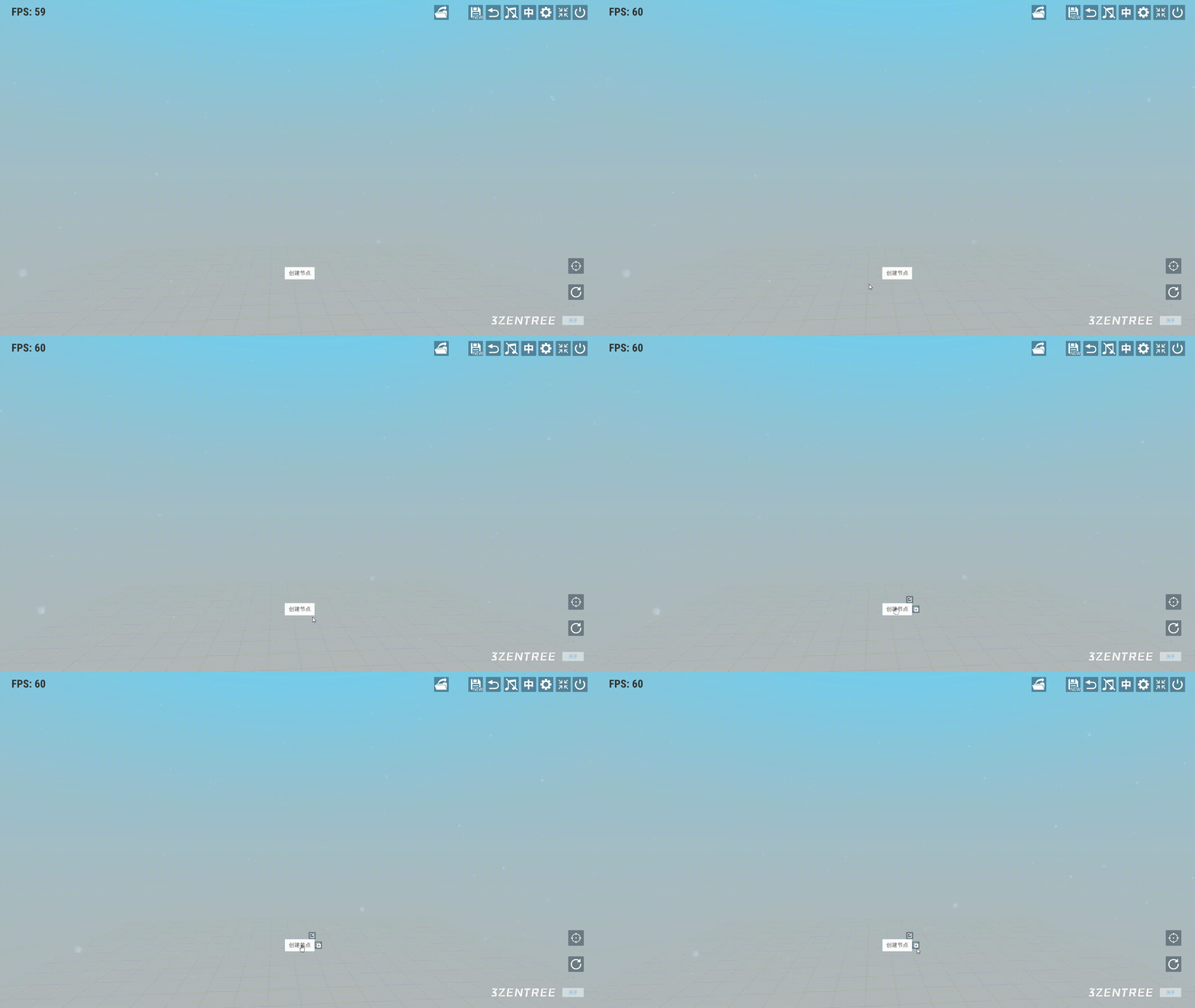
NODE CREATION Select any node and right-click to open the context menu, then click on the "+" icon. ● Text Node In the node selection box, choose the "Article...

Starting Out First of all, holoVersus is designed with keyboard in mind, all inputs are digital instead of analog. Yes, using a keyboard is highly recommended (...
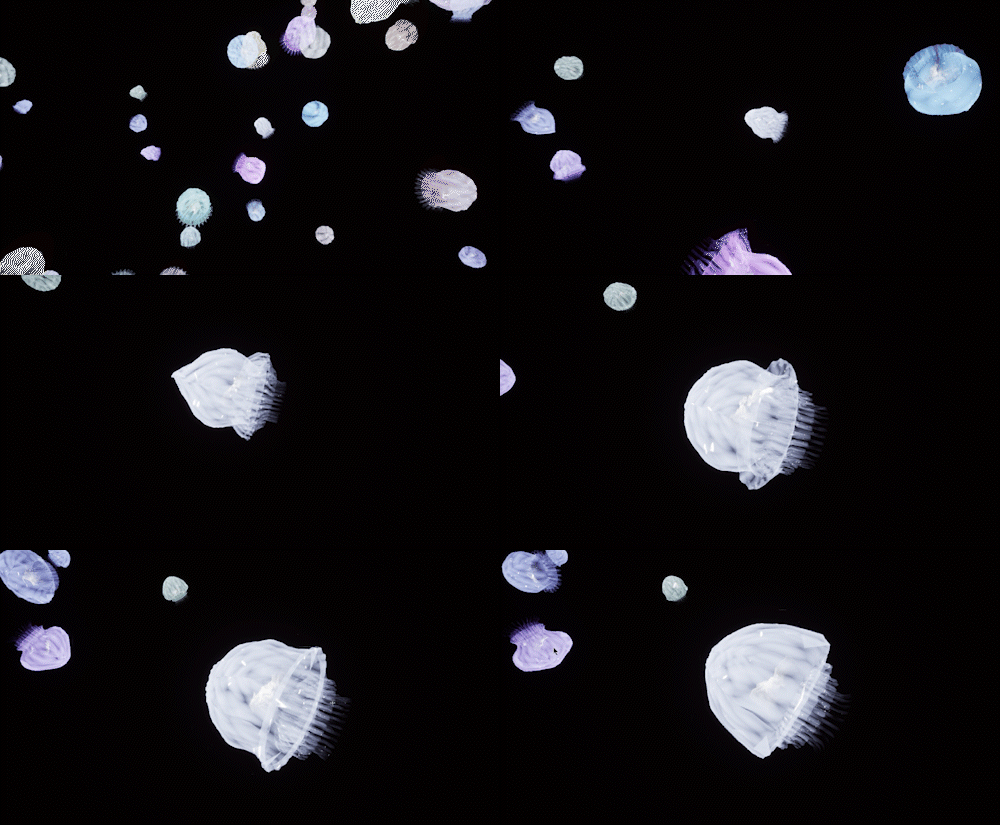
I've been very busy with building the next intallment to BlueSuburbia which will be the open world part. Building an open world is an extra load of work because...
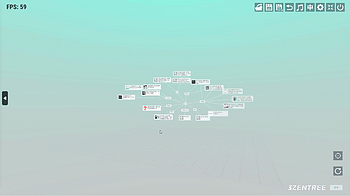
GLOBAL OPERATION ● The Rotation of Tree When continuously holding down the left mouse button and controlling horizontal left-right movements, the tree will ro...
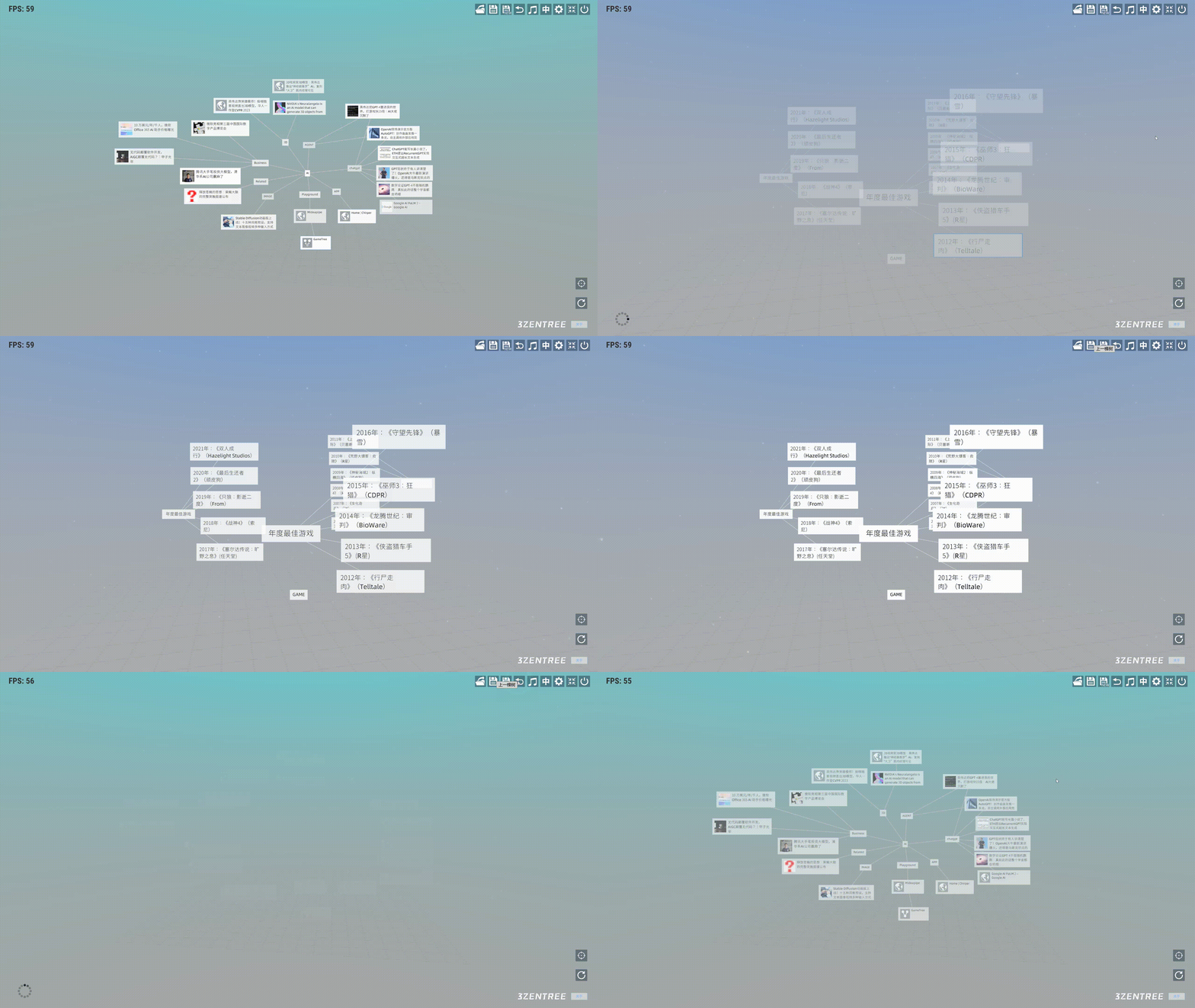
NAVIGATION BAR In the user interface, the navigation bar is located at the top right corner and includes several functions. From left to right, their functions...
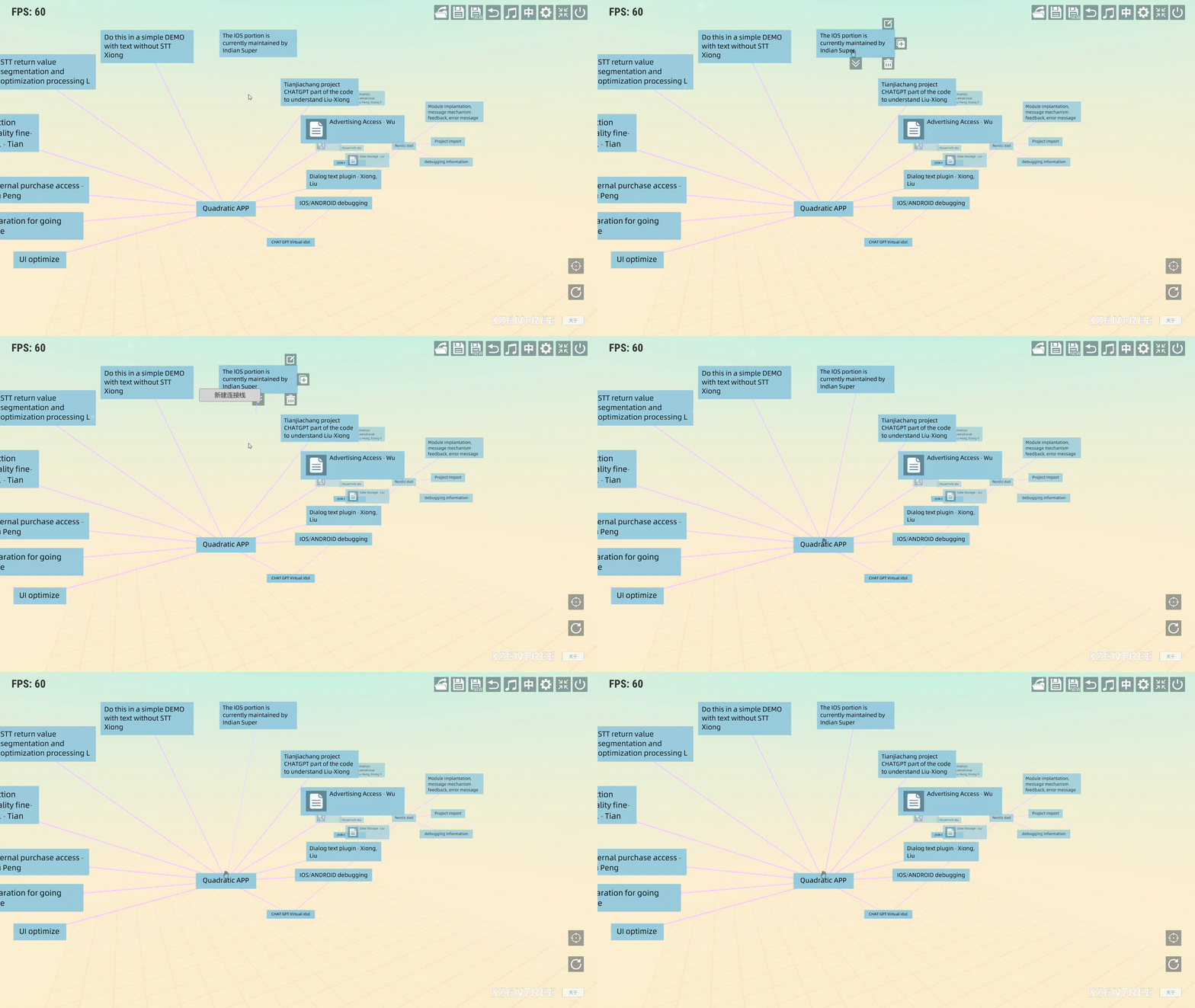
CONNECTION ● Establishing a connection between a child node and a parent node Click the right mouse button to open the submenu for this node. Then, click on t...
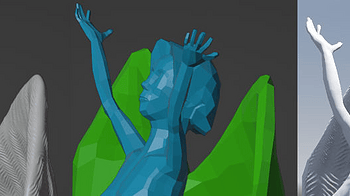
I picked up on this technique from a guy on Minds who goes by the handle Squishy Banana; you can find his posts and devstreams on https://www.minds.com/mmccarth...
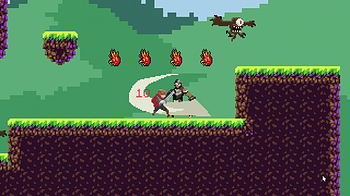
I made a video tutorial today detailing step by step how to setup the reference project from PlatformerCrashCourse_Tutorial_Final_NoArt.zip I realize it can be...
1 file
Loading more posts...