

Game Tutorials Page 9
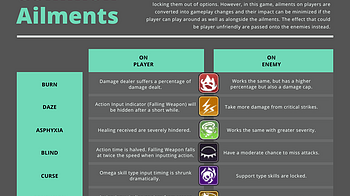
A decision making and execution focused jRPG.

Here is an explanation on how to set up a lobby: -All players set up a unique nick and go to server [HOST] -1 player creates the lobby that everyone will join b...
1 file
(This is basically just a copy/paste of all the advice I've been sent over the years on all my projects, so some comments will reference some of my other games...
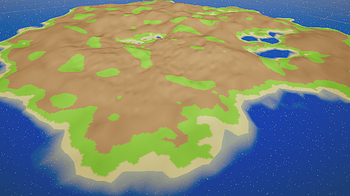
If you only need the Source Code, dive down to the end of this Guide to click on the Link, though I'd still recommend you to read the Guide. After helping and s...

This can be tricky the first time. If you mount the Playdate as data disk, over USB, it will show up as a drive on your computer. Open that drive, then drill in...

To avoid replaying and skipping all the way from the beginning, make sure to always create a new save file every time a choice pops up, so you can easily go bac...
apple = Chicago bold = Bitroute Bold futura = Futura Bold Oblique computer = IBM-style VGA pixel font pixel = UniPixels sans = Univers serif = JF-Dot-jiskan std...
The format is the same as a regular custom deck , with additional text to define available buttons and jump locations. Example (title and options cards) The Sec...
Decks are plain text One line per card Place them in a folder on your Playdate at com.gingerbeardman.strategies/decks Structure first line is Title card second...
New title Screen and pause screen: A white square goes across the screen and when the white square gets to the title, you can see it (If you don't know what I m...

It was brought to my attention that some people struggled with getting all the endings, so here's a quick, spoiler-free walkthrough on how to get all the differ...
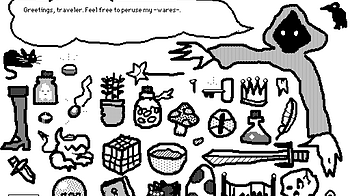
I've been trying to learn my way around Decker for a few weeks now. For a tool that aims to be a modern-day Hypercard , my experience of it has actually been th...
1 file
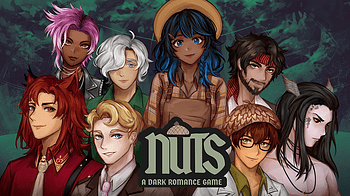
Hello! This is the guide for “Nuts: A Dark Romance Game” to help you get all the endings! Go nuts! ❤️ Recommended play order: Firstly, the Suitors : [an...

Hey guys! We meet again with the walkthrough devlog, in case you want to reach some of the other endings that the ones you got and don't know how! But before th...
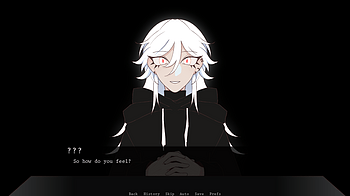
Helloooo~~ Stuck on trying to get an ending? Look no further than in here! Of course, this will contain spoilers so be warned! Some advice! Picking ' female ' a...
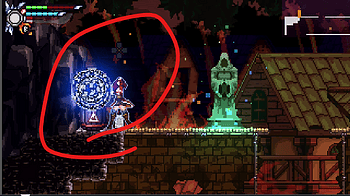
I feel a bit silly having to explain it, I guess the game still needs better writing about the tutorial, I'll try to improve, whatever.... Stuck in front of the...
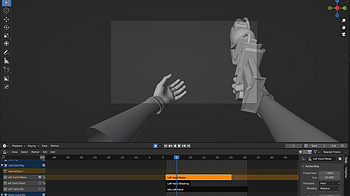
For our game I am responsible for rigging and animating most objects and characters and I chose to do most of the animation and rigging in blender. The rigging...
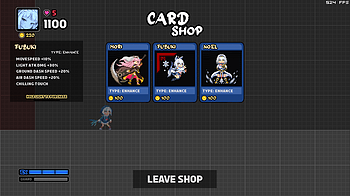
Survival Mode is pretty different from the standard game mechanic wise, so I thought I may as well make a quick primer on it. By the way, be sure to read the Ad...

Oh boy. You ready? Movement For aerial Normals/Heavies, you can only do each once per jump, but you can reset this with an Air Jump/Wall Jump/Air Dash/Super Das...

Starting Out First of all, holoVersus is designed with keyboard in mind, all inputs are digital instead of analog. Yes, using a keyboard is highly recommended (...

I've been very busy with building the next intallment to BlueSuburbia which will be the open world part. Building an open world is an extra load of work because...
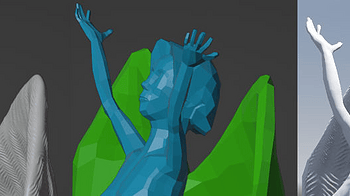
I picked up on this technique from a guy on Minds who goes by the handle Squishy Banana; you can find his posts and devstreams on https://www.minds.com/mmccarth...

Last year, I was super excited to learn that GameMaker had added video playback. With this new update, I could finally start creating "Mixcommunication" a game...
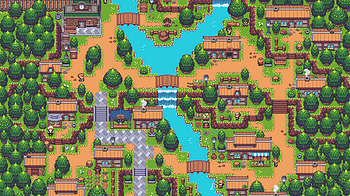
Frequently Asked Questions about EVERING Q. Why is EVERING released in episodic form? A. Our goal is to engage with the community and create a better game with...
Hello! We've just posted a more condensed version of our "My MagicaVoxel → Unity Process" tutorial as a video. You can also find the full tutorial as a regula...

Hey!!! I forgot, but since I've been doing a walkthrough for my recent games, I thought I could make one for this little game. I do think, though, that figuring...

THIS IS A TUTORIAL TO TELL YOU HOW TO USE GUESS IT First is the loading screen after the loading screen you are to press X on the screen to continue The Homescr...
3 files
My MagicaVoxel → Unity Process: A Tutorial on How to Import Voxel Models into Unity Written by Victor Ahlin, creator of “Just Keep Running” You can safely...
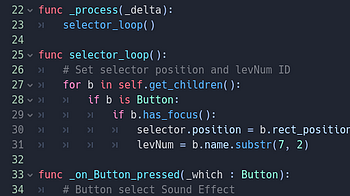
Coding a level select menu (This is a copy of a post from my main devblog on tumblr: https://roboticastudios.tumblr.com ) I want to preface that I am not the be...
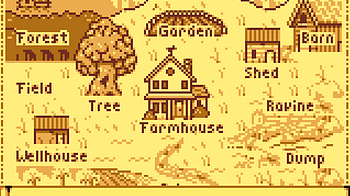
There are a few very tricky secrets on the map Move the hand to the upper right of the map. Hold down B and press A. This will turn Debug mode on With Debug mod...
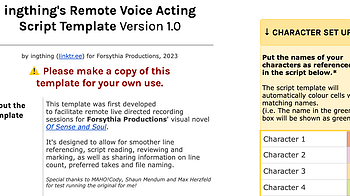
Though I have plans to write a more in-depth reflection on our very first go at handling voice acting , ahead of Otome Jam 2023 I thought I'd put this script te...

HELLO, DEV FRIENDS. HAVE YOU EVER WANTED TO MAKE A SUPER SWEET AND COOL ANIMATED TITLE MENU FOR YOUR REN'PY GAMES???? Omg... what a coincidence... BECAUSE I HAV...
1 file
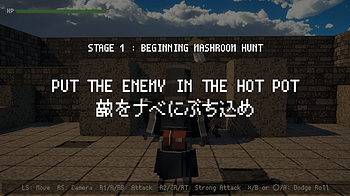
Q1. I can't beat the mushroom no matter how hard I hit him! いくら殴ってもきのこが倒せないよ! A1. The ingredients are all fearsome invulnerabl...
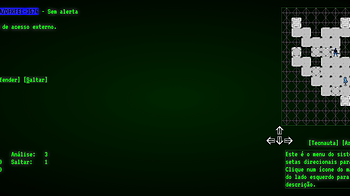
Um tutorial para jogar Overrun está disponível no meu canal do YouTube: Você também pode ler uma sinopse da história, publicada no meu Medium: https://medi...
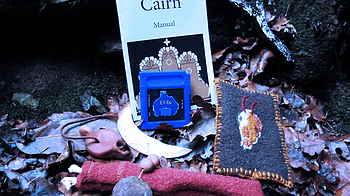
Hi ! I'm proud to announce that the drawing part is almost complete ! I honestly didn't realize it could take so long...I just took a massive railroad from Nove...
1 file

BOND AND AFFECTION ---------------------------------- In this game, there are bond and affection points. Affection is gained when you pick the right choice. Bon...
3 files

Since CUE PITY'S ARROW has a heavy reliance on blind choices to the point of basically being RNG (i'm so sorry), it's extremely hard to get its true ending. Now...
4 files
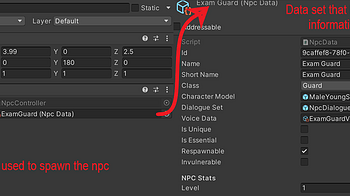
Welcome back to the continuation of our Questing system! We've been hard at work on the quest system, which is one of the more complicated features of our game...
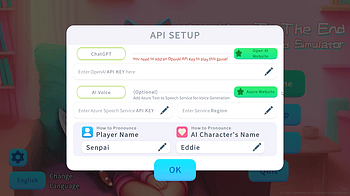
Welcome and thank you for your interest in our game demo, Yandere AI Girlfriend Simulator! To play the demo, you'll need to use your own OpenAI API key and Azur...
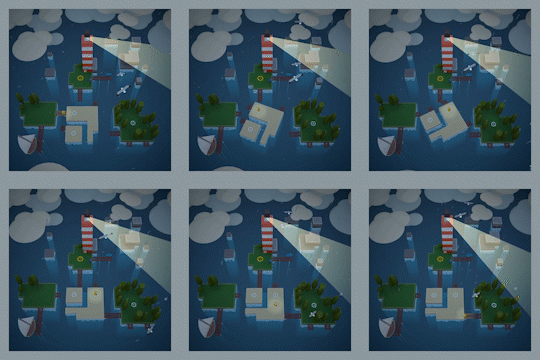

How do I unlock Merit’s romance route? Do not choose any of the ‘flirt’ options for the other three in Chapter One, and when you talk to them after she ha...

Here’s how to use the Rhythmole level editor. First let’s take a look at the top bar since that’s the simplest part to explain The Quit button lets you le...
2 files
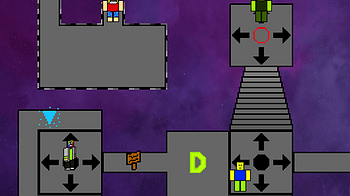
A short helpful guide to help you get every weapon and armor in CSRPG. May contain spoilers. Normal Enemy Drops Wicked 1/28 - Strong Gloves 1/28 - SuperInvisiAr...
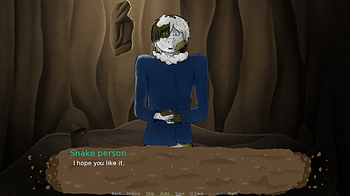
Because of how this game works, there's typically more than one way to get an ending. As a result this post has two types of walkthroughs, general and detailed...
2 files
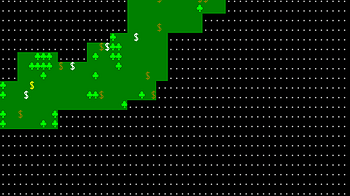
Hello! In this tutorial, I'll be exploring how to create a Fog of War mechanic to conceal your game map. Previously, I showed you how to use a random walker alg...

Due to the multiple combinations of choices you can make, there are several ways to generally get these endings. So, I'll just list out the easiest way to recei...
2 files

I want my text adventure to be all procedurally generated, that includes names. I did not know much about this when I started, but I wouldn't let that stop me!...
Loading more posts...