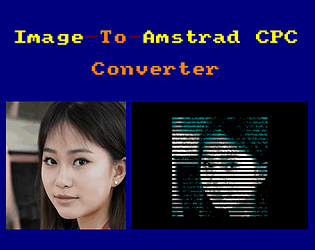
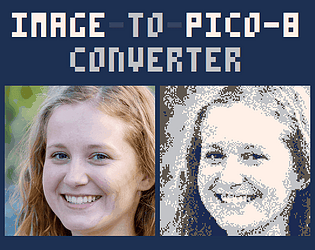
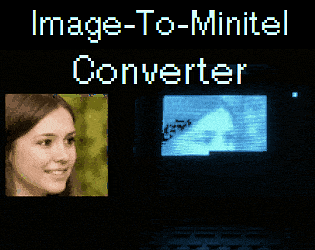
Hello, what operating system do you have? do you run it on command-line window?
If the faq section doesn't help you, can you please provide a screenshot of the commands that you tried?
Hello, what operating system do you have? do you run it on command-line window?
If the faq section doesn't help you, can you please provide a screenshot of the commands that you tried?
Je ne suis pas sûr d'avoir réussi à retrouver l'image exacte du chat en question, mais voici quelques essais avec l'option -v2
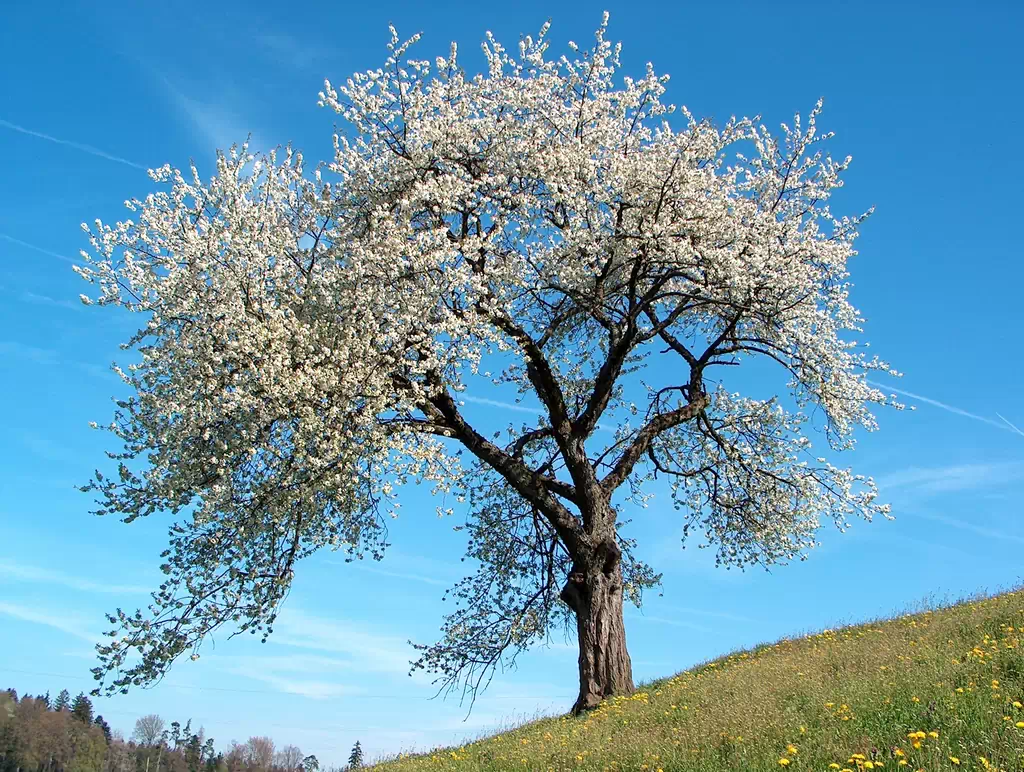
Avec cette image
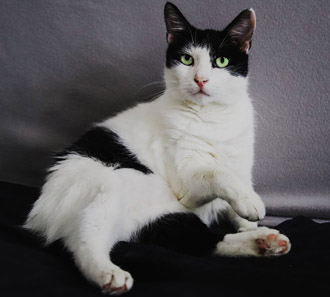
j'obtiens cet aperçu
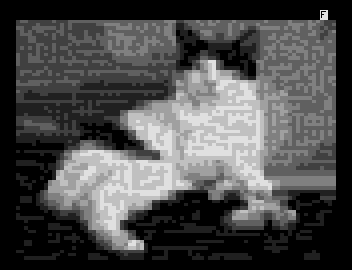
J'ai pu retrouver un autre vieux VDT de l'époque: https://anto80.com/images/CAT1.VDT , mais je ne suis pas sûr d'avoir l'original.
Autre exemple: avec cette image
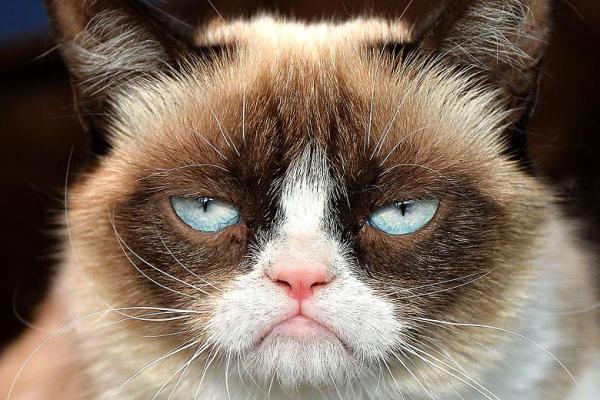
j'obtiens :
ou ce VDT: https://anto80.com/images/GRUMPY.VDT
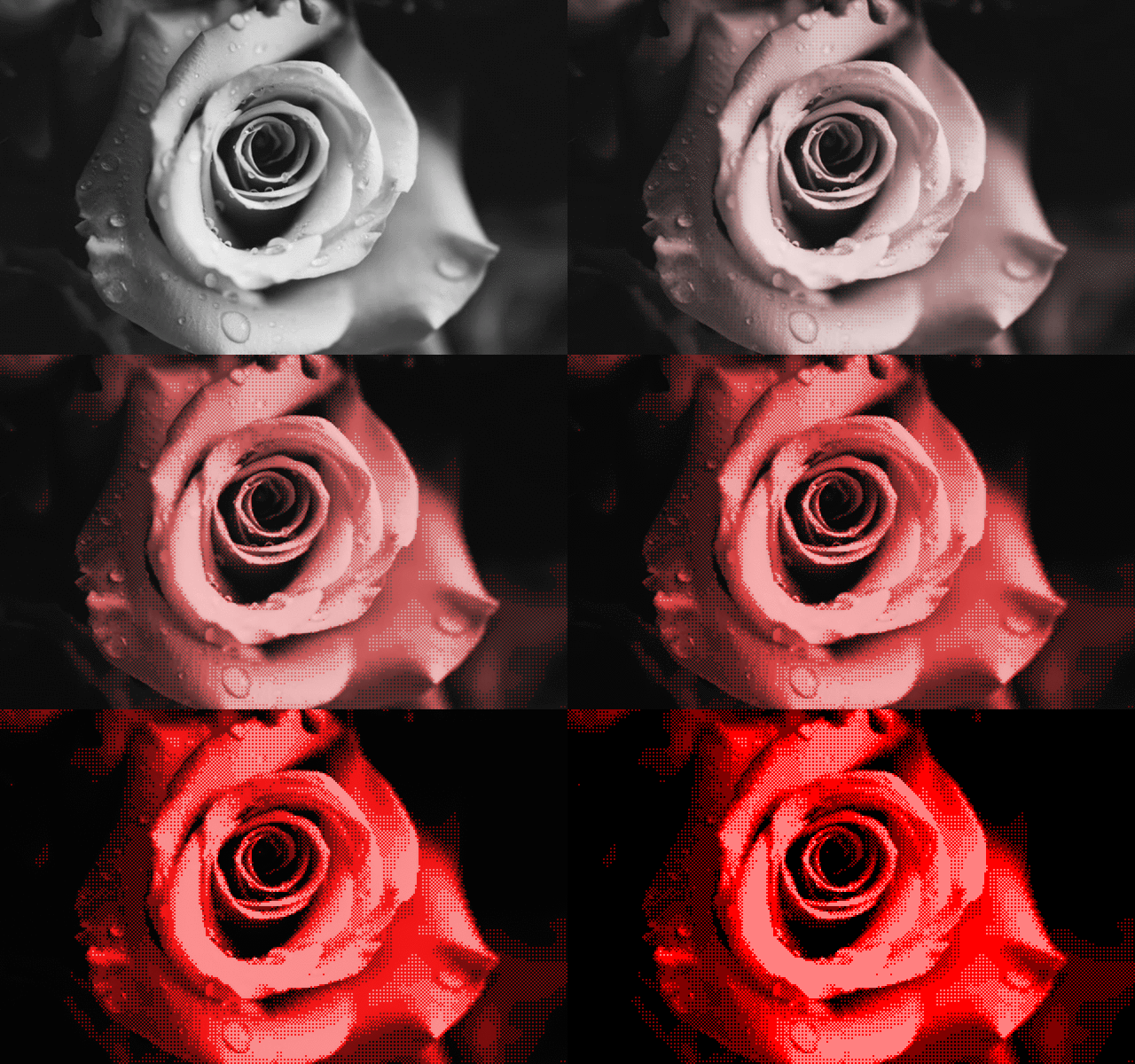
Avec cette image

j'obtiens : 
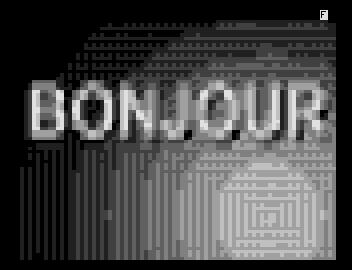
ou ce VDT:https://anto80.com/images/BONJOUR.VDT
On voit que ce n'est pas simple même pour du bicolore...
Avec cet autre type d'image (plus contrastée)

j'obtiens
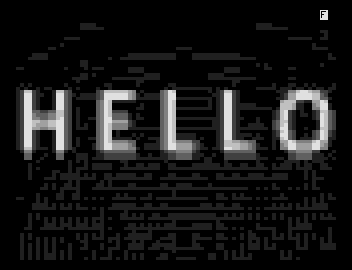
ou ce VDT: https://anto80.com/images/HELLO.VDT
En espérant qu'avec ces exemples vous arriverez aux résultats souhaités, bonne continuation !
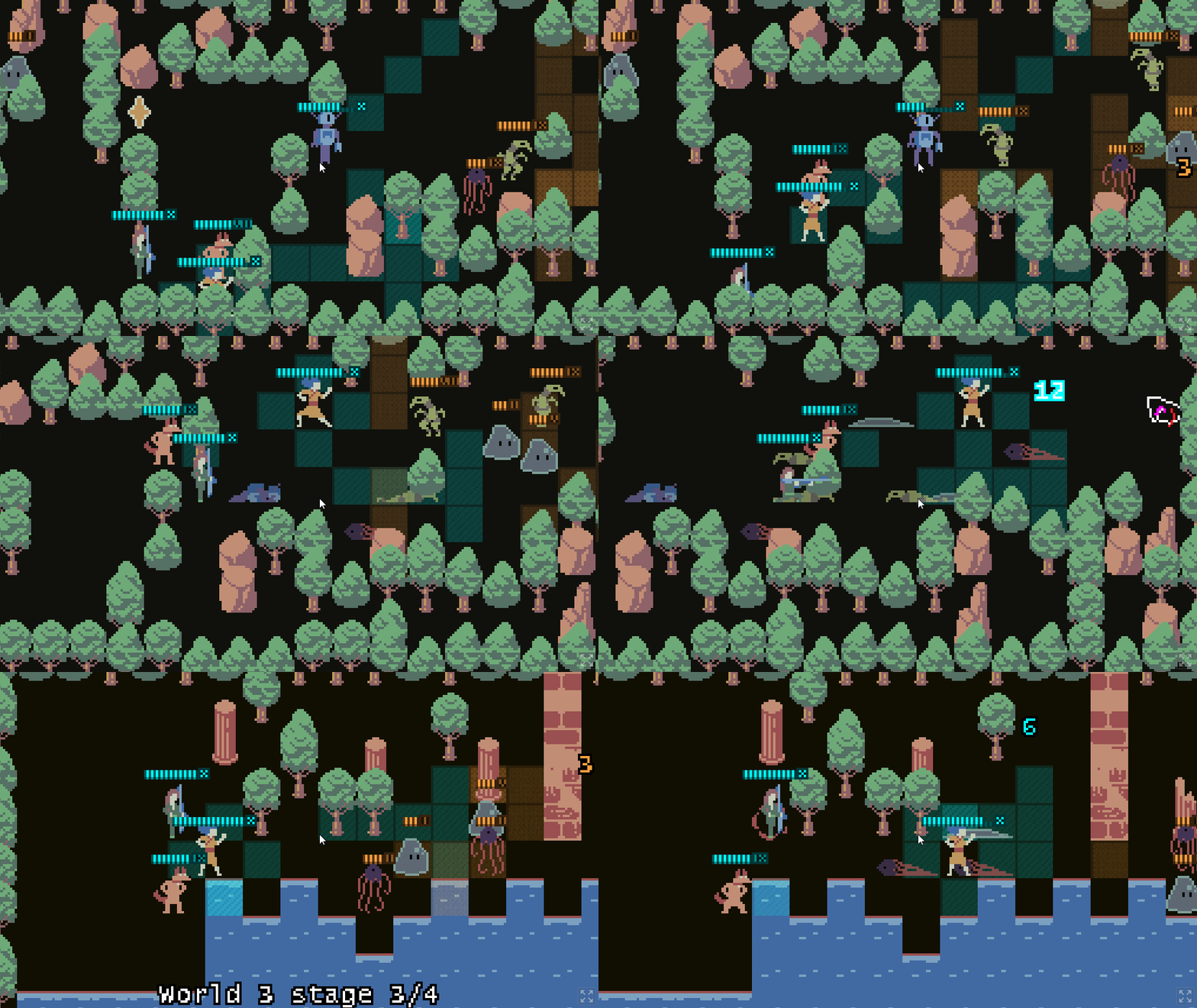
Bonjour ! Merci pour ce commentaire ! :) Et oui, c'est vrai que parfois quand on est très proche de l'écran l'image obtenue sur Minitel peut avoir l'air très pixelisée, mais je vous assure que les exemples que j'ai utilisé sont véridiques.
Pour améliorer le rendu vous pouvez utiliser les options -v2 ou -v3 , et pour améliorer la luminosité l'option -b ( La liste des options) mais c'est vrai que certaines images se convertiront mieux que d'autres, en raison de l'approximation "curseur par curseur" du Minitel.
Une autre possibilité serait de rogner l'image d'origine pour "zoomer" sur la partie la plus intéressante à convertir...
Bonne continuation dans vos essais et merci encore !
Oh ok! Sorry for the confusion!
Since you finished the game you should know by now how many endings there are.
Hmmm I don't know if it's a good idea for me to share all the solutions here. I'll think about a way to point some directions without spoiling too much...
In the meantime, best of luck finding all of them.
This is strange. No new window should open when you enter imgtovdt in command prompt. Every action done by the software should also be displayed in the same command prompt window (and not a new window for example).
Could you please capture a video of the commands you entered in the command prompt window?
In which folder did you unzip the executable?
Which native OS are you using?
Thanks
Hi, I'm sorry to hear that. ImageToMinitel (ImgToVdt) is indeed a Windows command-line utility, so on your virtual machine you'll have to open a Command prompt first. Here is the step by step how-to & troubleshooting https://anto80.com/en-us/image-processing/imgtovdt-image-convert-options-listopt... I hope it helps!
When you create something on Pico-8, yes, you can export as ".p8" cartridge, or export to Windows/Linux/Mac executable, or even to a HTML5 page playable in browser.
However Image-To-Pico8 Converter is not a Pico-8 cartridge. It's written in C++/Allegro (and not in Lua) and it can be run only on Windows.
So no, i can't.
Hey Aeneas Nin !
Further to your comment about “faking the GIF effect” in P8, I have been thinking for a long time how I can workaround this issue. I’m glad to tell you that I now have a solution as “P8 code” ! (along with the existing feature which creates GIFs)
Latest version now produces Pico8 lua code (in __lua__ section of the p8 file) which integrates a small program to display the image on Pico8 screen. This includes a list of “changing pixels” calculated by ImageToPico8 and then drawn on Pico8 side. The rendering of these innerstate noise pixels simulates the animation of the image.
In my first experiments, I was storing pixels as {x,y} coordinates. Then, I decided to store only the address (number between 0 and 16384 for a 128x128 screen) to save 50% of the tokens. Finally, what is ultimately stored are the differences between the current address and the previous address, thus saving some bytes.
This new feature takes “87+n” tokens: one token for each “changing pixel” you want to draw (“n”) and 87 tokens for the built-in program itself.
I would love to have your feedback on this update. If you like it, the RT of this tweet
would be much appreciated ! Thanks ! :)
Hello,
Is it possible to handle ".webp" animated images in project page (like it's already handled for GIFs ?)
I tried this HTML code but "picture" tag seems to be rewritten.
<picture> <source srcset="https://www.gstatic.com/webp/gallery/4.webp" type="image/webp"> <source srcset="https://img.itch.zone/aW1nLzU5MTkwNzcuZ2lm/original/d51xeE.gif" type="image/gif"> <img src="https://img.itch.zone/aW1nLzU5MTkwNzcuZ2lm/original/d51xeE.gif" alt="Alt Text"> </picture>
(Why am I using webp format? This format is smaller and thus pages could be loaded more quickly. Especially for GIF files which can be large and lossy. Optimizing loading time could help SEO.)
Thanks !
Hi Nick,
I'm using Windows 10 too.
Did you open a Windows Console? Could you check the troubleshooting section here: https://anto80.com/en-us/image-processing/imagetopico8-image-convert-options-lis...
If you still have the problem, could you share a screenshot of the error message?
Edit: Do you have administrator privileges on your machine?
Thanks
Thanks for your support and nice words!
I appreciate your feedback! Sure! In fact, such still pictures/examples with associated commands and the results would be an improvement. About how to provide them, maybe an online "recap" page, as well as a downloadable separate example zip, with images full credits/source.
Also, I'd like to keep all my examples license-free, that is why I use resources from websites like unsplash.
As for converting images into animated p8, only the cosine example provided exists for now. I didn't include p8 code to simulate the noise effect because if your GIF has n frames, it would require n times the space in map data section, and I can't think about an elegant and compressed way to achieve this for now.
Hello,
Thanks for having made butler! I'm using "butler push" and it's great! :)
Is there a way to specify the zip file which can be downloaded by the end-user? (That is, same as clicking "Change display name" when editing the page)
It seems that the default name is "projectname-channel.zip" but I would like to add a project version as a suffix.
Thanks !
Like @voxel ( https://itch.io/t/752182/google-search-console-issues-detected ), my itch.io pages are detected with "Product issues" (full error message below)
Is there anything that can be done to prevent these errors, (and thu, prevent the pages from being downranked) ?
Thanks
---------
Search Console has identified that your site is affected by 7 Products issues:
Top Errors
Errors can prevent your page or feature from appearing in Search results. The following errors were found on your site:
Top Warnings
Warnings are suggestions for improvement. Some warnings can affect your appearance on Search; some might be reclassified as errors in the future. The following warnings were found on your site:
We recommend that you fix these issues when possible to enable the best experience and coverage in Google Search.
Thanks !
Yeah Lexaloffle made a real gem while giving birth to their fantasy console. ^^