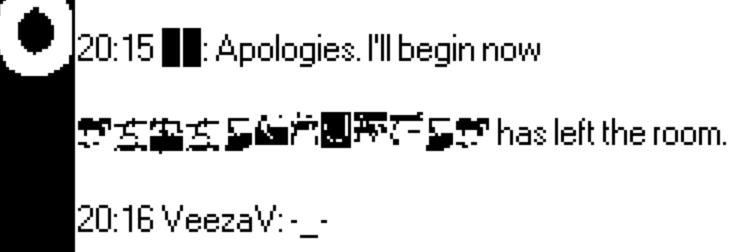
The macFieldWindow contraption is designed for displaying "rich text", which can contain hyperlinks, inline images, and text spans with customized patterns or fonts, but cannot contain arbitrary embedded widgets, like a button. It would be possible to add buttons to the contraption by editing it, but I recommend sidestepping that route for now if possible.
I'm not clear on what you mean by "the font importer". In this tutorial post I describe steps one could follow for building a special-purpose tool for converting bitmaps of glyphs from a particular font collection into Decker fonts, but it makes a variety of simplifying assumptions: assuming glyphs are a particular size, that they appear in ASCII order, that the imported image is a black-on-transparent image that's already completely ready to use, and so on. The image you posted contains antialiased white-on-transparent glyphs; you'll have a much easier time importing and editing them as black-on-white or black-on-transparent, and they will need to be flattened into 1-bit color.
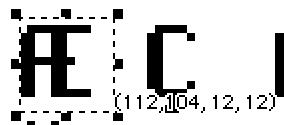
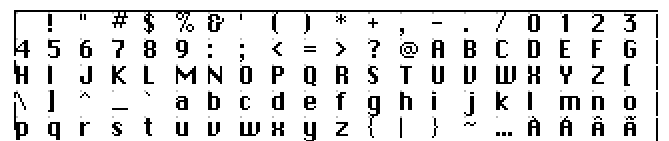
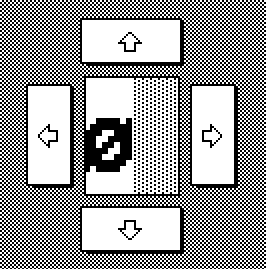
If you have a set of glyphs as an image, a somewhat more general approach to building a font from them would be to use the Font Editor that comes with Decker (examples/fonts.deck) and which I linked previously. The "sheet" mode of this tool is designed to break the card background image into uniform-sized glyphs based on the boundaries designated by the invisible button named "workzone". The grid overlay and "snap to grid" mode can make it easier to select and reposition glyphs within this tool so that Decker will understand which DeckRoman character they each correspond to. You'll need to make sure your new font's glyph size is set properly and that "workzone" is positioned to enclose all the glyphs before you can "Apply" your changes to the sheet, and if you don't want a monospaced font you'll probably need to make additional refinements to each glyph's sizing in the "glyph" tab.