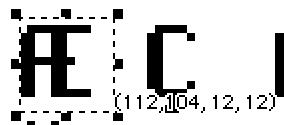
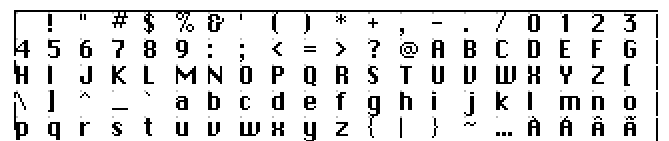
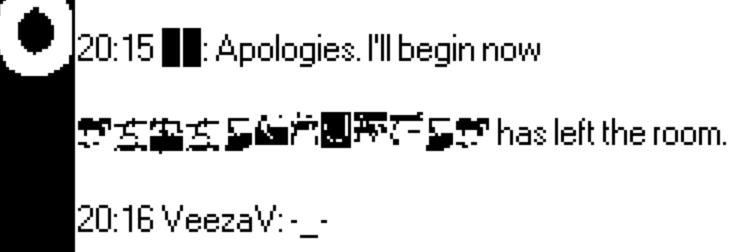
Sorry, when I refer to the Font Importer, yes I’m talking about that post. I can’t for the life of me remember where I got it from, but I’m using a deck of it someone packaged up alongside a set of fonts. A quick test with (what I believe were) 1-bit black-on-white versions of my bitmap images resulted in black and/or missing boxes in place of characters in the importer—so I’m guessing the Font Editor will be my best bet.
Oh, I think I see. Let me see if I have it correct: with “sheet” mode and grid, can I import my image, draw/move/adjust the placement of characters to align with the DeckRoman ones, and then export that image to the Font Importer tool? Or do I select apply on the Font Editor once I have the characters in place? In that case, once my characters have replace the template model, can I just drop the deck onto my project to import the font? I feel like I’m making it sound a lot easier than it must be, but that is my understanding so far.