Thanks for the replies, man.
1. So far, two of us have spread the word on the Bitsy Forum, so thanks for the permission! (He got ahead of me two days ago, darn.)
2. Looking forward to the controls update!
5. That'd be great, man! (It reminds me of the OHRRPGCE engine back when I used Desktop PCs, had so much fun editing and making demo games in that [especially editing Grapnes 2 Demo!] even more than the RPG Maker series!)
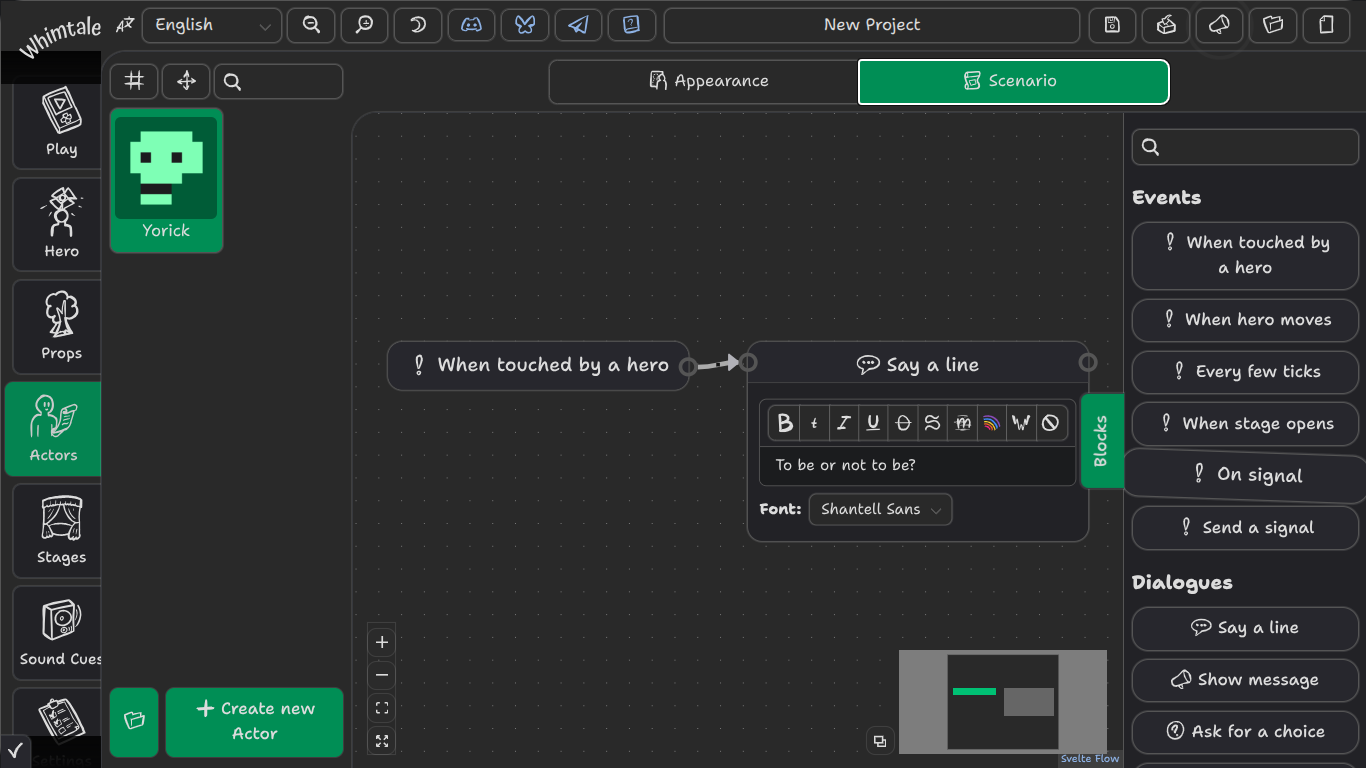
3. Thanks for that info, tho I actually meant if you could somehow make the Blocks map screen less huge? (After doing and making your 2 Tutorials for myself the other night, I was actually able to code my own stuff in for the Fetch-Quest, so it didn't take me too long to catch-on to the once-overwhelming blocks setup; what a treat! Still gonna be awhile figuring-out what all the other command blocks do tho!)
Also, if you could make a better setup for the Blocks' Fit Screen option, like maybe Resize a bit better for a Set/Fixed Position, as I found the Fit option actually made my Boxes so small that there was NO Text in 'em once I'd made a fair-sized tree of code, and then Zooming wouldn't keep/save my bigger, Resized Boxes, as it kept defaulting back to the small boxes when I went to a different actor!
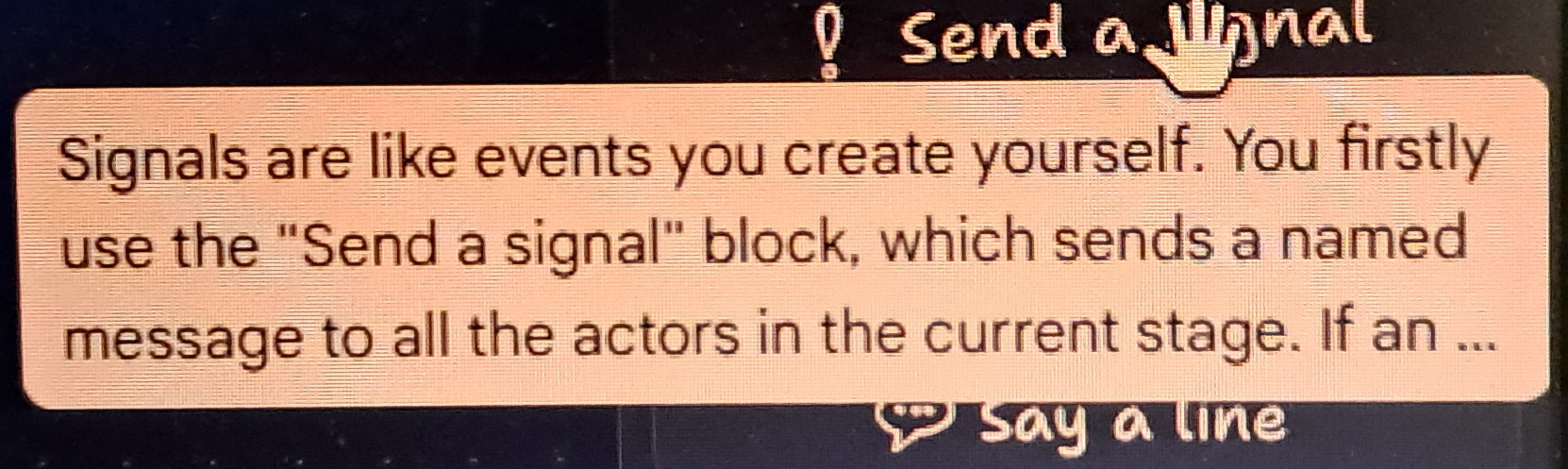
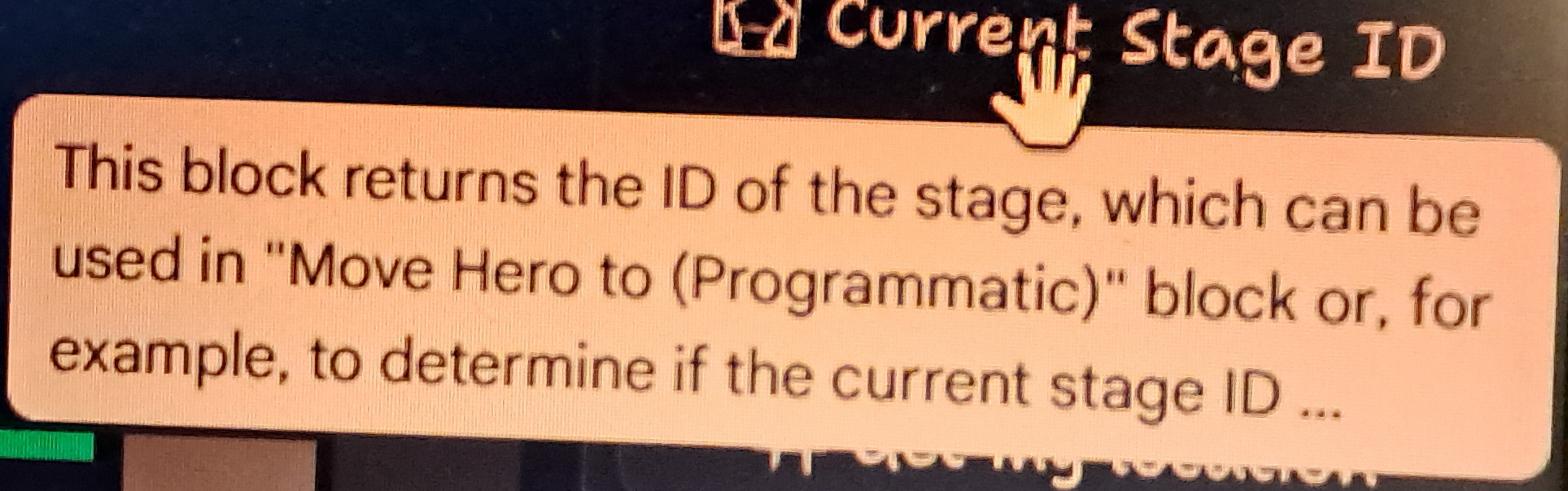
4. Whatever change you can make to the CUT-OFF Icons and Blocks info would be so appreciated, because I'd love to know what the rest of the info for all those says!