

Interesting, what browser do you use?
A member registered Jul 03, 2016 · View creator page →
Creator of
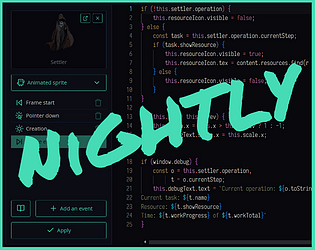
Extract props, actors & skins into tiles and export them as PNG
Run in browser

Send a donation to support an independent developer!
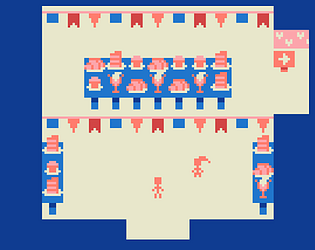
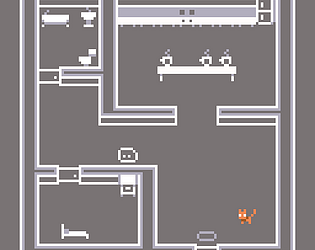
A silly little game where you visit an annual baked and confectionnary goods fair!
Play in browser

AI-generated gems for Bejeweled-like games and other needs
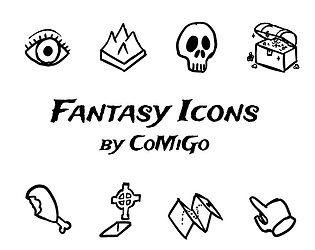
269 icons in PNG and SVG formats, mainly with a fantasy theme

CC0. 5 instruments with 8 jingles each.
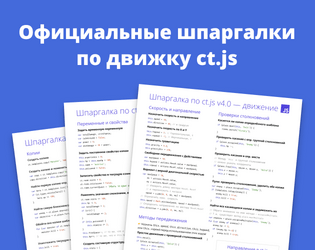
Официальные шпаргалки по ct.js — основные функции и примеры кода!
67 retro-ish SFX under CC0 license

I've made some loops! Ain't that cool?
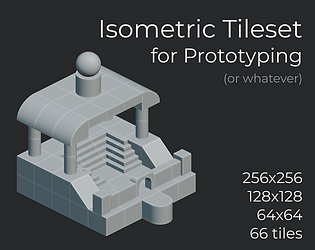
Generic tiles for an isometric map
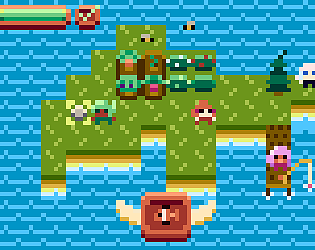
Fishing, farming, furniture, UI, plus 10 characters
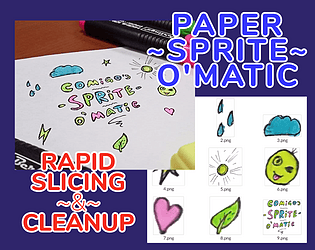
Draw stuff, scan or take a shot with a potato, and turn it into game-ready sprites!
Run in browser
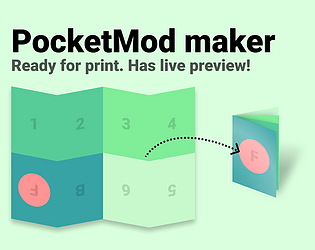
Create a little zine with live preview
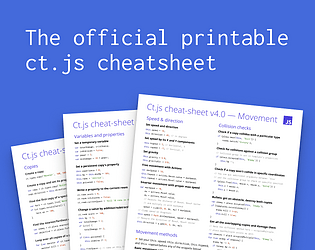
(☞゚ヮ゚)☞ Print it and hang it on your wall!
You were abandoned in a forest filled with forsaken souls.
Interactive Fiction
Play in browser
Create and download printable grids for drawing, plotting, and tabletop games
Run in browser
Create categories, sidebars, "latest" sections for your profile page!
Complete stylized color grids for Photoshop, Aseprite, web, and whatever! Online + Desktop apps.
Run in browser
Explore the sea, fuse elements to shape your own island, and take selfies!
Puzzle
Play in browser
A free, multi-purpose asset pack

For your games, trailers and such
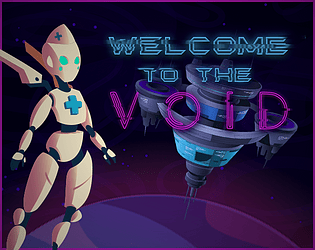
You were awakened by your Anabot only to know that the universe is dead.
Adventure
Play in browser

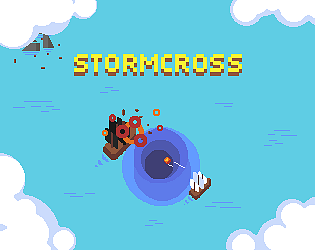


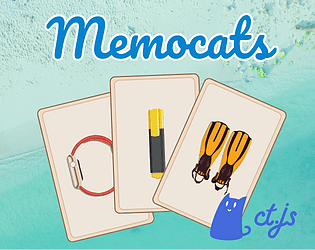
Now featuring a boss fight! Gather power-ups, shoot asteroids, ships, and bosses!
Shooter
Play in browser

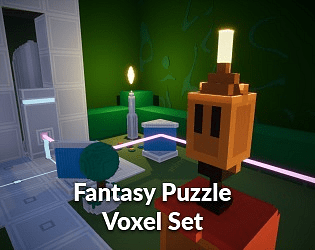
CC0 | Fantasy and Sci-Fi melted into voxels :D
Recent community posts
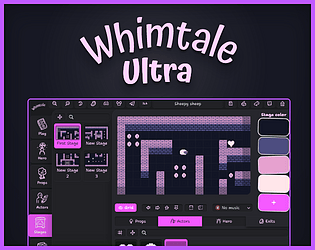
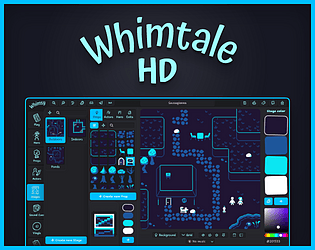
bitsy community » general · Created a new topic I made Whimtale — a new Bitsy-like editor that greatly expands on its concept
Hi-i-i, here’s my hopefully not-so-aggressive insert!
Widget for those impatient:
Lore and improvements:
For the past few months I was developing Whimtale (you could previously find it under a name “Whimsy”) because Bitsy was more a burden than a tool when trying to introduce game-making to young students. As a guy who has experience in tool- and engine-making, I decided to take my own spin on Bitsy concept and… got carried away, I guess? I made a visual programming language and added more programming features that solve common requests from students like making VN dialogues and following NPCs, adding timers, etc, plus added a layer of polish to solve common complaints from others, as well as my own:
- Easier making of areas that span across multiple rooms (you can connect them by edges, with a preview, without making a heckton of exits)
- Foreground sprites that overlay characters and heroes
- Flipping sprites towards movement direction, including the hero (avatar) and actors (characters)
- Easier duplication of characters and items. (You can place any number of instances of one actor anywhere.)
- Scenario-driven manipulation of any actors, across stages or not. Turn one actor type into another, or delete them. (E.g. manipulate series of gates when flipping a switch.)
- NPC pathfinding 😲
- More customization options for text — which is a powerful narrative driver in itself. Artistic fonts, more animations, full-screen messages for larger texts.
- Better mobile support of the engine and the games it makes.
- Offline editors.
And many other things that previously required hacks or separate versions — stuff that is not beginner-friendly at all.
🖼️ Screenshots (click me to open!) 🎨
Stage editor: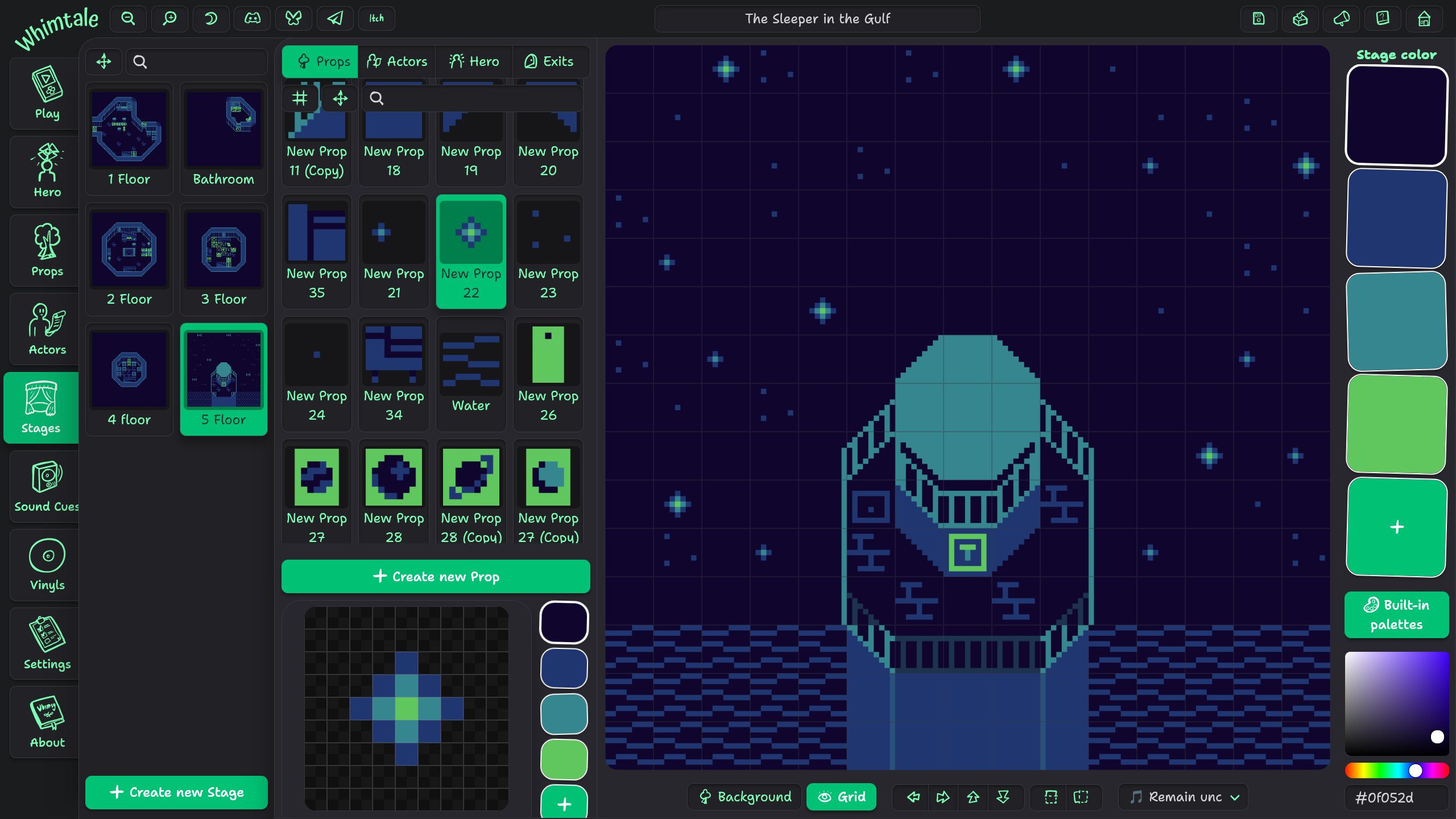
Scenario editor, with branches, actor manipulation, and variable handling:
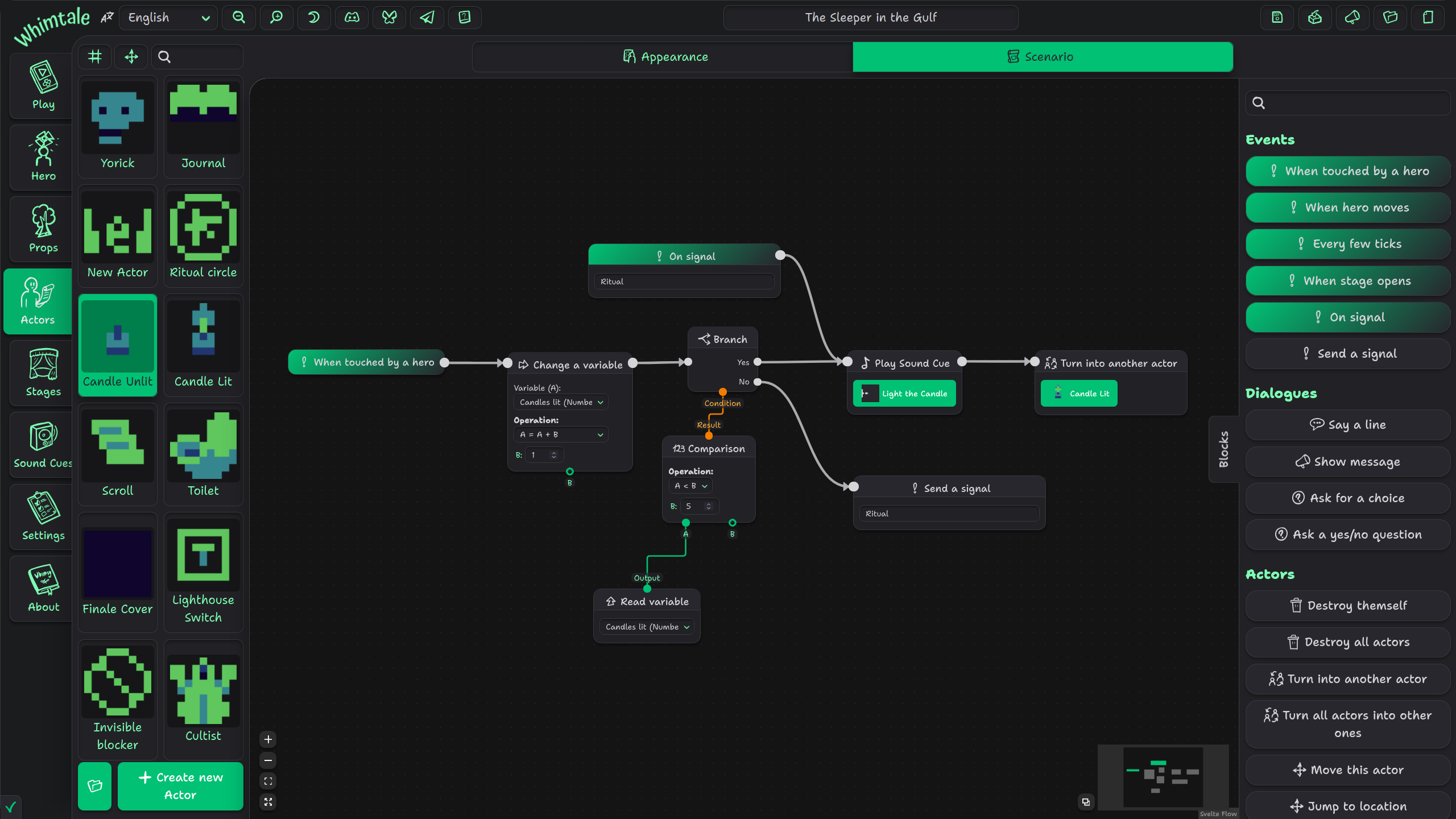
Example of an exported game:
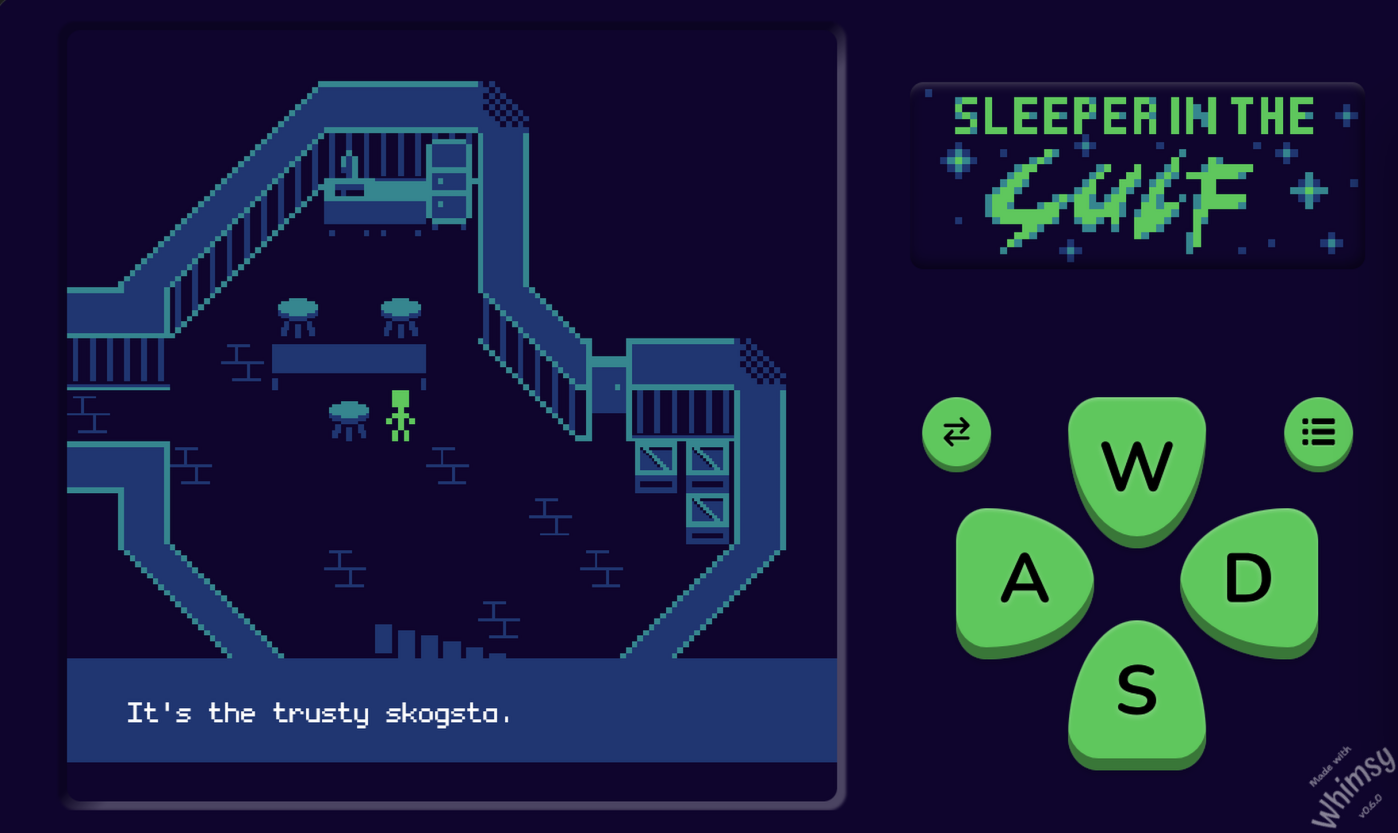
Anyways, judging from itch.io and youtube comments, people like Whimtale! It can be a match for you, too — give it a spin! Links:
Online editor · Desktop editors · Homepage with tutorials and docs · Discord server
👻
itch.io Community » General » Release Announcements · Created a new topic Whimtale v1.0, along with its new premium editions!
- Hollow Woods: I saw the banner of this on one of your posts below (115 Days Ago). Is it an actual game you’re making?
It was before I nuked it like an idiot.
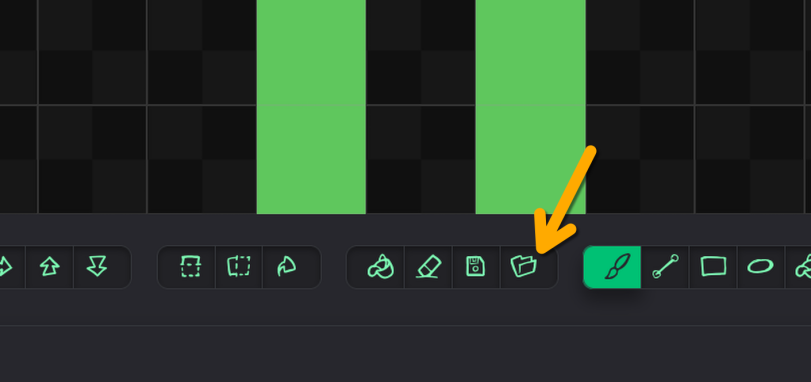
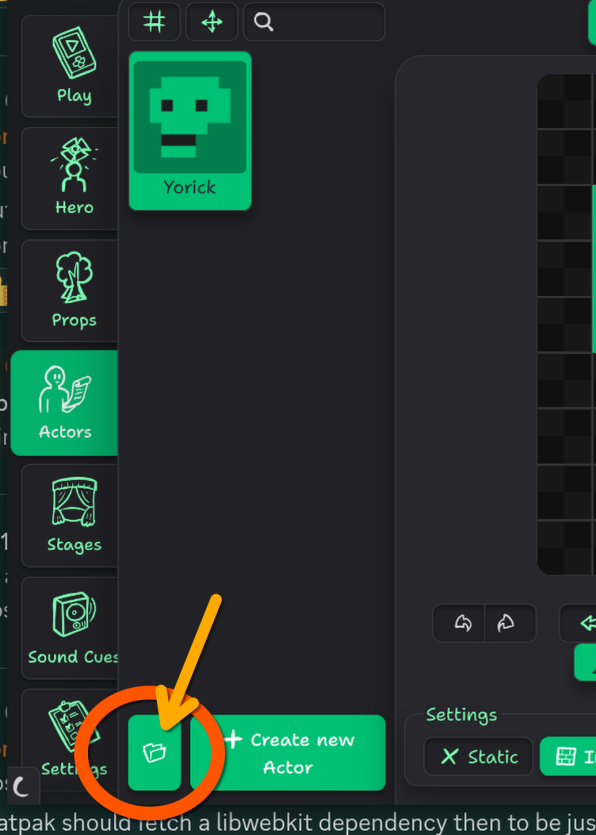
- How do I access your default TileSet within WT?
Through the 📂 button on Hero, Actors, or Props tabs:
do I see that you slowed-down Player Movement Speed somewhat?
Nope, you’re hallucinating 😛
shouldn’t you limit the size that it can get rather than make it an infinite space?
Sounds like a bad idea to me and a strange thing to ask, to forcibly restrict the scripting area and thus the maximum amount of blocks you can manage in one actor. Especially for me after making such horrors as this “simple” battle system:

In Unreal Engine’s Blueprints language, there is an option to collapse a set of blocks into one, to preserve space and also group blocks — essentially a scenario inside a scenario. There’re also ways to declare reusable functions in a similar fashion in UE. I would like to implement something like that one day.