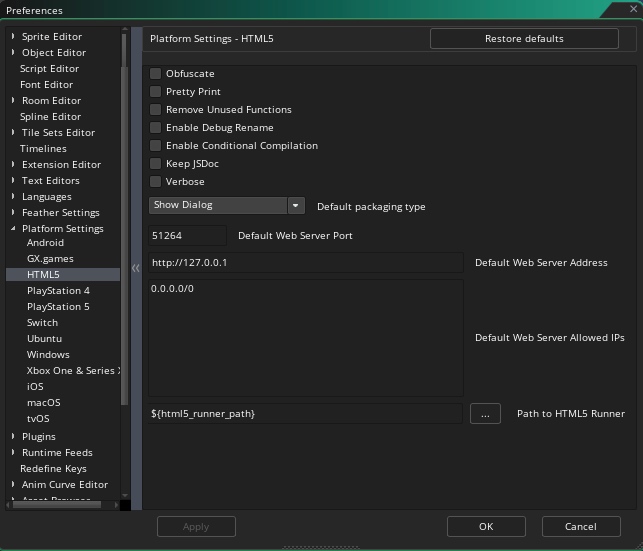
That is the latest server; the extension version is printed to Output/browser console (see above), or you can check the build date in the beginning of “Extensions ➜ GMLive ➜ GMLive” script. With sufficiently poor luck you may have to remove the Extensions ➜ GMLive folder before re-importing a new YYMPS.
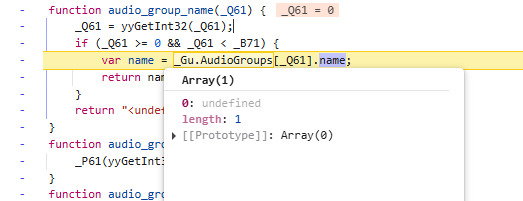
For debugging, you’ll want to press Continue a few times until you get to this error in particular, though if you are completely unfamiliar with using a debugger, you might instead email me your test project after you make sure that the extension is the newest version.
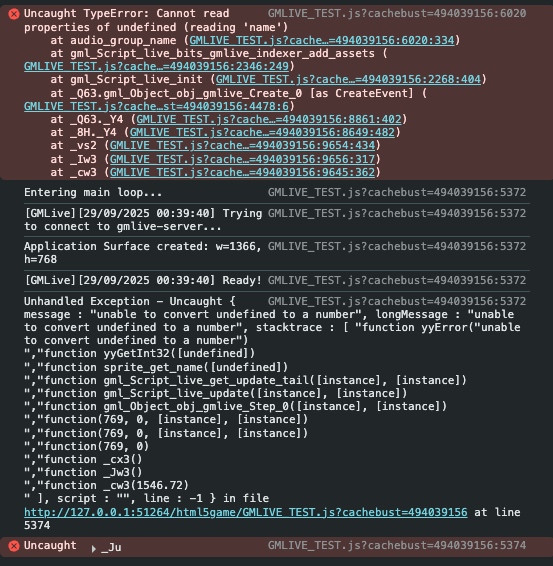
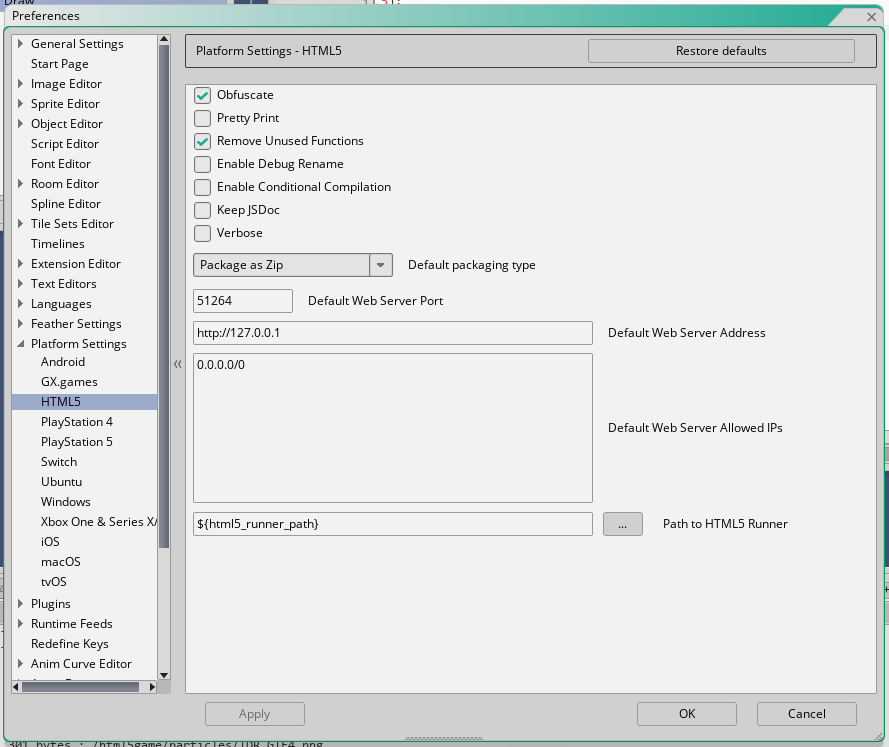 and I’m not seeing your error, but I’m seeing some other things: