On Sale: GamesAssetsToolsTabletopComics
Indie game storeFree gamesFun gamesHorror games
Game developmentAssetsComics
SalesBundles
Jobs
TagsGame Engines

ArgosOz

11
Posts
1
Topics
2
Following
A member registered Jun 01, 2019

Recent community posts

> Can you also post a screenshot of your HTML5 preferences?
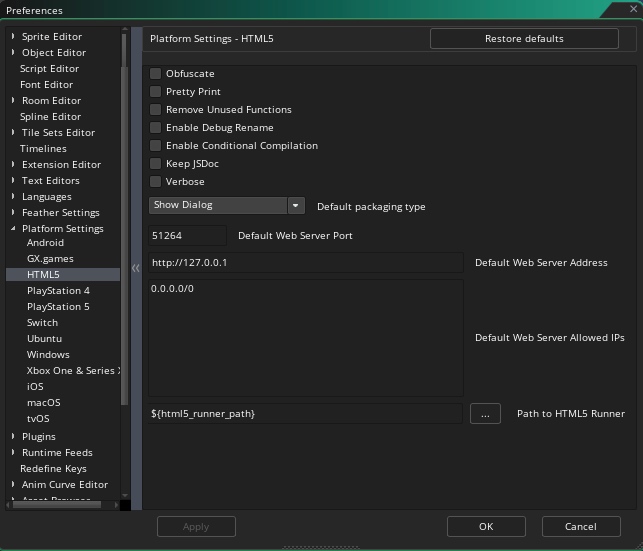
(1 edit)

I think it would help a lot if you could share a complete, ready‑to‑run starter project that shows off all the GMLIVE features. Right now I’ve followed your instructions to set up GMLIVE in a fresh test project, and everything compiles fine. However, when you say:

“Change the “live” scripts/events as you see fit.”

I’m not sure what changes are expected. For example, how do I live‑edit a sprite?

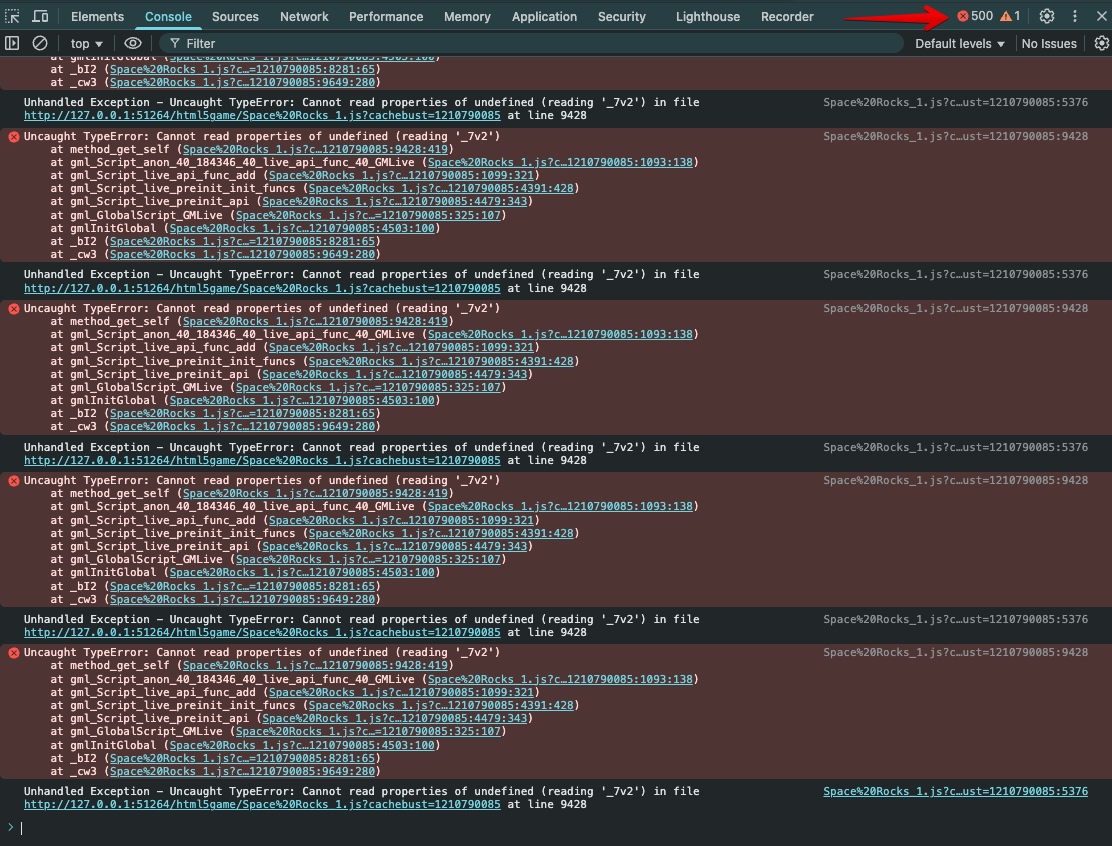
Simply put: the fresh project builds and runs the HTML5 test without any build‑time errors, but once it’s running in the browser I start seeing some console errors I can’t quite figure out. For example:
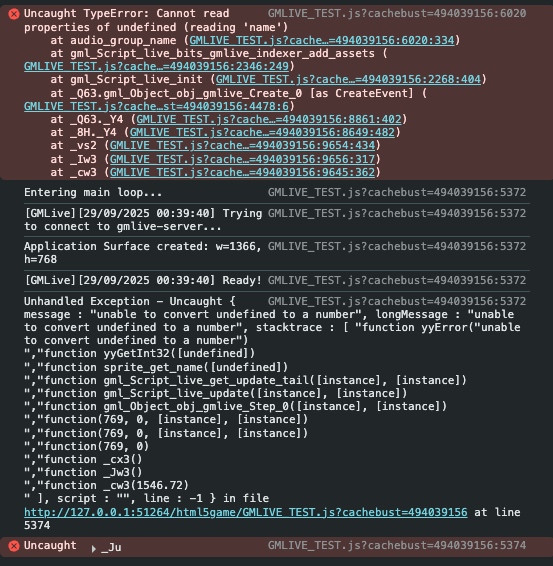
 

I suspect this is because I’m not sure what steps to take next.

Here is the test project. (Gmail refuses to email it)

Could you tweak it so that it showcases just the basic functionality of GMLIVE?

<project received>

> if you are completely unfamiliar with using a debugger...

I'm not unfamiliar (though I'm not an expert either) but I don't know what we are looking for. 

I'm going to email you a project newly created with everything latest.

> Are you sure that you are on the current version of GMLive?

This is the version I've downloaded first and I'm running the latest GameMaker.

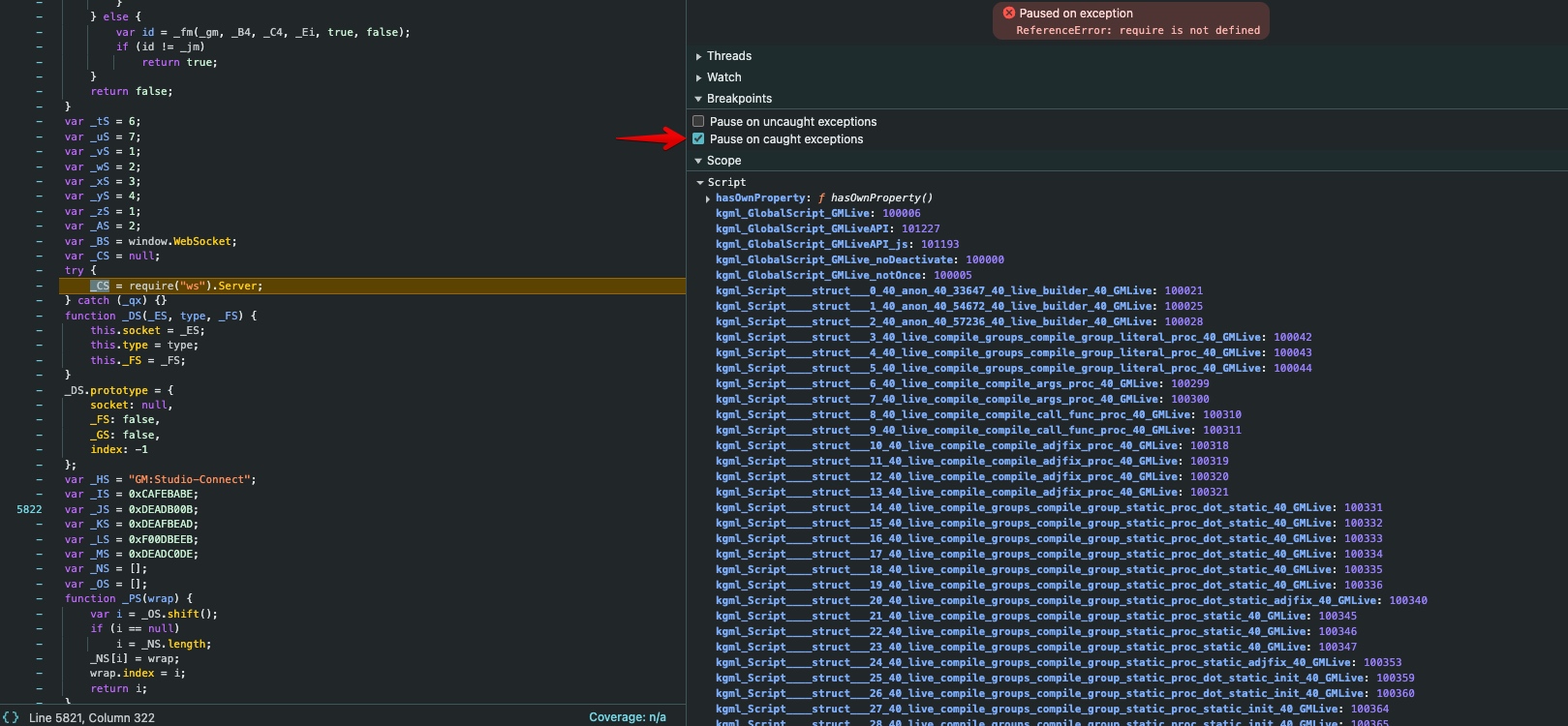
> If you tick “pause on caught extensions”, the debugger will pause when this error happens


I did that.

> Are you sure that you are on the current version of GMLive?

To troubleshoot the issue, I was running multiple builds with different version numbers to determine whether any changes would resolve it.


Is this the latest?

When I build for macOS, the extension runs as expected and it behaves correctly.

(1 edit)

> If this is in Safari

I tested both Firefox and Brave, but the exact same error persisted.

To eliminate any accidental configuration issues, I also created several new blank projects from scratch; the problem remained unchanged.

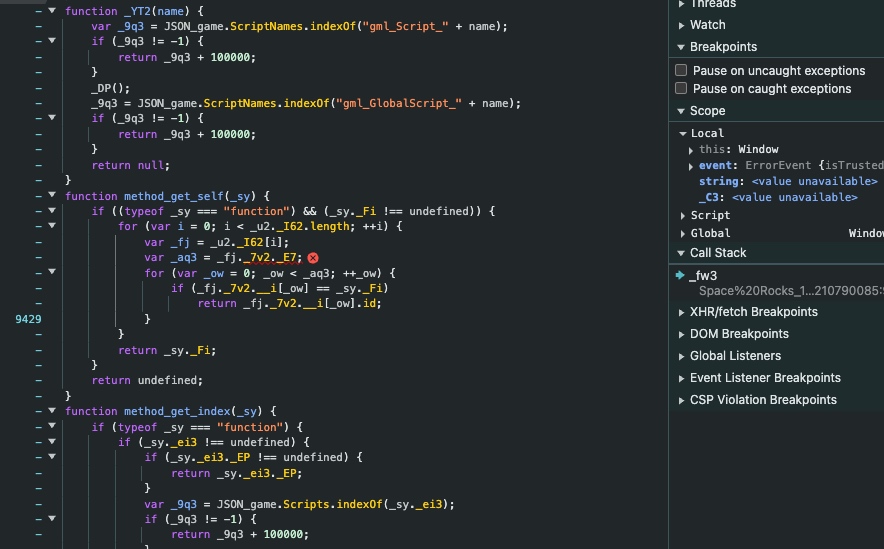
This is the stack:


Is this what you wanted to see?

And I’m unable to launch the HTML5 build again unless I remove the extension.

(3 edits)

- Gamemaker Runtime: `2024.13.1.242`

- macOS

- GMLiveForGM2022+.yymps

---

### Steps Taken

| 1 | Created a brand‑new project. |

| 2 | Placed an **obj_gmlive** instance in *room 1*. |

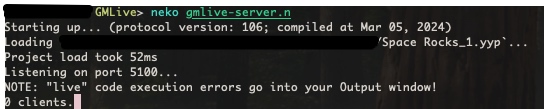
| 3 | Noticed the **neko gmlive-server.n** process running under `BLANK GAME2/datafiles/GMLive`. |

| 4 | Built and ran the game as **HTML5**. The page loads, shows a single client connected, then I stopped it. |

| 5 | Added the following code to the project: ```if (live_call()) return live_result;``` |

| 6 | Re‑built and ran again as **HTML5**. |

### Observed Result

- **neko gmlive-server.n** process no longer shows a new client connection.

- The HTML5 build opens a blank page.

- The following recurring error message appears in the browser console.

Uncaught TypeError: Cannot read properties of undefined (reading '_7v2')

    at method_get_self (BLANK%20GAME2.js?cachebust=497454674:9426:419)

    at gml_Script_anon_40_184346_40_live_api_func_40_GMLive (BLANK%20GAME2.js?cachebust=497454674:1090:138)

    at gml_Script_live_api_func_add (BLANK%20GAME2.js?cachebust=497454674:1096:321)

    at gml_Script_live_preinit_init_funcs (BLANK%20GAME2.js?cachebust=497454674:4388:428)

    at gml_Script_live_preinit_api (BLANK%20GAME2.js?cachebust=497454674:4477:343)

    at gml_GlobalScript_GMLive (BLANK%20GAME2.js?cachebust=497454674:322:107)

    at gmlInitGlobal (BLANK%20GAME2.js?cachebust=497454674:4500:216)

    at _bI2 (BLANK%20GAME2.js?cachebust=497454674:8279:65)

    at _cw3 (BLANK%20GAME2.js?cachebust=497454674:9647:280)

BLANK%20GAME2.js?cachebust=497454674:5374 Unhandled Exception - Uncaught TypeError: Cannot read properties of undefined (reading '_7v2') in file http://127.0.0.1:51264/html5game/BLANK%20GAME2.js?cachebust=497454674 at line 9426