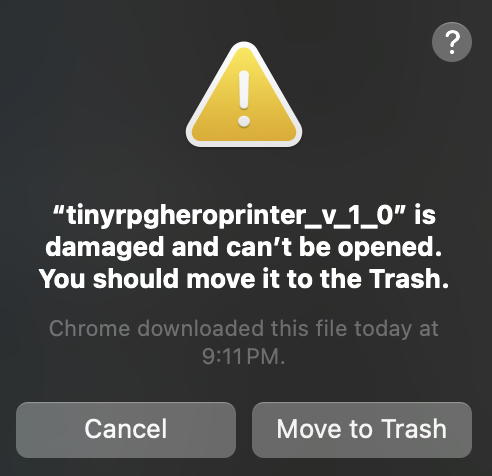
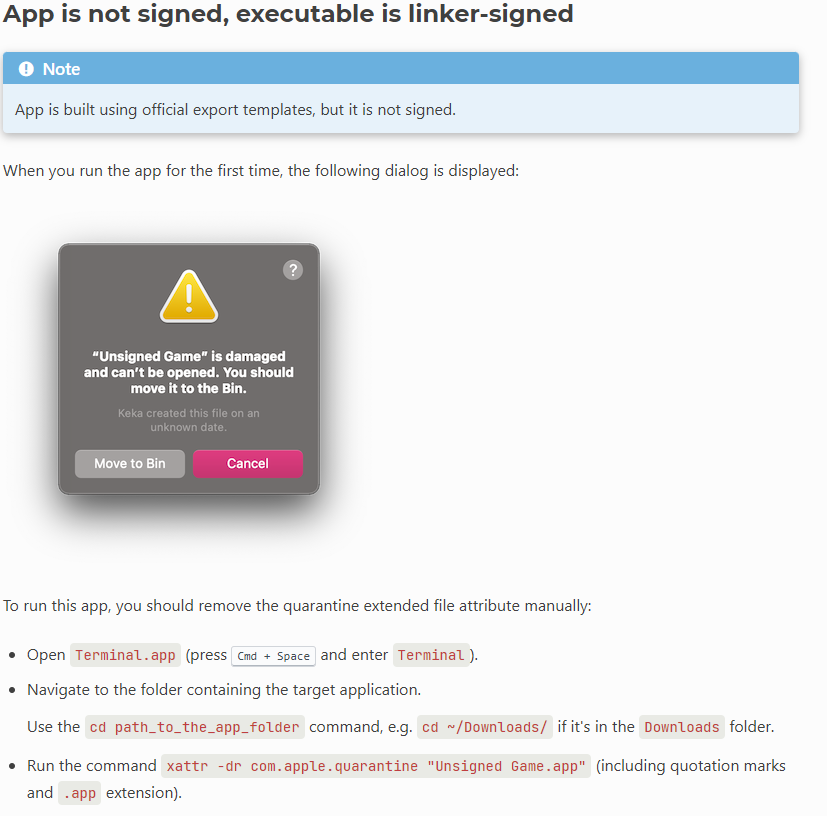
My mate, I believe I fixed the issue. It was probably related to path building while under certain versions of mac - instead of throwing the usual error for files not being found it was just freezing. I am uploading a hot fix right now - not sure if it will be a permanent fix since I would like a more elegant solution.
Nonetheless, you will notice that your asset folders will be inside the app, so right click on the .app, select Show Package Contents, navigate to /Contents/MacOS, there is your assets folder. If you ever want to add new stuff or edit what is already in there, that is the path. Whenever you update something, just reload the tool since the textures are saved on the RAM.
If you have any other issues, please, don’t refrain from reaching out and let me know. I am now worried that a few MacOS versions might have performance issues. If that is your case, please, give me some info on your OS version. Thank you so much for your patience! Uploading the hot fix in a few.
EDIT: Hot fix is now online.