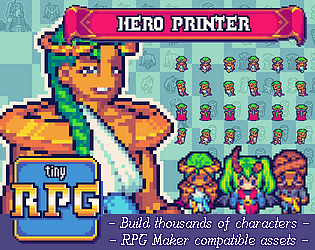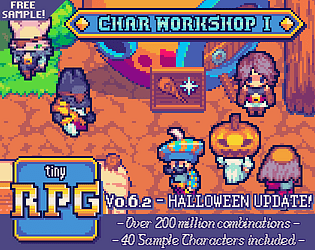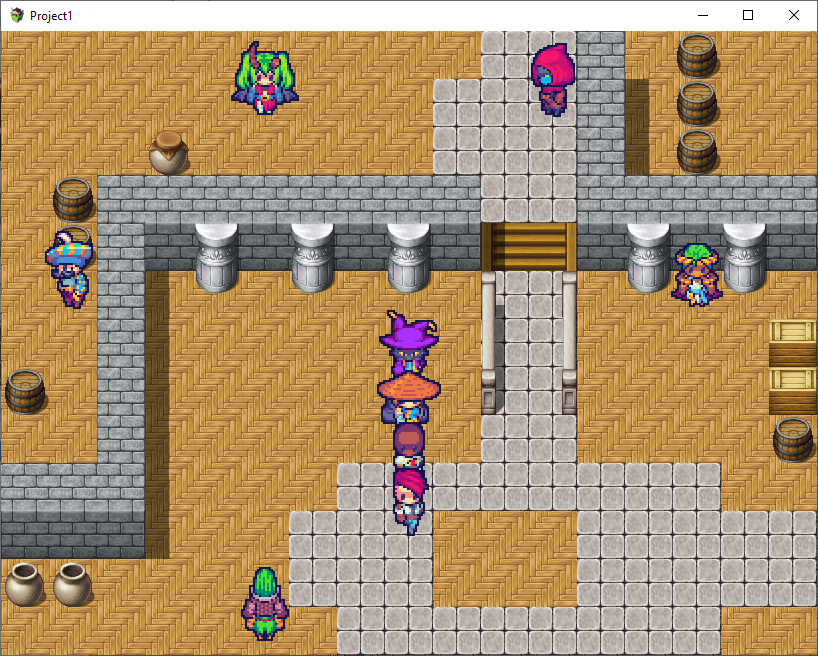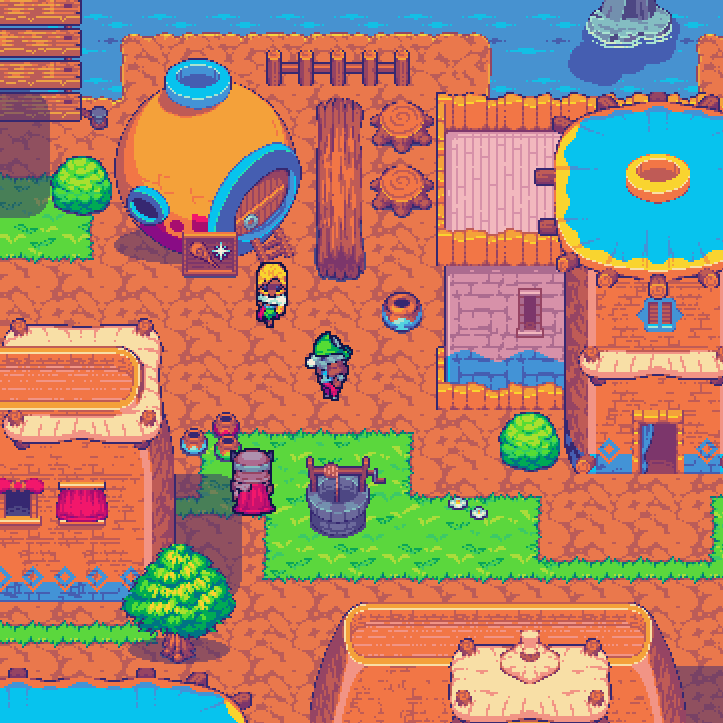
As for now the sprites cover only walking animations. But I do plan adding other animations/poses as I go: Simple attack, running, carrying stuff, fishing and so on.
tiopalada
Creator of
Recent community posts
Heya mate!
I plan on adding more black hairstyles in the future - if you have any suggestions, feel free to do so. Right new there are four hairstyles that I consider to be Black, see samples attached below. If everything goes accordying to plan, more hairstyles will come on January/February together with new animations and hopefully, new body types. So, no better time than now to make suggestions!
Regarding Steam/Itch, I highly recommend getting it through itch since it benefits me and you both: Steam version requires the user to have either RPGMaker MZ or MV, since the sponsor/publisher is Gotcha Gotcha Games. Also the itch revenue is way better than Steam’s.
And thank you SO MUCH for the 5 stars, it helps bump the asset pack immensely, people understimate the difference it makes.
Edit: Seems like I can’t post animated gifs on the replies, so here are the gifs instead.
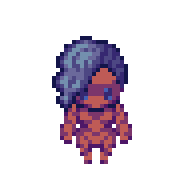
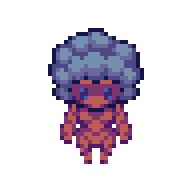
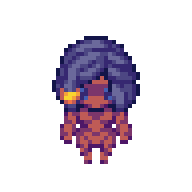
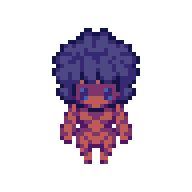
The Hero Printer is the combination of the contents of both the Char Workshop and the Face Workshop, but with the added functionality of a character building tool!
Since they overlap, you can consider the Char Workshop to be obsolete. I will update both, however. Whenever new sprites are done - be it new animations, new shapes or items - both will receive said sprites.
If you don’t mind editing sprites yourself and want to save some money, go with the Char Workshop. If you want to save time and quickly hash out characters while sacrificing some degree of freedom, go with the Printer.
Thank you so much for all the support throught the year and beyond, mate. It means a lot and in a very real way: it got me through some random BS happening all at once. I always think about our exchanges and how they keep me moving forward. I hope to bring way more content this next year, as well as give back all the support. Thank you for having my back, mate! I wish you and yours a merry christmas and a happy new year with lots of prosperity and joy!
Cmon mate, no worry whatsoever! :D The 6 frames version one is a bit tricky, since you need to add some “bounciness” to the animation - some squash might get it right, where it horizontally squashes on the middle frames. If you evern get back to it or publishe the 3f version only, let me know and I will add the publication to the list of games/tools using the Tiny RPG series :)
Valeu demais, meu mano!
Fico muito feliz que o trampo tenha te inspirado, eu acho que esse é o grande potencial da colaboração com a comunidade. Espero ainda trazer muito conteúdo gratuito e conseguir equilibrar as contas com o conteúdo pago, pra poder fazer isso por muito tempo.
Quando tiver algo pronto, joga o link por aqui, eu sempre adiciona a lista de jogos feitos usando meu conteúdo aqui no itch! :)
Oh! There is one thing you can try.
I am assuming you are doing only the 3f version, right? Place an empty file, with the same name as your new hat on 3f, under assets/charsets/6f/hat. It always lookup at 6f first and builds the list from there, there is just no need to have anything on that file, it just has to be there, even if it is a blank PNG.
And yup for the skins. Remember that, if you are also doing facesets there are some extra steps to get everything right for the facesets as well!
EDIT: Keep in mind that the 6f being verified first is also true for skins, so if you are doing only 3f, remember to create an empty file on 6f as well, with the same name as your skin on 3f.
The Hero Printer, right? There is a file named NEWASSETS.txt inside the ZIP, it describes the whole process with an example. It is nothing too hard, just requires replacing/adding a couple of files on the right folders and reloading the tool :)
EDIT: Let me know if you run into any difficulties after giving it a read and trying it out.
You might be asking about the Hero Printer and yes, you can!
The Char Workshop is just a bundle of sprites - sprites now integrated to the Hero Printer, which is an actual tool for building characters - that the buyer must piece together themselves. The Printer also includes the sprites contained on the Face Workshop. Both the Workshops are considered obsolete if you wish for a character builder with access to both their assets combined, plus an easy to use tool. I just kept those workshops online for people who are still willing to get only the sprites for one or another.
Box Jump is an absolute banger, it is featured on my trailer for the Hero Printer.
Heya mate!
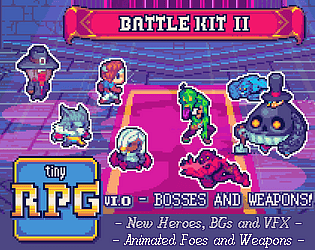
This pack does not include the worldmap version of the characters, unfortunately! However you can build those with the Hero Printer - and build many other characters, of course. The Battle Kits are solely focused on battle sprites.
Regarding the adaptation, I believe I might be able to deliver those on the upcoming weeks since the pack will also be published on Steam as an official RPG Maker DLC!
The tileset is the tricky one, because I would need proper time to rework them, that is why I want to start some new tilesets - to stay in theme with the scenes depicted on the Battle Kit II - in order to jumpstart the overhaul. So, I can’t give you a clear timetable for this one in particular :( one alternative - as I suggested in a different post - is to use custom scripts on MV for loading anything that ain’t 48x48 tilesets. MZ already let you use 32x32 tilesets without need for custom scripts, all you have to do is change the settings under the System 2 tab.
You are very much welcome, mate! :) I am glad that someone is vibing that hard to my asset packs, that is a hell of a motivation.
Now, for the timetables, I plan on adapting the sv-actors from Battle Kit II in a couple of weeks, at most, since they will be released by GGG in a few. For the tilesets things get a bit muddier, since I have to get some other stuff out of the way before diving into this head on. One alternative you have, meanwhile, is using custom scripts on MV for loading anything that ain’t 48x48. MZ already let you use 32x32 tilesets without need for custom scripts, all you have to do is change the settings under the System 2 tab.
Okay, here is a breakdown of what works with RMK (shorthand for RPGMaker):
- Hero Printer - Fully compatible, one of the sheets generated is especifically tailored for RMK MV/MZ;
- Battle Kits:
- VFX - Both Battle Kits I and II have adapted sheets meant for usage with RMK;
- BG - Similar to the VFX, there are adapted files on both kits meant for usage with RMK;
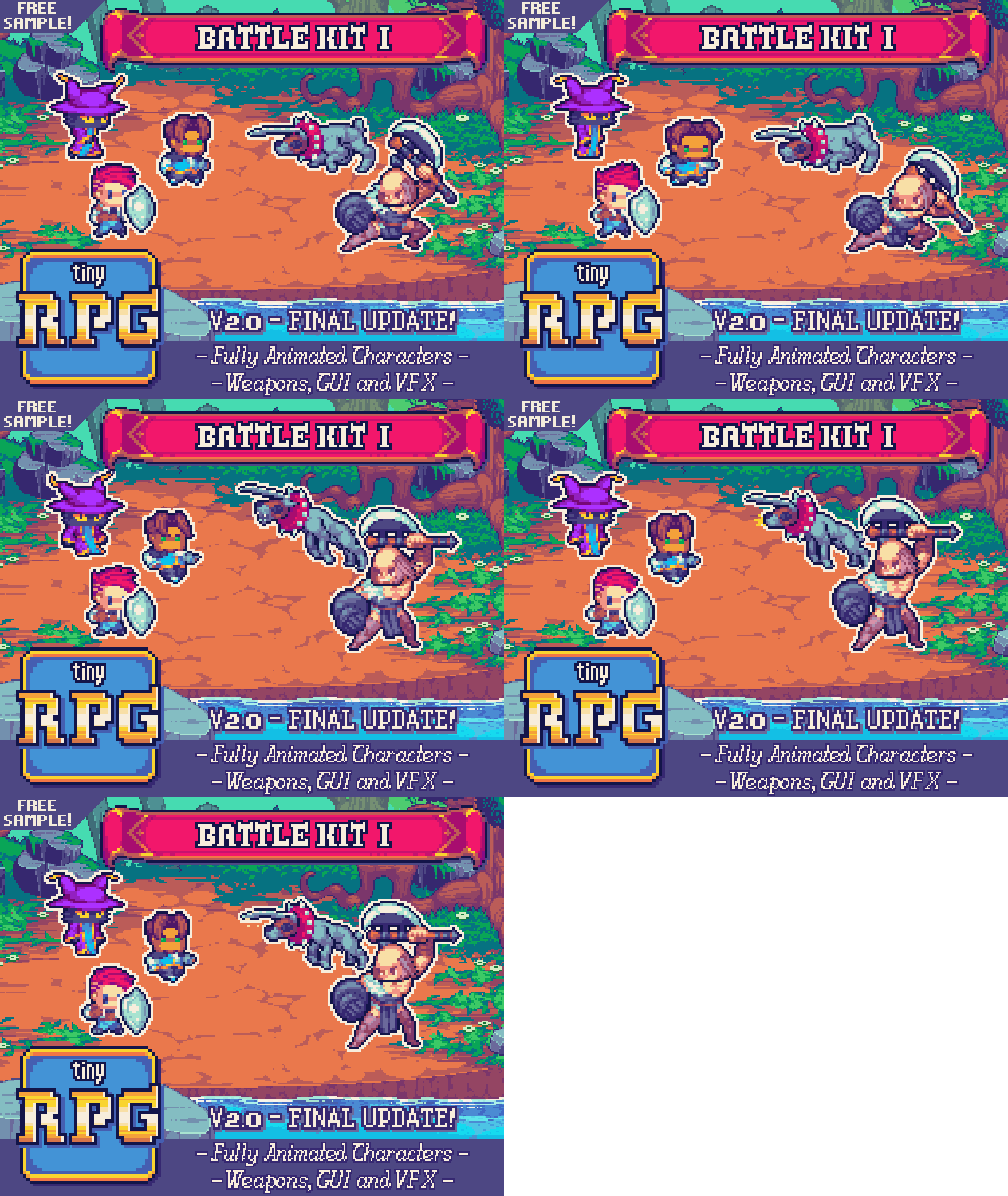
- Animated Battlers: Battle Kit I has 1x and 2x versions of the characters adapted for usage with RMK, Battle Kit II is going through the same process and will be updated. If you want to keep the cohesiveness of the graphics, I recommend using the 2x version of the files;
- Weapons: Battle Kit I has versions of the weapons adapted for usage with RMK, Battle Kit II is going through the same process and will be updated. Same as above regarding cohesiveness;
- Tilesets - Will work on overhauls - starting with the newest tilesets I am currently working on - to add 48x48 of the tilesets, which works with RMK out of the box;
- FV Battlers - Works with RMK out of the box;
EDIT: After your comment I noticed that both Battle Kits were missing a few files for RMK. Just fixed that and am now working on adapting the sv-enemies and sv-actors for the Battle Kit II fully work as an RMK asset pack.
Not yet, haven’t had the chance, unfortunately :( . What I am considering now is, instead of editing the current tilesets - which are 32x32 - is to rework them as 24x24 and upscale to 48x48 to keep the big chunky pixels - which goes along with all the other assets, such as the characters generated by the Hero Printer.
That is not a feature on the roadmap right now because tinting isn’t that great for keeping colour/palette cohesion. Instead I would rather program a proper palette swap within my palette, so the contrast is kept as well as cohesiveness. But as I said, that isn’t a priority right now, some other features will come first, such as:
- Attack animations;
- Emotion animations;
- Different body shapes (elder, child, fat, strong);
However I have added a couple of colour variations for all items in the tool! :D
Yup! It wasn’t the case until the latest update - where now you can access the raw files and add your own, before you couldn’t - turning both the Face and Char Workshop obsolete (unless you want only one of those).
Thus I offer a very special discount to people that have bought either or both of those before said update so they are not hurt by the changes.
For XP especifically you will need to move the tiles around a little bit!
https://i.servimg.com/u/f63/14/43/85/81/planti11.png
You can use this template to successfully move the tiles around. I suggest moving them as blocks instead of individual tiles, so you can keep it cohesive. The result will be something like this.

In order to make your life easier, I would recommend either using Aseprite or Libresprite. Then, while in any of these tools, open up the tileset you want to move around, go to View > Grid > Grid Settings, set it to 32x32, then View > Grid > Snap To Grid. This will let you select blocks of tiles without hassle. Then, open up the template linked above, create a new layer on top of it (shift + N), setup the grid settings in the same way with grid snapping, start copying blocks from the original tileset and then pasting on the new layer of the template. Once you are done, either turn off or delete the checker template layer and save the result as a .png.
The 3 frame versions is compatible with MZ, yes, you just have to place the exported file on the proper asset folder on RMZ and you are good to go :) Now, the 6 frames version can be used on RMZ or MV if you have a plugin for doing so, changing how many frames a charset animation has and how it is played.
You reminded me that I completely forgot to add my palette to the files, so people have a reference x_x
Yeah, don’t overstress to much, there is just so much we can do. We should also trust that people are fully able to go further into their own edits as long as we provide the base files for them. Mix and matching is interesting because people will come up with combinations that we didn’t think about at first.
You are always welcome, my friend, I really appreciate all your hard work and I am sure I will like them, with all the clear as crystal passion you are pouring on it! :)
OH YEAH, THE PALETTE