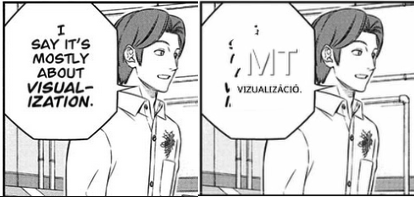
Hi,
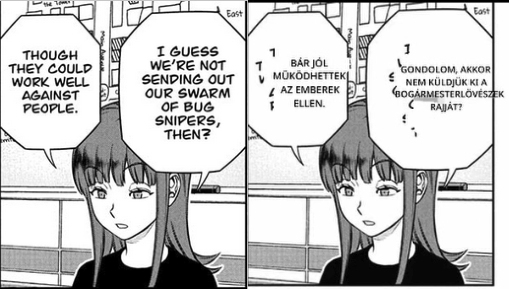
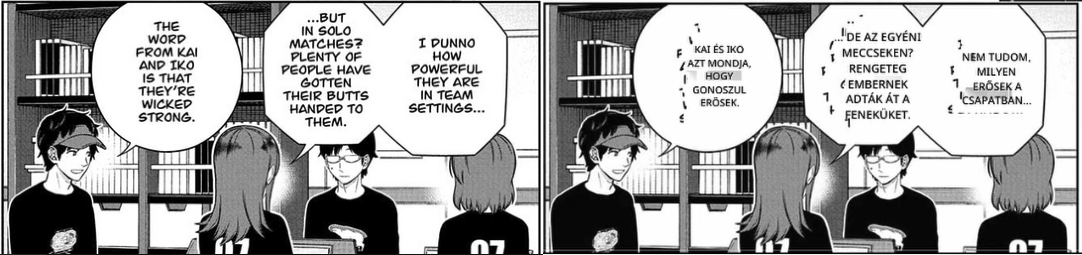
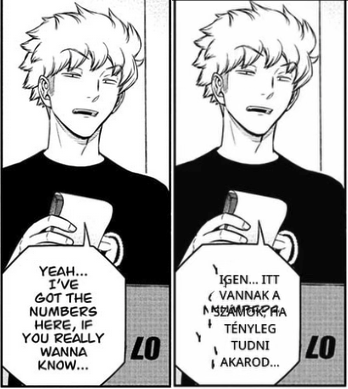
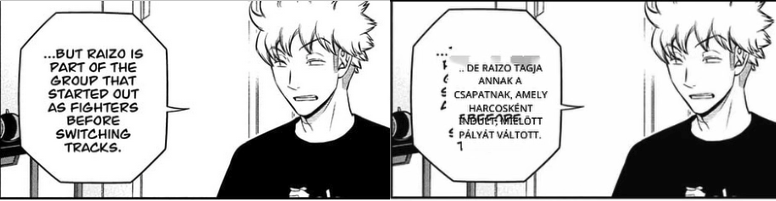
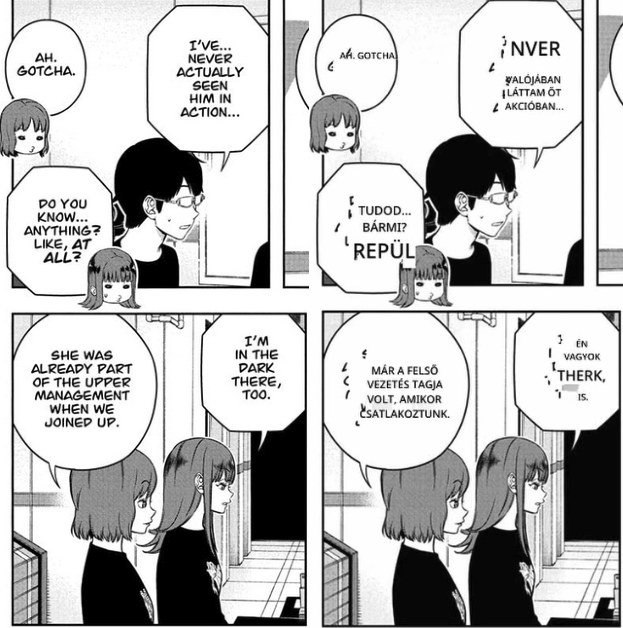
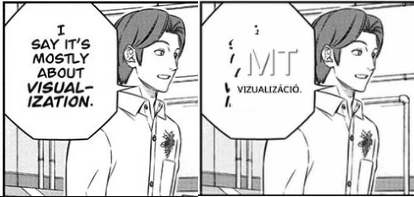
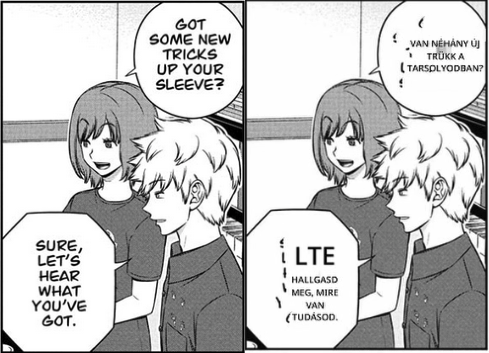
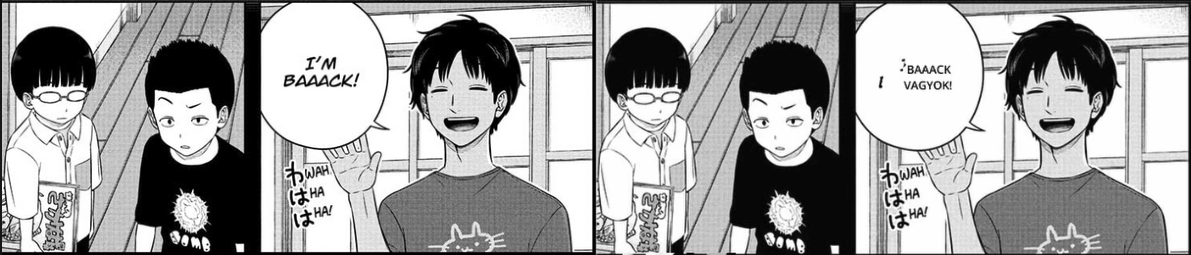
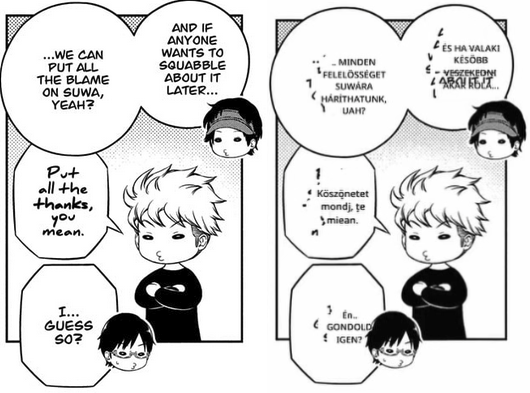
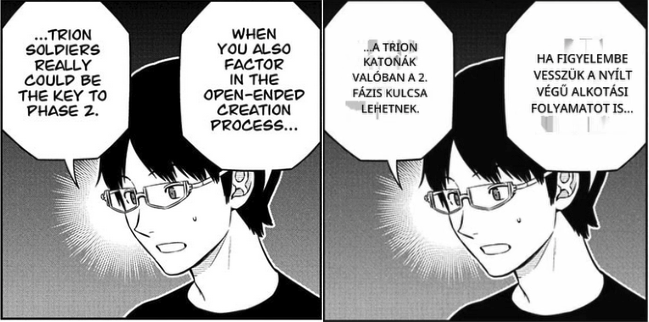
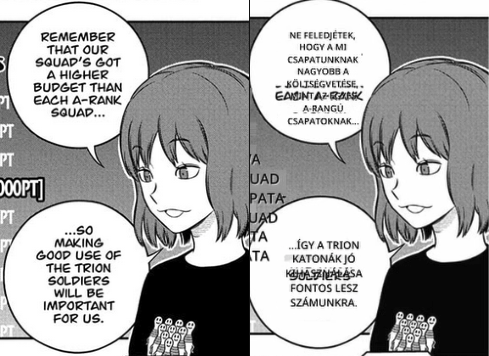
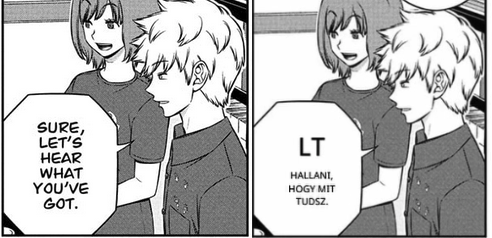
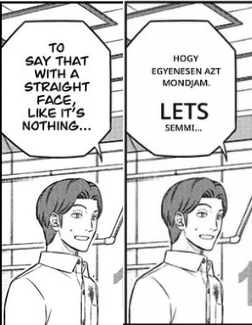
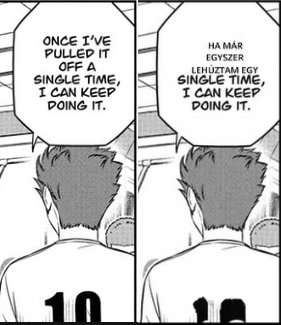
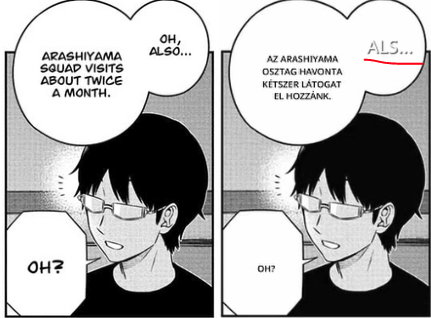
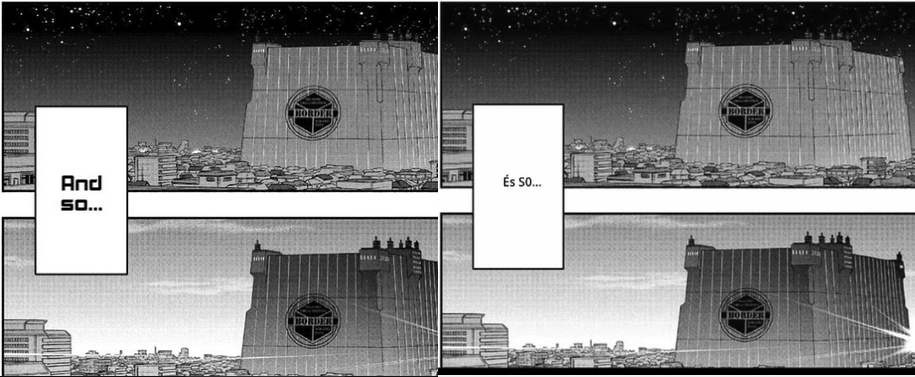
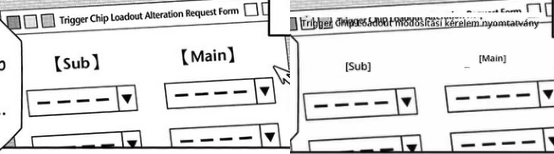
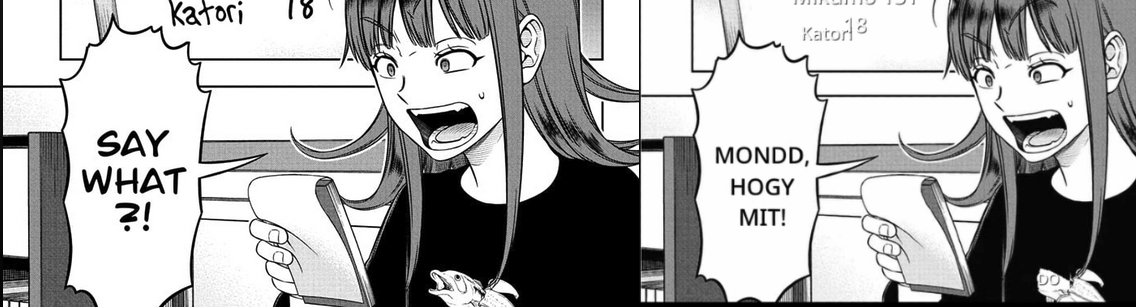
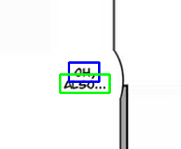
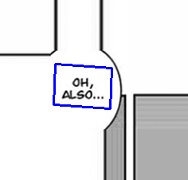
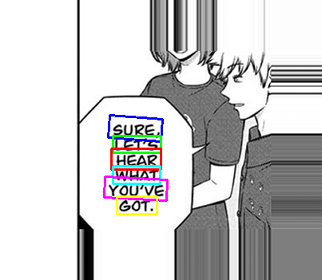
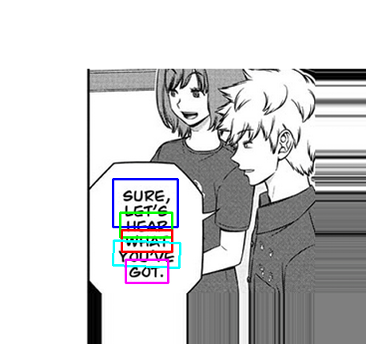
Version 0.5.04 has fixed the text jumping issue I showed in the first picture. I re-tested it with the same manga chapter, and the text didn't jump this time. I also tried it with another manga and it worked fine there too. So far, it looks like that's solved.
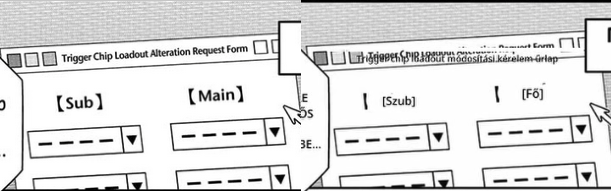
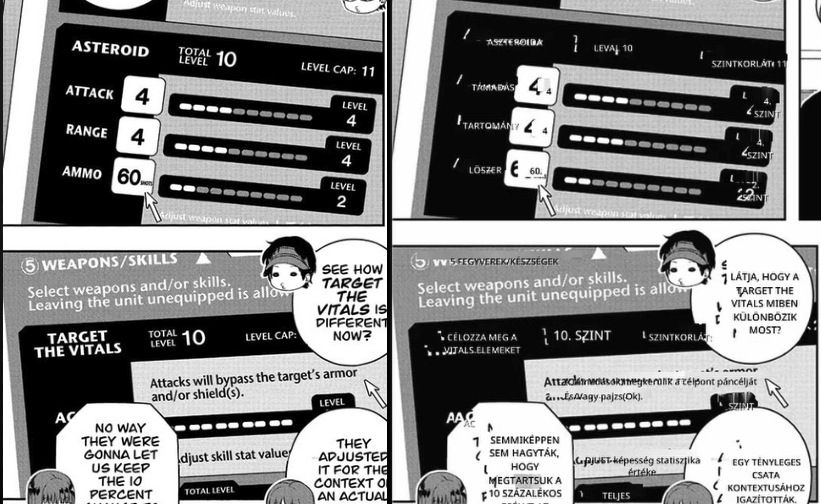
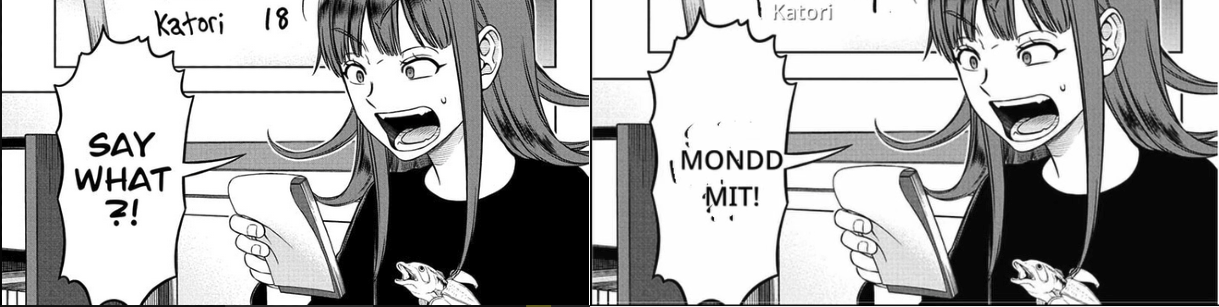
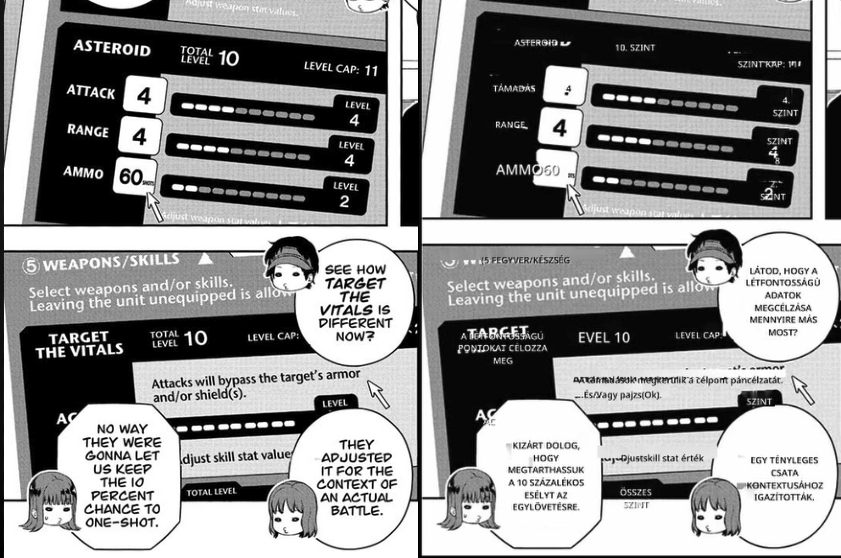
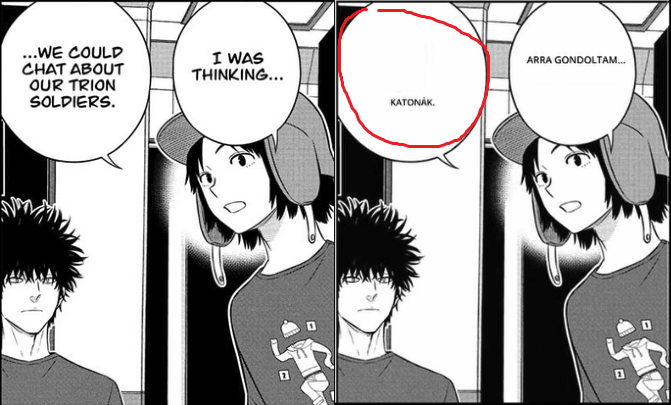
Yep, unfortunately, the word recognition problem is still there in this version.
I did notice something interesting with the new version when it comes to games, though: automatic translation doesn't work if Comic mode is on. It won't translate the text. it just shows the original. If I try again, the selection box even disappears. In previous versions, automatic mode worked even with Comic mode turned on. This isn't a huge deal since I can just turn it off, and it works fine, but I figured you should know.
The good news is that with this new version, the text doesn't jump in games anymore either! I re-tested with those same two games, and for now, it seems like the jumping text issue is gone there too. Hopefully it stays that way, but we’ll see if it works with other games too :)
I also have one more observation. It's not a problem, but I thought I'd mention that when the app is running during a game and you use NVIDIA Freestyle/Nvidia filters, the app seems to slightly weaken the filters' effect. For example, if I need the Sharpen+ filter's Intensity at 15 for the right sharpness without the app running, I have to turn it up a lot more to get the same effect when the app is in use. At least that's what I've found with Wuthering Waves.
That's everything. Thanks for the new version! :)