Indie game storeFree gamesFun gamesHorror games
Game developmentAssetsComics
SalesBundles
Jobs
TagsGame Engines

I have a few questions about the Stream Friendly mode;

  1. Do you have multiple monitors connected? If so, how many, and which one does GameTranslate run on?
  2. Does the same bug happen in Attached mode?
  3. Could you please go to General - Scroll Down - Click 'Crashdump folder' - Go one folder up to 'GameTranslate' - Click 'Data' folder - And at this point, run the app with Stream Friendly mode, select a very specific area (like one word), and see if the screenshot image in the 'Data' folder lines up perfectly with the area you selected.

Thanks! :)
Yep, that en_PP_OCRv3 detection model was really good.

I'm satisfied with it overall. Thanks for that.

It's working well now, but I'm still praying for some even better open-source models 😂

Thanks 😊

  1. No, there's just one.
  2. Yes.
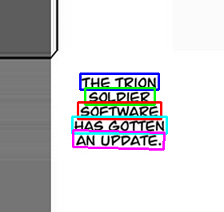
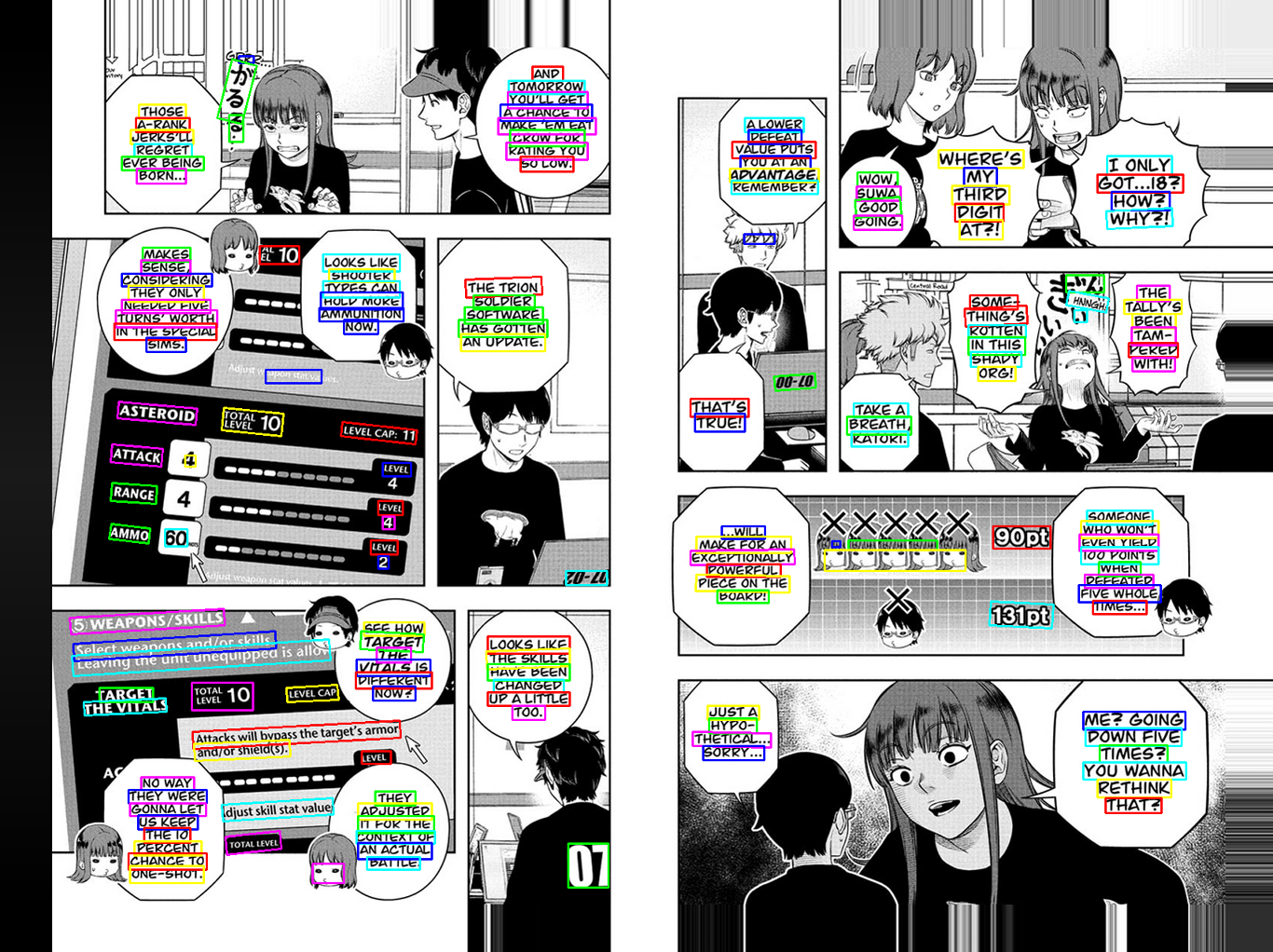
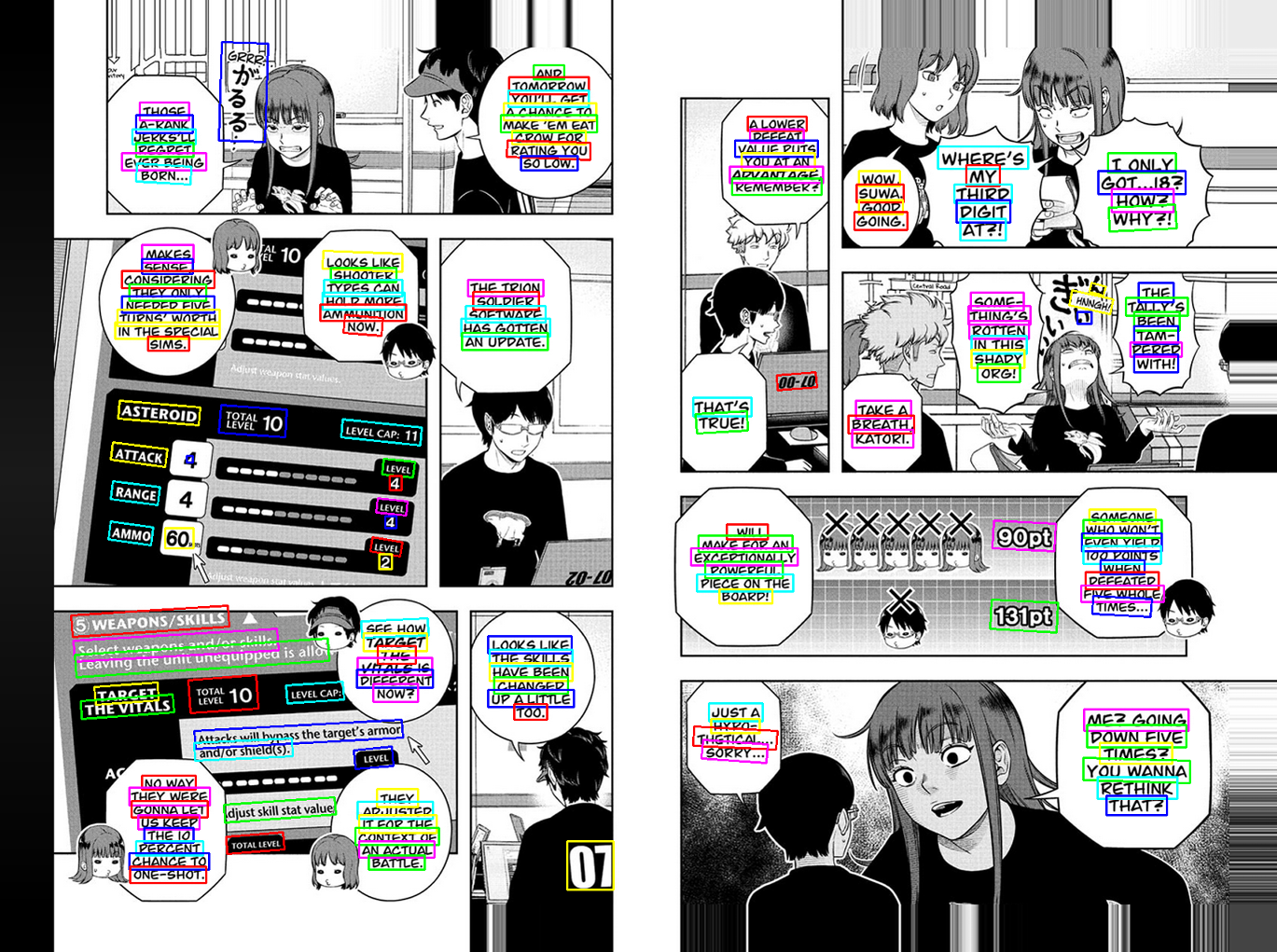
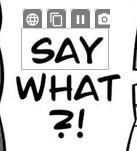
  3. Yes, I think they line up well for a single word, a whole bubble, and even a full two-page image. I hope I tested that right!

Results:

One word:

A whole bubble:

A full two-page image:

en_PP_OCRv3:

PP_OCRv5:


Haha, yes, we'll cross our fingers for that 🤞

Alright, thank you! And sorry, about 3. - I meant the screenshot.png specifically in that folder. Let's say you select a word almost pixel perfect - does the screenshot.png resemble the exact area you selected?

By the way - are you on Windows 11 or 10?

(2 edits)

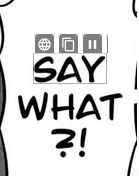
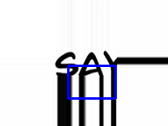
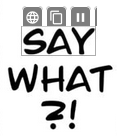
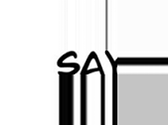
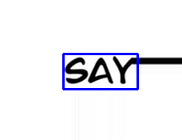
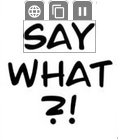
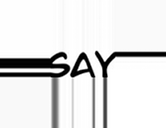
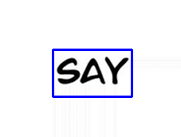
Oh, okay, I think I get it now. And the answer is no. Even after carefully selecting the word "SAY" with a tight frame, the resulting screenshot is misaligned with the area I selected. I got the exact same result with both of the detection models. (My bad if I'm still not getting it lol.)


I'm using Windows 10.

Okay, nice! That's what I wanted to see.

In this case it doesn't matter which model you use, it's not a model issue, only a screen capture misalignment issue.

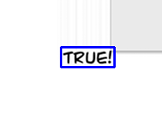
However, I am now extremely confused as to why the last screenshot with the box is completely misaligned when the previous screenshots you showed me had pixel perfect detection boxes..? This doesn't make any sense, haha. Just to confirm, the last picture is the individual_boxes_before_merge.png image?

Thanks! This gives me a bit more to go on. I might upload a specific version for you to see if any changes I make work. Probably won't be today though.

(1 edit)

Hi,

I finally managed to understand lol.

The last three images I uploaded were from the very end of my test run. Before those, I did a bunch of other tests and never once saw that blue box. I didn't even notice it in the final images until you pointed it out lol. If I make a really tight selection on "SAY," the blue box never appears. I just re-tested that, and it was gone again.

I also tried making a slightly wider selection, and in that case, the blue box always shows up, although the image is still a bit cropped.


Yes, the individual_boxes_before_merge.png image was the last one.

But then, as I mentioned before, if I use the Windows scaling workaround: "1. No, my Windows scaling is at 100%, but here's something interesting: if I start in Desktop mode with a 100-125-150-175 scaling and I make sure to exit and restart the mode with each change, the problem is still there. It doesn't matter what I start with, but if I start in Desktop mode with 100% and then switch the scaling to something like 125 while it's running, the issue is completely gone. At that point, I can set it to anything, even 175, and it works. I can even switch back to 100 and it's still fine."

I got these results with that method:

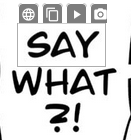
Tight selection:


Slightly wider selection:


Could there be some Windows bug on my end?

Oh, okay thank you. 

(1 edit)

Hey pal, hope you had a good weekend!

Ahaha, no worries!

Thank you very much for these screenshots. There is clearly a misalignment issue happening here, and while it may seem like the changing of windows scaling completely fixes the bug, it is only masking the problem better. There's still some cropping on both the left, bottom and right.. Giving me a bit of headache this, haha. I'll have to dive deep into it and see what I can do with this information.

I mean, there COULD be an issue on your end, but I would honestly not have any clue what it could be. Until I know if anyone else has the same issue, it'll be impossible for me to figure out if that's the case.

Oh and about the Custom API/MangaOCR lock bug. Could you try doing that again? I've added telemetry to the app now, so any errors that do not cause crashes can also be sent to my backend. It doesn't collect any personal information at all and can be disabled in General configuration if you don't want that to run.

(1 edit)

Hey, thanks for asking, my weekend was great :)

Just take your time, no need to hurry, it's not urgent for me :)

The bug is fixed now, thanks. 
I did see that, but don't worry, I won't turn it off, I think it's a good idea. I have no reason to doubt you (⊙ _ ⊙ )

Keep up the good work 💪

Good to hear!

Thanks, I'll get on it soon eitherway I hope. I had just hoped that more people would have reported the same bug by now but.. nope. Haha.

Great!
And aah, thank you very much haha, it's been supeeeeer helpful so far. So many bugs I would never have been able to catch without it.

Hahaha. Love the smiley.

Thanks bud! Really enjoying working on it now. Hopefully I will have big news to share soon.