

Hi,
I finally managed to understand lol.
The last three images I uploaded were from the very end of my test run. Before those, I did a bunch of other tests and never once saw that blue box. I didn't even notice it in the final images until you pointed it out lol. If I make a really tight selection on "SAY," the blue box never appears. I just re-tested that, and it was gone again.
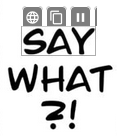

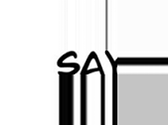
I also tried making a slightly wider selection, and in that case, the blue box always shows up, although the image is still a bit cropped.
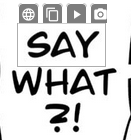

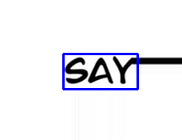
Yes, the individual_boxes_before_merge.png image was the last one.
But then, as I mentioned before, if I use the Windows scaling workaround: "1. No, my Windows scaling is at 100%, but here's something interesting: if I start in Desktop mode with a 100-125-150-175 scaling and I make sure to exit and restart the mode with each change, the problem is still there. It doesn't matter what I start with, but if I start in Desktop mode with 100% and then switch the scaling to something like 125 while it's running, the issue is completely gone. At that point, I can set it to anything, even 175, and it works. I can even switch back to 100 and it's still fine."
I got these results with that method:
Tight selection:
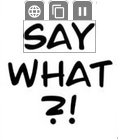

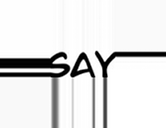
Slightly wider selection:
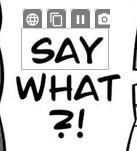

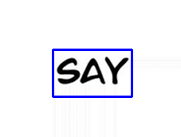
Could there be some Windows bug on my end?
Oh, okay thank you.