That's great to hear :)
Sabresnout
Creator of
Recent community posts
Hello! Could you provide the resolutions of your screens? We tested it on Linux cinnamon and the character was covered by the taskbar but was visible, try changing taskbar positions to top, and then back and let me know if the problem persists, I will test it again and try to replicate the issue.
The app behaves this way if it somehow started working in fullscreen mode instead of a borderless window, try to toggle fullscreen mode and let me know if it helped.
Are you using Wayland by a chance on your system? The app only works on X11 desktop environments for now (we can't get mouse position outside of the app's window due to how Wayland handles them, among other issues).
If you are using X11 could you tell us which release of CachyOS are you using so we could try and replicate the issue?

Hiya!
An update since there are much, much more features available since the initial release :)
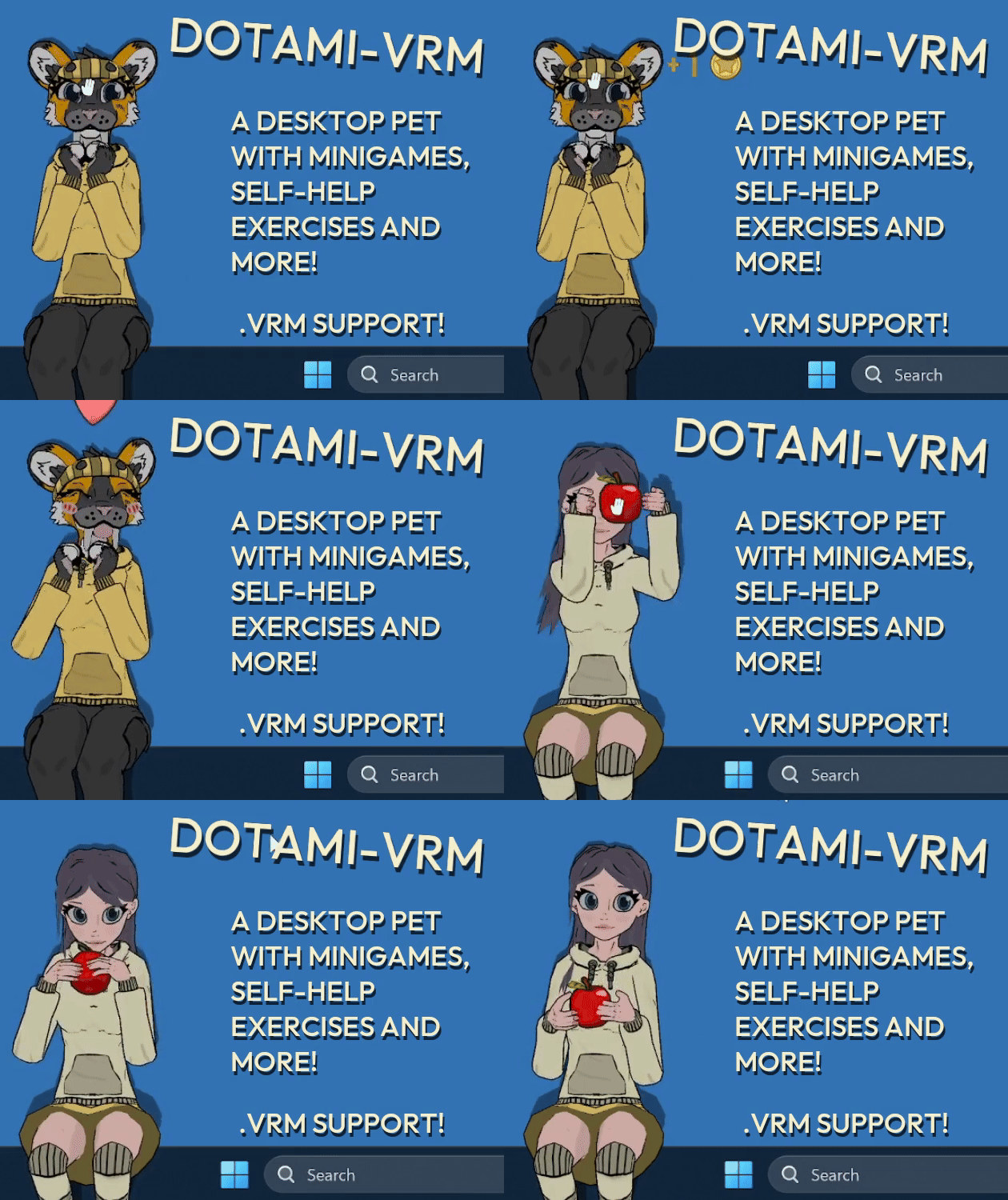
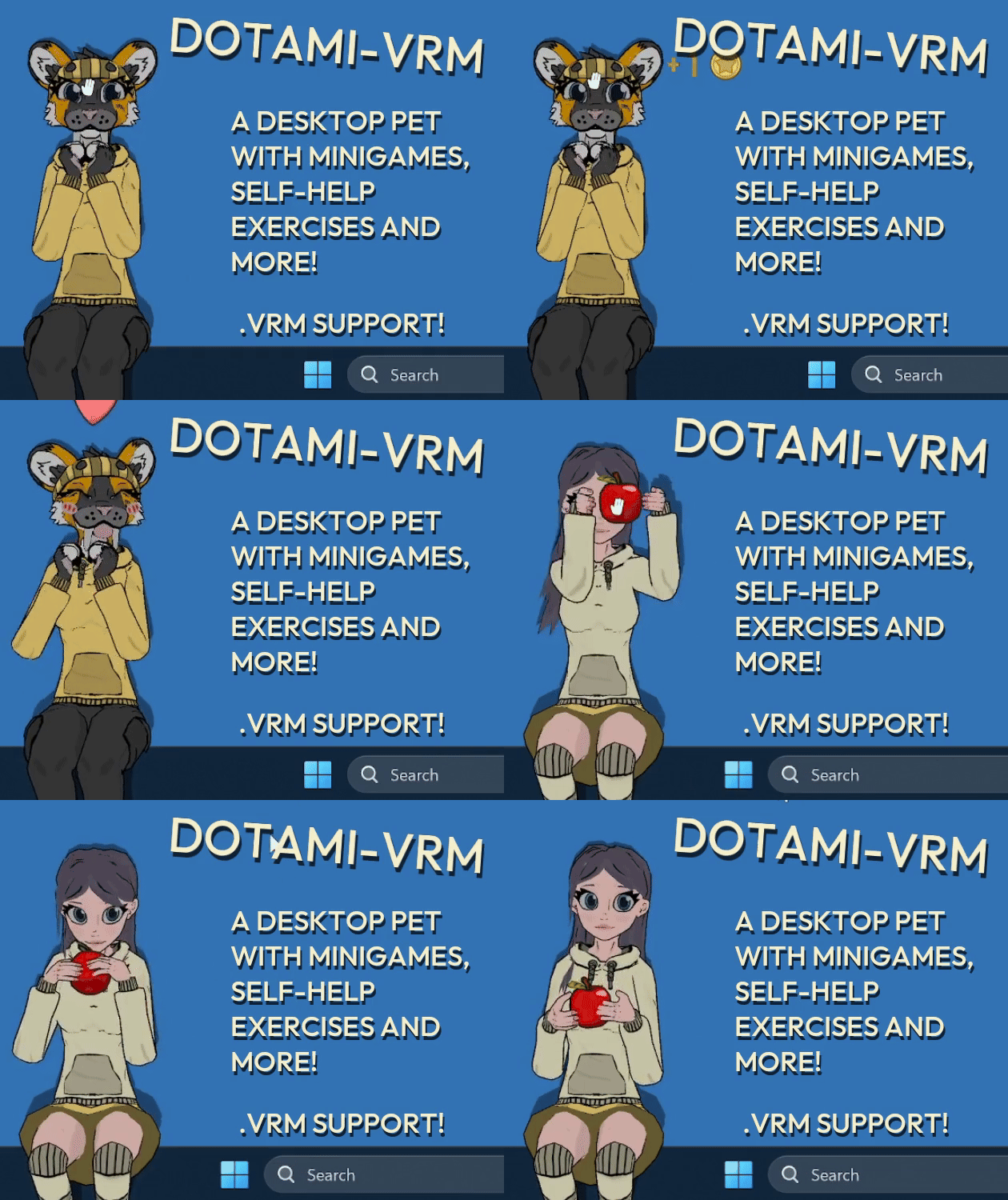
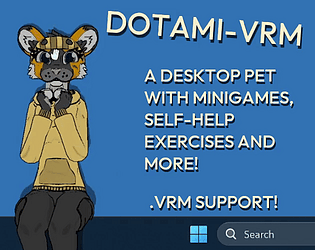
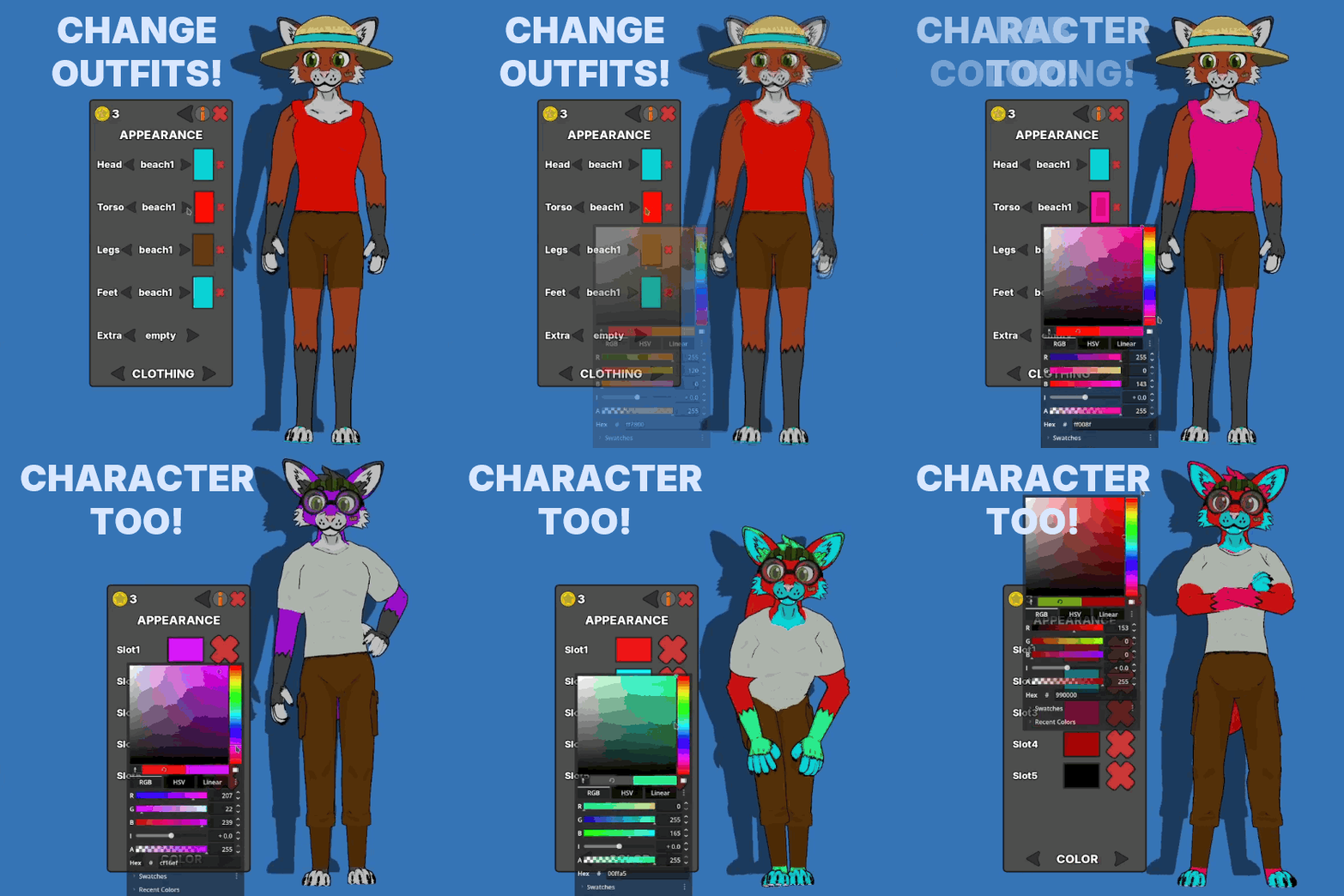
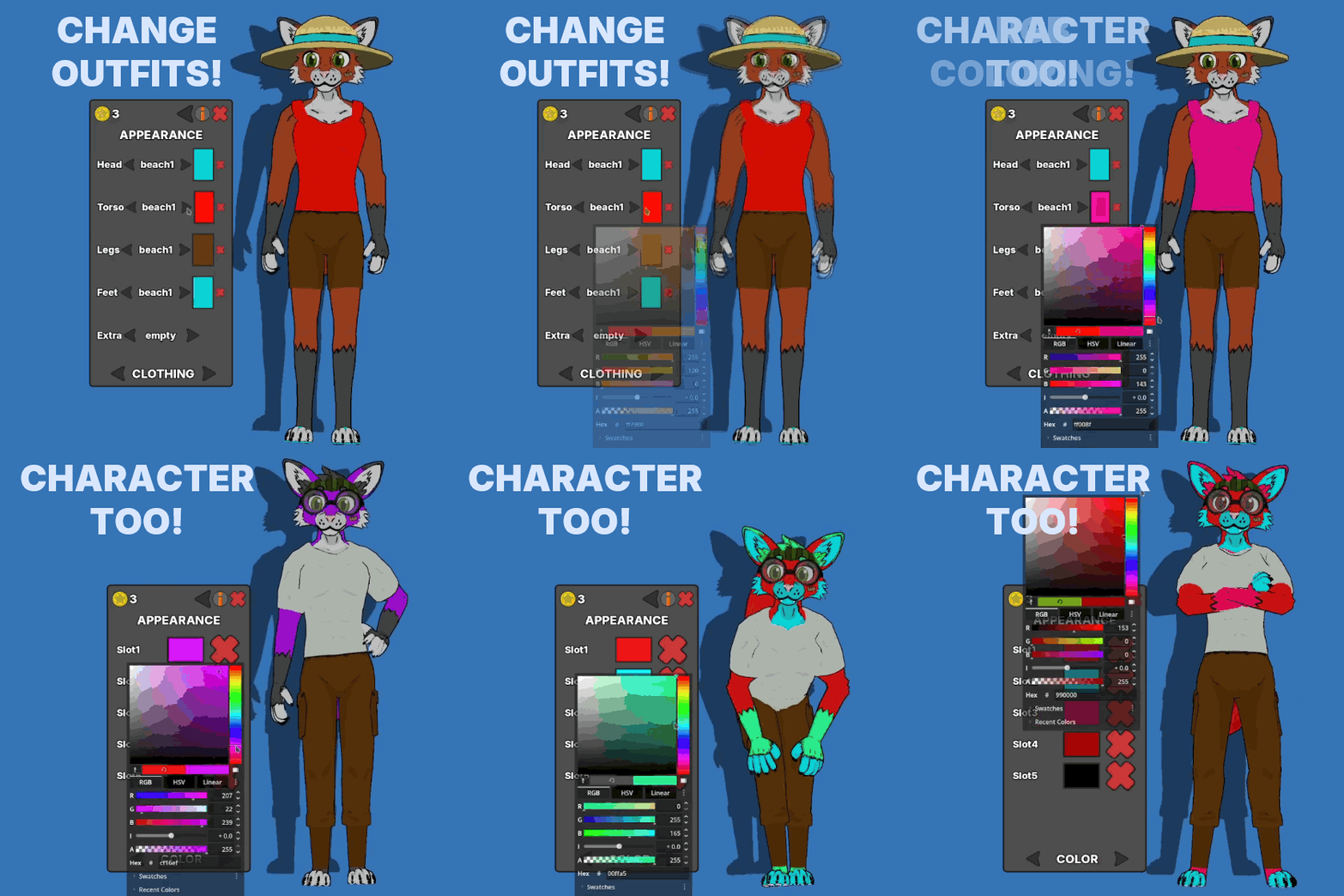
Dotami-vrm is a desktop buddy/pet game with support for uploading your own .vrm avatars (vtuber standard), with a focus on cute interactions, self care exercises and minigames! There is also an outfit and coloring system, paint characters and outfits using an RGB wheel!
But there are also 3 cute included characters if you don't want to upload your own :)
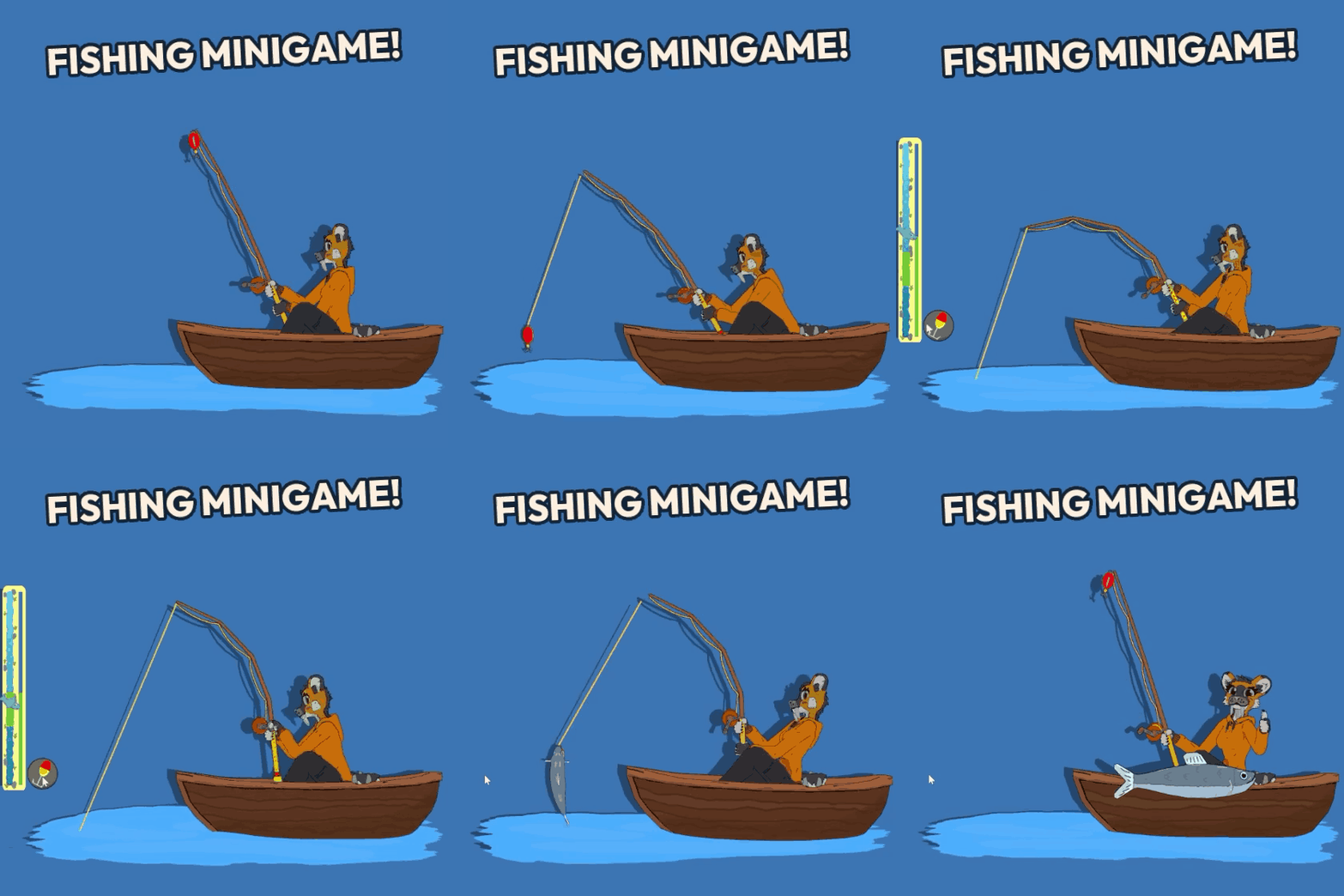
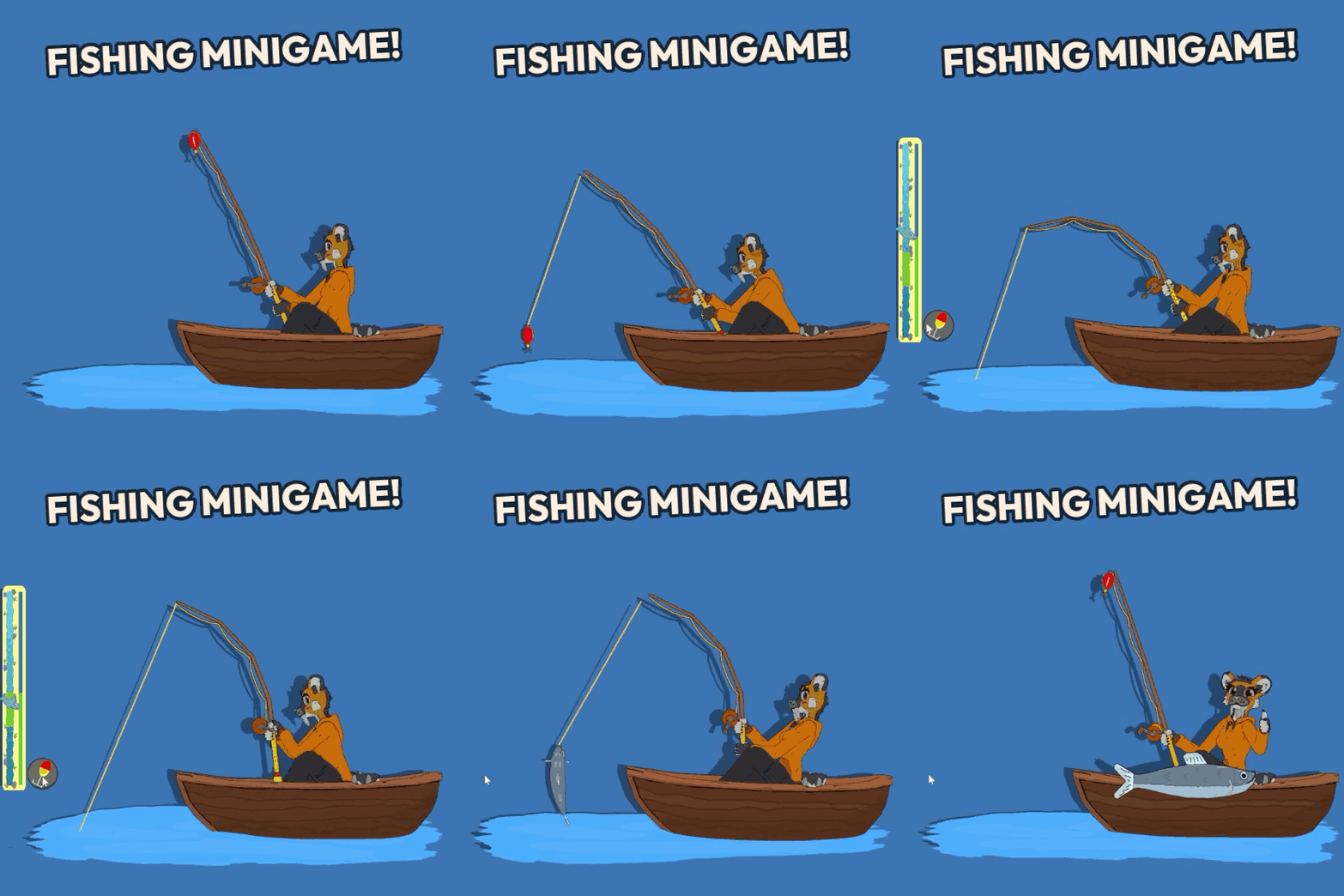
Petting, hand holding (zones adjusted automatically to imported avatars!), feeding, fishing minigame, calming ASMR scene and other exercises, mixer minigame (mix ingredients and discover special reactions) and much more!
And now it features native Linux support! (X11 for now), with multi monitor support and reworked UI!
Check out the game and all It's features here: https://sabresnout.itch.io/dotami-vrm
There is a free demo, for both Windows and Linux, and it features .vrm upload, hand holding, alarm feature and multi monitor support, give it a try :)
It's a passion project that we use ourselves and develop in free time :)
Have a nice one!
ADDITIONAL FIX: If you are experiencing Dotami-vrm becoming black (losing transparency) when launching certain games try this:
- go to System Settings -> Display and Monitor -> Compositor, and uncheck "Allow applications to block compositing" - what it does is simply prevent games and apps from disabling visual effects on system windows, like transparency.
I stumbled upon this issue recently on my Kubuntu install, maybe it will help you too!
It should not be too hard to implement, and could be a useful feature (for example someone uses male models and does not want "feminine" looking animations playing, or disable ones that don't fit their character). I don't want to make promises for now as we will be focusing on rewriting couple core mechanics with the new engine version.
I'm sorry i noticed your post only recently, for some reason it ended up in pending posts tab which i was not even aware of until now...
Thanks for the feedback! Yeah, we made the Linux build cause i use Linux as my main work system and wanted to have a screen buddy there, too :)
- there is a voice pack selection available in the newest update, but being able to load your own is a neat idea!
- loading animation and effects etc. i can't say for now, we wanted to make more customization options but i cannot promise antyhing for now.
- shadow opacity should not be very hard to implement
Thanks for the feedback!
I will look into it, and try to replicate the issue, it should use main monitor's position and dimensions but for some reason it does not in this case.
Solution 2# would work, the game worked this way in early builds but we had to change it to allow Linux support (it handles windows differently and would not allow moving the window outside of display boundaries which basically prevented larger character size and ability to move around significantly) and yeah, also minigames and activities, especially planned ones.
We are aware of the issue when using multiple monitors - it works on some, but one person reported similar issue recently when using 3 monitors, do you have 2 or 3 monitors? Could you provide their respective resolutions? Are you using Linux or Windows build?
I will add this to known issues in game description as i discovered it only recently. Game is still in early access, it is stable in general but some issues will pop up and we try to fix them along the way. The demo works the same as the full version minus activities and minigames that's why we released a free demo to test before purchasing full version. I will update the description to provide more specific details about contents of the full version to avoid confusion.
If you are really dissatisfied with the game you can issue a refund with the support team. (edited to handle this through dedicated method: with itch support team)
Same on my games, cover image works as intended (hover to play) but the banner, screenshots and gifs in devlog posts don't animate.
Old gifs embedded in the game description work. Screenshots animate only if i click on them and it opens them zoomed in.
Here are affected projects if that helps:
https://sabresnout.itch.io/dotami-vrm
https://sabresnout.itch.io/cheemsbonker-rebonkd
3 days ago or so screenshots animated, but now even they don't.
We tested the game only on LTS versions, but from my quick search it appears KDE 6.3 is using Wayland by default, which the game does not support properly for now, but thanks a lot for feedback! It behaves like this because Wayland does not allow mouse access to apps outside of their windows.
If you would like to you could try and switch session to x11, but i can see how it could be problematic. Wayland is still experimental and a lot of programs and especially games work better on x11. There should be an option during login, a gear icon or something similar in bottom corner.
I created one just now:
https://www.patreon.com/cw/Sabresnout
There are only donation tiers for now as i need to think of proper rewards that will provide fun benefits to members, also thank you for wanting to support what we do :)
For now it is set up as my personal one (the art, animation etc. guy) due to legal reasons.
Hello, I'm happy that you like it :) We did consider chatbot functionality, and would love to add it at some point! Using it as optional feature so people can use a model of their choosing would be the most sensible approach as it could be self contained and completely optional for people who don't want AI stuff in their game while also enabling the rest to chat with the characters.
Hello! I just tested it and while WIN + shift + left/right arrow moves the game window to the second monitor, for some reason the background becomes black when i move it back to the main one. Also the sit height gets messed up if there is a difference in resolution between the monitors... I'll try to fix this in the next update! Thanks a lot for the feedback!
Hiya!
Here is a list of the distros we tested on our test PC and the game was working on (LTS versions!):
TLDR: Most desktops and distros work out of the box, some require switching session to Xorg (Gnome), some work with little workarounds (Cinnamon - taskbar covers legs) and some don't (Wayland only distros).
Game works on X11 desktops only, does NOT work on Wayland!
ADDITIONAL FIX: If you are experiencing Dotami-vrm becoming black (losing transparency) when launching certain games try this:
- go to System Settings -> Display and Monitor -> Compositor, and uncheck "Allow applications to block compositing" - what it does is simply prevent games and apps from disabling visual effects on system windows, like transparency.
Best option is to download the demo and see if it works fine on your specific system!
- Ubuntu (Gnome) - ☑️ you need to switch session to Xorg from Wayland!
- Kubuntu (KDE) - ☑️
- Lubuntu (lxqt) - ☑️
- Xubuntu (xfce) - ☑️
- Ubuntu (Mate) - ☑️ - fixed now!
- Ubuntu Budgie - 🟰 works on multiple monitors now, but requires a little workaround: after pressing the switch screen button it will appear as if the character did not switch the screen visually - click or double click on your second monitor, Ii should make the character jump there (weird I know... but works better than before though...)
- Linux Mint (Cinnamon) and Ubuntu Cinnamon -☑️ - taskbar covers character's legs despite game calling proper functions to be on top, otherwise works (move taskbar to the top of the screen?) - now should work on multiple monitors
- Ubuntu Unity - ☑️
- Zorin OS - ☑️ - the half transparent middle placed taskbar covers character's legs, but otherwise works.
Best test with your own setup using the free DEMO version first (there are just so many different distros and desktops).
By working i mean all the functions and features included in the Linux build work as intended, the Linux build does not have window sitting, instead you can spawn pillows that you can move around and sit the characters on, and taskbar sit height has to be adjusted manually! The rest is the same between both builds.
Hello!
Check out the game me and my brother made in Godot!
https://sabresnout.itch.io/dotami-vrm
It's a desktop pet game with many fun features and .vrm model support!
It works on Windows and natively on Linux (X11), supports multiple monitors and features many fun interactions, minigames and exercises!
FEATURES:
💛3 built-in cute characters: A sabre cat named Sabrie, Finnie - a female human, and Kanu, a male fox :)
💛upload your .vrm model: Just drag and drop the file onto the character! (you can switch between the uploaded .vrm and built-in characters, with a real-time 3d preview) - also available in the demo,
💛play minigames like rock-paper-scissors, mix food in the mixer and discover special reactions, there is also a fun fishing minigame :)
💛do self care exercises with the characters to improve focus or just relax with the help of calming sounds and visuals in the ASMR exercise,
💛there are many ways to interact with characters, you can pet them, feed them, hold hands and move them around the screen and sit them on windows and taskbar, if you click them they will show a cute reaction,
💛you can set alarms, with gentle sound and non intrusive visual effects,
💛game is light on resources but you can also adjust graphic settings in the menu,
💛there is a tutorial available in-game,
NEWEST FEATURES:
💛selectable voice packs, you can select the one that matches your uploaded character the most (included ones, too),
💛multi monitor support,
💛native Linux build (X11)!
💛toggle idle animations, disable ones that you don't want showing to better match your character and preferences,
💛complete UI rework (darker and much more readable, also in demo version),
💛new character :)
💛Fishing minigame,
💛calming ASMR scene,
...and more!
Also all minigames, exercises and interactions work both while sitting and standing!
It's in early access since we actively add new features - it's a passion project we work on in our free time and use ourselves :)
If you like our project please support us by buying it!
Have a nice one and enjoy!
Sabresnout
Check out the trailer! I made an animated 3D live action intro featuring one of the characters: Sabrie, who stole my laptop and made the trailer herself!
This trailer still has the old UI, you can see the difference :)
Sabrie and Finnie wanted to say hi and tell you something about themselves!
Hiya! Nice to meet you! My name is Sabrienne Toof, I am 30.030 years old. I recently came out of a really long sleep in a suuper cold glacier. I love cuddles, pets and warmth! I like eating fruits, especially apples! My favorite hobbies are cycling and exploring beautiful outdoors! I enjoy drawing and sewing in my free time! I like playing creative sandbox games, and will happily watch you play them!
Hey! What's up? Name's Finneya Kinny, 20 years old. Let's hang out together! I'm currently studying medicine. I enjoy big cities, parties and swimming! My favorite snack is a muffin. I love running, meeting new people and traveling! I love playing mmorpgs and life simulators, show me some gameplay and that sick meta dps build!
Hello, Kanu Volpe here, how's it going? I am 24 years old and work as a lifeguard. I love water and all sports related to it and playing in snow (it's a fox thing). I really enjoy eating cheese, and sometimes play mobile games. One day I would like to write a fantasy book and love listening to other people's stories.
Hiya!
Just a short info on how to make your VRM model (or VRM model you got and have rights to edit!) work best!
Game has procedural functions that adjust the game to the uploaded model, but they can only do so much!
- root bone (first bone in armature's chain) should be at world origin (0,0,0) position - most games and models use this position - in simple terms root bone should be between character's feet directly below, and start at ground level, otherwise animations won't work properly and everything will be shifted!
- sitting will work best if hips bone starts at where the character would sit, similar to a real human skeleton,
- vrm 0.0 works best, some vrm 1.0 might not - especially those using constraints feature (WIP)
- if you want to use vrm 0.0 model and have a working surprised expression (used in special mixer minigame reactions) just add a custom expression named "surprised" to your model, the game will detect it! (it's a standard expression in vrm 1.0 but not 0.0)
But if you don't care about all this you can just check out the demo and upload your model and see if it works!
Have a nice one!