Really neat app in concept but...
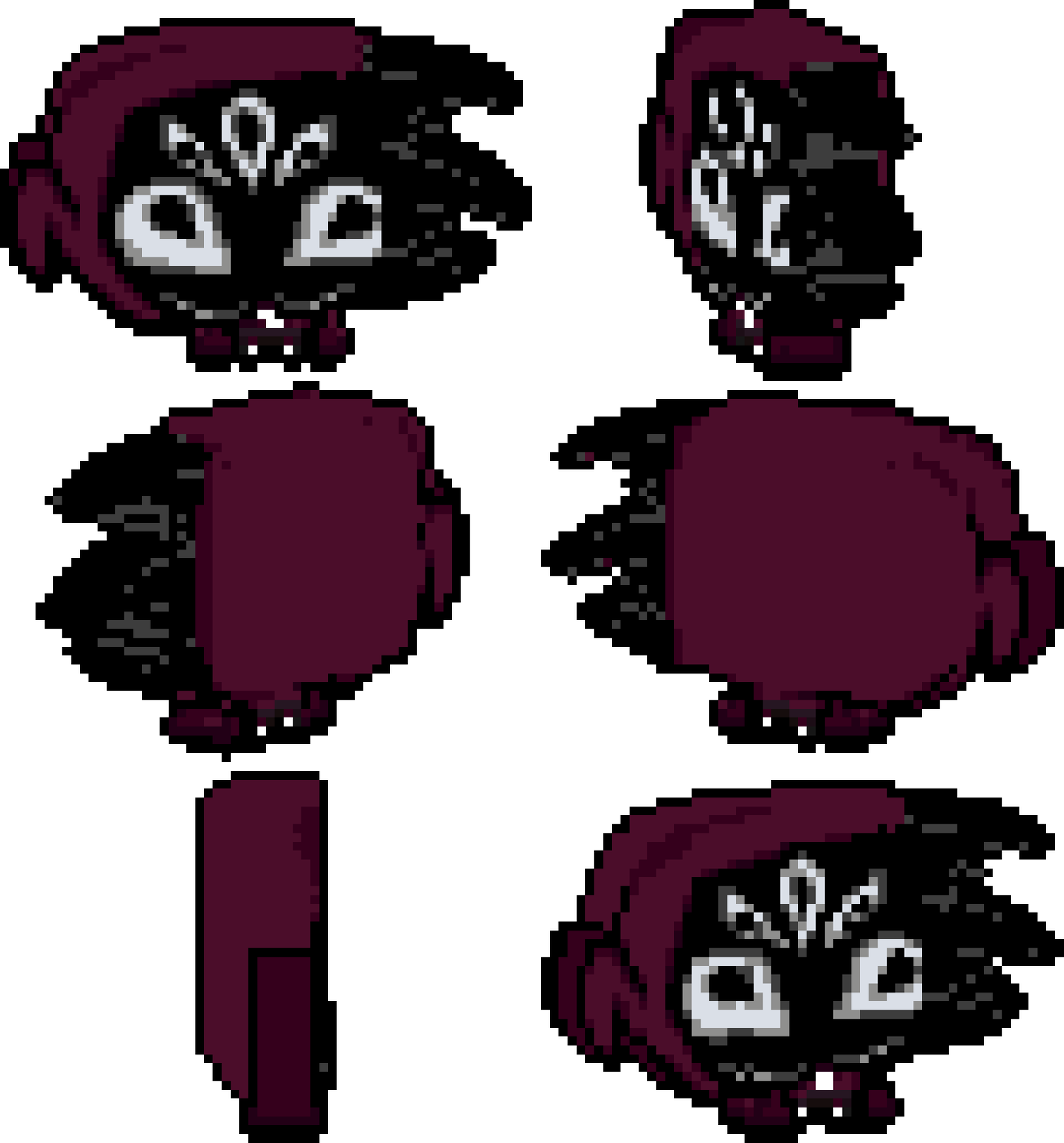
1. PLEASE add some automation for image uploading, say, a image is 50x48 then it should just add empty pixels around it to fit the 64x64 size it wants.
2. Also for some reason ALL fonts are ULTRA tiny? At least the custom small ones render super duper tiny.
3. I noticed drawing is super slow, maybe consider adding some chunk optimization of sorts perhaps? Since it is weird how laggy it is.
4. Is it intentional that the view snaps to the top and bottom but not to the sides? Maybe add a setting to also toggle this? It also seems to snap in a very specific view... which means the model FLIPS while you are trying to paint. It kinda felt weird too when it just SNAP JUMPSCARE. lol
5. Could it start on a new project instead of opening on the default model? because it can be a bit confusing to then want to upload images and it complaining about it, as in, its not intuitive that I had to go out of my way to click clear, then pick size, and THEN finally have my model.
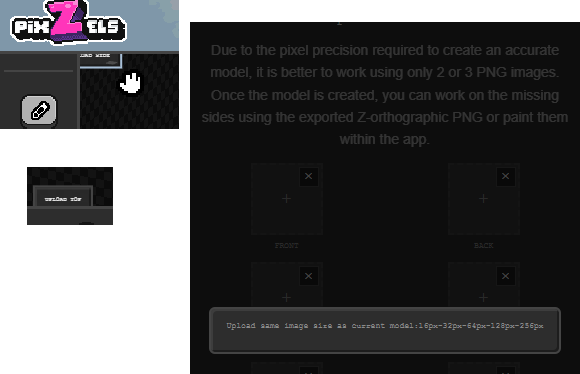
6. Maybe the upload image buttons on the sides of the box should also render on the screen instead of being kinda hidden away when they don't fit the screen? It's a bit confusing also because I can barely read them to start with.
7. On the topic of lag, even the UI is laggy when you are selecting around a model?
8. Custom keybinds would be nice.
9. Can you make line mode always render the pixels it will draw? Since I noticed atm it only renders them if you move your mouse around.
10. Line mode currently doesn't go down steps if a mesh is curvy, which kinda makes line mode for that kind of editing be useless.
11. Maybe add a symmetry mode too? So say, if I erase on one side, it should also erase on X, Y or Z too. So I can shape the model more nicely by just editing from one side.
12. Bucket tool doesn't really seem to fill as visually intended. As in, if there's a ton of black cubes, then it should paint them all as long as they are visually connected, but it doesn't do that, it just paints over the ones adjacent to it.
13. A bind for using a key and then using mouse wheel to increase and decrease brush size would be nice.
14. A smooth boxes mode? Basically say, I want to add a bump, but it looked wrong, so then I wanted to smooth out the connection between the bump top and the bottom, so a smooth tool would handle that by just click it a few times to smooth the surface.
15. Sizes beyond 128 would be nice, since I have vehicle sprites that are bigger than that. In general, odd sizes would be very welcome too.
My screen size is 1920x1080.
If you could look into these issues/suggestions I would appreciate it. Thanks in advance. c: