

Hello Chillax :) Many thanks for your feedback :)
-working on the snap view and some of your points...
-Point 9.. You are totally right... good point thx I did not noticed that :)
-Currently I'm on a half vacation time... Want to connect via Discord? We can talk about ( efebe_ )
A member registered Dec 03, 2021 · View creator page →
Creator of
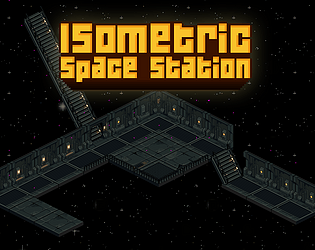
Isometric Interior Space Station Tileset.
Pixelart Boat 16 directions.
Skate tricks animations.
Not Ai information Stickers.
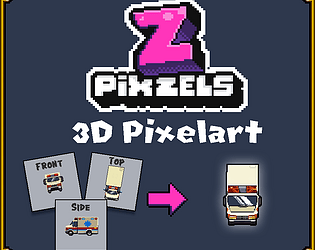
Isometric pixel art Car Ambulance Van
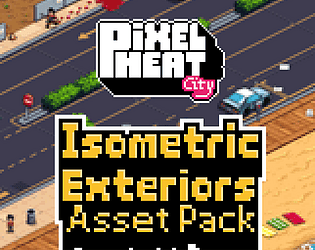
PHC Isometric Exterior Asset Pack
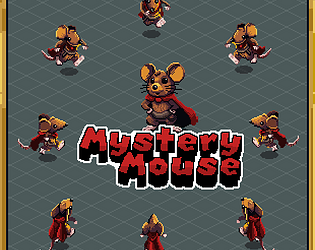
8-Directions Isometric Mouse.
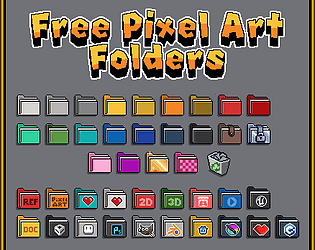
Folders images on Pixelart style to organice your desktop
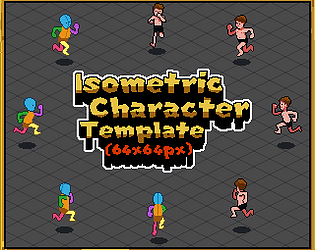
Isometric Character Template Animations (64 pixels size).
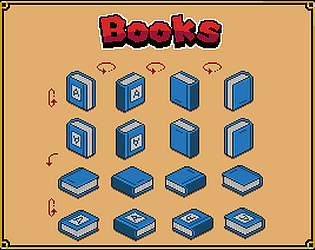
Isometric Books on Pixel art Style
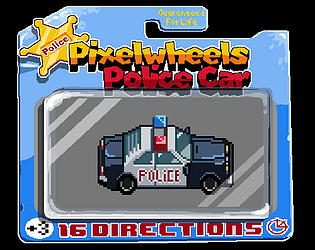
Isometric pixel art Car, PixelWheels Police Car
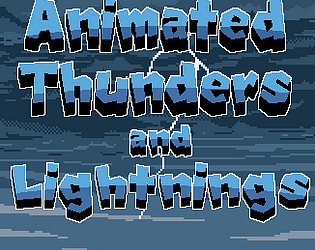
Animation sprites for Lightnings on pixel art style with sound.
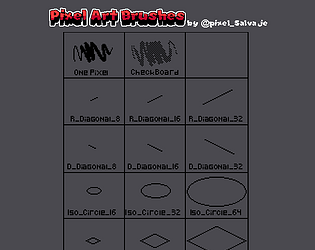
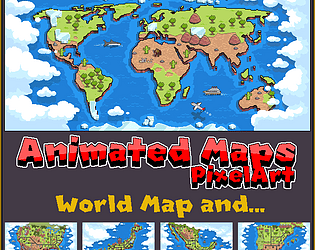
Animated pixelart Maps Customizable.
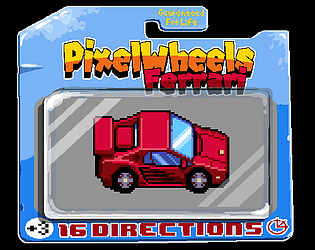
Isometric pixel art Car Ferrari
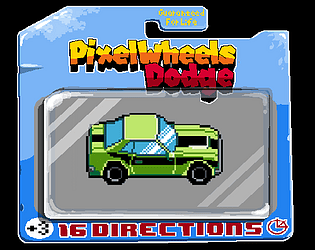
Isometric pixel art Car Dodge
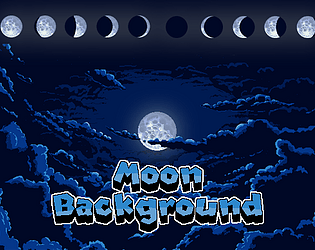
Clouds and Moons
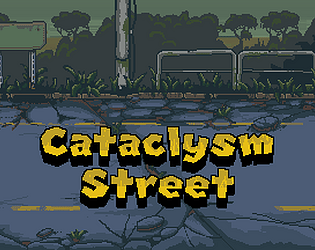
Street Seamless on pixel art background parallax.
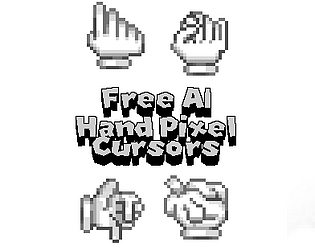
Pointer cursor Pixel art Hand
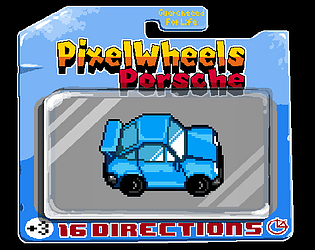
Isometric pixel art Car Porsche
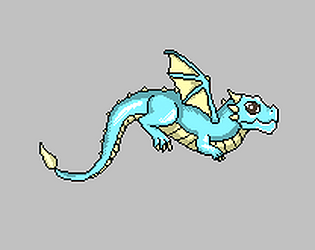
Pixel art Dragon frames
128x128px animation pixel art
Parallax asset, seamless tileable images.
Parallax asset, seamless images.
Parallax asset, seamless images. Jungle.
Parallax asset, seamless images.
Parallax asset, seamless images.
Parallax asset, seamless images.
Animation Frames Sea Water Waves and CLouds
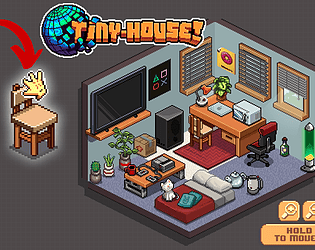
Interactive program where you can build your own Tiny House on Pixel art.
Simulation
Play in browser
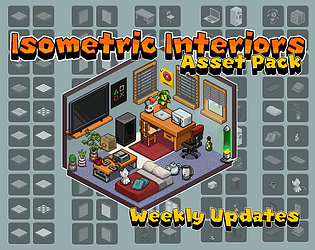
Isometric tilesets for your game. Pixel art isometric room.
Motorcycles Asset Pack
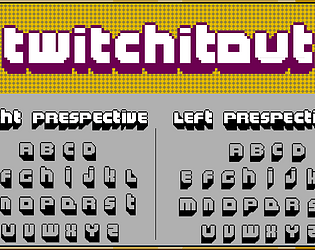
A free font for titles pixel art, Twitch.
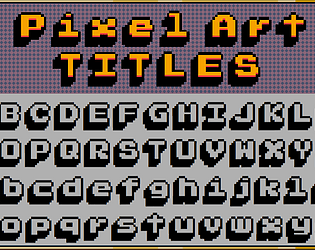
Free Font for Pixel art Titles.
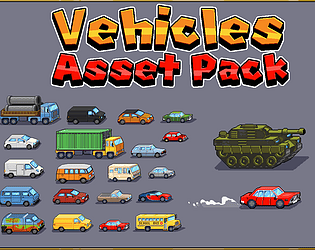
A collection of 20 Animated cars and a Tank.
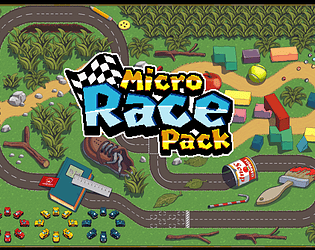
Assets to create a Micro Car Racing game.
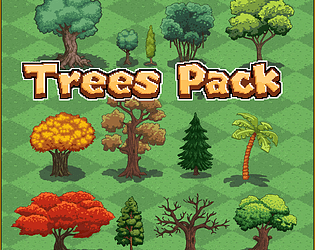
Collection of 13 trees.
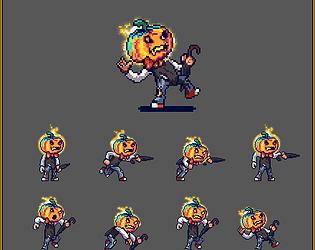
Pumpkin head 2d Pixel art Character for platformer game animations.
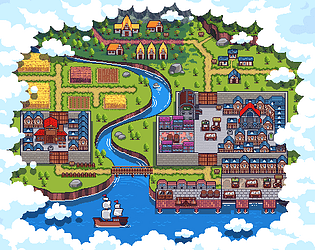
A game on continuous development, contact me to add your city on the map.
Simulation
Play in browser
Recent community posts
Hello Coderzxy54 :)
I need to investigate this deeply... So many requests; it might be useful for users... So far I see a big issue:
-Sliced PNG and Magical Voxels (.vox) use a single colour per voxel... But PixZels uses 6 colours per voxel (1 independent colour per voxel side)... I did that on purpose, so the model could look more realistic and precise, not a blocky model on the corners...
-So with this issue, I think the conversion won't be exactly the same... But it might work for users... I will try out. Currently this is on my To-do list. Atm Im working on the OBJ, MTL and Atlas conversion.
Many thanks for your imput.. Soon will have some results about.
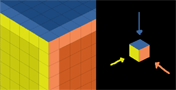
Hi Chillax I try to adress all this topics:
1- Working on multi size upload mode
4-Snap view is possible to snap all sides (back, front, left, right top and bottom sides) and all the isometrics .. There is button called Lock view  that allow the user to not lock the views incase need to work on specific angles.
5- When I do implement different png sizes that popup telling the user that the png is not correct will not appear anymore. :)
9. "Can you make line mode always render the pixels it will draw? Since I noticed atm it only renders them if you move your mouse around.">>>> Sorry I do not understand this point. If u can explain further will help me out :)
13. "A bind for using a key and then using mouse wheel to increase and decrease brush size would be nice." There is a keyboard shortcut atm (numpad 1-0) to change pencil-eraser size... I might include a custom key to adjust that with the mouse wheel.
15- I notice that big sizes over 128 the app is slow and laggy... I tried several times to improve that but not much advance... I will dedicate a full day on it to improve and optimice the app to be able to create 512px size models.
The rest of the topics are on my list to do, hope I answer all your suggestions... Many thanks :)
Hello Wakawakamush.
1-The back Image (and all 6 sides images) could be added using Upload sides Button:

2-The magicalvoxel .vox format needs to be tested. But I think it won't be possible because behind PixZels, the tech is not voxels. Voxels have a unique colour for each voxel, and PixZels uses 6 colours on each voxel (each side could have a different colour). That is done to create more precision when the user builds the models. (The models are nicer imo).
3- Obj with mtl it's a must, yes ... Many Thanks,
You can post your feedback here or send me mail (cartade1y0@gmail.com) I write down all the ideas.
Many Thanks for your feedback... That really help me a lot :)
Isometric Exteriors PHC (Pixel Heat City) comments · Replied to Ping_Solution352 in Isometric Exteriors PHC (Pixel Heat City) comments
No need to purchase the buildings separately... The pack will include the whole city, assets, floors... Just needed time to define the style more before exporting the buildings that I've done so far. In the coming days will be released. Next month, new buildings and environments will be added.
Many Thanks.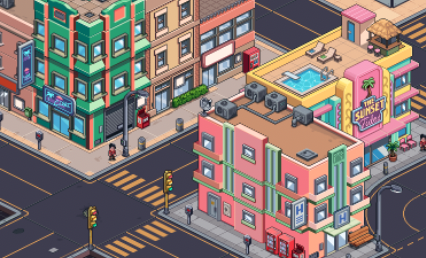
itch.io Community » General » Release Announcements · Created a new topic PHC Pixel Heat City Update
New update on the PHC Isometric exterior city :)
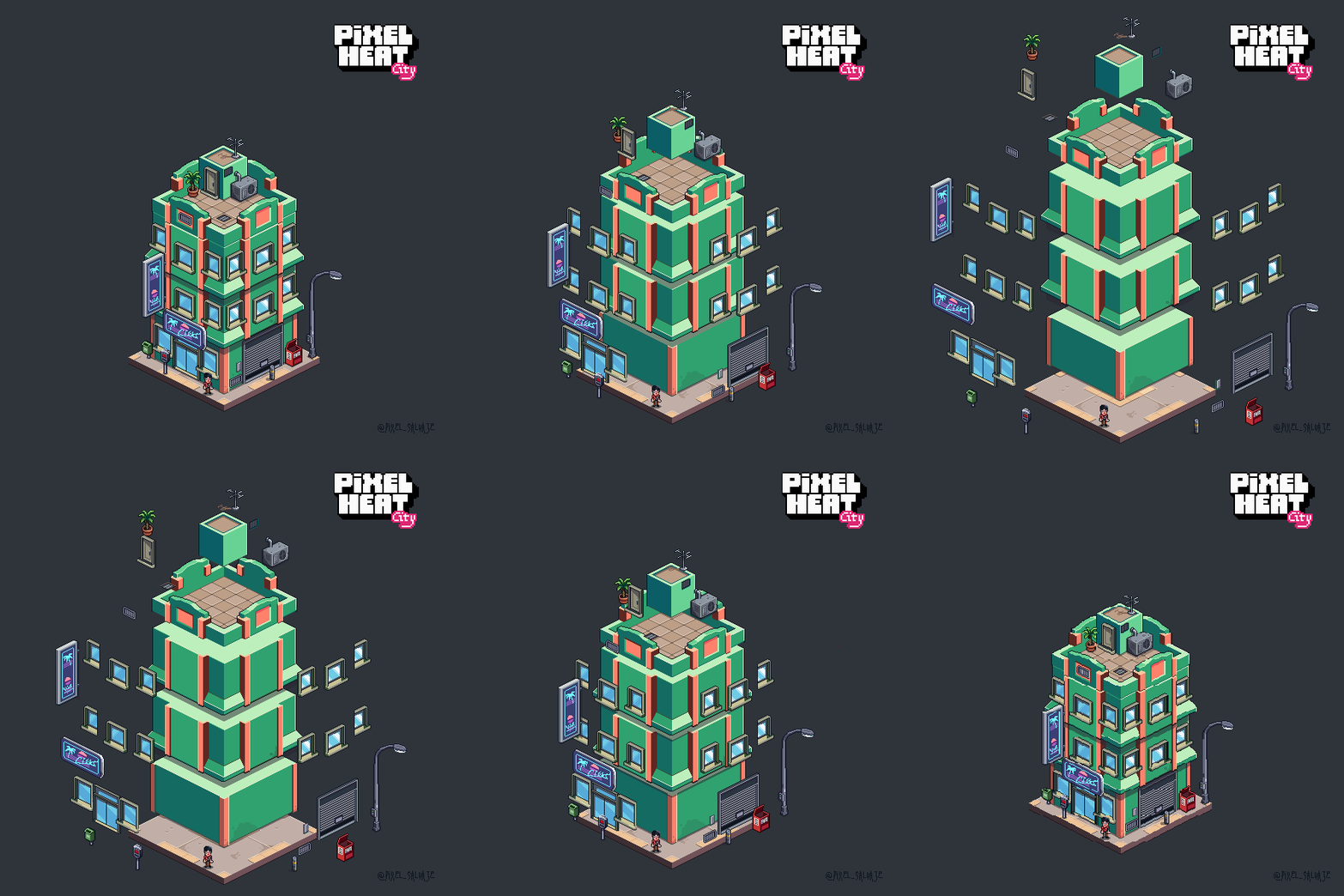
Pixel Heat City (PHC) – Isometric Modular Exteriors
Pixel Heat City (PHC) is a modular isometric asset pack for building vibrant urban environments. Stack elements vertically or horizontally with complete grid precision.
- Fully Modular: Mix and match building cores, facades, shops, roads and roofs.
- Rich Detail: Includes storefront signs, rooftop AC units, street lamps, and props.
- Game-Ready: Optimised for seamless isometric tilemaps.
https://pixel-salvaje.itch.io/phc-pixel-heat-city
@pixel_Salvaje.
I see the issue...
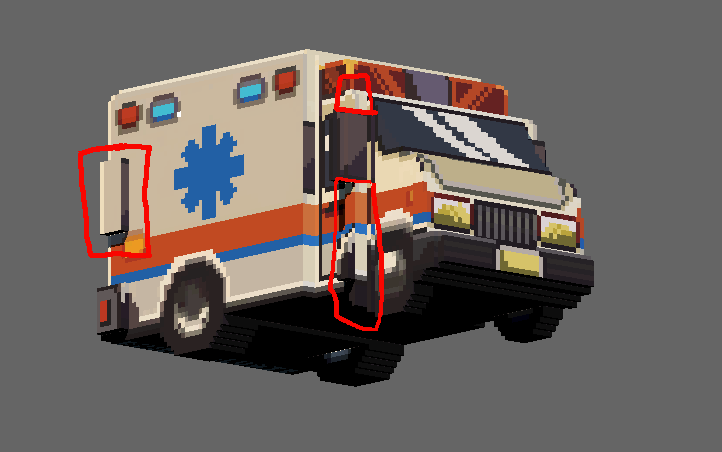
-Need to check the ambulance files, but I think they need to be updated.
-The example model (from the examples button) it is already a cleanup model.
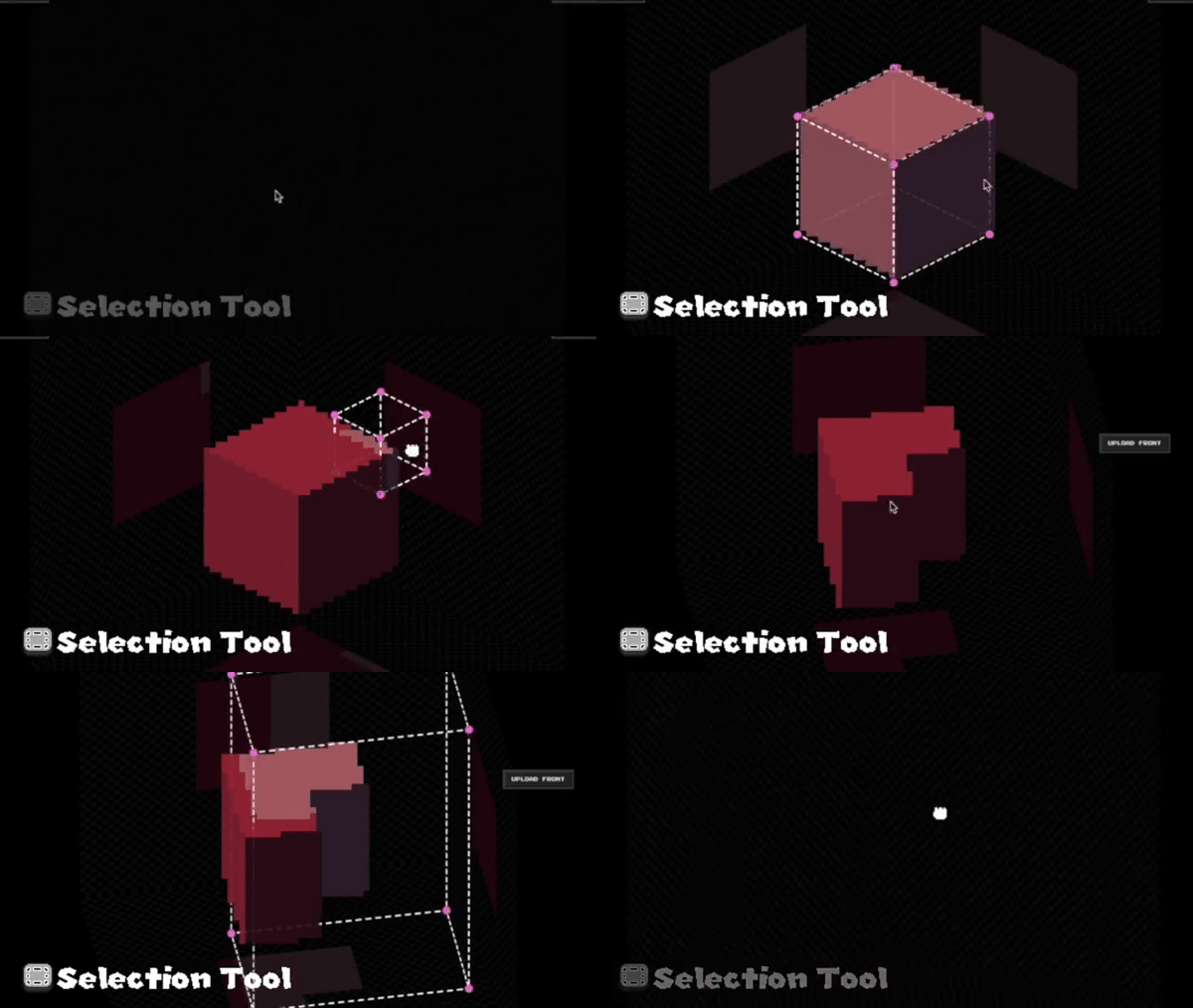
-The main reason is that Pixels cannot determine hidden geometry using ortho images only... Let's say if geometry pixels are inside a fridge model, the ortho images do not give information to the model for the inside of this fridge... The same principle happens on the ambulance... Usually, after creation, I need to cut geometry and paint details to make it perfect. I usually do it with a selection box.
Need to apply some ideas to maybe fix this issue. Need to test.
Thanks for the feedback :)


Hello Ruffles Teiv :)
1-The app is a 100% standalone desktop program. When it 'generates' an image, it uses pure mathematical orthogonal interpolation Just classic, predictable code and geometry.
2-I,m planning soon a 3d export for it... Need to hard-test more... The result exported will be a similar of a voxel model.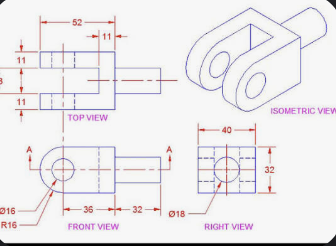
Hello DanClypse.
I see the issue... PixZels cannot find hidden extrusions correctly.
As with the inside of the fridge, I need to work out the geometry manually because I can only determine the depth of orthogonal views, not hidden geometry... Not sure If I can add a colour detection to fix that missing geometry.
My workaround is to work on these issues after model creation using selections. It is what works best for me so far. :/
Really cute house :) ... Also need to find a way to fix these slopes, like the roof, to be more pleasant to see.
Many Thanks for your feedback; it helps me a lot in finding issues. :)