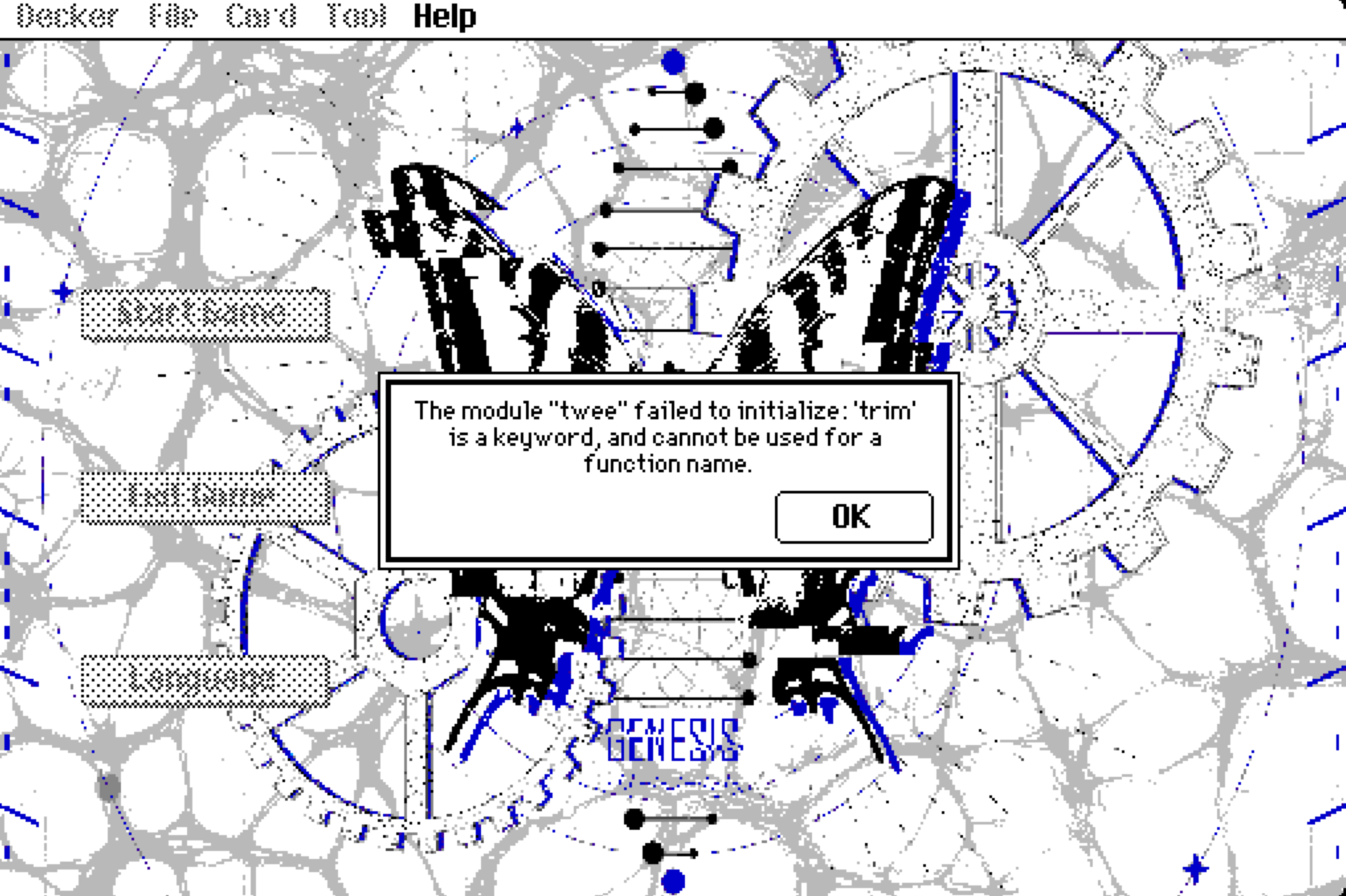
Decker cards are 512×342 pixels, but by default (in “unlocked” mode) the top 16 pixels are covered by the menu bar.
When you save deck as “locked”, that menu-bar no longer appears, and you get to see the pixels that were under it instead.
Obviously it’s not great to have pixels that will be visible in the final product that you can’t see while working on it, so if you’re using one of the drawing tools (selection, pencil, lasso, line, etc.) and you press the “m” key, the menu bar will be hidden so you can draw underneath it. You can get the menu back by pressing “m” again, or by switching to the “interact” or “widget” tools - by pressing the F1 or F2 keys, or by clicking on them in the toolbar if you have that visible.