

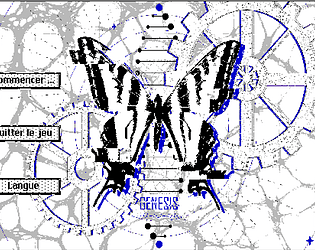
This new work will feature profound reflections on a wide range of real-world issues, alongside certain prophecies concerning matters of the future. The conflicts between humans and artificial beings will be fully displayed and thoroughly analyzed… Everything is driven to serve the worldbuilding!
Additionally, I plan to fully flesh out the unfulfilled content regarding "the butterfly effect and choices". As I mentioned before, I may only rely on an enormous volume of content to make this work, rather than clever coding.
Will I truly be able to deliver all of this by August 30th? I hope I can keep to this schedule.
\
Cette nouvelle œuvre portera une réflexion profonde sur divers enjeux contemporains, ainsi que certaines prophéties sur les questions du futur. Les conflits entre humains et robots seront pleinement exposés et analysés… Tout est au service de la construction de l’univers !
Par ailleurs, je compte compléter définitivement ce que je n’avais pas pu tenir à propos de « l’effet papillon et des choix ». Comme je l’ai dit précédemment, je devrai probablement compter sur une très grande masse de contenu pour compenser, plutôt que sur du code.
Est-ce que je pourrai réellement tenir toutes ces promesses d’ici le 30 août ? J’espère respecter ce délai.
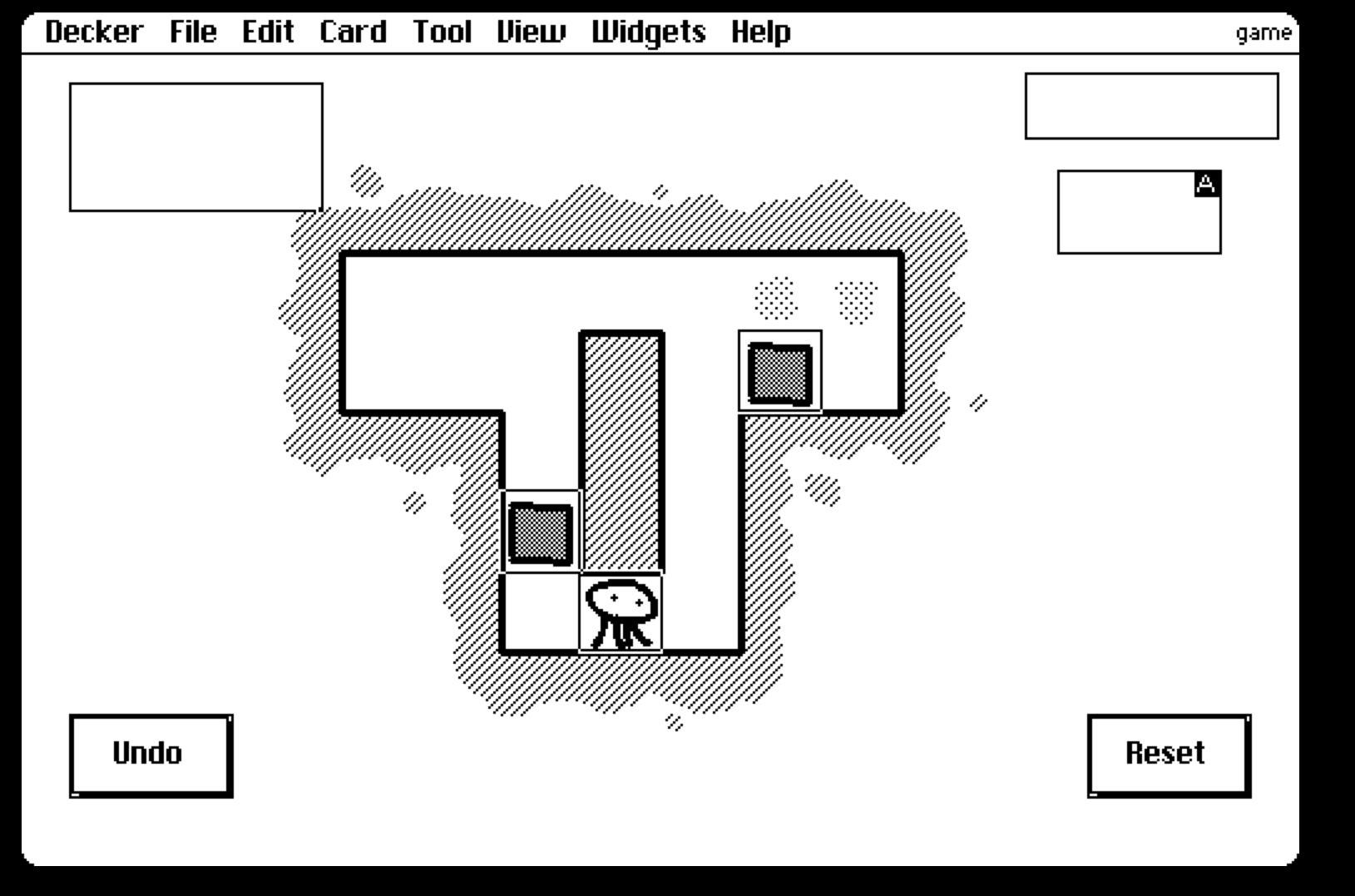
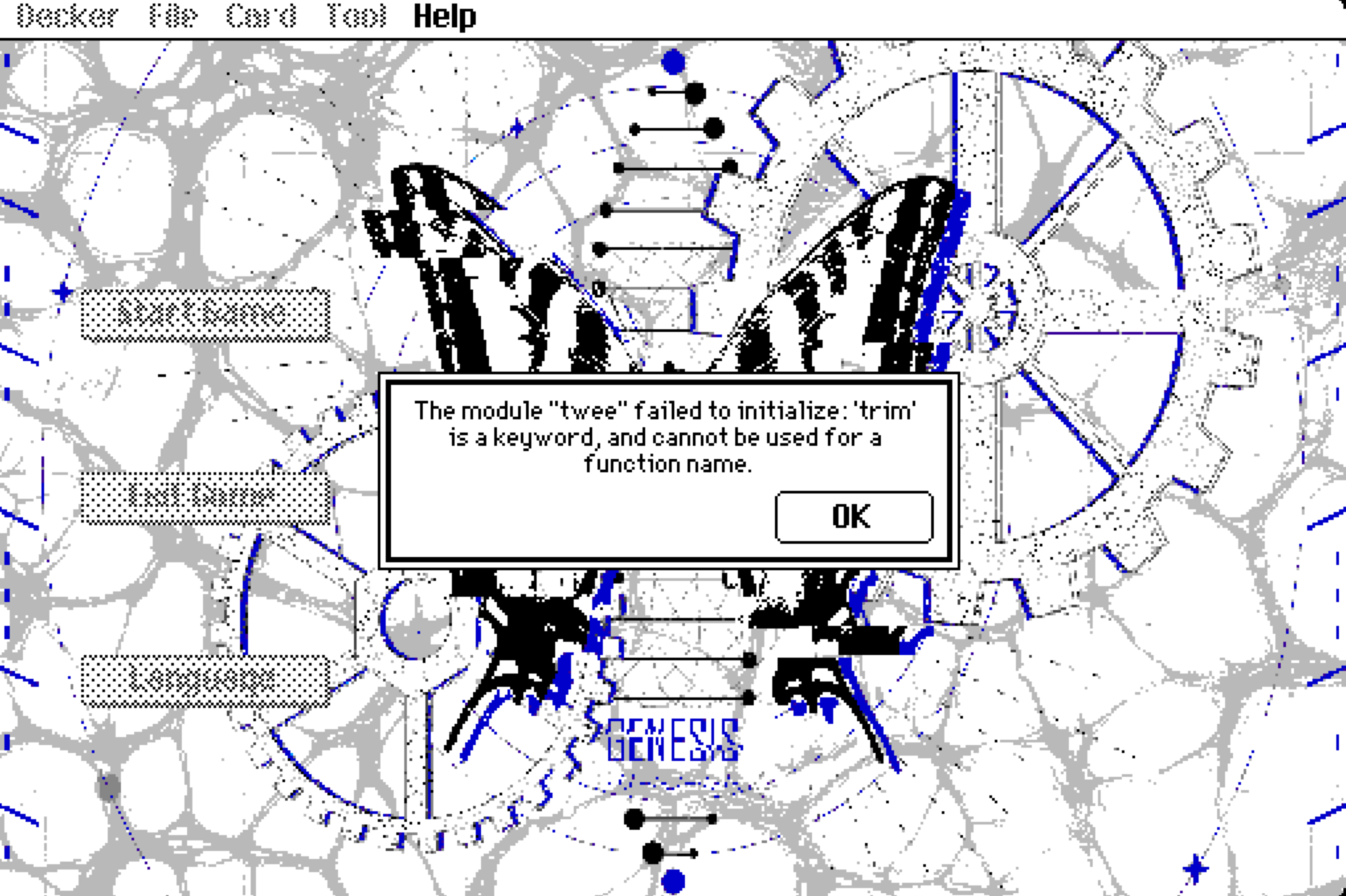
 Hi everyone, I’ve finished the English version of my game! It now has around 1,000 cards in total. To maintain stable frame rates, I’ve been making them separately using individual software tools, which has still been quite a massive undertaking.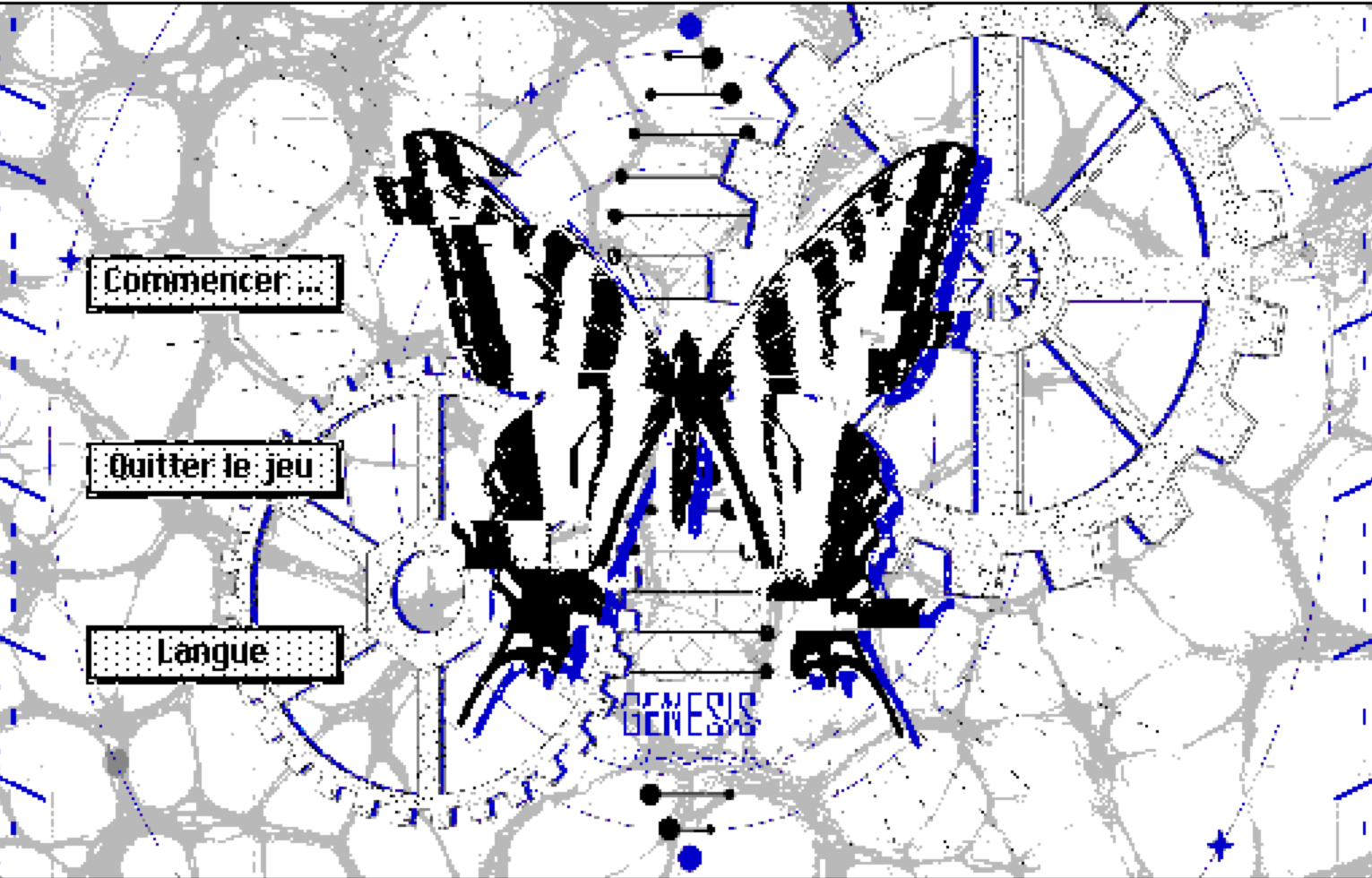
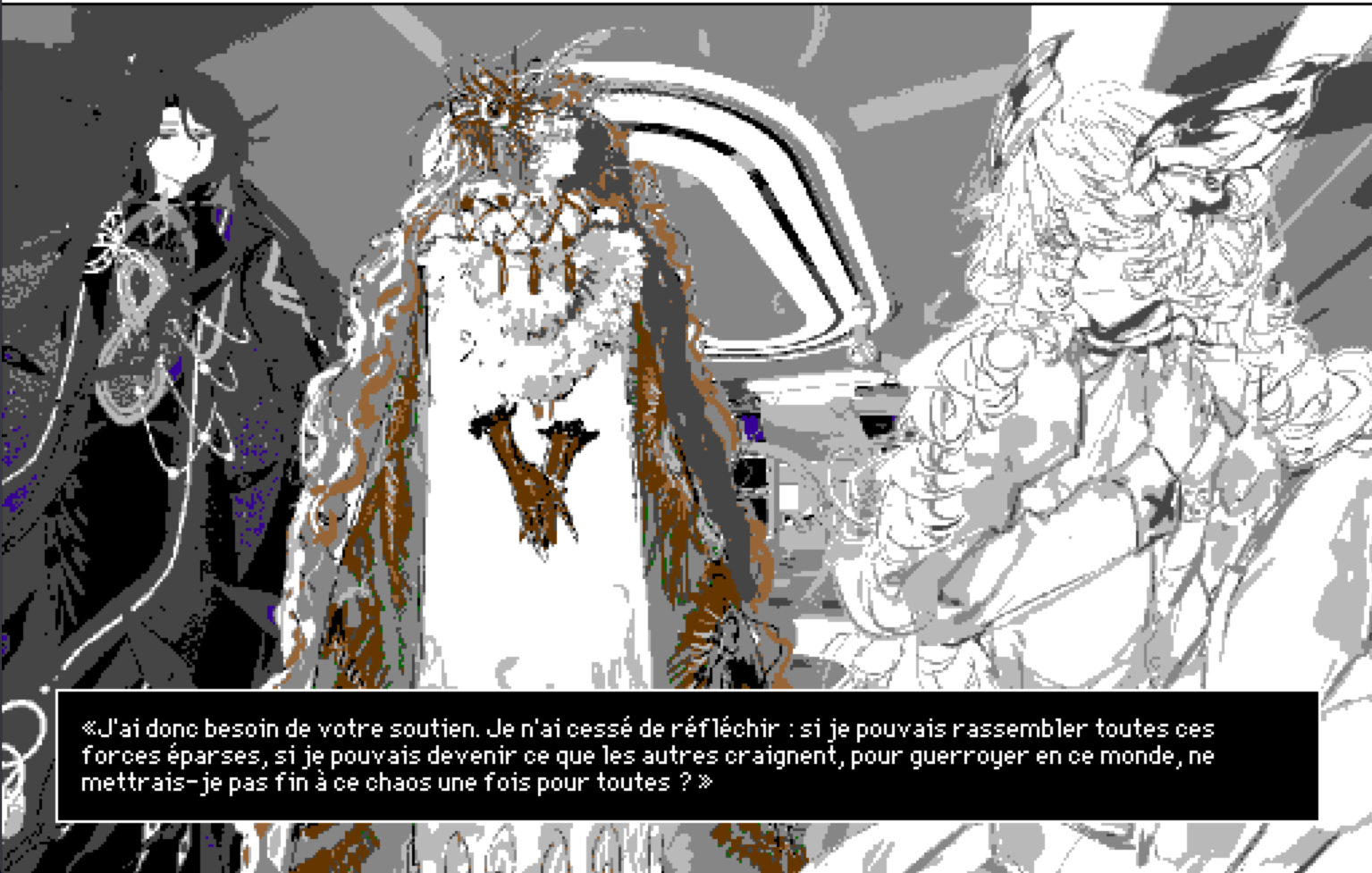
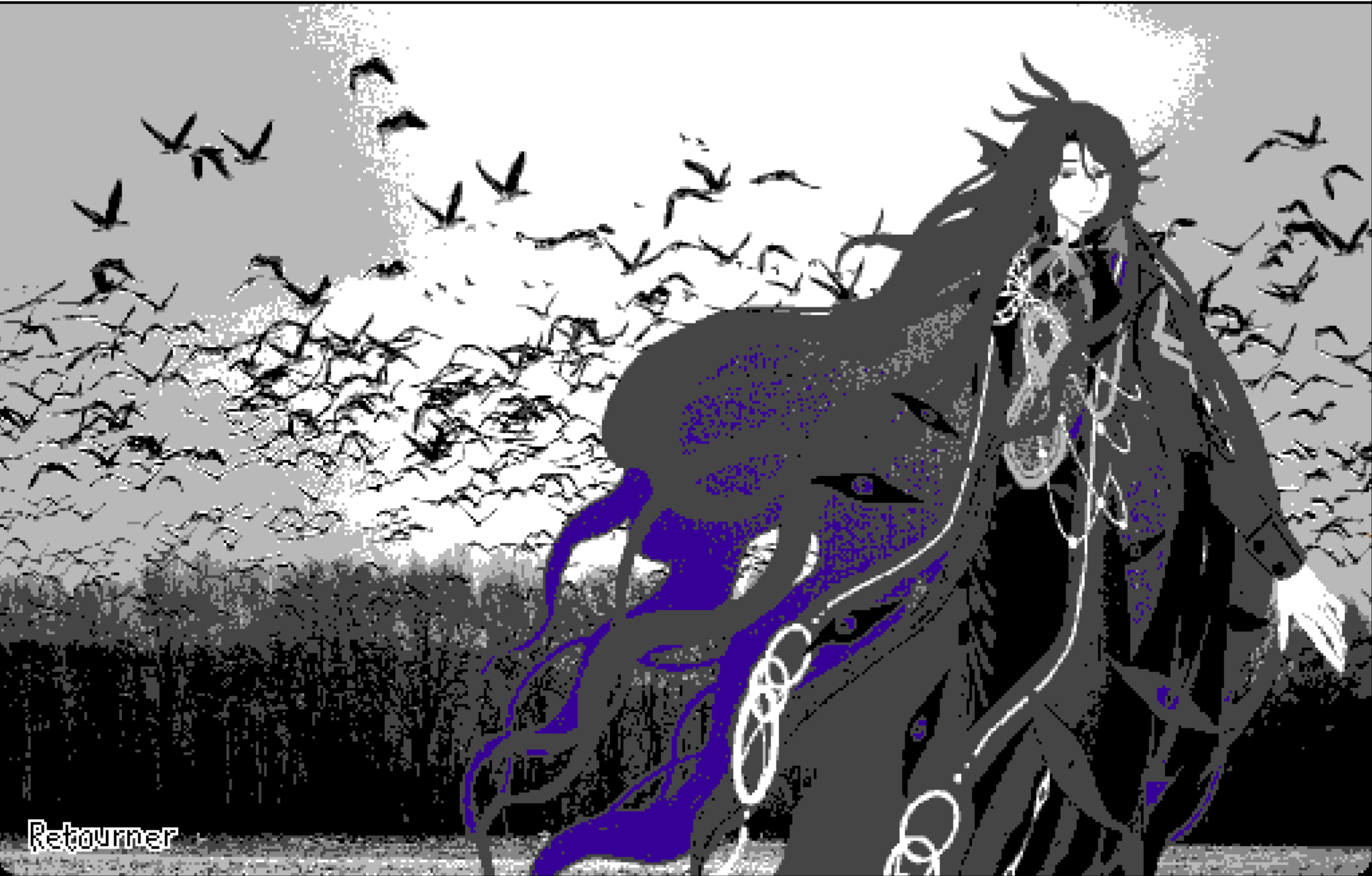
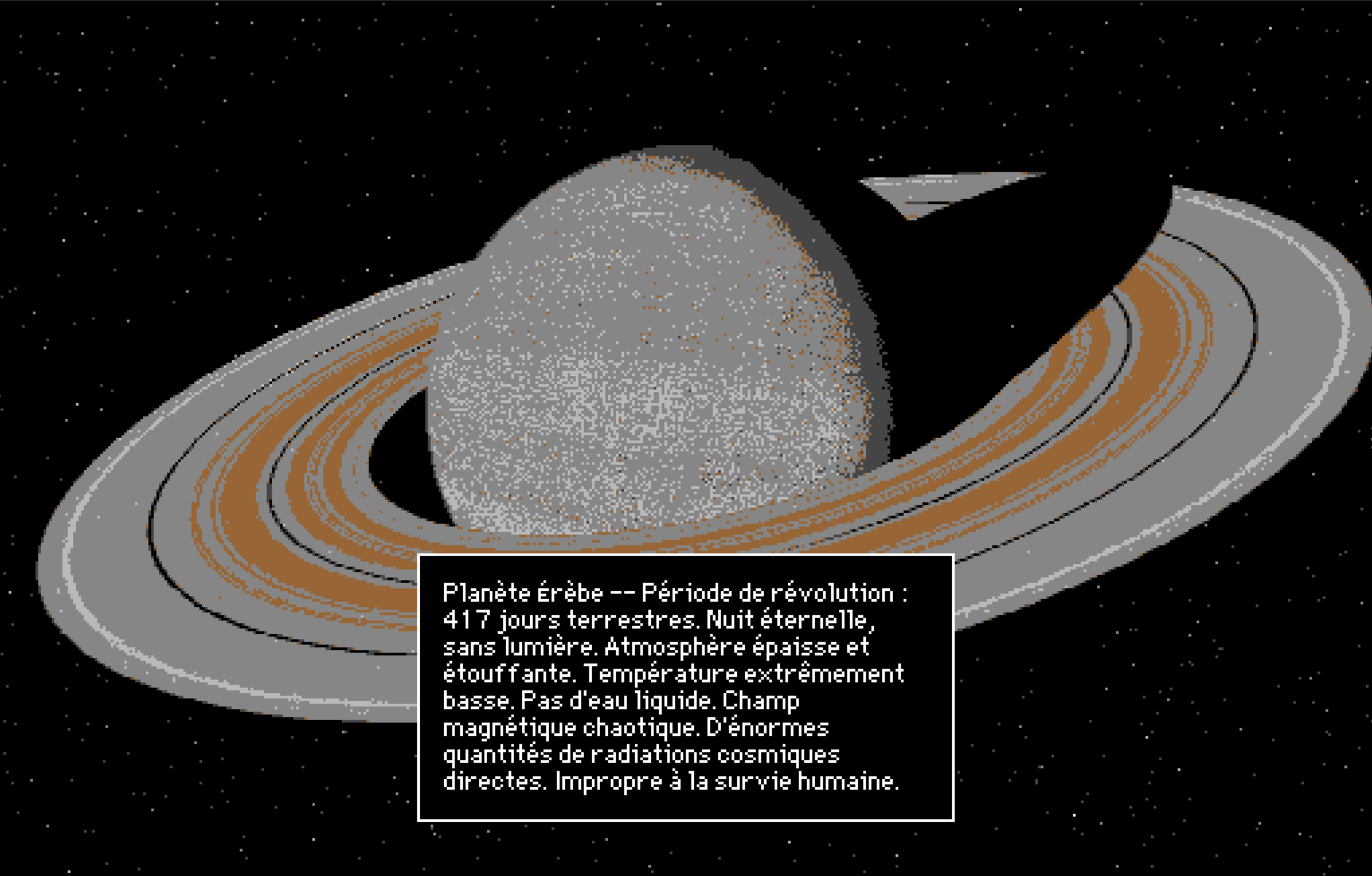
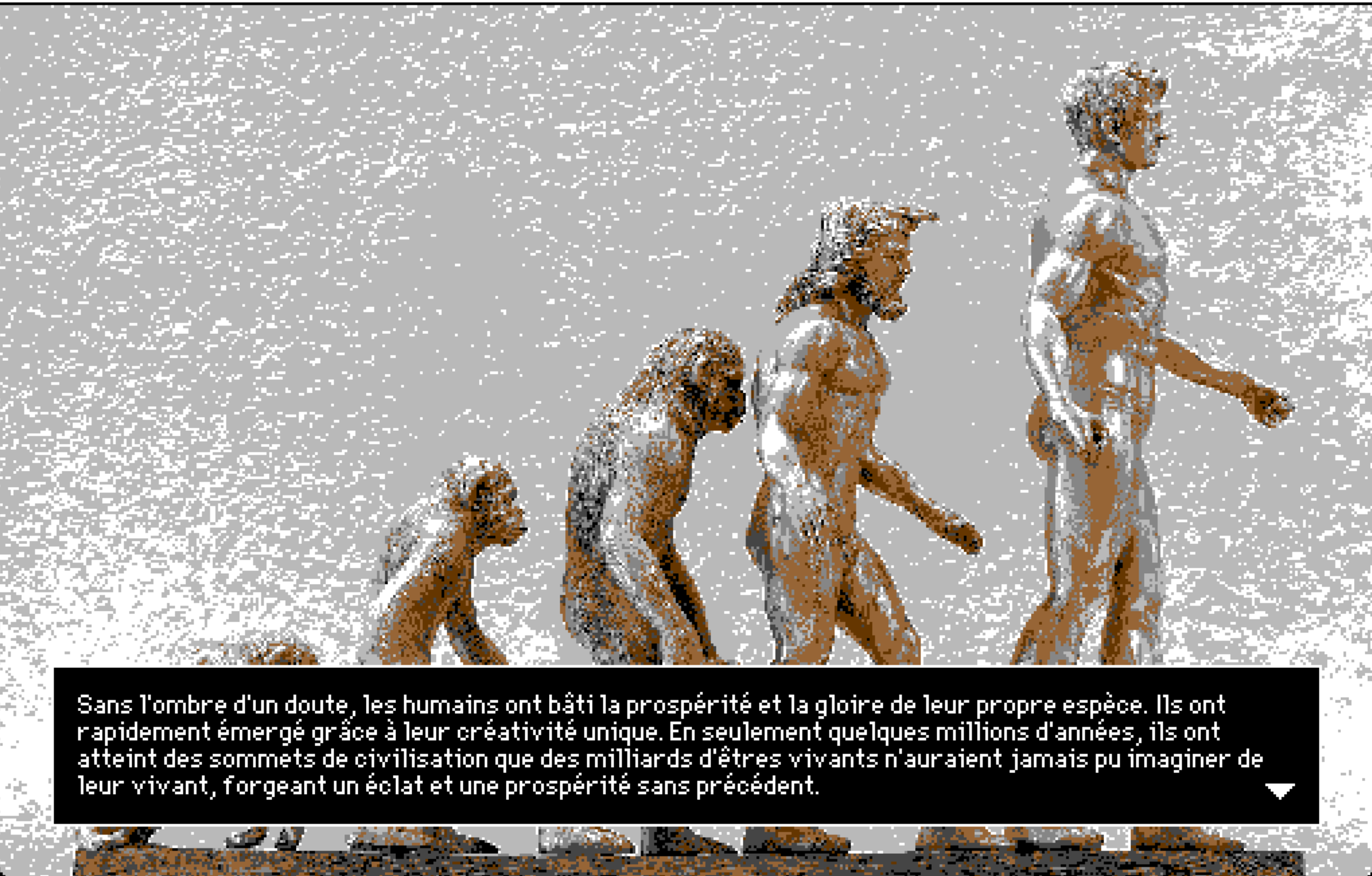 As you can see, this visual novel series is far from complete. Countless hidden details and side storylines are still waiting for me to polish and enrich. Even so, my aspiration remains unwavering. I long for it to become a work that transcends its era—one that reflects the spiritual landscape of our present time, while foreshadowing and prophesying the shape of the age to come.