Hey! Thanks for the screenshots — that helps a lot
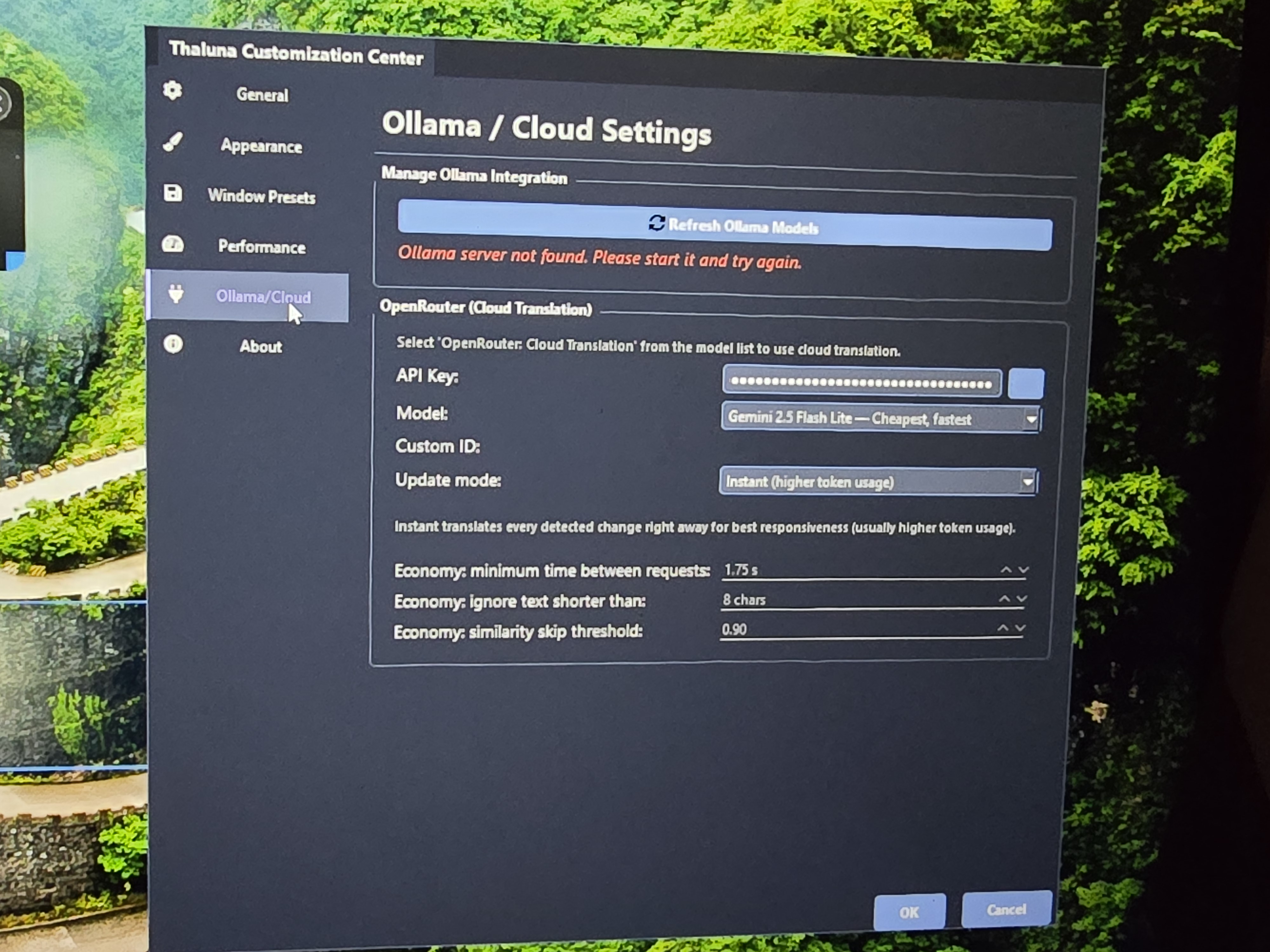
The "Ollama server not found" message is completely normal if you're not using Ollama. You can safely ignore it — OpenRouter does not require Ollama at all.
Since your system doesn't allow GPU selection, it most likely means you don't have a CUDA-capable NVIDIA GPU. In that case everything runs on CPU:
- OCR → CPU
- Local translation models → CPU
That's why it can struggle to keep up in visual novels or videos — your CPU is handling both tasks at the same time.
Using OpenRouter will help because your CPU will only handle OCR, while translation runs in the cloud instead.
Here's how to set it up:
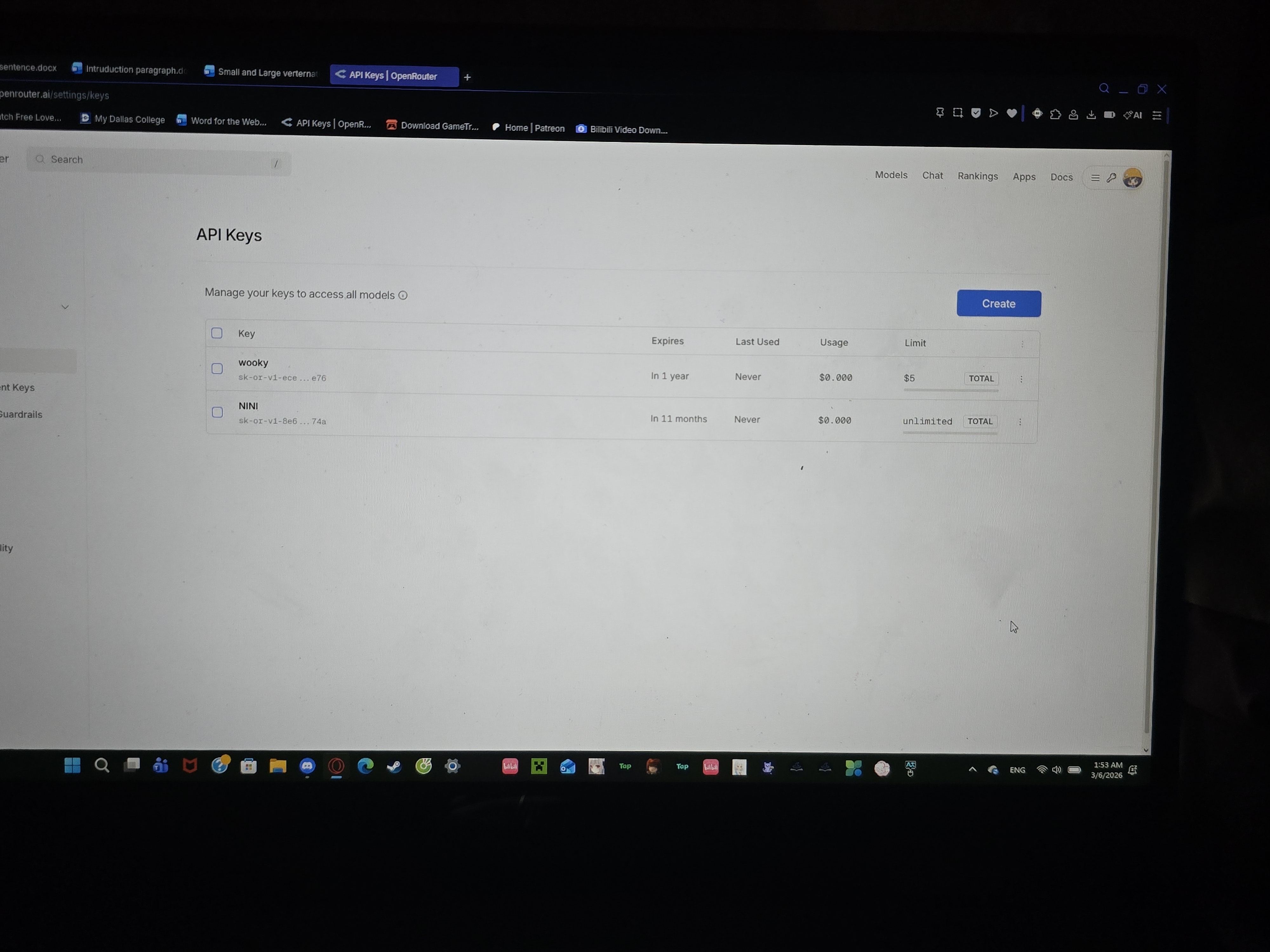
1. Go to https://openrouter.ai and create an account.
2. Add a small balance (even $5 lasts a very long time).
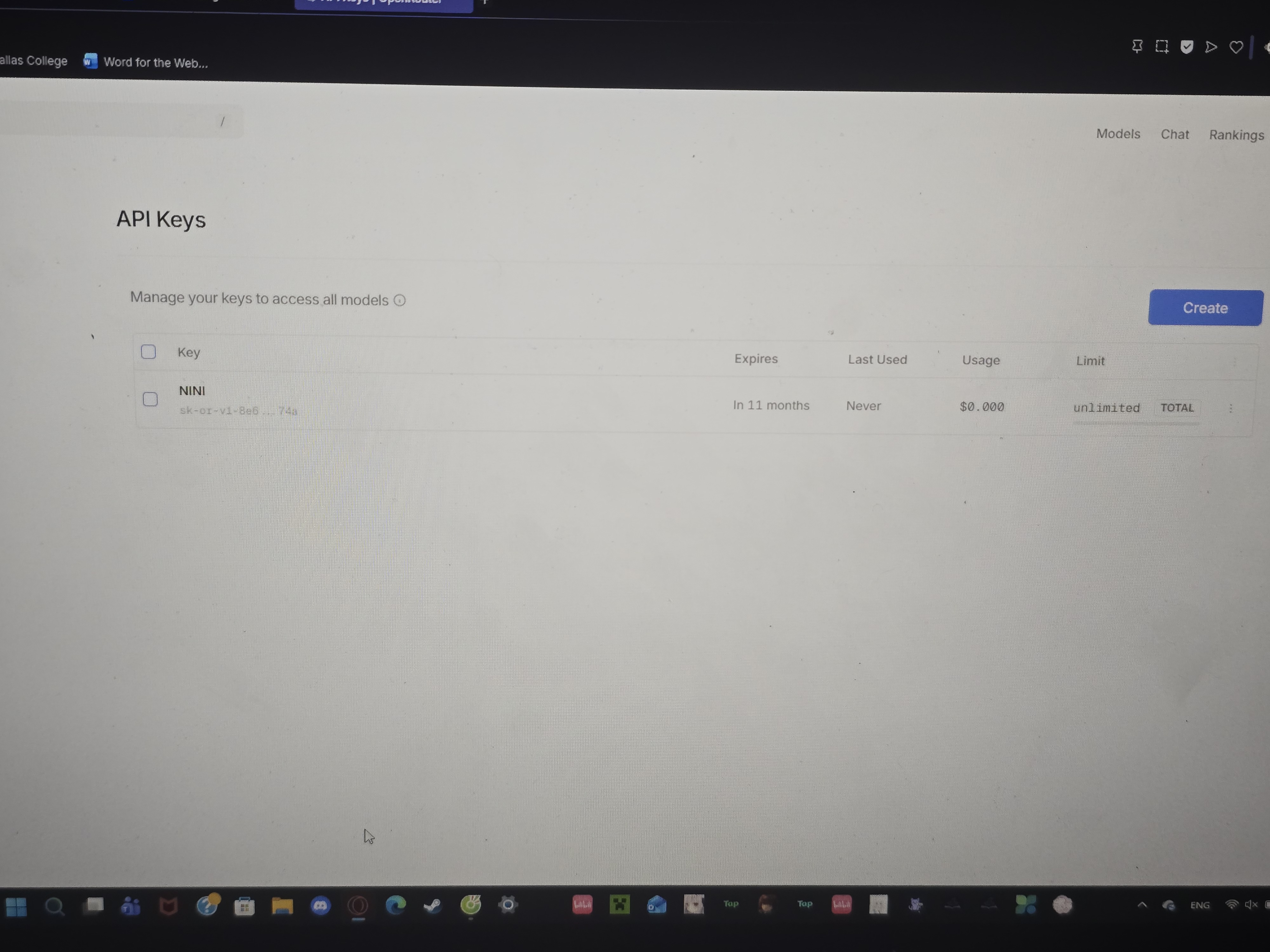
3. Generate an API key.
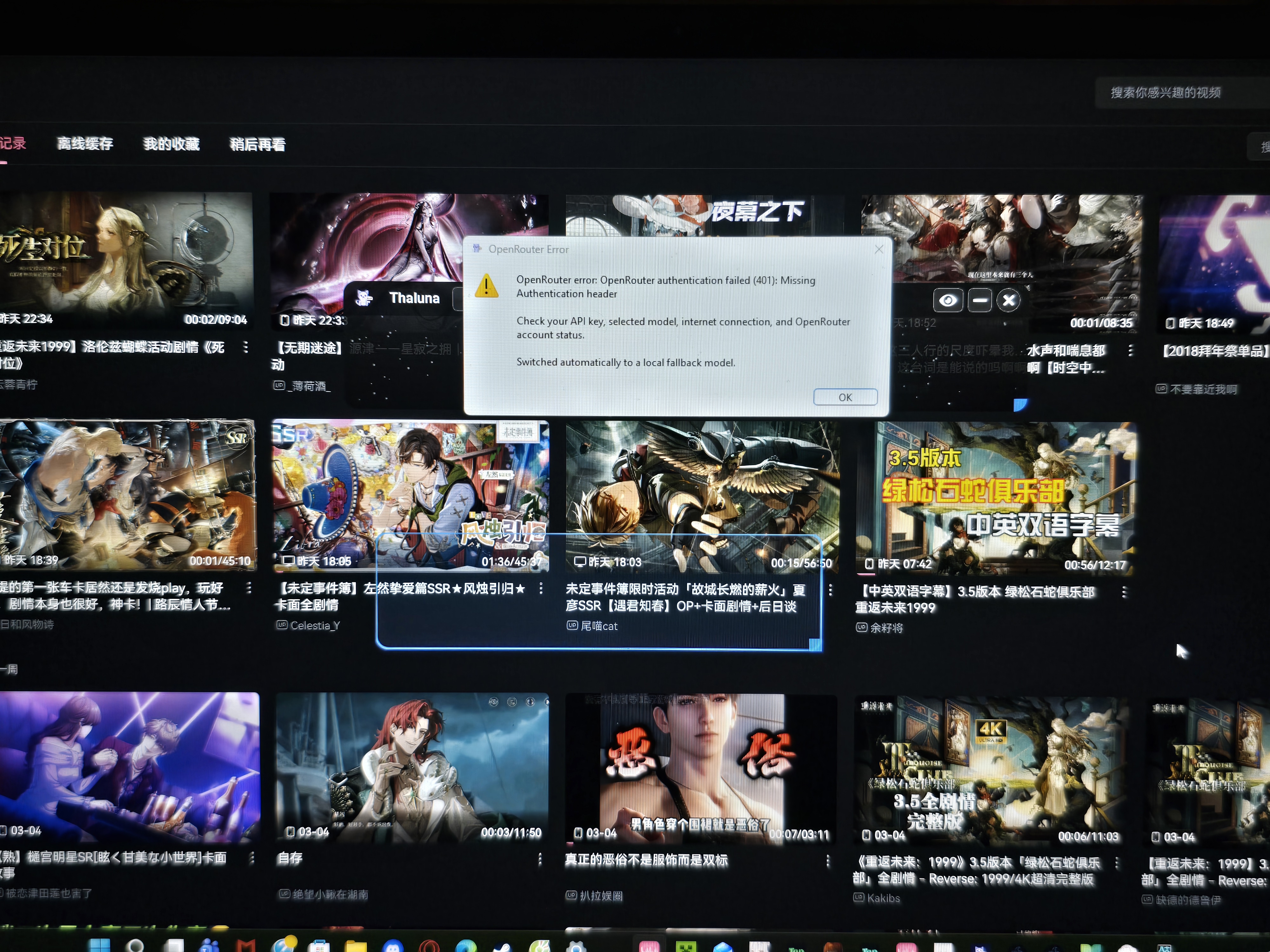
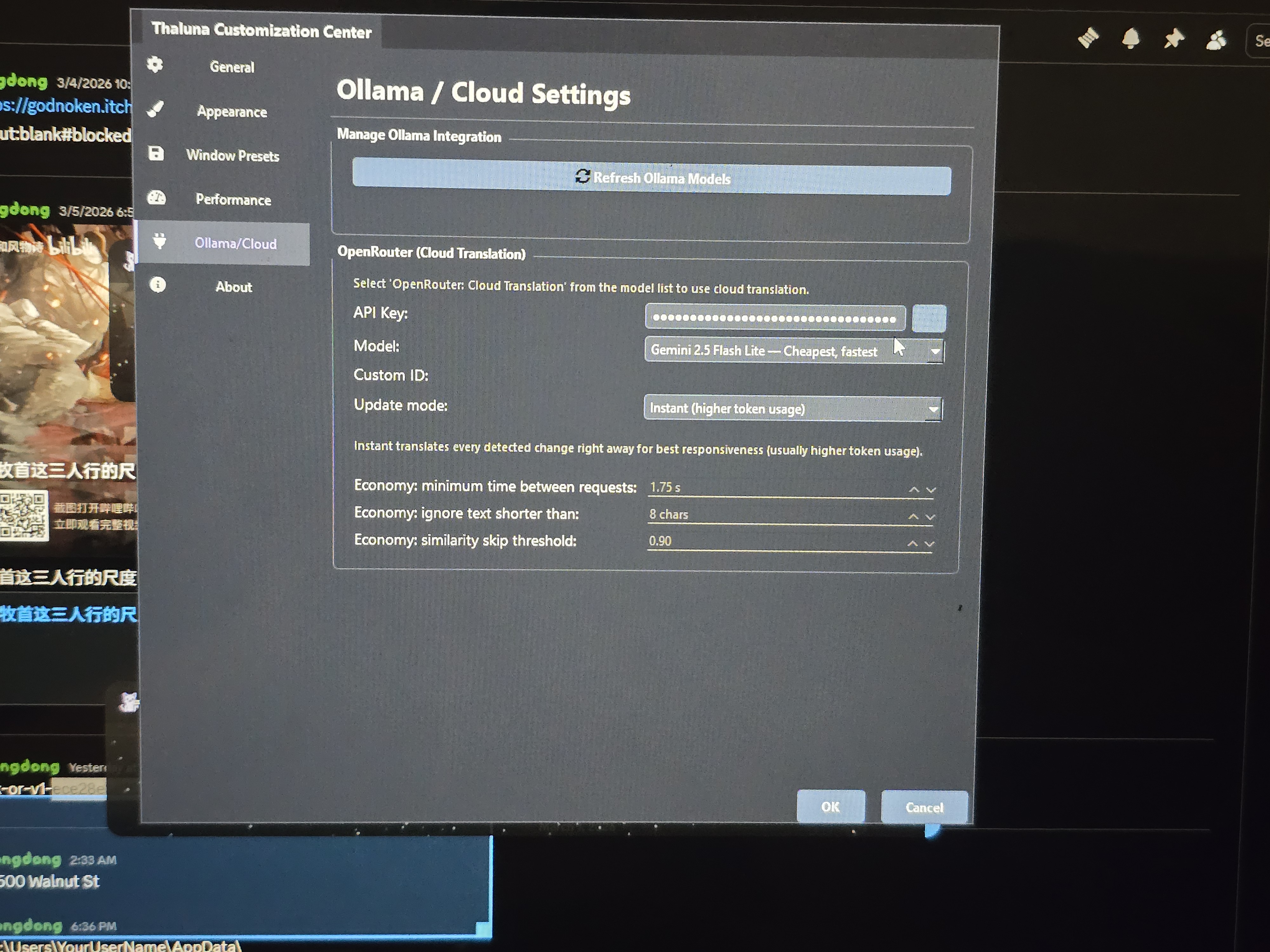
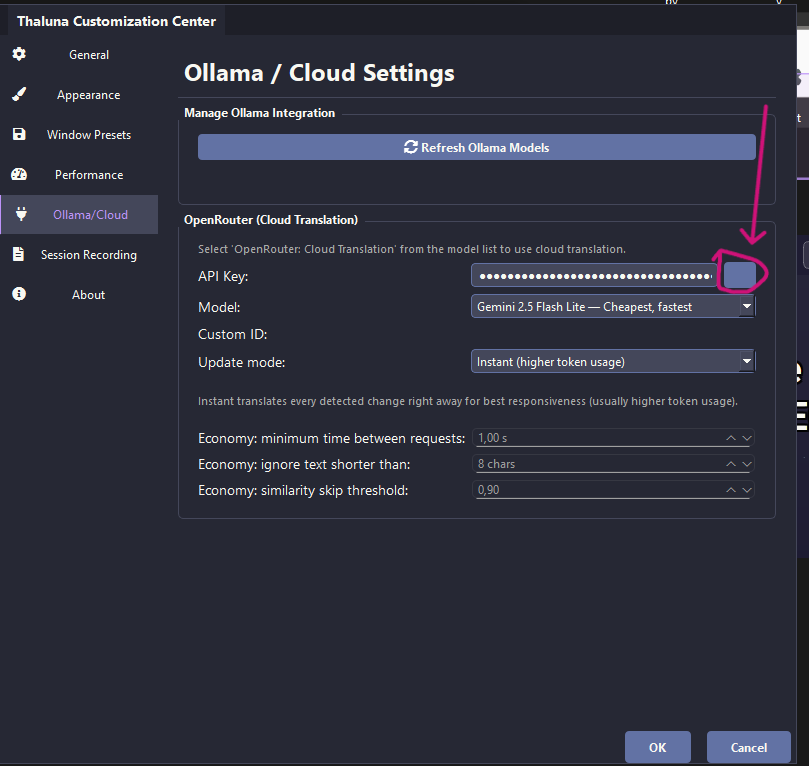
4. In Thaluna → Settings → Ollama/Cloud section, paste your API key in the OpenRouter field.
⚠️ Important: Do NOT share your API key publicly or paste it in chat. Keep it private.
5. Leave the default model (Gemini 2.5 Flash Lite).
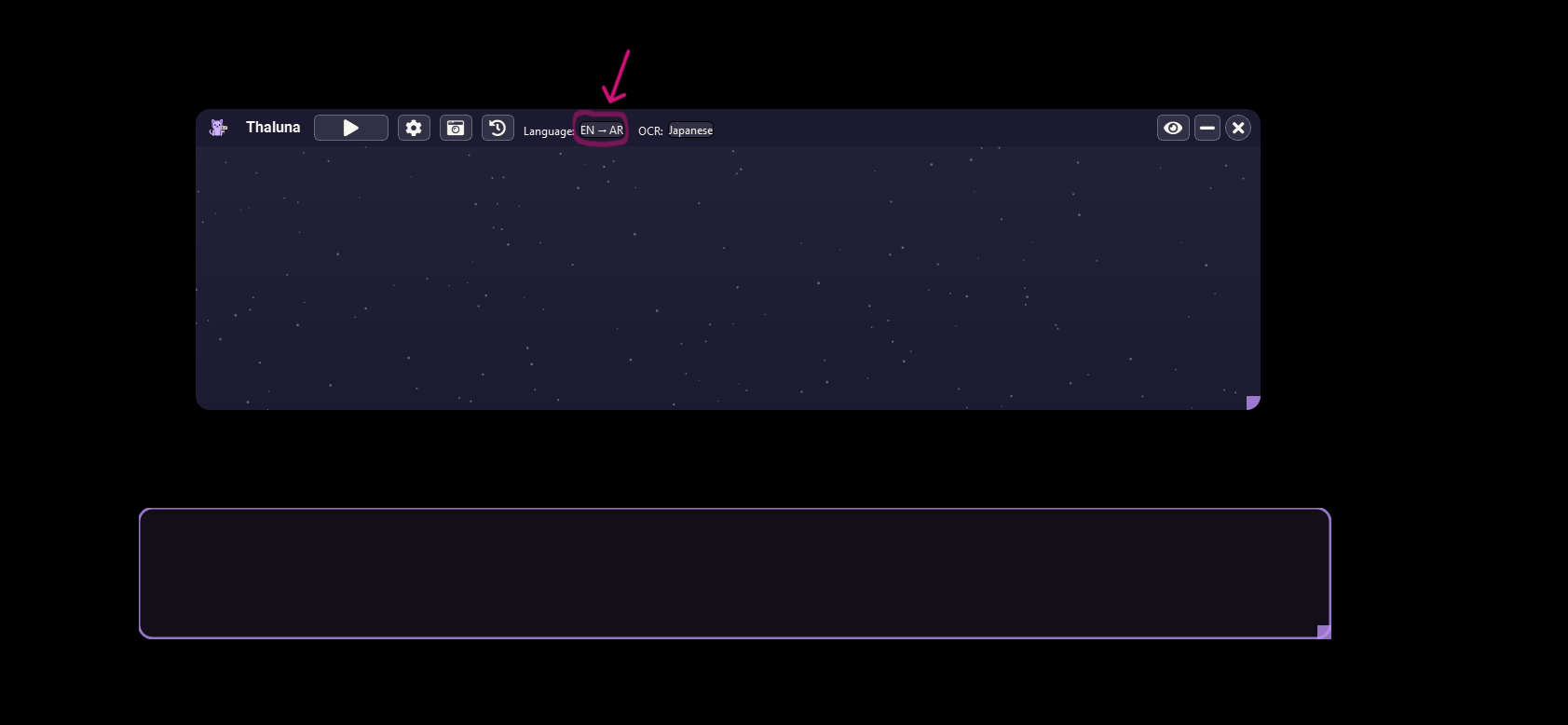
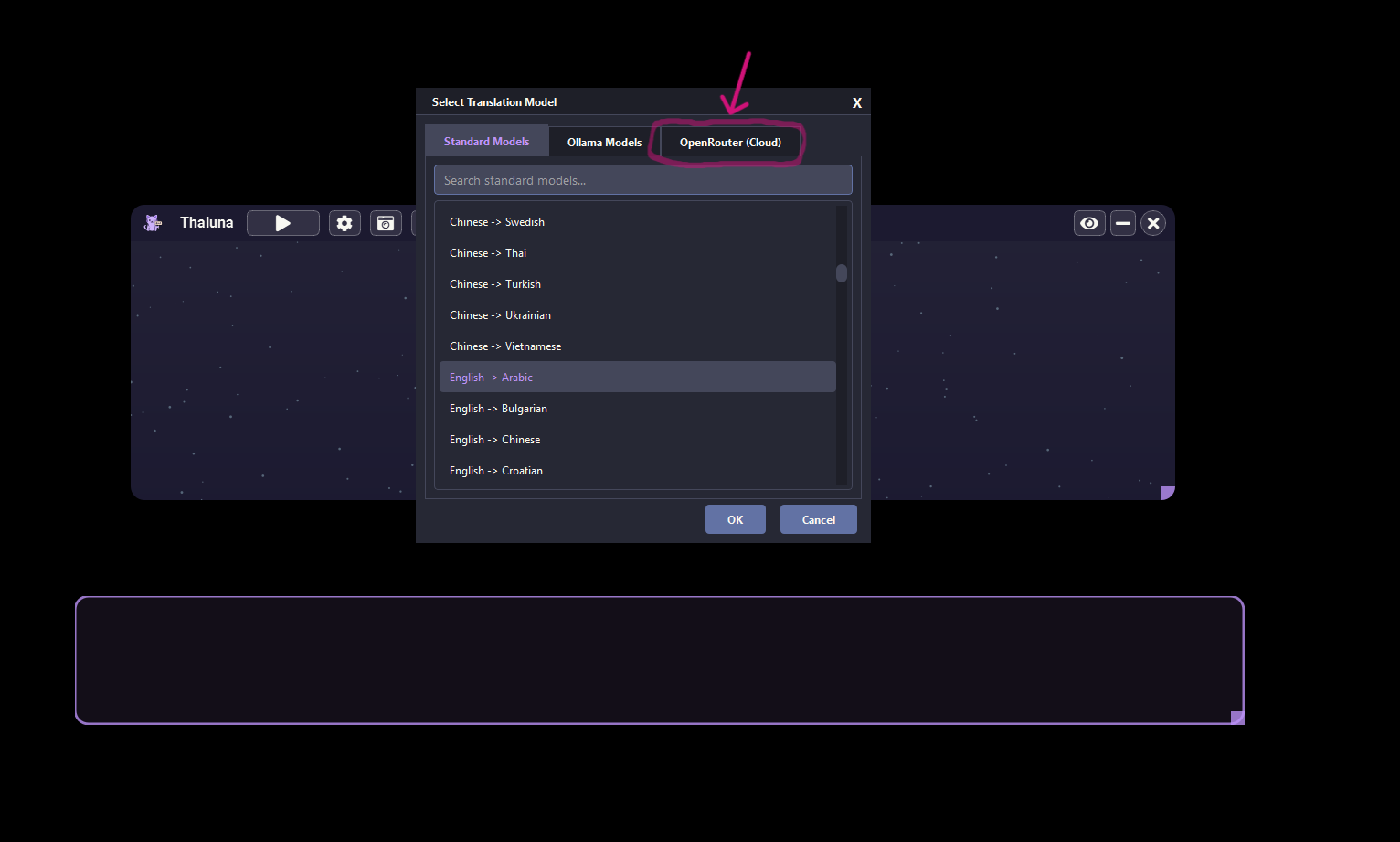
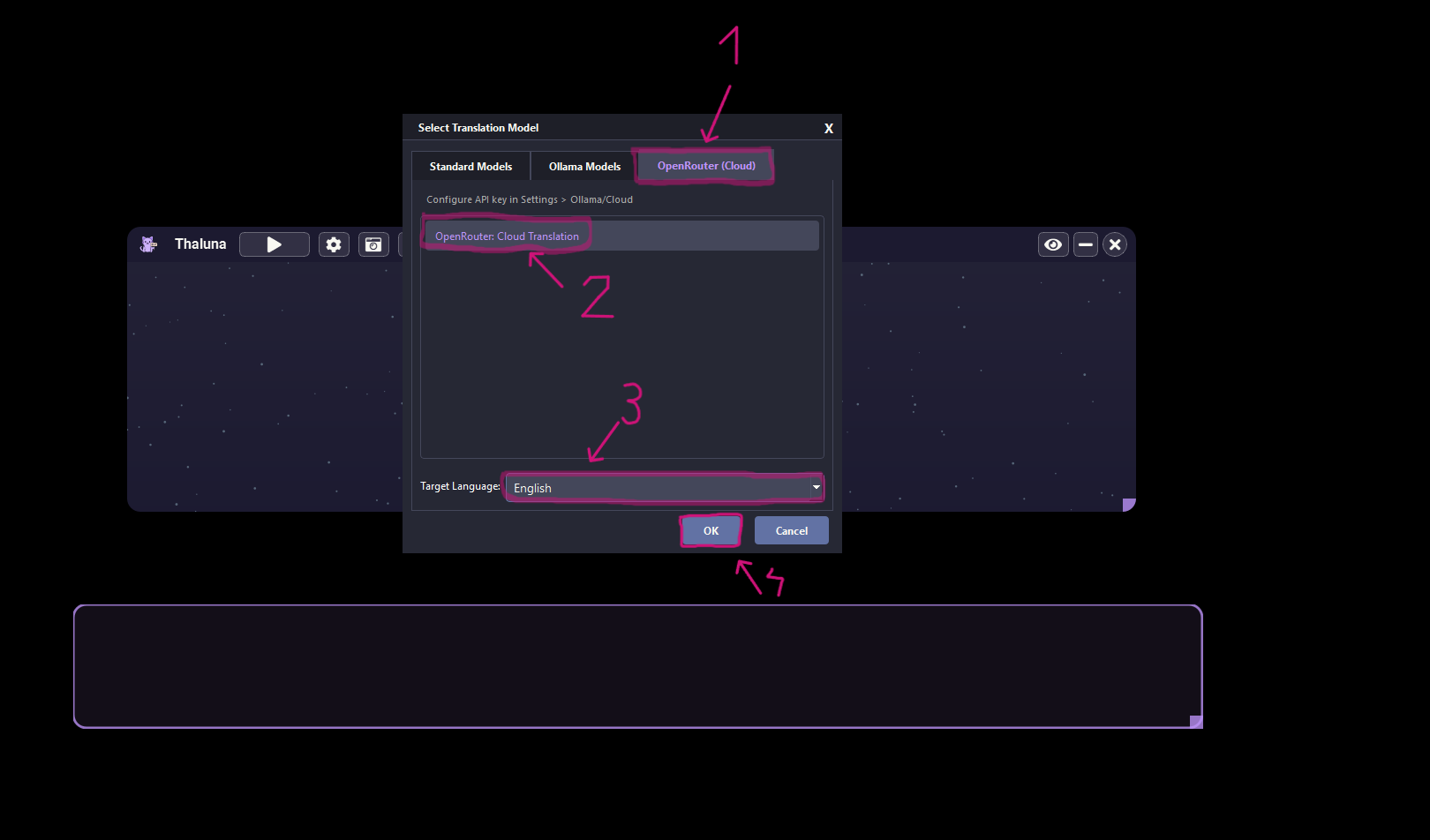
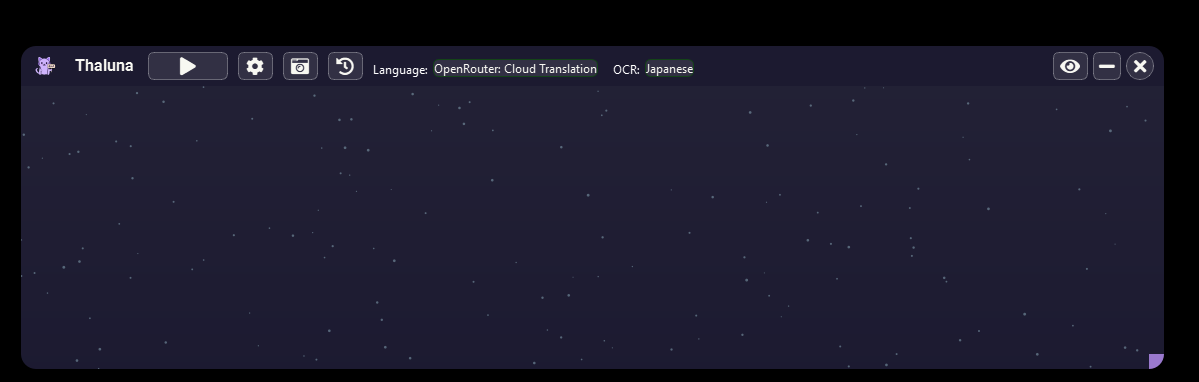
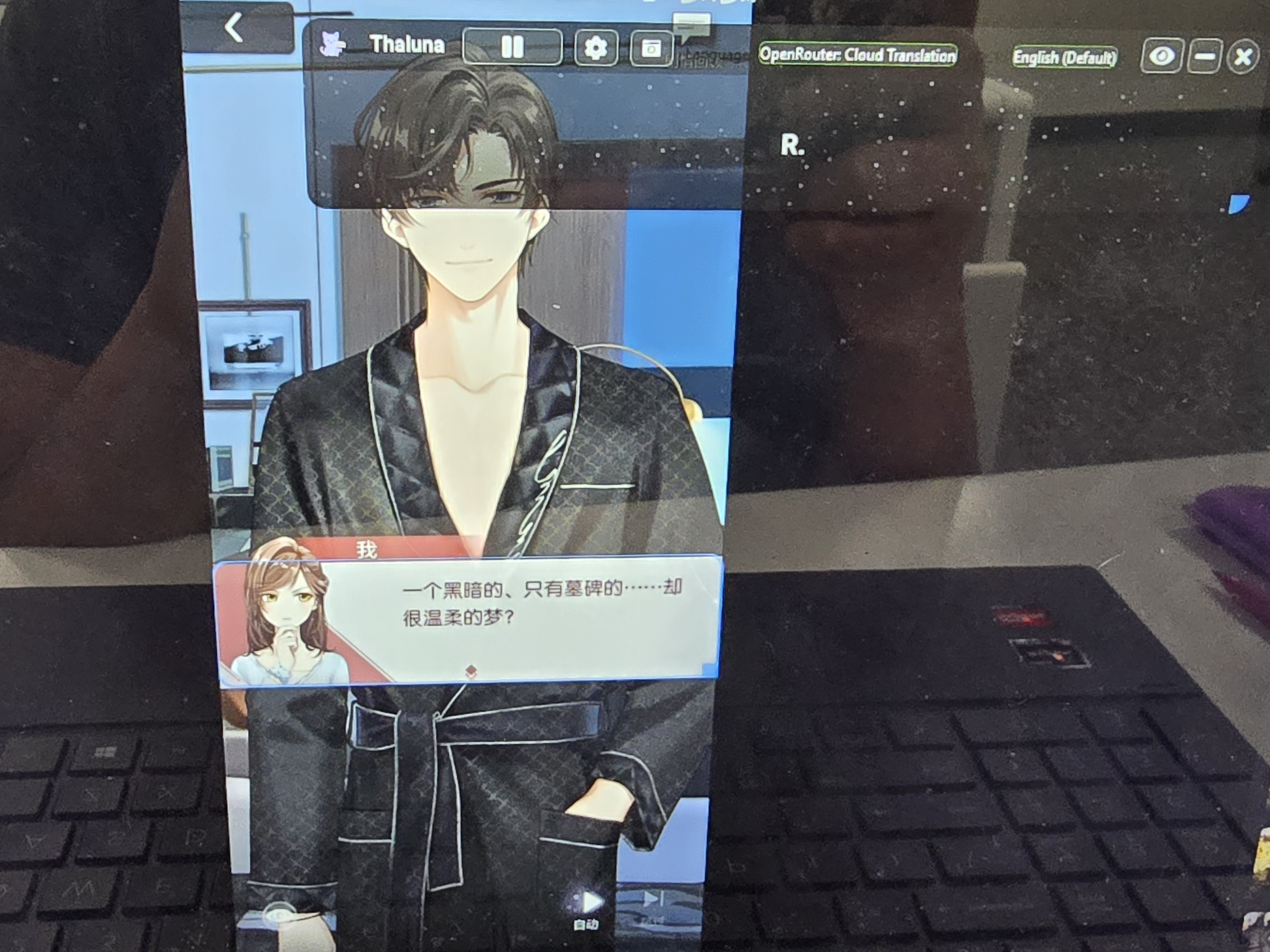
6. Go to Languages → select OpenRouter as the translation provider.
7. Choose your target language and click OK.
Also make sure the video or game is not running in true fullscreen mode — if it takes over your whole screen, try switching to Windowed or Borderless Windowed in the display settings.
Try that and let me know how it goes