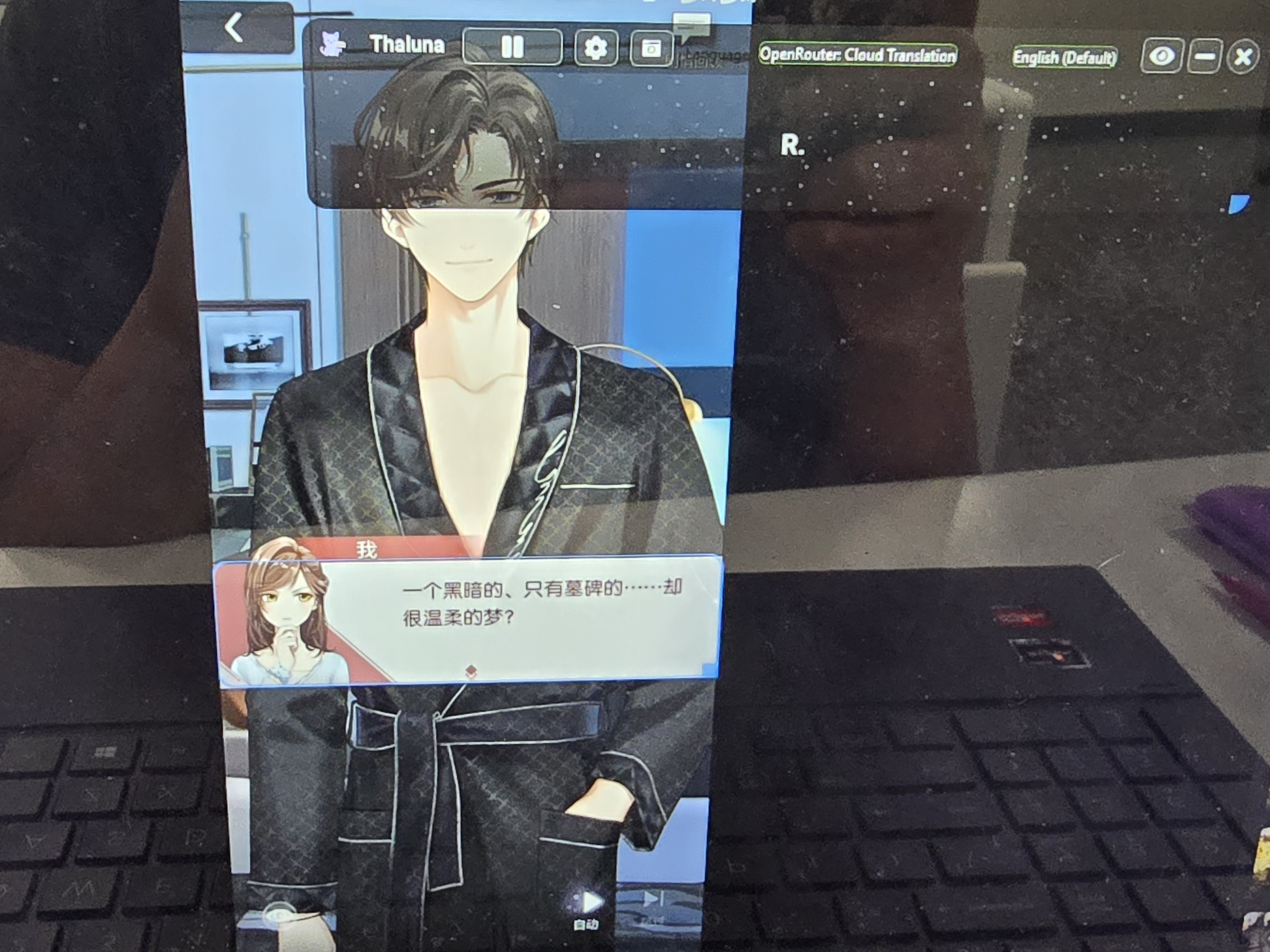
Hello
Please check the following:
-
Generate a new API key on OpenRouter.
-
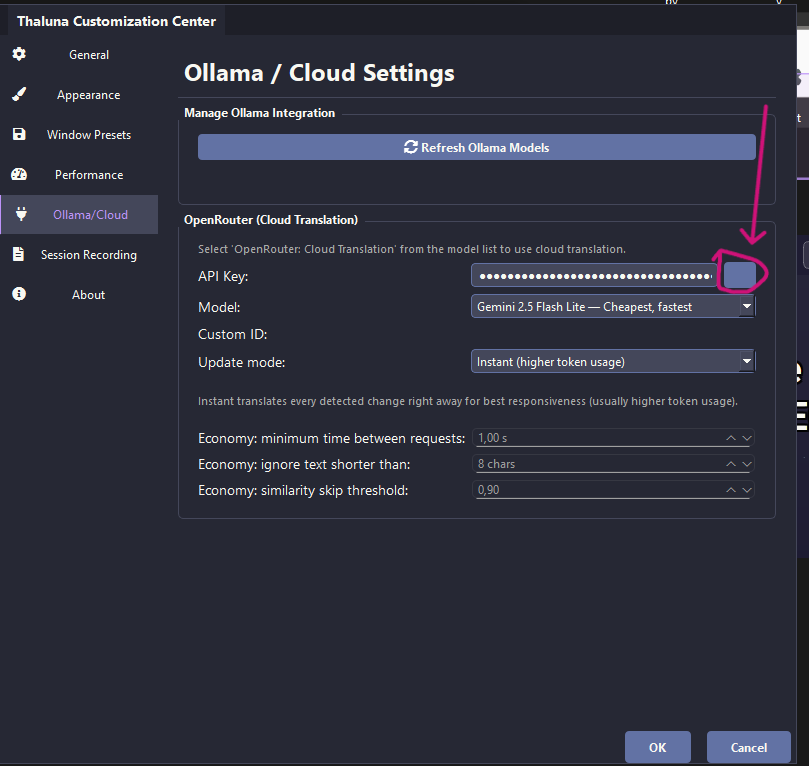
In Thaluna settings, delete the old key completely and paste the new one.
Make sure you paste the entire API key exactly as OpenRouter gives it, not just part of it. -
Click the button next to the API field to reveal the key and verify it looks correct.
-
Click Save / OK, then fully restart Thaluna.
If the problem still happens, please check the stored configuration manually:
-
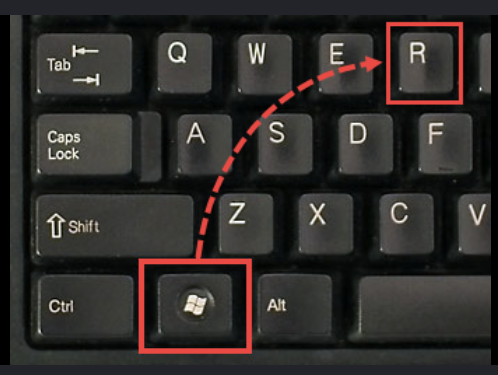
Press Win + R
-
Type:
%localappdata%\Thaluna\secrets
-
Open openrouter_api_key.json
-
Verify that the API key stored there matches your current OpenRouter key exactly.
This error usually means one of the following:
-
the API key is missing, incorrect, or saved incorrectly
-
the app is still using an old/invalid key
If the steps above still don't fix the issue, please try one quick test:
Temporarily switch to a different internet connection (for example your phone hotspot) and test Thaluna again.
Sometimes a VPN, proxy, firewall, or antivirus web protection can interfere with API authorization requests.
Using a different network for a quick test can help confirm if the issue is network-related.