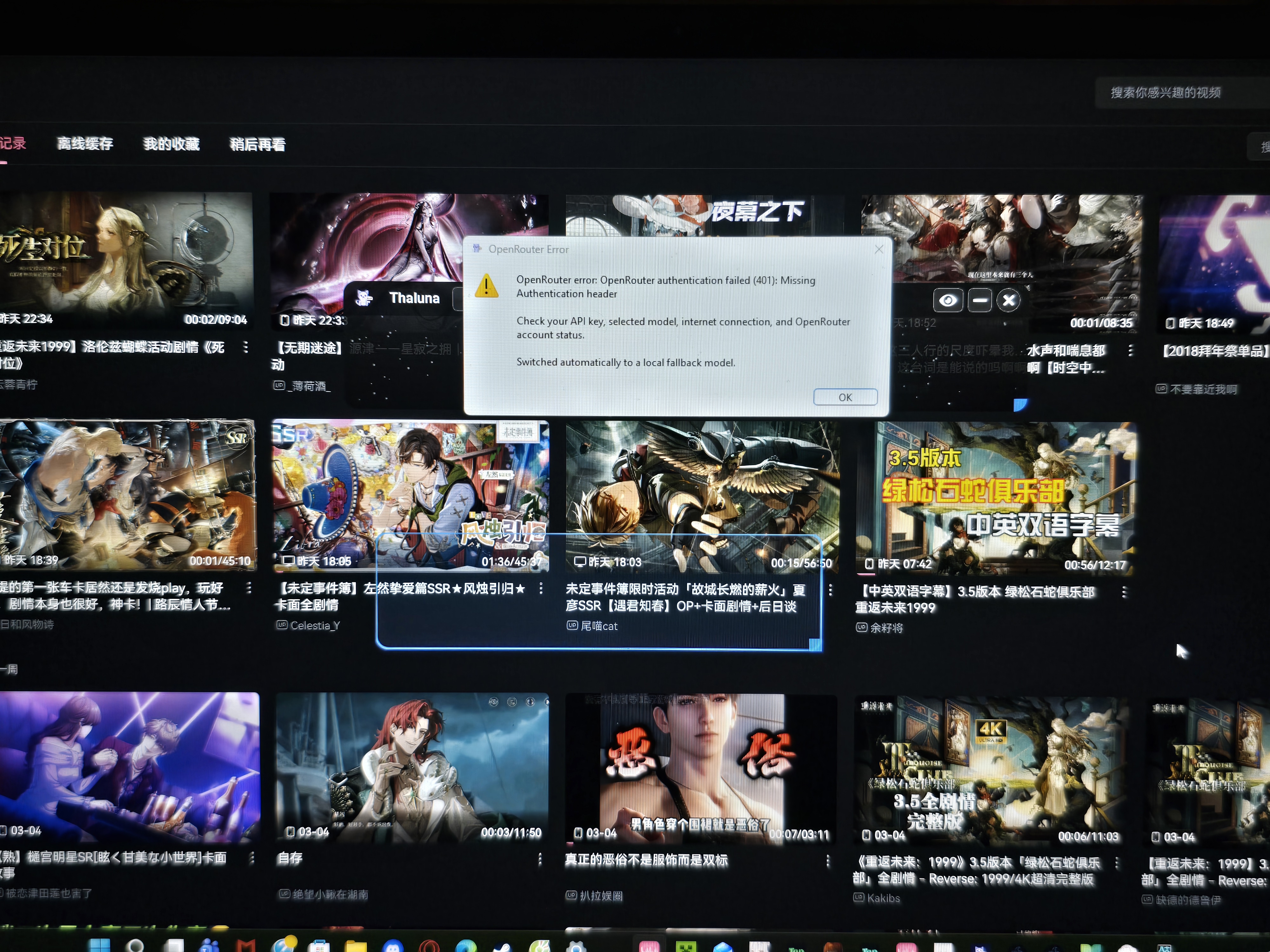
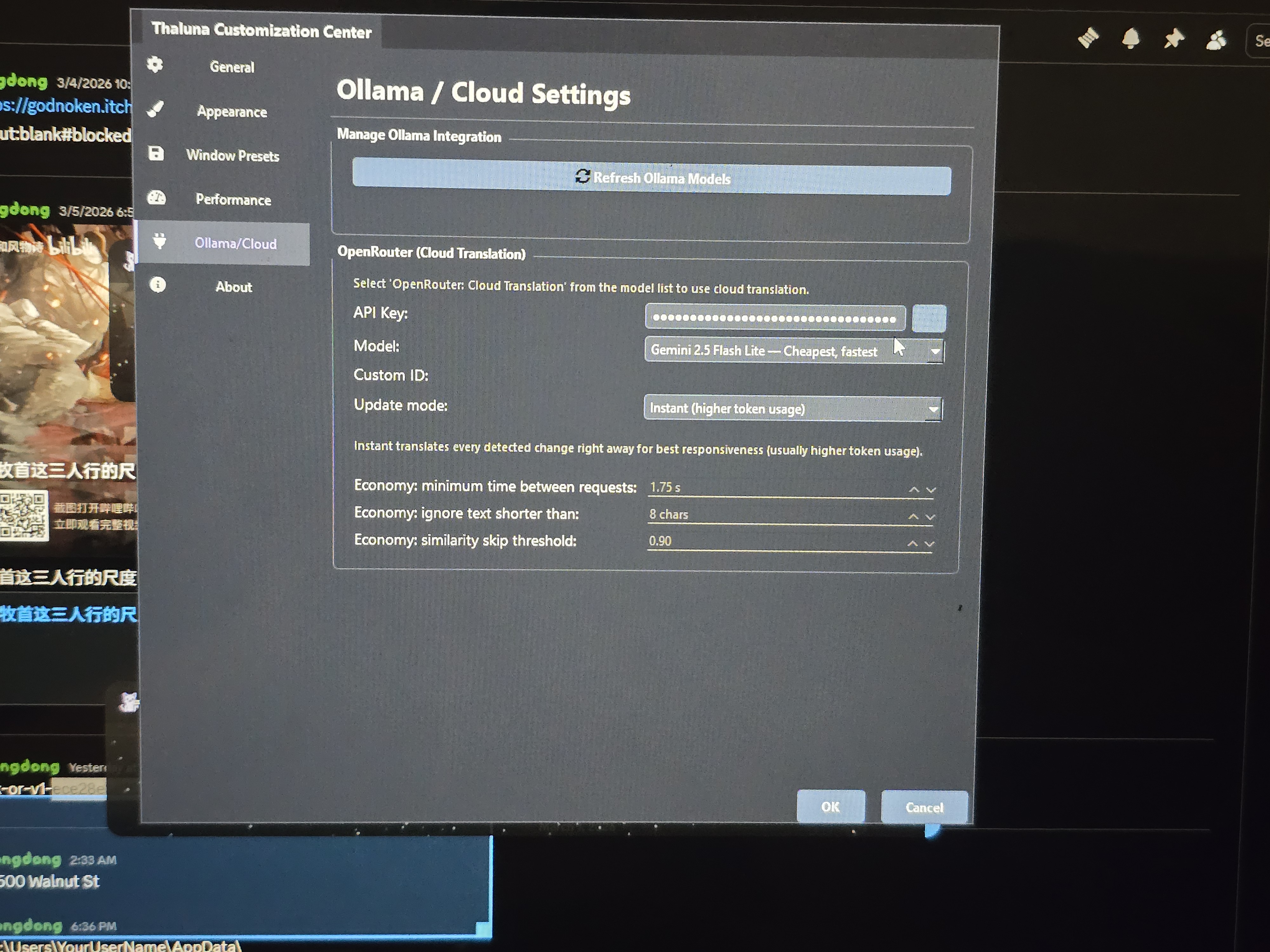
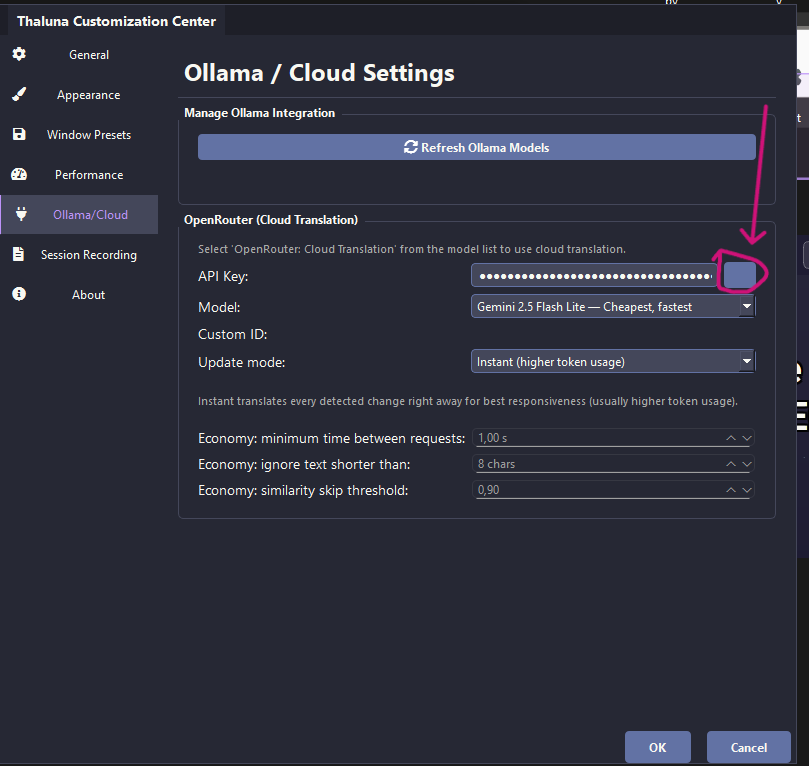
Hey! You're very close — the API key part looks correct 👍
I made a quick visual guide for you (see the screenshots). Just follow these steps:
1️⃣ Click the Language button at the top of Thaluna.
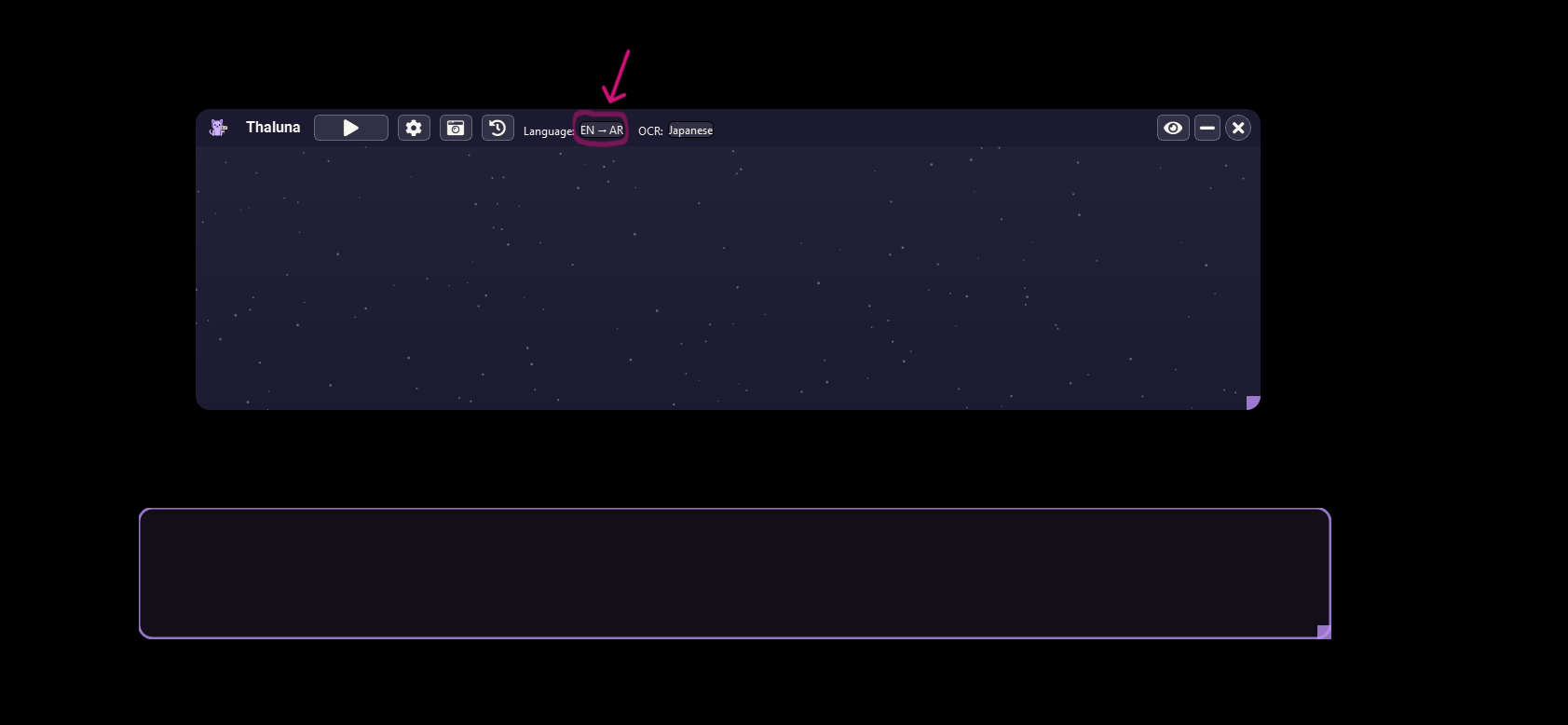
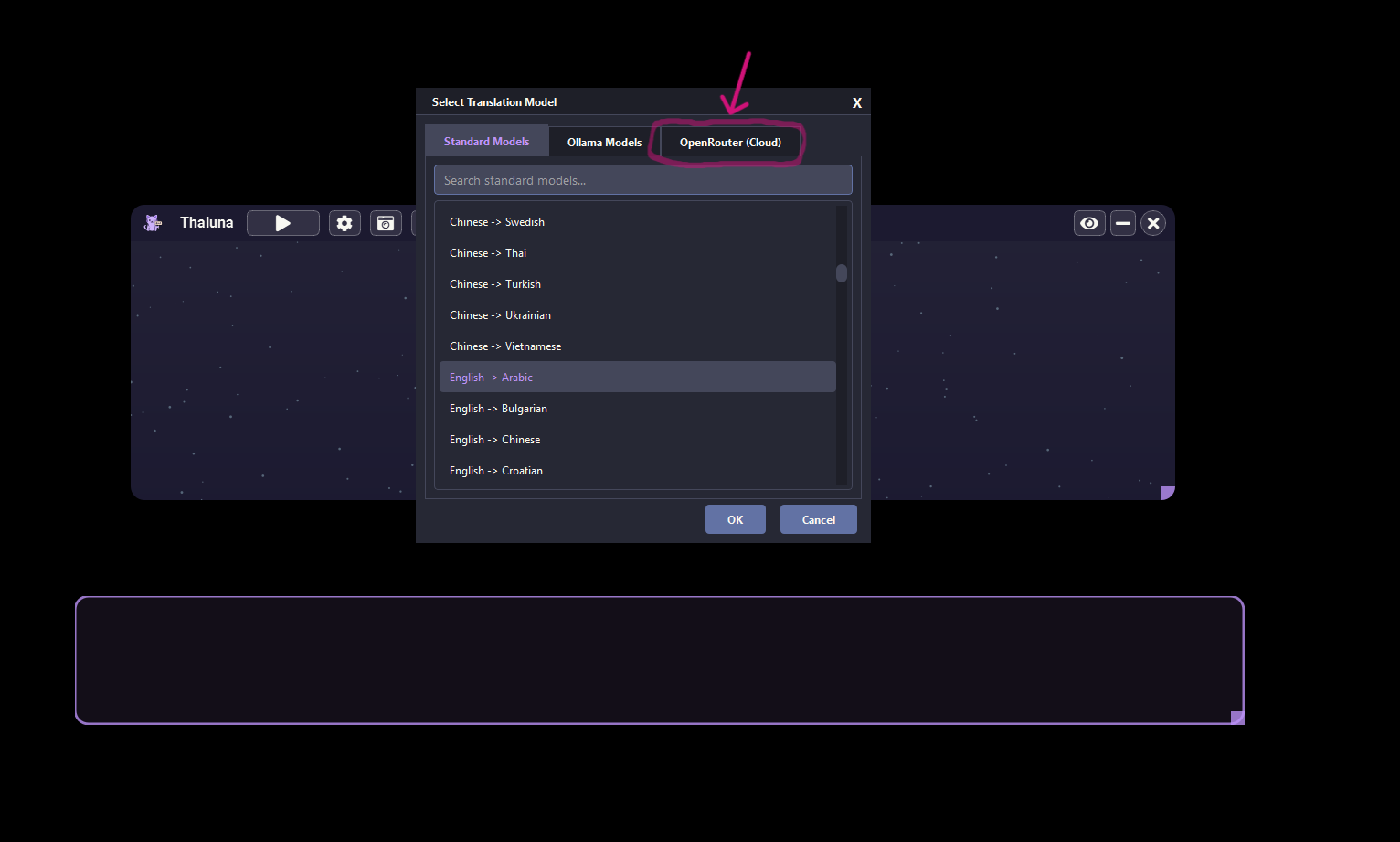
2️⃣ In the window that opens, switch to the OpenRouter (Cloud) tab.
3️⃣ Select OpenRouter: Cloud Translation.
4️⃣ Choose your Target Language (for example English).
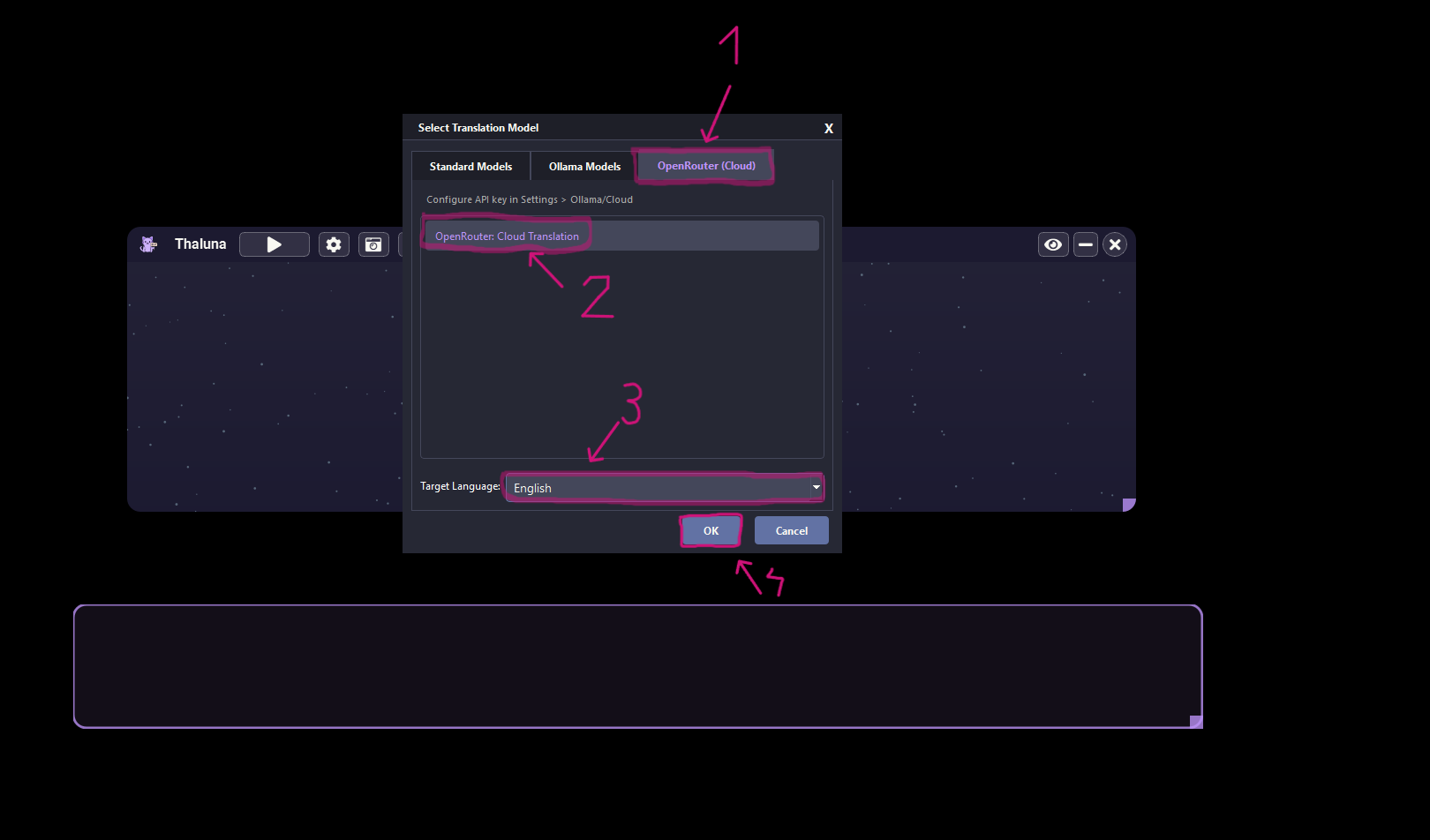
5️⃣ Click OK.
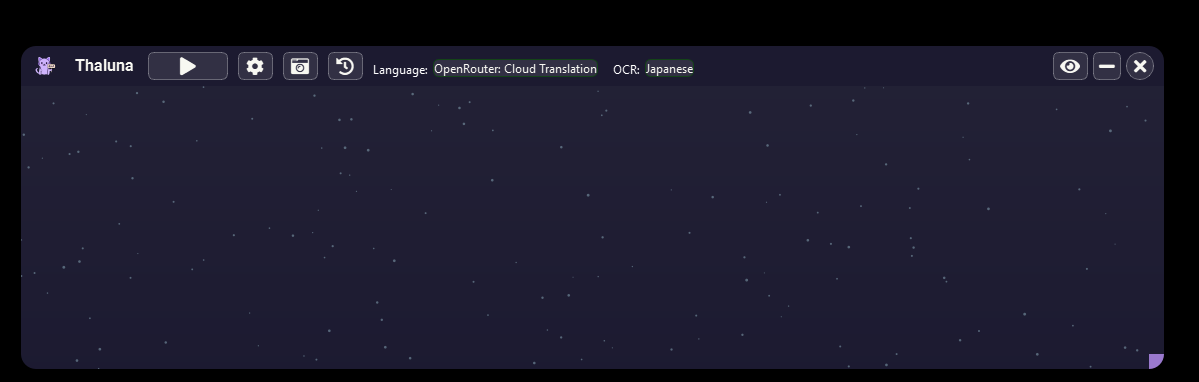
After that Thaluna will start translating using OpenRouter.
One small recommendation:
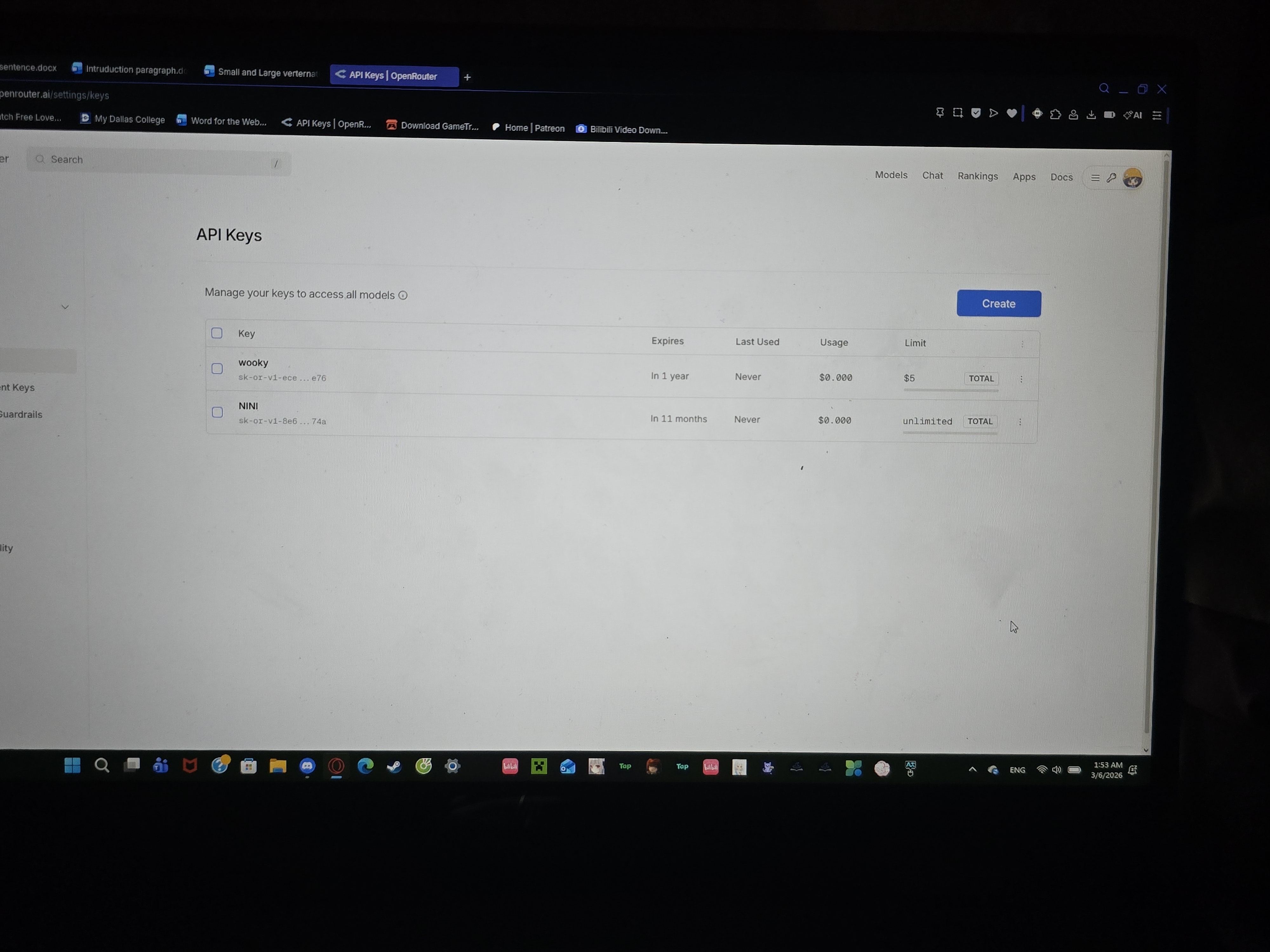
I noticed your API key currently has no spending limit (unlimited).
OpenRouter is prepaid, so it will only use your balance, but it's still a good idea to set a small limit (for example $5) on the key.
This just prevents accidental higher usage if something runs in the background.