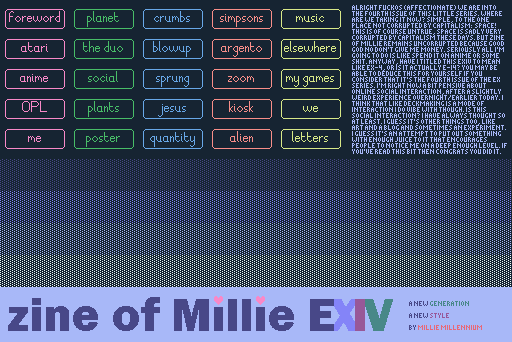
I don't think I've ever posted a thread about it here, but I've been making zine of millie for a while now, and I'm working on issue 22! Here is a link where you can find it all: https://zine.milliesquilly.com/
Absolutely!
And for anyone else reading, let me be clear: Anyone is more than welcome to make threads to show off their cool projects! If you make anything at all with Decker, we'd love to see it here!
Thanks so much! Next issue I think is gonna have to be less high-concept but I still have some Ideas, haha!
The Institute makes no specific claims as to the veracity or lack thereof of any views held by any given Fellow but advises caution regarding unconditional trust
A lovely tribute piece to Cohost; I'm glad the palette came in handy. (And I found the chicken!)
Your "all about colour" deck was handy too, in particular the image importing code (and associated palette exporting functions and helpful links to dithering methods) was a useful reference!
Hey Millie! I love your zine collection and have been going through them slowly to get inspiration as I'm new to Decker. Stupid question - How do you get your Decker builds to not include the menu bar at the top? I want people to be able to experience my Decker build without changing anything in it - if that makes sense?
Hi and thanks! If you go File->Properties in Decker there's a "Protect" button that lets you save a "locked" version of the deck, so if you save it there in html format then that should be what you need.
And from that season finale, a reboot! Which took less time than I expected, I think because I felt inspired by the less weight! https://zine.milliesquilly.com/ex/ex1.html

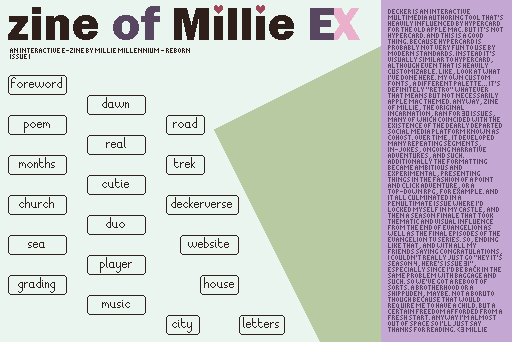
And the reboot continues! https://zine.milliesquilly.com/ex/ex2.html
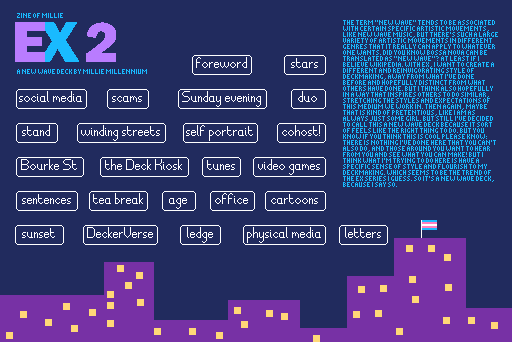
I had a lot of fun with the new dither brushes in this one, and as a result it's now the largest size deck I've ever made and I had to zip it to fit it on a floppy disk! Lemme know what you think!
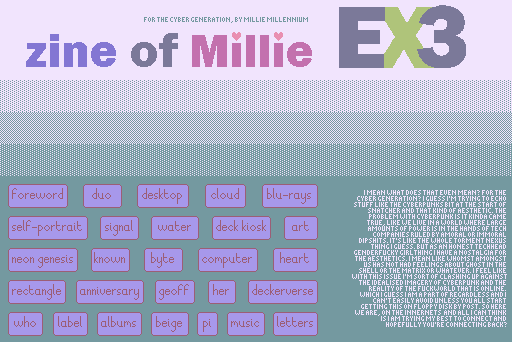
Zine of Millie EX3 was also too big to fit on a floppy disk without zipping, but it's online now! https://zine.milliesquilly.com/ex/ex3.html
Thanks for shouting-out my Deck Jam entry!
I also really liked the Star Wars like intro animation. For a brief moment I was worried that you’d figured out how to do the perspective-correct text crawl in Decker, but I’m glad to see you’re not that crazy. :)
Oh I mean I am kinda tempted to work out how to do a perspective correct text crawl but it seems a lot more complicated than a simple zoom. It feels like an interesting challenge now though... I wonder how some of the old Star Wars games did it
Super Star Wars would be a good example, I think - the SNES provides an easy way to scale and rotate an image like Decker’s .scale[] and .rotate[] methods. The Star Wars logo in that video looks very like the one in your deck.
For the text crawl, the SNES has an advantage: rather than scaling the whole image in one go, it can change the position and scale factor on each scanline, so the top scanlines are scaled very small, and the lower scanlines are at full size, or even scaled up.
Actually calculating which scanlines to show and the scale to show them at could be quite expensive, but luckily the perspective doesn’t change, so you could calculate them once at the beginning of the scene, or even just calculate them with a pencil and paper and type them in.
I’m imagining something like, for each line of the target canvas:
.copy[0,y width,1] to grab the source scanline.scale[factor,1] to scale it horizontally.map[] white pixels to one of Decker’s shaded patterns (or if you’re feeling fancy, colours in the greyscale ramp)I’m sure there’s more mathematically rigorous ways to get a proper perspective effect, but I bet that would look pretty good. The question is, would it run at 60fps?