


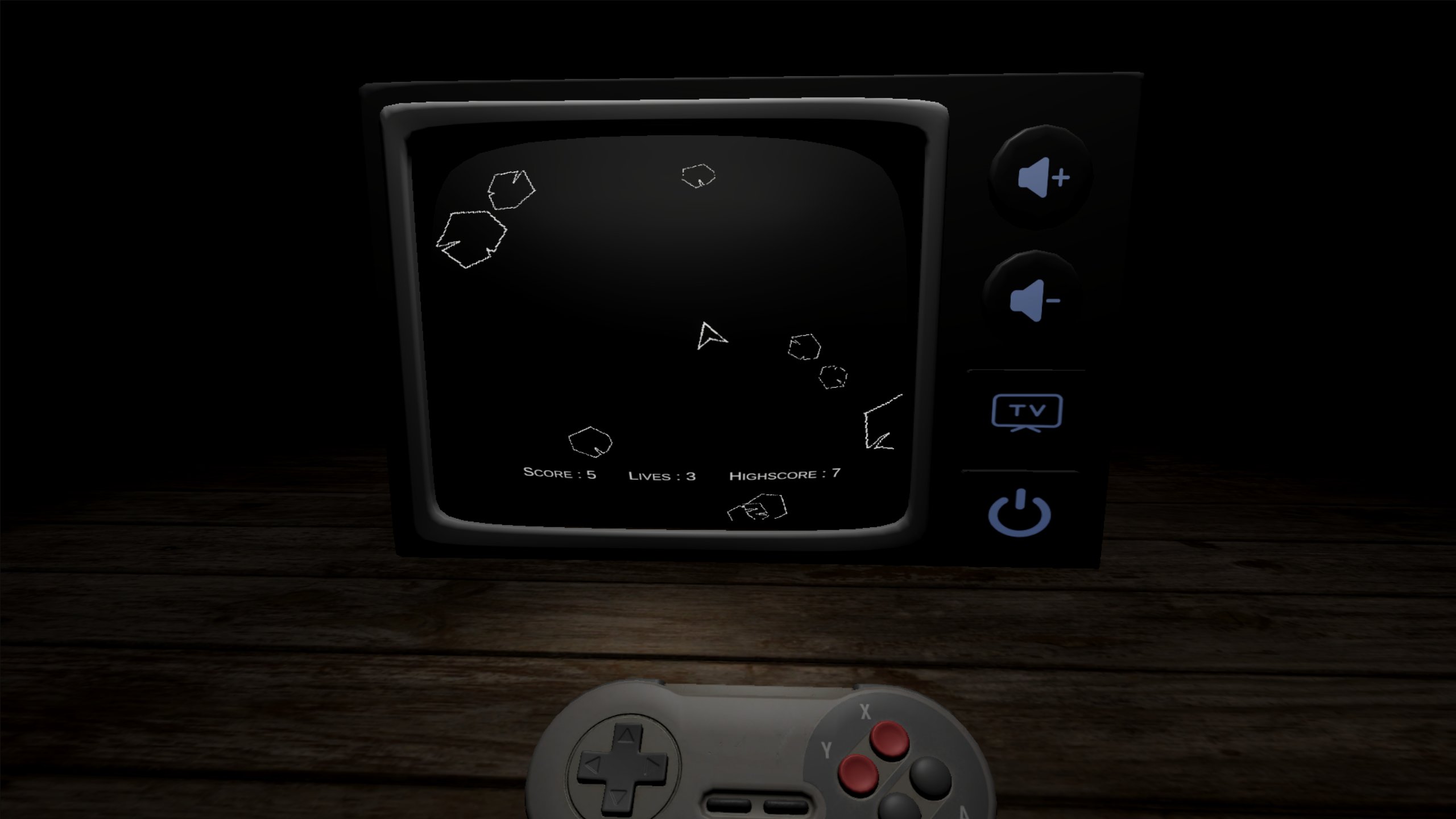
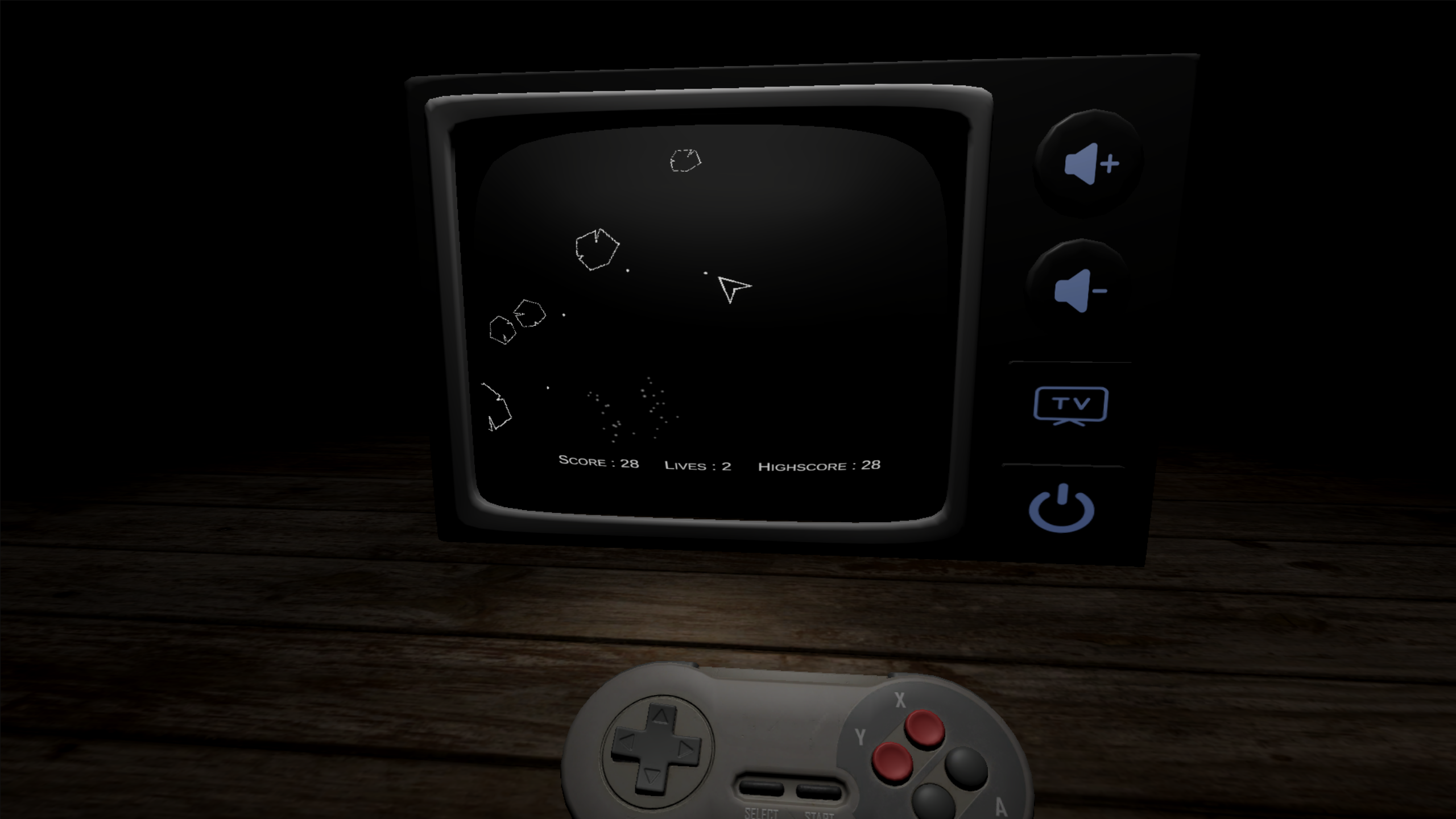
Play game
The Experiment's itch.io pageResults
| Criteria | Rank | Score* | Raw Score |
| Theme | #47 | 3.833 | 3.833 |
| Aesthetics | #48 | 3.833 | 3.833 |
| Mechanics | #77 | 3.083 | 3.083 |
| Story | #80 | 2.750 | 2.750 |
| Sound | #89 | 3.083 | 3.083 |
| Overall | #145 | 2.667 | 2.667 |
| Fun | #173 | 2.250 | 2.250 |
| Music | #195 | 1.833 | 1.833 |
Ranked from 12 ratings. Score is adjusted from raw score by the median number of ratings per game in the jam.
How many people worked on this game in total?
1
Did you use any existing assets? If so, list them below.
TV asset provided during jam, Free sounds from pixabay, Free 3D model of controller from sketchfab
Leave a comment
Log in with itch.io to leave a comment.
Comments
That was a very immersive experience. The control support was excellent. It was nice to be able to use my gamepad.
I tried selecting the None options just to see if something else would happen but it didn't.
Definitely a creepy vibe. It's a good basis for creating a larger game experience.
Thanks for playing.
Nice retro asteroids game! Very fun, and the game looks great!
While I was playing, I was thinking that I had to beat the high score of 400 to unlock more games. (I wasn't even close. LOL) But now that I look at your screenshots, I am guessing that the additional games are still in development.
One downside - The game is over pretty fast for me, and it's kind of a lot of work to have to turn on the TV, etc., to replay every time.
🥲 Yes, initial idea was to add multiple games and cutscenes which gets unlocked over time. But ran out of time so the gameloop is very short.
Thanks for playing
Retro game (well done) on the TV was a good use of the visual theme. It was tricky to get started until I figured out picking up the controller, etc. My score was 400.
Here's my submission: Smashing Pumpkins
https://itch.io/jam/gamedevtv-halloween-jam-2025/rate/3960061
💀 A 2d platformer 💀
💀Smash the pumpkins and exit to the void 💀
Thanks for playing.
Great attention to detail! I was distracted by the controller buttons responding so well. Highest score was 212, great work!
Thanks for playing.
Great Entry! I think our submissions had a lot in common presentation wise! only the retro game I attempted to parody was NES legend of zelda. A downside for me was that after adding all gamelplay elements I sort of ran out of time to give personality to the outer world elementss/story. You did a better job I think of creating an atmosphere outside of the game for sure! I especially enjoyed that I could use my real controller, it really helped with emmersion and I wish I had thought to implement that on my own vertual NES controller setup.
Thanks for playing.
Your game is much more fun. Interaction outside the TV, a complete game inside the TV with a story and how the game progression in TV affects the outside world (bat -> sword and the drinks). That is really cool.
The use of a properly interactive controller with button presses (and on the TV itself!) is the highlight for me as that was going above and beyond for the immersion into the game. Also a big fan of the cutscene type situations like the unknown person coming behind you to finish you off when you fail. Very clever submission!
😄 so glad someone noticed that, took me a while to put gamepad together as I have very little experience with blender and had to tweak the model and pivot points to make it work properly.
Thank You for playing.
If someone would allow me to play this game as a child, I would never sleep after. Great atmosphere and solid execution! Cut scenes are top notch!
It took me a while to get how to start the game (the one that inside this game), but it’s fine considering this is a game jam entry.
Thank you for playing. 😅 yes ,getting game running in the TV is confusing. Lesson learned, no confusing mechanisms.
I have tried to start the game every way possible, but for some reason it simply won't start. Tried pressing E, tried pressing the TV button, the ON/OFF button, nothing worked :/
I understand the frustration.
I have added a small video on itch page for additional help.
And if the main menu is the issue, just press Enter.
You can navigate the TV using WADS and arrow keys.
Thank you for playing.
The Experiment - Video
Awesome atmosphere with great visuals. Great work! =)
Thank You for playing.
I really enjoyed this game! The cutscenes are cool, and the sound design and visuals are great. Too bad I’ll probably never see the good ending — 400 points is a bit too much for a casual player like me!
Thank You very much for playing. Yes 400 is quite a challenge.
Took me a while to see it was E to interact with the stuff, after clicking a ton, then looking at the controls on the page.
Seems to be a few games that use E instead of a click, which is surprising as a control scheme.
I tried a few more times and got Asteroids to work, buuuut I'm not really a big Asteroids fan. Or rather, not when it doesn't do much to change up from the original game. It needs its own twist, else it just becomes a game everyone has played, (Or made, in my case, which definitely adds to my "dislike" of Asteroids) and for me, personally, I want newish or twists on a classic!
So seeing how long it was going to take to reach the highscore, I kind of stopped after dying a few times.
Though the look and ambiance of the game was really nice!
Thank you very much for your feedback. I have added a small tutorial text for users and have updated the inputs for the interactions.
I understand the frustration of having only Asteroids game, originally my plans were different and I will try to add more games in future.
Once again thanks for the feedback, it helps a lot.
Hey I'm sorry that I just cant find a way to start the game in TV. I think you should write a tutor more clear. I'll try and rate it later when I could figure out how to start :) The gameplay interaction has been amazing so far.
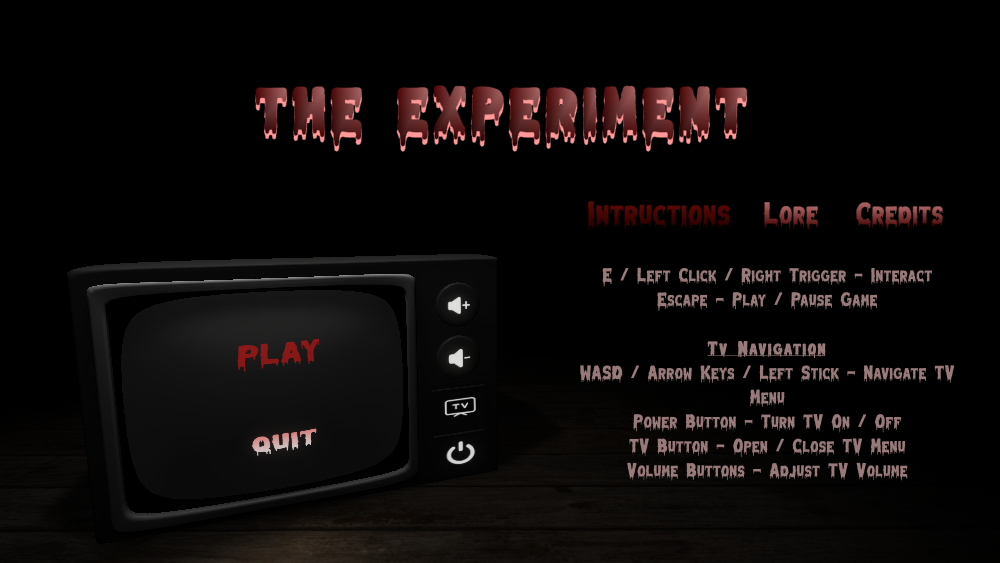
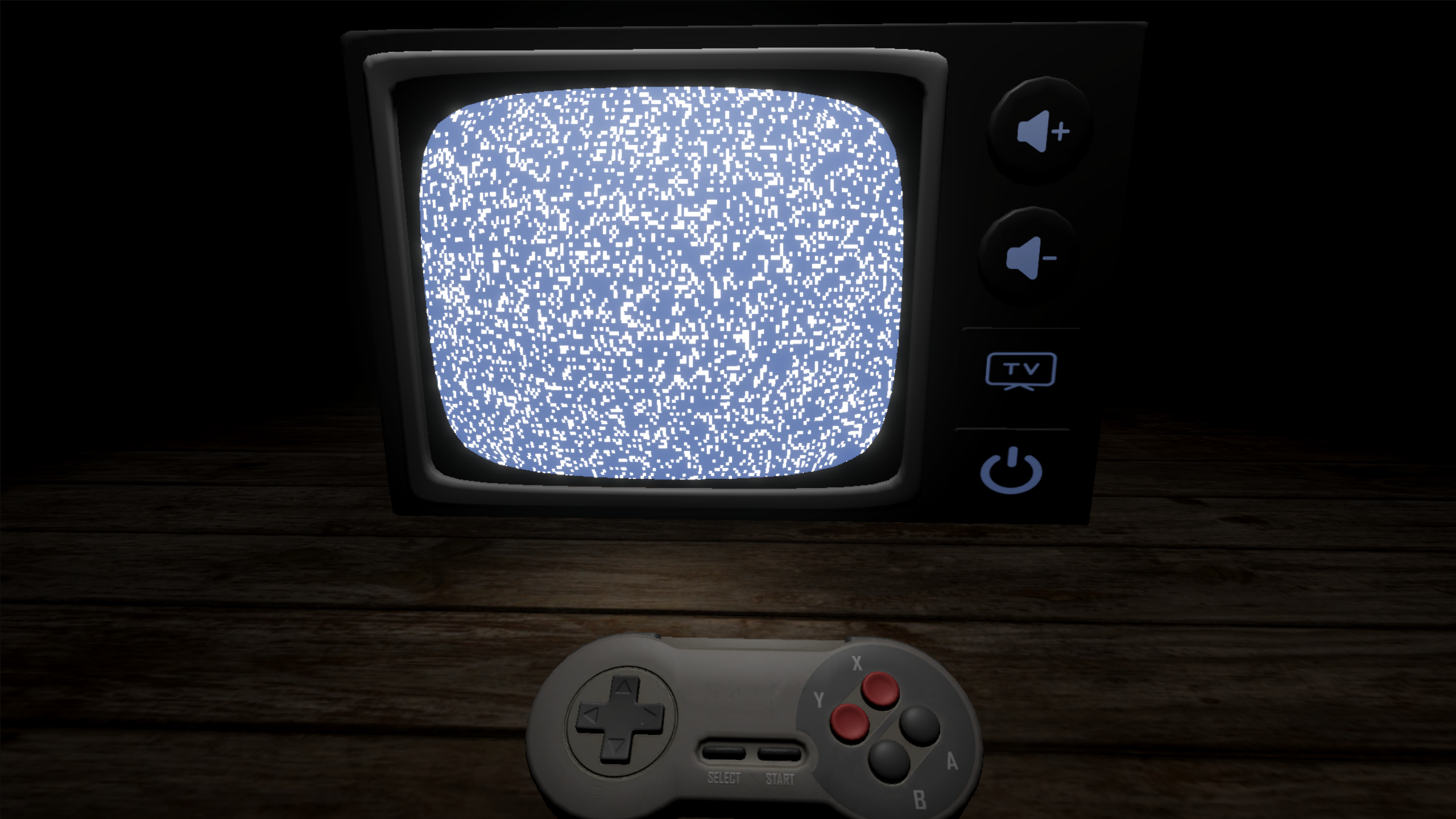
Apologies for the confusion. I have included a small instruction text in the menu for help. To start the tv you can interact with the physical buttons of the tv (Power Button). To open the Menu in the tv use the TV button. Equip Gamepad to enable TV menu controls. Space / South Button to select in TV.