

So, i've been experimentng with that and it still leaves me in the woods. I am not sure what am I doing wrong, however.
>I am using DrawGUI, so i have followed the instruction and changed the draw_gui parameter to true in the Draw_GUI event of the textbox object.
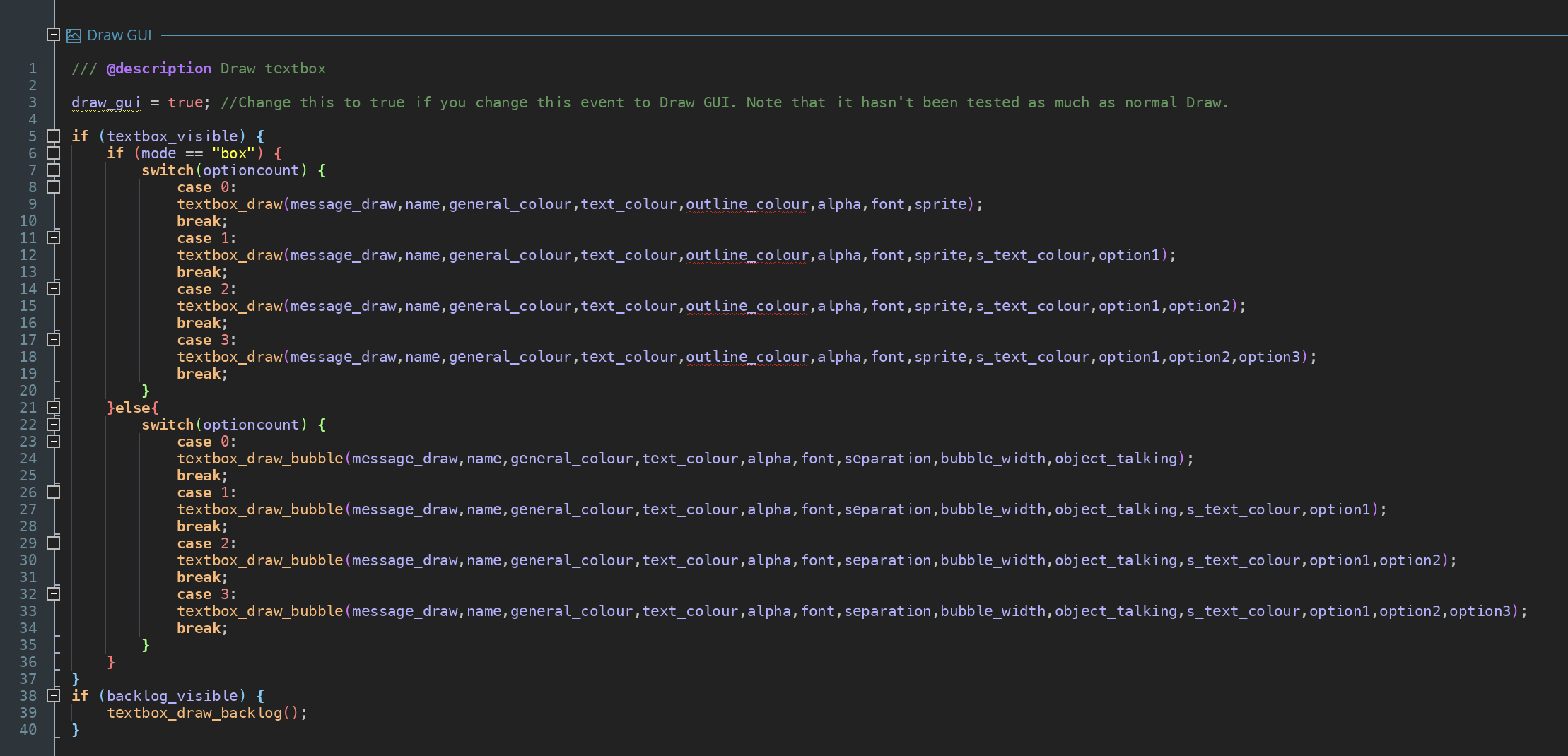
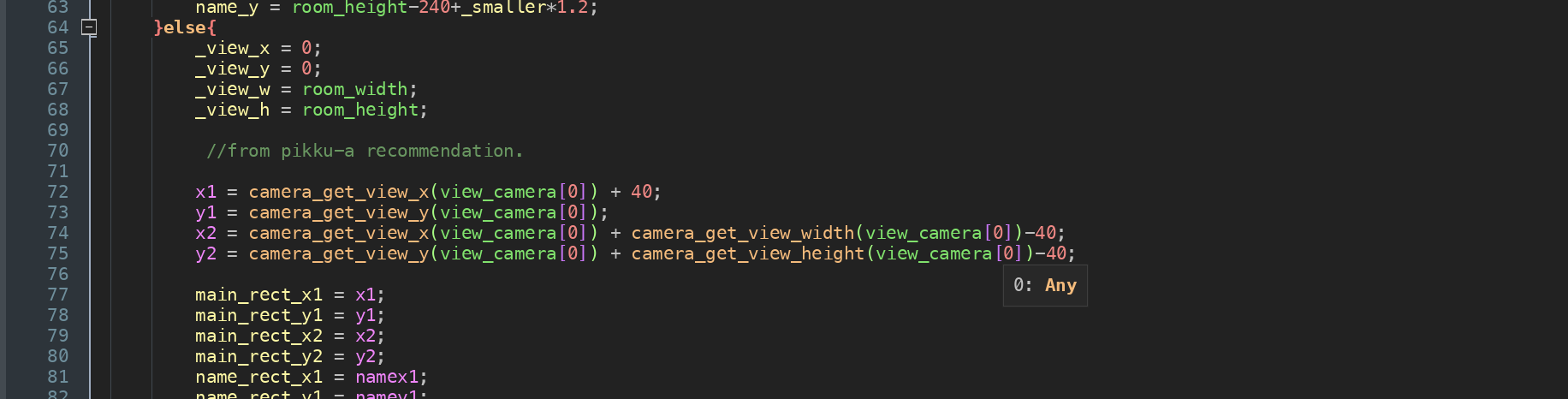
> My textbox_draw script now includes the code you have suggested:
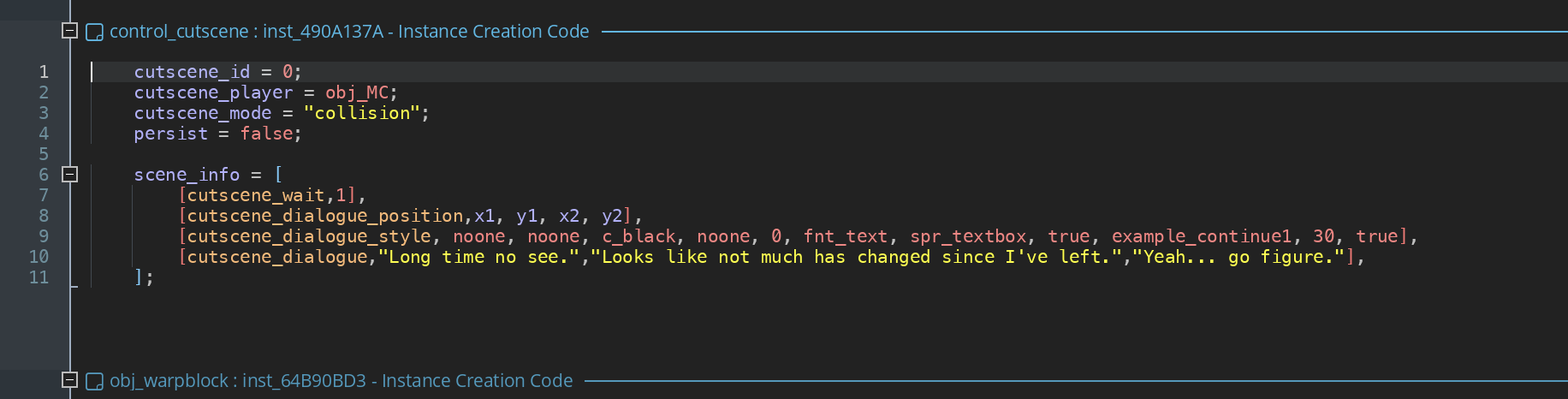
> Finally, the instance triggering the cutscene on the level is as follows:
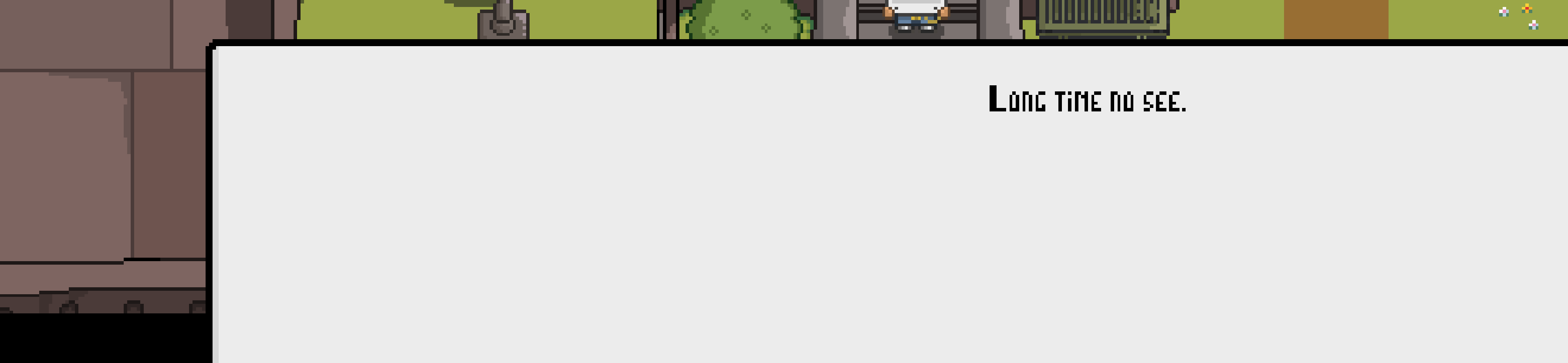
And yet when the cutscene triggers, the textbox stretched outside of the viewport, with the text itself also being drawn somewhere in the middle (I took the screenshot of my lower third of the screen and this is how it looks like when the dialogue triggers).
All the thoughts/solutions are highly appreciated.