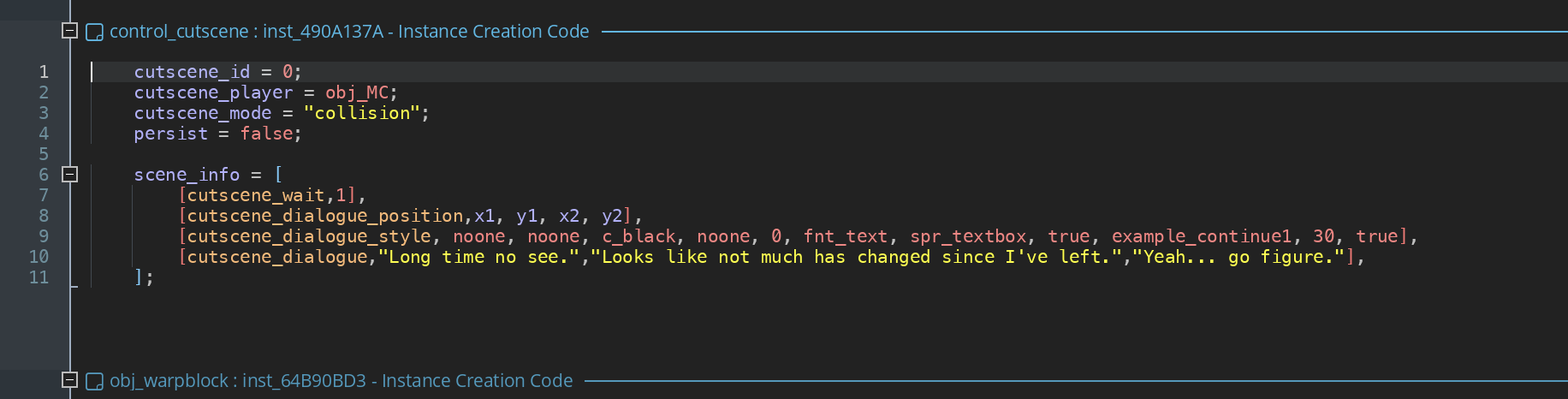
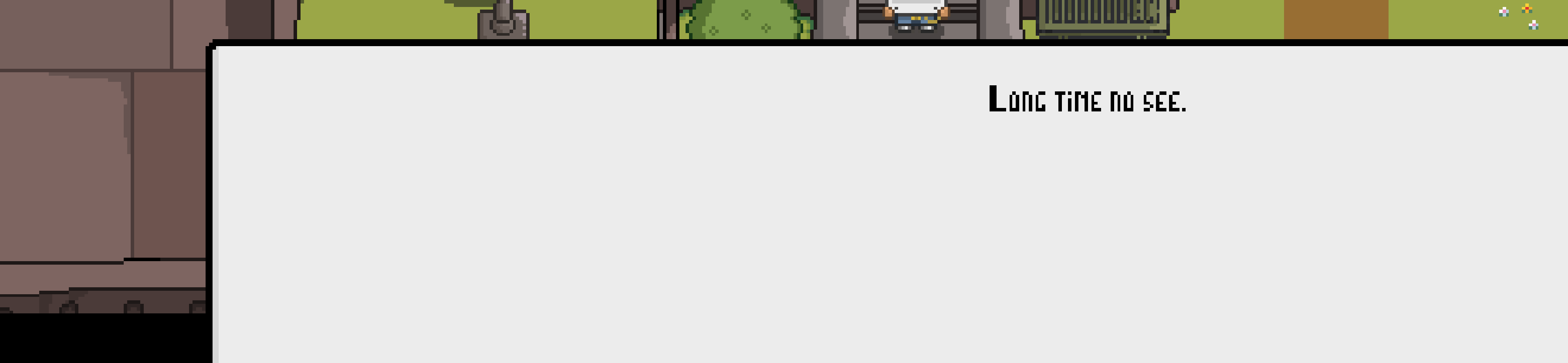
After investigating this I noticed that the camera functions don’t seem to work properly when using them in the creation code of the cutscene object. I will try to find some workaround for this in some future update, because it is kind of limiting.
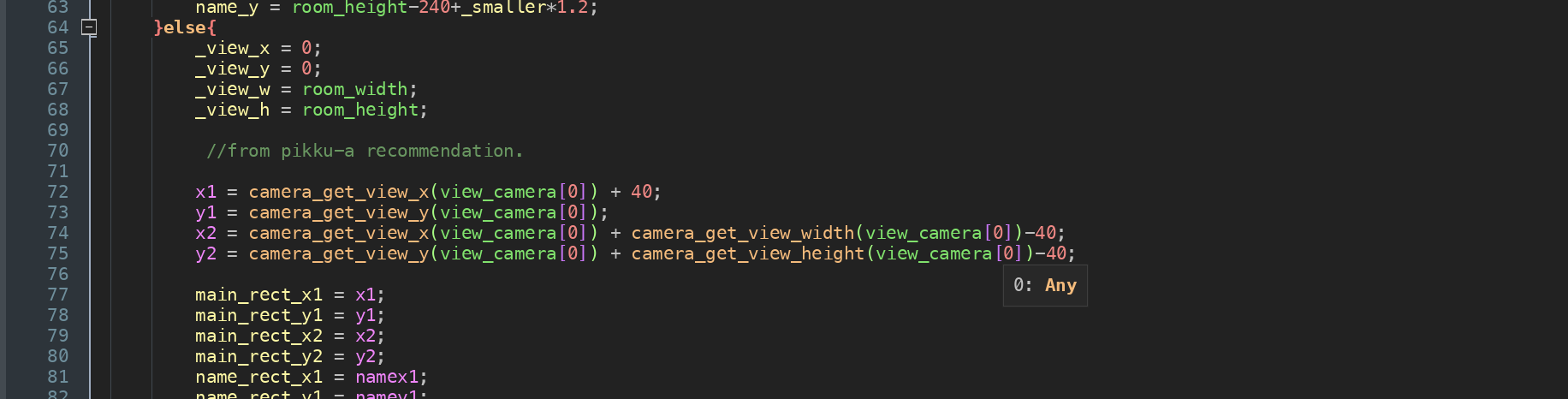
Also I noticed that you were using for example camera_get_view_width(view_camera[0])-100 when it probably should be camera_get_view_x(view_camera[0])+camera_get_view_width(view_camera[0])-100. But that doesn’t matter here because it doesn’t work.
So there seems to be 2 options:
1. Use Draw GUI
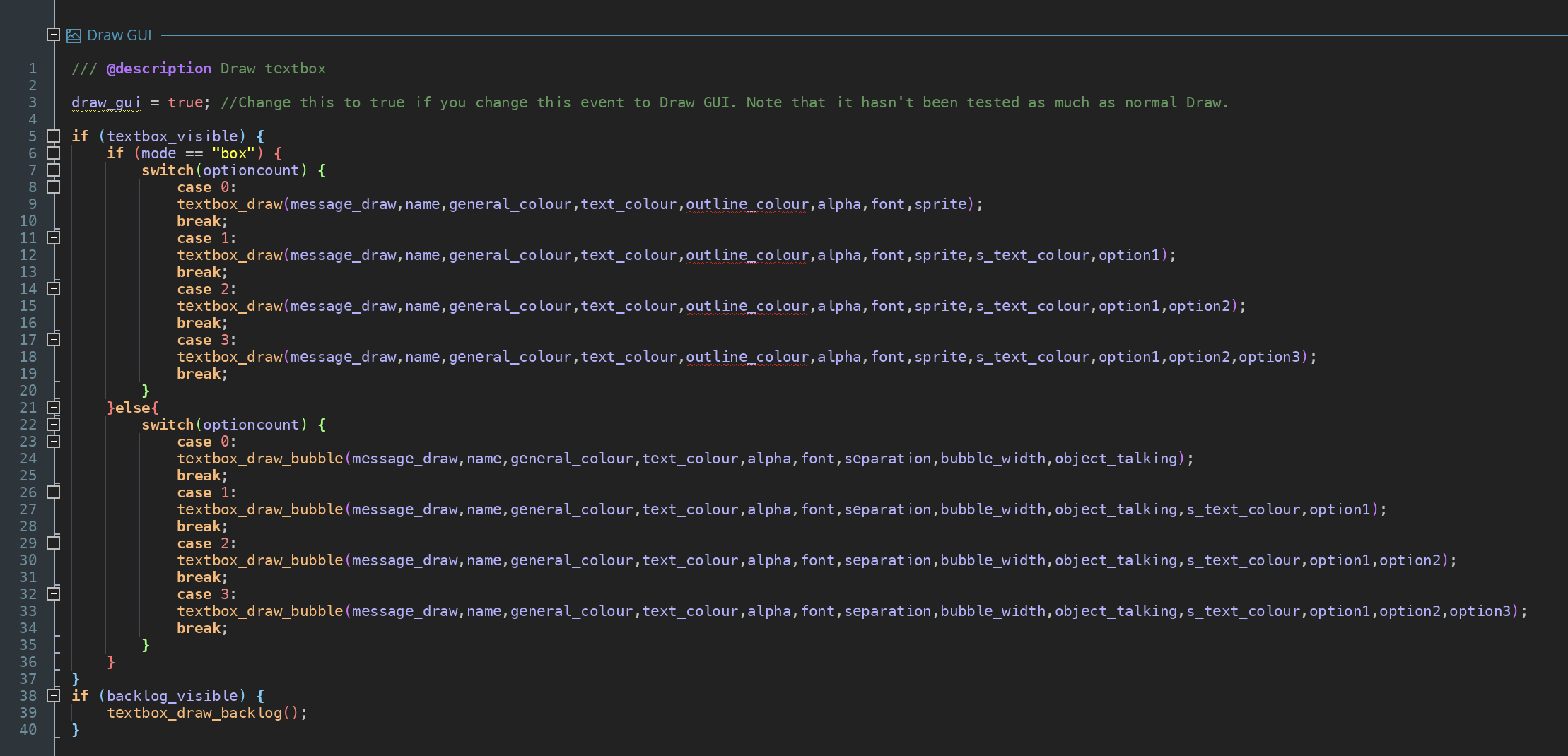
You can get the result you want without the camera functions. Just follow the instructions in the manual.
2. Edit the textbox_draw script manually
For example I tried this (I kept the cutscene_dialogue_position in the cutscene, even if it doesn’t do anything, because otherwise this code doesn’t run):
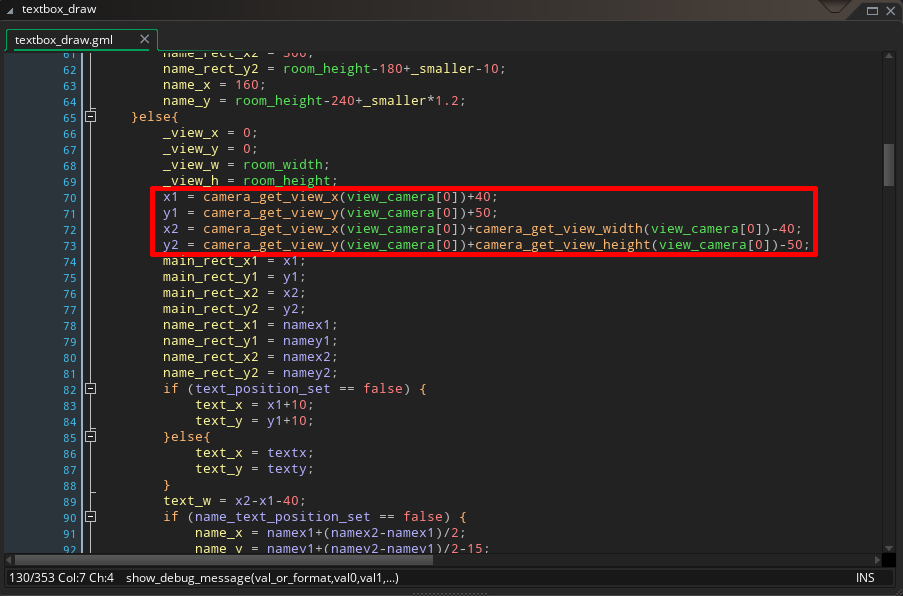 And it seems to work well. This only sets the position of the text box, everything else goes automatically to the correct positions. If you want to change the position of other things, you will need to add more code like this here. (I can give more examples if needed.)
Hope this helps.