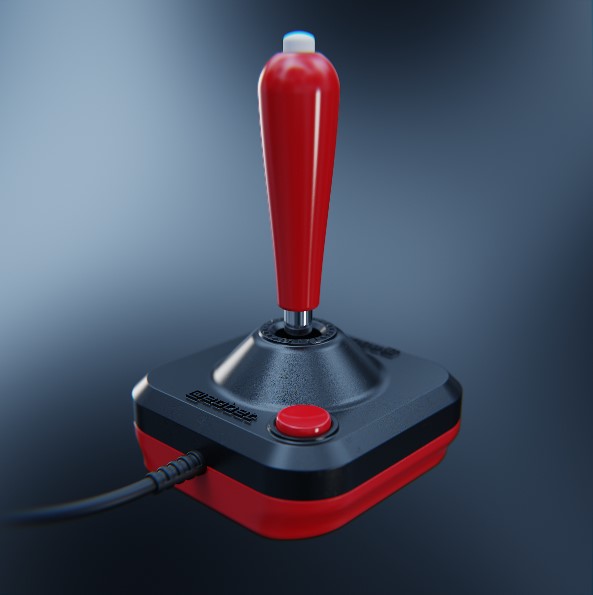
New update looks really good! Feels like this can turn into something great. Are there plans to add cylinders which can be tapered into cones? Also, in your cornell box screenshot it seems as if you can set roughness and ior on materials, but I haven't found that setting (similarly, metalness).
1 year ago(+1)
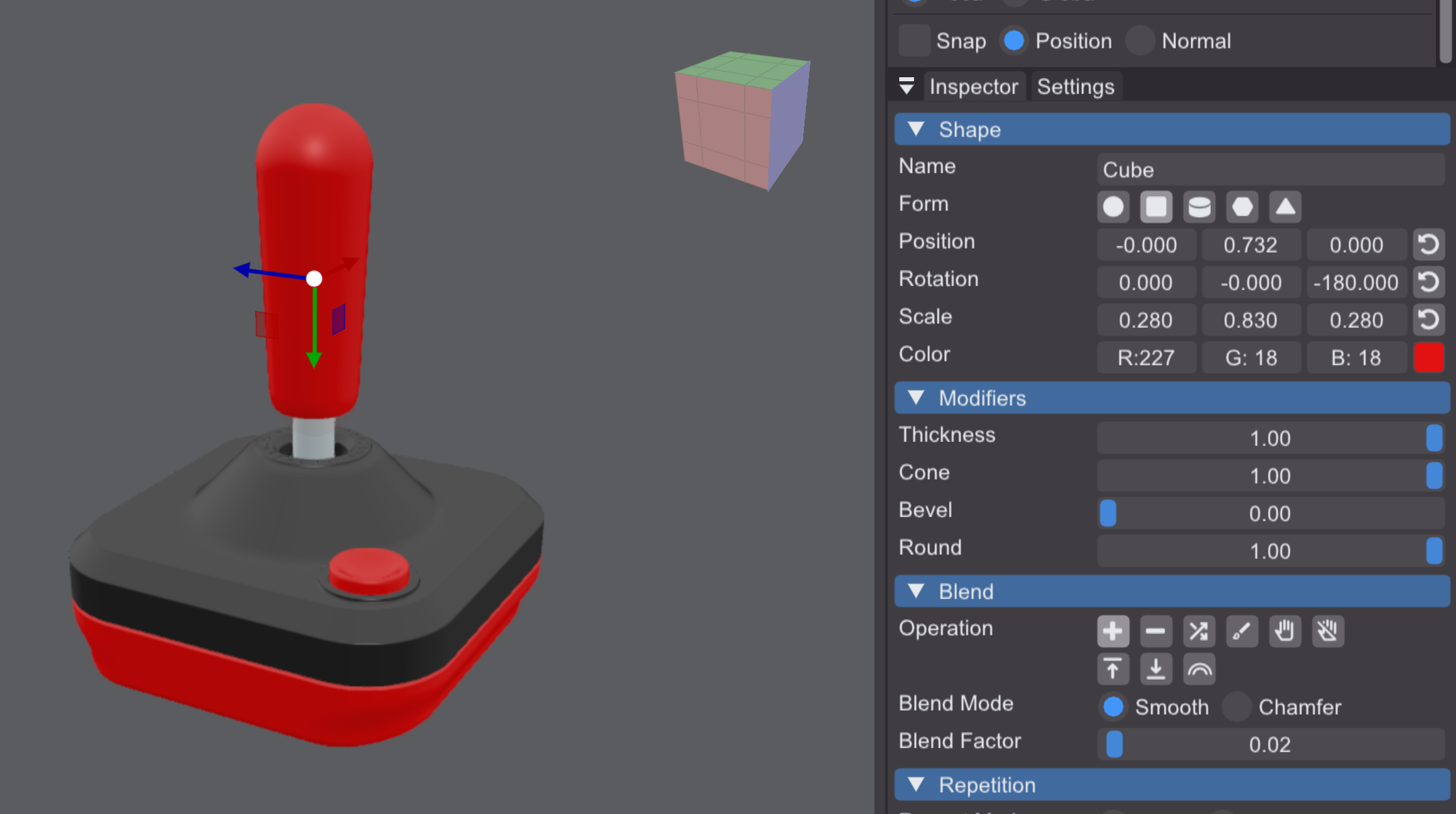
Thanks for the kind words! It’s still pretty early, but I’m working on making everything more solid as I progress toward 1.0. You can already modify a cylinder by setting the cube’s bevel factor to 100% and adjusting the cone percentage. Material attributes like metalness, roughness and IOR can be controlled on the layer level, and you’ll see the results in the render preview.
OMG, I can't believe I glossed over the cone slider (guess I didn't expect it there, or I was looking too hard for "taper"). Similarly, also did not realize that the inspector changed contents when I selected a layer, which is great! Now, just to double check, I see that the blending of strokes can be set to chamfer, but can the round of a stroke also be set to chamfer somehow (although I'm getting a feeling of deja vu from a previous comment writing this)...
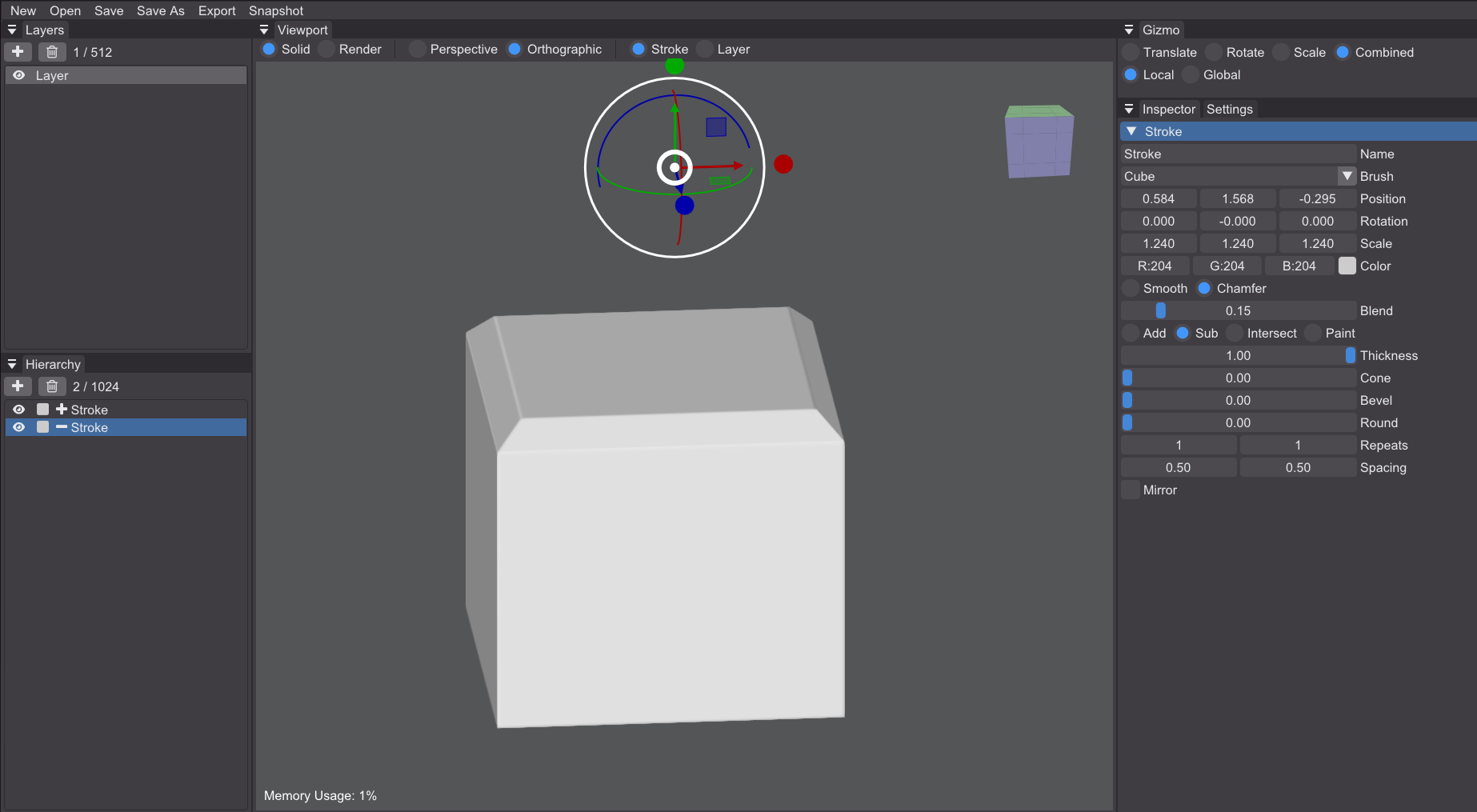
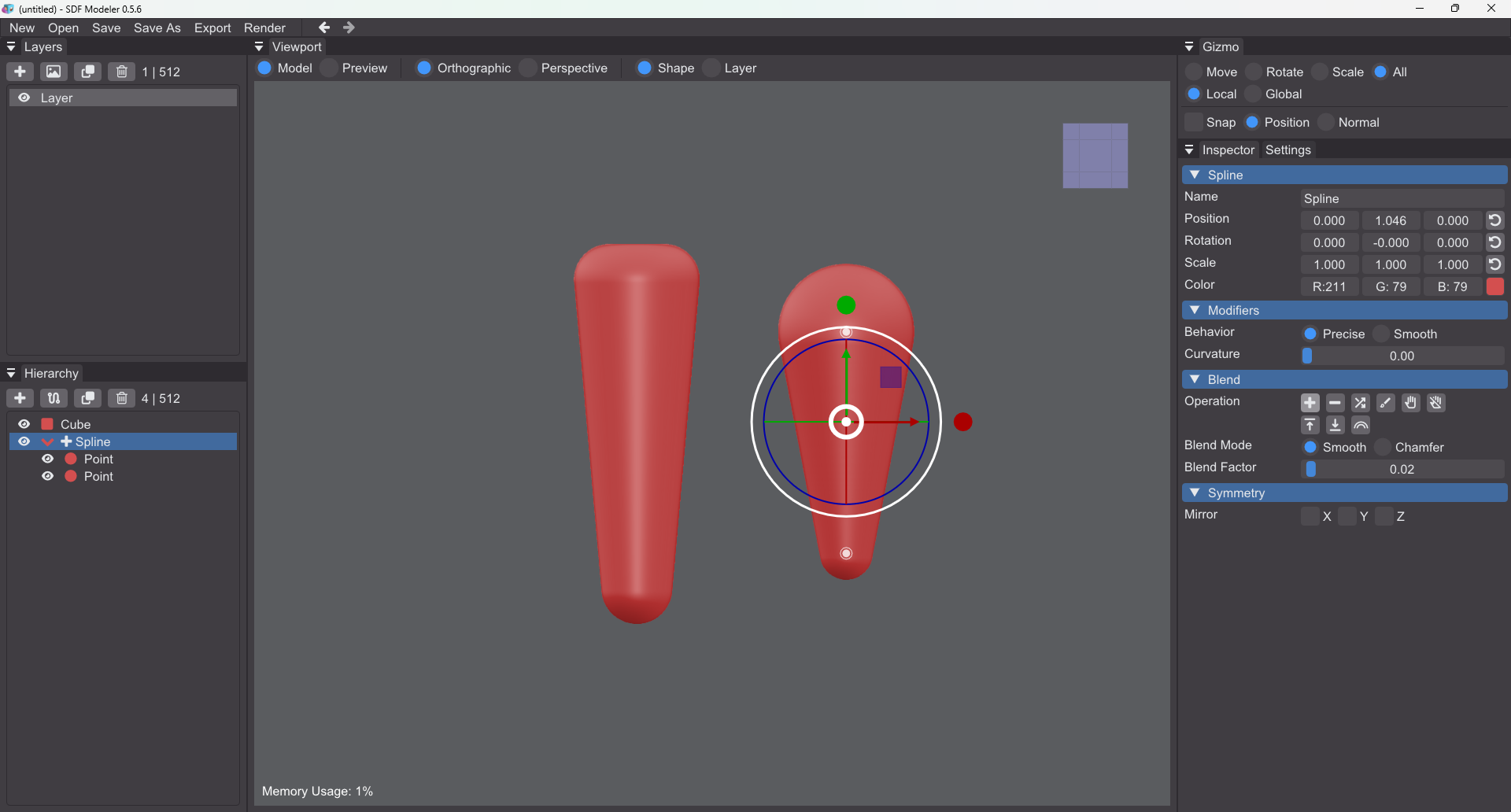
I'm trying this out again, and again had to look up how to create a cone. Just for the usability sake I would add the cone slider to the cylinder, and behind the scenes convert it to a beveled cube even though that might be a dirty hack. It's just that logically I think about a cone as being a modified cylinder, not a cube, even though in the magical maths world of SDF that might not be the case. I also haven't figured out how to lock X/Z to easy change radius for cones/cylinders. Sorry, I might have a weird brain.
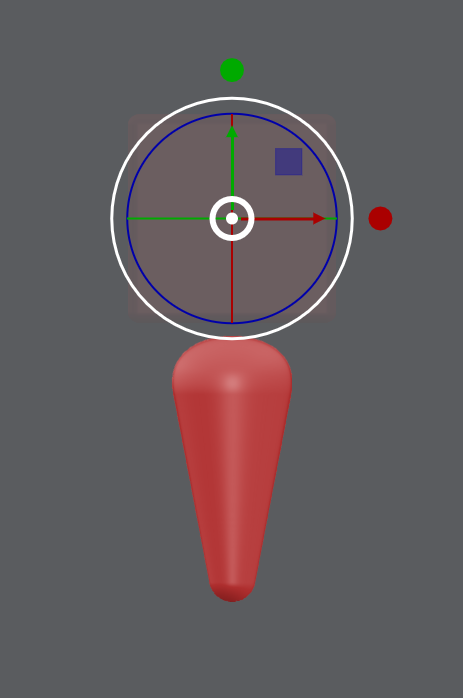
EDIT: How is it possible to make an exaggerated baseball bat with the current tools? I can't figure it out... this is as far as it goes for me and it's not nearly cone shaped enough...