On Sale: GamesAssetsToolsTabletopComics
Indie game storeFree gamesFun gamesHorror games
Game developmentAssetsComics
SalesBundles
Jobs
TagsGame Engines
(1 edit)

I'm trying this out again, and again had to look up how to create a cone. Just for the usability sake I would add the cone slider to the cylinder, and behind the scenes convert it to a beveled cube even though that might be a dirty hack. It's just that logically I think about a cone as being a modified cylinder, not a cube, even though in the magical maths world of SDF that might not be the case. I also haven't figured out how to lock X/Z to easy change radius for cones/cylinders. Sorry, I might have a weird brain.

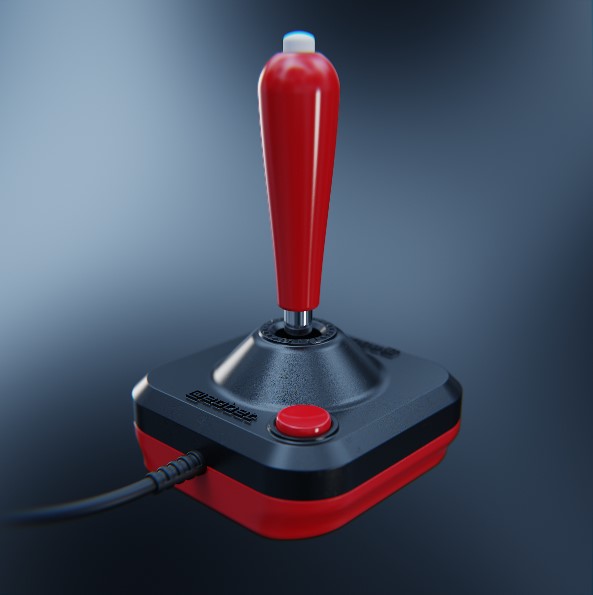
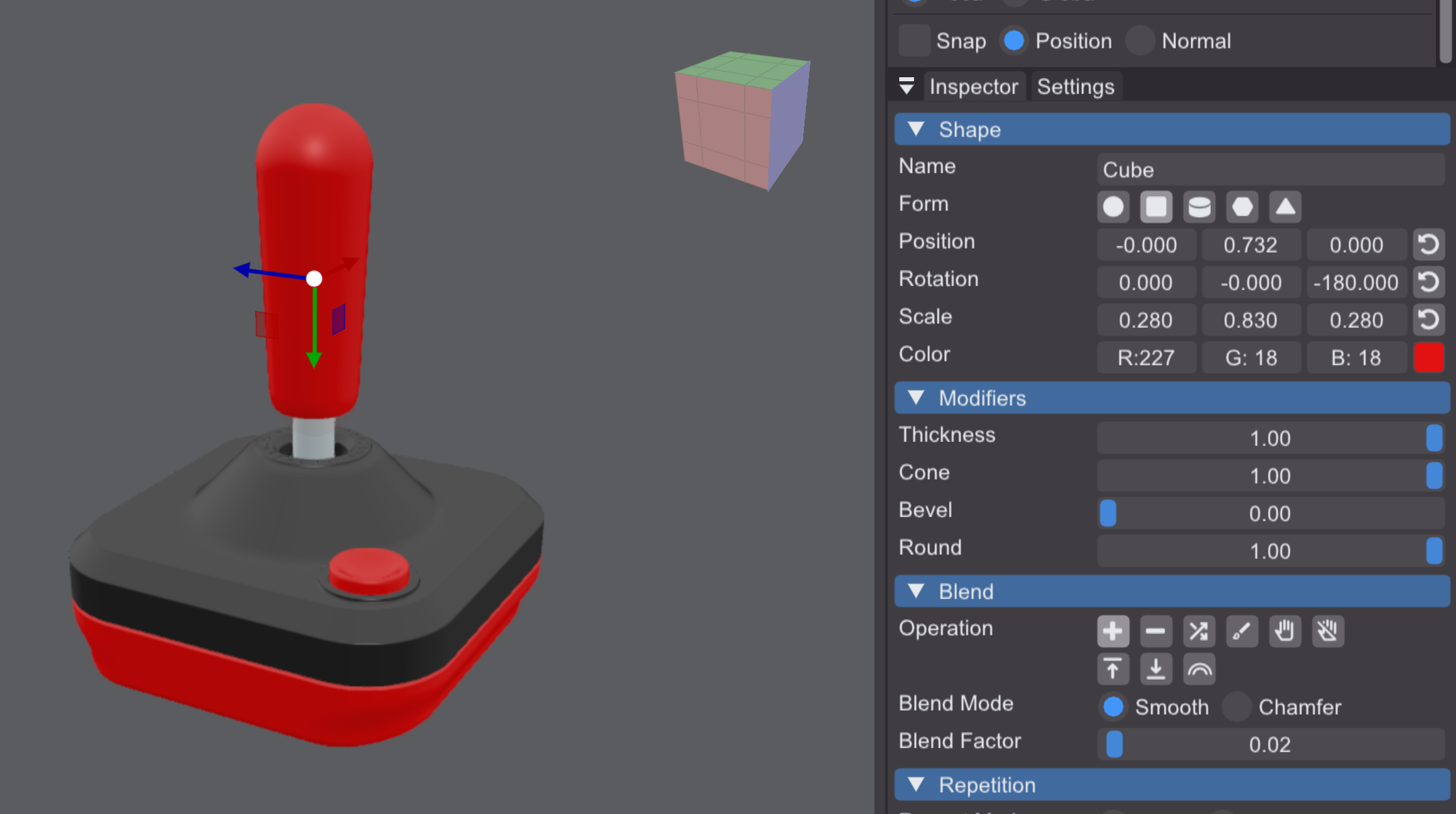
EDIT: How is it possible to make an exaggerated baseball bat with the current tools? I can't figure it out... this is as far as it goes for me and it's not nearly cone shaped enough...

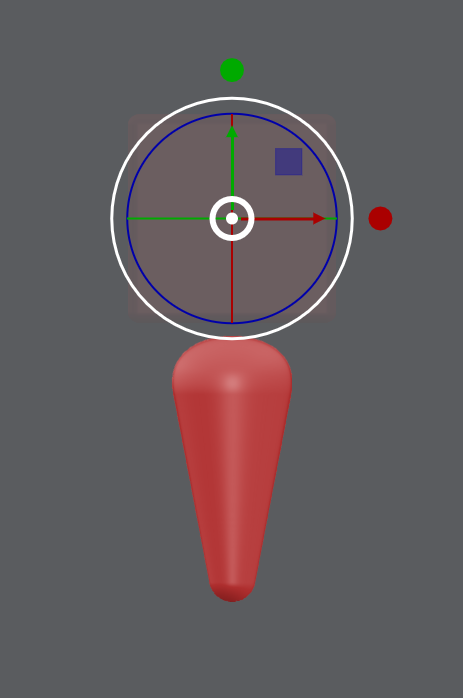
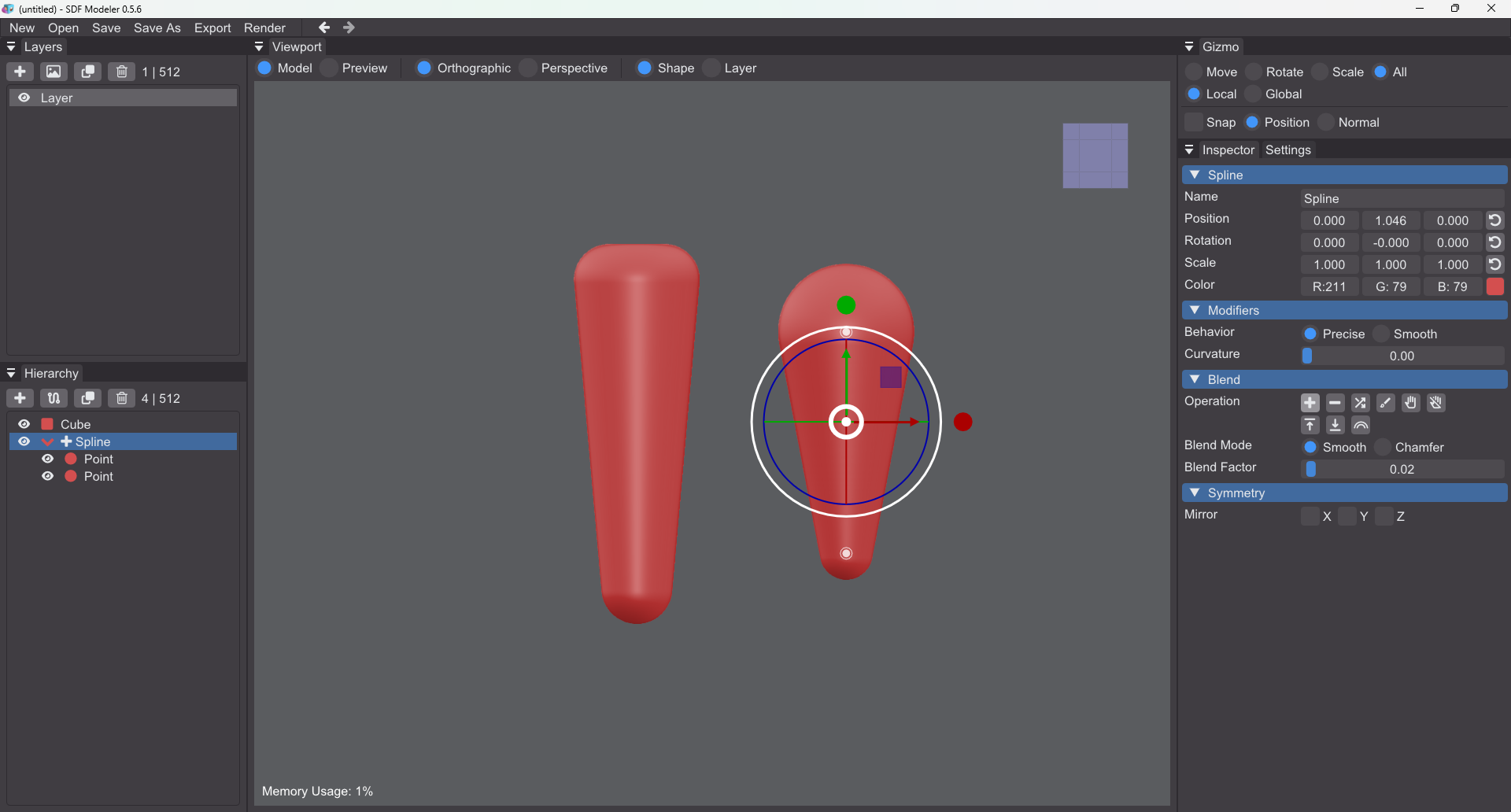
I’ll add more modifiers as I go, but usually I’d just use a spline with two control points. If you set the curvature to 0, you’ll get a straight linear falloff between them.

For more control over the top/bottom you can also add a negative cube.


Cheers,
Sascha

Thanks for the tip, that worked!

Btw, I've just learned that the correct name for the "cone" modifier on a cuboid is "quadrilateral frustrum apex truncatred square pyramid" (or perhaps "taper" or "draft" if one wants to use what we do in the CAD world). :D


That looks pretty awesome — Haha, naming it like that would definitely be a tongue twister! I’ll think about it for future releases :)