
Will test this, but just a heads up that the demo package is not compatible with the Itch App. Both when you press Install and Download the app can't do or find anything to download. I had to use a web browser to download it.
A member registered Nov 30, 2016
Recent community posts
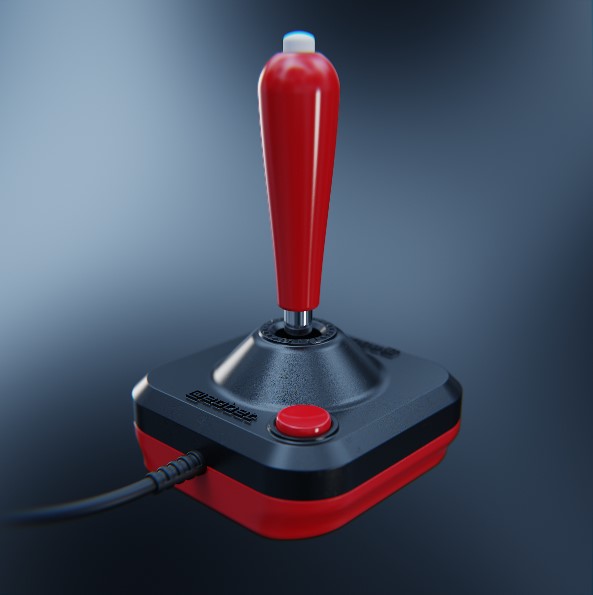
I'm trying this out again, and again had to look up how to create a cone. Just for the usability sake I would add the cone slider to the cylinder, and behind the scenes convert it to a beveled cube even though that might be a dirty hack. It's just that logically I think about a cone as being a modified cylinder, not a cube, even though in the magical maths world of SDF that might not be the case. I also haven't figured out how to lock X/Z to easy change radius for cones/cylinders. Sorry, I might have a weird brain.
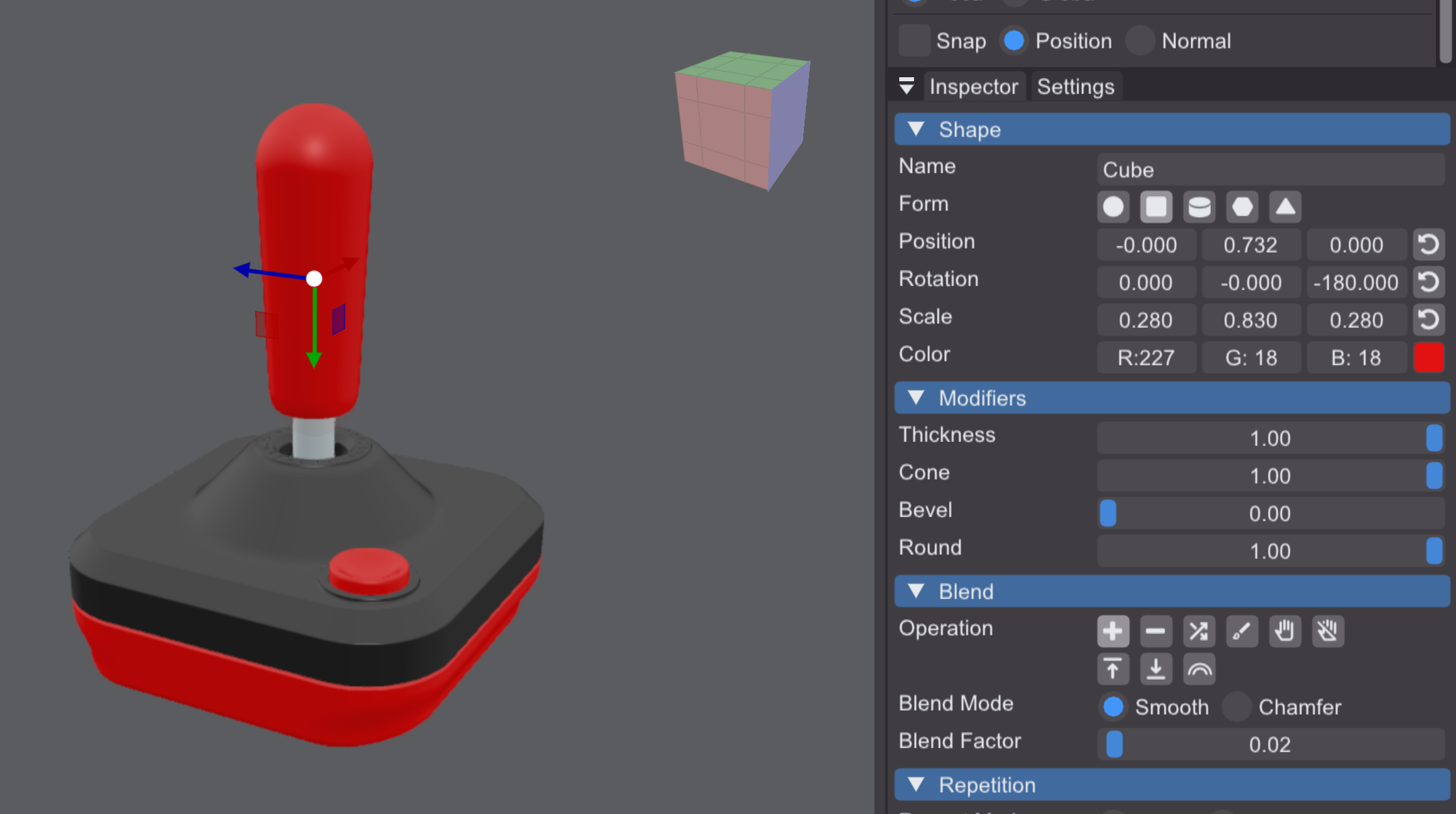
EDIT: How is it possible to make an exaggerated baseball bat with the current tools? I can't figure it out... this is as far as it goes for me and it's not nearly cone shaped enough...