


Play game
Contrast Words's itch.io pageResults
| Criteria | Rank | Score* | Raw Score |
| Creativity | #7 | 2.556 | 3.500 |
| Gameplay | #8 | 1.278 | 1.750 |
| Interpretation of Theme and Completeness of Game | #8 | 2.008 | 2.750 |
| Graphics, Sound and Polish | #8 | 1.826 | 2.500 |
| Overall | #8 | 1.917 | 2.625 |
Ranked from 4 ratings. Score is adjusted from raw score by the median number of ratings per game in the jam.
Extra information about the game:
Made with Free Basic and C. It uses cJSON.
Which theme did you choose?
Contrast
Which BASIC did you use?
Free Basic
Leave a comment
Log in with itch.io to leave a comment.
Comments
Hello....the original idea is nice!
Thanks for joining the game jam....yeah.
Thank you for organizing it! :)
Hi! If you enjoy this game jam, come back next time. I may hold the next BASIC Jam in Dec. Make an entertaining game again and share with us! Enjoy!
Thank you! I'll try! :D
Hello, I saw the jam result.....some thoughts. Perhaps the category of word game is unfavourable in modern game jam or people don't like games with ASCII user interfaces. Anyway, if you want to use other BASIC dialects to develop word games with graphic interfaces or ordinary graphic games, the comprehensive tutorials on this page may be useful to you: https://itch.io/board/5444322/comprehensive-learning-materials-for-basic
Bye and good luck.
Ah, don't worry! I just wanted to try Basic for the first time! Thank you! :D
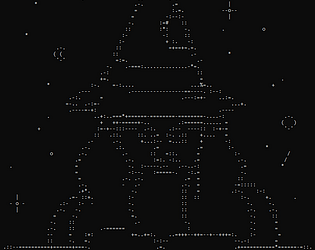
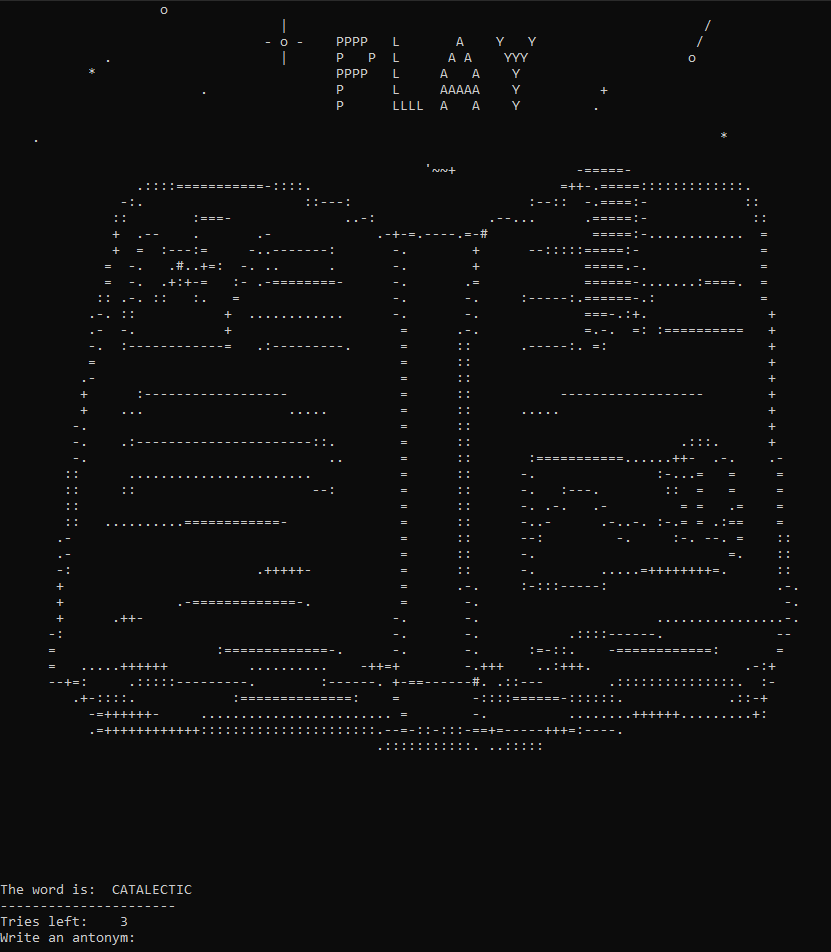
Cool ASCII art!
:DThe concept is interesting, although I found it a bit challenging, so I had to sneak a peek at the dictionary a few times
Some easier or more common starter words could help ease the players in
Thanks! :)
The words are chosen randomly from a dictionary. I have noticed that there are times you get five extremely easy words in a row, and then suddenly there's one I've never seen in my whole life. I'll take that into account.
At first, I thought it was just a regular hangman game, but when I ran it, I realized it''s actually a game about finding antonyms. How did you create the ASCII art ? also do you have any tips for making the backspace key work smoothly when correcting typos ? Anyway, thank you for sharing the game. I like its simplicity.
ASCII art was made drawing it first in Aseprite and then converting it with this website.
Are you having issues deleting characters? Does it happen all the time or only sometimes?
Thank you! :)
I recently downloaded the compatibility version of Contrast Words. I just wanted to share a quick note about something I noticed :
It's totally possible this is just a little compatibility quirk with my older laptop Windows 7 setup, but I figured I'd mention it just in case it happens for anyone else. Thanks so much for making the game. Keep up the great work !
I think there's something wrong with the compatibility mode, it should work better not worse. xD But yeah, it has issues when you try to delete something. I wrote this version at first because I thought it would fix another issue, but I was wrong.
This one uses Cls and Locate 1,1 instead of Shell "cls", which I think it might be the problem.
Interesting concept and I like the old school ASCII art. It was a bit difficult to get going at first. I found that if I bumped up my screen resolution all the way I could almost see all of the lines, at least enough to play. (There's probably a way to change the font size on the windows terminal but I didn't look too hard for it.)
It seems like the antonym dictionary might need to be expanded a bit as I felt like I had some pretty valid answers that the game said were wrong.
Oh, I didn't have this issue during my tests. Do the words appear too small? What's your screen resolution so I could try to investigate it?
The antonym dictionary is this one from Kaggle.
I first tried it with a screen resolution of 1680 x1050. This is the largest I could make the console window, which doesn't leave enough room for displaying the menu:
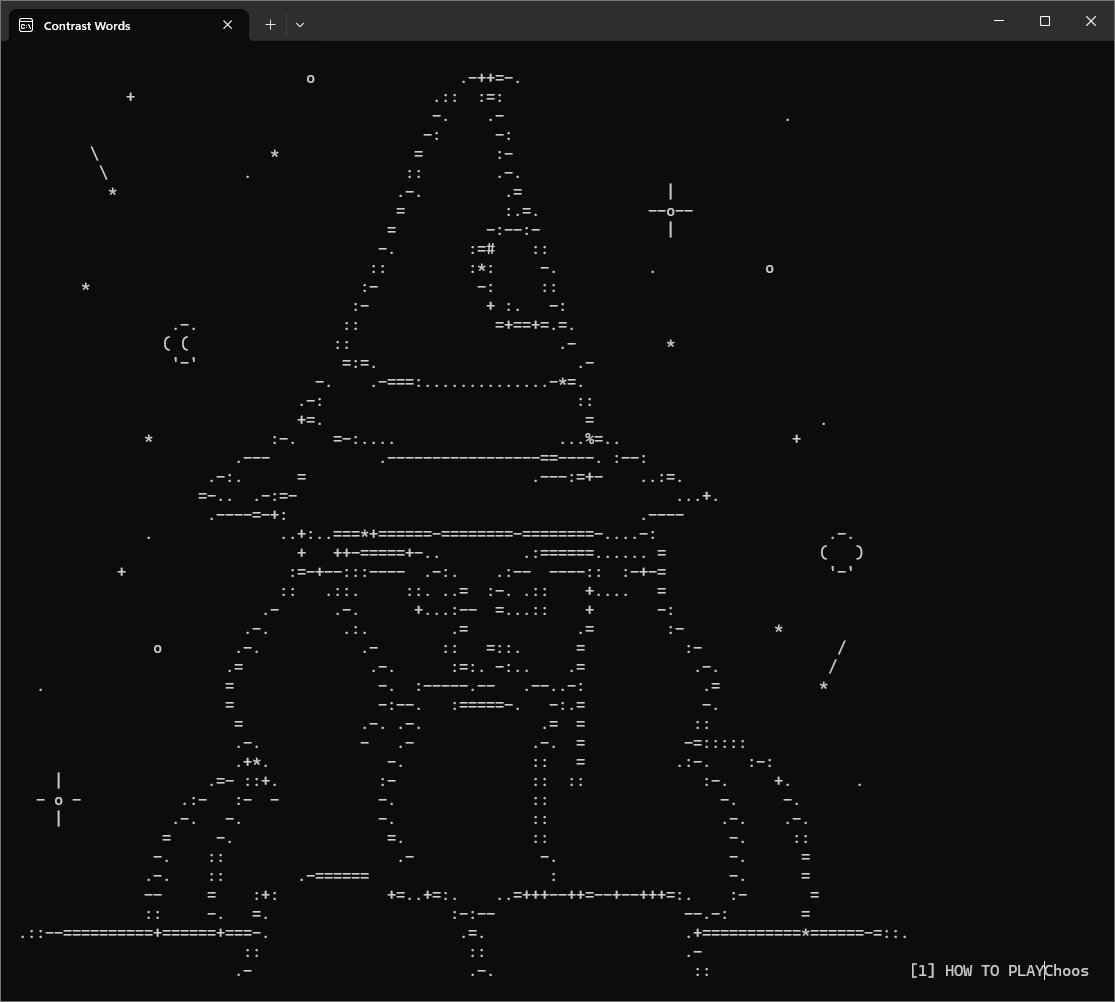
Oh, that's weird. And you can't scroll down? I tested it too at 1360 x 768 and while it's not ideal, it works.
It's a shame I can't try this, but the idea of the game is quite interesting.
However, I know that FreeBasic and Win11 are not always a working combination and it's obviously about the FreeBasic compiler, not the game code or the coder, so I think it's fair to leave it unrated at this point so I dont affect on averages.
What I should response at start "Choose a option"?
It should look something like this:
[1] HOW TO PLAY
[2] PLAY
[3] SHOW SCORE AND STREAK
[4] EXIT
So write 2 to start the game.
There reads "Choose an option: STREAK===ds!" All the rest is ASCII wizard
Is your operating system Windows 11? I ran into this issue in one of my tests on W11 (but it worked fine on another PC with the same OS). I've uploaded what I hope it is a fix, otherwise I'll keep looking into it.
Yes, Im with Win 11. Maybe you should try with some SCREEN mode, might help. Here is link to screenshot.
https://drive.google.com/file/d/13qCsBNROyLCG-9n62xTvO8zj8giGGtD2/view?usp=shari...
I'm not really sure, but I think it might be an issue with my C library. I could be "letting" some corrupt characters into the standard output stream and they somehow end up in the game. Does this still happen with the latest update? Otherwise I will keep investigating it but I won't be able to test it until around April 15th (on the system where the issue happens). Sorry about that. :(