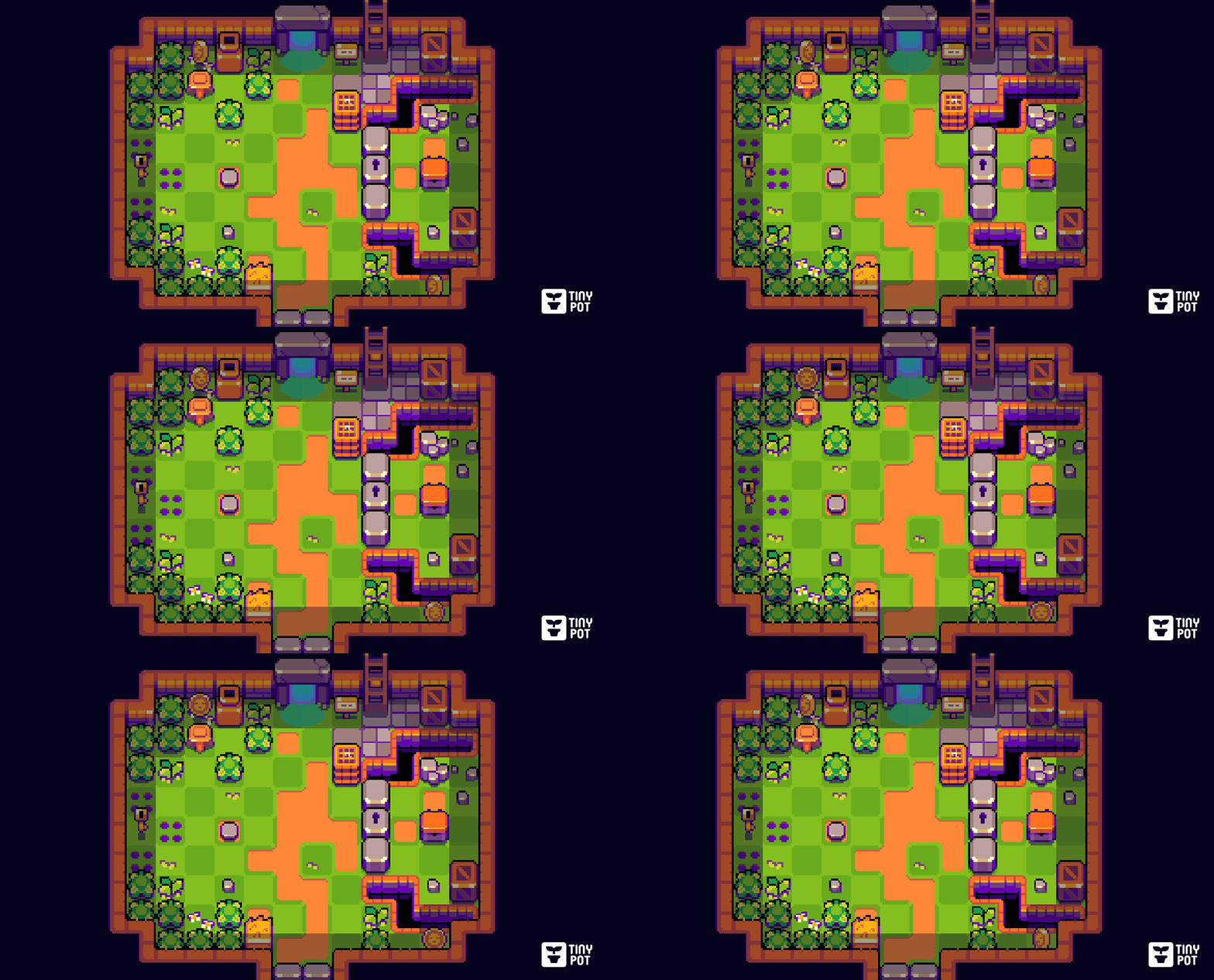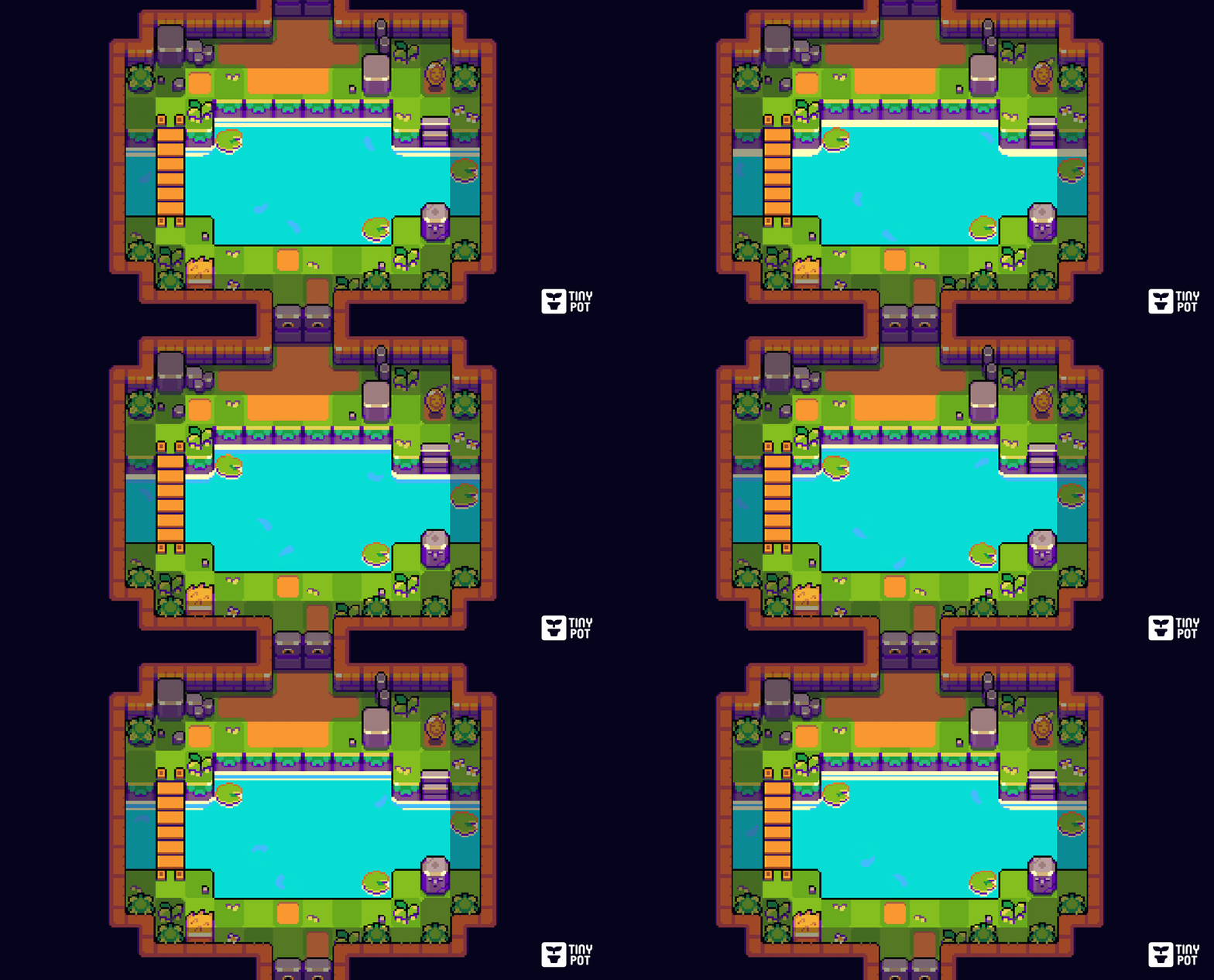
Awesome! It's fantastic to see the asset in action.
Yes, there will be more. Probably not anytime soon, since I'm juggling this with other projects and my day job. But there will definitely be more.
I'm sorry, but right now it's only available in 16x16px.
If you change its dimensions from 16x16 → 12x120, I think it would end up looking pretty distorted given its height of 120, but I need more context...
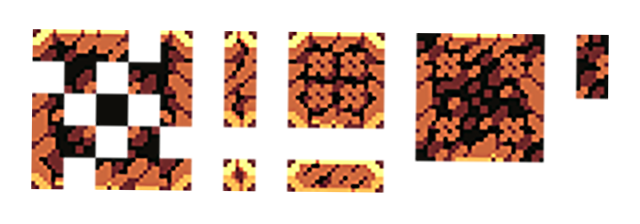
What I could do to help you is try to create a 32x32px version that looks like this:

It would take me some time, since I'm working on other projects, but I'd definitely be willing to include it.
Let me know if you're interested. 🙂
Another faster option, would be to export the tiles at double the size (16px → 32px), but this would simply make the tile twice as large without changing its appearance.
Hello, everyone!
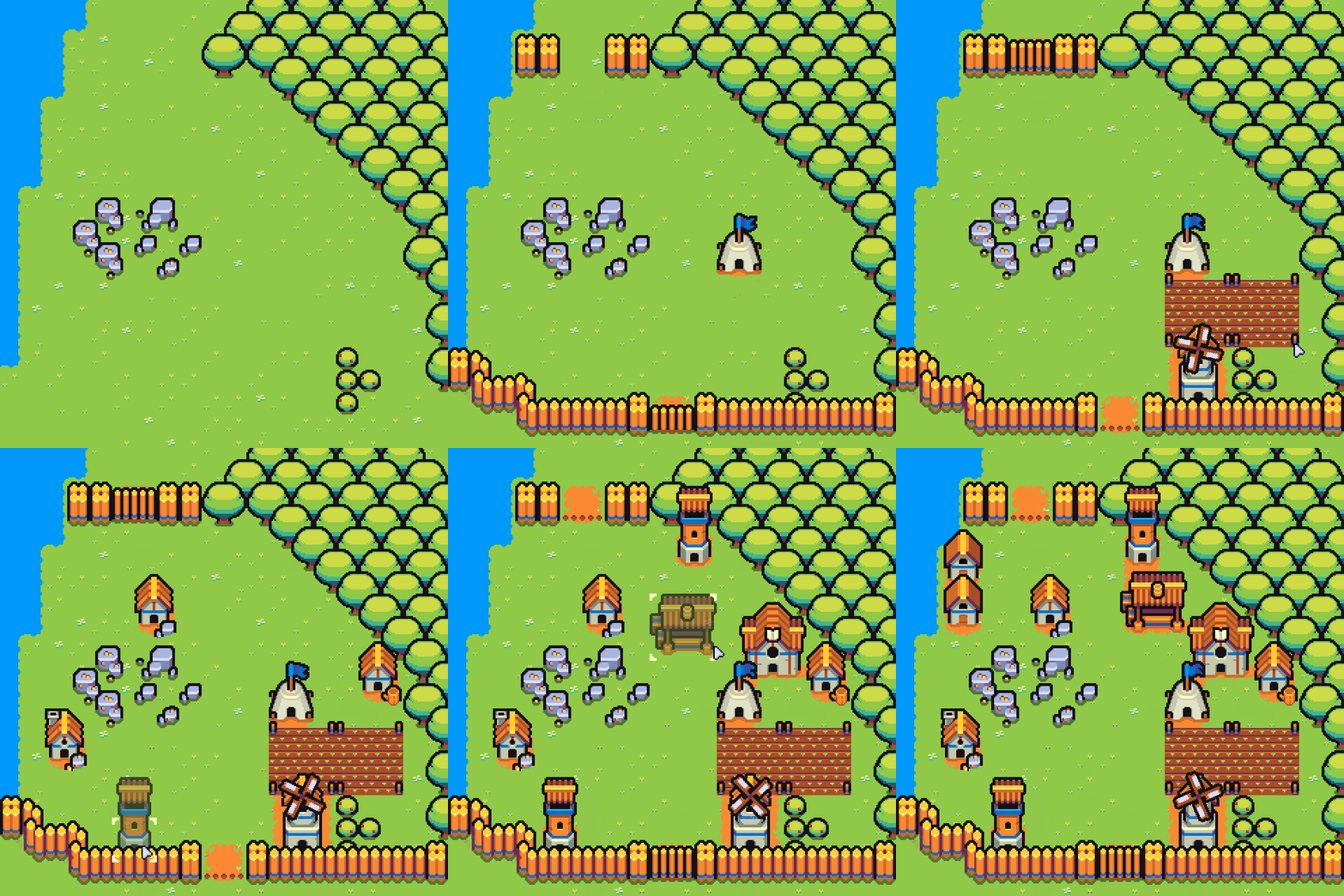
Today i released «Fortlands». It's a game asset that includes a variety of buildings and terrains (and a few other things) to craft a little strategy game.
You can also try the demo to see it in more detail.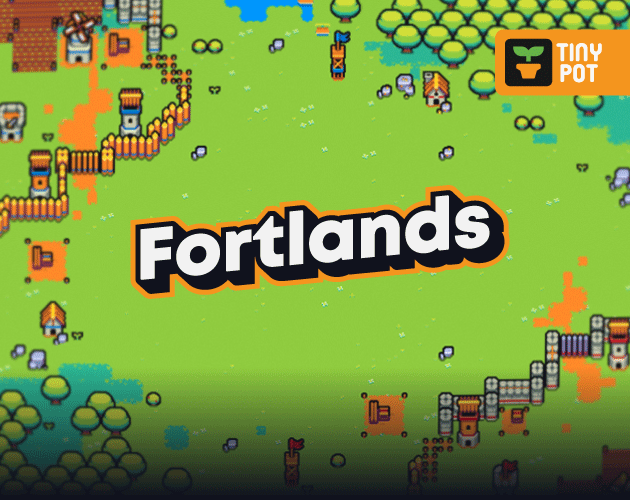
Hello, everyone!
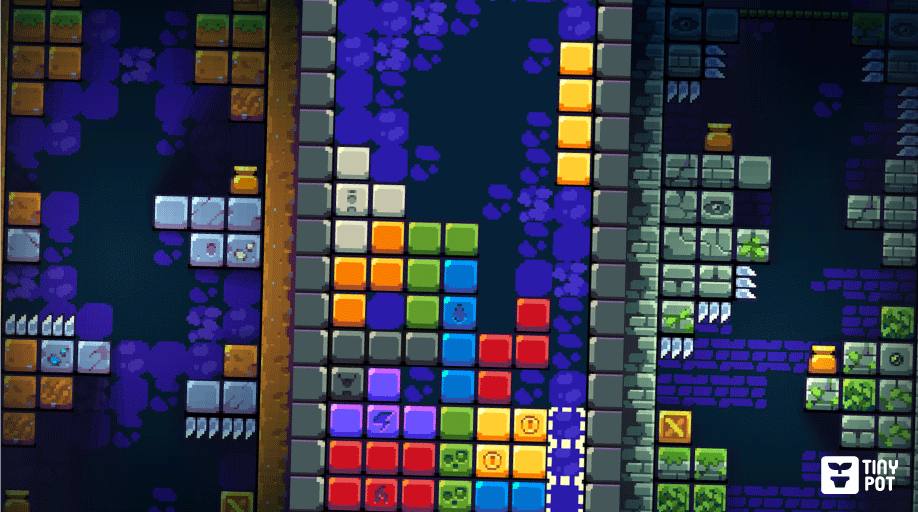
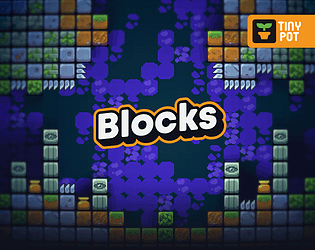
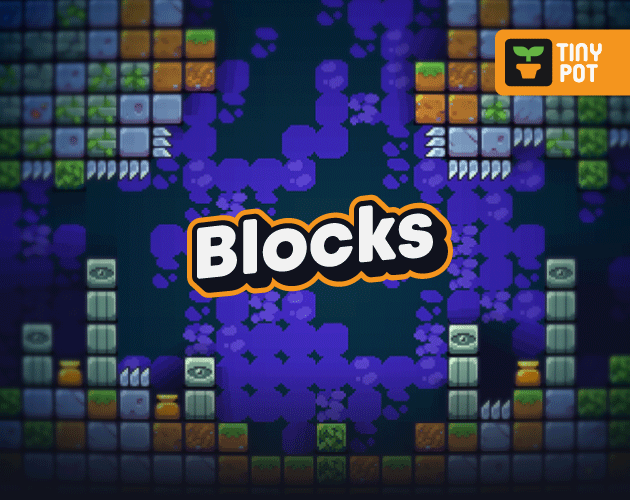
I recently released «Blocks». As you might suspect, it's a game asset that includes a variety of pixel art blocks and a few other things to help you create your game.
If I've caught your attention, you can also try the demo to see it in more detail.
Sorry it was a bit confusing.
Answering your question, the assets shown are the same as the basic version, they do not come in another resolution.
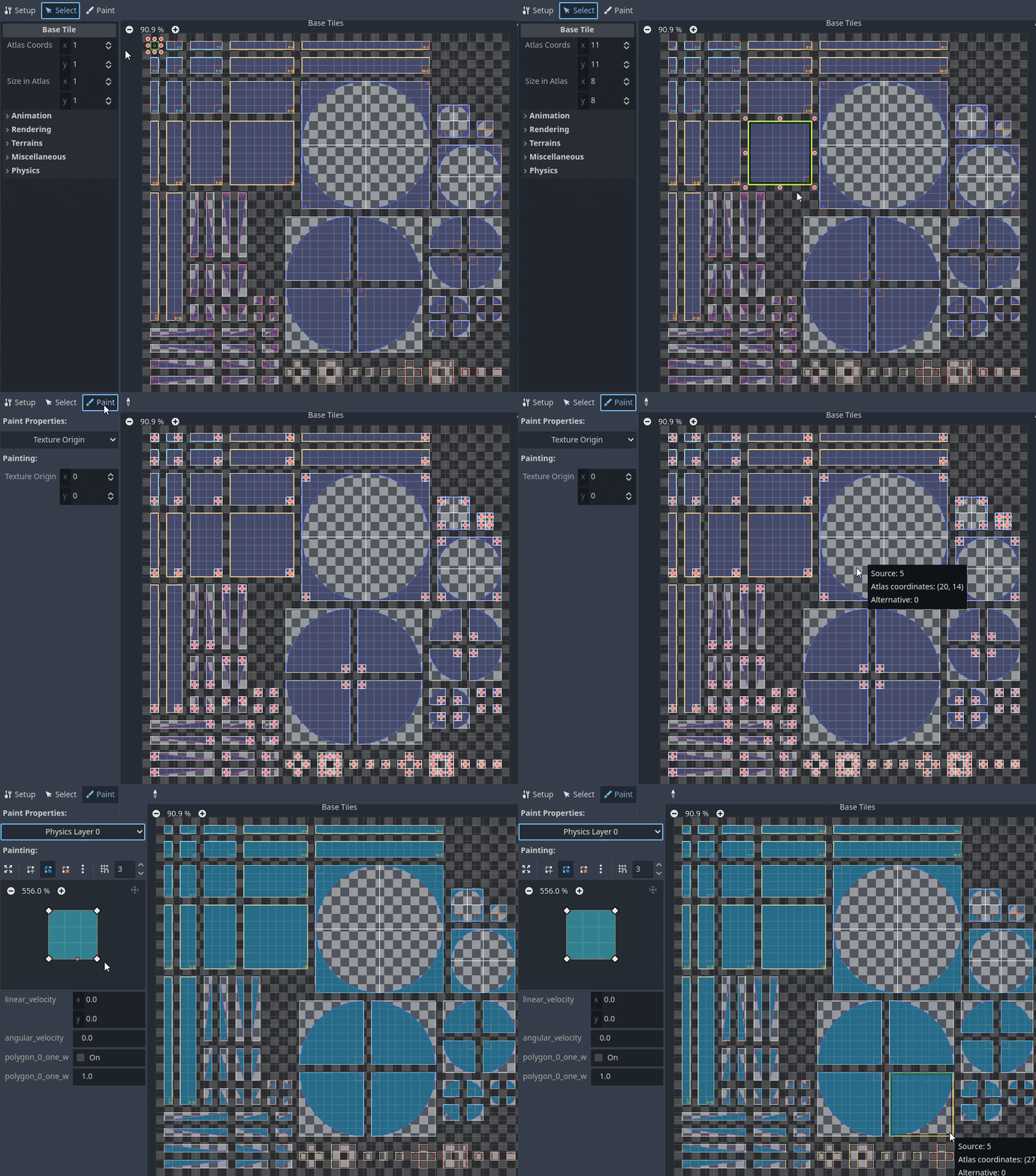
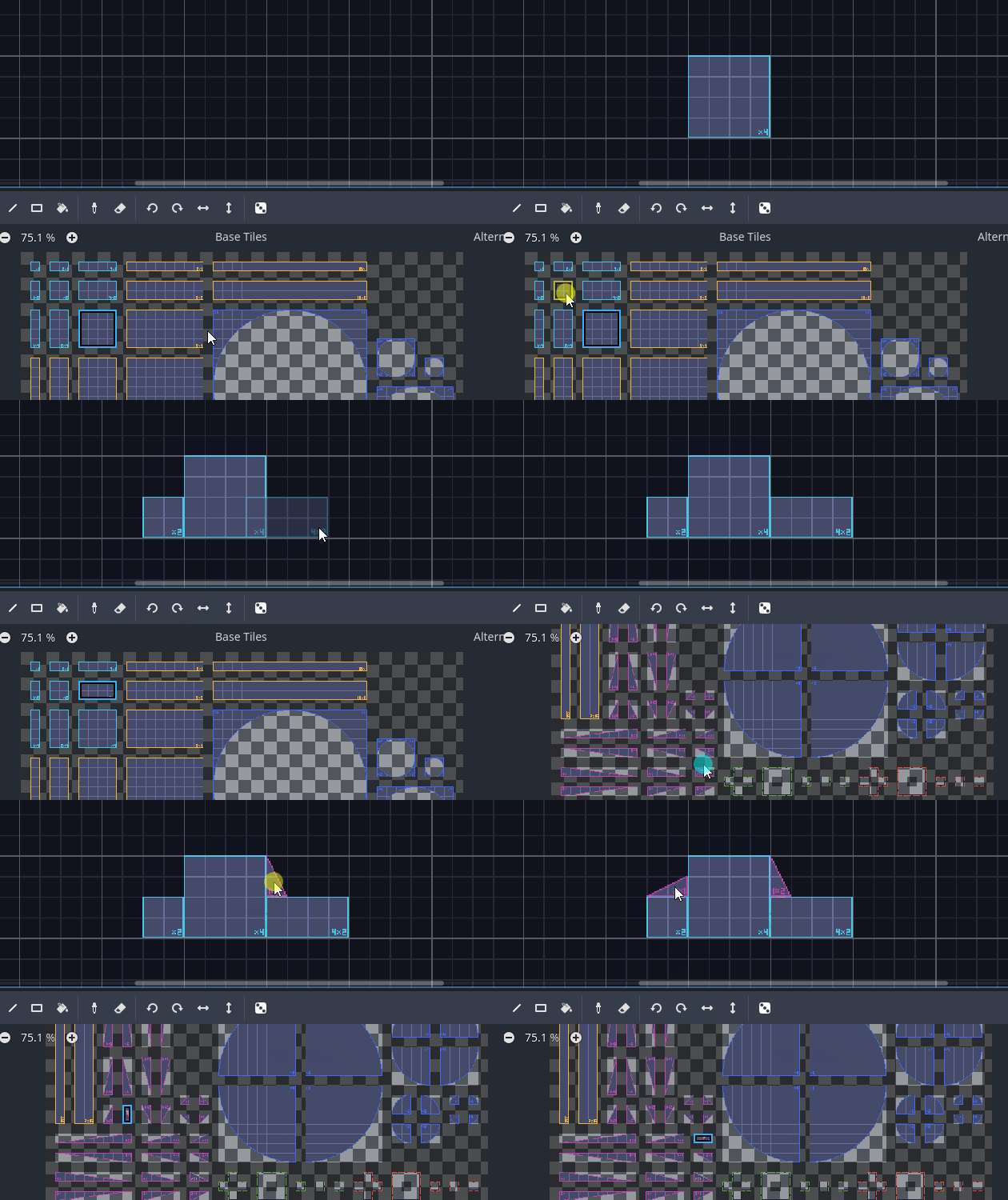
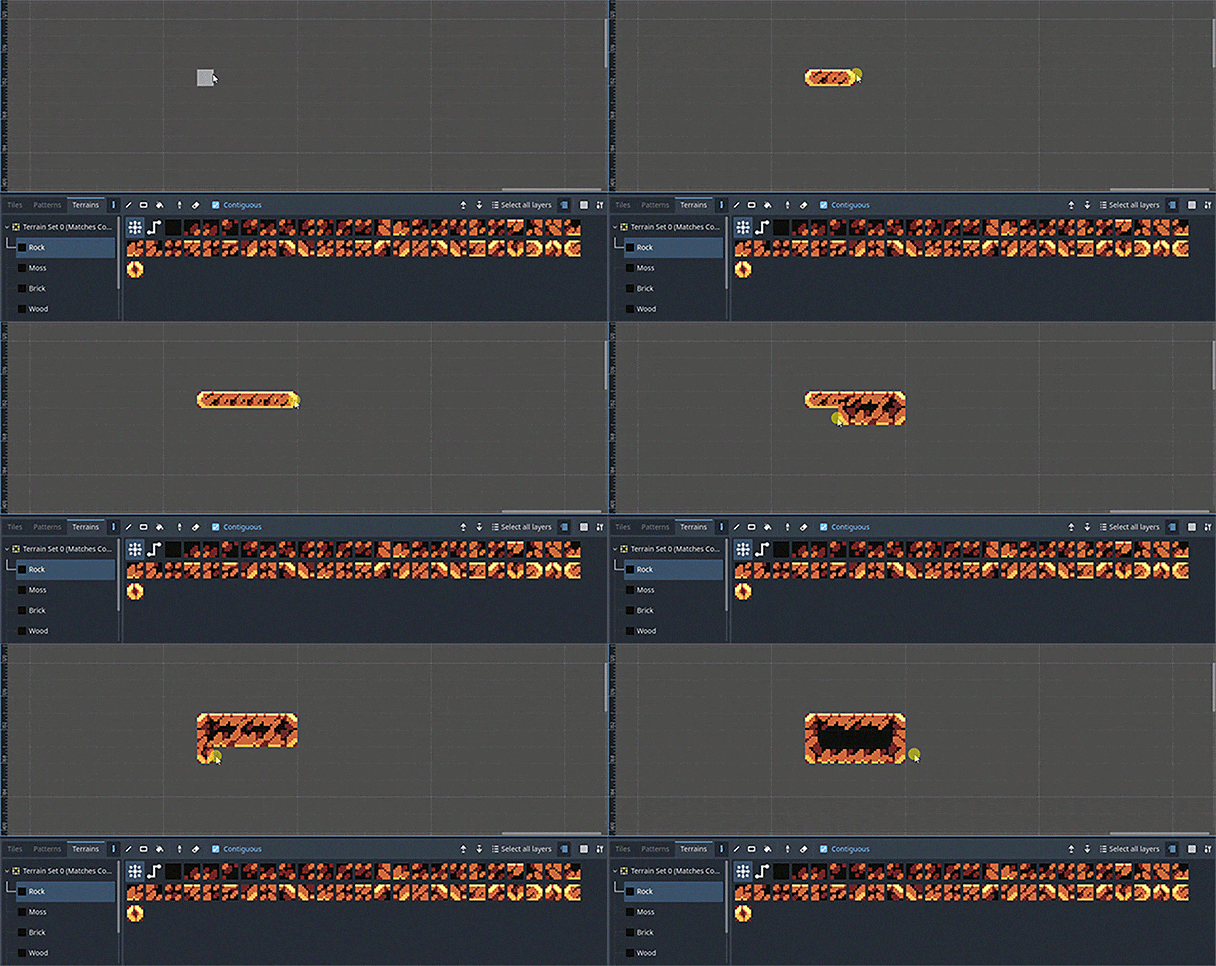
What I was trying to show is that in Extra (Godot) you will have:
The base tile for each shape, the texture origin for each tile and the colliders for the physics layer.