Indie game storeFree gamesFun gamesHorror games
Game developmentAssetsComics
SalesBundles
Jobs
TagsGame Engines

somniferus

66
Posts
14
Topics
1
Following
A member registered Aug 08, 2019

Recent community posts

This feels like a nice tutorial/act 1 for a larger game. Cool world building, but way too short. $20 is an insane price point for a game with only 3-4 hours of content.

I'm on Windows 11. I found the gamecontrollerdb.txt file already and took a peek (ctrl-f) and it does have multiple entries for PS5 controllers. The game literally says "PS5 controller detected" so I don't think the problem is that file.

While writing this I decided to try again for fun, and the first time the controller was working so I was about to delete the whole thread. But then I quit the game and tried again and the controller isn't working anymore (one time it let me do a single down input and then stopped). When I get to this state I can still unplug and plug back in the controller to get the connected/disconnected message, but there's still no input. I quit and tried again a few more times after this but it's still broken whether the controller is connected before the game starts or after. I'll let you know if I can figure out a better way to reproduce the problem.

I just beat the first boss, the game seems cool so far but I can't get it to detect *input* from my PS5 controller.

 Interestingly the game says "PS5 controller connected" (or disconnected when I try reconnecting it) so it detects which controller is connected accurately, it just doesn't accept any input. I tried both wirelessly and with USB. The game (and launcher) say they can see the controller, but buttons don't do anything.

(1 edit)

So I've managed to find a couple bugs. They tend to show up after having played a few games already.

The first one I ran to was on the 8th board. When I started the level I tried dragging a piece (over a spike but I'm not sure if that would matter) and when I released it didn't recognize the move, and even after quitting the level and restarting it I couldn't make a move (or any any other level). Once I restarted the game things worked fine again.

Edit: I'm running into this one every second or third board now. The first game is always fine, the second is 50/50 on whether the first move can be placed or not.

Another time I moved a knight piece and the arrow from its hint stayed on the board for a few more moves (it was towards the end so I won before anything more interesting happened. 

I think both times were related to dragging a piece and dropping it at a weird place (or time?). Minor issues since a reboot fixes it but might be something to look into.

Also RE: the AI, the last level is great example of how completely inept they are (especially regarding the extra obstacles). The only way to lose is to not win, there's no way for the AI pawns to ever make it to the opposite side.

It's a lot of fun but I still have 100% win rate so I'm worried I'll get bored of it. Have you considered adding a human vs human mode?

Okay, well thanks for your help anyway. I was having the same issue with Axiom Verge 2 and the wired workaround works there as well so I'm happy (the same controller works fine in the first game but not the second, its bizarre).

(1 edit)

Is there any reason wireless controllers shouldn't work? I normally connect it in Xbox mode (it can pretend to be all three).

Edit: I figured out how to change modes while wired and it does work now. I'll post an update if I get wireless working.

Fun idea but the AI seems pretty bad even at 4 stars (e.g. killing their pieces on the spikes or letting them be captured when it's avoidable). I'm enjoying it otherwise but the lack of difficulty makes it feel tedious on larger boards.

(1 edit)

I was using it over bluetooth, but the game doesn't recognize it in wired mode either sadly (Steam sees it as a PS3 controller in wired mode).

Thanks for the quick reply!

I haven't been able to get the game to recognize my controller so far (it's a generic one that registers as an Xbox One controller). Is there anything I can try?

I just replayed Loom the other day and then found this abandoned fan-made sequel. It's only one chapter but its really good so far. 

http://forgegame.com/?p=downloads

I just picked up LSL - WDDD as a palette cleanser after finishing this game and really enjoyed it (despite some flaws). Thimbleweed park is probably my favorite recent adventure game. The King's quest reboot was pretty good too. What other adventure games that have come out since this project started have you guys played?

I saw this a few times too.

Just finished it as well. Overall the art/sound/story/humor are all pretty good, but the gameplay and UI are absolutely terrible the entire way through. The general lack of polish also makes the game frustrating to play through. A lot of the things that even have names to click on have no description at all, and when they do it's the same generic message for all of them. Worst is when correct actions have no indication that they're a good idea until after you've already done it.

I would also remove all of the click-and-drag elements and replace with the traditional point-and-click style which is the namesake of this genre. It's not like point-and-click doesn't work on tablets, which feels like the root of these ugly UI decisions. It seems especially weird that the final puzzle has no click-and-drag at all, normally your gameplay elements teach the skills needed to complete the final task, at the very least these should be consistent.

I really hope they plan to polish some more once the save system is working. The recent kickstarter post seemed imply they were gonna kick it out the door as soon as it was functional, which would be a tragedy since the game underneath all the problems is actually decent.

I found the hitboxes on these to be extremely inconsistent. I ended up just mashing click until I got it. Thank god that timer at the top doesn't do anything.

Ok, that was my original strategy. I got it to work eventually, now I'm afraid I'm softlocked in the vent. I can jump up and down but I can't get out.


(1 edit)

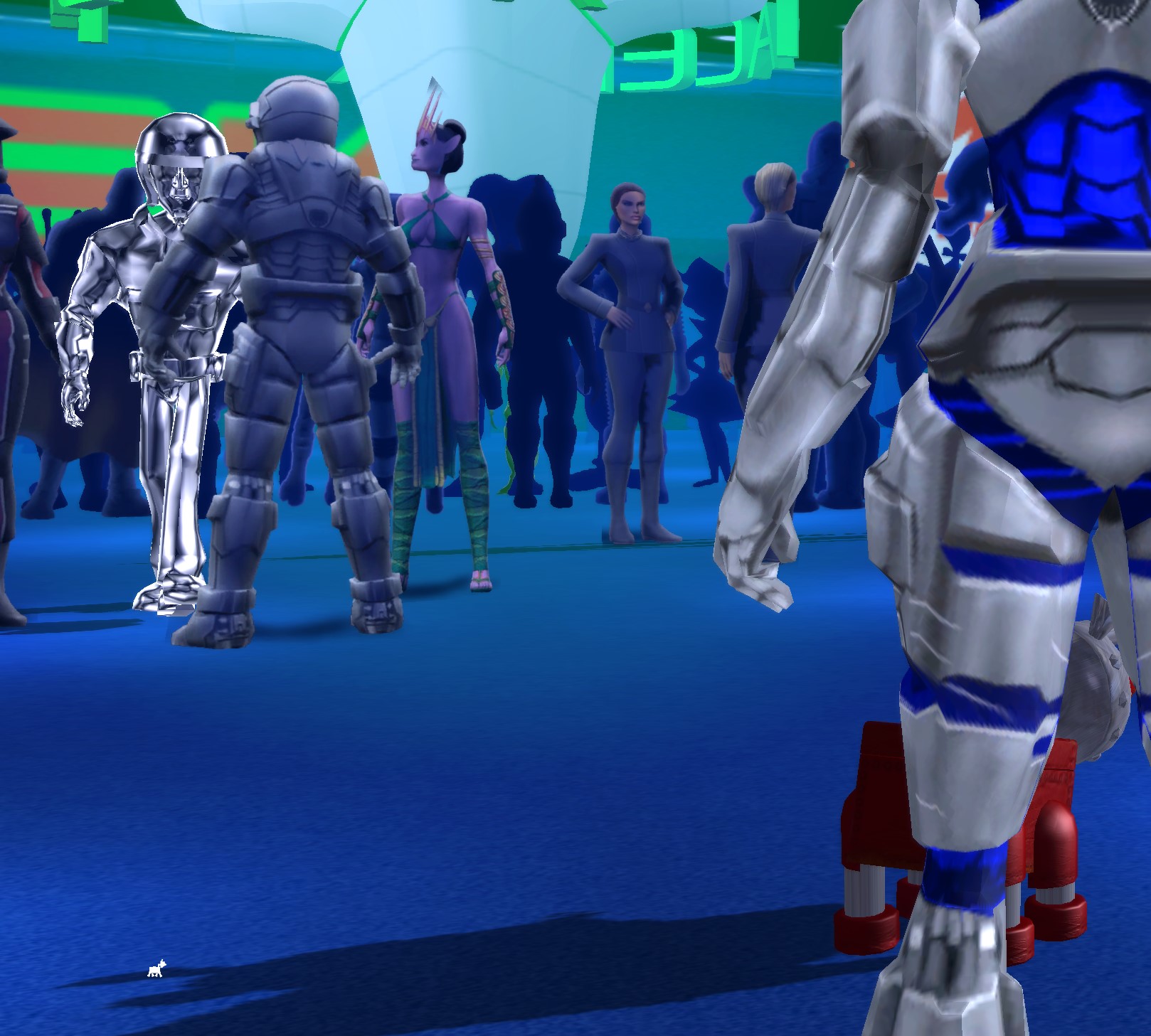
Okay I got him stuck running into a member of the  crowd, was that the hint? Now what? It still seems like there's no way to interact with the elevator/vent and I haven't found any other objects with text.


I hit this same bug. Worked fine the second time through (after redoing all of tatoorakis)

(1 edit)

I randomly clicked with the hand until I found it. After a cutscene I'm now softlocked outside andromecon.

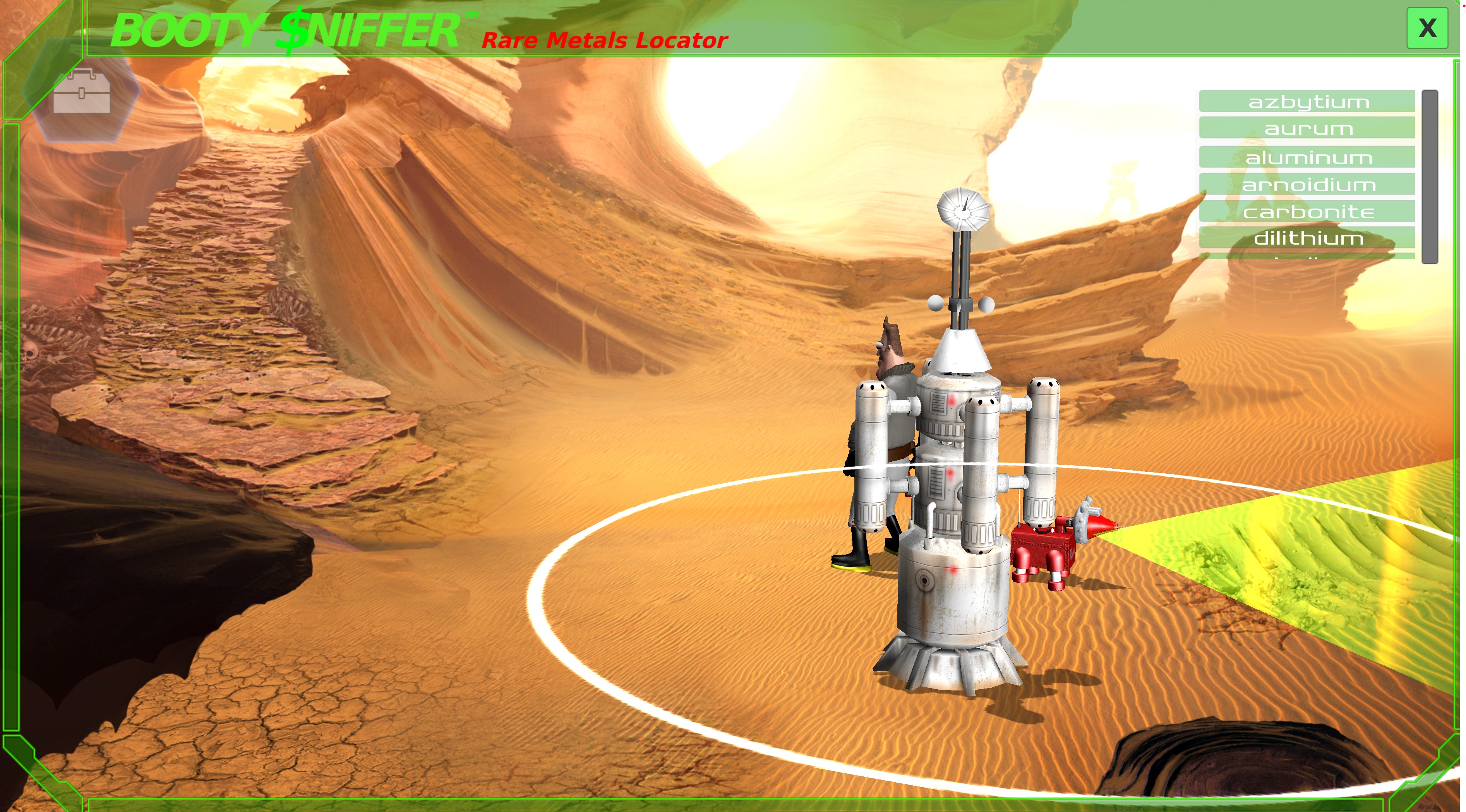
Edit: next time around the sniffer worked normally.

I tried that already. Can you be more specific? 

(2 edits)

Edit: upon solving the puzzle this is clearly all six pieces stacked on top of each other, but it definitely shouldn't show up.

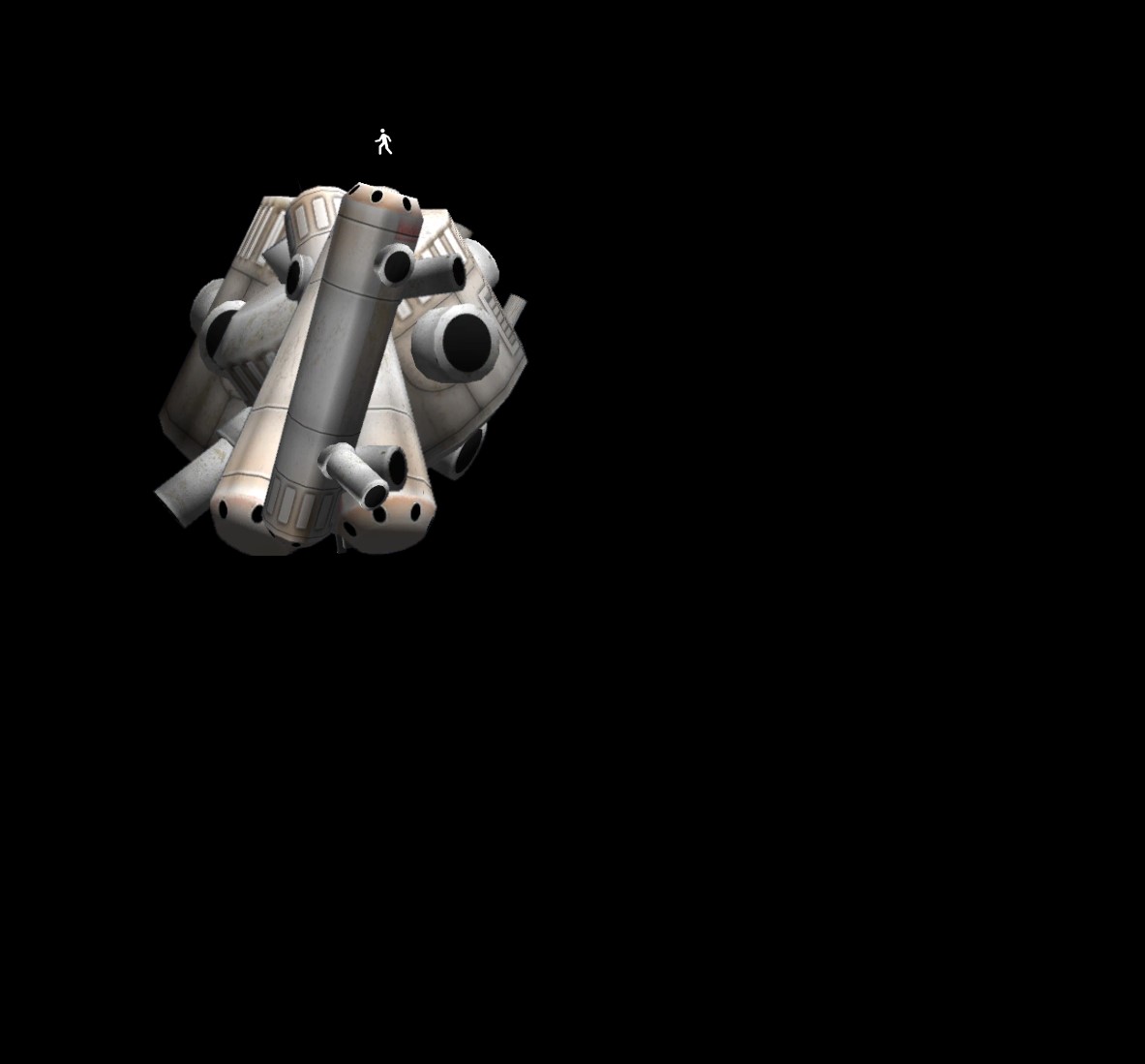
Here's the piece that shows up that I believe in unobtainable.

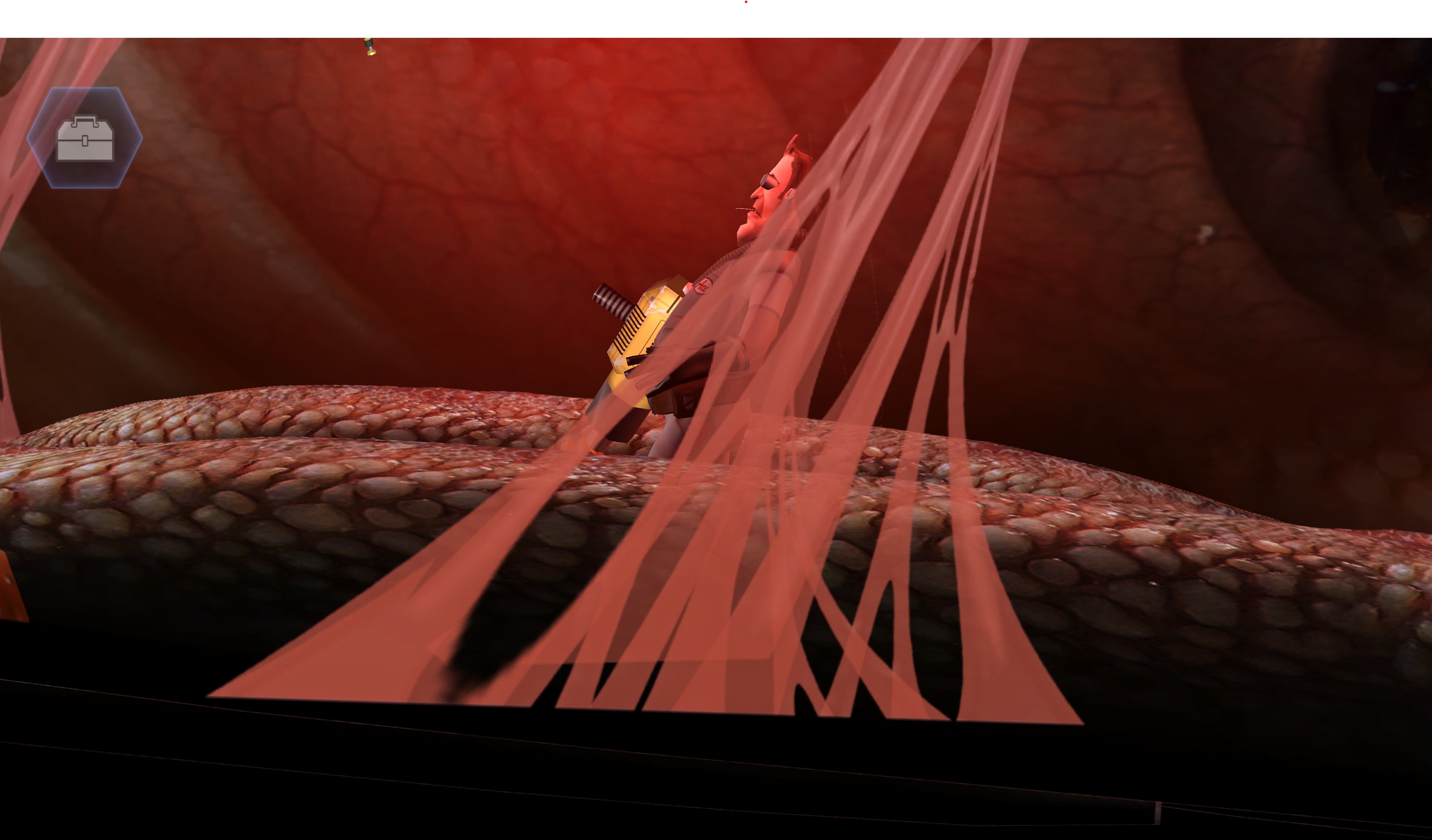
For whatever reason when you enter the sandworm a second time you respawn inside the sandworm (instead of immediately after landing as happens the first time you die to it). Here's a screenshot of the broken camera in the down position:


(1 edit)

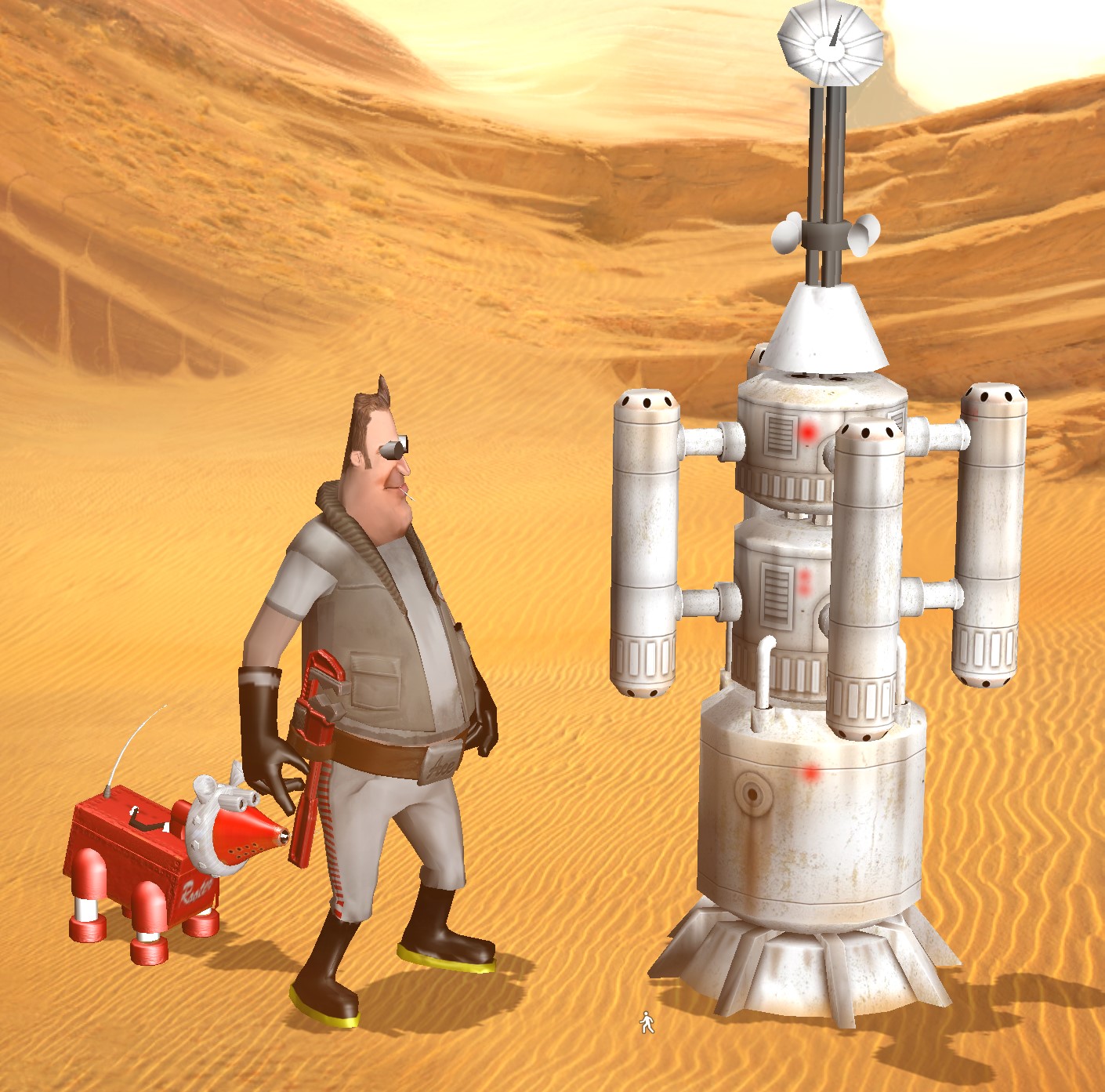
I've been through the worm a few times now, and I find this many vaporator pieces:

Upon returning to the sandworm (where a piece appears to show up in the black-area but I've yet to be able to find) half of the time the y-position on the camera gets distorted to the point the game is unplayable (last time it was too low to see the nerves, this time it was too high to pick the thumper back up).
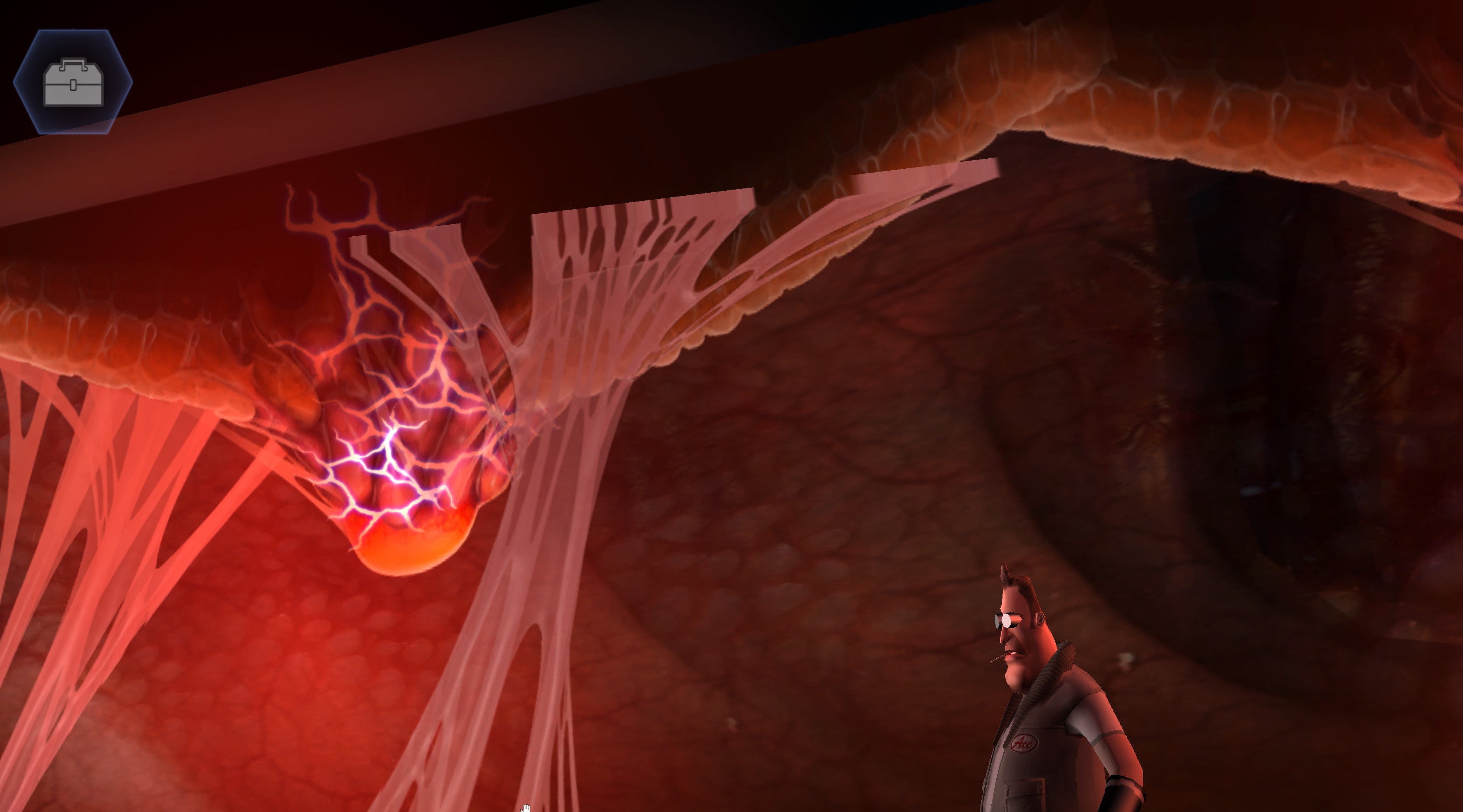

Edit: Made this bug report before solving the puzzle. Clearly re-entering the sandworm after you have all 6 pieces shouldn't be possible as the easiest bug fix.

If you click the hand on the tipped over evaporator after you get eaten you can click on the goggles before walking over and the evaporator gets picked up on its own. While this is handy as a speed-run strategy it still feels unintended.

Half of the time when a cutscene ends the mouse cursor disappears permanently. Since this game has no other controls the only option left is to alt-F4 and lose progress.

Yeah I completely agree. I think I must've been just dragging the screen before instead of trying to use the scroll bar.

(1 edit)

Thanks, that one's a real pixel-hunt. I found 6 of the evaporator pieces but I guess I'm still missing one... I double checked the place I found the first 6 so I'm guessing it's somewhere else.

Are they in the desert or am I looking in the wrong place? Does the sniffer app help? I tried combing a ton of desert and found nothing. Is this puzzle incredibly tedious or is there something I'm missing?

I'm aware they're working on the save feature, I thought the problem with this planet was something else. Care to update your walkthrough? I haven't been able to find the cube you mention so far, but that doesn't really seem like finished gameplay so I thought that might have been what this post refers to.

(1 edit)

Certain pieces have incorrect z-values and show up in front of the phone UI. 
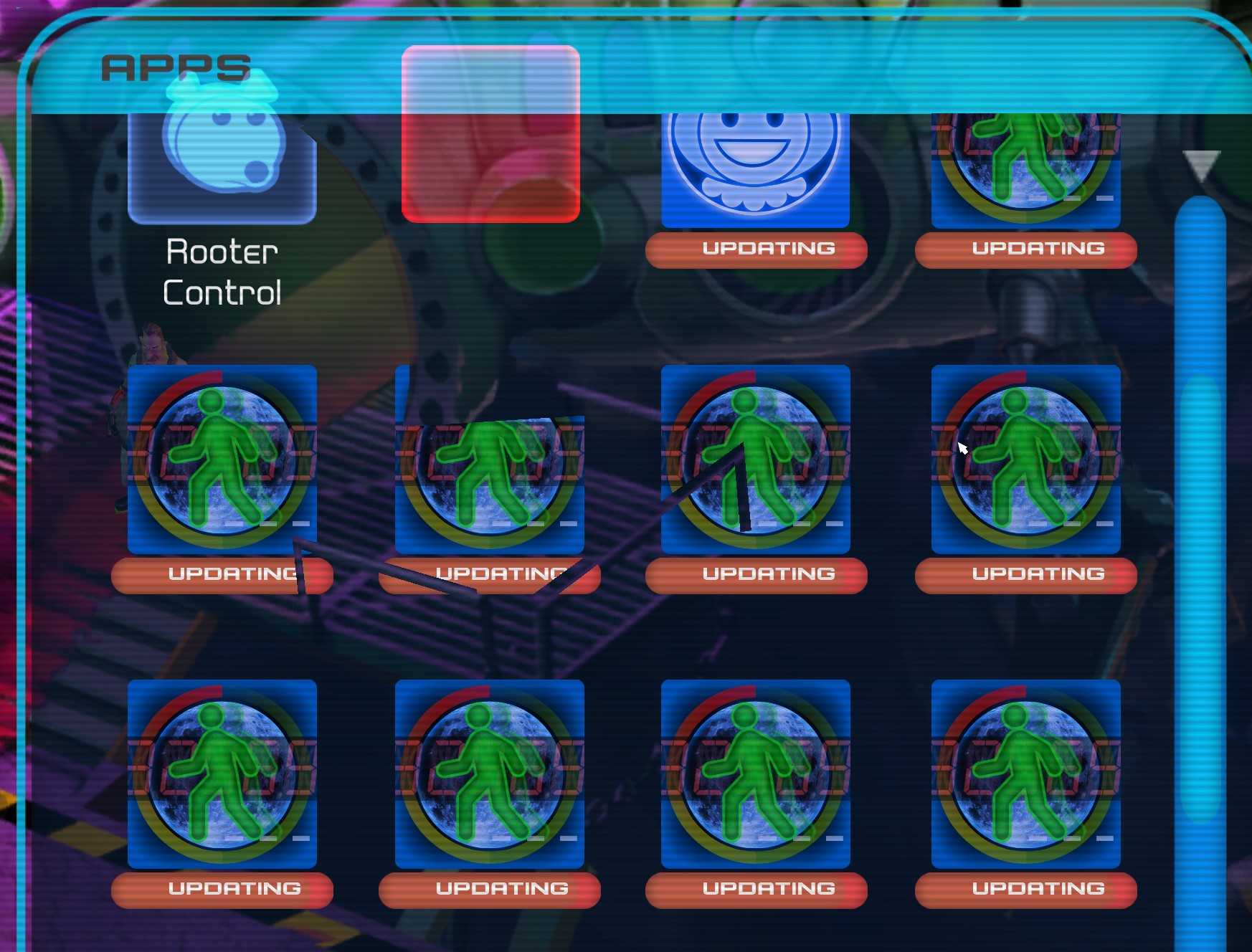
Has the behavior changed since this post was made? I think it feels backwards now too. Also the mouse scroll wheel doesn't work at all, which is how I thought I was using it before.

Good to know. Any updates?

I tried to exit to the left every time the camera moved, this is a softlock. 

It doesn't seem like you should be able to get here...

Not sure if it's because the expected behavior is to skip this stupid, not particularly funny and potentially copyright infringing scene, but if you don't do anything the music stops but the animation repeats forever.

(1 edit)

I walked away after touching the centari panel and got stuck in this pose. 

Thanks, I missed the keys. It would be nice if the dialogue mentioned "I need the keys" instead of just "Lets go"

Fun fact: if you pick up rooter and then try to exit back towards the ship you end up in a softlock of constantly walking in, rooter glitching out, and then going back out only to reenter and repeat.

(1 edit)

Okay so followup question, how do I move the MULE? When I click the driver seat it says "Lets take the ol' hover rooter up for a spin. Load up rooter" and then nothing happens.  if I try to pick up rooter I can't put him down and have to leave the scene for him to reappear.

Ok, so I made it inside the crane, now what? I found an item I want to retrieve but how do I  do that? What's the shimmering/heat-ripple area and why can't I look at it if it's useful?