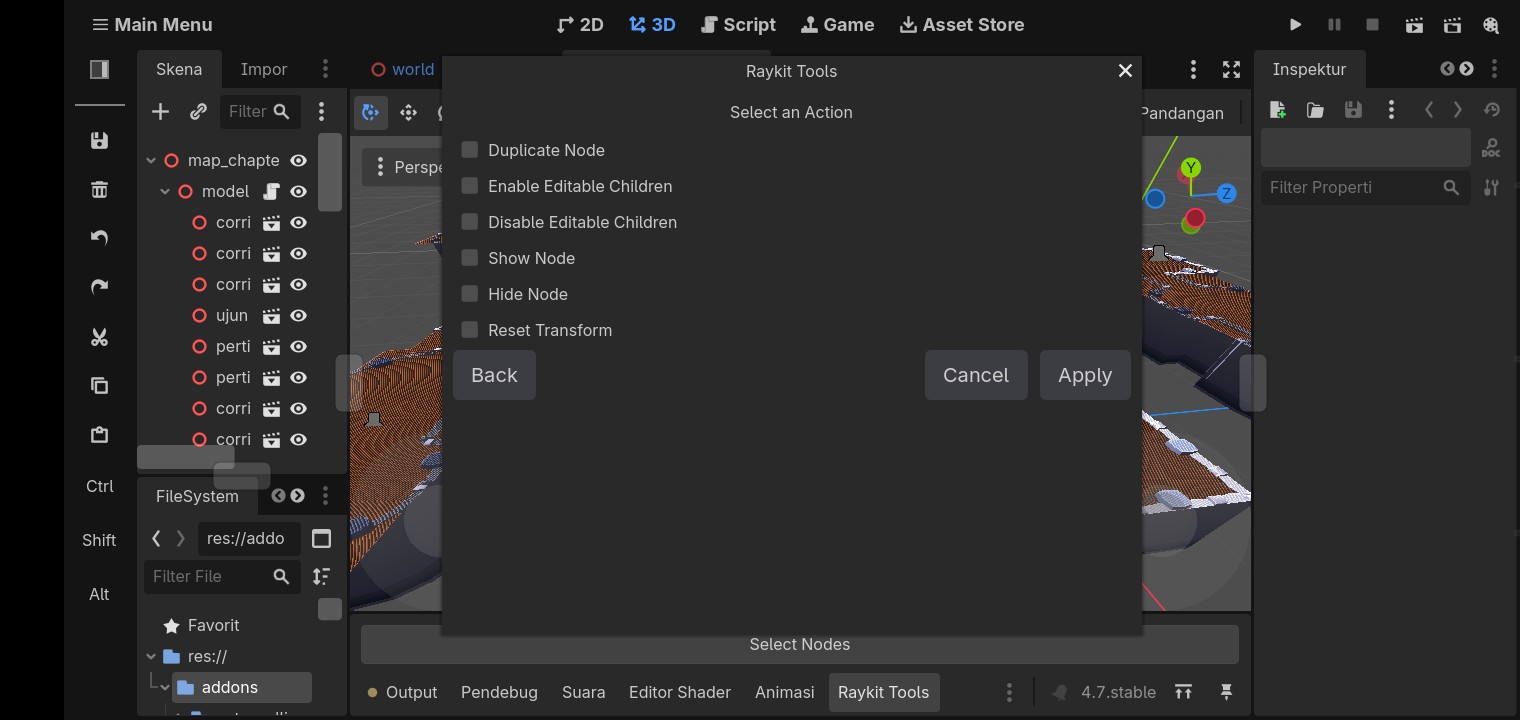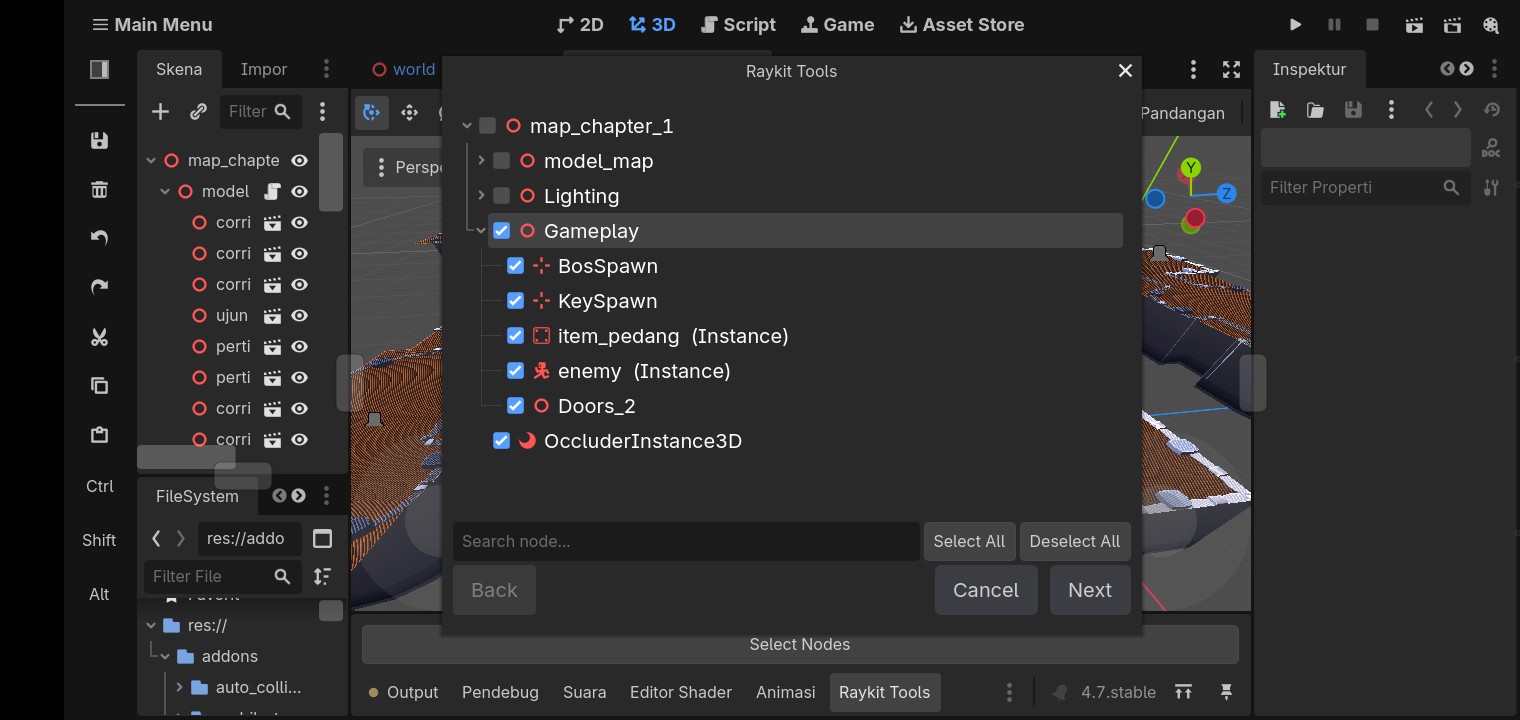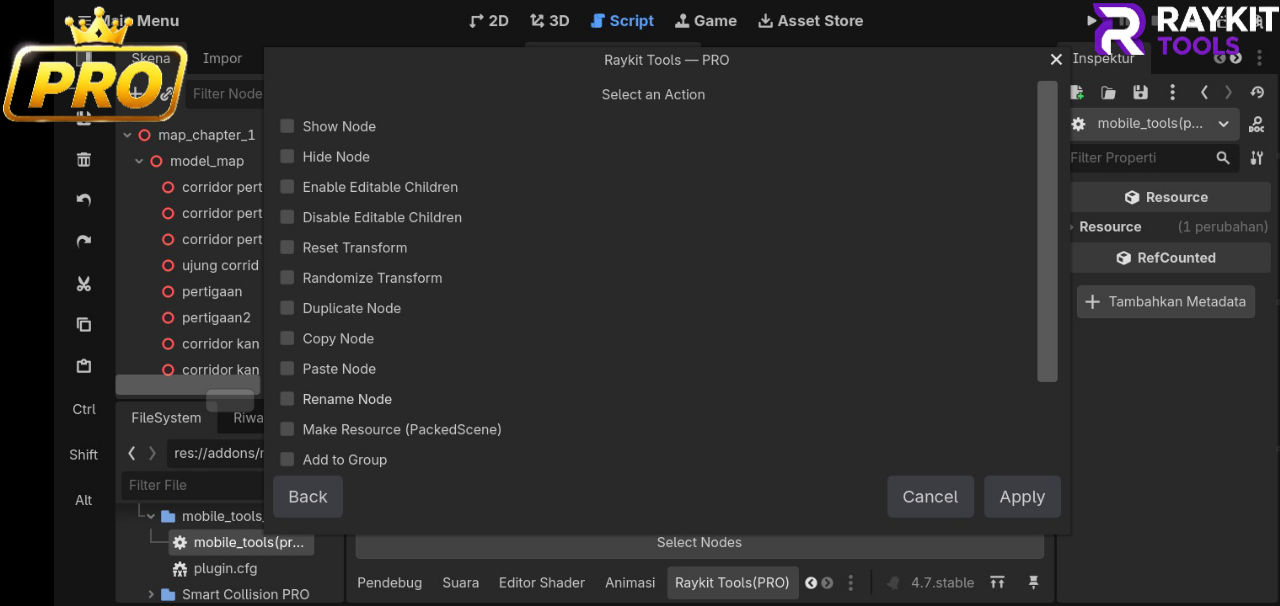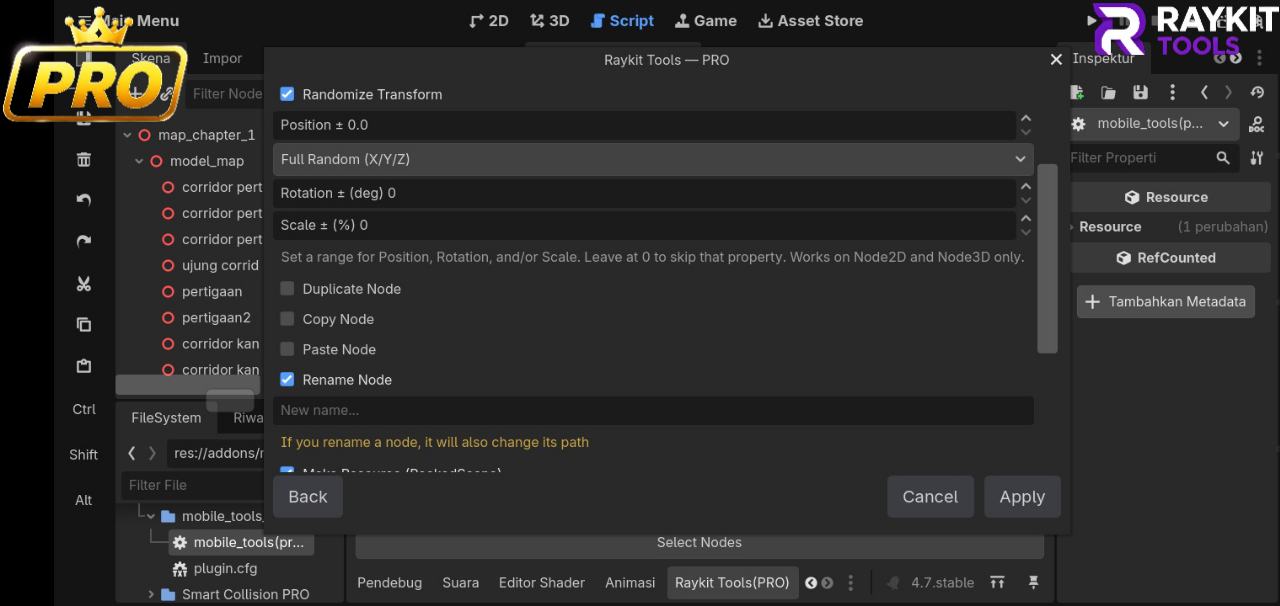

Hey everyone!
While working on 3D scenes in Godot, I found myself repeatedly assigning the same material to multiple MeshInstance3D nodes.
It's not a difficult task, but it can get pretty repetitive when working with larger scenes. So I decided to make a small editor plugin to simplify the process.
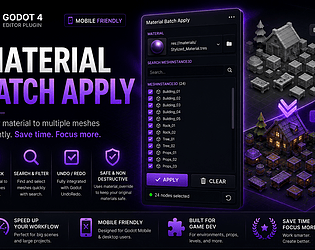
Material Batch Apply
The plugin lets you select multiple MeshInstance3D nodes and apply a compatible Material resource to them at once.
The basic workflow is:
Select a Material → Select your Meshes → Apply
Features
Batch apply materials to multiple MeshInstance3D nodes
Search mesh nodes by name
Select specific nodes to modify
Undo / Redo support
Uses material_override
Simple workflow for desktop and mobile Godot users
Supported Materials
The plugin supports compatible Godot Material resources, including .tres, .res, and other compatible Material resources.
Standalone image and texture files such as .png, .jpg, .jpeg, and .webp cannot be applied directly as materials.
The current version was developed and tested with Godot 4.7.0.
Why I Made It
This started as a small solution for my own workflow, but I decided to turn it into a proper editor plugin and share it with other Godot developers.
I'm planning to keep improving it based on actual usage and feedback, so if you give it a try, I'd really appreciate any feedback, bug reports, or suggestions.
Available on itch.io
[ Material batch apply - By Raykit Studio ]
Thanks for checking it out!