Indie game storeFree gamesFun gamesHorror games
Game developmentAssetsComics
SalesBundles
Jobs
TagsGame Engines

plinkr

10
Posts
3
Followers
A member registered Aug 08, 2025 · View creator page →

Creator of

Recent community posts

Hey!

At high Arcade levels, the game starts with a higher difficulty multiplier, and at some point it becomes practically impossible to blip between two points because the speed is too high. In those cases, powerups are the only option, so the focus becomes keeping a powerup active as much as possible, without them it's very hard to land a blip.

For reference, the starting difficulty is calculated as:

local difficulty = 1.0 + (level_index - 1) * (3.5 - 1.0) / (Settings.MAX_LEVELS - 1)

This gives a base difficulty of 1.0 at level 1 and a max of 3.5 at the top level (100) in yesterday's update. The rate of increase depends on Settings.MAX_LEVELS. Difficulty also rises within a level as time passes.

In endless mode you start at 1.0 and difficulty increases over time. I haven't tested the theoretical maximum survival time using only perfect blips without powerups, but I'd guess around 15 minutes before it becomes virtually impossible to survive.

I'll start thinking about a leaderboard once I have time. 

Thanks for playing!
Hey! I’m guessing this is the one :D

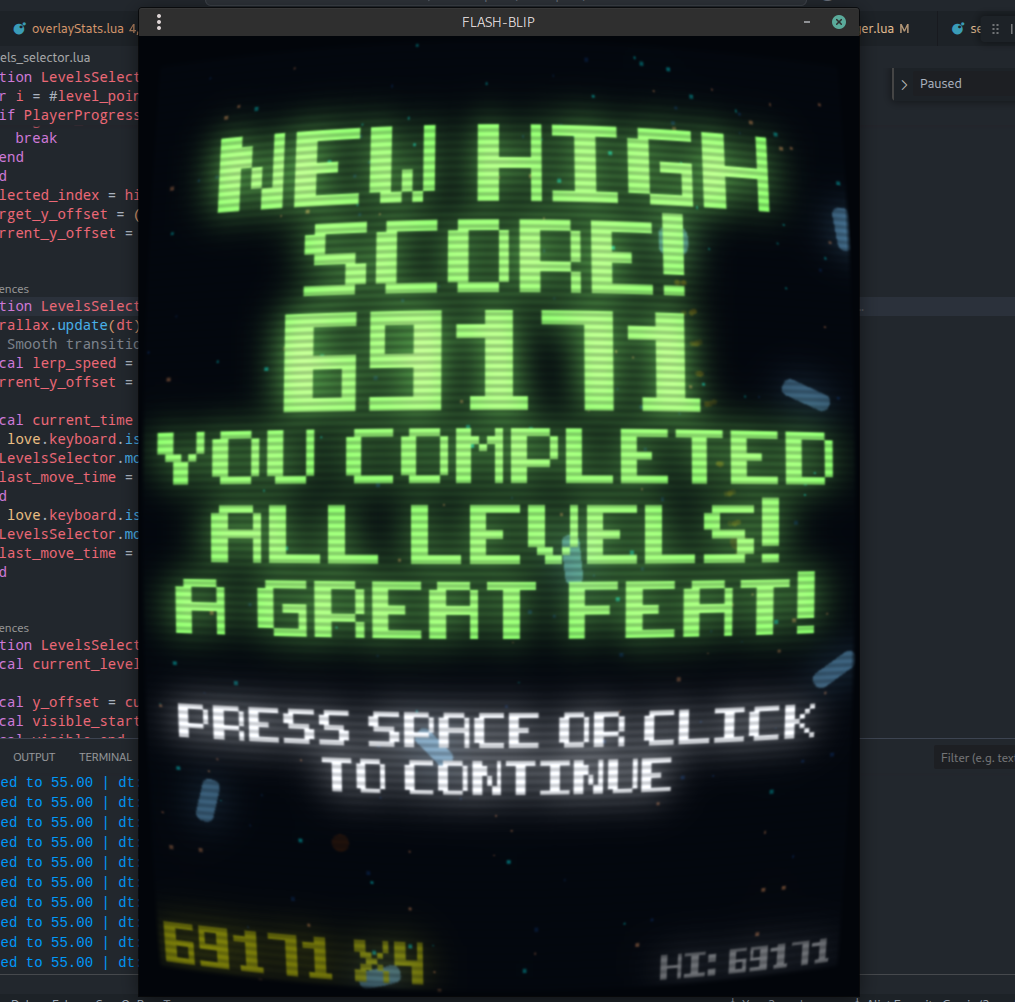
I finished the last level, it took around 12 minutes to finish.  I added 100 levels and will upload an update shortly with a new release.

I had to play and finish all the levels to test them, around level 80+ they get very hard. Also adjusted the powerups so they now spawn more frequently to make the game easier.

I think a leaderboard would be a nice addition. 

Cheers!

I'll definitely try the nebula shader for the parallax background, I liked that effect a lot!

Regarding detecting mobile, you could try:

IS_MOBILE = love.system.getOS() == "Linux"
  and (require("ffi").arch == "arm" or require("ffi").arch == "arm64")

`jit.arch` (or `ffi.arch`) returns the architecture: https://luajit.org/ext_jit.html#jit_arch

You can assume Linux on ARM likely indicates a mobile platform, and also check for OpenGL ES to be safer:

local gl_vendor, gl_version = love.graphics.getRendererInfo()
if gl_version then
   is_es = string.find(gl_version:lower(), "es", 1, true) ~= nil
end
IS_MOBILE = love.system.getOS() == "Linux" and (require("ffi").arch == "arm" or require("ffi").arch == "arm64")
    and is_es

Have a nice one!

Hey!

It doesn't look as nice without the glow shader, but at least it runs very fast.

I need to dig deeper to see if there's any OpenGL ES shader that can achieve a soft light effect efficiently. Maybe combining it with scanlines and CRT effects in a single shader could make it look closer to the desktop version.

If I find a good optimization, I'll let you know, your port might benefit from it too. Likewise, if you discover anything useful for implementing an optimized glow (soft light) shader, please share it.

Also, with the version I uploaded today, resolution handling on mobile devices is much better now, taking High DPI into account, that might be useful for you as well.

Cheers.

Hey! I watched the video and it looks really nice. I liked the new menu, it seems useful for mobiles and touchscreens.

I've been testing shader performance on a 2013 Chromebook C710 running a custom Linux. I'm testing there because it's the absolutely worst hardware I could find. Its CPU architecture is x86, and the shaders work fine on that poor hardware. The only requirement is lowering the glow shader strength from 20 to 3, with that change it hits 60 FPS with all shaders active.

On Android the same applies. On my phone, which also has poor hardware (although higher-end than the C710), I hit 60 FPS by lowering the glow shader strength to <= 3 and disabling the gaussian blur shader.

I'll try to clean up the code with the new Android changes, including a rewrite of the text generator so it adapts to any resolution, and see if I can optimize the glow shader for OpenGL ES. Those changes would make it possible to release an Android binary. I'll try to upload some changes today.

I saw the fork for Aurora OS yesterday too, that's nice!

Thanks for the work you put into your fork!

I was able to test the game on my Raspberry Pi 4B with the shaders enabled, and it runs very slowly. Although it's not as slow as on a mobile phone, it's still very slow and breaks the gameplay.

It's possible that the Moonshine project's shaders have some incompatibility with ARM or a specific OpenGL version, those shaders haven't been updated in about six years, but we need to experiment. We should look for other LOVE2D games that use shaders and are available for ARM to see how their performance compares.

Hey!

I've been very busy with my day job and haven't been able to spend time on FLASH-BLIP. I have a half finished rewrite of the text generator so it's resolution independent, hopefully I'll have a bit of time this weekend to finish it.

I haven't been able to dig into the shader issue yet, I want to first make sure the game renders correctly on any mobile resolution, and then look into the shaders.

In the video you shared, is the game running at 60 FPS?

Hey! I've been very busy with work and haven't checked your port thoroughly, but it looks like you forked an earlier version. There are some fixes in the current version on the GitHub repo that could help your port.

I'm interested in getting the game to work on Android and, by extension, ARM, so I need to see whether I can fix the shaders to work on that architecture. Hopefully I'll have time this weekend.

If I make changes to better support ARM, I'll let you know. Thanks for your interest and your work on the port!

Hi. thanks for the interest and the work you put into the port. I definitely will try it when I have time.

Yeah, I figured the shaders would be problematic on mobiles. On my phone the performance is abysmal and it's impossible to play with the shaders active, but I made the game for PC where I spend most of my time ;)

Also, first time I've heard of Sailfish OS, I'm very glad to see a Linux-based mobile OS.

I'll make sure to check out your port later. Thanks again.

Hey! Thanks for your kind words!

the post processing effects are using the shaders inside lib/shaders/*

in main.lua you can see the configuration:

```

effects = moonshine(moonshine.effects.glow) .chain(moonshine.effects.gaussianblur) .chain(moonshine.effects.scanlines) .chain(moonshine.effects.crt)

effects.glow.strength = 20 effects.glow.min_luma = 0.1 effects.gaussianblur.sigma = 1 effects.scanlines.width = 4 effects.scanlines.opacity = 0.2 effects.scanlines.color = colors.light_blue

```

These shaders are part of the moonshine project https://github.com/vrld/moonshine