

Indie game storeFree gamesFun gamesHorror games
Game developmentAssetsComics
SalesBundles
Jobs
TagsGame Engines

LaciaStudio

22
Posts
6
Topics
8
Followers
8
Following
A member registered Oct 05, 2021 · View creator page →

Creator of

Recent community posts

(3 edits)

Hello everyone This is devlog #1. In the new version 2.0 we have added:

1. New application "Power Settings".

2. Bug fixes

3. New application "CyIC".

4. "First Settings" menu at the first LaciaOS setup.

5. New logo.

6. Support 2K resolution.

7. Displaying the current screen resolution.

8. Fixed BIOS.

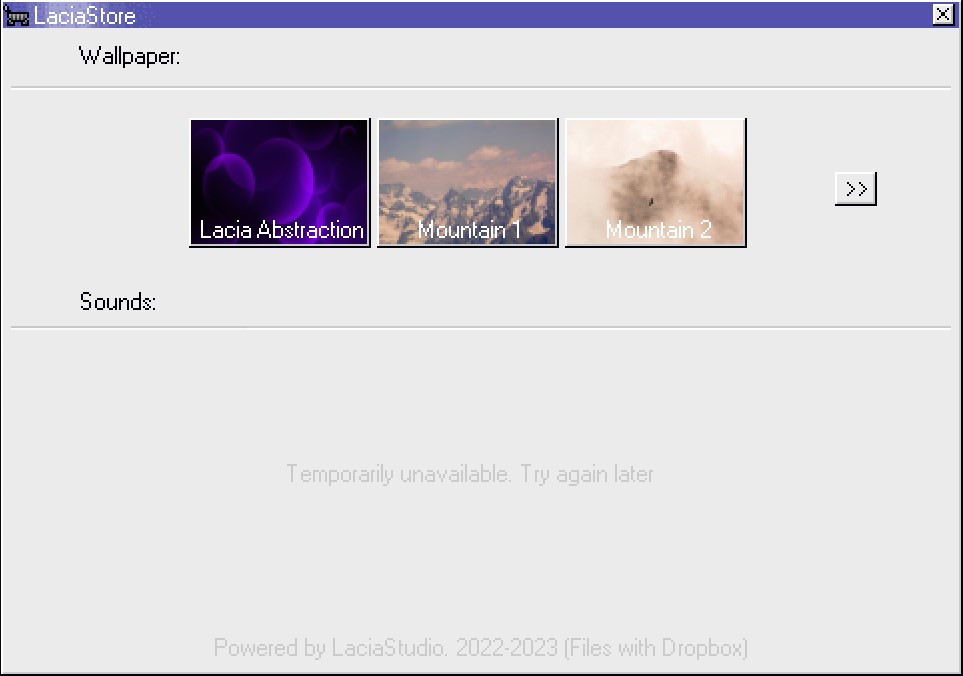
9. New! LaciaStore! Download wallpapers directly from Lacia!

10. Support 120 GHz monitor.

LaciaStore:
Hello! Thank you for your feedback and sorry for the time spent. Unfortunately, this product is no longer supported, so you will not close this window anymore. You can play our other games.

Cool!

(1 edit)

Hello!

We are developing a new operating system, we are doing quite well, but we need your help. If you want to make your mark in the development of the OS, then I ask for your attention.

What you need to do:

To the post office lacia.studio@mail.ru or leave your program here in the comments, write about it what it should be able to do, how it should look, whether it should download something, and so on.

If the program is suitable, you will get on itch.io the answer is whether the program came up or not.

Thank you all for your help!


Hello everyone!

I would like to tell you about the updates that I have made to my operating system.

What I added:

 (Current information on 07/25/2022)
1.Folder "Drivers".
2. Chinese!
3.System uninstall menu.
4.Menu of interaction with the shortcut.
5. Hints.
6.New icon.

What I deleted:
1.The installation date.
2. Information about system launches.

 
Fixed what: 

 1.Update installation time, now Lacia installs updates a little longer than before, this is due to the fact that Lacia checks each update before installation.

Thank you!

Hello everyone!

I would like to share with you an update for my Lacia operating system.

Here's what has been updated:

Added:

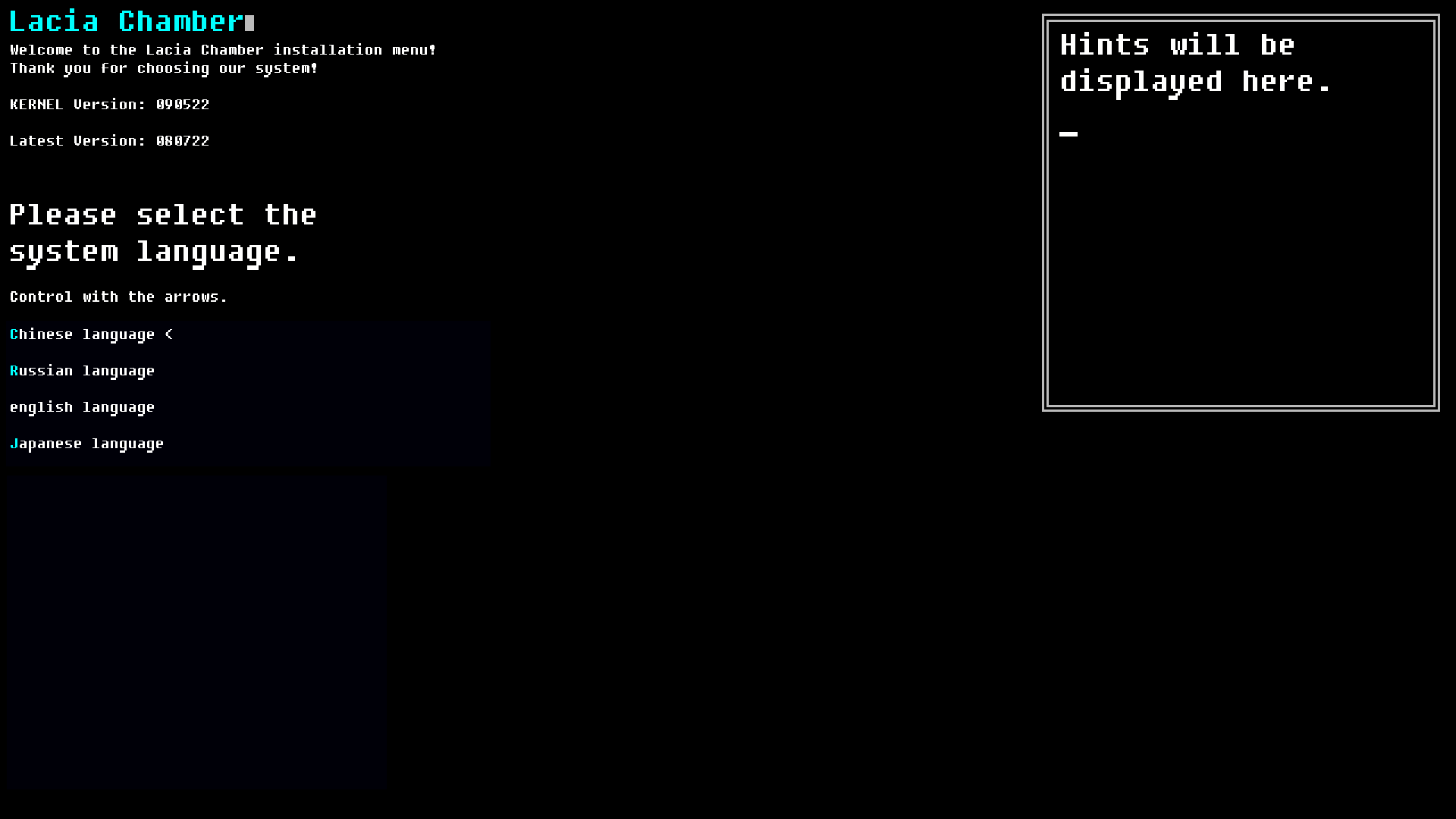
1. Japanese language.

2. Change the avatar in the exit menu.

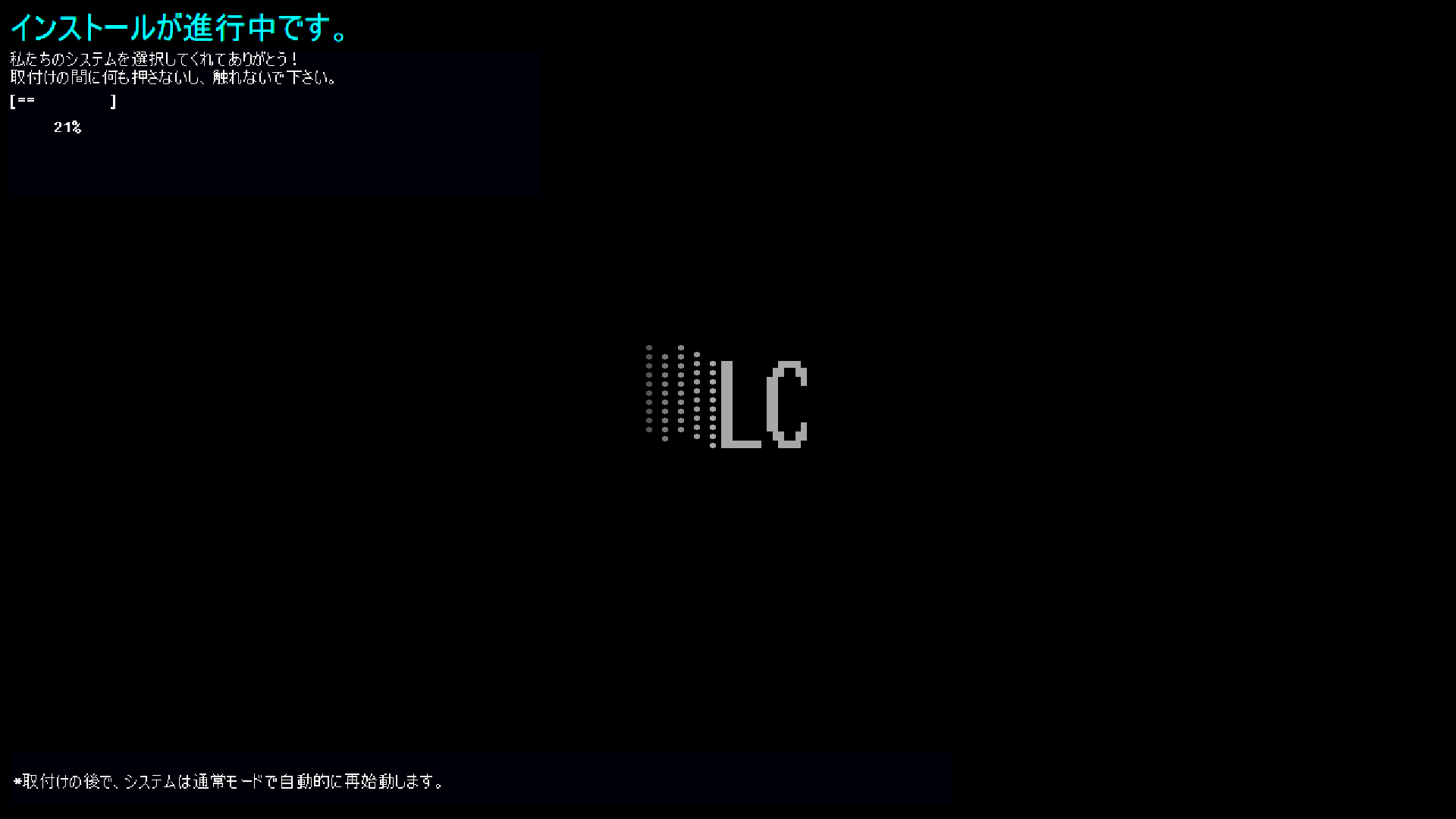
3.Update screen.

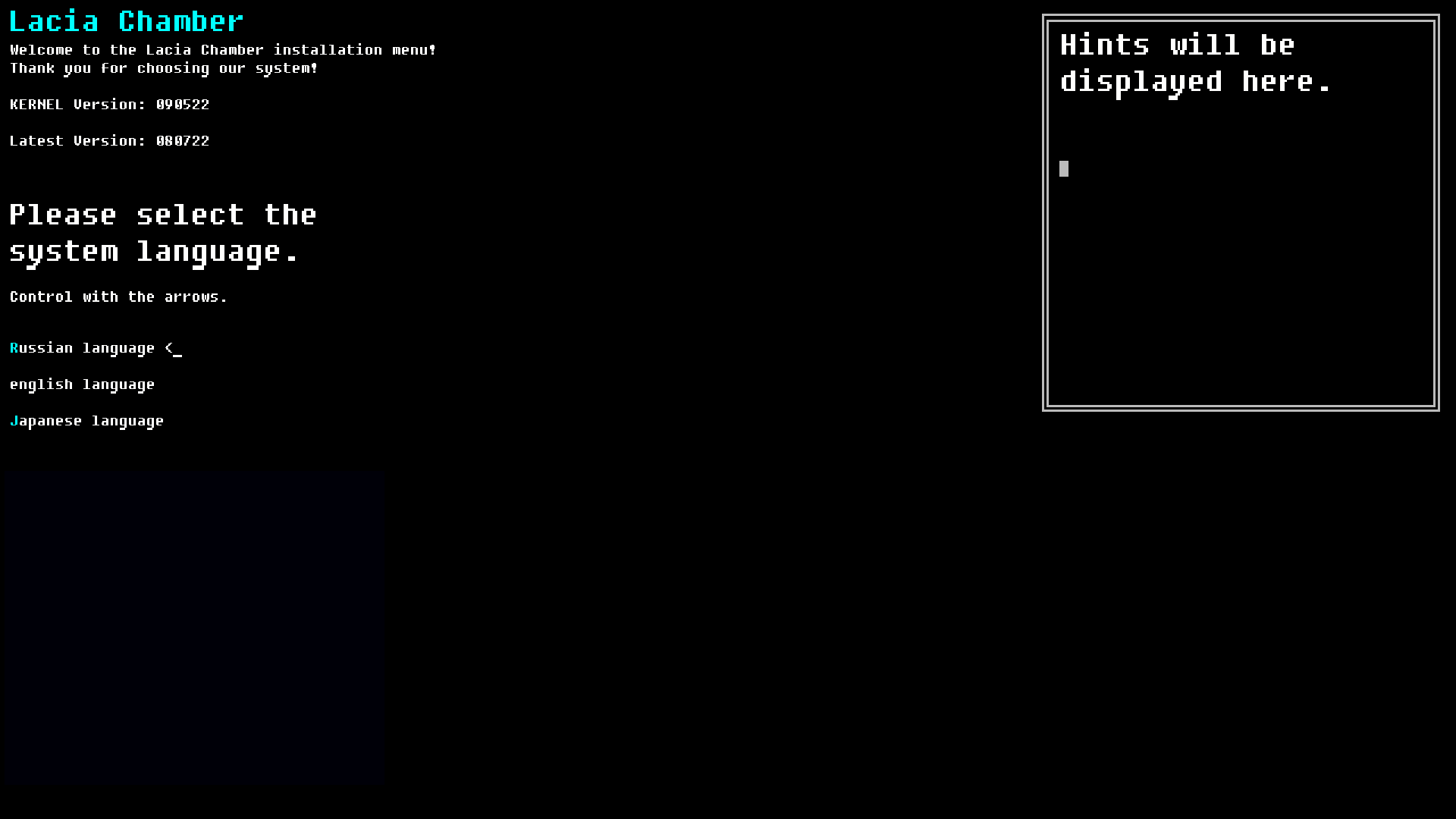
4.The ability to change the language again in the installation menu.

5.Logo during installation.

Fixed:

1. Bug with clicking on the button in different languages.

2."Transparent clicks", now you will not be able to click on the second window through the first.

3. Other minor bugs.

Deleted:

1.Built-in browser

2.Browser icon

3. Advantages of the system at the penultimate stage of installation for the Japanese language.

That's it, the update is 80% complete, only the translation into Japanese remains, thank you for your attention!

Hello! We have sent a file with phrases for translation to your email, but you have not received a response, tell me, is your help valid?

Новое обновление!

In version 1.5, critical bugs were fixed and the design of some windows and taskbar was changed.

What has been added:

1. The taskbar is now full length.

2. Now the bugs with minimizing windows have been fixed, you can still minimize them by clicking on the name at the bottom of the screen.

3. The Computer program has been changed, now you can see a lot of necessary information there.

4. Added the function of automatic wallpaper change.

5. Wallpaper changed.

6. The sound scheme has been changed.

7. As well as all critical bugs and errors have been fixed.

Thank you for your attention and thank you in advance for downloading!
LaciaOS Chamber (OpenBeta) by AEStudio (itch.io)

LaciaOS Chamber (OpenBeta) by AEStudio (itch.io)

LaciaOS Chamber (OpenBeta) by AEStudio (itch.io)

Well, thanks! As soon as we need Chinese, we will contact you!

Hi! I do not know how to fix this error, since I have never encountered it, sorry.

We will be grateful if you help develop the Lacia operating system, if you really want to help, leave your email for communication.

Hello! No, it's an operating system simulator, something similar to an emulator.

Meet me! The new LaciaOS - Chamber!
What can you do in the beta version?:
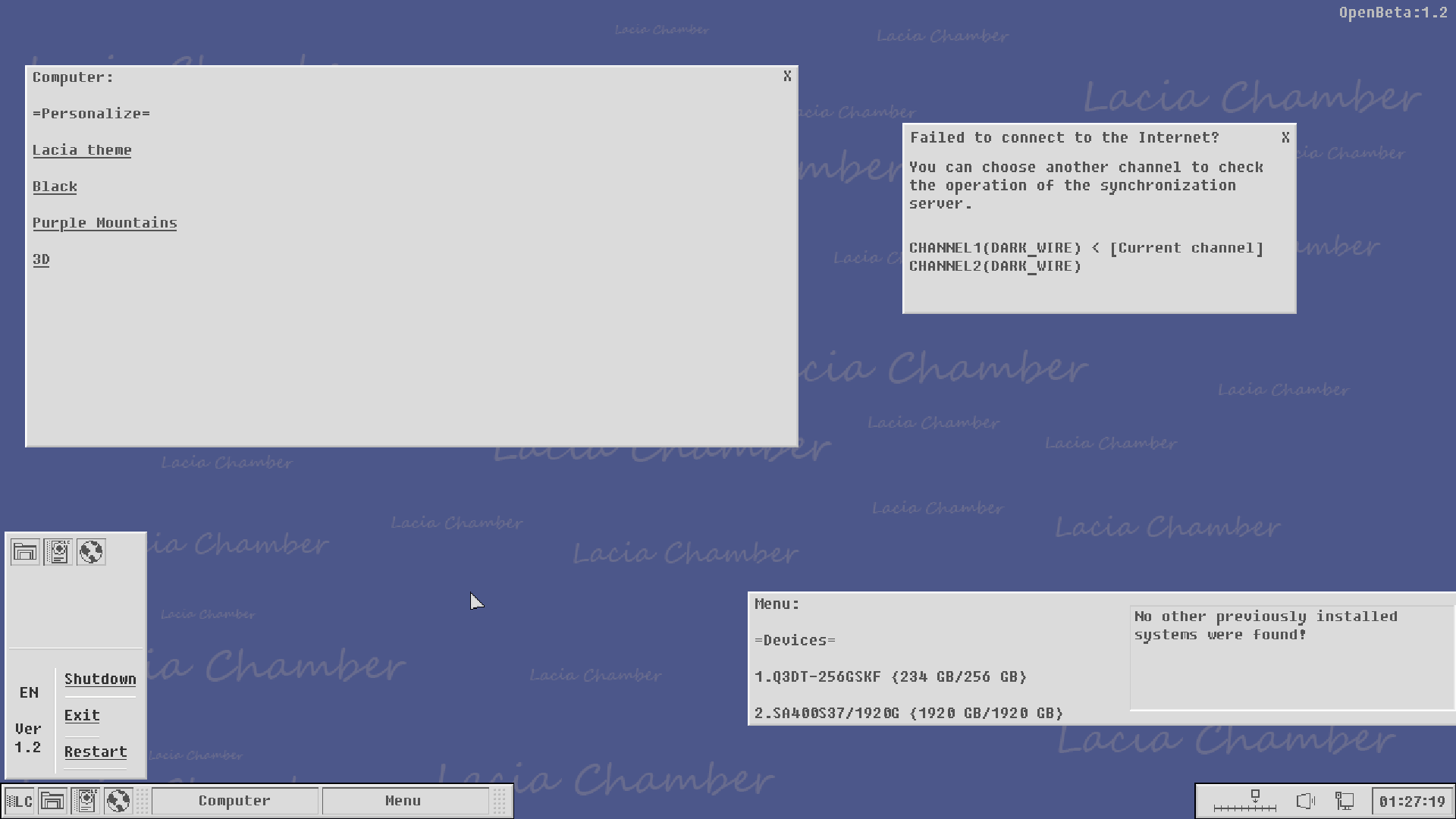
You can change the volume by clicking on the panel in the lower right corner, using the left-right arrows.

You can change the Internet sync channel by clicking on its icon in the lower right corner twice and change the channel if for some reason you do not have internet.

You can turn off the sound instantly by tapping the volume icon in the lower right corner twice.

In the start menu (as well as on the taskbar), you can open only one program, this is the menu, click on the disk icon twice.

You can also right-click on the desktop to open a small quick access menu.

You can choose between Russian and English!

And it's all in beta! The game is only 10% ready.

Thanks for beta testing! = LaciaOS Chamber (OpenBeta) by AEStudio (itch.io)

Wir sind uns dieses Problems bewusst und arbeiten bereits daran, es zu beheben.

Vielen Dank für Ihr Feedback!

Yes! Thanks

Top