


Hey, that's true it shouldn't do that. I'll fix it these days. Thanks for letting me know.
A member registered May 28, 2021 · View creator page →
Creator of
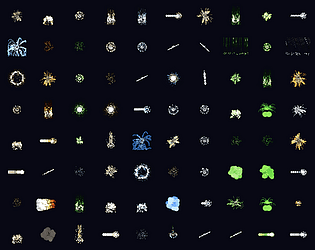
500 animated pixel art VFX for RPGs: fire, magic, hits, status, UI. PNG frames, GIFs and spritesheets.
Free Aseprite extension that generates inbetween frames: tween position, opacity, crossfade, rotation and scale.
Build looping particle animations with a live preview and bake them straight into your sprite's frames.
Build looping particle animations with a live preview and bake them straight into your sprite's frames.
Full tileset for extended dungeons
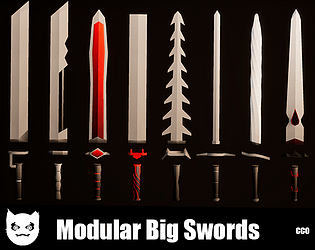
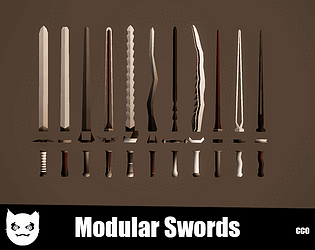
11 Modular Big Swords - 8 Textures - Low Poly - ≈ 2711b Combinations
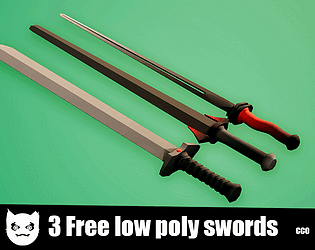
This asset pack contains 3 one-handed swords with 8 textures.
11 Modular One Hand Swords - 8 Textures - Low Poly - ≈ 2711b Combinations
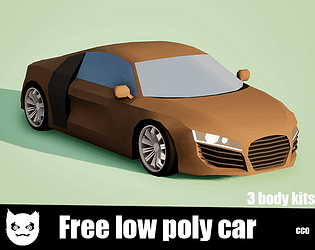
Free car. Compatible with the wheels of my other cars.
This asset contains 3 body kits, 4 wheels
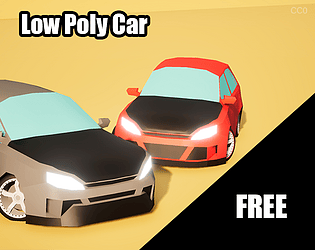
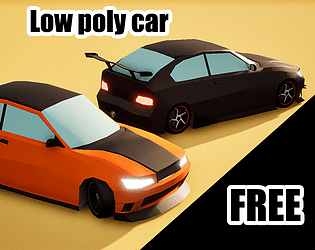
This asset contains 3 body kits, 4 wheels, and 1 spoiler.
This asset contains 3 body kits, 4 wheels, and 2 spoilers.
Recent community posts
itch.io Community » General » Release Announcements · Created a new topic Updated FastFX Full Particle System For Aseprite
I've uploaded a pretty big update for fastfx and it's on sale.
You can try the Lite version for free: https://icemaan.itch.io/lite-fastfx-full-particle-system-for-aseprite
Or the full version: https://icemaan.itch.io/fastfx-full-particle-system-for-aseprite
Thanks
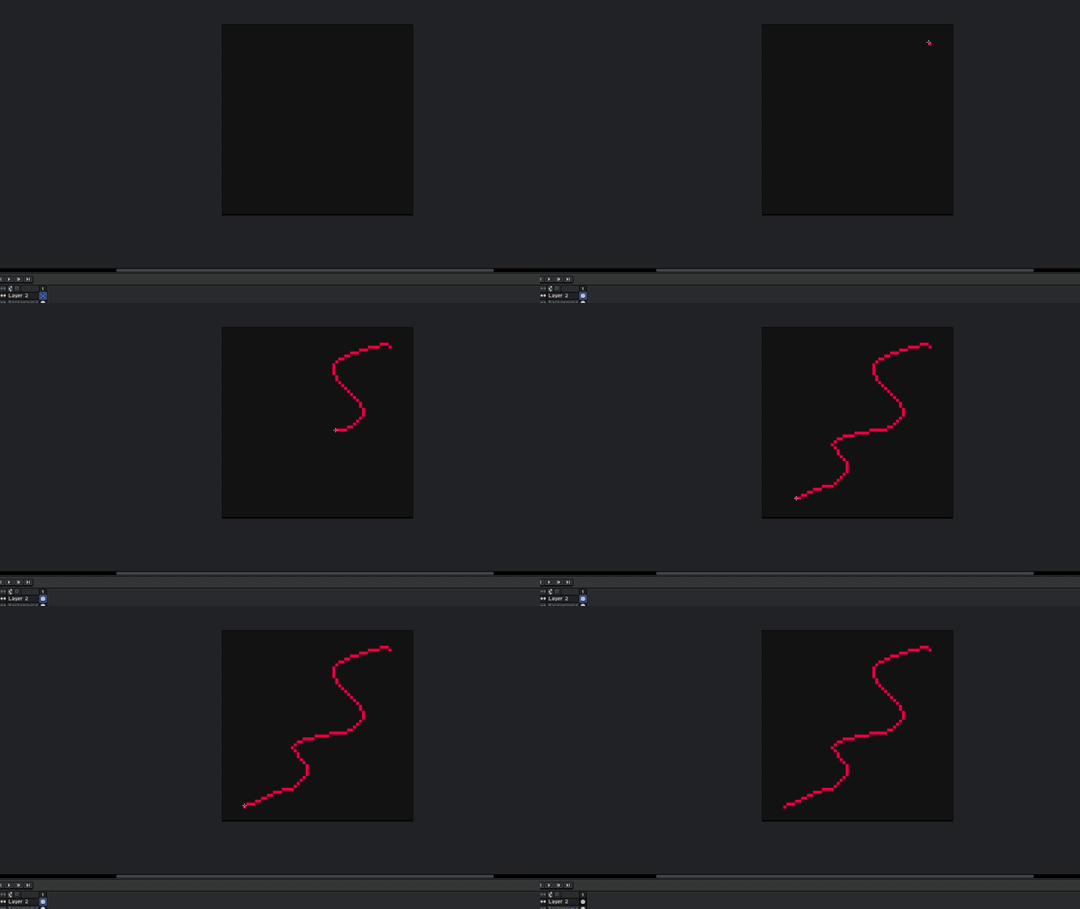
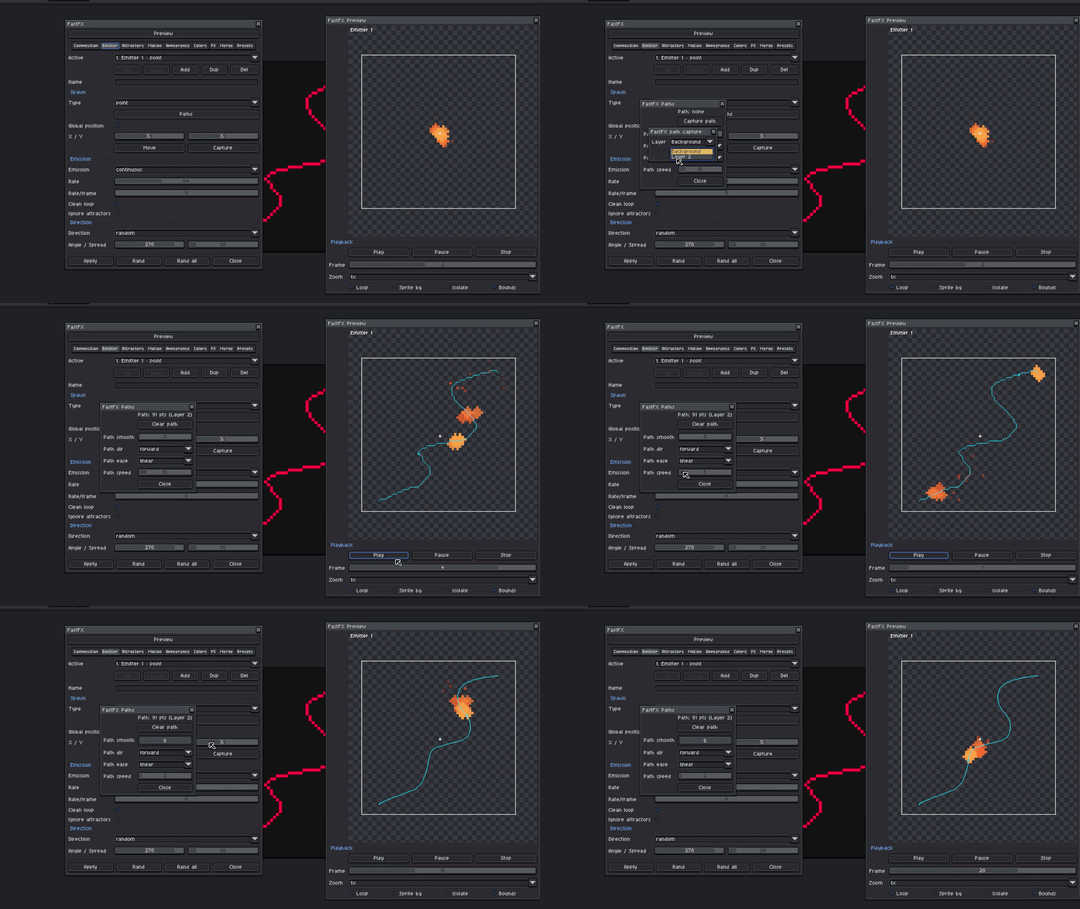
What paths do is something similar to capture, but the difference is that you don't need to create the trajectory with frames, it's enough to draw it in a single frame as a line.
The line must be pixel-perfect, 1px thick, it has problems if the lines overlap.
You draw the path:
You just select the layer where you have the drawing and that's it:
FastFX Full Particle System For Aseprite community · Created a new topic Guide to using the CAPTURE function.
What "capture" does is move the emitter or the attractor based on the central position of the pixels in a specific layer on each frame.
The idea is to draw on a separate layer a guide pixel that moves across several frames like this:
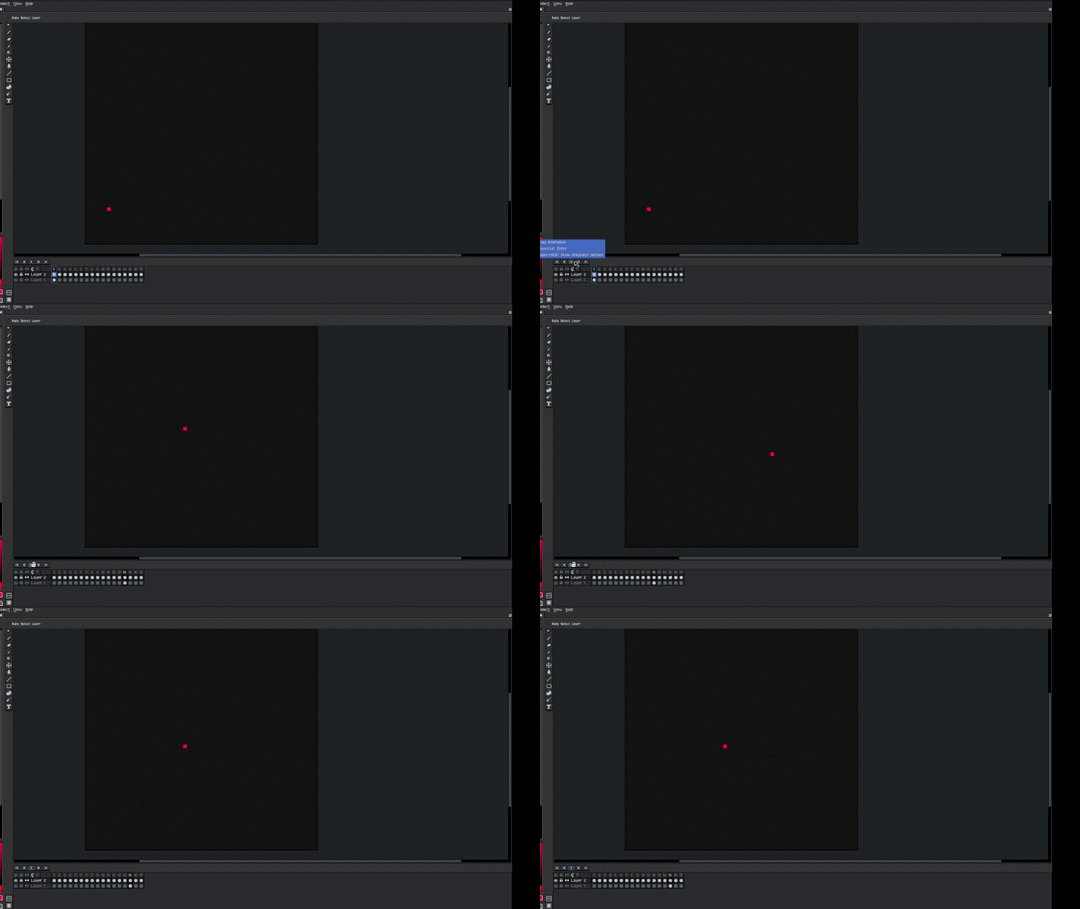
Once you have the trajectory you want you simply hit capture and select the layer where you have your trajectory it works with the emitters and the attractors:
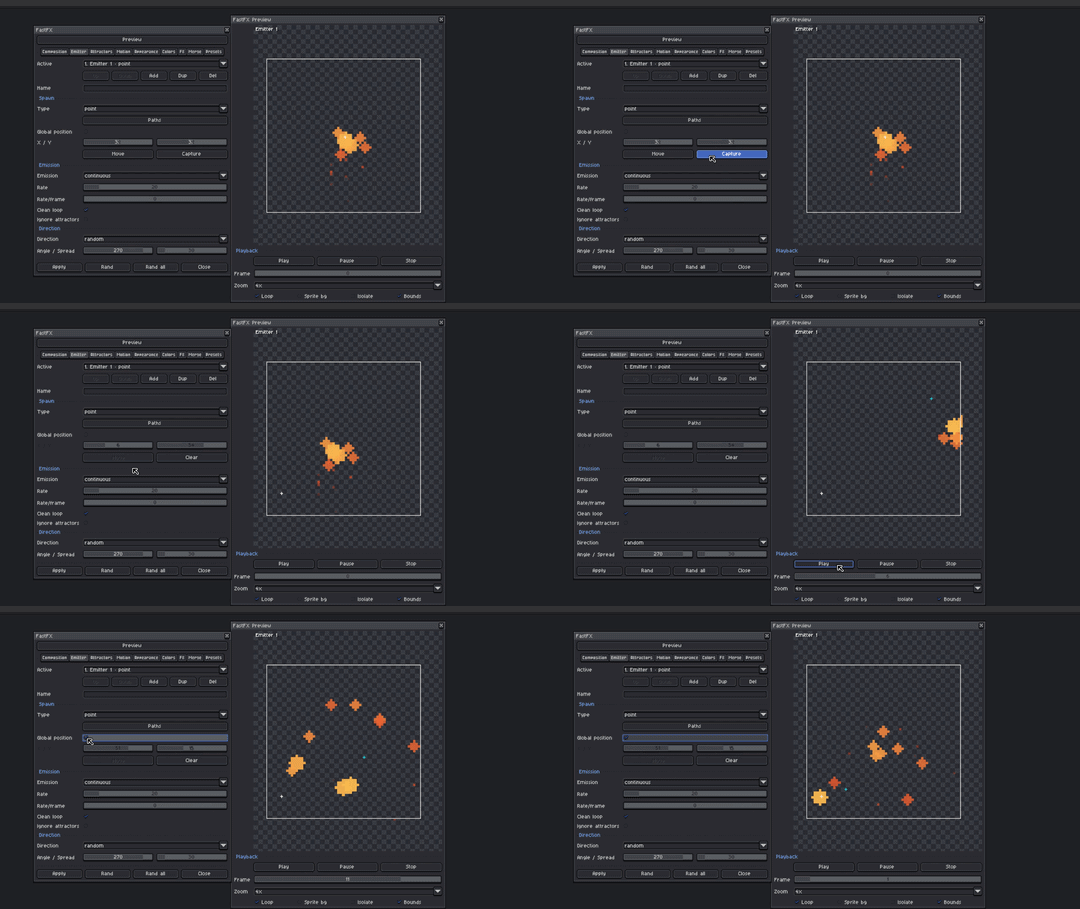
Remember to activate global position
You might need to modify the number of frames manually to adjust the duration.
GhostFrames - Aseprite Extension comments · Replied to Galope Studios in GhostFrames - Aseprite Extension comments