


What "capture" does is move the emitter or the attractor based on the central position of the pixels in a specific layer on each frame.
The idea is to draw on a separate layer a guide pixel that moves across several frames like this:
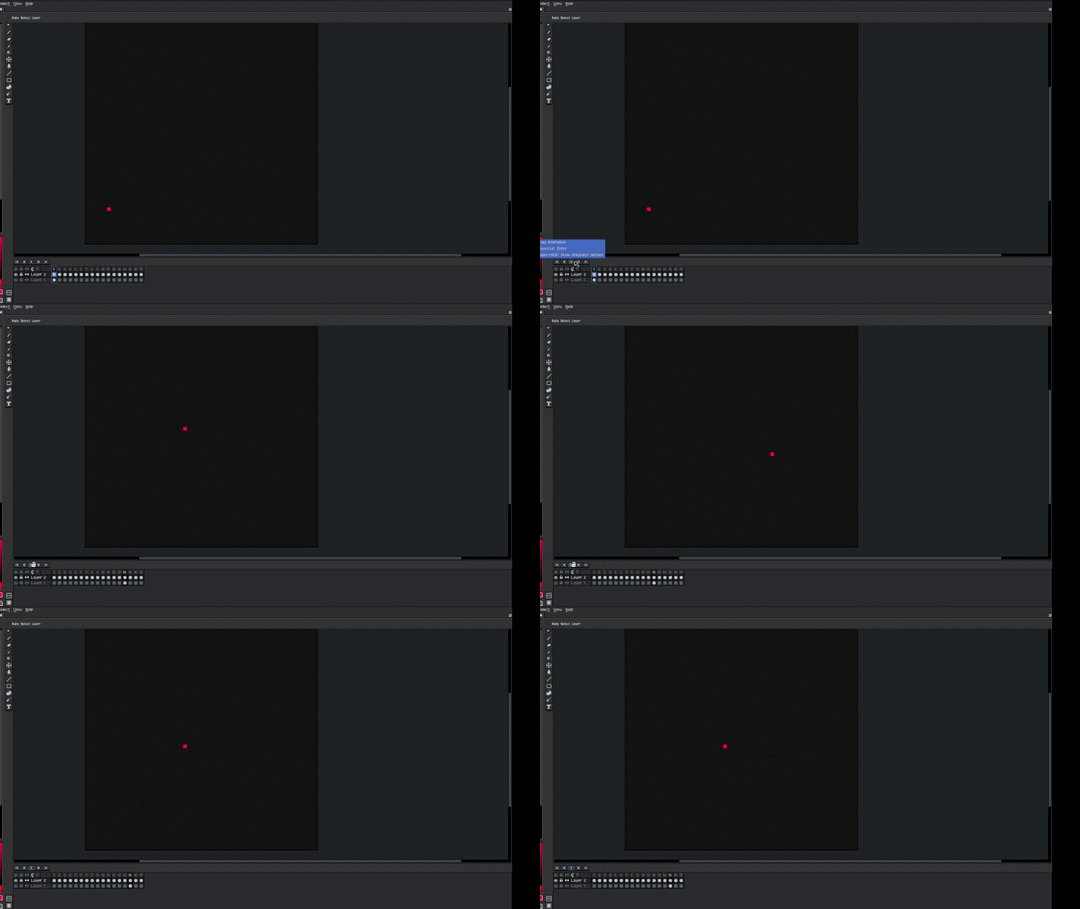
Once you have the trajectory you want you simply hit capture and select the layer where you have your trajectory it works with the emitters and the attractors:
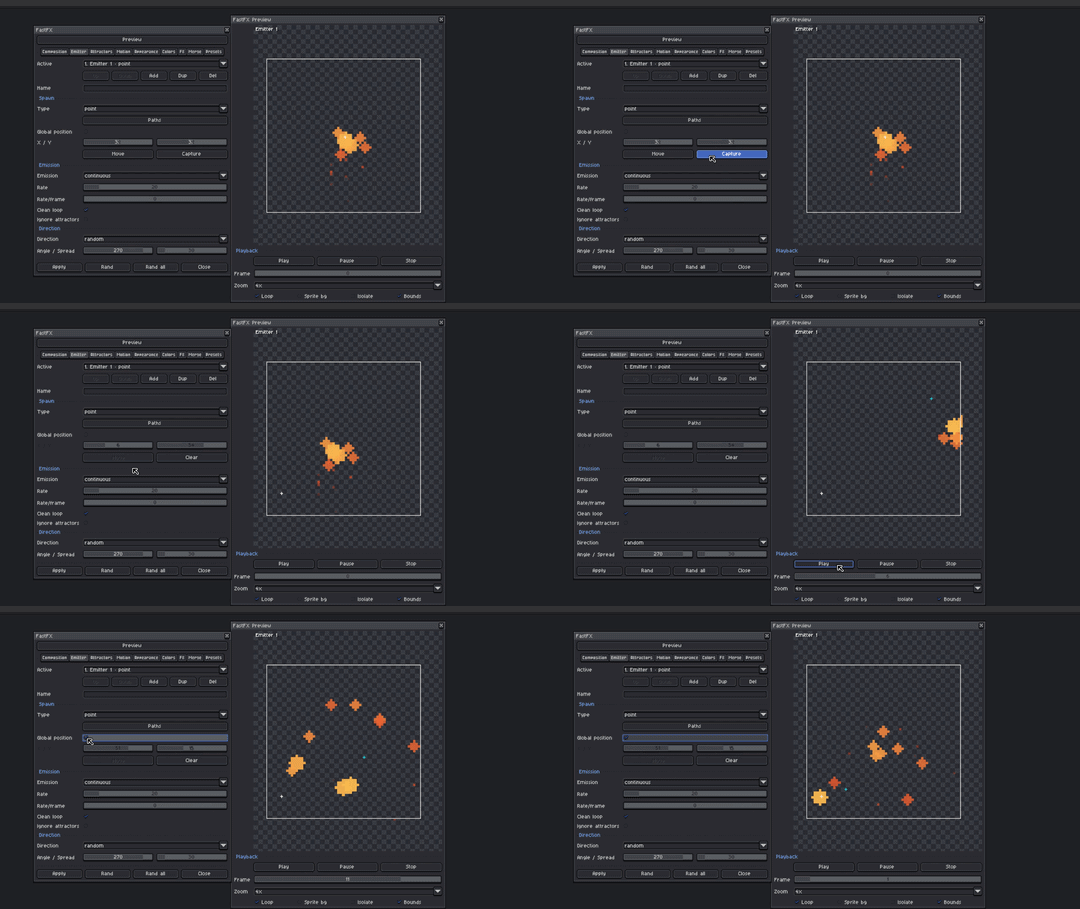
Remember to activate global position
You might need to modify the number of frames manually to adjust the duration.