Indie game storeFree gamesFun gamesHorror games
Game developmentAssetsComics
SalesBundles
Jobs
TagsGame Engines

Dioram

292
Posts
17
Topics
4
Followers
1
Following
A member registered Jun 24, 2019

Recent community posts

The whole thing looks and sounds professional-grade.

As you'd probably predict, I don't think this falls under the "Gamepad (any)" category, since there's no way to disable the Xbox controller preoccupation.

Hey there, I tried the game out, and I like its cinematic value, and its approach to controls, but there are a few changes that would take this from great to amazing.
- There's no music or ambience in the opening sequence.
- You list the controls as WASD and Space. However, the game also uses Esc, as a skip move. It's great that the game doesn't impose the keyboard defaults on controllers, except that Esc is imposed on Buttons 1 and 2.
- I don't know if there's a way to exit the game, other than with Alt+F4.

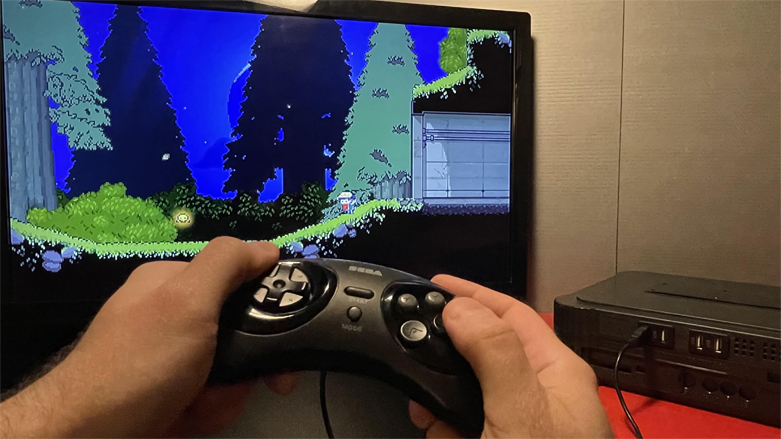
I like your input approach. Attaching the keyboard defaults to a Genesis controller was easy. It was a little annoying that I still saw Xbox button images, rather than the actual names of moves, like "Interact" and "Special" but I did get used to it. I'm not sure if there's a way to exit the game, other than Alt+F4.

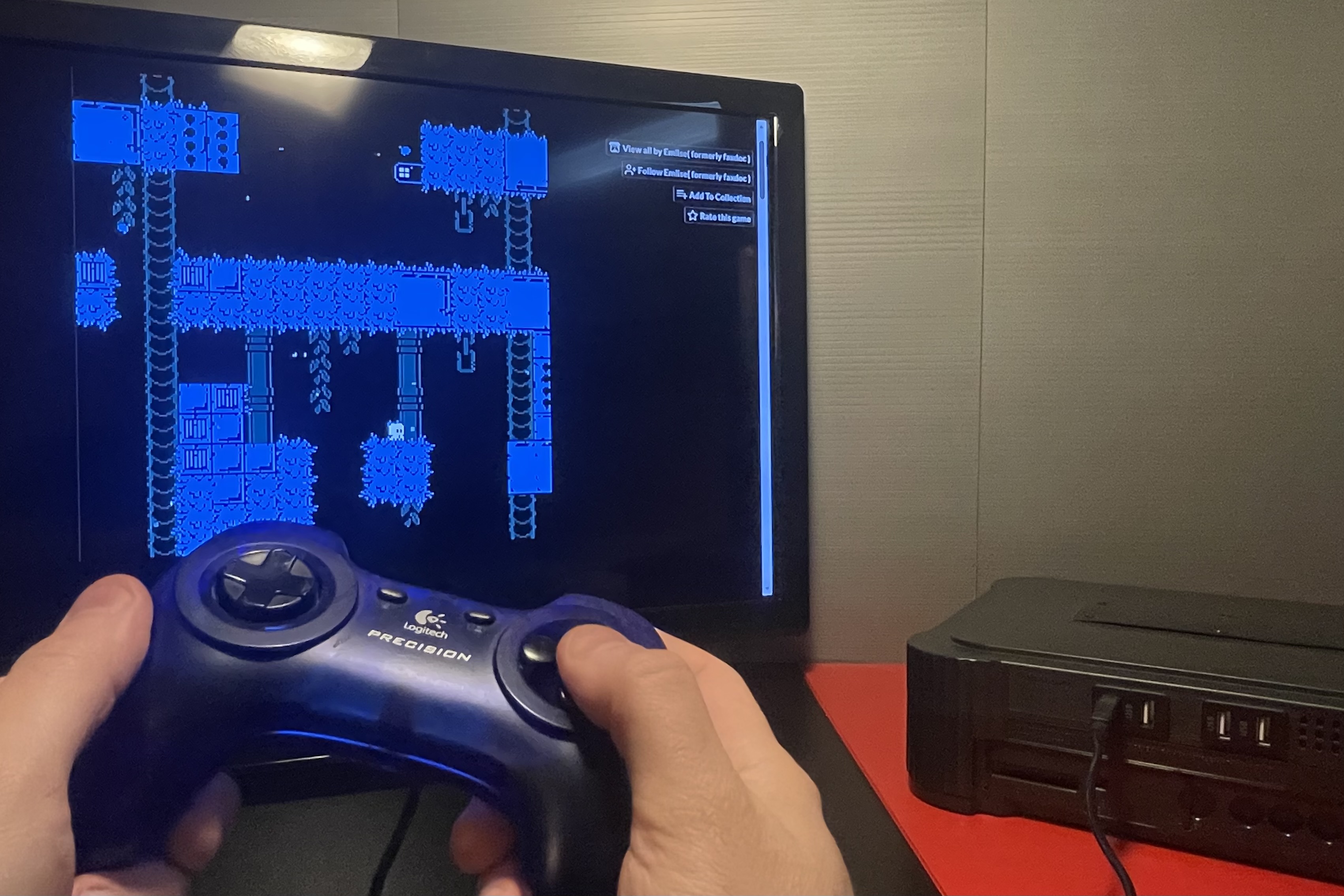
It's not that I can't see controls - I can see them and also sense them, when they're imposed.
Like, if I set Player 1 to Key1 mode, and then find out that some button will pause the game, I can tell that menu navigation controls are still being imposed, even though every character is in Key mode.

A lot of developers want to include keybinders in their games. I'm not a proponent of that, because every new keybinder is something I have to learn, and the more of them there are, the more likely I am to run into a frivolous shortcoming.

That being said, when Pacman games gradually get better on Itch, I'll acknowledge it, and that has indeed happened.

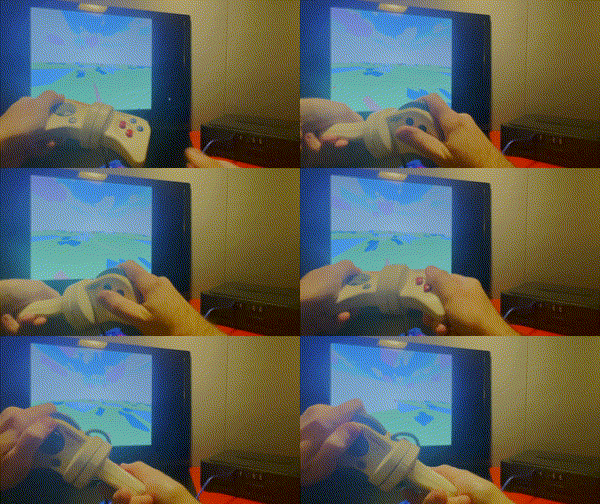
Hey there. I tested the game with an Atari controller for Player 1, Genesis controller for Player 2, and GameCube controller for Player 3. I'm glad that you listed the keyboard controls right on this Itch page. Taking a snapshot of them with my phone was really easy, and transferring the controls to JoyToKey was a success.

Being able to put the characters in "Key 1, Key 2, Key 3 mode" was extremely helpful. It was a little annoying that, even in key mode, the game still imposes Enter and Esc on various buttons. But overall, I was really pleased with the results.
This is one of the better Pacman games for Windows.
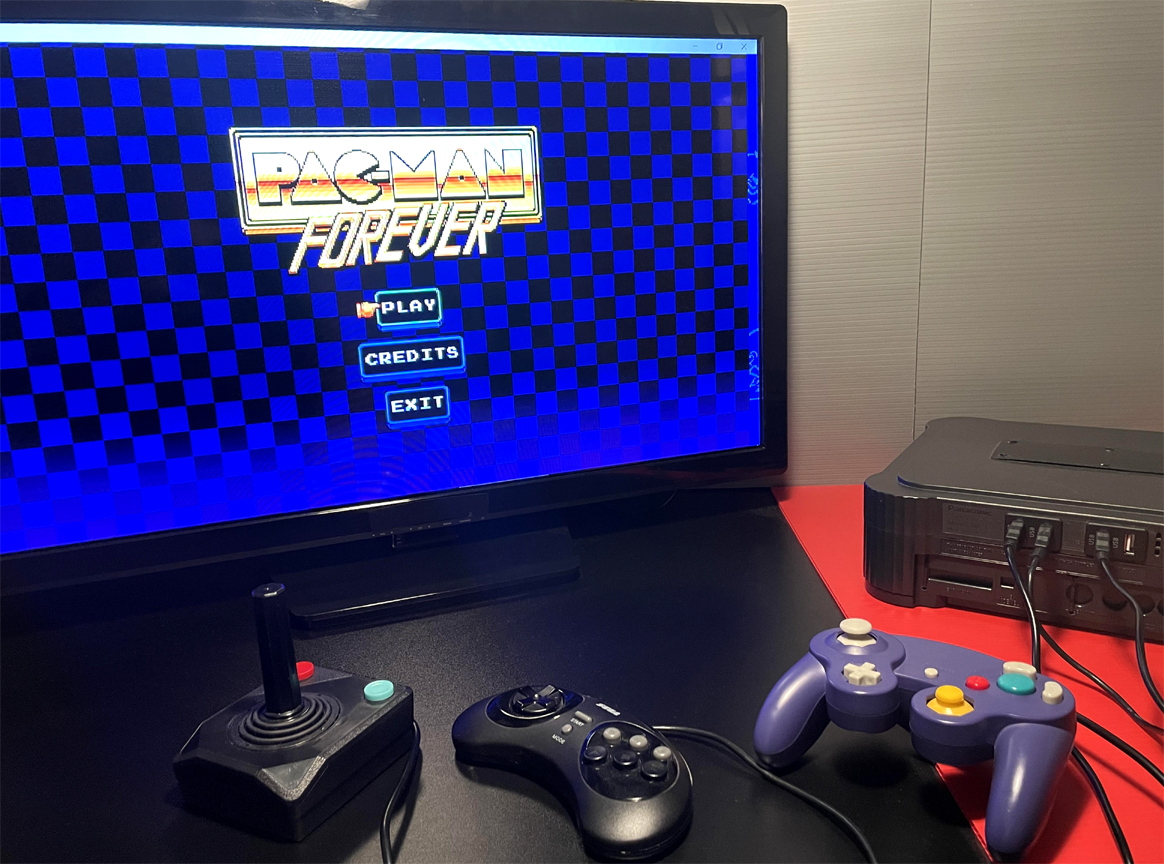
See above.

I would recommend getting rid of the built-in controller code, because the current input model is as coercive as can be, and the results aren't pretty.
I ran a test in which 3 controllers were plugged in. I was hoping that (perhaps) the Xbox One or Atari controller would "absorb the imposed controller layout". But.... they didn't. The game forces its layout on all 3 controllers, so I can't create a JoyToKey profile for any of them.
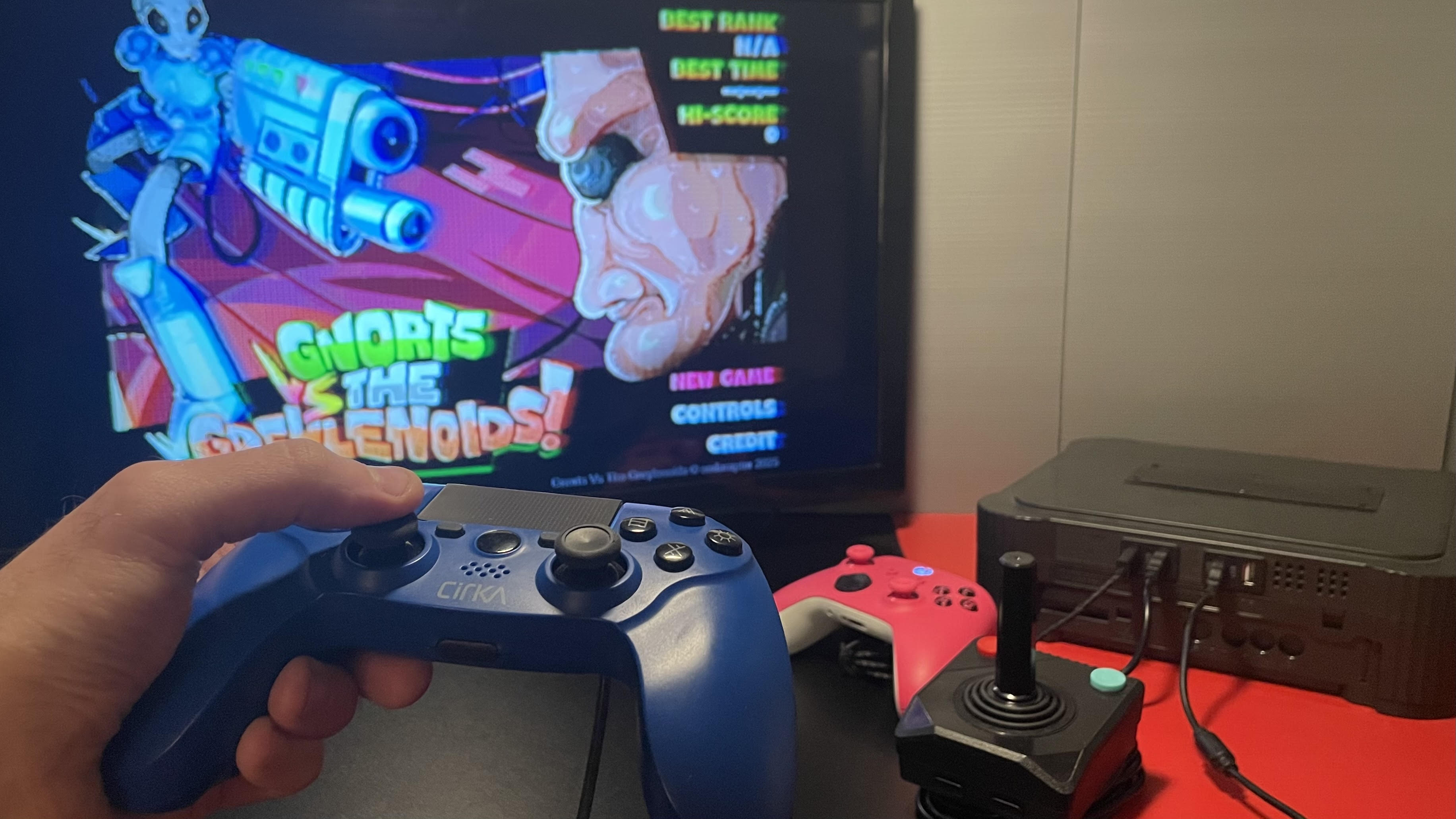
I downloaded this game (followed by Sameboy emulator) and I had a good time with it. Getting a controller to work was quite easy - Sameboy wasn't too coercive. I'm not sure if the Select button is used anywhere.

The mini-games were pretty cool. I'm not sure how many there are, but that's a reason to keep playing!

If I find a program that makes a controller appear as an Xbox device, will I be able to choose where buttons go?

I think it's way easier to just plug keyboard keys into JoyToKey.

It's true that I don't expect PC games to have built-in generic Gamecube controller recognition. Why include that when there might be over 600 PC compatible controllers?

PCs shouldn't recognize Gamecube controllers as Xbox controllers... because they're not.

Most PC games don't need built-in controller support. I can take a list of keyboard defaults, plug them into JoyToKey within 1 minute, and make a game work with hundreds of controllers, using a layout that I explicitly consented to.

When you say a controller is required, you may actually mean "only official Xbox controllers". A Gamecube controller with a USB end (for example) won't work.

I wouldn't call it awkward - it's more like mundane. PDFs feel like a work tool, akin to emails, Google searches, and Excel spreadsheets. Having to read a PDF for a game feels too similar to troubleshooting.

There's definitely a part of me that likes instruction booklets. In the past, I have found them charming. However, when it comes to the idea of getting one in PDF form, I find that almost all the charm is lost in translation. PDFs make the act of setting up a game feel like being at work.

I liked how, with your Transformers game, the control information was immediately visible on the Itch page.

PROS

- The game goes fullscreen on the first launch, without me having to use Alt-Enter, F11, or always having to click on a maximize button.

- The pause menu buttons are nice and large, so they're easy to read.

- The visual perspective is on-point, and there's also good sprite scaling. Some of the more obviously 3D shots (like behind the stadium) look quite good.

- The developers have shown signs of hard work. The right-click menu shuffles through a few different modes, and when you click on different things in different modes, you will indeed get different results.

- The gameplay isn't glitchy, as far as I tested.

CONS

- The game's keyboard and mouse defaults are not listed, either on the Itch.io page, or in the game itself. This means that I have to actually play the game, before being able to connect a controller. Moreover, even if I do discover some of the controls, there's no way for me to really know that other keys won't be needed later. Does Esc work right away? Great. But what if I need to also start using Z and X later in the game? Should I have to go into a controller profiler multiple times, to update a layout?

- Every time the character "dies" you have to start all the way from the beginning, with the title screen, and opening text.

- The speech boxes are kind of "all over the place". Some of them are in the center. Others are on the lower-left side. Some have no backdrops. All of these differences make the game's interface look messy.

- The music stops playing once the game actually starts.

- The game's engine doesn't support a wide color palette, so when colors like yellow and magenta are combined, in makes scenes appear sickly.

- Some of the black lines (like around tables) are abnormally thick. There doesn't seem to be any special reason for it.

- It's difficult to determine what can be inspected, and what can't. If everything can be inspected, I could end up clicking on everything, and wasting a bunch of time. Since the characters don't start talking about Eric right away, it's hard to get a sense of when I'm making good progress, or whether I'm just focusing too much on a dead-end area.

CONCLUSION

- The game's engine is very humble. It doesn't give the developers very many options. I think it would be better suited for platformers, or some other kind of game that has a single playing field.

I tested the game with an official Xbox controller, and the plug-and-play works correctly.
This game's approach to inputs is fantastic. Xbox controllers work automatically, and for all the rest, I can still create my own layout.

I mostly like the game's atmosphere. It feels a little nauseating, but I can accept that. The game doesn't impose a layout on generic controllers - that's a very nice thing. The perspective on the buildings (on each side) does not match the perspective that the rest of the content has, which does it correctly. It would be nice if there was a larger purpose to collecting the gold.

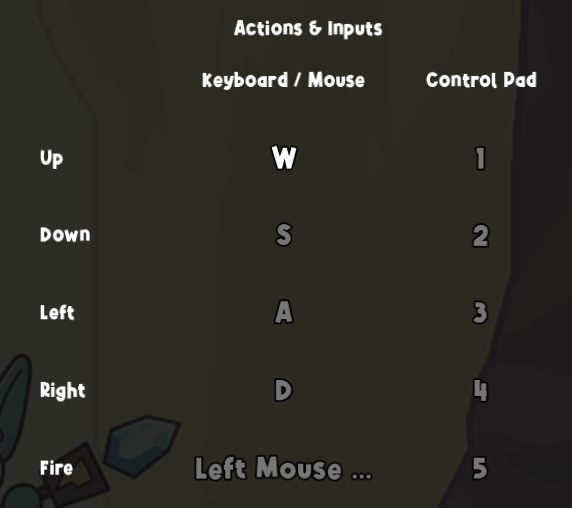
Thank you for listing the keyboard defaults. I plugged them into JoyToKey, and I want to say that it's not true that "gamepads work in theory".

All Windows-compatible controllers will work with this game, in fact.
You could include Xbox controller plug-and-play, and a built-in keybinder, but you don't need those things for this to be broadly controller-friendly.

I can find out myself. Thanks for making this possible!

(1 edit)

I enjoyed it. The amount of pit area in the first level is pretty intense, but it will still fun.
The game (in its current form) is compatible with hundreds of controllers, but setting up a controller is a challenge, since neither this Itch page (nor the game itself) lists the keyboard/mouse defaults.

If you pursue built-in controller support, I would recommend an Xbox-specific model, rather than a generic one. If you'd like me to test for you, I'd be happy to do it.

I've never played Odama, but I did know about it, when it was new. I wouldn't necessarily claim that it's a proper source of inspiration, only that it has things in common with this game.

The game (intentional or not) is cleanly compatible with hundreds of controllers. I love everything about this, except that it doesn't auto-fullscreen.

The game's presentation, gameplay, and sense of physics is amazing, but I wish I could disable the built-in controller detection.

A couple thoughts :

- The presentation and the music are in great shape. No higher polygon count is needed.

- Even without Xbox plug-and-play or a keybinder, the game is already compatible with hundreds of controllers, because it won't interfere with JoyToKey. In fact, using a controller is much more comfortable, since everything feels more compact.

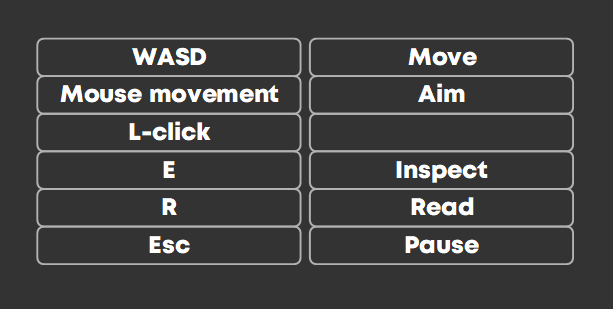
- The E key is not listed on the Controls page.

- It would be nice if the speech text was larger, and if clicking on the actual "Back" text wasn't necessary.

- There's no way to exit, other than using Alt+F4 (at least that I know of).

This was a good prototype!

There's something needlessly confusing about the keyboard defaults. I love the idea of Player 1 taking hold of WASD and Player 2 taking the arrow keys, but when it comes to selecting characters at first, you can use W to confirm Player 1, but can't use Up to confirm Player 2.

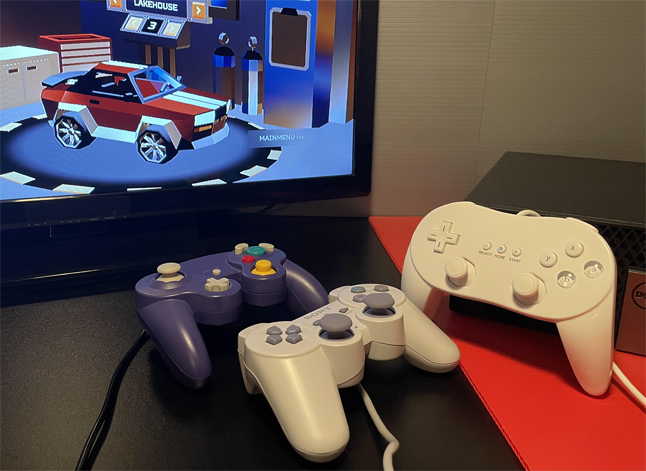
On conflexgames.com, you can download a special version of JoyToKey that's easier to look at in a living room. You can use it to attach the keyboard defaults to controllers.

I like the concept and the gameplay, but I found it depressing, because it appears to be an arcade-style game, so there's no way to avoid losing.

I sort of like it. It reminds me of Twisted Metal, except that in Twisted Metal, I could play through a level without dying every 40 seconds.

Wow. That's one of the best Itch.io games I've played.

It's also compatible with hundreds of controllers.

I like it a lot. The game has Xbox plug-and-play, but it does it nicely, because it won't interfere with non-Xbox controllers.

It wasn't clear to me that R and Space were actually necessary, because reloading automatically happened, and upgrades seemed to happen just by choosing them, without pressing Space.

There were little touches that I liked, like the way that enemy pawns would bounce back after hitting them, and how the upgrade screen would give a 3-second delay, before closing.

(1 edit)

I sort of like it. It's probably possible to play the game with any number of gun controllers. The pumpkins roll extremely quickly. It would be nice if they disappeared after hitting your feet once. It would also be nice if there were platforms that moved around, especially up and down.

So, I played it some more, and I realized (after way too long) that this game is really like a cross between Odama and billiards, which is quite charming.
The game doesn't have any code that interferes with controller layouts, so it's actually more controller-flexible than other Itch games that use Xbox plug-and-play too broadly. I'm happy to buy the demo.

Can you check that there's an EXE inside the ZIP package? I can't test the game.

I like some of the elements here, but I wish the game didn't need mouse movement, and that the camera would always stay locked behind the deer, making the game more similar to an N64 one.

I played a slightly different version of the game : Zap The Hollowspire Blocks. It wasn't a profound experience, but it did work.


I really want to like the game. It's probably compatible with hundreds of controllers. However, it's extremely difficult to understand what's going on. There's an awful lot of HUD content, and I can barely make sense of it.

I'll sound a little bit crazy saying this, but I actually think I'd like the game more, if aiming with a mouse wasn't necessary. There's something  really out-of-control with this version of the game.

I like the concepts, and the way that they're presented, but I wish the game didn't contain generic control imposition.

I don't mind having controls imposed on official Nintendo, Xbox, and PS controllers, but for generics, I wish the game's approach was hands-off. That would make it more valuable to me, and I'd pay more for that.