

Hey there. I tested the game with an Atari controller for Player 1, Genesis controller for Player 2, and GameCube controller for Player 3. I'm glad that you listed the keyboard controls right on this Itch page. Taking a snapshot of them with my phone was really easy, and transferring the controls to JoyToKey was a success.
Being able to put the characters in "Key 1, Key 2, Key 3 mode" was extremely helpful. It was a little annoying that, even in key mode, the game still imposes Enter and Esc on various buttons. But overall, I was really pleased with the results.
This is one of the better Pacman games for Windows.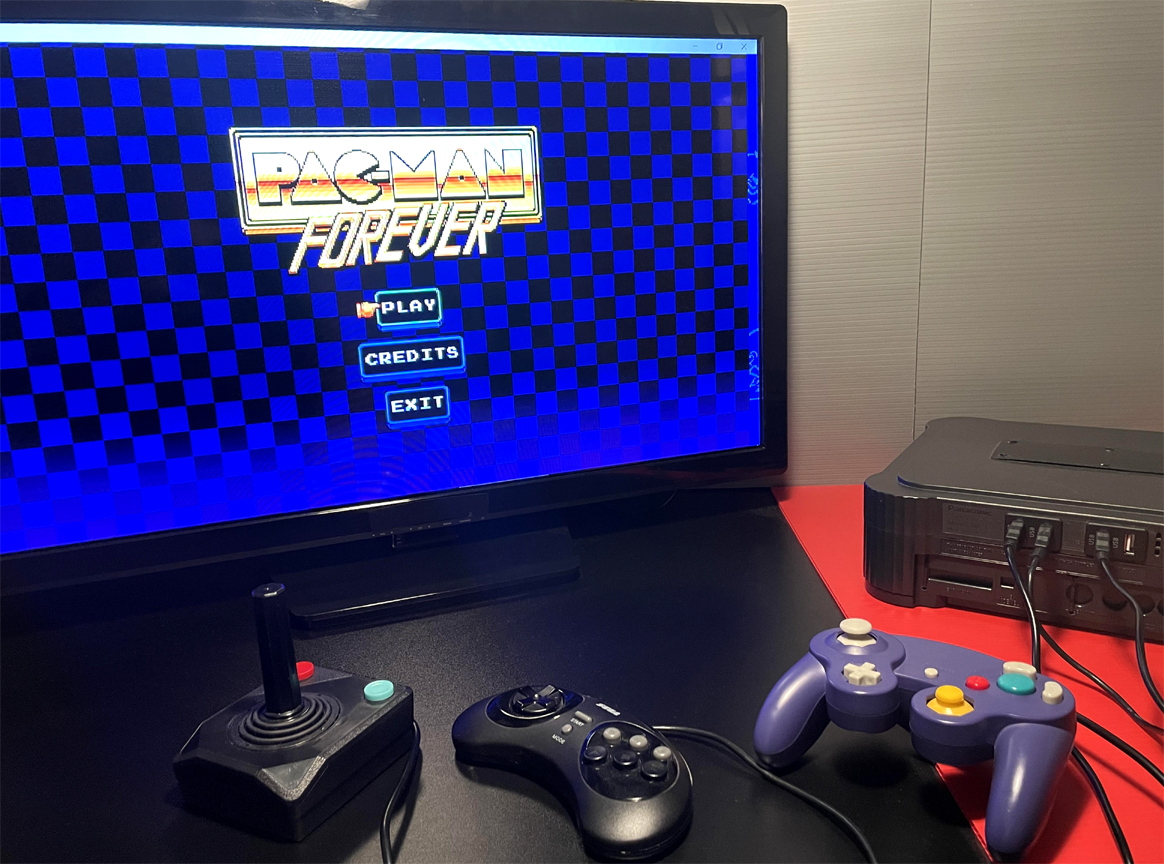
It's not that I can't see controls - I can see them and also sense them, when they're imposed.
Like, if I set Player 1 to Key1 mode, and then find out that some button will pause the game, I can tell that menu navigation controls are still being imposed, even though every character is in Key mode.
A lot of developers want to include keybinders in their games. I'm not a proponent of that, because every new keybinder is something I have to learn, and the more of them there are, the more likely I am to run into a frivolous shortcoming.
That being said, when Pacman games gradually get better on Itch, I'll acknowledge it, and that has indeed happened.