

Hello, I would like to know what the scale of the grid should be for these blocks. Thank you! And these are very cool sprites.
Hi there! Thanks for the feedback, happy to hear you enjoy the assets!
Let’s figure this out together. Scaling grids can be confusing across different Game IDEs. To understand your request better, could you tell me:
• What game engine are you using (e.g., Unity, Godot)? • Do you have any specific documentation you’re following for the import process?
Knowing these details will help me offer the best advice on grid scaling for your particular setup.
If you’re using Unity, check out this asset pack specifically designed for Unity’s Tilemap component: https://devilsworkshop.itch.io/isometric-tiles-pixel-art
It should import smoothly and work well with your project.
Let me know if you have any other questions or need further help.
2 years ago(+1)
Didn’t hear from you and assumed that everything worked.
If ‘no’ I found a solution that one of the Unity users posted
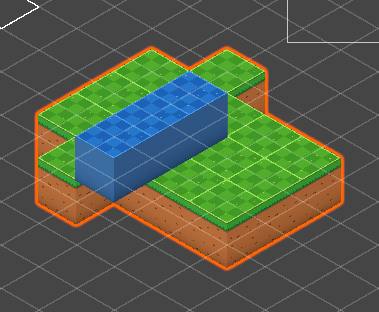
I noticed many people commented that those tiles do not match well in the unity tilemap. The simple truth is that those cubes are drawn under a 120-degree isometric view, while the unit isometric grid by default is under a 135-degree view(commonly used in many pixel games and tutorials). So if you don’t want to reshape the pictures but just want them to match well, simply create tilemap-> isometric z as y, and set the grid cell size to X:1, Y:0.57735(instead of 0.5), Z:1, this will set your unity isometric tilemap under 120-degree as well. Then your tiles should match perfectly in the game! Noted that I found in order to make tiles sort correctly in this case, you will need to go to Edit-> Project Setting->Graphs -> Camera settings set transparency set mode to “Custom Axis” and Transparency sort axis as X:0 Y:1 Z:-0.5 (instead of -0.25/26)