Indie game storeFree gamesFun gamesHorror games
Game developmentAssetsComics
SalesBundles
Jobs
TagsGame Engines
(+1)

That's an excellent starting point! Thank you for taking time to break it down for me.

And one more question, somewhat related this one. The "map" card aside from the image, has some field widgets with text – I used field widgets purely as labels. Simply because it lets me align text (center it) and easily move it around. Is there a programmatic way to convert the text in a label (with all the fonts and alignment) to an image? The only way that comes to mind is to create a canvas widget, assign it the same font as in the field, and then call the `.text[]` method – but then I'd need to split multi-line strings and calculated positions and anchoring every time.  
(+1)

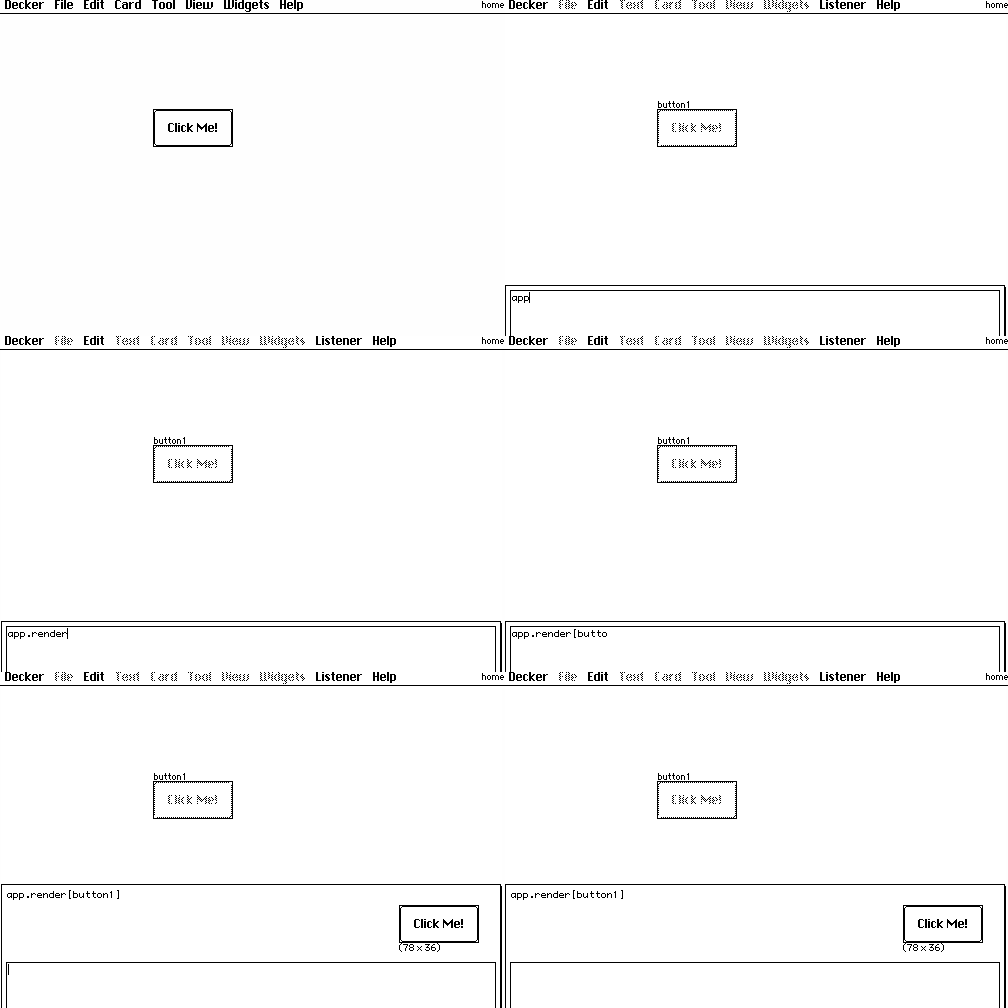
You can use the app.render[card] function to take a "screenshot" of a card as an image. If we did this for our "map" card in the previous example, the snippet of code for compositing both images together would instead be:

card.image.paste[app.render[map].map[1 dict 36]]
card.image.paste[route.image.copy[] 0,0 1]

Make sense?

It is also possible to render widgets individually and/or programmatically walk over some subset of the widgets on a card to inspect them or render their (rich) text on a canvas, etc. Happy to expand on that with examples if you find you need it.